Web Platform: Builder, Business Suite & SaaS Admin
Install Buildora, connect AI, payments and domains, and learn every workspace, editor and admin screen.
Start Here: Who Does What
Buildora splits work into two kinds. Everyday running of the platform happens in the browser, in the SaaS admin panel at https://api.example.com/admin: no code and no server access. A few one-time or technical tasks need a server administrator or a developer (SSH or cPanel, DNS, Node.js, Flutter). If you are not technical, have someone do the second list once; after that you can run the business from the admin panel.
| Task | Who | Where |
|---|---|---|
| Platform name, logo, app icon, favicon, support e-mail, default language, timezone | Admin panel | Settings → General (Branding) |
| Public pages: homepage texts, photos, section order and visibility; About, Contact, Pricing page copy and FAQ, Blog posts, Terms / Privacy / Refund pages, Bengali and Arabic translations of your text | Admin panel | Site Library → Homepage |
| AI provider keys, models, task routing, credit prices | Admin panel | AI Studio (AI Studio) |
| Stripe / PayPal keys, bank-transfer instructions, tax and invoice details | Admin panel | Settings → Payments (Payments) |
| Plans, prices, trials, credit packs, coupons, affiliates | Admin panel | Plans & Billing |
| Mail (SMTP / Amazon SES) and a test e-mail; storage (S3-compatible); captcha; Google login client IDs; sites domain, server IP and frontend URL (Platform) | Admin panel | Settings → Mail / Storage / Captcha / Auth / Platform |
| Push notifications (paste the Firebase service-account JSON) | Admin panel | Settings → Mobile app (the Firebase project itself is created in the Firebase console) |
| Templates, component library, announcements, changelog, status page, support tickets, users and workspaces | Admin panel | Site Library, Operations, Customers & Sites |
| Database part of an update (migrations, cache clear) | Admin panel | Settings → System → Run update, after the new files are uploaded |
| Upload the files, create the database, point the API, frontend and wildcard sites domains, SSL certificates | Server / developer | Hosting panel / DNS (Common Setup) |
| Cron entry and queue worker | Server / developer | Server (Cron, Queue & Scheduler) |
Build and deploy the Next.js frontend; any NEXT_PUBLIC_* change | Server / developer | Node.js host (Quick Start) |
.env changes: APP_URL, FRONTEND_URL, database, SSL provisioner, Docker hosting, queue driver (cookie/session domains are derived from the two URLs) | Server / developer | backend/.env (.env Essentials) |
| Platform interface colours, UI wording of the dashboard and editor | Server / developer | Frontend source + rebuild (Branding) |
| Uploading new versions, rebuilding the frontend, restarting workers, backups | Server / developer | Updating & Upgrades |
| Build, sign and publish the Android / iOS app; Firebase and Google OAuth console set-up | Server / developer | Mobile App |
Before launch, check Ready to Go Live? for what is required and what is optional, and Third-Party Services & Costs for the accounts you need.
What You Get
Buildora is an AI website builder SaaS. A customer describes a business, the AI plans and builds a multi-page website, the customer refines it in a visual drag-and-drop editor, then publishes it on a subdomain or a custom domain, or exports a ZIP. Around the builder sits a business suite: forms, leads, CRM, email campaigns, automation, an online store, invoicing, helpdesk, loyalty, surveys, a social planner, ads reporting and analytics. You, the platform owner, run everything from a SaaS admin panel (Filament) and sell plans and AI credits.
The web platform has three parts: a Laravel 13 backend (REST API /api/v1, the Filament admin at /admin, the web installer and the published websites), a Next.js 16 frontend (marketing site, sign-in, workspace dashboard and the editor), and the published customer sites, which Laravel serves by host name. A native Flutter app for Android and iOS uses the same API; it has its own page: Mobile App.
AI website builder
Brief → plan → multi-page site, then a visual editor with 48 block types, AI copilot, versions and live collaboration.
Open →Business suite
Forms, leads, CRM, campaigns, automation, store, invoices, helpdesk, loyalty, surveys, social, ads, analytics.
Open →SaaS admin
34 Filament resources and 5 pages: users, plans, gateways, AI studio, templates, hosting, operations, settings.
Open →Flutter app
Native Android and iOS app on the same /api/v1, with push notifications and the editor embedded.
| Fact | Value |
|---|---|
| Version | 1.0.0 (backend/config/buildora.php, OpenAPI spec info.version) |
| Routes | 687 in total; 533 of them are REST API v1 routes under /api/v1 (Sanctum), 74 are Filament admin routes, 15 are installer routes |
| Screens | 100+ frontend screens (Next.js) plus the Filament admin (36 resources, 6 custom pages, 8 dashboard widgets) |
| Builder | 48 block types, 34 full-site templates in 24 categories, 47 ready-made section variants in 21 categories |
| AI | 6 provider adapters (OpenAI, Anthropic, Google Gemini, OpenRouter, Omniroute, Fake), 10 AI task types, 12 credit-priced AI actions |
| Payments | Platform billing: Stripe, PayPal, Manual bank transfer. Customers’ own shops: Stripe, PayPal, SSLCommerz, bKash, Cash on delivery, Bank transfer |
| Languages | App UI and admin: English, Bangla, Arabic (RTL). Published websites: 20 content languages (4 RTL) |
| Tests | 1,400+ automated backend tests (Pest) in 180 test files, plus web and Flutter test suites |
Short on time? Follow the Quick Start. Server details (web server, wildcard DNS, SSL, Supervisor, file permissions) are in Common Setup.
Screenshots in this guide were taken on a freshly seeded demo database with the Fake AI provider switched on (AI_FAKE=true), so names, numbers and generated content are sample data.
AI Disclosure
Were AI tools used to create this item? Yes. AI coding and writing assistants were used to generate and assist with parts of this item:
| Part of the item | AI used? | How |
|---|---|---|
| Source code | Yes | AI tools generated and assisted with parts of the Laravel backend, the Next.js web app and the Flutter mobile app. |
| Documentation | Yes | AI tools assisted in writing and editing this documentation and the item description. |
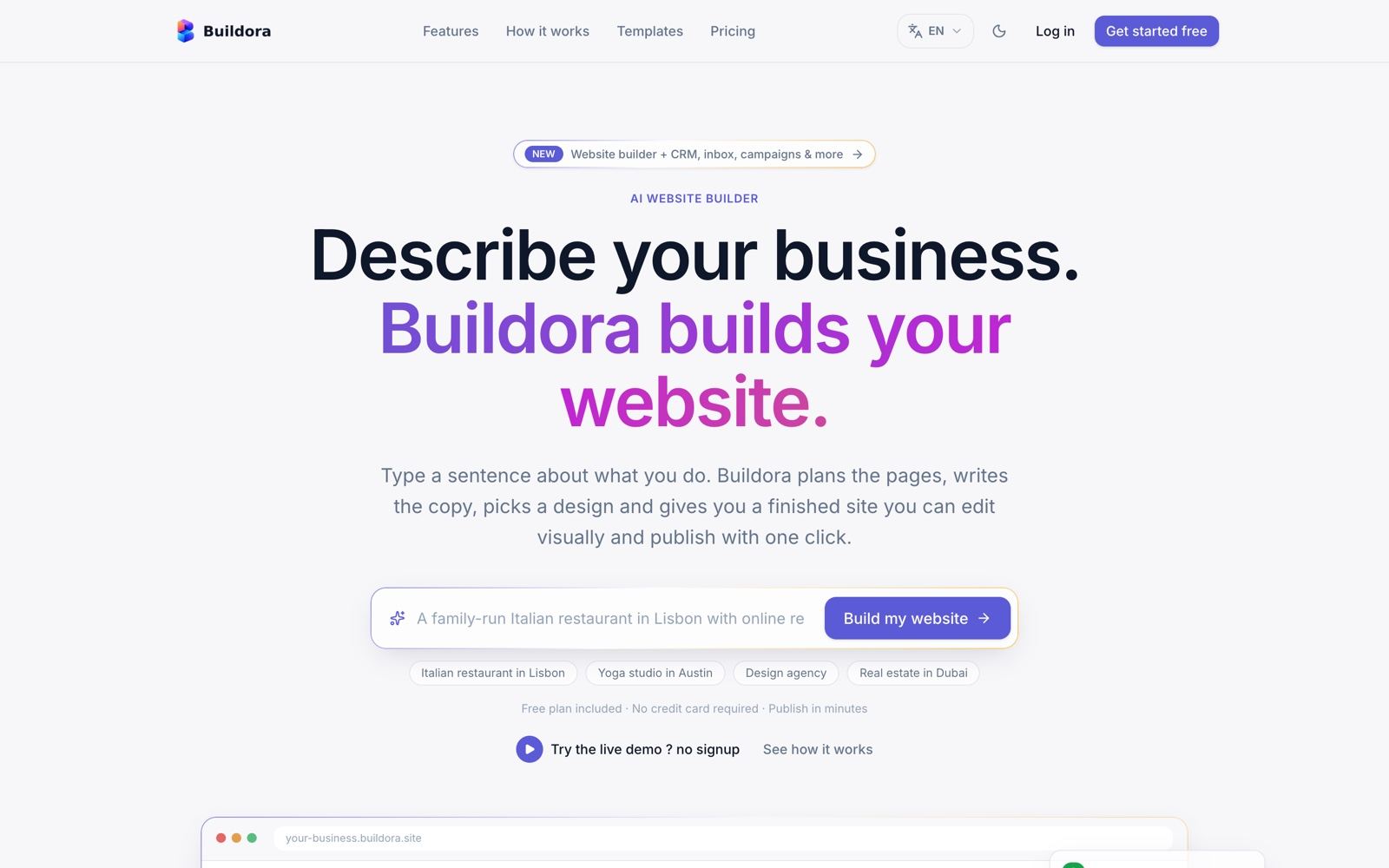
| Graphics | Yes | AI tools assisted in laying out the listing images (thumbnail, preview and description images). The images are built from real screenshots of the running application; no AI-generated pictures of features that do not exist are used. |
All code and content were reviewed, tested and edited by the author, and the item ships with its automated test suites (backend, web and Flutter).
AI features included in the item. Buildora contains these AI features, all running on your own AI provider account (OpenAI, Anthropic Claude, Google Gemini, OpenRouter or Omniroute, an OpenAI-compatible gateway):
- AI website generation from a business brief (site plan, pages, sections, copy, colours, fonts, SEO meta and sample module items): AI Website Generation
- AI Copilot / project chat in the editor: AI Copilot
- AI page and section generation, site restyle, page and website translation
- AI image generation and image alt text
- AI content tools (rewrite, shorten, expand, grammar, SEO, headlines, CTA, FAQ), the AI blog article writer, AI social captions and optional web research (Brave Search API)
These features send the briefs, page content, attachments and prompts a user submits to the AI provider you configure with your own API keys. All providers ship disabled with no keys; the rest of the platform works without them, and a demo mode returns sample output without any key. Provider usage is billed to you by the provider and is not included in the item price.
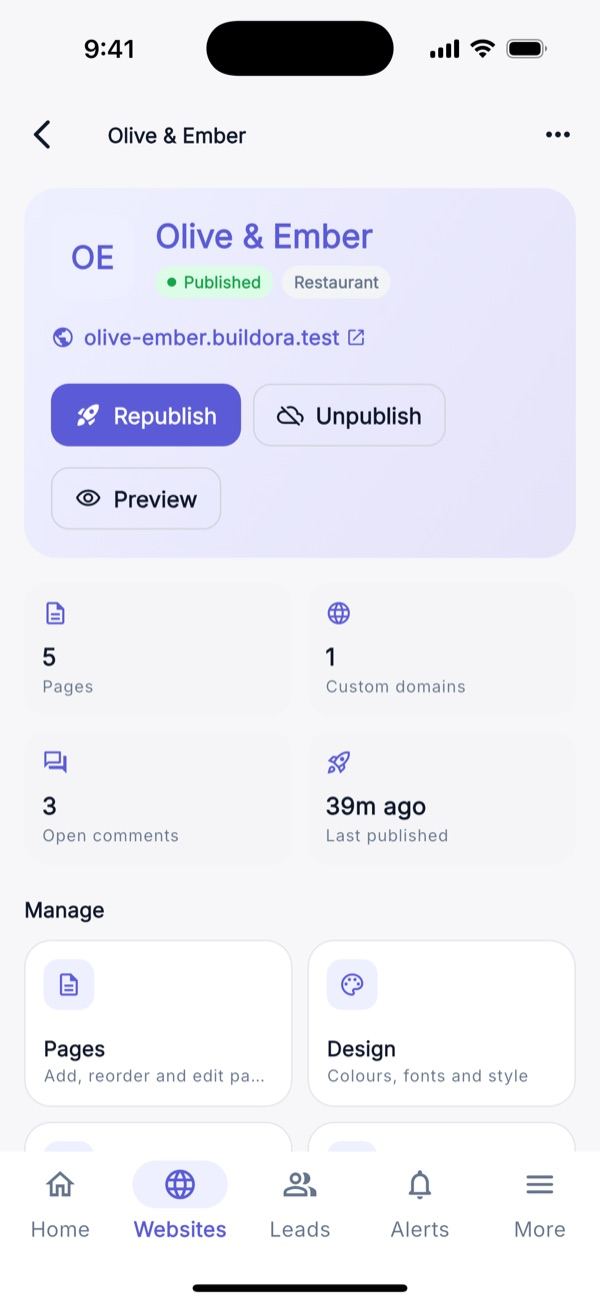
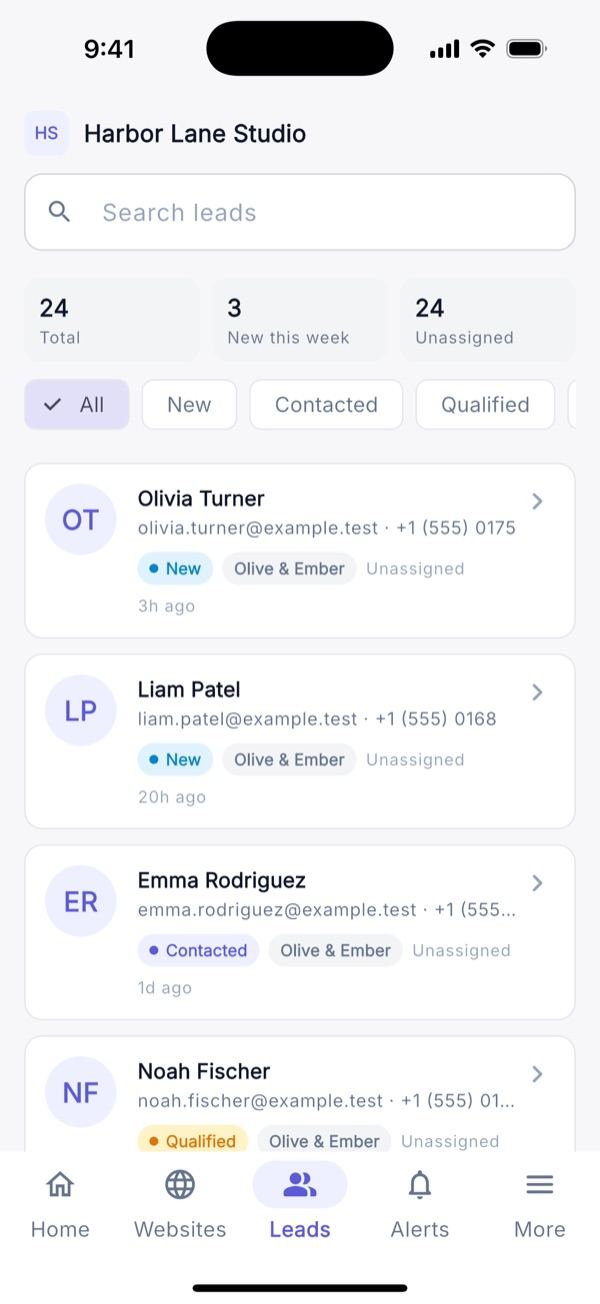
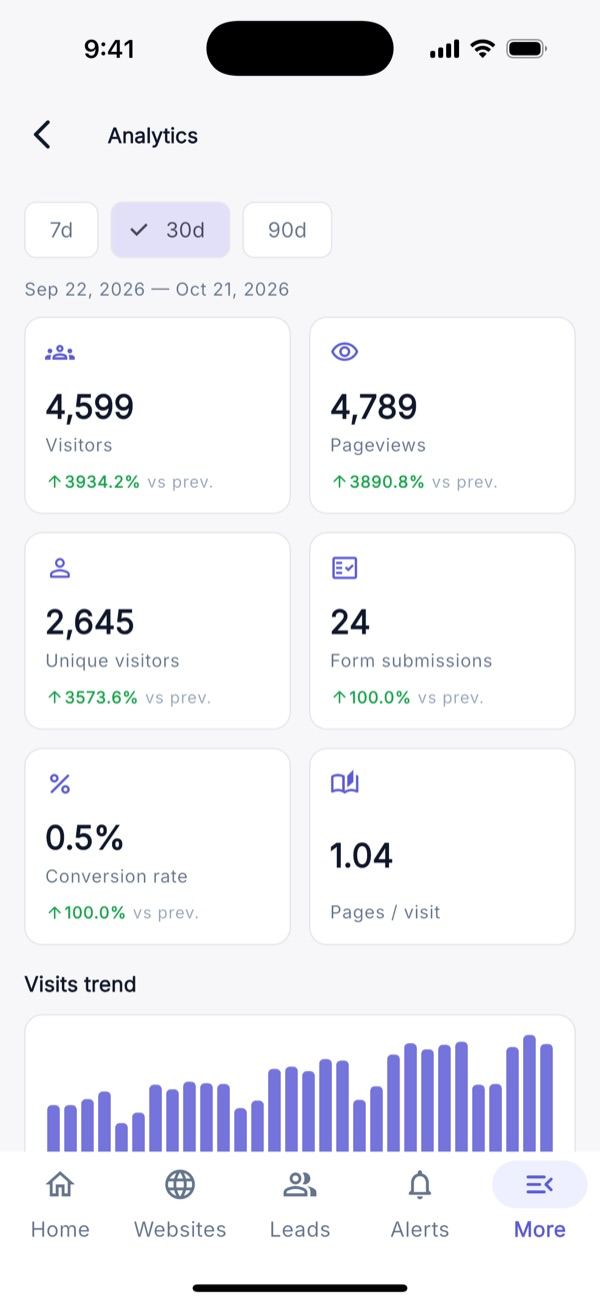
Screenshots at a Glance
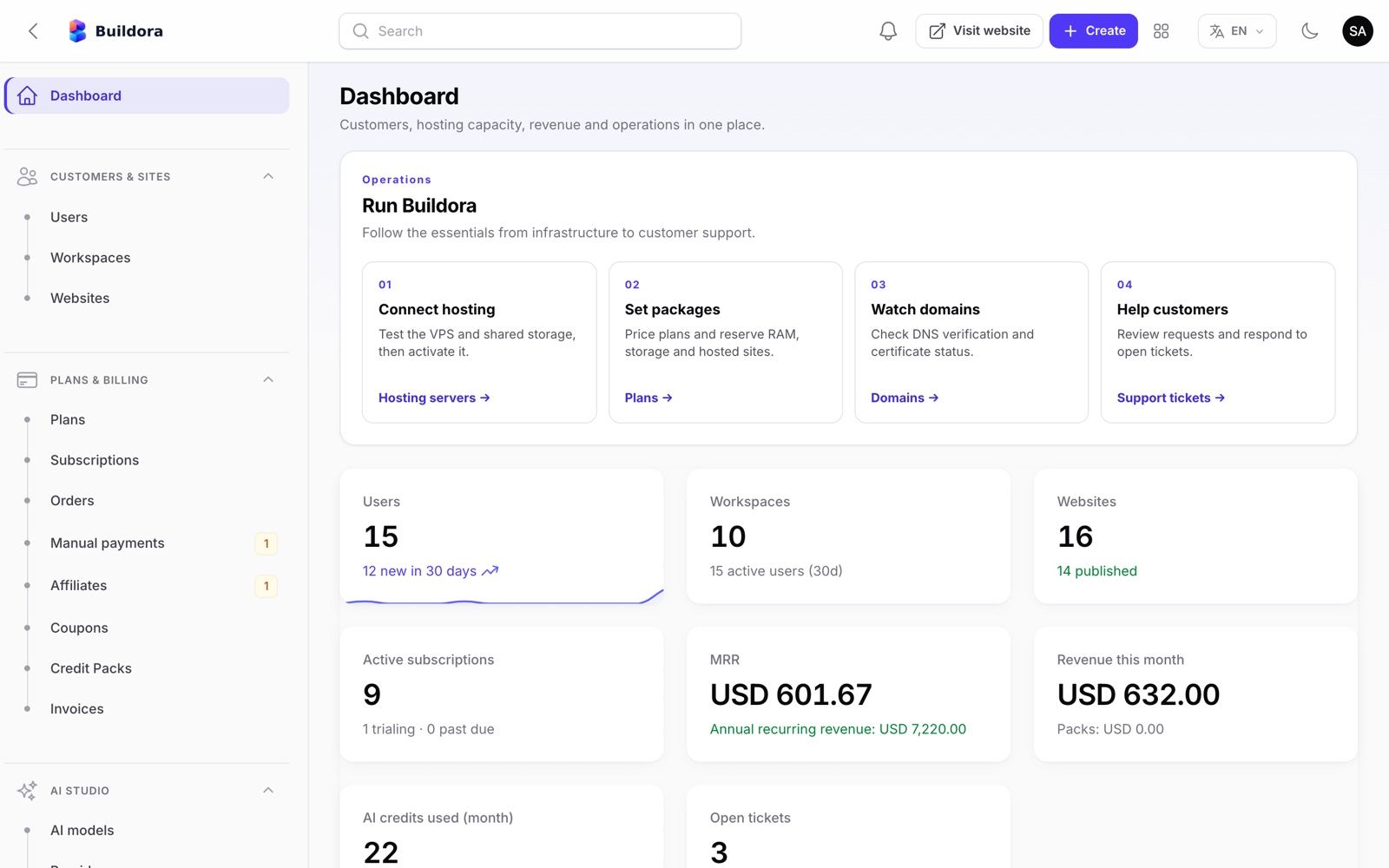
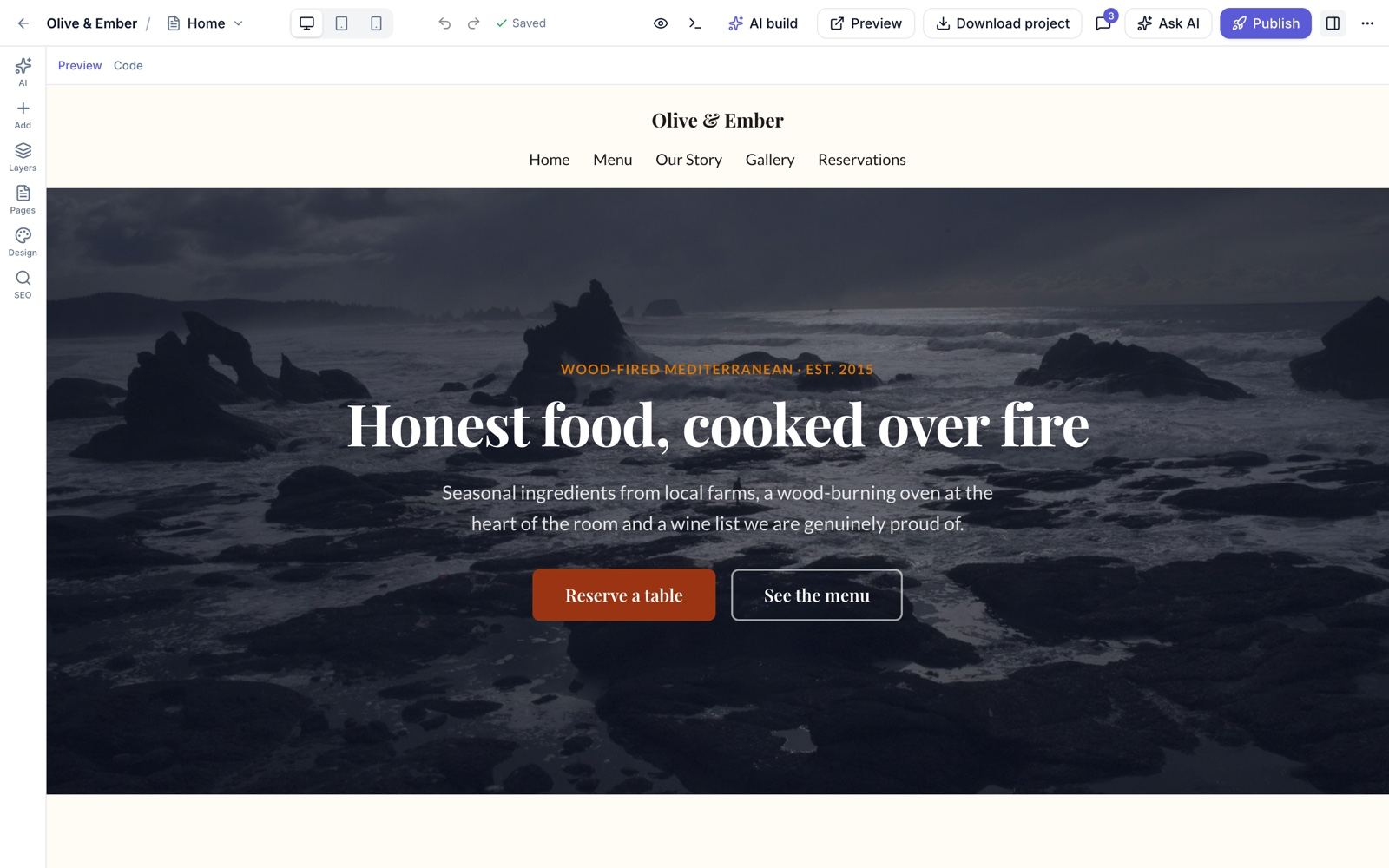
The main screens of each part. Every screen, the mobile app and the installation wizard are on the Screenshots page.
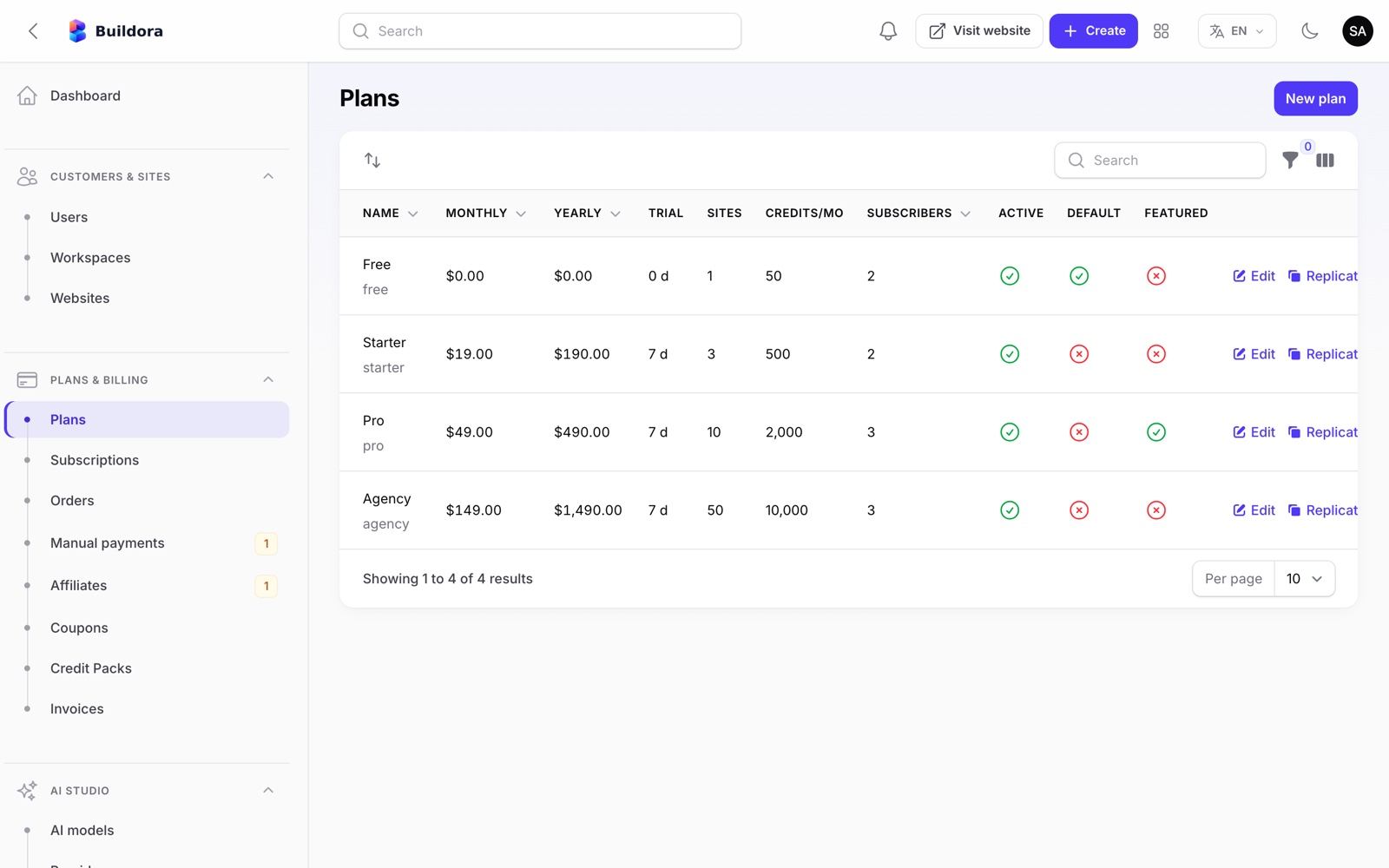
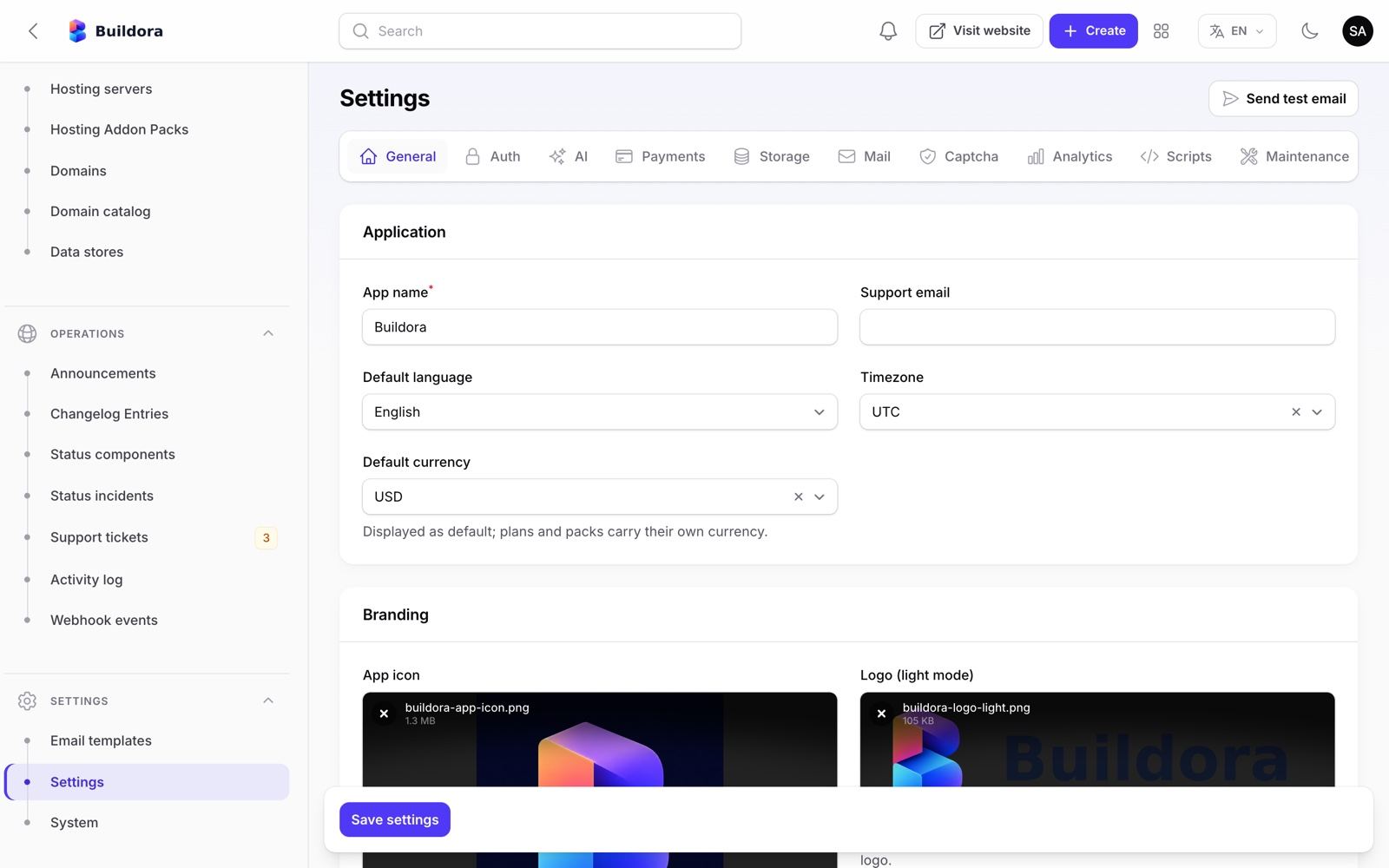
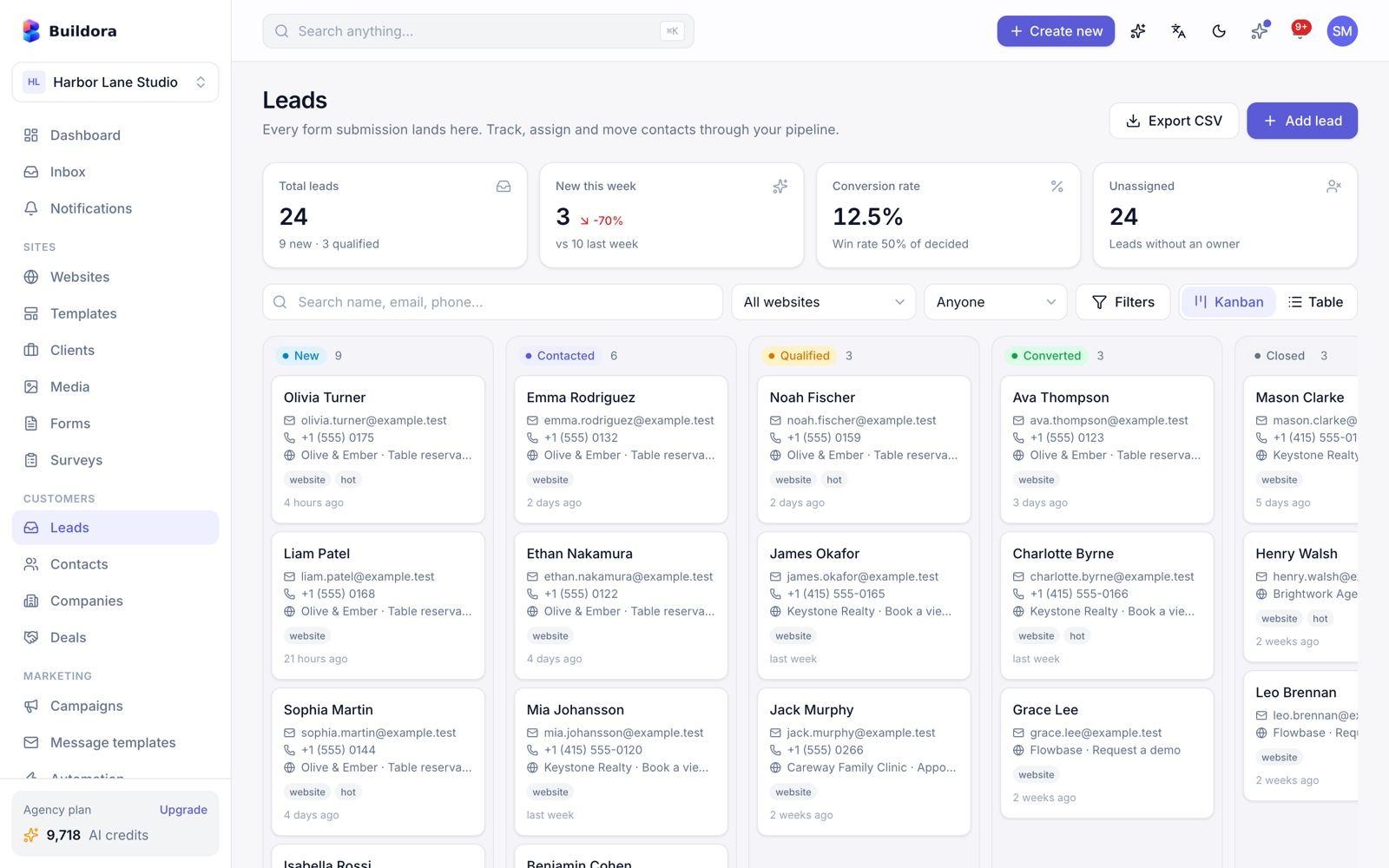
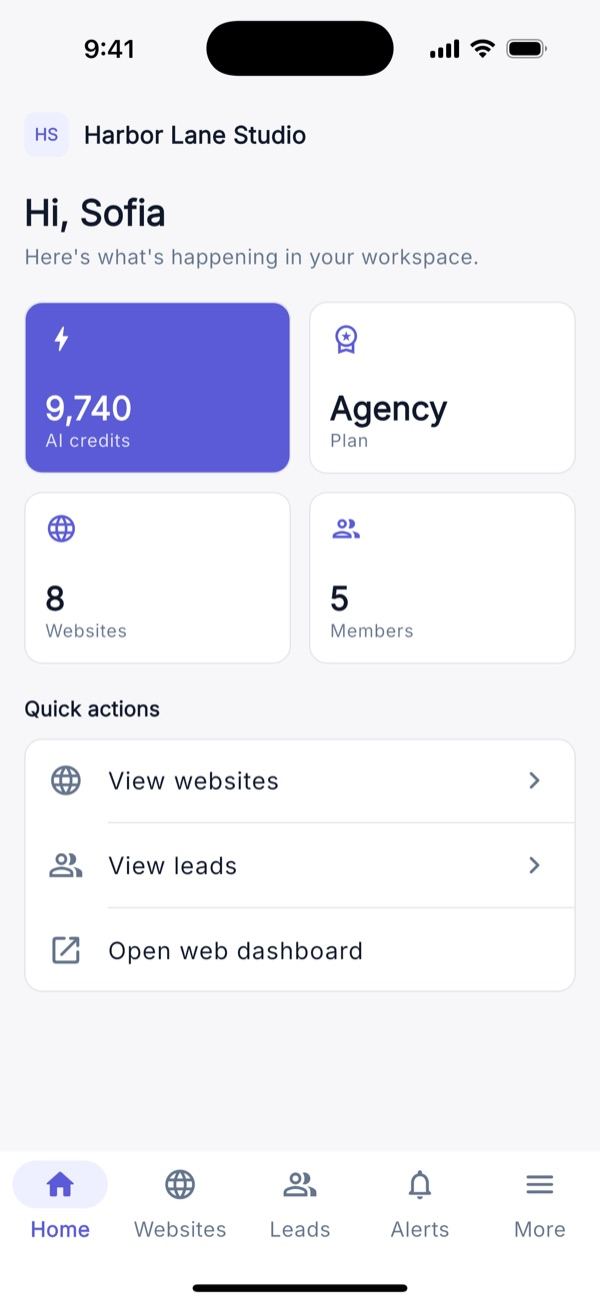
Server Requirements
The web installer checks PHP, the extensions and the writable folders before it lets you continue.
| Item | Requirement |
|---|---|
| PHP | 8.3 or newer (composer.json requires ^8.3) |
| PHP extensions (checked) | bcmath, ctype, curl, dom, fileinfo, json, mbstring, openssl, pdo, pdo_mysql, tokenizer, xml, zip, intl, plus gd or imagick |
| Optional binary | pdftotext (package poppler-utils, e.g. apt install poppler-utils) so AI chat can read PDF attachments. Without it PDF attachments are rejected; TXT, Markdown, CSV and Word files work without it |
| Database | MySQL 8.0+ or MariaDB 10.6+ in production (the web installer supports MySQL only). SQLite is used for local development and tests |
| Writable | backend/storage/, backend/bootstrap/cache and backend/.env |
| Node.js | 20.9 or newer (22 LTS recommended) to build and run the Next.js frontend, or a Node host such as Vercel, Netlify, Render or cPanel “Setup Node.js App” |
| Web server | nginx, Apache or Caddy. Document root of the API domain = backend/public. The wildcard *.SITES_DOMAIN and customer domains must also point to backend/public |
| Cron | Required, one entry every minute (php artisan schedule:run) |
| Queue worker | Recommended: queue:work --timeout=1500 under Supervisor/systemd. Shared hosting can drain the queue from cron |
| HTTPS | Required in production: Sanctum cookies, payment webhooks and the mobile app expect HTTPS |
| Realtime | Nothing extra. Live collaboration and AI progress use HTTP polling, so no websocket server is needed |
Typical layout: example.com (Next.js frontend), api.example.com (Laravel API + /admin) and *.sites.example.com (published customer websites).
Point the API domain at backend/public, never at the project root, or .env could be exposed.
Installation
Buildora is installed in two parts: the Laravel backend (web installer or one Artisan command) and the Next.js frontend (built with Node). The full walk-through with nginx/Apache/Caddy examples is in Quick Start and Common Setup; this section summarises it.
Option A: web installer (cPanel / shared hosting)
Upload the files, create an empty MySQL database and open https://api.example.com/install. Until the installation is finished, every backend request redirects to the installer and the Next.js pages redirect there too.
Welcome
Start screen with the product version.
Requirements
PHP version, every extension and each writable folder, with pass/fail.
Database
MySQL host, port, database, user and password. Test the connection, then save it to
.env.Migrate
Creates the tables and runs the seeders
CoreSeeder(roles, plans, AI actions),SettingSeeder,ComponentLibrarySeeder,TemplateSeeder,AiSeeder,LanguageSeederandHomepageImagesSeeder(copies the default homepage photos tostorage/app/public/homepage/defaults), plus, on install only,EmailTemplateSeeder,BrandingSeederandHomepageSeeder. Demo accounts only whenAPP_DEMO=true(see Demo Mode).Super Admin
Name, e-mail and password of your first administrator.
Settings
App name, backend and frontend URLs, sites domain, server IP, timezone, currency, language, purchase code and mail (SMTP). Saves the frontend URL, sites domain, server IP, Sanctum hosts and mail to the
settingstable and writesAPP_NAME,APP_URL,APP_TIMEZONE,APP_LOCALE,SESSION_DOMAINandSESSION_SECURE_COOKIEto.env.Finish
Creates the storage link, switches to production mode and locks the installer: it sets
APP_INSTALLED=trueand writes the persistentbackend/storage/installedmarker (install date and version)./installthen answers 403.
How the installer lock works. Buildora counts as installed when APP_INSTALLED=true is in .env, or the persistent storage/installed marker exists, or the configured database already contains a super admin. Any one of them locks /install (every step, including the database test), so a lost or replaced .env, a database outage or an update cannot reopen it; if only APP_INSTALLED is missing, /install explains how to restore it (APP_INSTALLED=true, then php artisan config:clear). On an installed copy the installer never re-runs migrations from scratch, never overwrites your database credentials or .env and never restores or resets an existing account. Before installation, published-site hosts also redirect to /install. To reinstall on purpose: back up, delete storage/installed, set APP_INSTALLED=false, run php artisan config:clear and use an empty database, or run php artisan buildora:install --force from the shell.
Option B: command line (VPS)
/var/www/buildora in the commands on this page is an example install folder (YOUR_APP_FOLDER): replace it with your own path. api.example.com, sites.example.com and example.com stand for your own API, sites and frontend domains.
cd /var/www/buildora/backend
composer install --no-dev --optimize-autoloader
cp .env.example .env && php artisan key:generate
# edit .env: APP_URL, FRONTEND_URL, DB_HOST, DB_DATABASE, DB_USERNAME, DB_PASSWORD — nothing else
php artisan buildora:install \
    [email protected] --admin-password='a-strong-password' \
    --app-url=https://api.example.com --frontend-url=https://example.com \
    --sites-domain=sites.example.com --app-name="My Builder"
php artisan config:cache && php artisan route:cache && php artisan view:cache
buildora:install runs the same steps as the web installer. Options: --demo also seeds the demo accounts and sample data, same as APP_DEMO=true (never on a real installation), --local keeps APP_ENV/APP_DEBUG unchanged for development, --force is the deliberate reinstall: it re-runs the install steps on an installed copy (APP_INSTALLED=true, storage/installed or a super admin in the database) without deleting data (no migrate:fresh, database credentials untouched) and resets the given admin account. Without --force the command refuses on an installed copy and never touches an existing account with the admin e-mail. Like the web installer, it sets APP_INSTALLED=true and writes storage/installed.
Frontend
NEXT_PUBLIC_* values are baked in at build time, so create frontend/.env.production first:
NEXT_PUBLIC_API_URL=https://api.example.com
NEXT_PUBLIC_APP_NAME=My Builder
NEXT_PUBLIC_GOOGLE_LOGIN=true

npm ci && npm run build
pm2 start "npm run start -- -p 3000" --name buildora-frontend && pm2 save
Put nginx in front of port 3000, or deploy the frontend/ folder to Vercel, Netlify, Render or cPanel “Setup Node.js App”.
The installer also creates the editable e-mail templates, the branding and the default homepage content (on install only, so your edits survive buildora:update); there is no need to run php artisan db:seed. On a live server do not enable demo mode (APP_DEMO=true) or run the demo seeders.
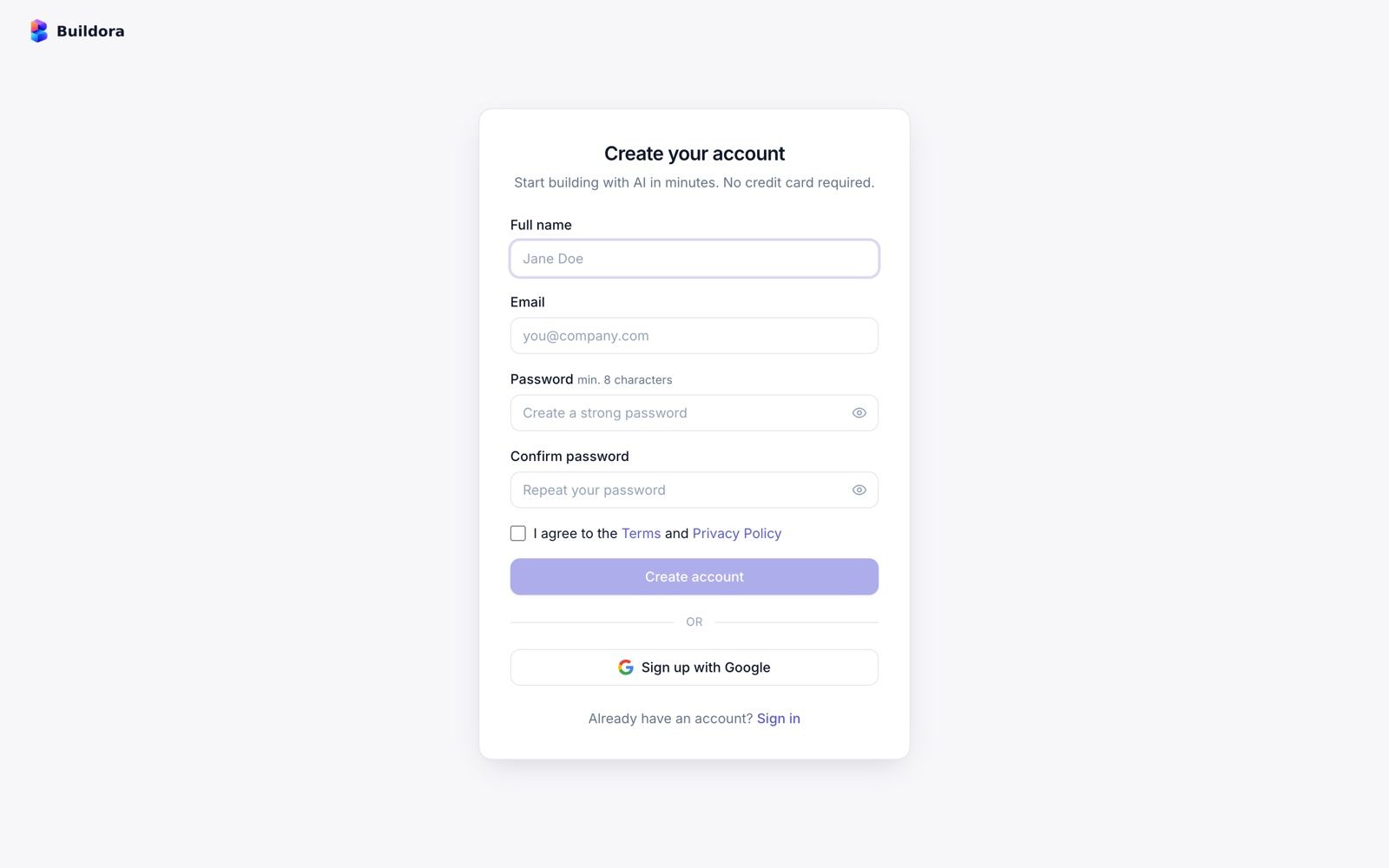
After Installing
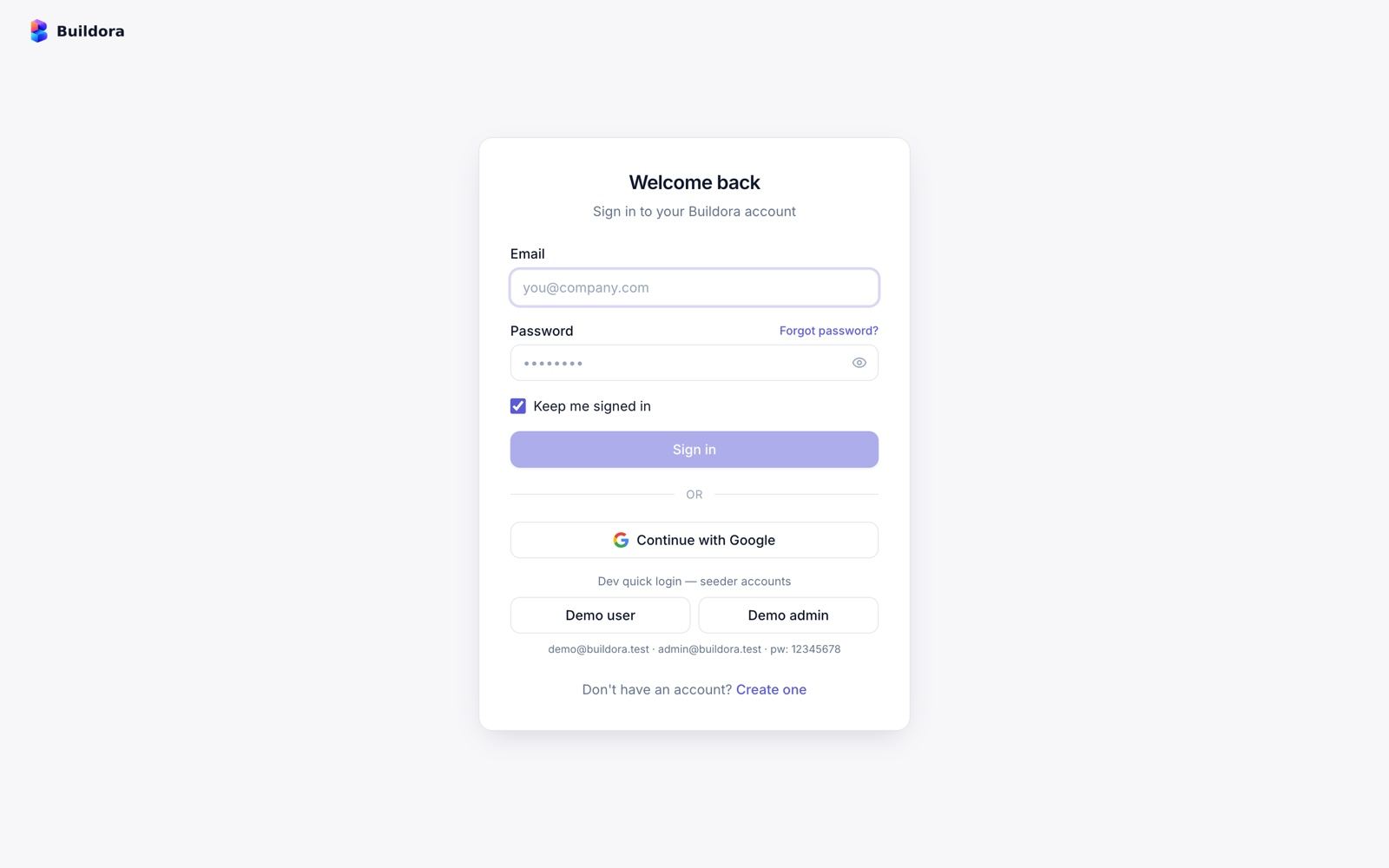
Sign in to the admin
Open
https://api.example.com/adminwith the Super Admin from the installer. The workspace app is athttps://example.com; your admin account also has its own workspace there.Check System info
Settings → System info (
/admin/system) shows versions, drivers, extensions, pending/failed jobs, the scheduler heartbeat, disk space and warnings. Or runphp artisan buildora:doctor.Add the cron entry and a queue worker
Without them AI builds stay “queued”, scheduled posts never publish and renewals never run. See Cron, Queue & Scheduler.
Configure mail
Admin → Settings → Mail tab, then Send test email.
Connect an AI provider
All six seeded providers ship disabled and without keys. In AI Studio → Providers add your OpenAI, Anthropic, Gemini, OpenRouter or Omniroute key, test it, enable it, then check Default task routing. See AI Studio.
Set up payments
Settings → Payments: Stripe, PayPal and/or manual bank transfer, and register the webhook URLs. A fresh install starts with Stripe and PayPal in test / sandbox mode. See Payments.
Review plans and credit packs
Plans & Billing → Plans (prices, trial, features, limits) and Credit packs.
Set the sites domain and DNS
Point
*.sites.example.comto the server and set the sites domain in Settings → Platform (the installer asks for it; not the parent domain of the API host). See Common Setup.Brand the platform
Settings → General (name, logos, favicon, support e-mail, timezone) and the public pages in Site Library → Homepage (homepage, About, Contact, Pricing page, Blog, legal pages).
Brand Your Platform Without Code
Everything on this page is done in the browser. Changes apply as soon as you save; the web app, the marketing site, the admin panel and the mobile app read them from the server (GET /api/v1/config), so no rebuild is needed.
Name, logo, icon and favicon
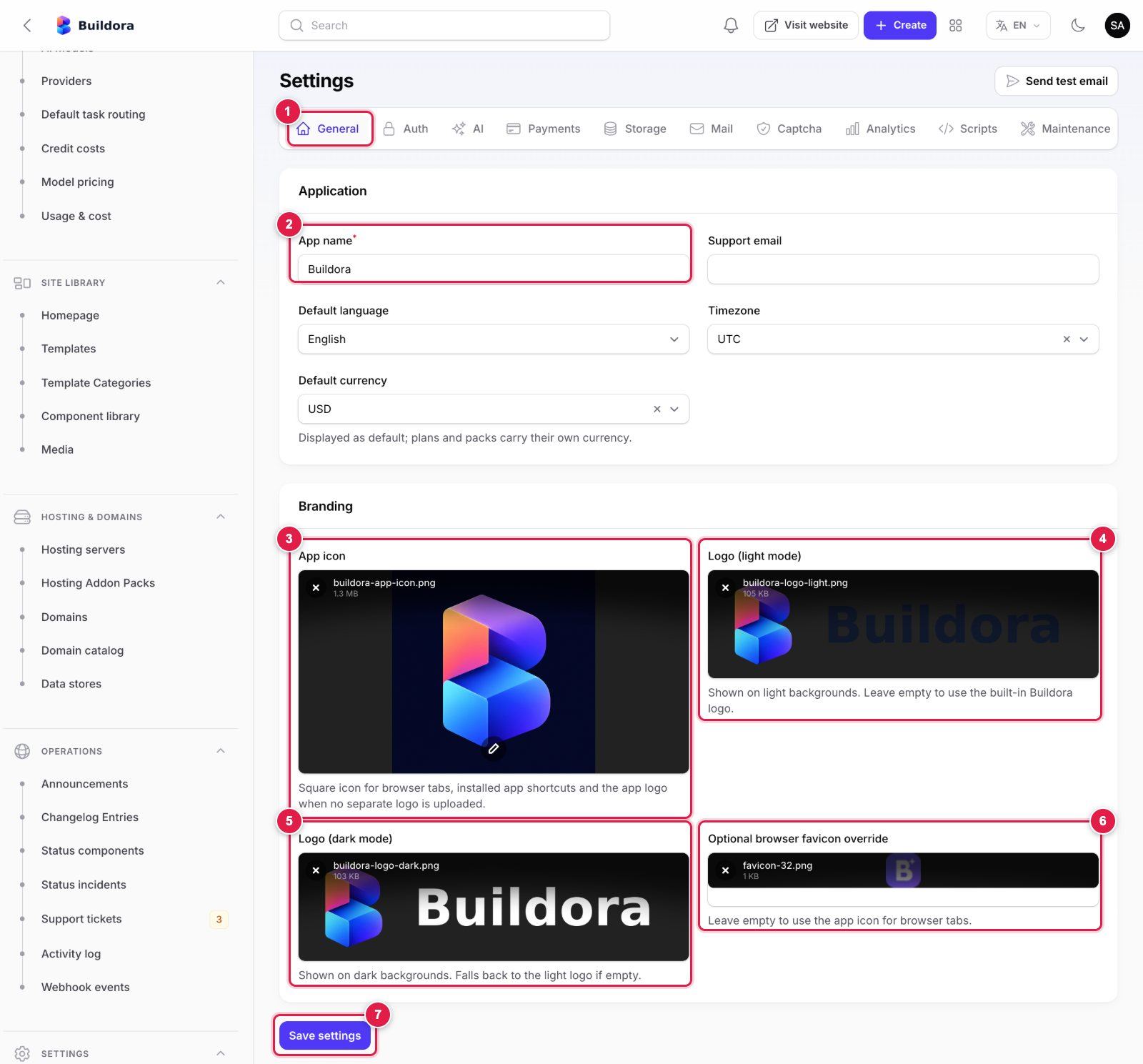
- General tab of Settings.
- App name: the platform name shown in the dashboard, marketing site, admin panel, e-mails and mobile app.
- App icon: a square image (PNG or JPG, 512 × 512 px or larger, max 2 MB). Used for browser tabs, installed shortcuts, the mobile app header and as the logo when no logo is uploaded. The built-in cropper lets you fix the framing.
- Logo (light mode): your wide logo for light backgrounds (PNG or JPG, transparent PNG recommended, about 400 × 100 px, max 2 MB).
- Logo (dark mode): the same logo in light colours for dark backgrounds. Empty = the light logo is used.
- Optional browser favicon override: a small square PNG (32 × 32 or 48 × 48 px, max 512 KB). Empty = the app icon is used. SVG files are not accepted for logos or icons (they can carry scripts).
- Save settings. Reload the dashboard to see the change; browsers cache favicons, so a hard refresh may be needed.
The same tab holds the support e-mail, default language, timezone and default display currency.
Homepage content and layout
Open Site Library → Homepage
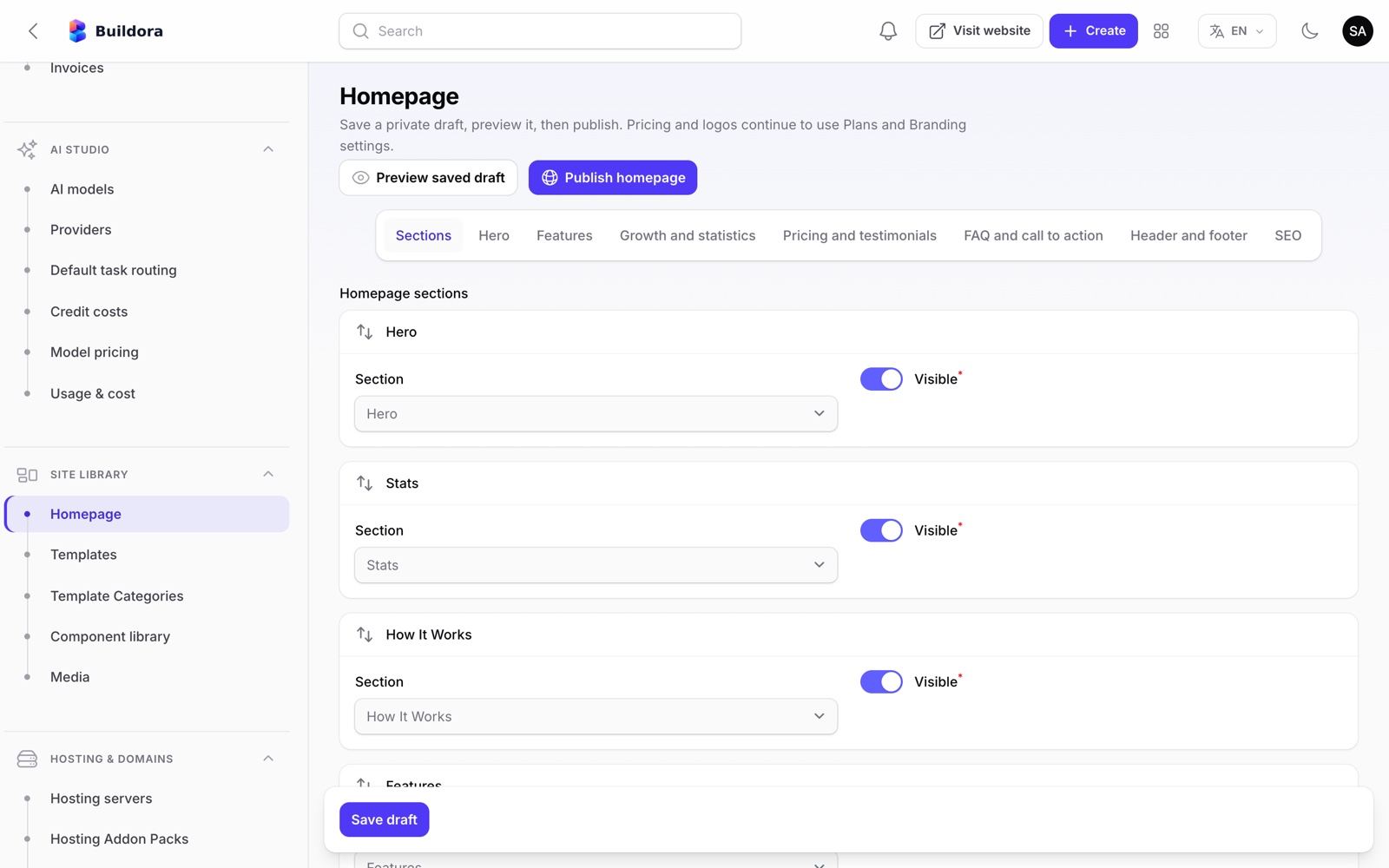
The first tab, Sections, lists the homepage blocks (hero, stats, how it works, features, growth suite, pricing, testimonials, FAQ, final call to action). Drag them to change the order and switch Visible off to hide one without losing its text.
Edit each section
Tabs: Hero, Features, Growth and statistics, Pricing and testimonials, FAQ and call to action, About and contact pages, Pricing page, Blog, Legal pages, Translations, Header and footer and SEO: headings, texts, buttons and links, example prompts, the product showcase, testimonials, FAQ items, header and footer links and the SEO title/description. The Features section illustrations can be switched off.
Photos
Upload or remove a photo per section: the hero showcase and its 3 cards, the How it works steps, Growth, the final call to action, About, Contact, blog covers and testimonial avatars (testimonials show initials without a photo). The bundled default photos are from Unsplash (free for commercial use);
HomepageImagesSeedercopies them tostorage/app/public/homepage/defaults.Translations
The interface languages are English, বাংলা and العربية. The default text ships with Bengali and Arabic translations; for your own text add them in the Translations tab (the English text exactly as it appears on the page → বাংলা / العربية). An entry there also overrides a built-in translation.
Save draft
Save draft (or Ctrl/⌘+S) stores a private draft; visitors still see the published version.
Preview, then publish
Preview saved draft opens the draft in a new tab; Publish homepage makes it live.
The pricing block on the homepage and the pricing page come from your Plans (prices, features, trial), and the logos come from Settings → General. The pricing page copy and FAQ are edited in the Pricing page tab; plans and prices still come from Plans & Billing → Plans. The installer seeds the homepage content once (HomepageSeeder, on install only), so your edits survive buildora:update.
Colours
| What | How | Code? |
|---|---|---|
| Your customers’ websites | Each website’s Design / Brand kit in the editor (7 colours, light and dark sets, fonts, buttons) | No |
| An agency workspace’s client portal | Settings → White label in the workspace (brand name, logo, favicon, colour) | No |
| The platform interface (dashboard, editor, marketing site) | Edit the colour tokens --primary, --primary-hover, --primary-soft and --accent in frontend/src/app/globals.css (light theme near the top, dark theme further down), then npm run build and restart | Yes, a developer (5 minutes) |
| The admin panel accent | 'primary' => Color::Indigo in backend/app/Providers/Filament/AdminPanelProvider.php | Yes, a developer |
| The mobile app | brandPrimary, brandPrimaryDark, brandAccent in lib/core/config/app_config.dart and a new build (Mobile App → Customise) | Yes, a developer |
Other pages
The About, Contact and Pricing pages, the Blog and the Terms, Privacy and Refund pages are edited in the same Site Library → Homepage editor, without a rebuild: About and contact pages, Pricing page (copy and FAQ), Blog (posts with slug, title, tag, date, reading time, cover photo and body paragraphs) and Legal pages (title, intro, sections and last-updated date for Terms, Privacy and Refund). Replace the legal texts with your own before launch.
Ready to Go Live? Minimum Viable Setup
You do not need every integration on day one. This is the minimum for a working, sellable platform, followed by what you can add later.
| Item | Status | Why / check |
|---|---|---|
HTTPS on the frontend, the API host and *.sites.example.com | Required | Sign-in cookies, payments, webhooks and the mobile app need HTTPS |
Installer finished, APP_ENV=production, APP_DEBUG=false, APP_KEY backed up | Required | /install answers 403; php artisan buildora:doctor shows no FAIL |
| Cron entry (scheduler) | Required | System shows a recent heartbeat (renewals, scheduled posts, cleanup) |
| Queue worker | Required | AI builds, e-mails, exports and push run on the queue; pending jobs return to 0 |
| Mail (SMTP or Amazon SES) | Required | Verification, password reset, invitations, invoices; Send test email arrives |
| At least one AI provider key | Required | The core product is AI generation; Test connection passes and AI_FAKE=false |
| At least one way to get paid: Stripe, PayPal or manual bank transfer | Required to sell plans | Webhook registered; one sandbox purchase activates a plan; Stripe / PayPal switched from test / sandbox to live in Settings → Payments |
| Plans and credit costs reviewed; your own terms, privacy and refund pages | Required | Prices that cover your AI and hosting costs; legal pages in Site Library → Homepage → Legal pages |
| Branding (name, logo, icon) and homepage text | Required | Branding |
Super-admin 2FA; demo accounts removed; APP_DEMO not true | Required | No *@buildora.test users |
Off-site backups of database, .env and storage/app | Required | Backups |
| Custom domains with automatic SSL | Optional | Subdomains work without it; add Caddy/Cloudflare/SSL_PROVISIONER later |
| S3-compatible storage | Optional | Local disk is fine to start; choose before customers upload (files are not migrated) |
| Google login, captcha, Brave Search, AI images | Optional | Each can be switched on later in Settings |
| Push notifications (Firebase), the mobile app in the stores | Optional | The web platform works fully without the app |
| Store gateways for customers’ shops (SSLCommerz, bKash, Stripe, PayPal) | Optional | Entered by each website owner with their own merchant account |
| Google Ads / Meta Ads API, Docker hosting servers, managed MySQL data stores, domain catalog | Optional | Advanced features; enable when you need them |
The detailed checklist is in Quick Start → Go-Live Checklist.
Demo Accounts & Roles
Demo accounts exist only in demo mode: APP_DEMO=true in backend/.env before installing (or before php artisan buildora:update on an installed copy), or buildora:install --demo. The installer and every buildora:update then also run SuperAdminSeeder, DemoSeeder, AdminDemoSeeder and PublicDemoSeeder. The shipped default password is 12345678. Never enable demo mode on a real installation: the passwords are public.
| Password | Role | |
|---|---|---|
[email protected] | 12345678 | Super Admin: Filament admin /admin and an own workspace |
[email protected] | 12345678 | Workspace owner with sample websites, leads, CRM, store, invoices and more |
The Super Admin e-mail, name and password can be overridden with SUPER_ADMIN_EMAIL, SUPER_ADMIN_NAME and SUPER_ADMIN_PASSWORD when seeding. Outside demo mode the super admin seeder only runs when both SUPER_ADMIN_EMAIL and SUPER_ADMIN_PASSWORD are set, and the seeders never promote, reset or reuse an existing account that registered one of the seeded e-mails. APP_DEMO=true also shows the one-click demo buttons on the /admin login page and on the frontend login page (read at runtime from GET /api/v1/config; no frontend rebuild needed).
Who can do what
| Role | Where | Scope |
|---|---|---|
| Super Admin | Filament /admin | Everything on the platform: customers, plans, payments, AI, templates, hosting, settings |
| Admin staff | Filament /admin | Only the permission groups you tick: users, billing, ai, content, platform, settings |
| Workspace Owner | Workspace app | All 19 workspace permissions, billing and ownership transfer |
| Admin / Designer / Editor / Viewer | Workspace app | Preset roles with fewer permissions (see Team); custom roles and per-member overrides are possible |
| Client user | Workspace app | Agency clients restricted to the websites assigned to them |
Delete or change the *@buildora.test accounts before you go live.
.env Essentials
The installer writes backend/.env, and only three things are yours to set:
| Key | Purpose |
|---|---|
APP_URL | Public URL of the Laravel backend (API + /admin), e.g. https://api.example.com |
FRONTEND_URL | Public URL of the Next.js frontend, e.g. https://example.com (also the CORS origin) |
DB_HOST, DB_PORT, DB_DATABASE, DB_USERNAME, DB_PASSWORD | Your MySQL database |
Everything else is derived or lives in the database:
- Derived from
APP_URL+FRONTEND_URL: the session cookie domain (.example.com), the Sanctum stateful hosts (example.com,api.example.com), secure cookies (on forhttps://) and the CORS origin. SetSESSION_DOMAIN/SANCTUM_STATEFUL_DOMAINSonly for an unusual host layout (an explicit value always wins), and delete leftover placeholder lines such asSANCTUM_STATEFUL_DOMAINS=example.com,…orSESSION_DOMAIN=.example.com. - Stored in the database, edited in Admin → Settings: sites domain and server IP (Settings → Platform), mail, Google / mobile sign-in client ids, push (FCM), ads (Meta / Google), payments (Stripe / PayPal keys and test mode, currency, return URLs, pending-order expiry 3 days, store refund window 180 days), workspace regional defaults, publishing / export disks and export TTL, the AI research (Brave) key and the data-store MySQL admin. The old keys (
MAIL_*,PAYPAL_*,STRIPE_TEST_MODE,BUILDORA_SITES_DOMAIN,BUILDORA_SERVER_IP,FCM_CREDENTIALS,GOOGLE_IOS_CLIENT_ID/GOOGLE_ANDROID_CLIENT_ID,WORKSPACE_DEFAULT_*,PUBLISH_DISK,BRAVE_SEARCH_API_KEY,DATA_MYSQL_*, …) are no longer in.env.exampleand are read only as a fallback. Placeholder values (example.com,203.0.113.x,buildora.test) are never stored as settings, andphp artisan buildora:updateclears ones an older version stored. - Managed by the installer, leave as is:
APP_KEY,APP_INSTALLED,APP_ENV,APP_DEBUG,DB_CONNECTION.
| Optional key | Purpose |
|---|---|
LOG_STACK=daily, LOG_LEVEL=warning | Production log defaults |
QUEUE_CONNECTION, CACHE_STORE, SESSION_DRIVER | The installer writes database for all three; redis plus REDIS_* on larger installs |
SSL_PROVISIONER (+ SSL_PROVISION_COMMAND, SSL_REVOKE_COMMAND) | none or command for custom-domain certificates |
HOSTING_DOCKER_* | Optional Docker hosting servers |
AI_FAKE | AI_FAKE=true returns canned AI output without keys (keep false in production) |
APP_DEMO | Public demos only: seeds the demo accounts and shows demo buttons on the admin login (see Demo Mode) |
Frontend build-time keys (frontend/.env.production): NEXT_PUBLIC_API_URL, NEXT_PUBLIC_APP_NAME, NEXT_PUBLIC_GOOGLE_LOGIN, NEXT_PUBLIC_DOCS_URL, NEXT_PUBLIC_STATUS_URL, NEXT_PUBLIC_APP_DEMO. Rebuild the frontend after changing them.
Run php artisan config:clear (or config:cache) after editing .env. Keep a copy of APP_KEY outside the server: encrypted keys in the database cannot be read without it.
Cron, Queue & Scheduler
Buildora needs one cron entry and, ideally, a queue worker.
* * * * * cd /var/www/buildora/backend && php artisan schedule:run >> /dev/null 2>&1
| Task | When | What it does |
|---|---|---|
system:heartbeat | every minute | Lets System info confirm cron is running |
blog:publish-scheduled | every minute | Publishes scheduled blog posts |
marketing:dispatch-scheduled | every minute | Sends scheduled email campaigns |
social:flag-due | every minute | Marks planned social posts as due and reminds you |
hosting:reconcile-containers | every minute | Only when Docker hosting is enabled |
hosting:check-server | every 5 minutes | Only when a hosting server is active |
shop:expire-unpaid-orders | every 5 minutes | Releases stock of unpaid storefront orders |
analytics:rollup, domains:check | hourly | Analytics roll-ups and pending custom-domain checks |
billing:* | daily 00:05–00:30, 08:00 | Scheduled downgrades, renewals, hosting add-on and domain renewals, pending-order expiry, low-credit check |
finance:run-recurring, finance:mark-overdue | daily 01:00 / 01:10 | Recurring invoices and overdue marking |
account:purge-deletions | daily 02:00 | Deletes accounts whose 14-day grace period ended |
versions:prune, websites:prune-abandoned-ai | daily 03:30 / 03:45 | Version retention per plan, unbuilt AI sites older than 7 days |
demo:reset | daily 04:00 | Resets the public demo workspaces |
ads:sync | daily 05:10 | Pulls Google Ads / Meta Ads insights |
exports:cleanup | daily | Deletes expired ZIP exports |
media:cleanup-orphans, buildora:prune-orphans | weekly (Sunday) | Removes orphaned media and files of permanently deleted sites |
php artisan schedule:list prints the live list.
Annotated: is the scheduler and the queue running?
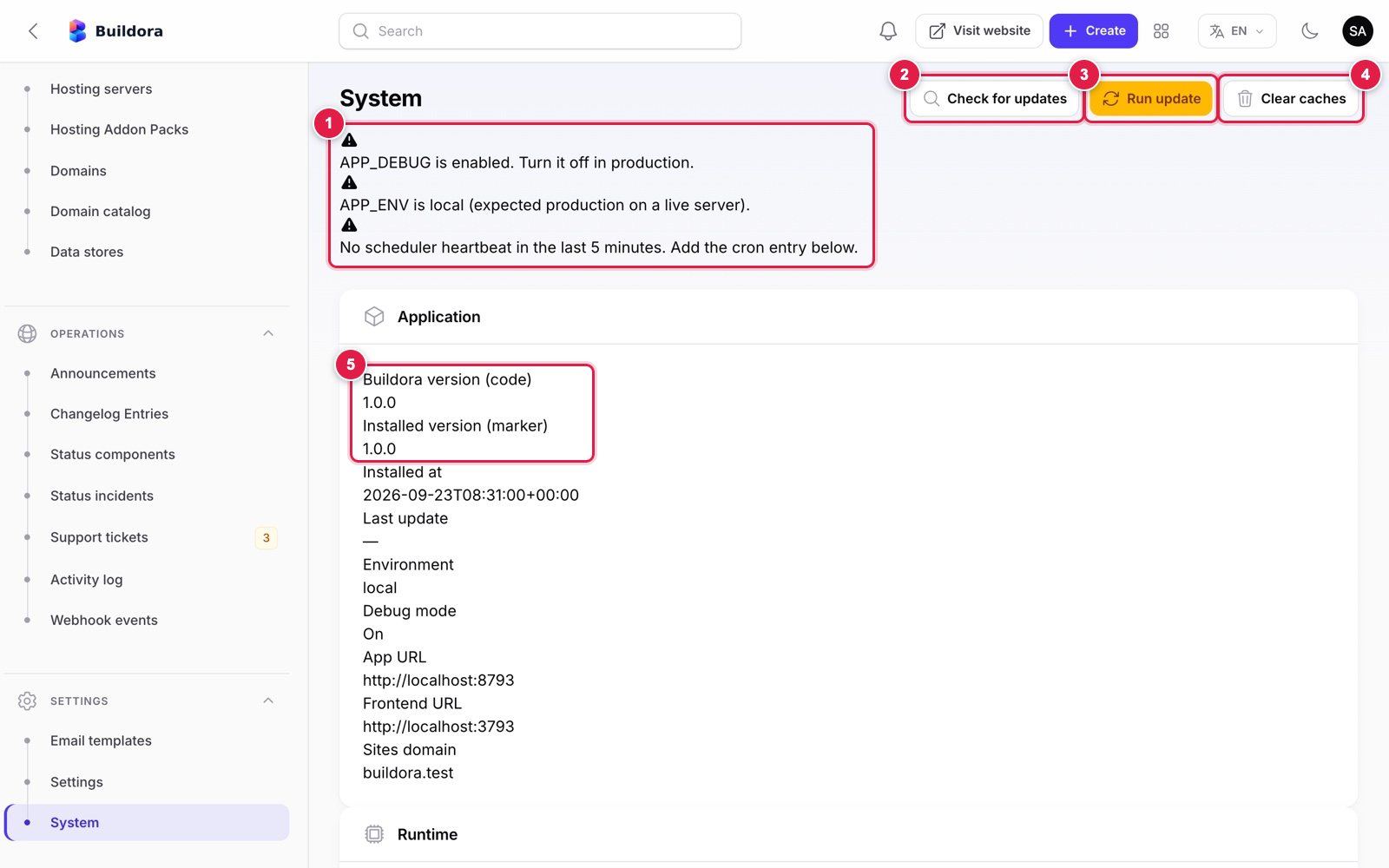
- Warnings: shown until the problem is fixed. “No scheduler heartbeat in the last 5 minutes” means the cron entry is missing or failing. (This capture is from a local development install, hence the debug and environment warnings.)
- Check for updates: compares the uploaded code version with the installed version (local only).
- Run update: the database part of an update (Updating & Upgrades).
- Clear caches: the same as
php artisan optimize:clear. - Buildora version (code) and Installed version (marker): they match after a successful update.
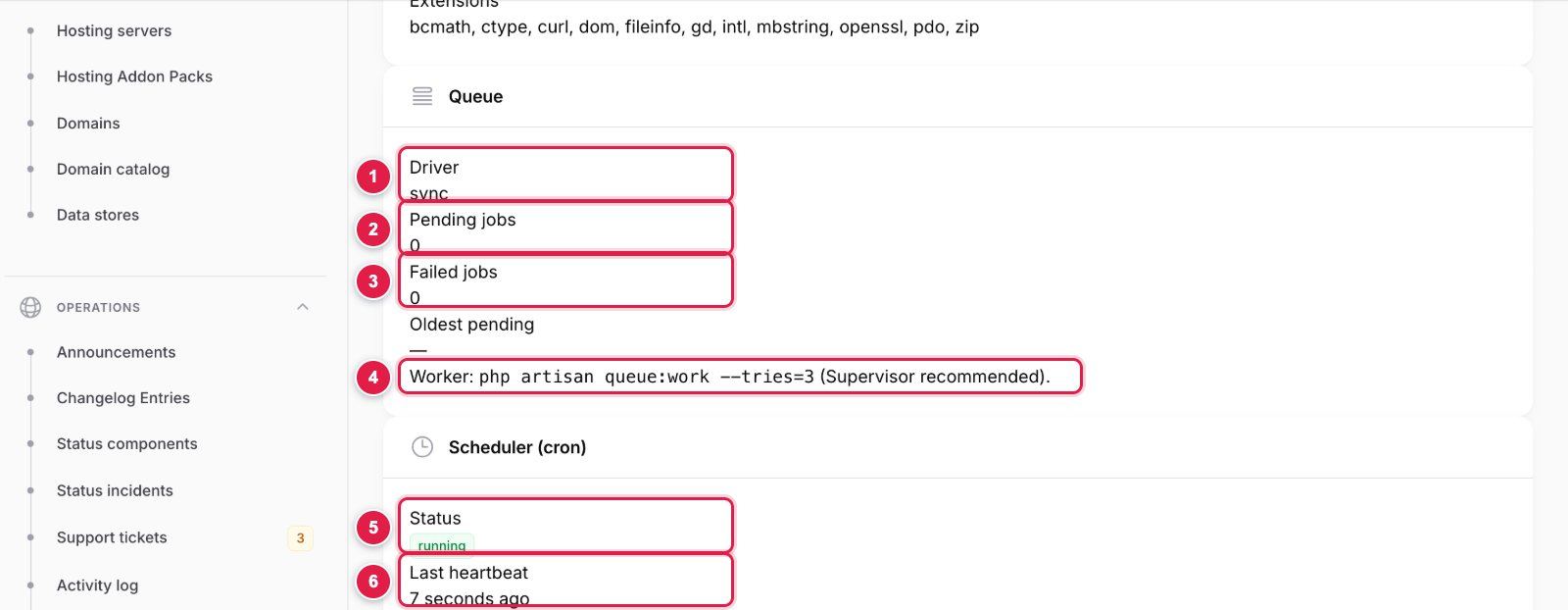
- Driver: should be
databaseorredisin production (syncruns jobs inside the web request). - Pending jobs: returns to 0 within seconds when a worker is running; a growing number means no worker.
- Failed jobs: inspect with
php artisan queue:failed, retry withphp artisan queue:retry all. - The worker command to keep running under Supervisor or systemd.
- Status: running when the scheduler wrote a heartbeat in the last 5 minutes, not detected otherwise.
- Last heartbeat: should never be older than a few minutes. Below it the page prints the exact cron line for your server path.
Queue worker
AI website/page/copilot/restyle/translate jobs, ZIP and account exports, SSL provisioning, form and outbound webhooks, campaign sending, automation delays and ads sync run on the queue. On a VPS keep a worker running with Supervisor:
php /var/www/buildora/backend/artisan queue:work database --sleep=3 --tries=3 --max-time=3600 --timeout=1500
On shared hosting without Supervisor, add a second cron line that drains the queue every minute:
* * * * * cd /home/YOUR_CPANEL_USERNAME/YOUR_APP_FOLDER/backend && /usr/local/bin/php artisan schedule:run >> /dev/null 2>&1
* * * * * cd /home/YOUR_CPANEL_USERNAME/YOUR_APP_FOLDER/backend && /usr/local/bin/php artisan queue:work --stop-when-empty --max-time=50 >> /dev/null 2>&1
Shared hosting (cPanel) without a long-running worker: add both lines as cron jobs. Replace the placeholders: YOUR_CPANEL_USERNAME is your cPanel username (cPanel → General Information → Home Directory) and YOUR_APP_FOLDER is the folder you uploaded Buildora to, so the path ends in the backend folder that contains artisan. /usr/local/bin/php is the usual cPanel PHP binary; use the PHP 8.3 path your host gives you. On a VPS use the Supervisor worker and the crontab line above instead.
After every update run php artisan queue:restart so workers load the new code. QUEUE_CONNECTION=sync works without a worker but runs AI builds inside the web request and will hit PHP/proxy timeouts.
Updating & Upgrades
New versions are delivered as a download from your CodeCanyon Downloads page; there is no remote update server. An update has a server part (new files, frontend build, workers) and a database part that one command or one admin button runs.
What php artisan buildora:update runs
The command and the Settings → System → Run update button run the same routine:
migrate --force
Applies new database migrations; existing data is kept (it never runs
migrate:fresh).Idempotent seeders
CoreSeeder,SettingSeeder,ComponentLibrarySeeder,TemplateSeeder,AiSeeder,LanguageSeederandHomepageImagesSeeder: new rows (including new settings rows) are added, your edits are not overwritten, and documentation placeholders (example.com,203.0.113.x,buildora.test) stored by older versions are cleared. Email templates, logos and the homepage are seeded on install only, so your edits are kept. WithAPP_DEMO=truethe demo accounts are (re)created.optimize:clear
Clears the config, route, view, event and application caches.
Version marker
Records the new version and update time in
storage/installedand the settings (shown in System).buildora:sync-plan-features
Adds feature keys that older plans lack, without overwriting existing values (preview with
--dry-run).
Upgrade step by step
Read the version notes
Check Changelog and the version-specific notes below.
Back up
Database dump,
backend/.envandbackend/storage/app(and managed data-store databases). KeepAPP_KEY.Maintenance mode
php artisan down --retry=60(published customer sites are served by the same backend, so keep this short).Upload the new backend files
Replace
backend/but keep.env(withAPP_INSTALLED=true),storage/(including thestorage/installedinstaller lock) and thepublic/storagelink. Thencomposer install --no-dev --optimize-autoloader.Run the database update
php artisan buildora:update(orphp artisan migrate --forcefollowed byphp artisan optimize:clearif you prefer to run the steps yourself).Re-cache and restart workers
php artisan config:cache && php artisan route:cache && php artisan view:cache, thenphp artisan queue:restartso workers load the new code.Rebuild the frontend
cd frontend && npm ci && npm run build && pm2 restart buildora-frontend(or redeploy on Vercel / your Node host). Keep your.env.production.Leave maintenance mode and verify
php artisan up, thenphp artisan buildora:doctorand a quick sign-in, AI build and publish.Rebuild the mobile app
Only when the release notes say the app changed: merge your customisations (app id, name, icons, colours,
env/prod.json) into the newAppSourceCode, raise the build number inpubspec.yamland publish a new store build.
If you changed Buildora’s source code, compare your changes with the new version before overwriting (a diff tool or git makes this easy). Never run migrate:fresh or db:wipe on a live database.
Version-specific notes
| Version | Notes |
|---|---|
| 1.0.0 | Initial release: nothing to migrate. Future versions list any manual step here (new .env keys, new cron tasks, app rebuilds). |
| Any install made from a pre-release copy | Run php artisan buildora:update, make sure the publishing disk setting is local (buildora:doctor warns about public), republish all sites, then delete storage/app/public/sites. Revoke and re-create personal API tokens. Make sure APP_INSTALLED=true is in .env and storage/installed exists (buildora:update writes it on an installed copy). Delete leftover SANCTUM_STATEFUL_DOMAINS / SESSION_DOMAIN placeholder lines and the MAIL_*, BUILDORA_*, payment and other keys that moved to Admin → Settings once their values are in the settings (they are only a fallback). The store refund window (default 180 days) is now a payment setting. Subscribe the Stripe webhook to checkout.session.async_payment_succeeded and checkout.session.async_payment_failed. |
Custom Artisan commands
| Command | Purpose |
|---|---|
buildora:install | CLI installer (--admin-*, --app-url, --frontend-url, --sites-domain, --app-name, --demo (same as APP_DEMO=true), --local, --force) |
buildora:update | Migrations, seed updates (with APP_DEMO=true also the demo accounts), placeholder clean-up, cache clear |
buildora:doctor | Production readiness check (--json; exit code 1 on failures) |
buildora:sync-plan-features | Adds feature keys missing from older plan rows, never overwrites (--dry-run) |
buildora:prune-orphans | Removes files of permanently deleted sites/workspaces (--dry-run) |
ai:provider | Configure and test AI providers from the CLI (--key, --base-url, --model, --enable, --disable, --test, --models, --list) |
demo:reset | Resets the public demo workspaces |
domains:check | Re-checks pending custom domains (--all also re-checks active ones) |
analytics:rollup | Builds analytics roll-ups (--from, --to, --no-prune) |
media:cleanup-orphans | Purges soft-deleted media (--days=30, --dry-run) |
ads:sync | Pulls ads insights (--days=3) |
billing:process-renewals … | Billing maintenance (also apply-pending-downgrades, expire-pending-orders, check-low-credits, renew-hosting-addons, renew-domains) |
| Other maintenance | versions:prune, exports:cleanup, websites:prune-abandoned-ai, blog:publish-scheduled, marketing:dispatch-scheduled, social:flag-due, shop:expire-unpaid-orders, finance:run-recurring, finance:mark-overdue, account:purge-deletions, system:heartbeat, hosting commands |
Workspace Dashboard & Navigation
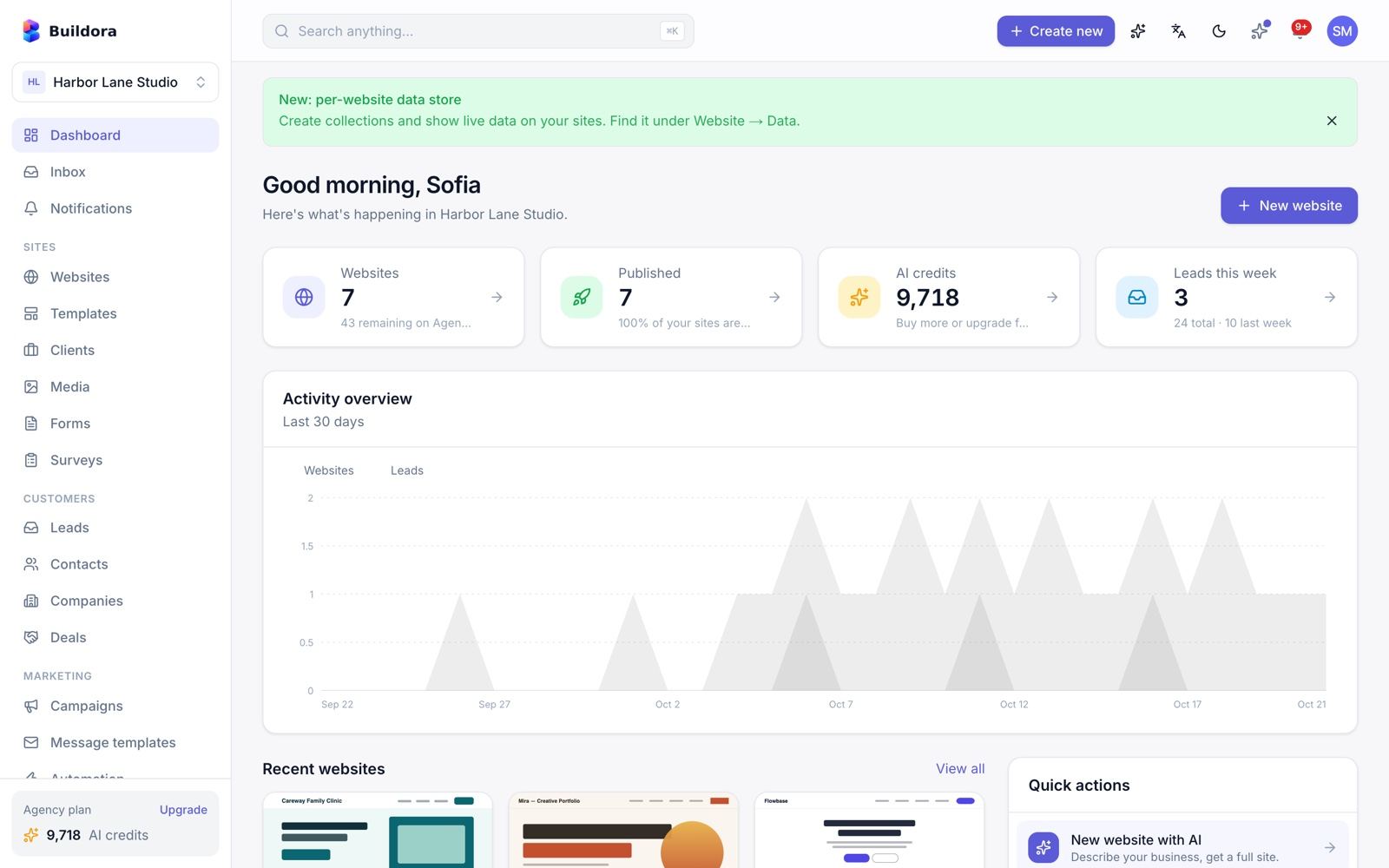
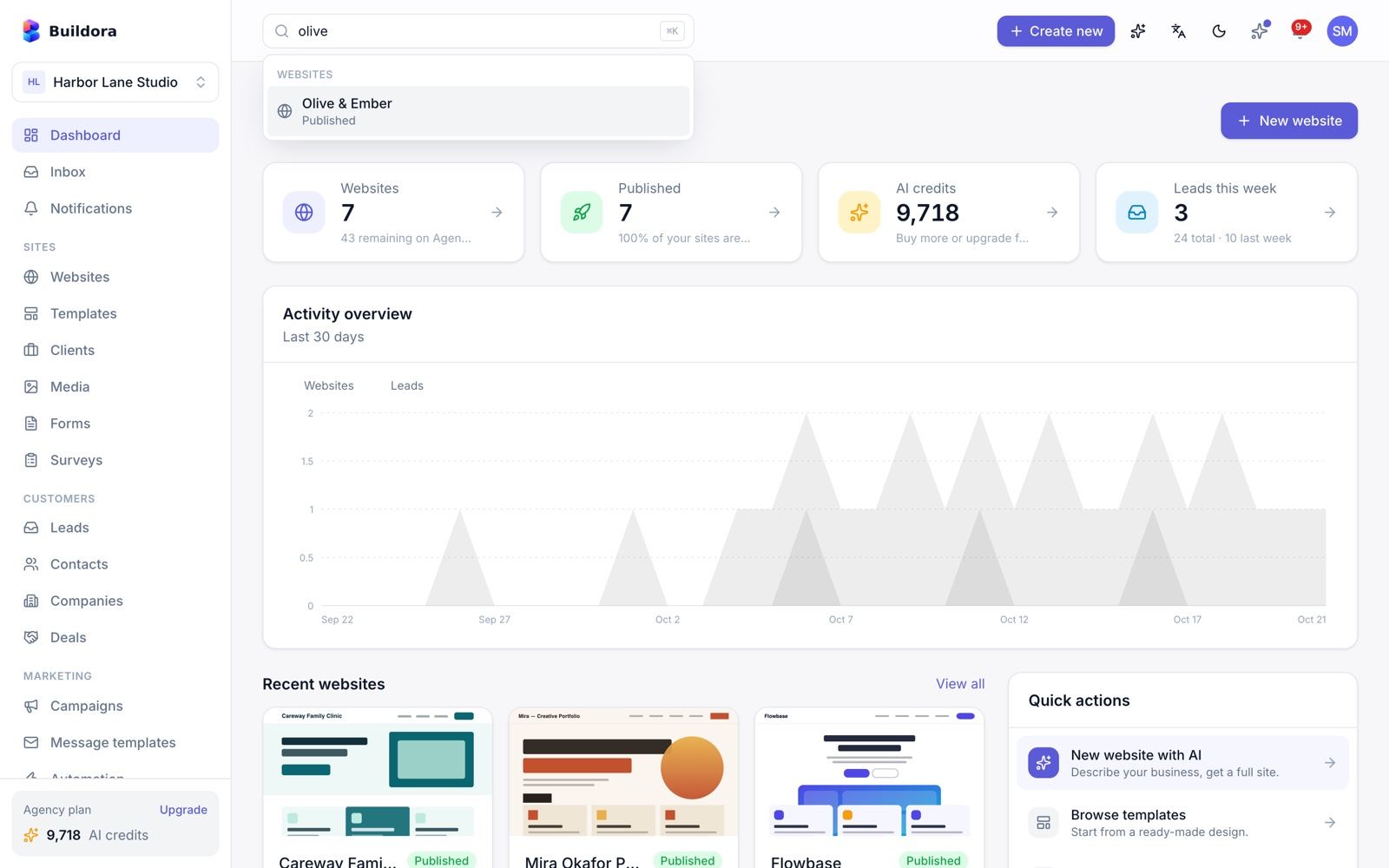
/dashboard)After signing in, customers land on the workspace dashboard: a greeting, an “AI build in progress” banner while a site is generating, stat cards (websites, published, AI credits, leads this week), a 30-day activity chart, recent websites, quick actions, task and appointment reminders and plan usage bars.
Sidebar groups
| Group | Items |
|---|---|
| (top) | Dashboard, Inbox, Notifications |
| Sites | Websites, Templates, Clients (agency mode), Media, Forms, Surveys |
| Customers | Leads, Contacts, Companies, Deals |
| Marketing | Campaigns, Message templates, Automation, Social planner, Ads |
| Sales | Ecommerce, Loyalty, Invoices |
| Work | Tasks, Calendar, Analytics |
| Support | Helpdesk, Knowledge base |
| Workspace | Team, Billing, Settings, Platform support |
Items are hidden when the member lacks the permission (for example Leads needs leads.view, Billing needs billing.manage).
Top bar
- Workspace switcher: switch, create, leave or manage workspaces.
- Global search (
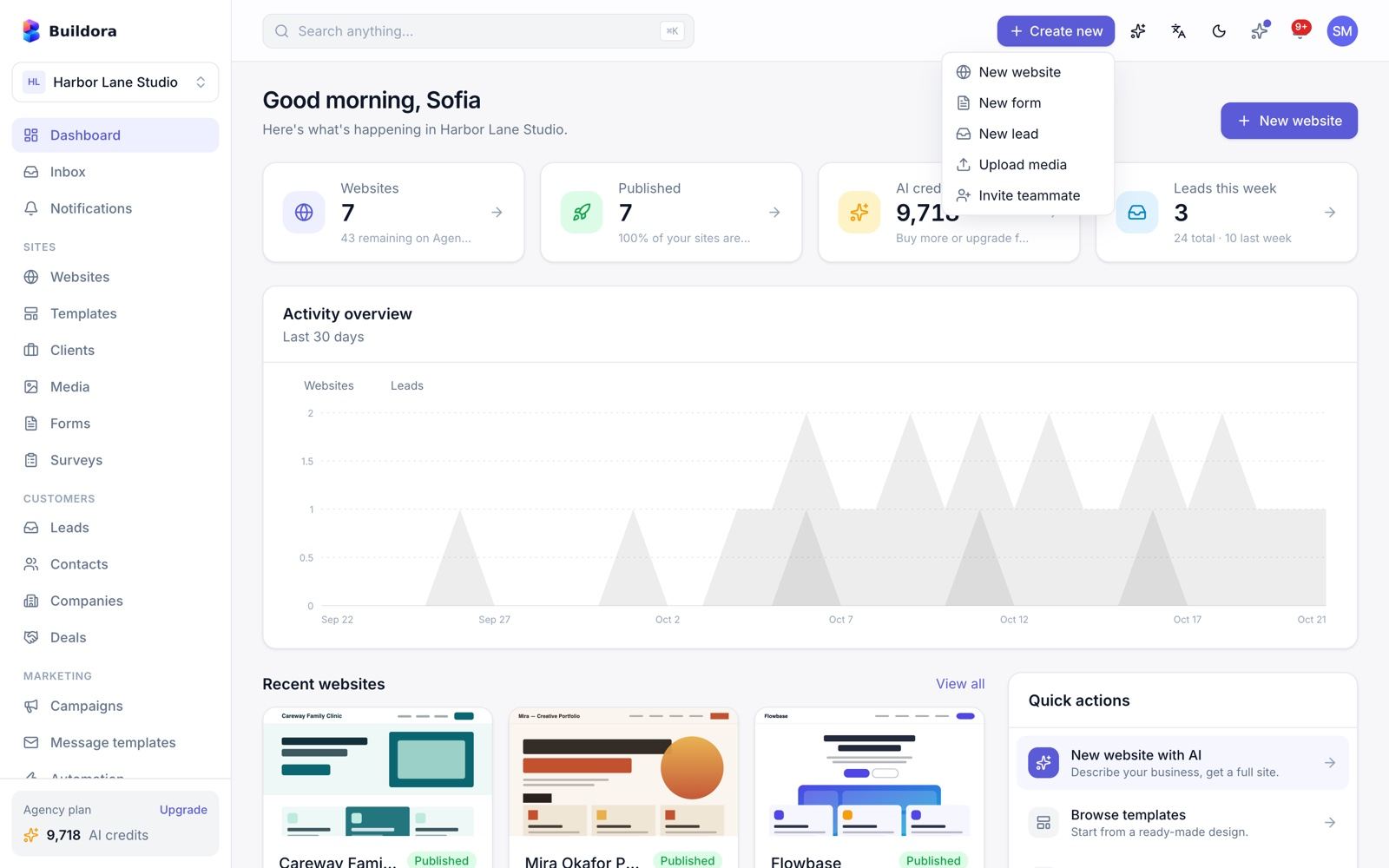
⌘K/Ctrl+K): websites, forms and leads. - Quick create: new website, new form, new lead, upload media, invite teammate.
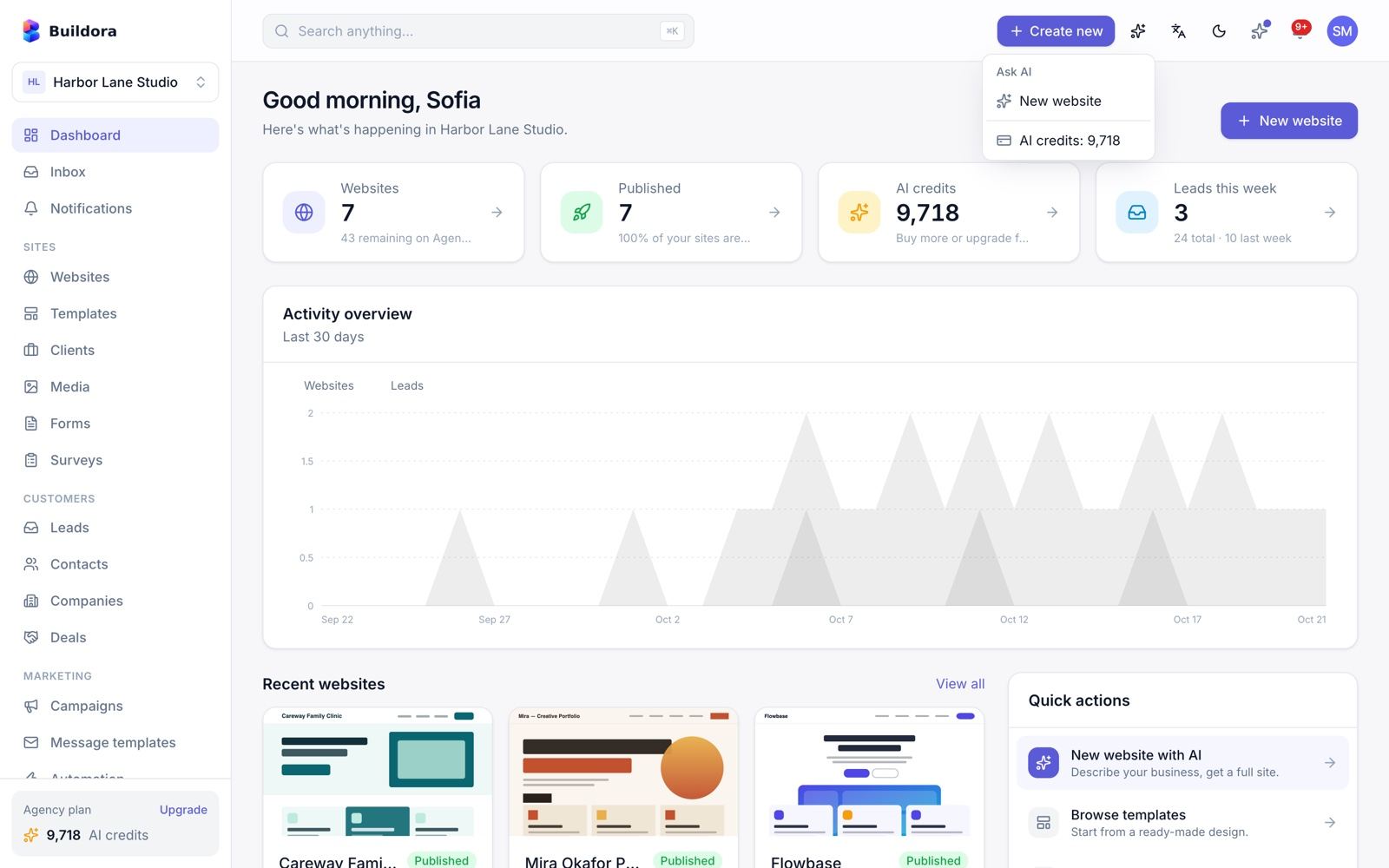
- Ask AI, language (English, Bangla, Arabic), light/dark theme and the notification bell.
- Banners: platform announcements, the changelog “what’s new” badge, the in-app NPS prompt and the demo banner.
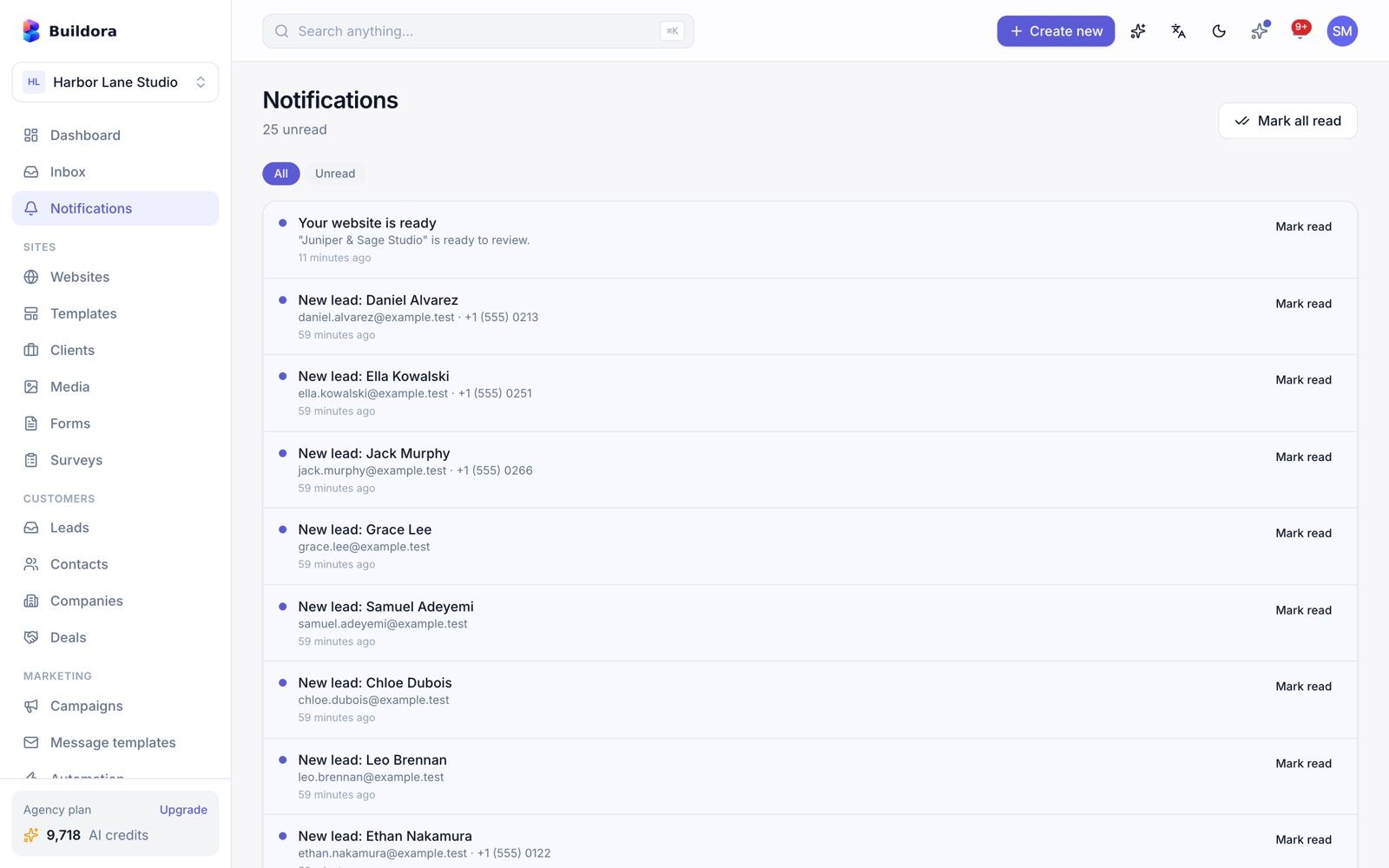
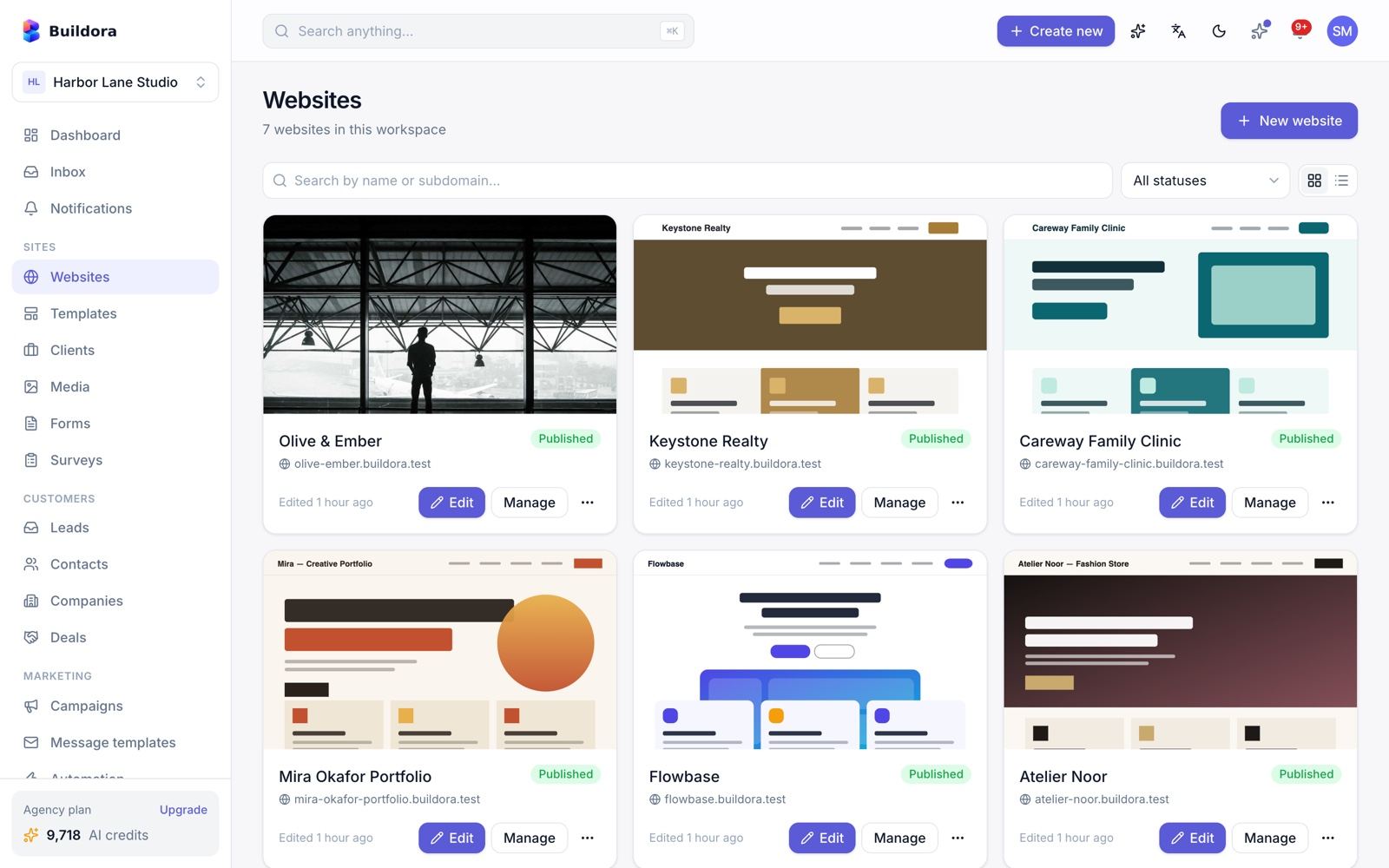
AI Website Generation
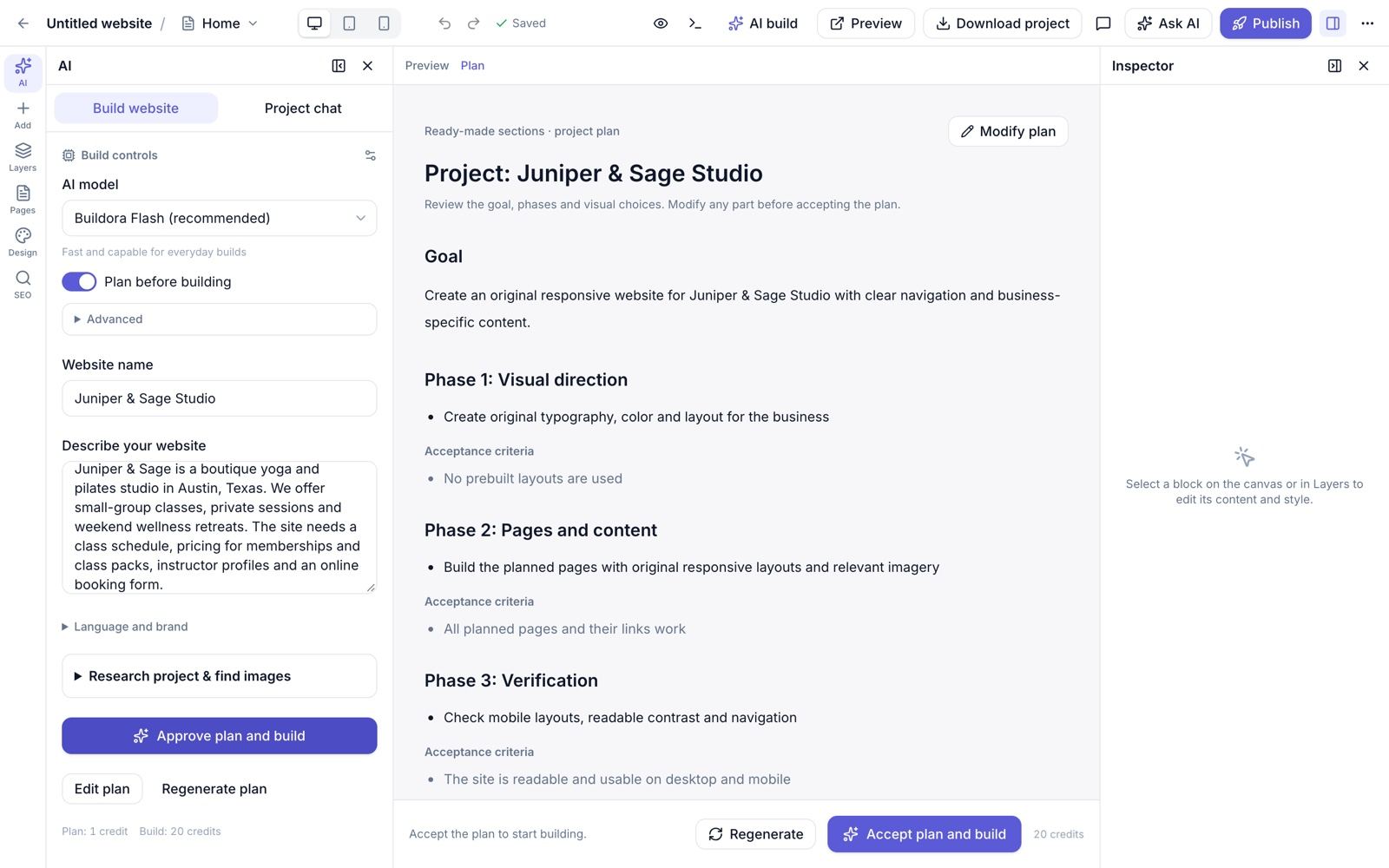
/websites/new) · Editor → AI panelThere are three ways to start a website: an AI build from a brief, a template, or a blank site. The new-website wizard has two steps (type → template).
Create the website
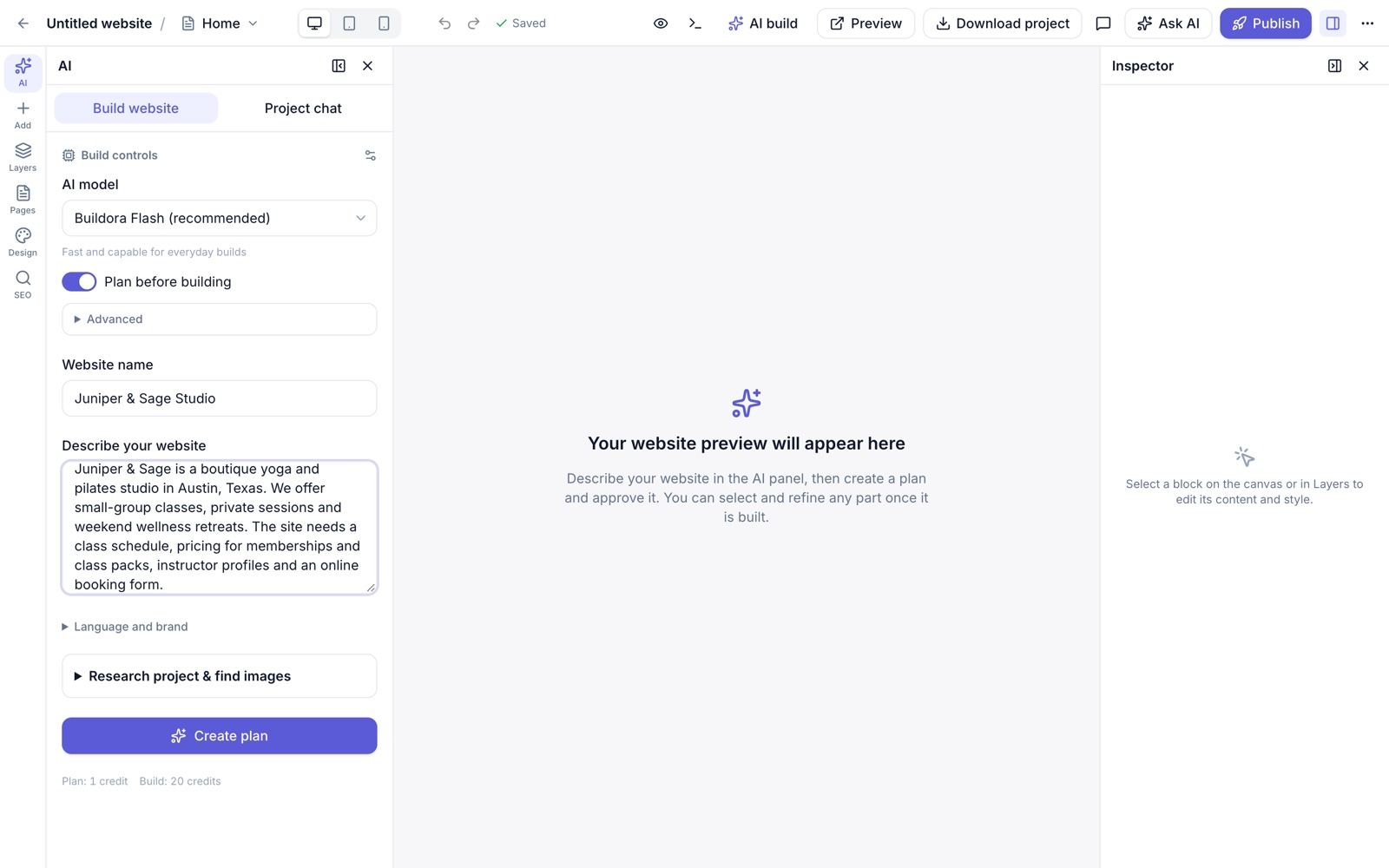
Open Websites → New website. Enter the business brief (10–4,000 characters; three example briefs help you start), choose the website type (business, portfolio, restaurant, agency, travel, saas, education, real-estate, other), the content language (20 available) and an optional name.
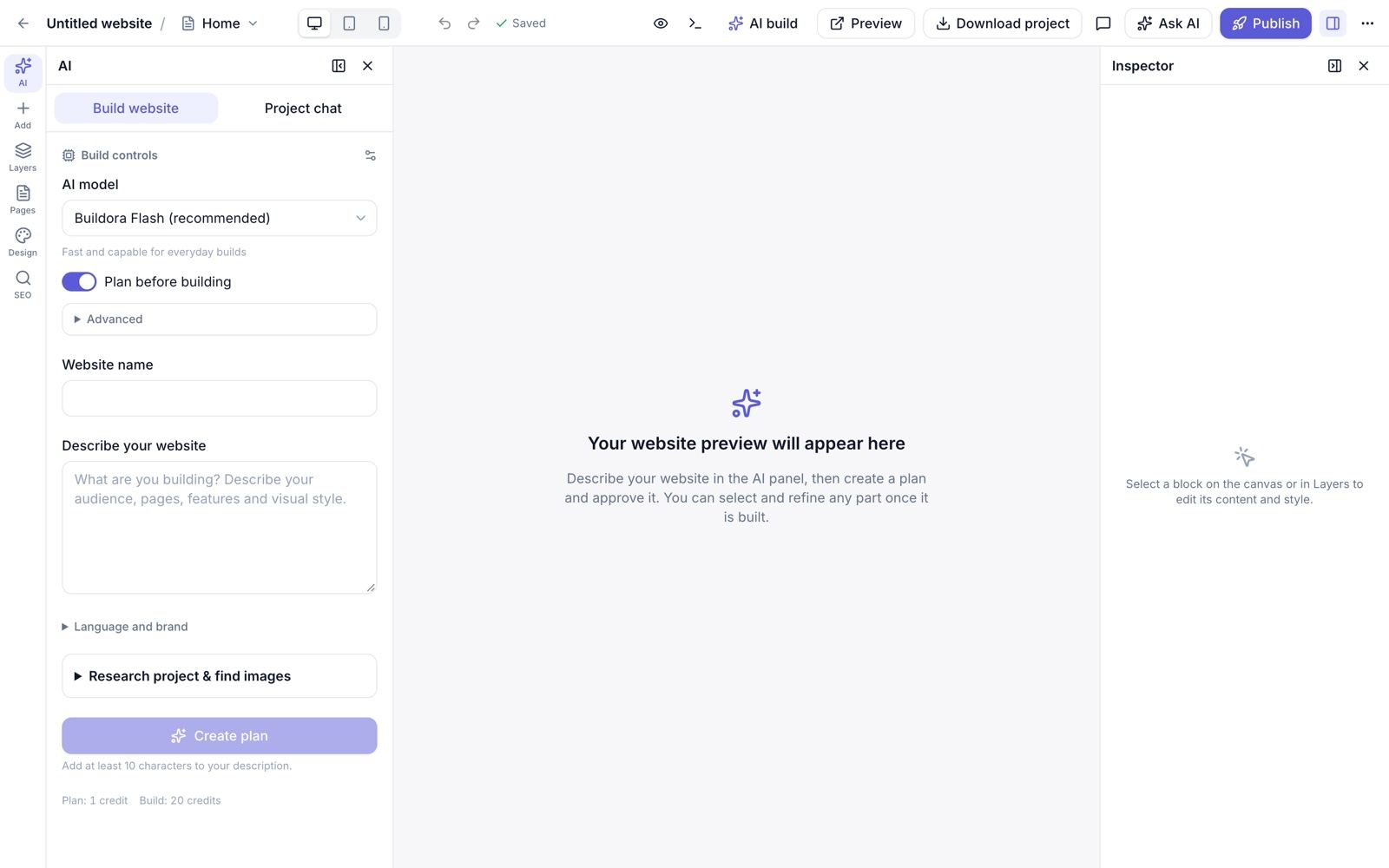
Open the AI panel
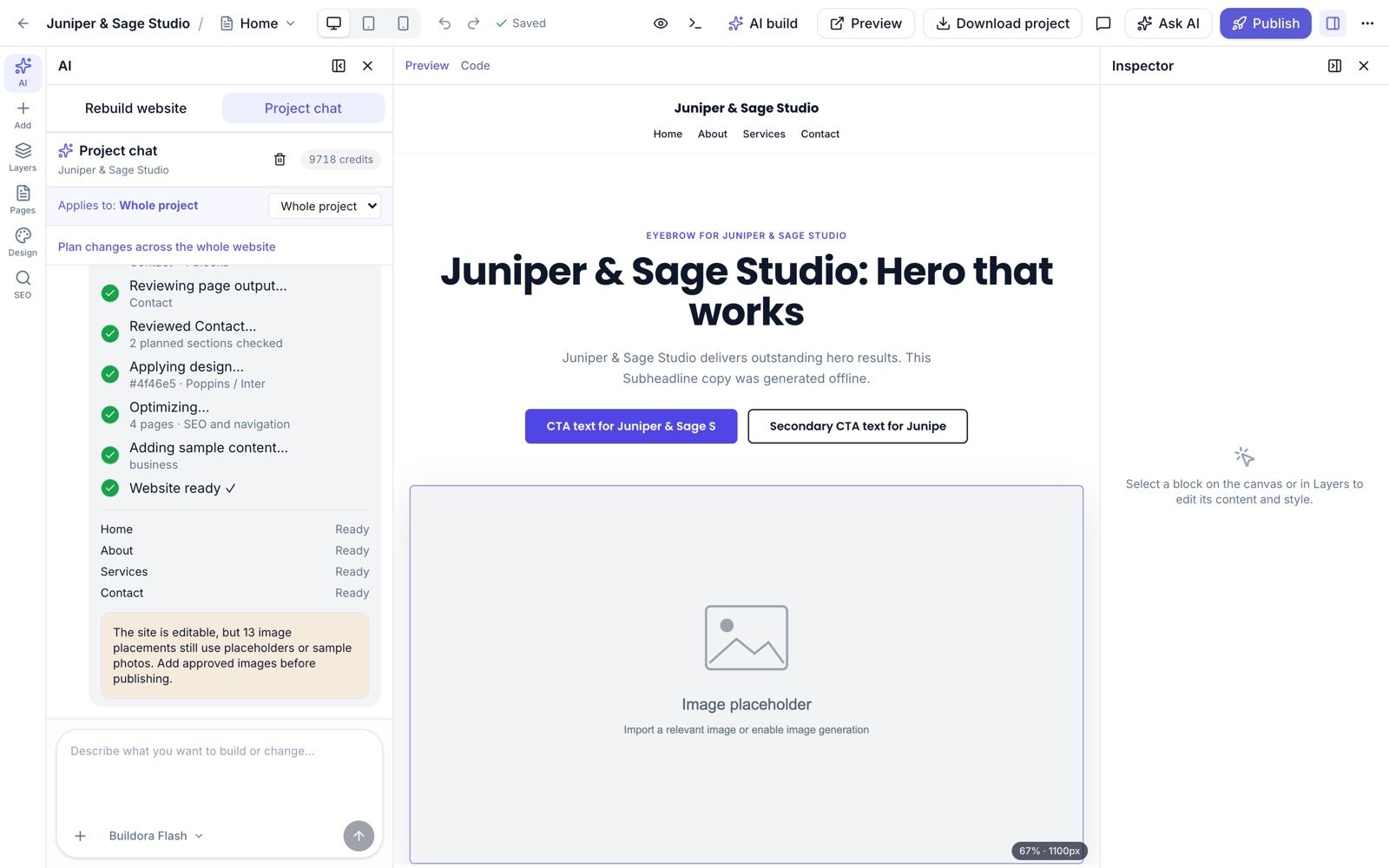
The editor opens with the AI panel (tabs Build/Rebuild website and Project chat).
Choose build options
AI model (the “branded” models you define in the admin; plan-locked ones show “upgrade plan”), Plan before building, design style Custom design (AI writes free block trees) or Ready-made sections (from the component library), name, description, language, primary colour (auto or hex), tone, optional Quick questions (audience, visual direction, required pages/features) and Project research.
Create the plan (1 credit)
The AI proposes pages, slugs and sections. In custom-design mode it also writes an implementation plan with phases, tasks and acceptance checks. Edit anything you like.
Approve and build (20 credits)
Progress is polled every 2 seconds: a step list and a status per page. Cancel stops after the current page, refunds the credits and keeps finished pages; Resume continues a failed build.
Refine
When the build finishes the site opens in the visual editor. Rebuilding later asks for confirmation and saves a version checkpoint first.
What the AI produces
- A blueprint: a 7-colour palette, a font pair from 39 Google Fonts, light/dark mode and one of 10 design directions.
- Up to 12 pages × 10 sections (also capped by the plan), section copy, a brand kit, per-page SEO meta and the header/footer navigation.
- Sample items for business modules (for example a restaurant menu).
- A quality gate and repair pass per page (broken structure, missing sections, leftover demo text), then a saved version.
The site build does not write blog posts (the blog has its own AI writer). AI images for image slots are off by default (AI_GENERATE_SLOT_IMAGES=false); approved research images or a placeholder are used instead.
Project research
Optional research before building: web results from the Brave Search API (when a key is set in Admin → Settings → AI, otherwise Wikipedia) and image candidates from Wikimedia Commons that you can import into Media.
Credit costs (default, editable in the admin)
| Action | Credits | Action | Credits |
|---|---|---|---|
| Generate website | 20 | Generate page | 5 |
| Generate section | 2 | Copilot message | 2 |
| Restyle | 5 | Rewrite content / plan | 1 |
| Translate page | 3 | Translate website | 10 |
| Blog article | 5 | SEO meta | 1 |
| Generate image | 5 | Alt text | 1 |
The app shows the cost and the remaining balance before every AI action (GET /ai/estimate). The AI API is limited to 30 requests per minute per workspace.
AI Copilot & AI Tools
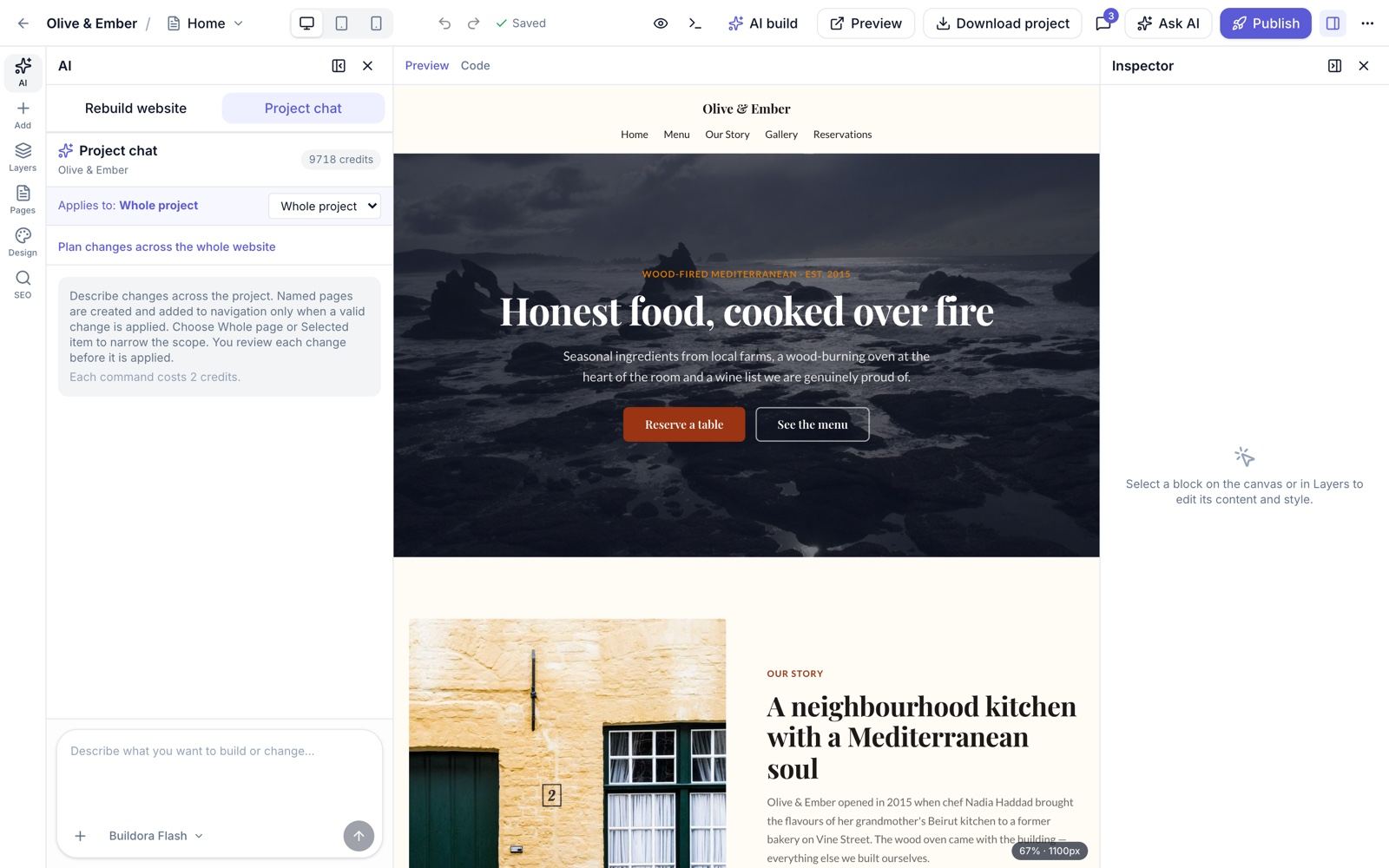
⌘K / Ctrl+K in the editor · “Ask AI” on a blockThe copilot edits the site through chat. Pick a scope (whole project, current page or selected item) and describe the change. It understands chat, add, edit, remove, move, translate, responsive and restyle requests, can create or patch other pages, add pages to the navigation and insert library sections.
Open the chat
Press
Ctrl/⌘+K, click Ask AI on a block or open the AI panel.Attach context (optional)
Images (for vision-capable models) and documents: TXT, MD, CSV, PDF and DOCX text is extracted.
Review the preview
Changes are shown in preview mode by default: Accept or Reject. You can switch to apply-immediately.
Undo safely
Every applied change is versioned; “restore state after this edit” rolls back to any message. Long tasks are queued with stop/continue.
Read-only Suggestions review the page without changing it. Chat history is saved per website and can be cleared.
Other AI tools
| Tool | Where |
|---|---|
| Generate page with AI | Website → Pages |
| Restyle with AI | Website → Design and the editor Design panel |
| Translate page / website | Pages screen, website settings and the editor locale switcher |
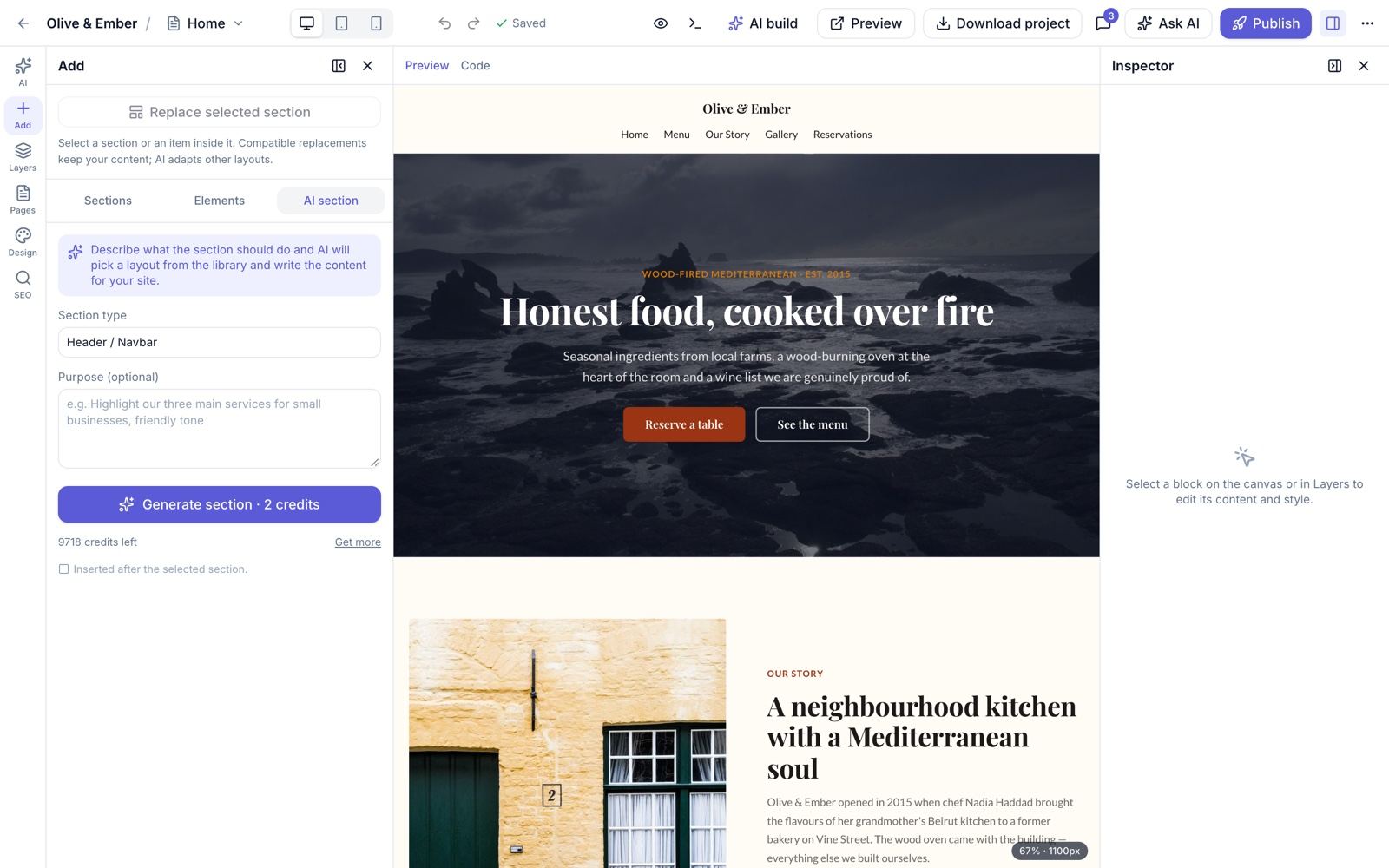
| Generate section (2 credits) | Editor → Add panel → AI tab |
| Replace selected section | Swap a section for a component-library variant |
| AI image generation | Media picker / POST /ai/images: 1024×1024, 1536×1024 or 1024×1536, saved to Media (needs an image-capable provider) |
| Alt text | Image inspector |
| Content tool on text | 12 actions: generate, rewrite, shorten, expand, professionalize, grammar, translate, SEO, headlines, CTA, FAQ, description |
Editor console
Press Ctrl+` for the console. Commands: /help /add /select /page new /restyle /translate /versions /restore /check /publish /clear; plain text goes to the AI chat. The console also lists page “problems” from the SEO/content audit. A guided editor tour is included.
Visual Editor
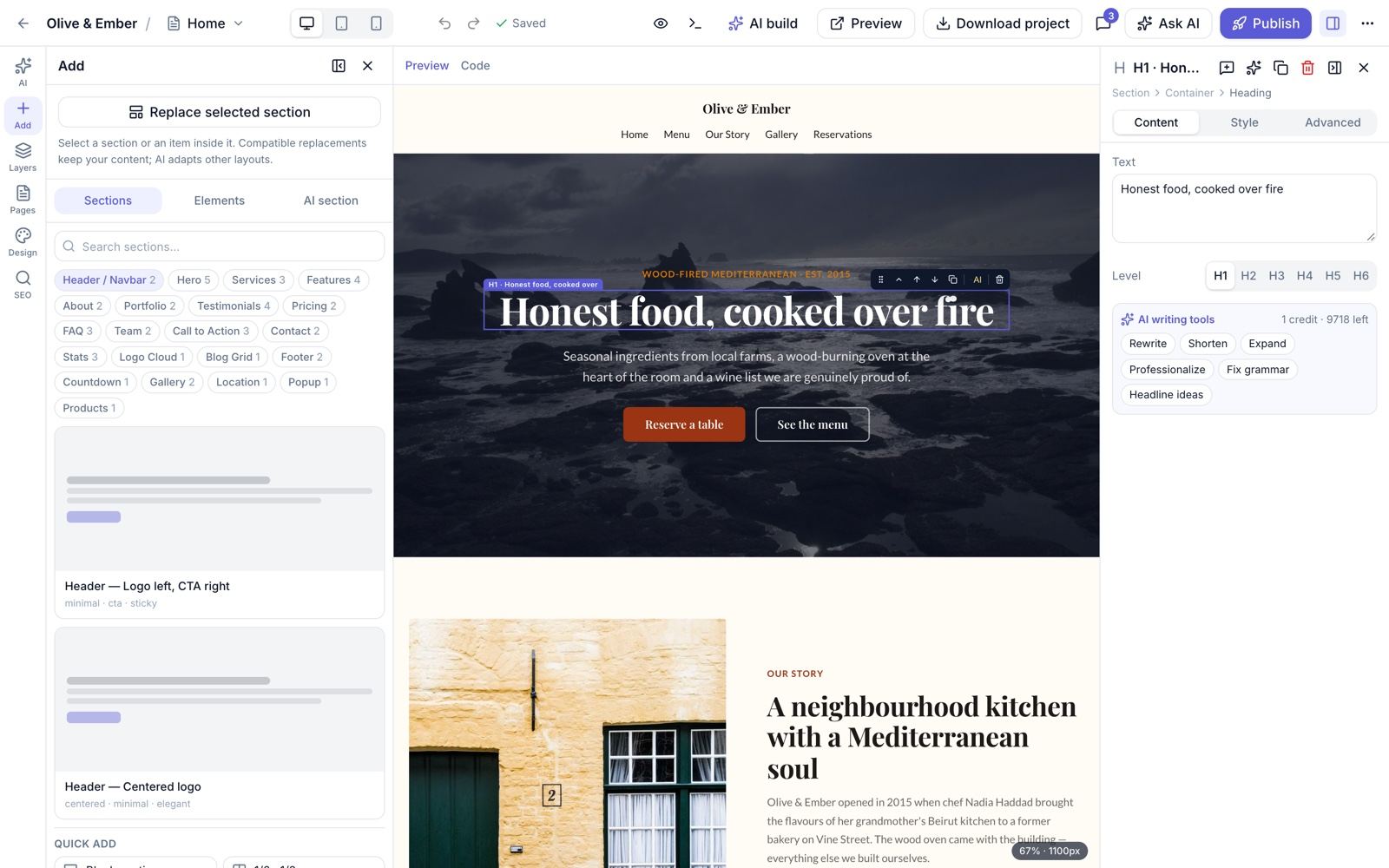
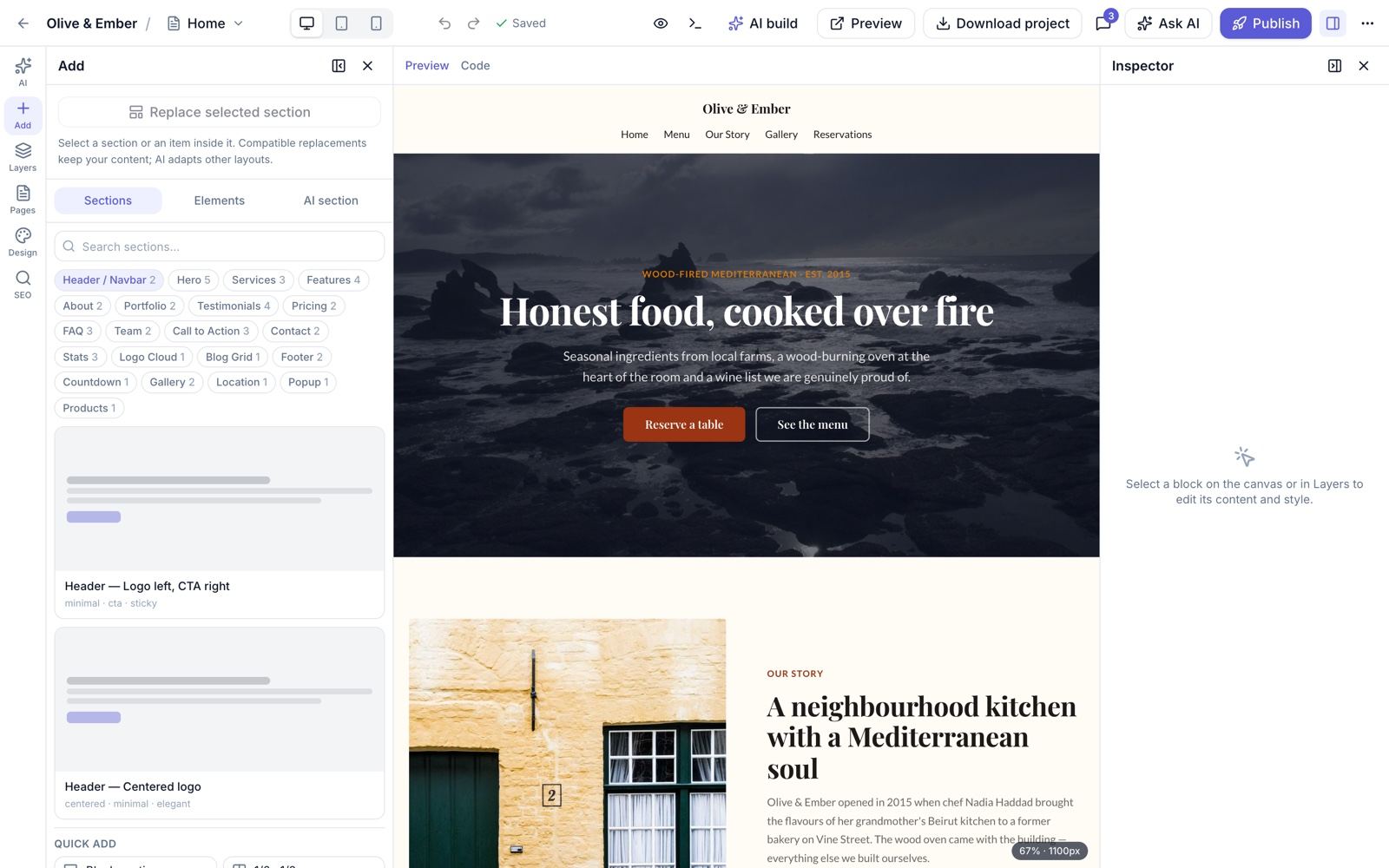
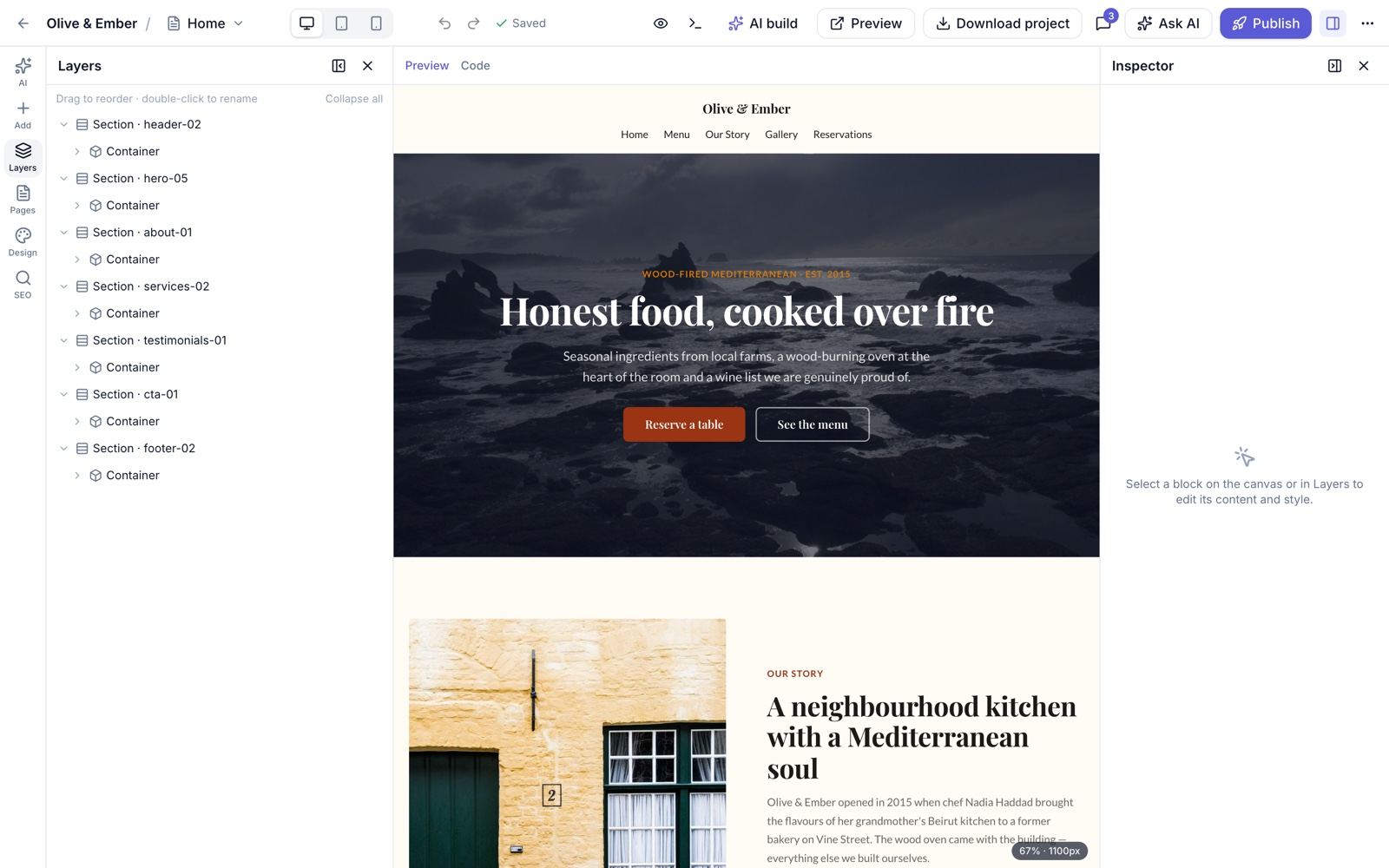
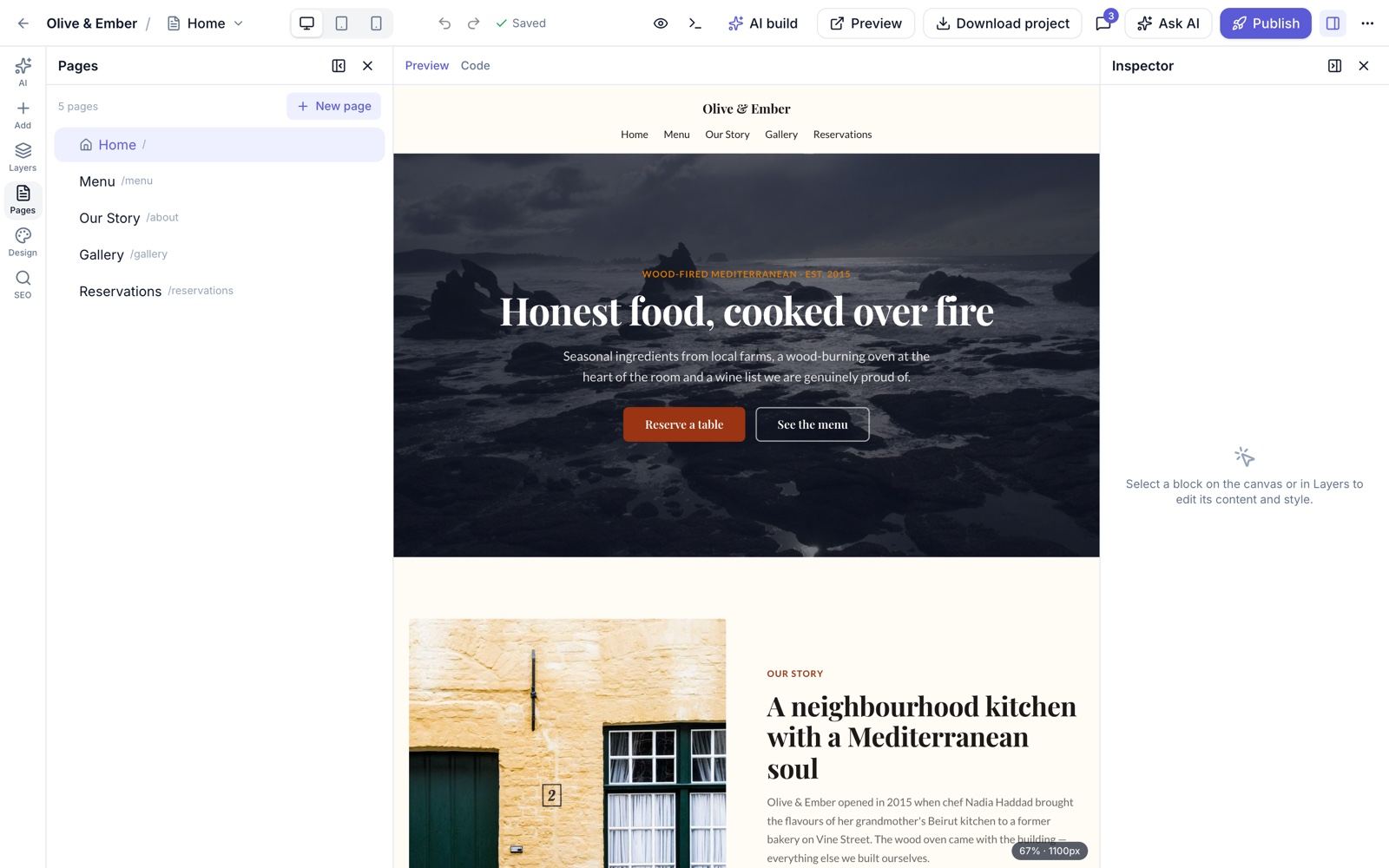
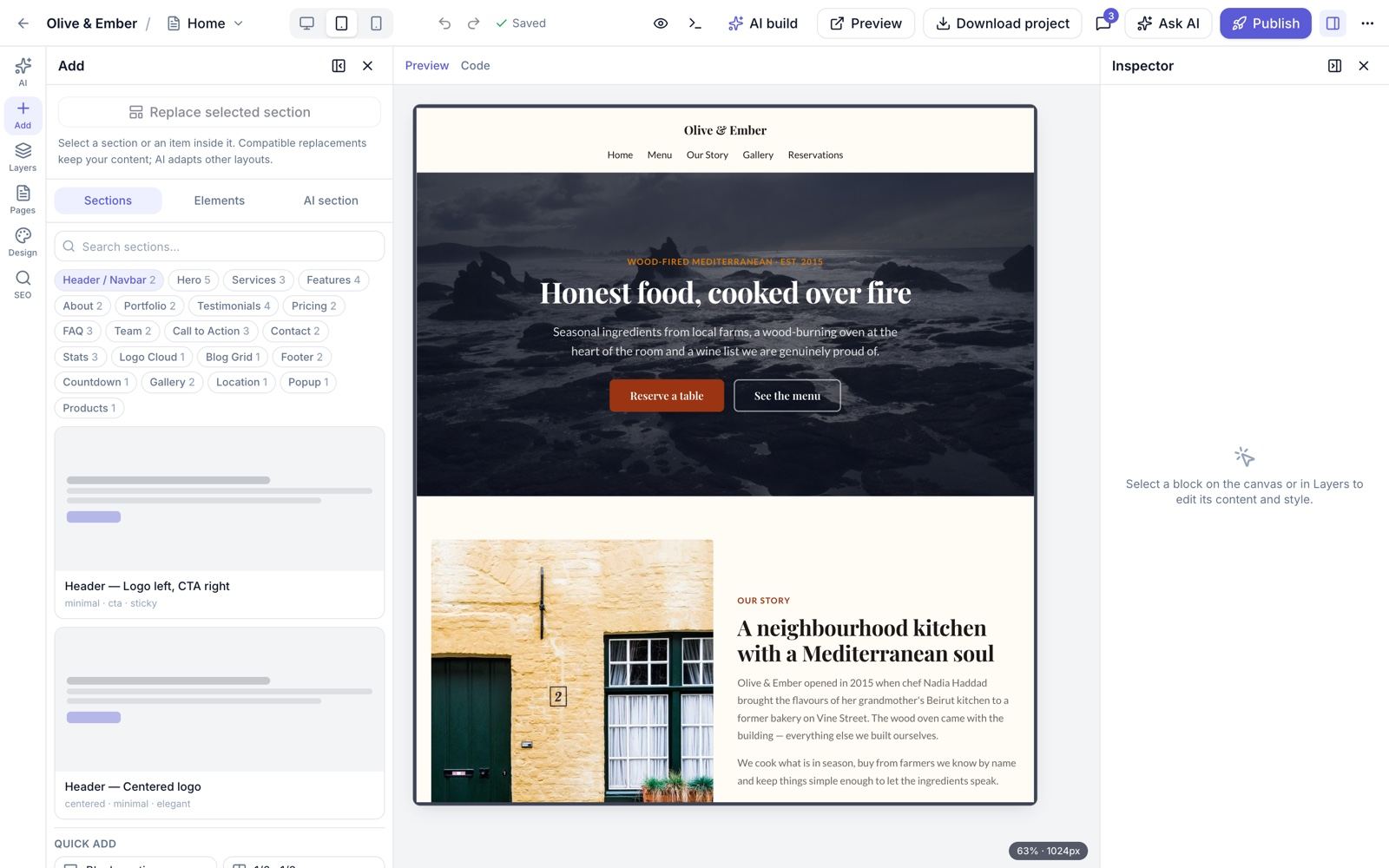
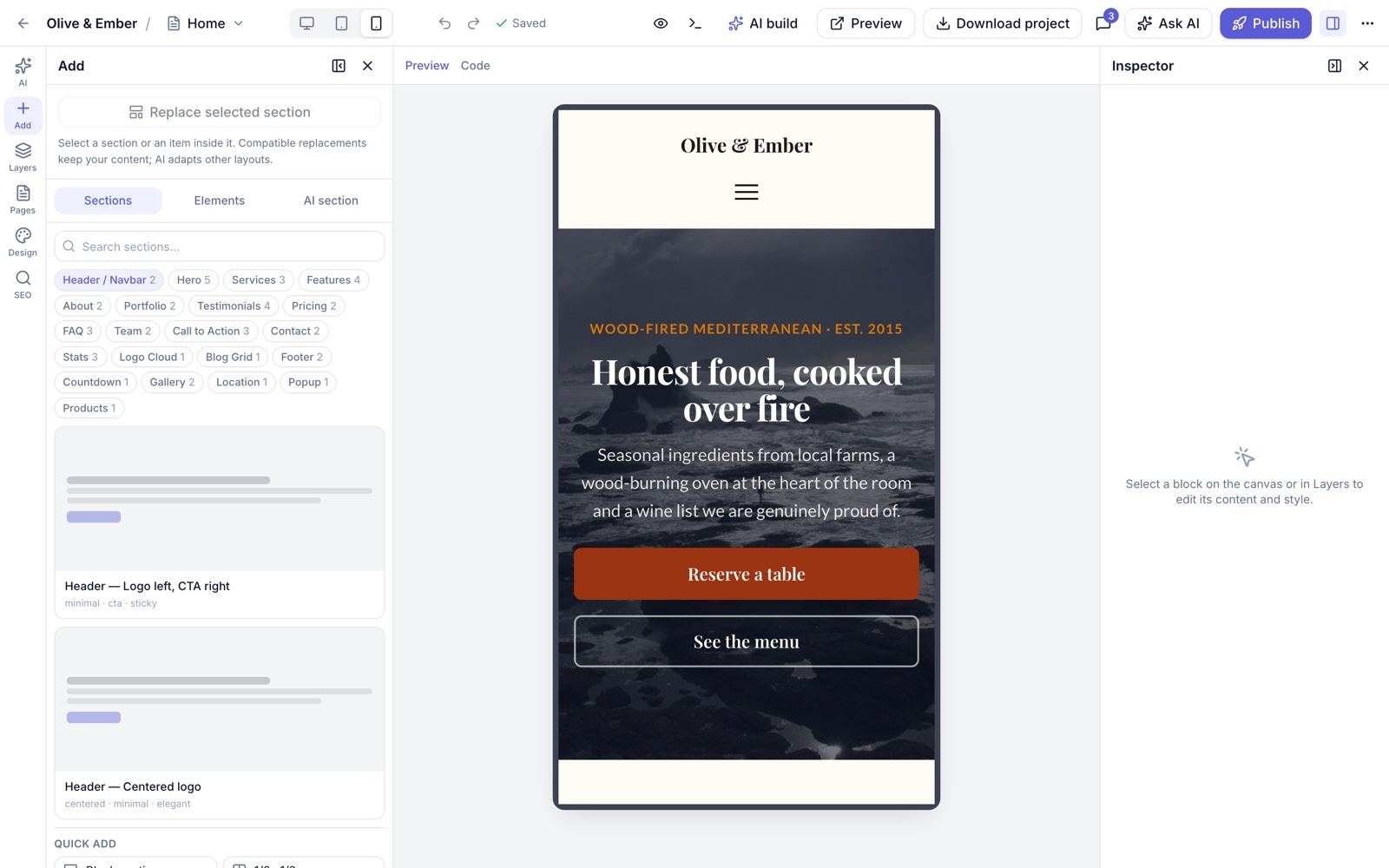
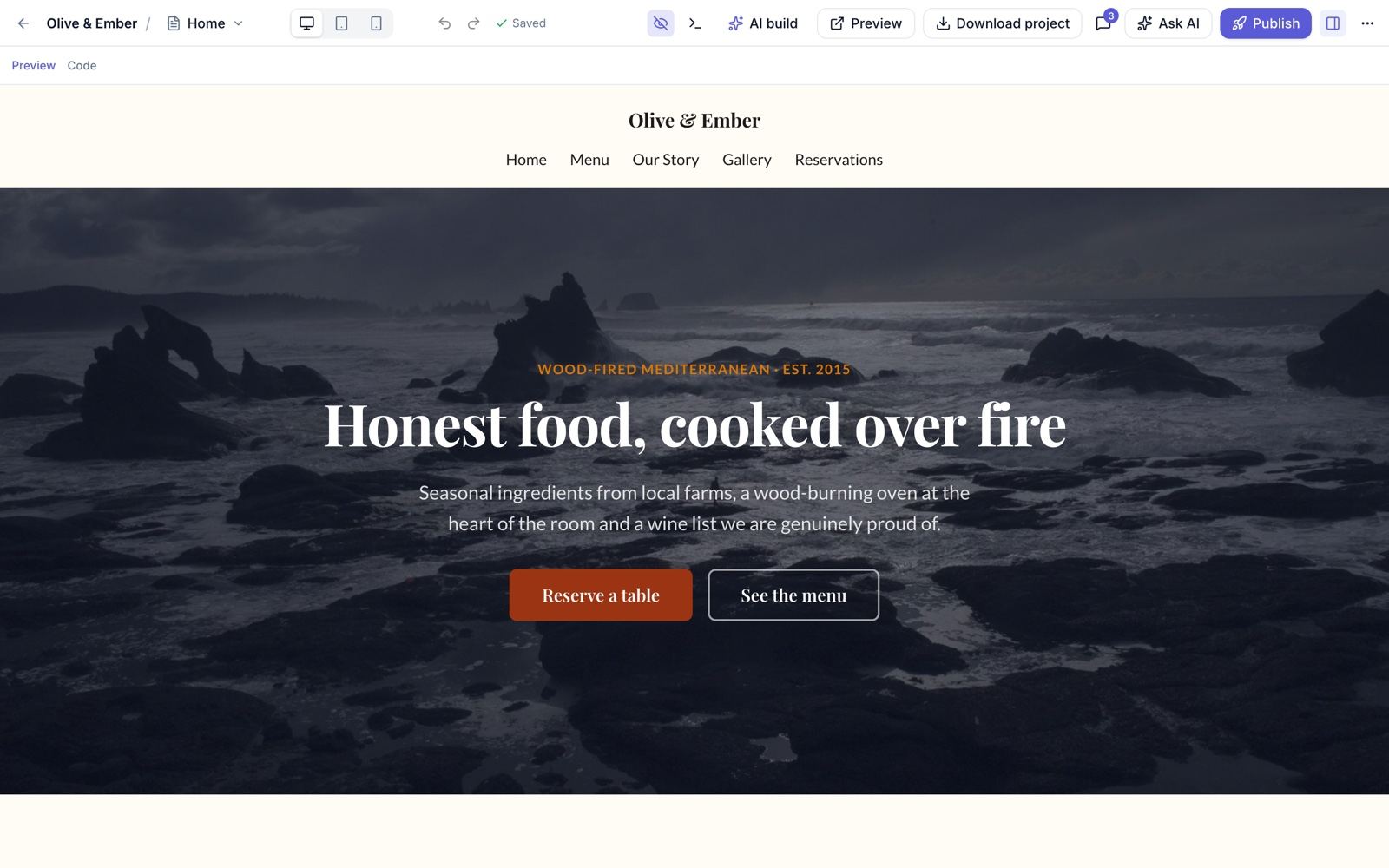
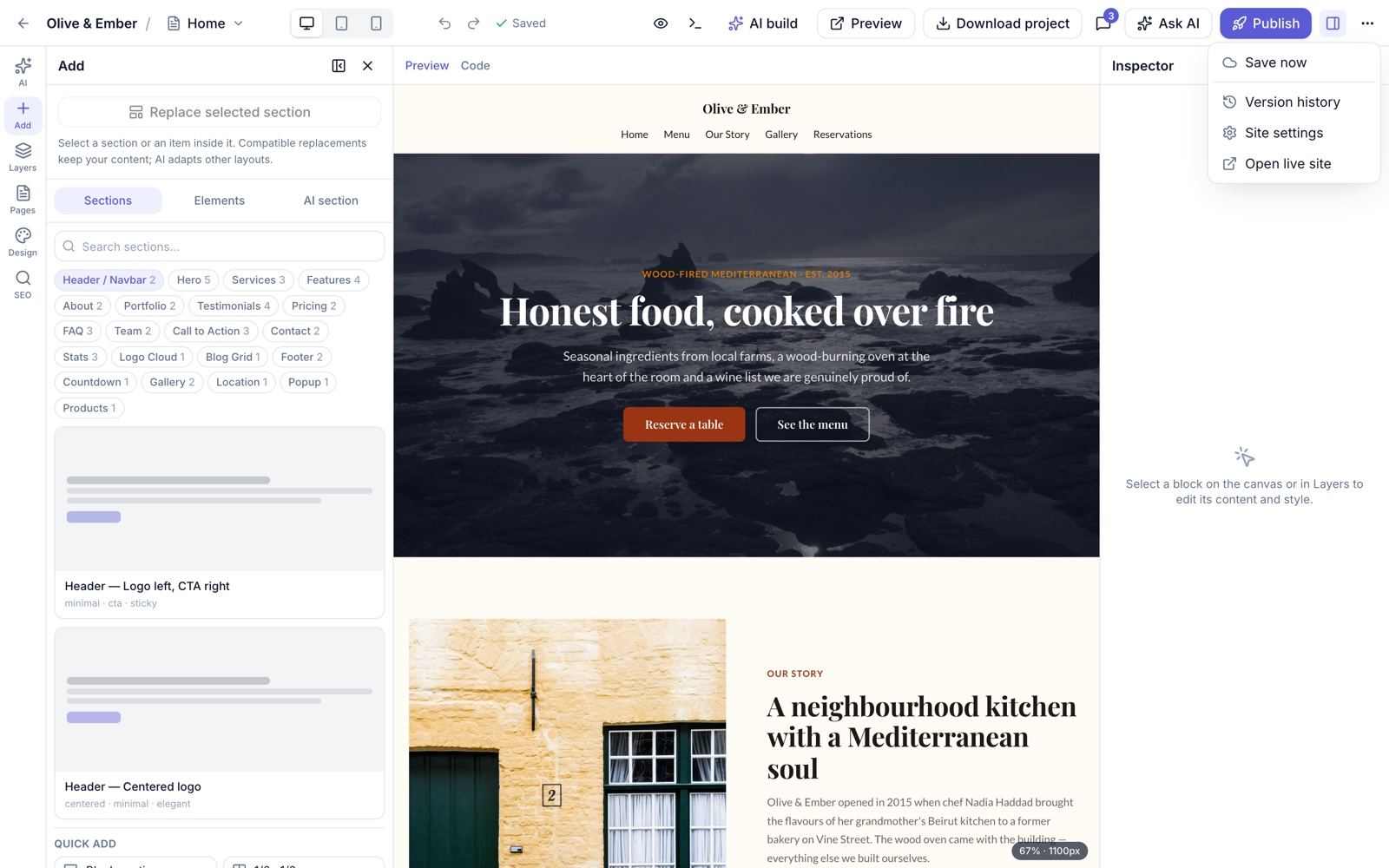
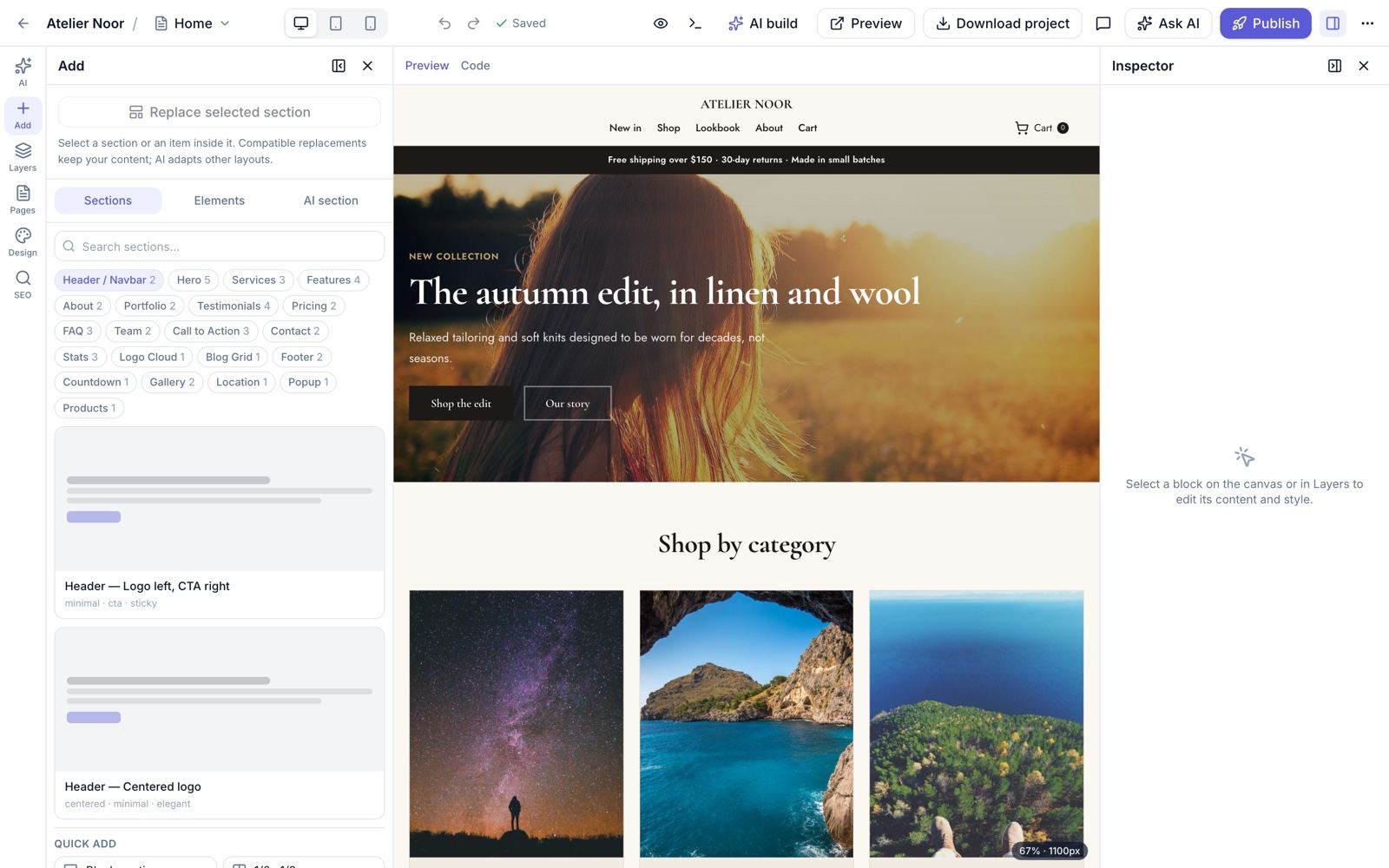
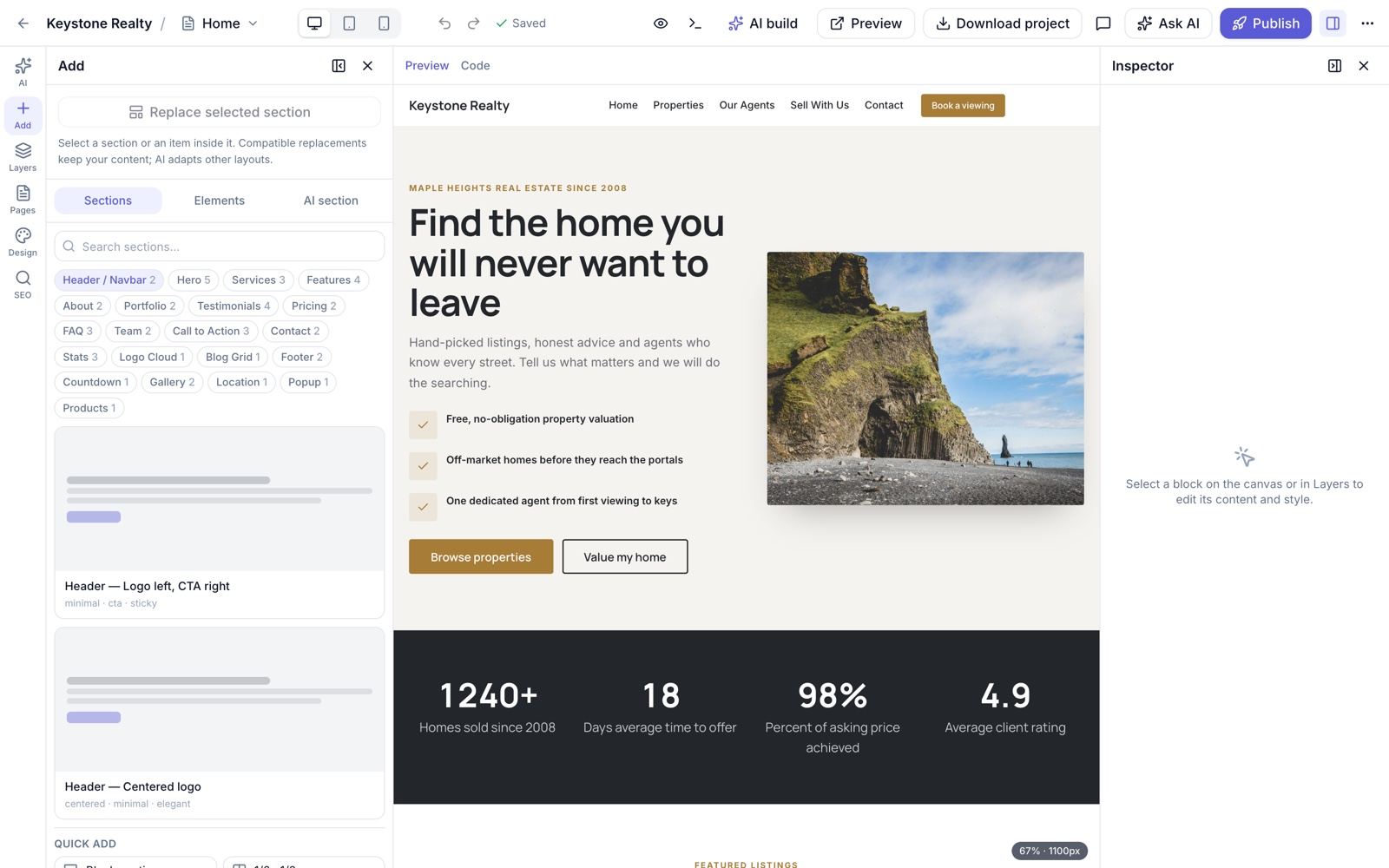
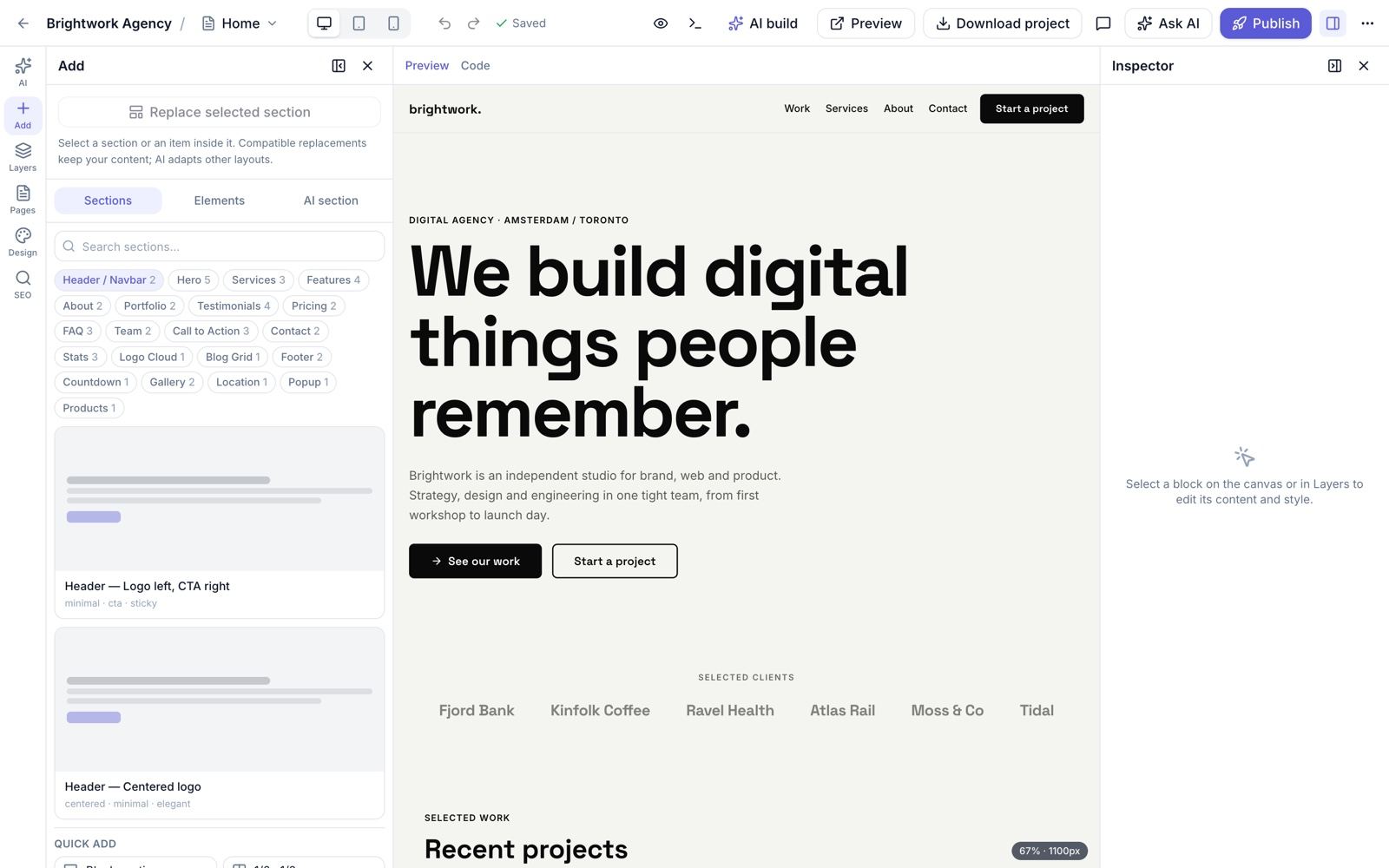
/editor/{websiteId})One full-screen editor for every website (old /builder and /build links redirect here). The canvas shows the real page; the left side holds the panels and the right side the inspector.
| Area | What it does |
|---|---|
| AI panel | Build/rebuild the website and the project chat (copilot) |
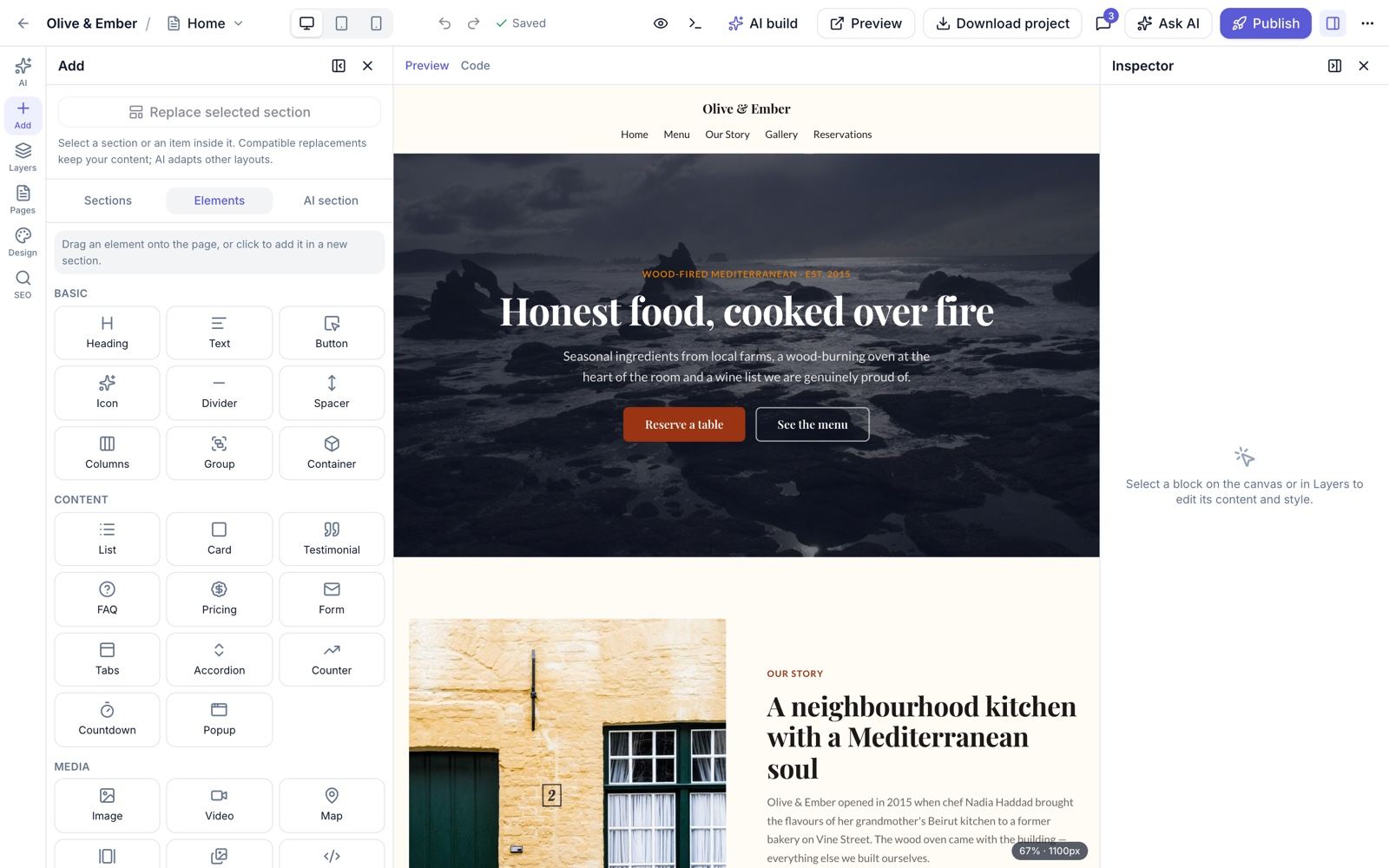
| Add panel | Sections / Elements / AI tabs, search, quick add; drag onto the canvas or click to insert |
| Layers | Tree of blocks: expand/collapse all, drag to reorder, rename with double-click or F2 (editor-only label) |
| Pages | Switch, add and manage pages |
| Design | Brand kit: colours, fonts, buttons, spacing (see Design & Brand Kit) |
| SEO | Per-page SEO panel with live checks |
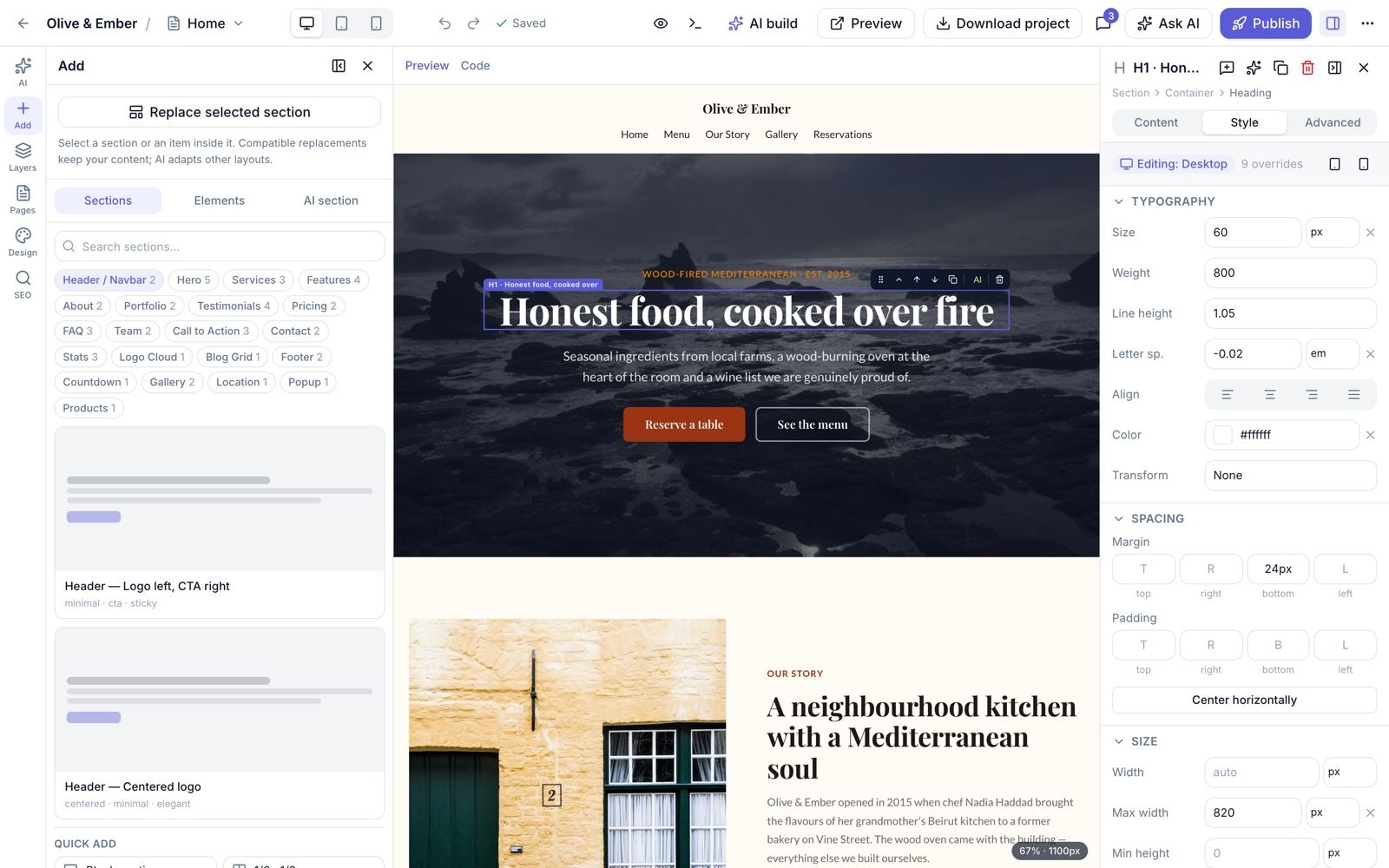
| Inspector | Content, Style and Advanced tabs for the selected block |
Editing
- Inline text editing on the canvas for headings, text and buttons; drag and drop on the canvas and in the layer tree.
- Responsive previews: Desktop, Tablet (1024 px) and Mobile (390 px). Style overrides per breakpoint cascade mobile → tablet → base; Hide on per device.
- Advanced tab: scroll animations (none, fade up, fade in, zoom), anchor id, CSS class, custom id, hide on device.
- Icons: the full Lucide set. Images: media-library picker, alt text, background image with overlay.
- Undo/redo 100 steps, autosave (page 1.5 s, site 0.8 s after the last change),
⌘Ssave and an unsaved-changes guard. - Global header and footer: navigation editor (menu, CTA, footer columns; links follow page renames); show/hide header and footer per page.
- Preview: in-editor preview mode and shareable preview links (
/preview/{token}, optional password).
Keyboard shortcuts
| Keys | Action |
|---|---|
⌘Z / ⇧⌘Z / ⌘Y | Undo / redo |
⌘S | Save now |
Delete / Backspace | Delete the selected block |
⌘D | Duplicate |
Alt+↑ / Alt+↓ | Move up / down |
F2 | Rename in the layer tree |
⌘K | AI chat |
Ctrl+` | Console |
Esc | Deselect / close |
Code view and custom code
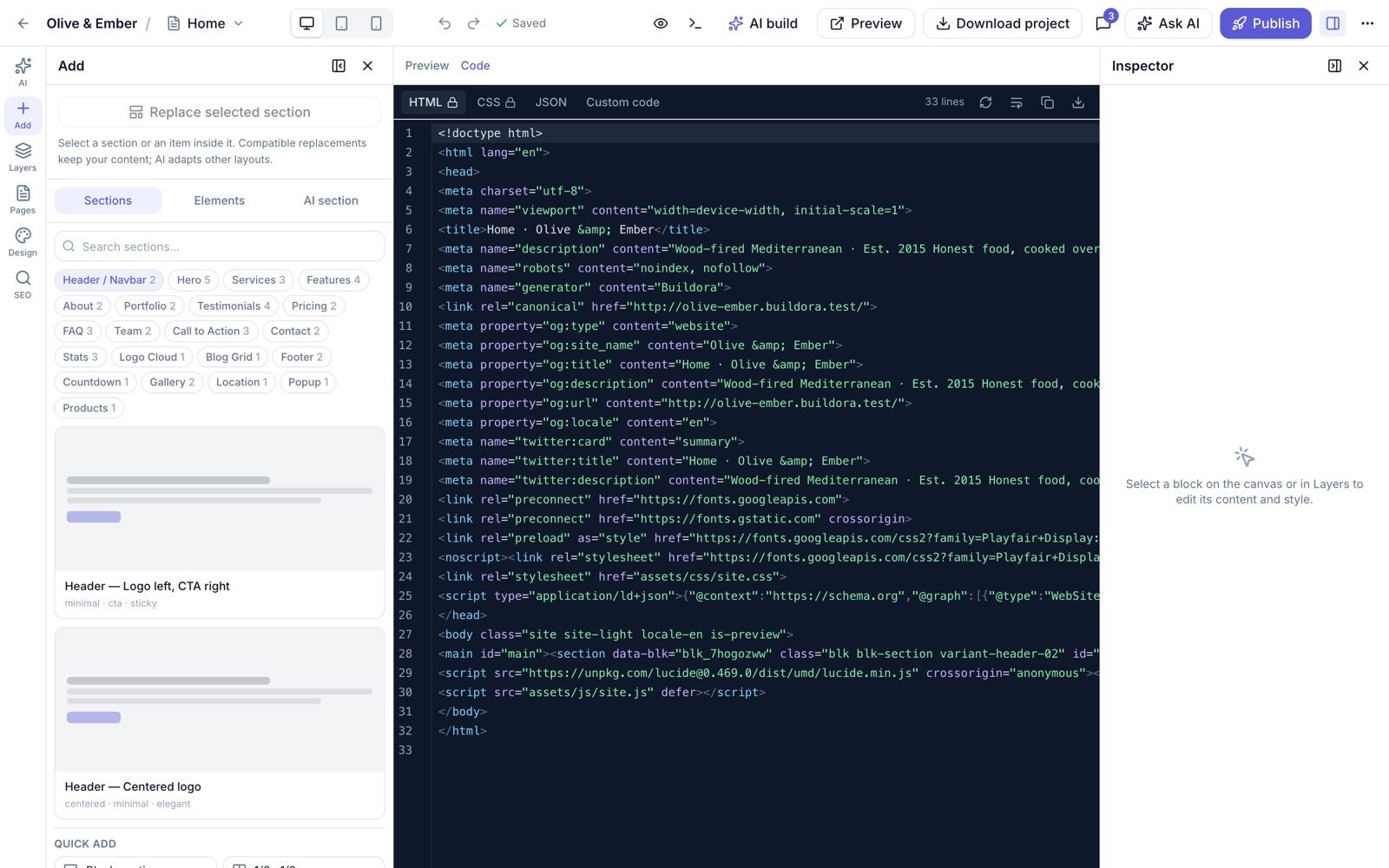
The code view (CodeMirror) shows the generated HTML/CSS (read-only) and the page JSON (editable with the code permission). Custom code for head, body start, body end, CSS and JS can be set per page and site-wide; it needs the plan feature custom_code and the permission code.custom, and is injected only on published and preview pages.
Block Types (48)
Every block has a frontend editor component and a backend renderer, so what you see in the editor is what is published.
| Category | Blocks |
|---|---|
| Layout (5) | section, container, columns, column, group |
| Basic (8) | heading, text, image, button, icon, video, divider, spacer |
| Content (9) | list, card, filter_sort, testimonial, faq, pricing, form, map, html |
| Site (10) | nav, footer, logo, social, menu_items, blog_list, language_switcher, module_list, opening_hours, module_detail |
| Interactive (4) | tabs, accordion, carousel, gallery |
| Data (3) | data_list, data_form, data_detail |
| Widgets (4) | counter, countdown, popup, embed |
| Shop (5) | product_grid, product_detail, cart, checkout, cart_button |
| Block | Notes |
|---|---|
form | Embeds a form built in Forms; submissions become leads |
map, embed, html | Map embed, third-party embed and raw HTML |
filter_sort | Filter and sort controls for listings |
nav, footer, logo, social | Site chrome, driven by the global header/footer and brand kit |
blog_list | Latest posts from the website blog |
language_switcher | Switches between the site’s content languages |
menu_items, opening_hours, module_list, module_detail | Business module content (restaurant menu, hours, properties, packages…) |
data_list, data_form, data_detail | Read and write records of the website data store |
counter, countdown, popup | Animated numbers, countdown timer, popup |
product_grid, product_detail, cart, checkout, cart_button | The online store on the published site |
The Add panel also offers 47 ready-made section variants in 21 categories (see Templates & Component Library).
Versions, Comments & Collaboration
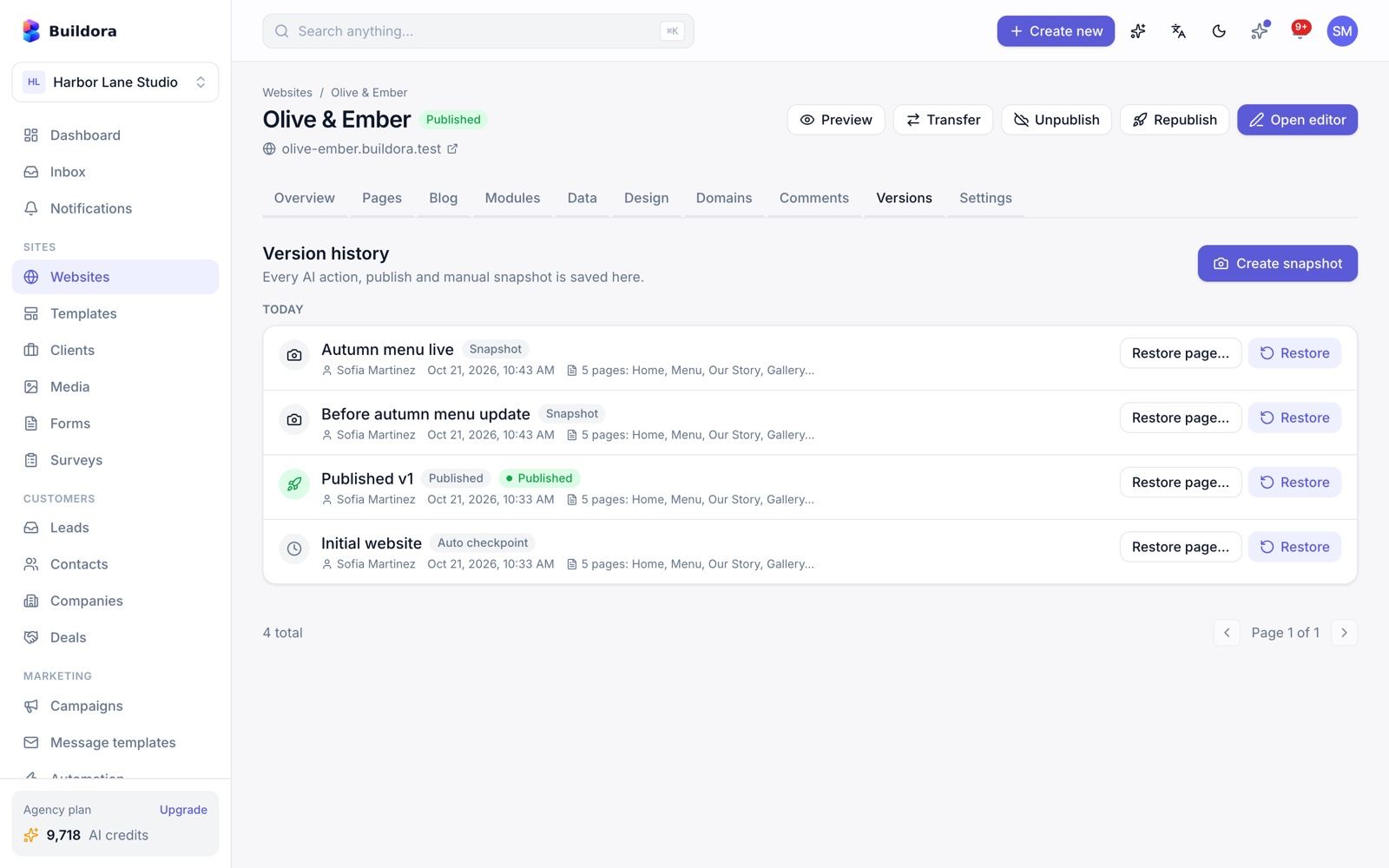
/websites/{id}/versions) · Website → Comments · Editor top barVersion history
- Full draft snapshots: brand kit, navigation, settings and all pages.
- Automatic checkpoint every 10 minutes, named manual snapshots, versions on AI actions and on every publish.
- Restore the whole site or a single page; a “restore” version is created first so you can go back.
- Retention follows the plan (
version_retention_days); published versions are kept.
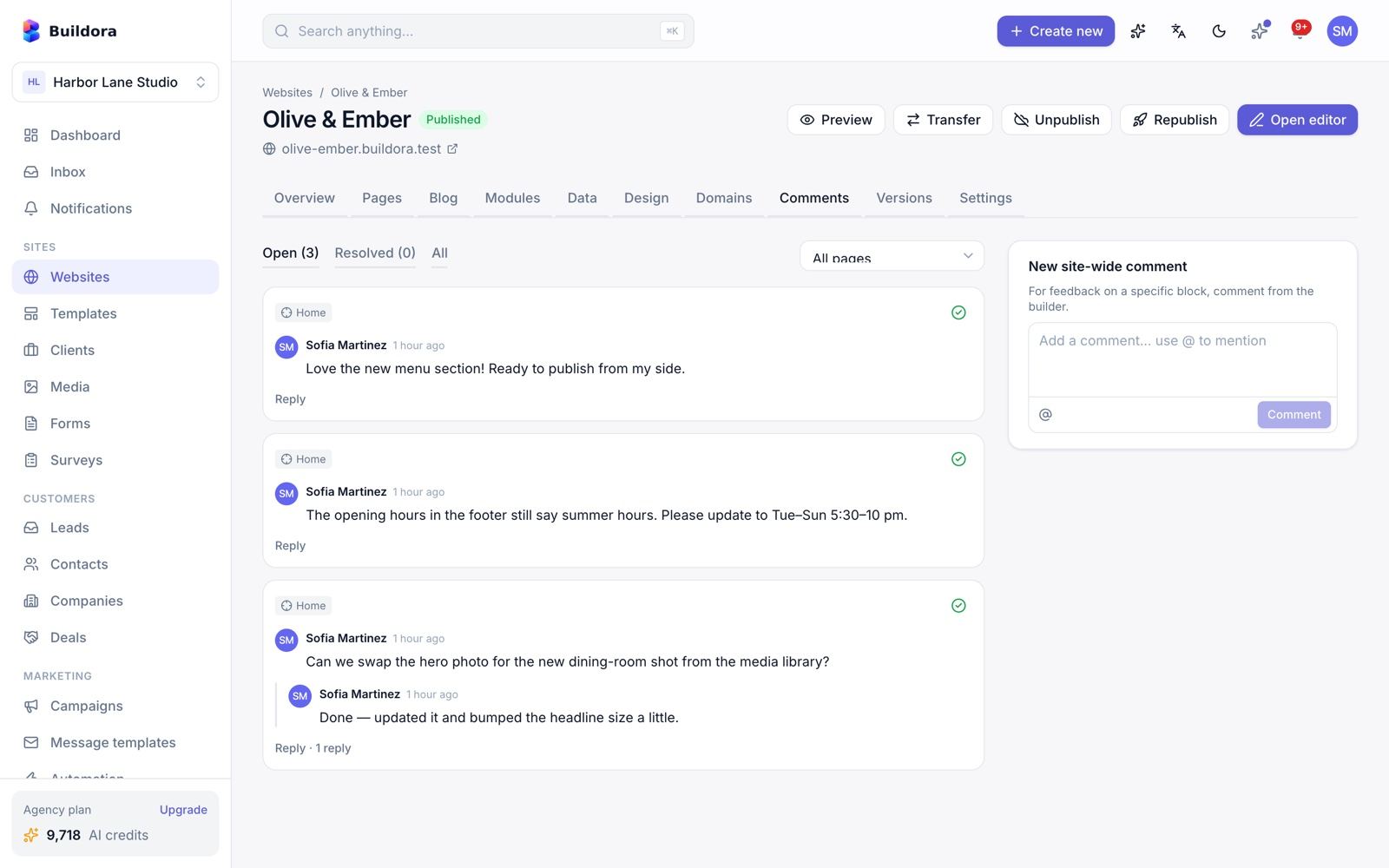
Comments
Threads on the site, a page or a single block, with replies, @mentions, resolve/unresolve and notifications. Use the comments screen or the in-editor comments mode.
Live collaboration
- Presence avatars, live cursors, join/leave toasts and “who is editing this block” indicators.
- Remote changes apply automatically while your page has no unsaved edits.
- Three-way auto-merge on save; if two people changed the same thing, a conflict dialog lets you choose mine or theirs per change.
Collaboration uses HTTP polling (1.5–30 s), not websockets, so it also works on shared hosting.
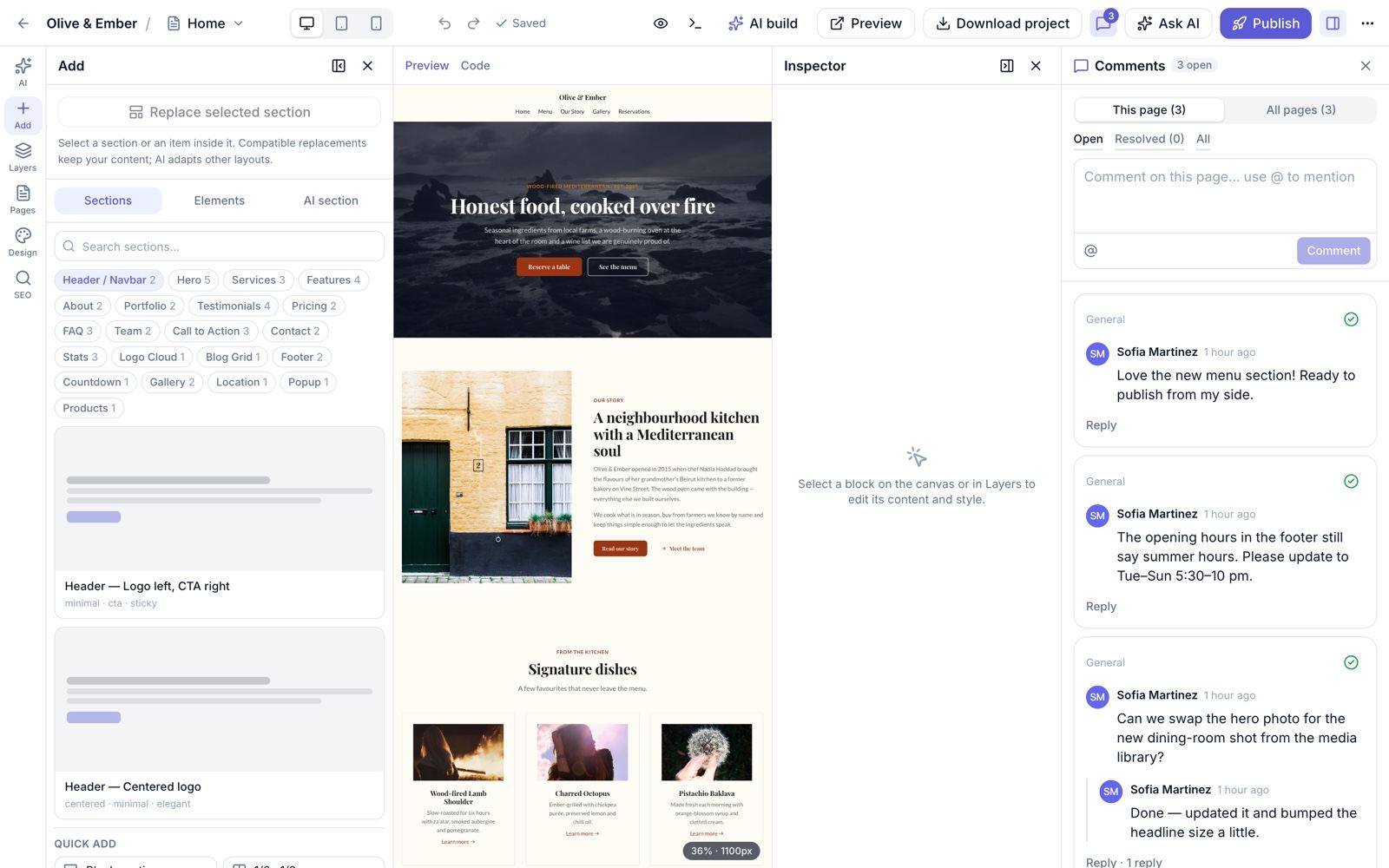
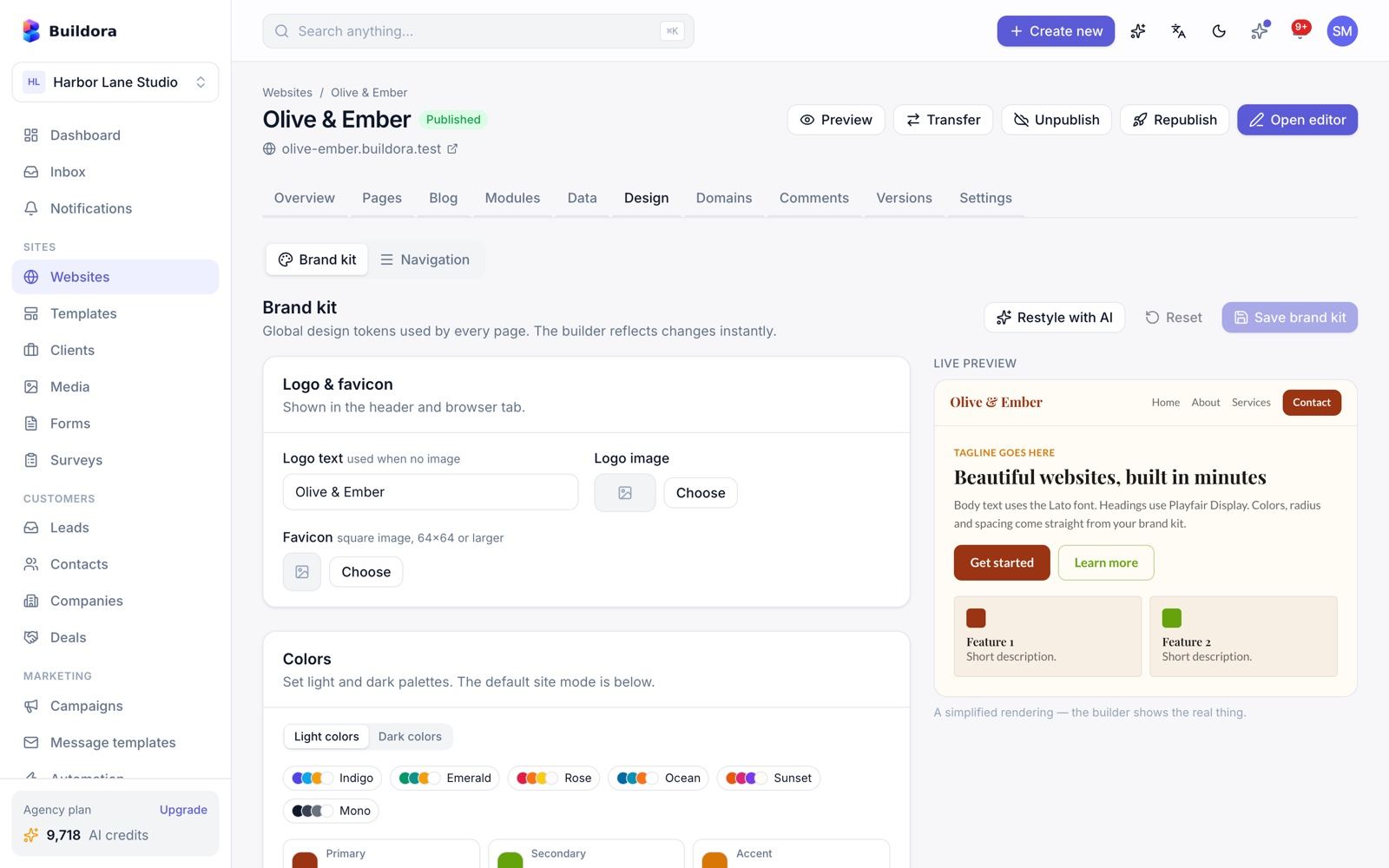
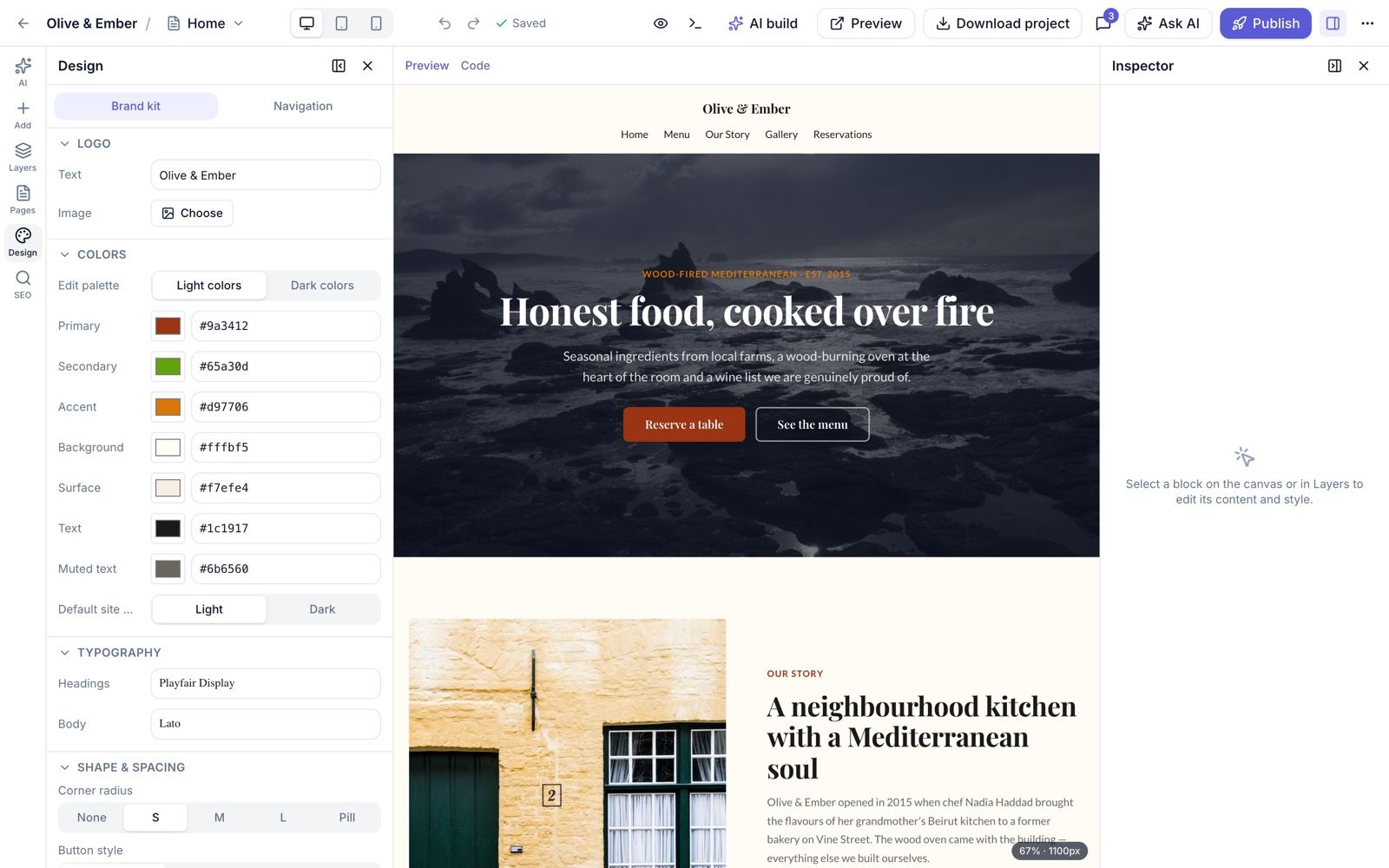
Design & Brand Kit
/websites/{id}/design) · Editor → Design panelLogo and favicon
Upload an image logo or use a text logo; add a favicon.
Colours
Seven brand colours with separate light and dark sets.
Typography
Heading and body fonts from Google Fonts.
Buttons and shape
Button style (solid, outline, soft) and radius, corner radius, container width and section spacing.
Mode
Default light or dark mode for the published site.
Preview or restyle
Changes show in the live preview. Restyle with AI (5 credits) proposes a new look for the whole site.
Templates & Component Library
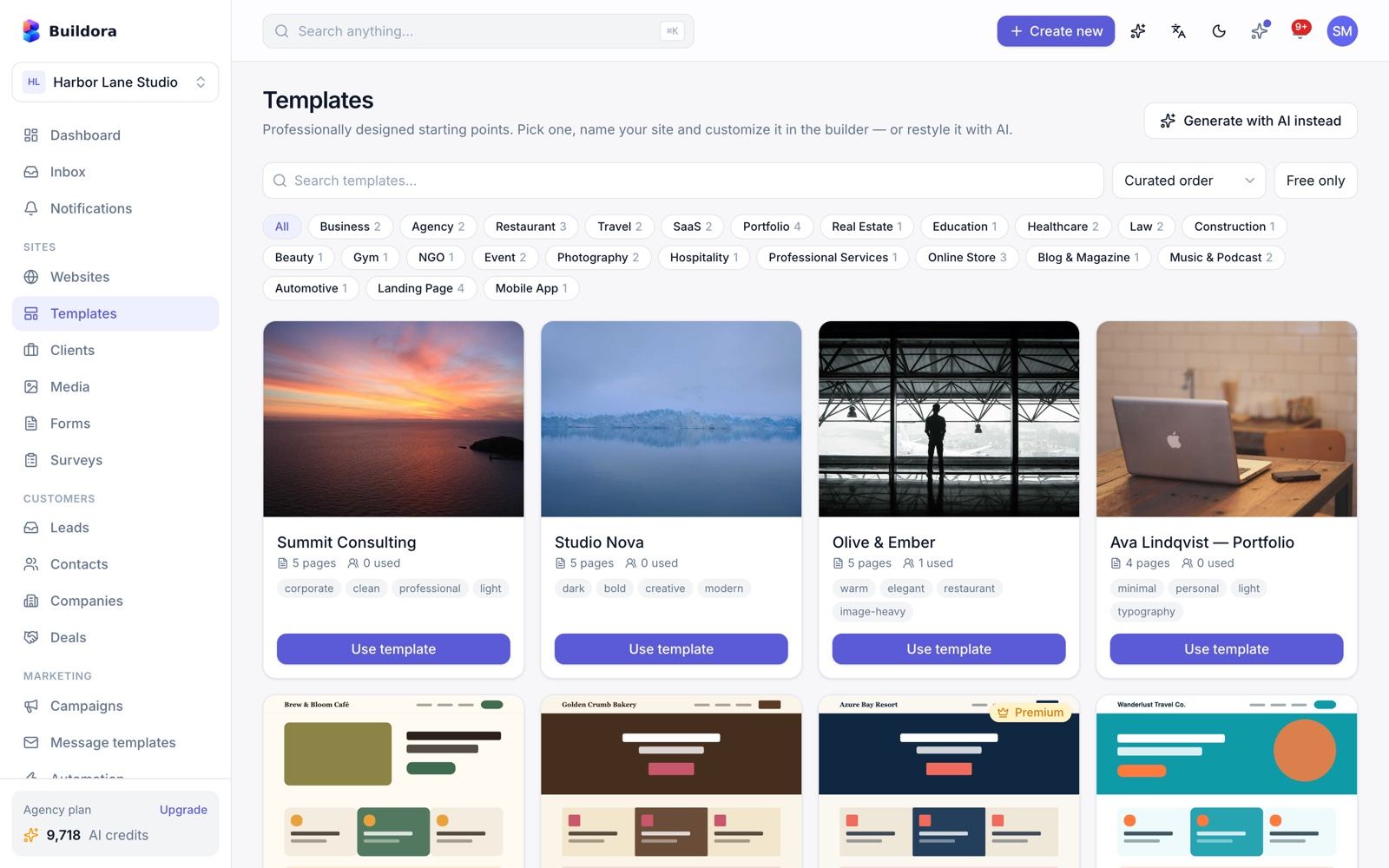
/templates) · New website wizard → template step34 full-site templates in 24 categories:
- 4 base templates: agency, business, portfolio, restaurant.
- 15 templates: cafe, bakery, hotel, travel, real estate, law, accounting, clinic, dental, gym, spa, academy, NGO, wedding, photographer.
- 15 templates: SaaS, app, agency, two portfolios, two shops, grocery, blog, podcast, music, construction, auto, coming soon, link-in-bio.
Categories: Business, Agency, Restaurant, Travel, SaaS, Portfolio, Real Estate, Education, Healthcare, Law, Construction, Beauty, Gym, NGO, Event, Photography, Hospitality, Professional Services, Online Store, Blog & Magazine, Music & Podcast, Automotive, Landing Page, Mobile App.
Browse
Search, filter by category, tick Free only, sort by curated or most popular.
Preview
Open the detail dialog to see the pages.
Use it
Start a website from the template, or click Generate with AI instead.
Component library
47 section variants in 21 categories: header 2, hero 5, services 3, features 4, about 2, portfolio 2, testimonials 4, blog-grid 1, pricing 2, faq 3, team 2, cta 3, contact 2, stats 3, logo-cloud 1, gallery 2, countdown 1, popup 1, location 1, products 1, footer 2. They are used by the “Ready-made sections” AI mode and the editor Add panel.
The admin manages templates, categories and variants in Site Library (see Site Library & Homepage).
The four base templates use placeholder thumbnails; replace them with your own screenshots in the admin if you like.
Pages & SEO
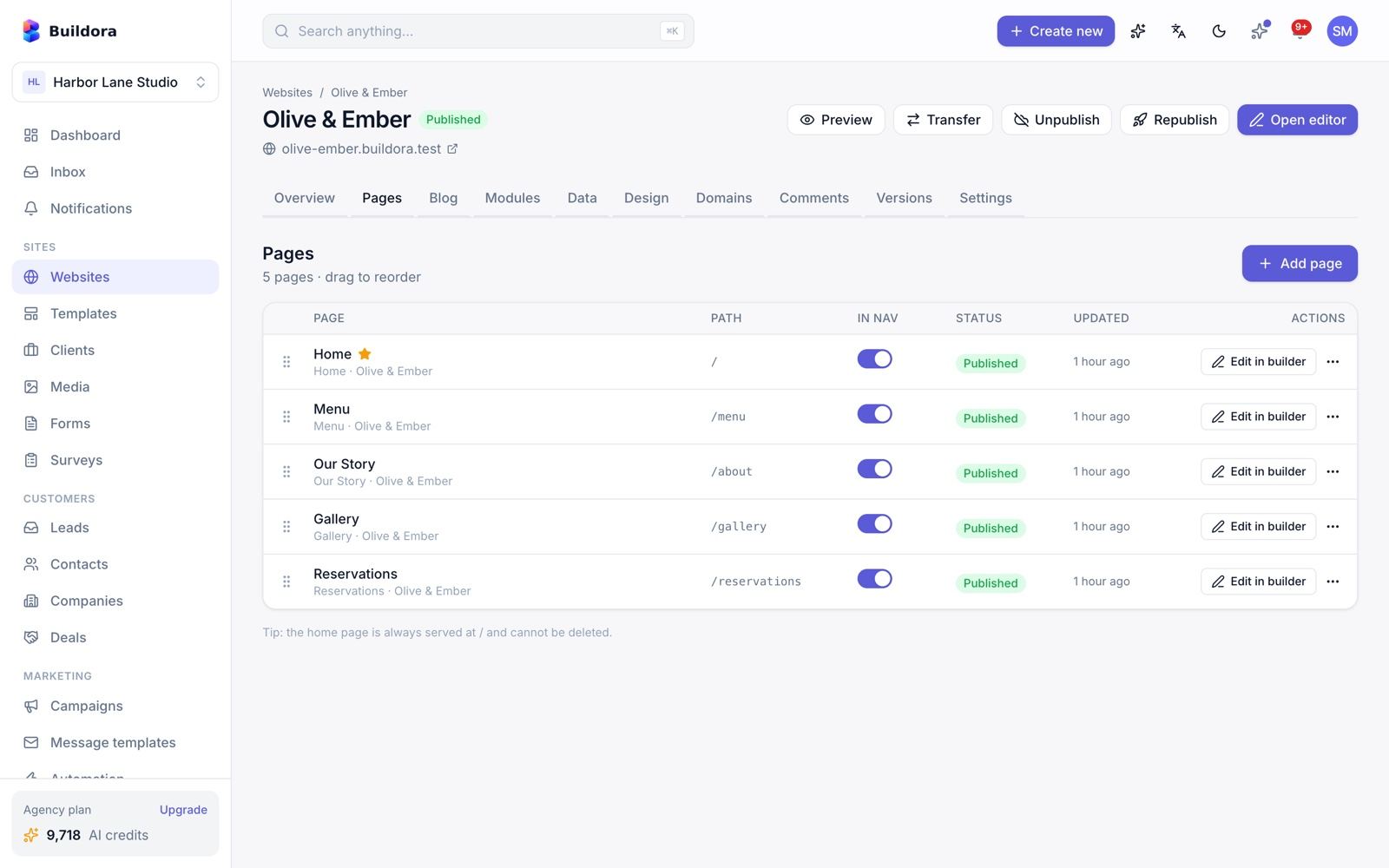
/websites/{id}/pages) · Editor → Pages / SEO panelsAdd a page
Empty or cloned from another page, or Generate page with AI (5 credits). The number of pages is limited by the plan.
Organise
Drag to reorder, set the home page, choose whether the page shows the header/footer and appears in the navigation.
Settings & SEO
Title, description, keywords, canonical, Open Graph image/title/description, Twitter card, noindex and nofollow.
Rename safely
Changing a slug creates an automatic 301 redirect from the old URL.
Translate
Translate the page with AI into the site’s other languages.
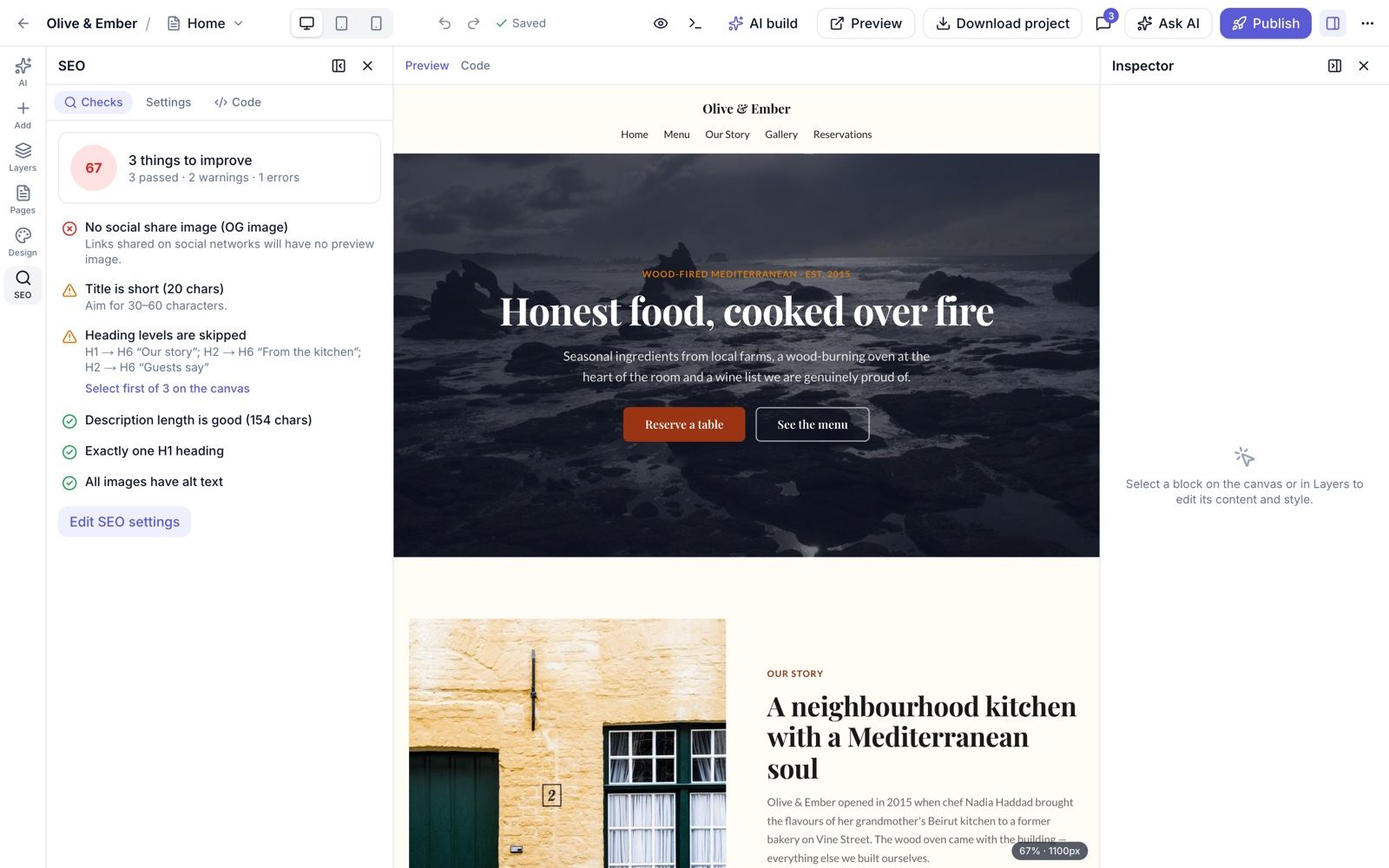
Live SEO checks
The editor SEO panel checks the title length, meta description, a single H1, heading order, empty headings, image alt text, the OG image and noindex as you edit.
What the published site outputs
- Canonical, robots meta, Open Graph and Twitter cards, hreflang alternates with
x-default. - JSON-LD: WebSite, WebPage, BreadcrumbList, FAQPage, Organization/LocalBusiness and BlogPosting.
sitemap.xmlwith hreflang and lastmod (includes shop, blog, module and data-detail pages; skips noindex and 404) androbots.txtwith the Sitemap line.
Website Settings
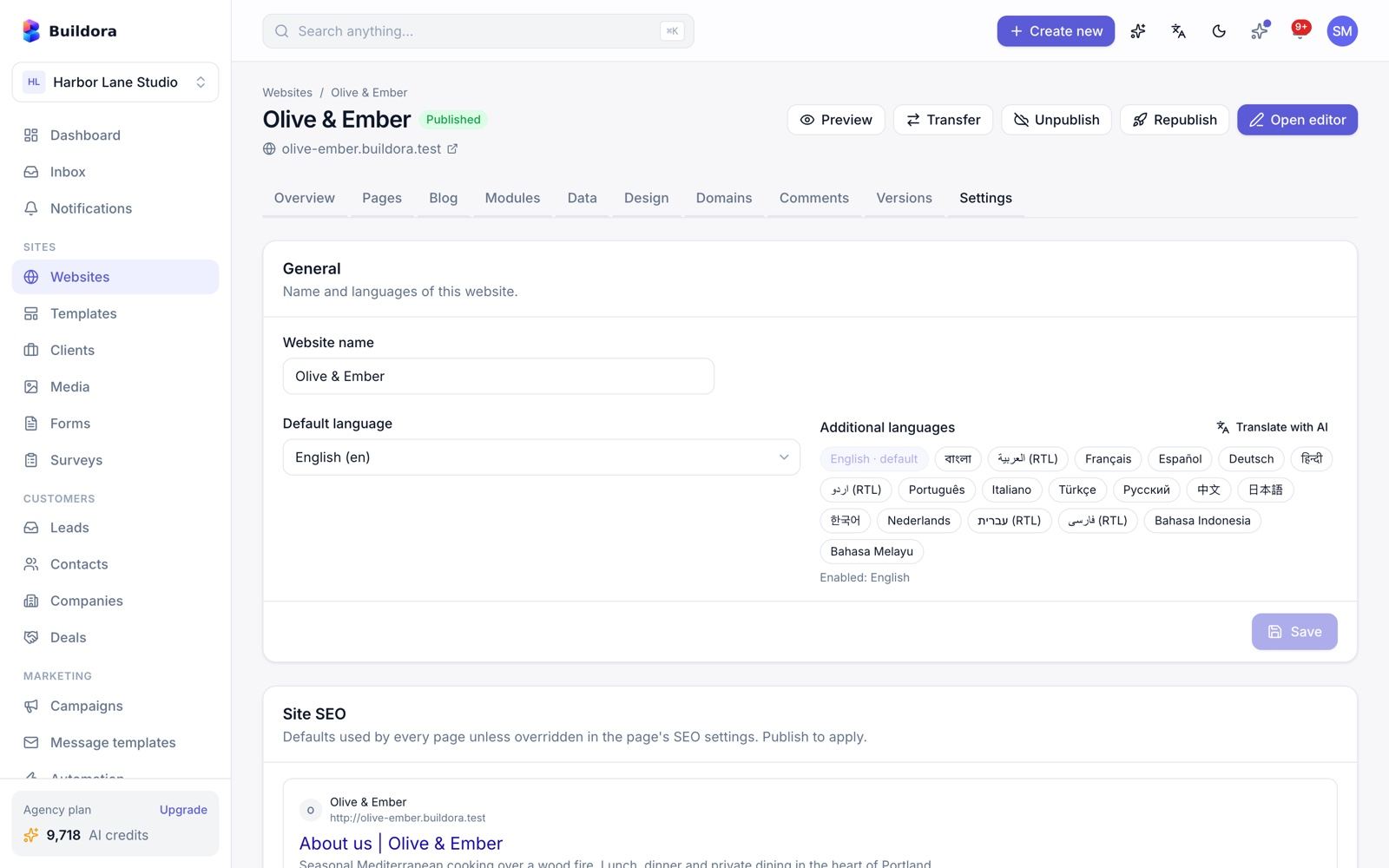
/websites/{id}/settings)| Section | Options |
|---|---|
| General | Name, default and additional languages, translate with AI |
| Preview | Preview link and optional password |
| Site SEO | Title template ({page} | {site}), home title, default description, default OG image, Twitter handle, site-wide noindex, custom robots.txt rules |
| Structured data | Business entity, address, phone, e-mail, price range, sameAs links |
| 404 page | Custom 404 page |
| Tracking | Google Analytics 4, Google Tag Manager, Meta Pixel, TikTok, Hotjar and Microsoft Clarity by ID, plus a cookie-consent banner. Injected on the published site |
| Custom code | Site-wide head/body code, CSS and JS (plan custom_code) |
| Redirects | 301/302/307/308, /* wildcard, loop detection and a hit counter; live without publishing |
| Danger zone | Duplicate website, ZIP export, transfer to another workspace, delete |
Multilingual Websites
Plan feature multilingual. A website has one default language and any number of additional languages from 20: en, bn, ar, fr, es, de, hi, ur, pt, it, tr, ru, zh, ja, ko, nl, he, fa, id, ms. Arabic, Urdu, Hebrew and Persian are published right-to-left.
Add languages
In website settings pick the additional languages.
Translate
Translate page (3 credits) or Translate website (10 credits) with AI, or edit by hand.
Edit a locale
Switch locale in the editor. The switcher shows the translation status per locale. While editing a non-default locale the structure is locked; only content changes.
Let visitors switch
Add the
language_switcherblock. Each language gets its own URLs, hreflang tags and sitemap entries.
Publishing & Preview
Preview
Use the in-editor preview or share the preview link
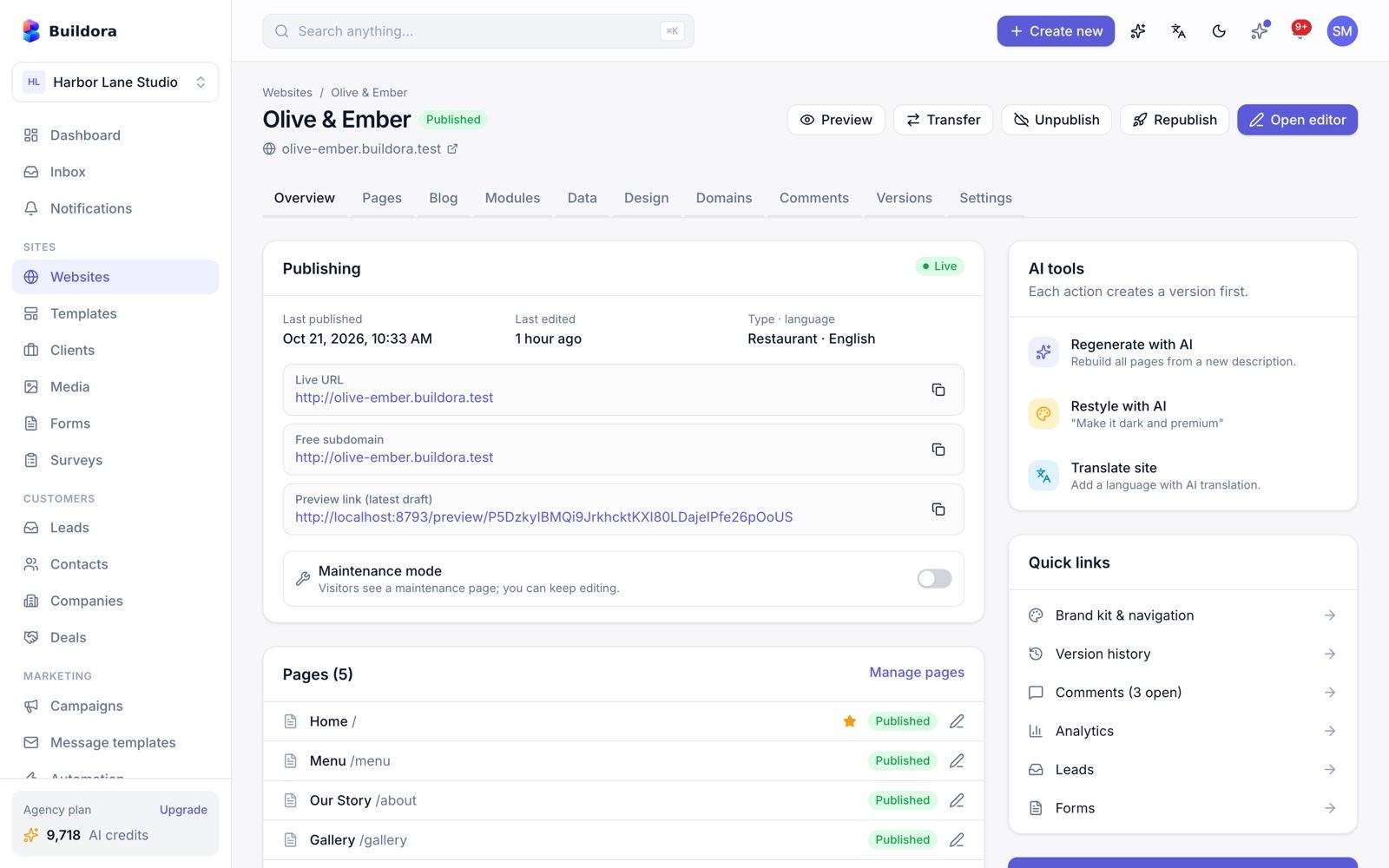
https://sites.example.com/_preview/{token}(latest draft, optional password). Previews are served from the sites domain, never from the API or admin host, and run in a sandbox (Content-Security-Policy: sandbox, opaque origin), so custom code in a draft cannot reach the admin panel or anyone’s session. Old/preview/{token}links on the API host redirect there.Publish
Click Publish. Buildora renders static HTML for every page and locale to the publish disk, writes
sitemap.xmlandrobots.txt, saves a version and fires thewebsite.publishedwebhook.Open the live site
It is served at
https://{subdomain}.{sites domain}(Settings → Platform) and on any active custom domain.Unpublish or maintenance
Unpublish takes the site offline; per-site maintenance shows a maintenance page.
Published sites show a small “Made with Buildora” badge unless the plan includes remove_branding (the badge text can be changed in Admin → Settings → Platform).
The wildcard *.SITES_DOMAIN needs a DNS record and a wildcard certificate. See Common Setup.

Custom Domains & SSL
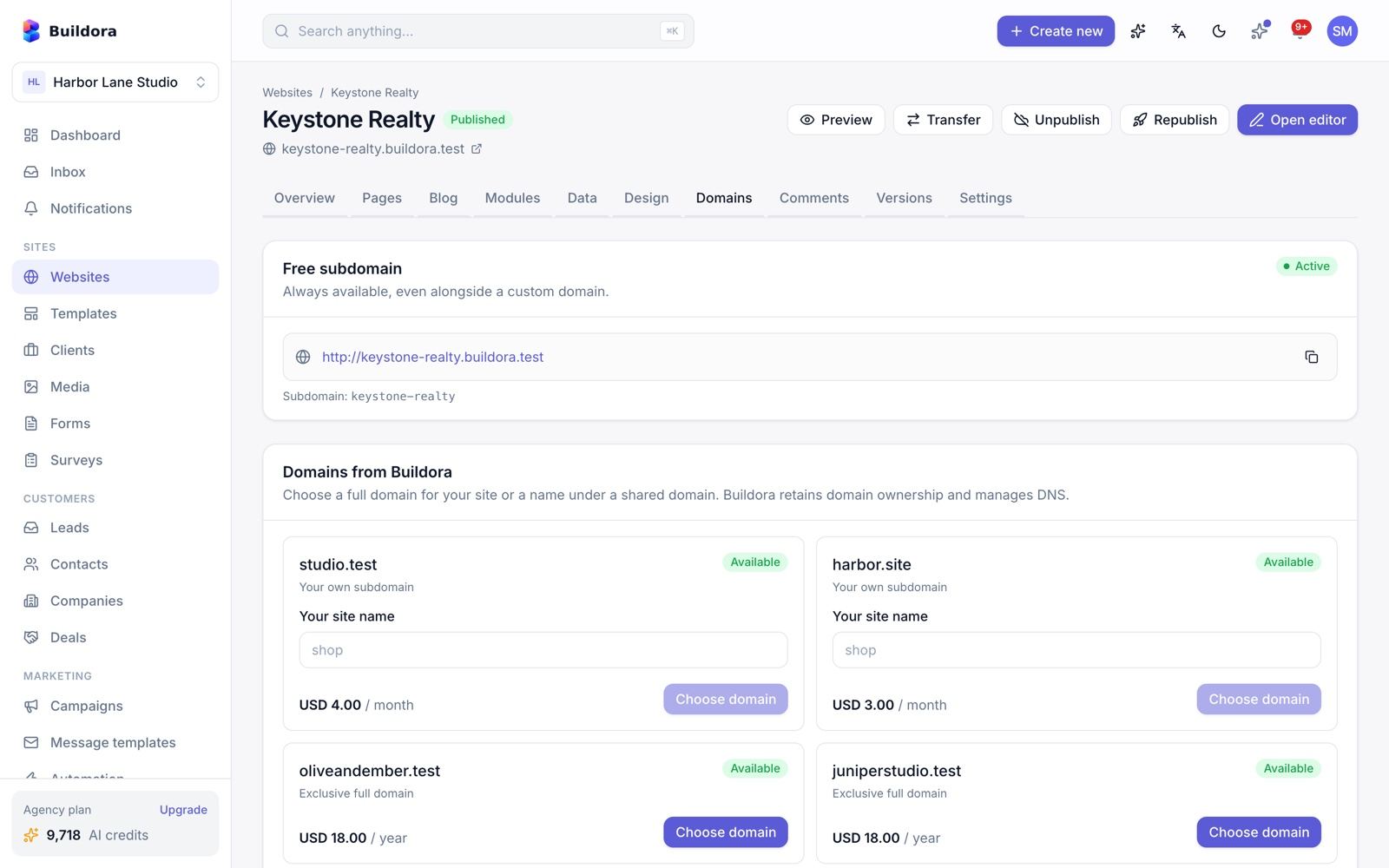
/websites/{id}/domains)Plan feature custom_domain.
Add the domain
Enter
shop.example.orgorexample.org.Create DNS records
The screen shows them:
A @ → server IP,CNAME www → {subdomain}.SITES_DOMAINandTXT _buildora-verify → token.Verify
Press Verify; any of the TXT, A or CNAME records is accepted. Pending domains are also re-checked hourly.
SSL
Once verified the certificate is requested through the configured provisioner and the domain becomes active.
Primary and www
Choose the primary domain and the www redirect.
SSL provisioners (SSL_PROVISIONER)
| Value | Use when |
|---|---|
none (default) | TLS is handled elsewhere: Caddy on-demand TLS (ask endpoint GET /api/v1/tls-check, which only approves known site hosts), Cloudflare for SaaS or a load balancer |
command | Runs your certbot or acme.sh command per domain (SSL_PROVISION_COMMAND with {domain}, optional SSL_REVOKE_COMMAND) |
Buildora has no built-in ACME client and no domain registrar integration.
Domain catalog
The admin can sell domains or subdomains they already own (Hosting & Domains → Domain catalog): “dedicated” domains or “shared” subdomain labels, priced one-time, monthly or yearly, with renewal and a 7-day grace period. Customers see these offers on the Domains screen.
Hosting Servers & ZIP Export
ZIP export
Plan feature zip_export with a monthly limit. The export is built in a queued job and contains the static HTML pages, module and blog pages, CSS/JS, downloaded images, sitemap, robots and the data-store export. You get a signed download link valid for 24 hours (the export TTL setting).
Forms on an exported site still post to your Buildora backend, so leads keep arriving in the workspace.
Docker hosting servers (optional)
Add an admin-owned Docker host over SSH. Buildora runs one container per workspace with the plan’s RAM limit, hardened (all capabilities dropped, no-new-privileges) behind Traefik TLS. It checks the server, capacity and storage quota, and reconciles containers every minute.
Hosting add-on packs (Admin → Hosting add-on packs) sell extra sites or storage per month, paid by Stripe card on the customer’s /billing page.
Bandwidth limits are shown but not enforced.
Website Blog
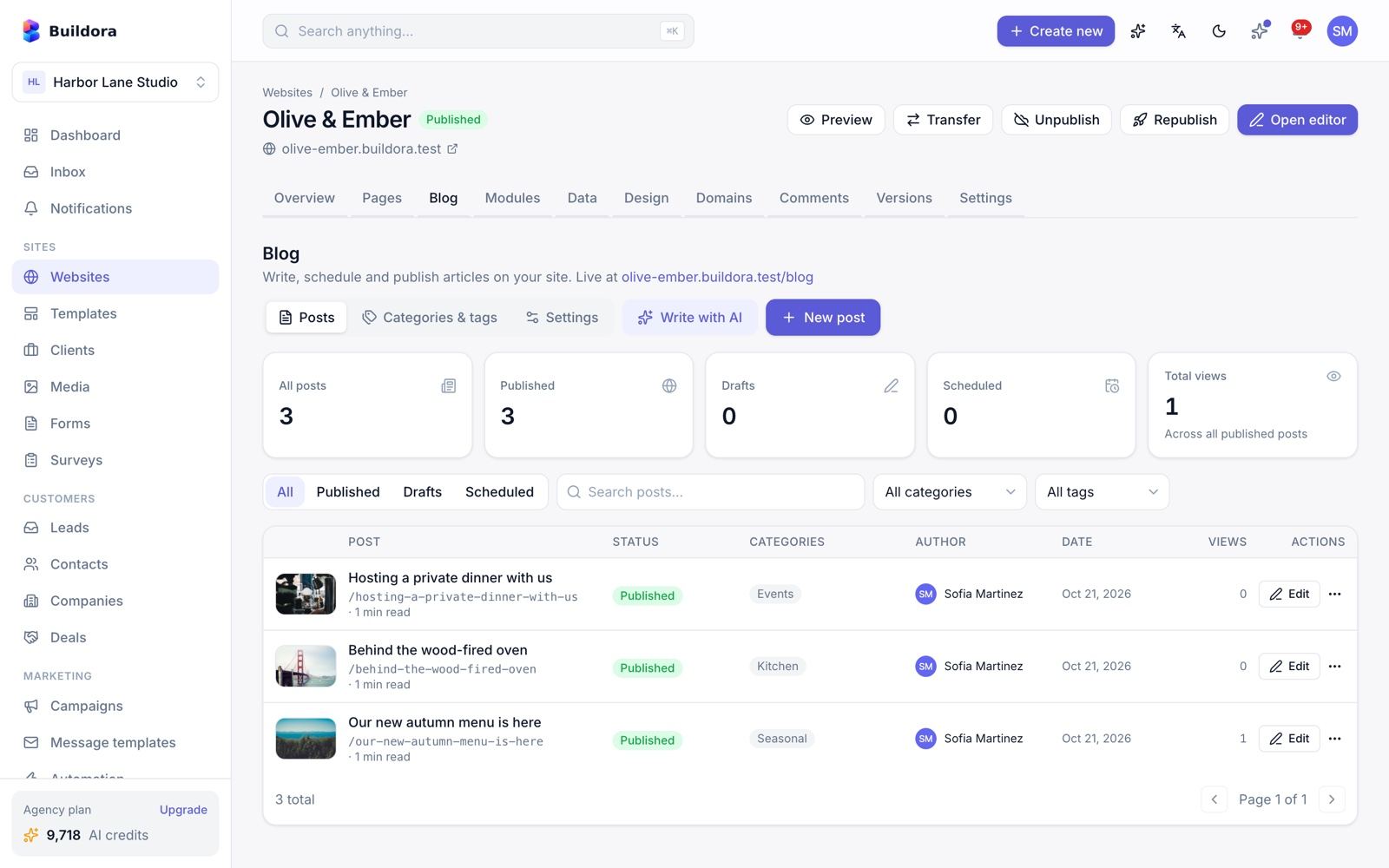
/websites/{id}/blog)Each website can have its own blog (plan feature blog).
Configure
Blog settings: base path (blog, news, articles, journal, insights, posts, stories, updates, magazine, resources, press), posts per page, show author/dates/reading time, layout grid-2/3/4 or list.
Create categories and tags
Use the categories and tags managers.
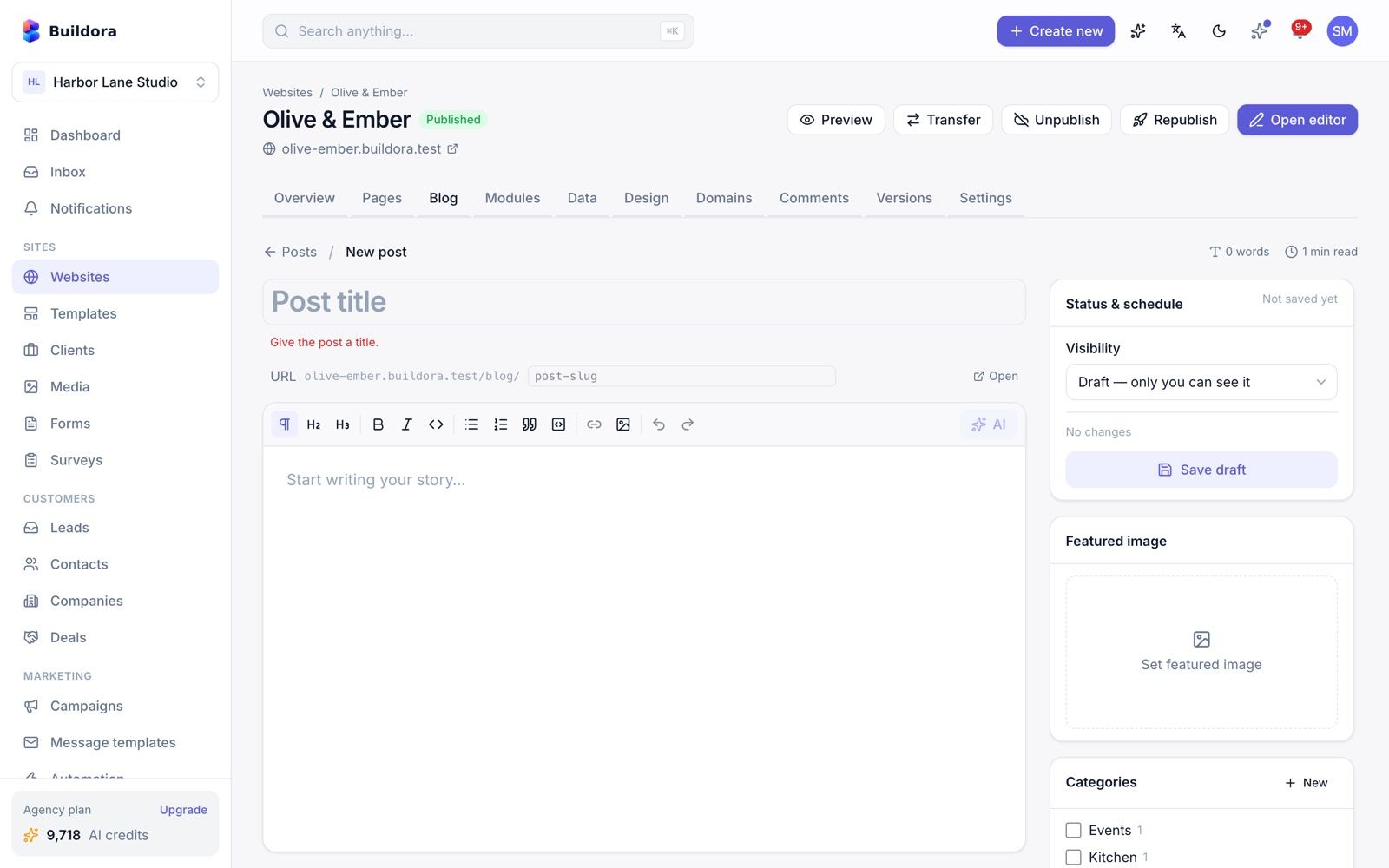
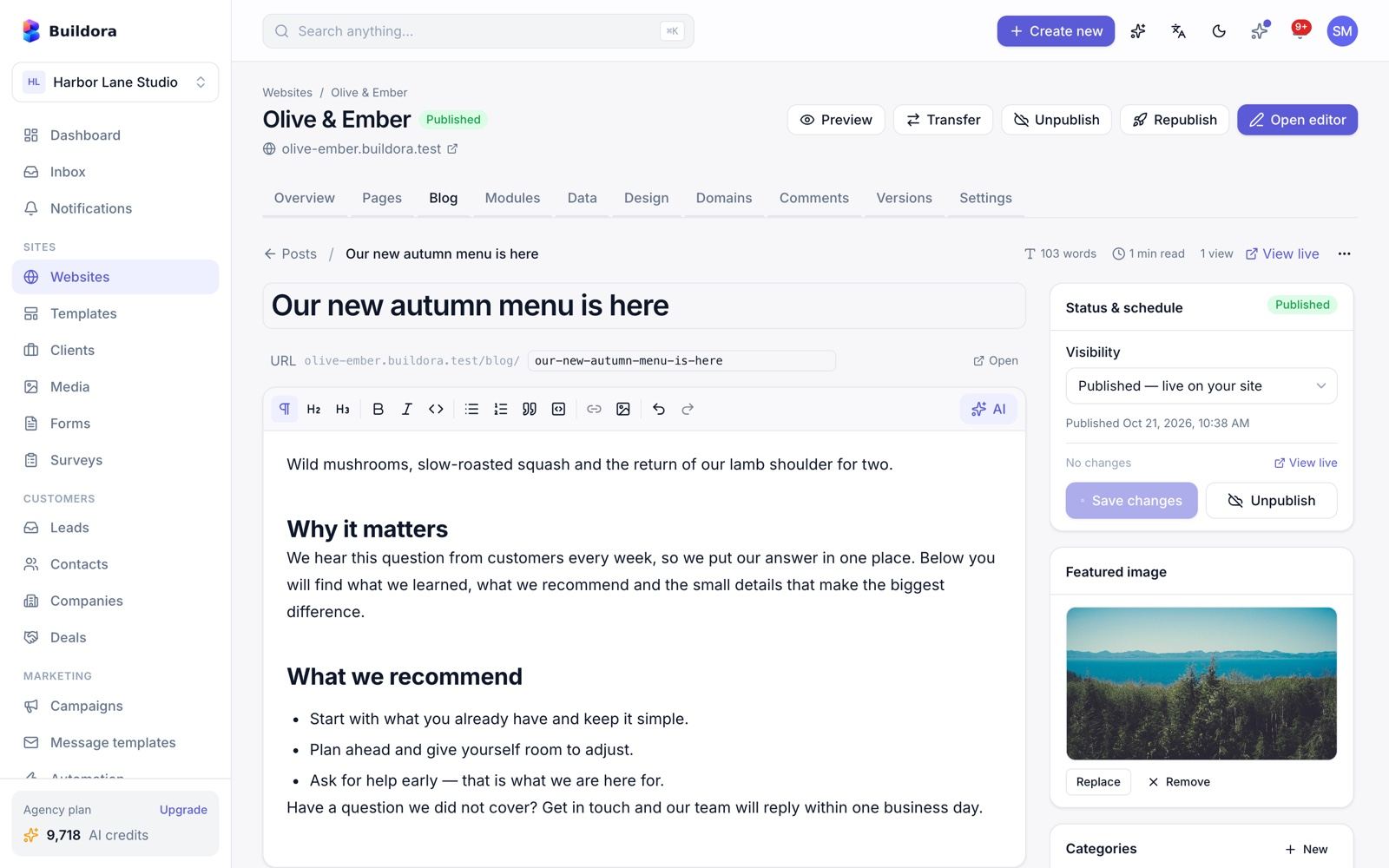
Write a post
New post opens the TipTap editor with images and links, featured image, excerpt, tags, an SEO card, reading time, word and view counts, and per-locale translations.
Use AI
Generate article: topic, keyword, tone, length (short 600 / medium 1,200 / long 2,000 words), language and categories (5 credits). Inside the editor 16 AI actions: rewrite, shorten, expand, continue, professionalize, grammar, translate, outline, titles, title, tags, excerpt, meta, SEO and more.
Publish or schedule
Draft, published or scheduled (published by a per-minute job). Publish, unpublish and duplicate; HTML is sanitised.
On the published site: /{base} with pagination, category and tag archives, post pages with 3 related posts, an RSS feed at /{base}/feed.xml, sitemap entries and JSON-LD. The blog_list block shows the latest posts anywhere.
Per-Website Data Store
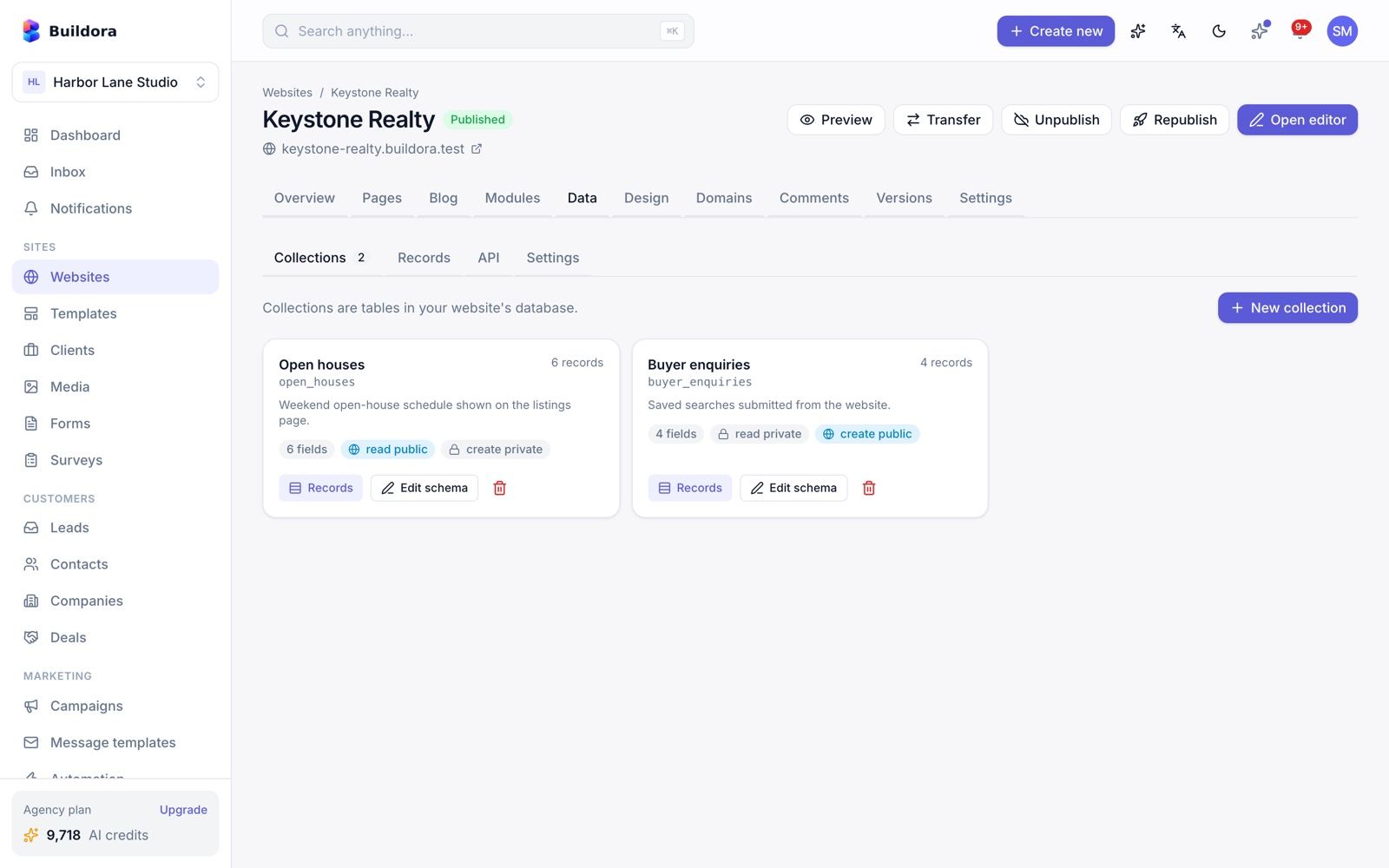
/websites/{id}/data)Every website can have its own database for custom content such as listings, directories, sign-ups or catalogues (plan feature data_store).
Enable
Run the wizard and choose the engine: SQLite (one file per site), managed MySQL (Buildora creates a database and a restricted user per website; plan
managed_mysql; the admin MySQL account is set in Admin → Settings → Data store) or external MySQL (the customer’s own server; planexternal_database; private, loopback and metadata IPs are blocked). Test the connection.Create collections
Up to 60 fields per collection. Types: text, long_text, integer, number, boolean, date, datetime, email, url, select, json, image. Unique indexes, public/private read and create access, optional detail pages at
/{prefix}/{slug}(in the sitemap).Manage records
Create, edit, search, filter, sort, bulk delete; import and export CSV or JSON.
Show on the site
Use the
data_list,data_formanddata_detailblocks.Migrate or delete
Move between engines (all tables copied, IDs kept) or delete the store.
Public REST API: GET/POST /api/v1/public/data/{website}/{collection}/records[/{id}] with CORS, honeypot, rate limits and the collection’s access rules. Plan limits cover collections, records and storage MB. A ZIP export includes schema.json, JSON per collection and a SQLite copy or dump.sql.
The admin sees every store in Hosting & Domains → Data stores (size, collections, errors; test, refresh size, suspend/unsuspend).
Website Business Modules
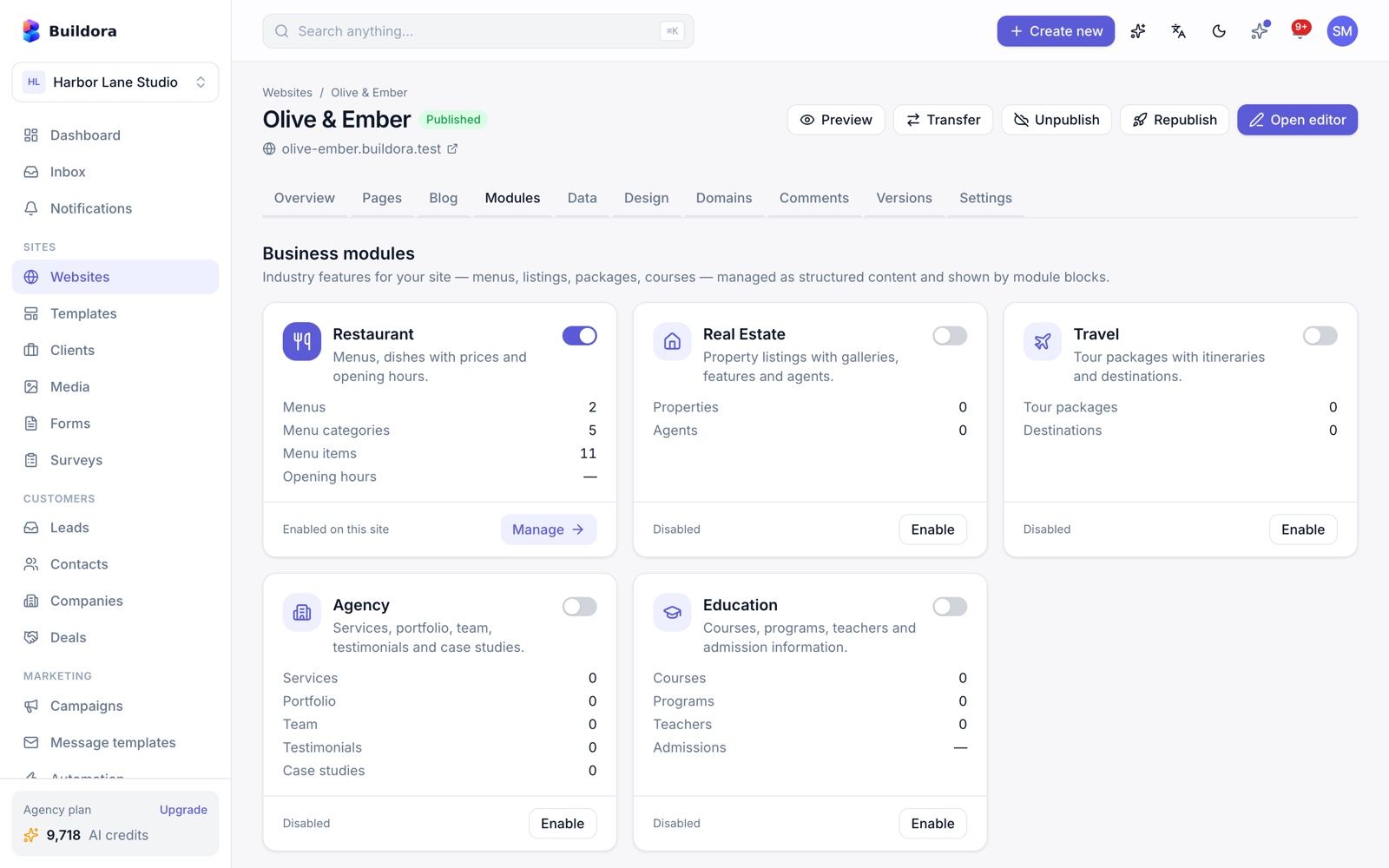
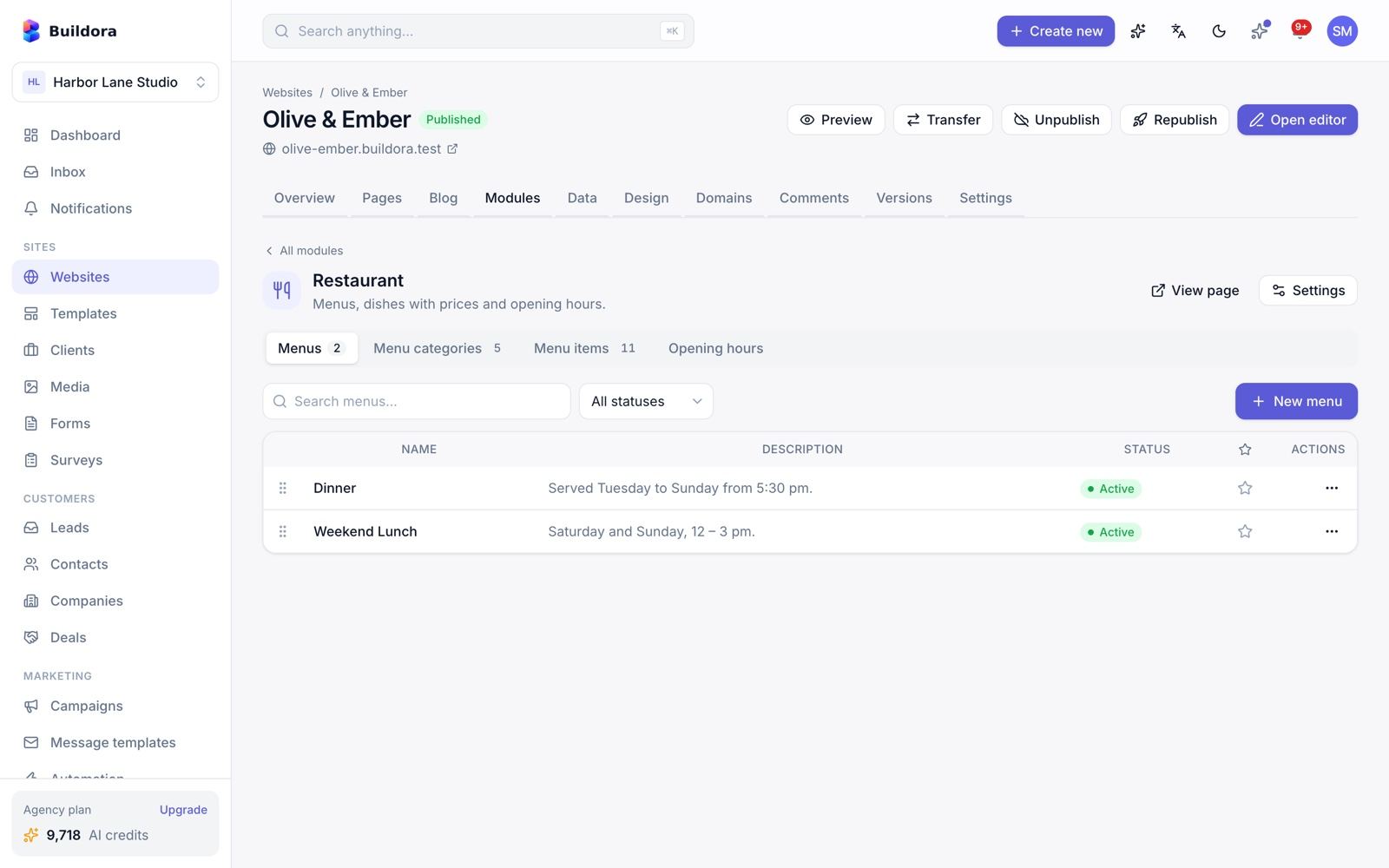
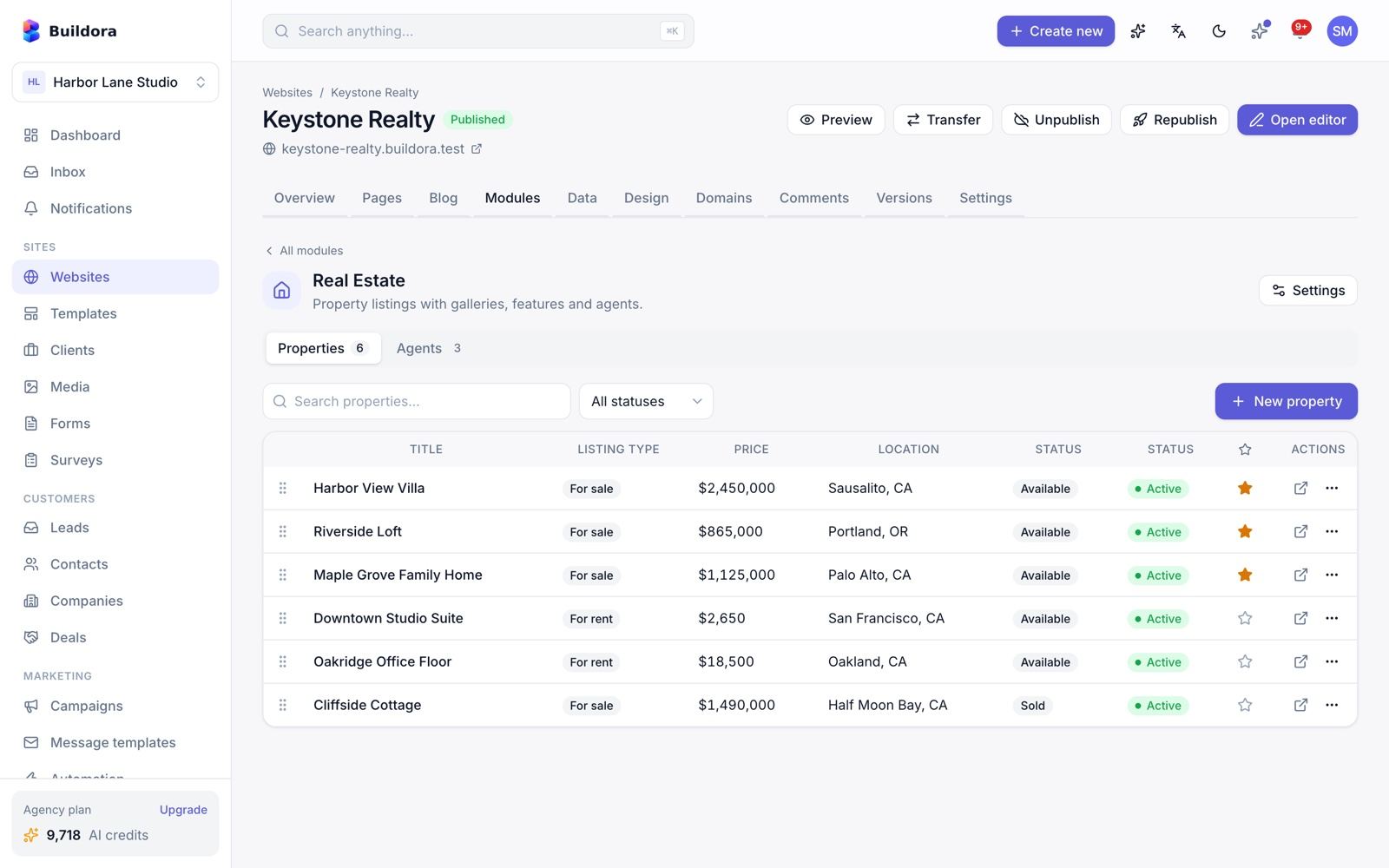
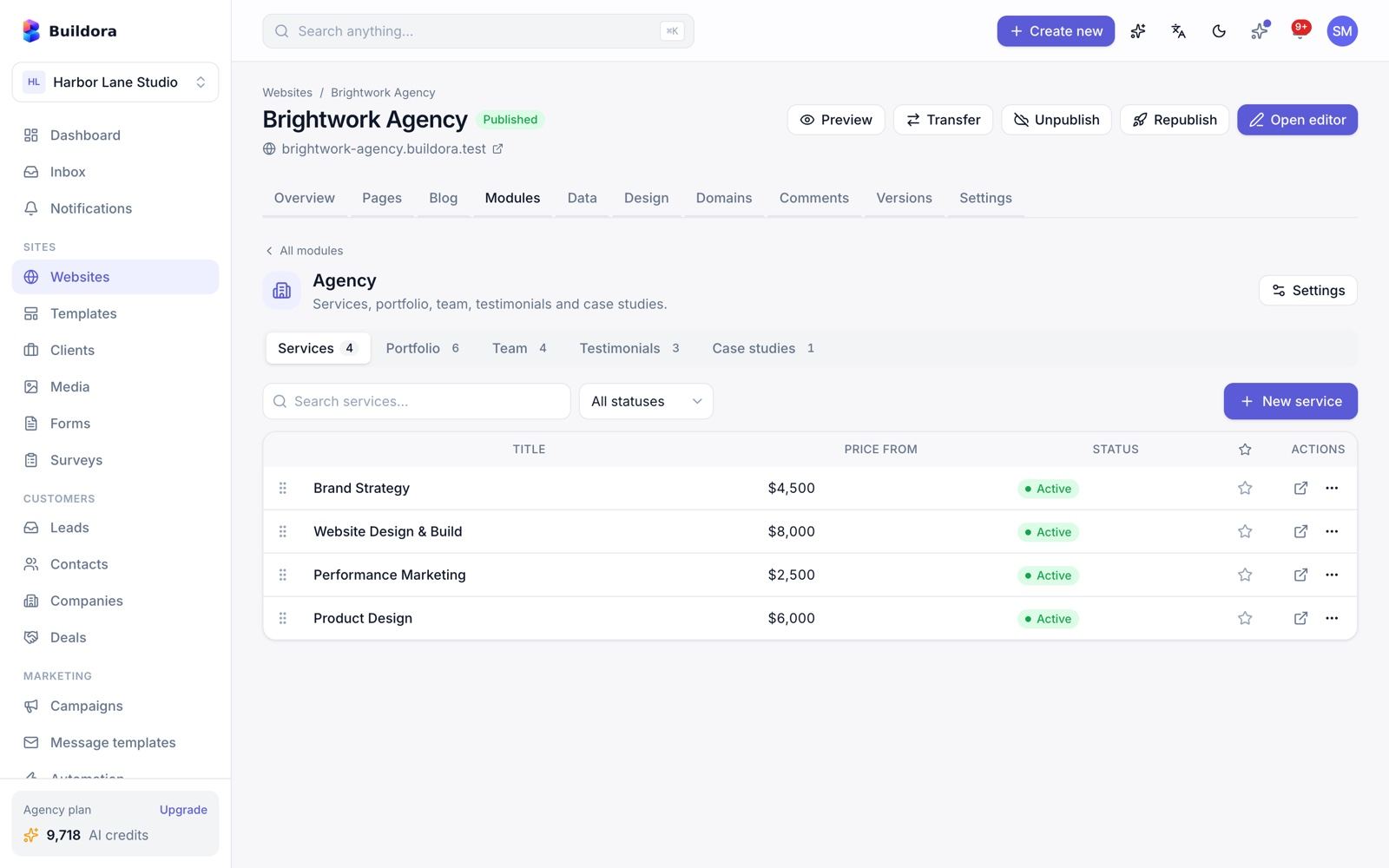
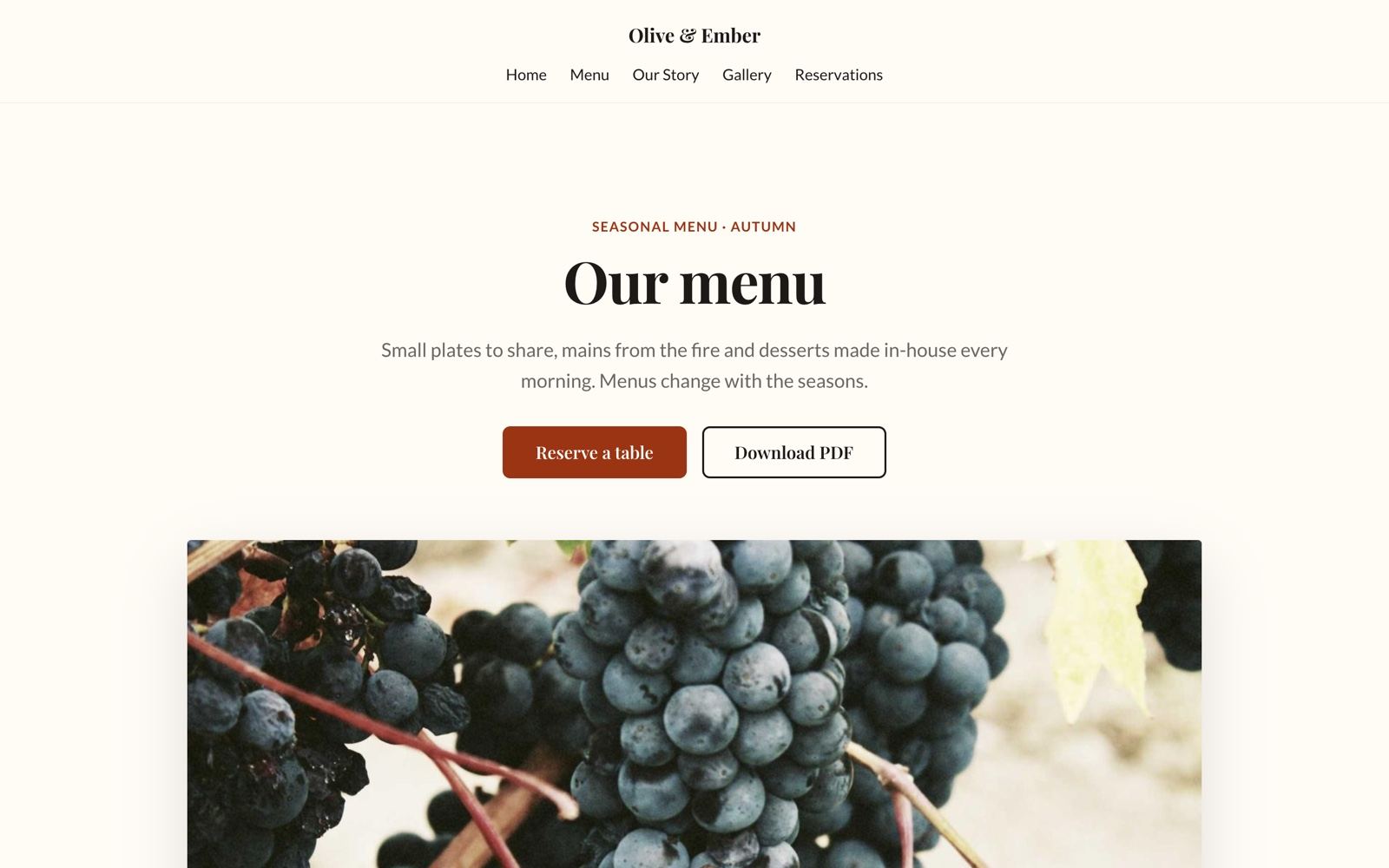
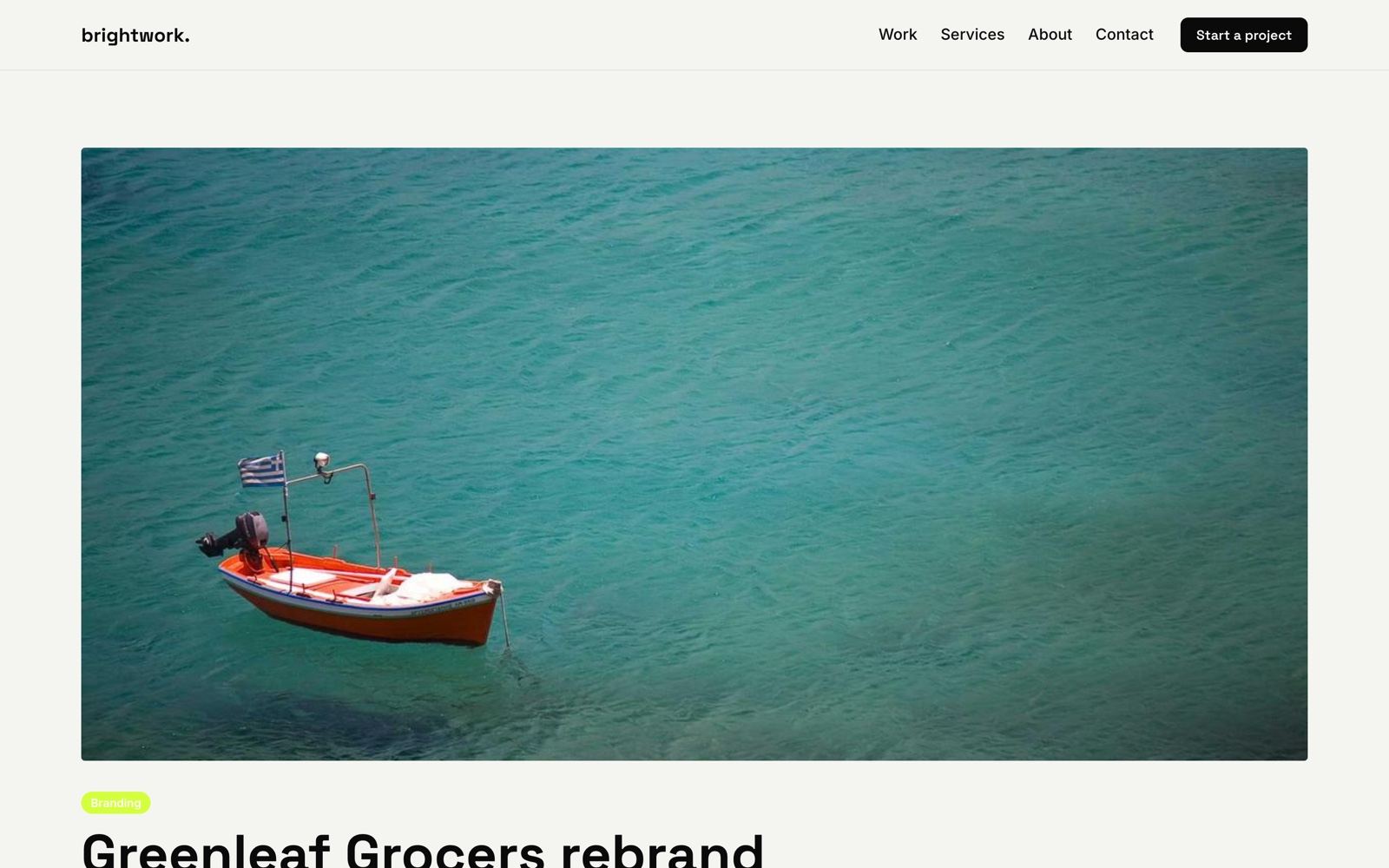
/websites/{id}/modules)Plan feature business_modules. Enable a module per website, then manage its items at /websites/{id}/modules/{module}: create, edit, reorder, duplicate, module settings. Items use 17 field types. Buildora generates public list and detail pages with the site’s header and footer plus an inquiry form, and adds them to the sitemap. AI site builds seed sample items.
| Module | Content | On the site |
|---|---|---|
| Restaurant | Menus, categories, menu items (price, size variants, dietary tags), opening hours | /menu; blocks menu_items, opening_hours |
| Real estate | Properties (sale/rent, price, beds, baths, area, features, agent) and agents | /properties/{slug} with an inquiry form |
| Travel | Packages (itinerary, inclusions, price per person) and destinations | Package list and detail pages |
| Agency | Services, portfolio, team, testimonials, case studies | List and detail pages |
| Education | Class offerings (duration, fee, level, schedule, teacher, program), programs, teachers and admission information | List and detail pages |
Use the module_list and module_detail blocks to place module content on any page.

Forms
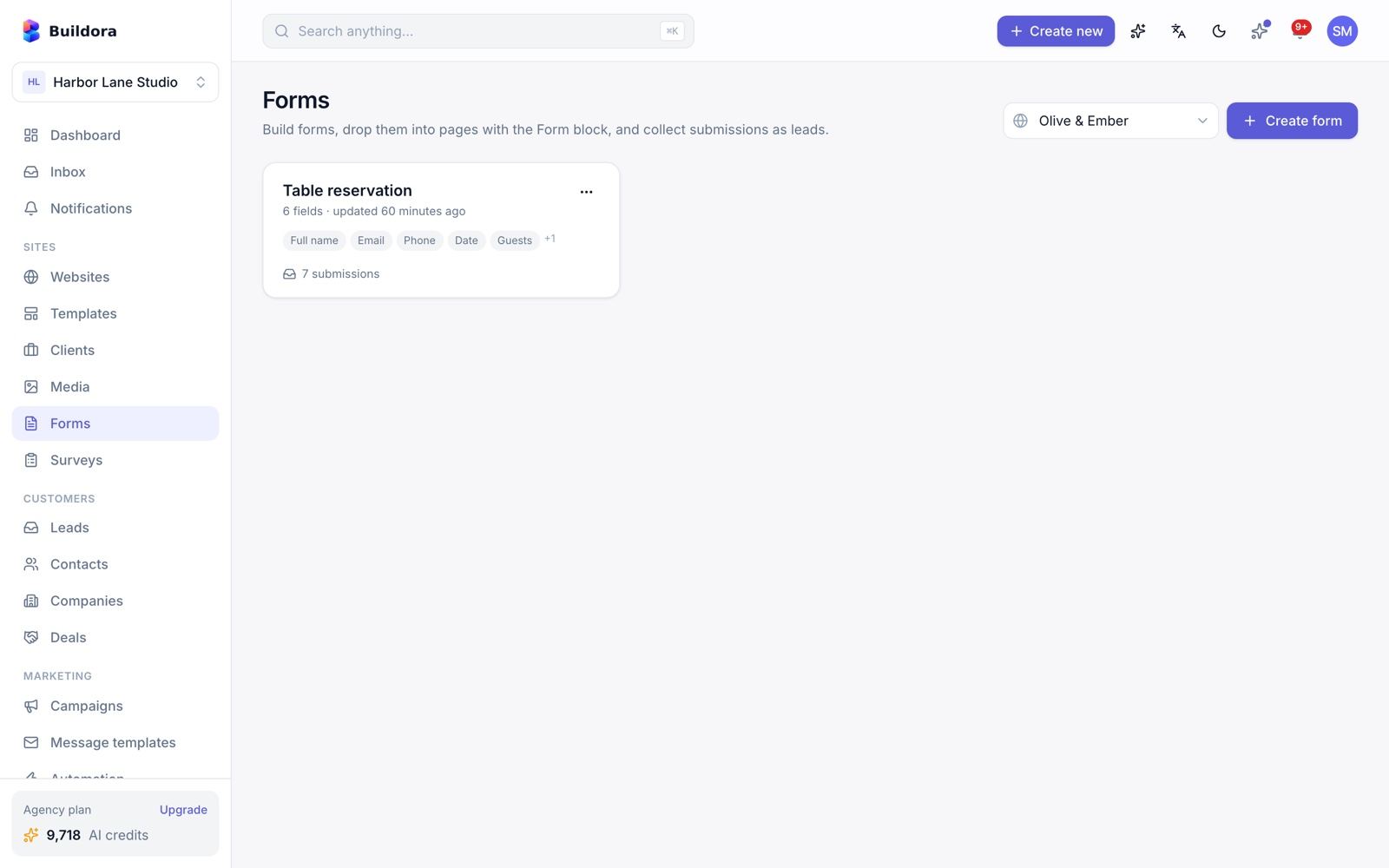
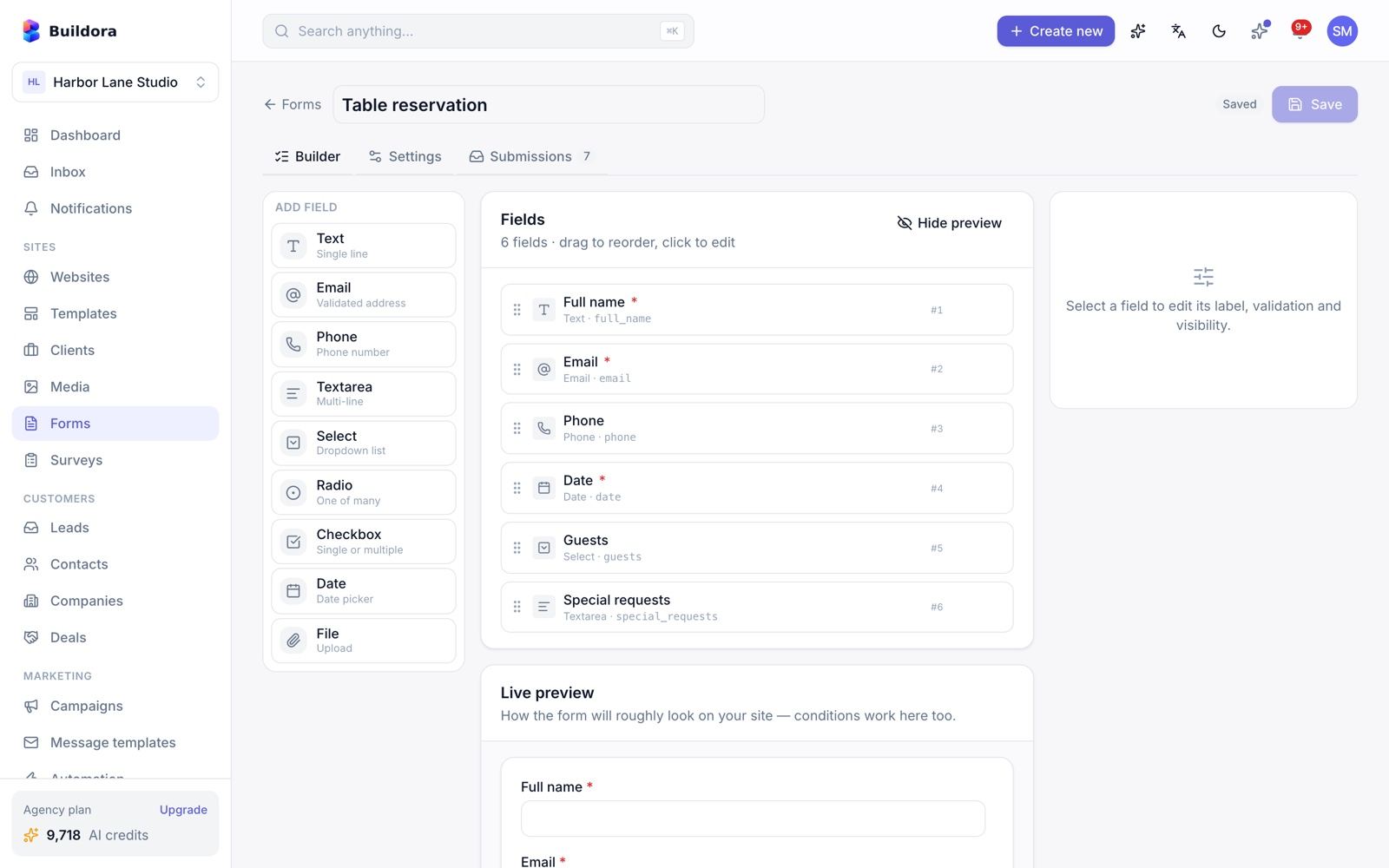
/forms, builder /forms/{id})Create a form
Click New form. The builder has a field palette, settings, a live preview, a submissions tab and an embed card.
Add fields
Text, email, phone, textarea, select, checkbox, radio, file and date. Per field: required, placeholder, options, validation (min/max/pattern/file types), half or full width, help text and conditional display.
Configure
Submit label, success message or redirect URL, notification e-mails, a per-form webhook URL, captcha, honeypot and whether to store submissions.
Place it
Add the
formblock in the editor, or use the embed card. Public endpoints:POST /_forms/{id}andGET /_forms/{id}/schema.Review submissions
Submissions tab with CSV export.
What happens on submit
Honeypot → captcha (reCAPTCHA v3/v2, Cloudflare Turnstile or hCaptcha, set in Admin → Settings → Captcha) → validation → file uploads → a lead is created (with UTM, referrer and page) → e-mail, in-app and push notifications → webhooks → analytics event → automations. Rate limit: 10 submissions per minute per IP.
Leads & Inbox
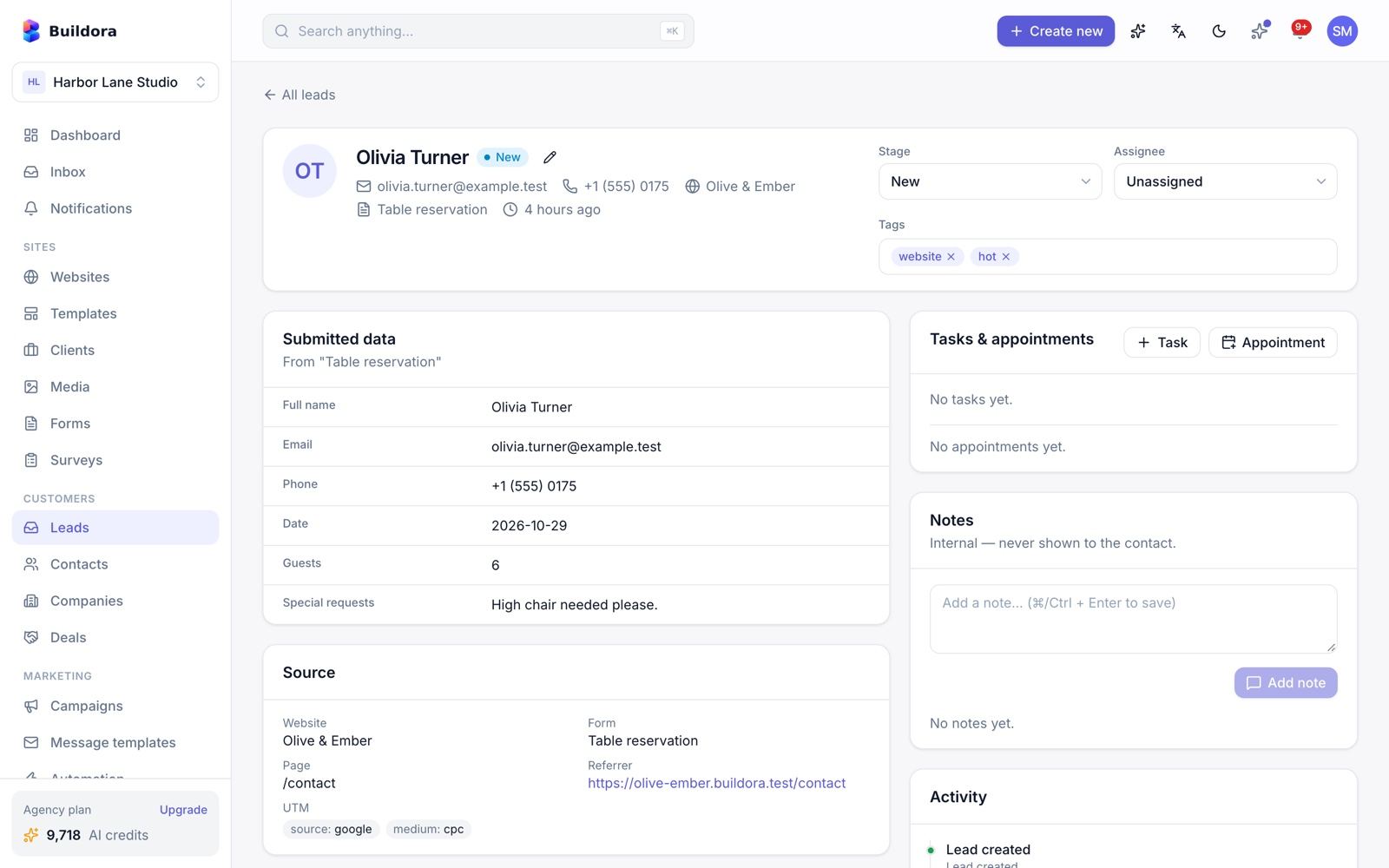
/leads) · Inbox (/inbox)Leads
- Kanban board and table view. Stages: new, contacted, qualified, converted, closed. Sources: form or manual.
- Lead detail (
/leads/{id}): notes and activity, assign to a team member, tags. - Bulk change stage, assign, tag or delete; CSV export; convert to contact for the CRM.
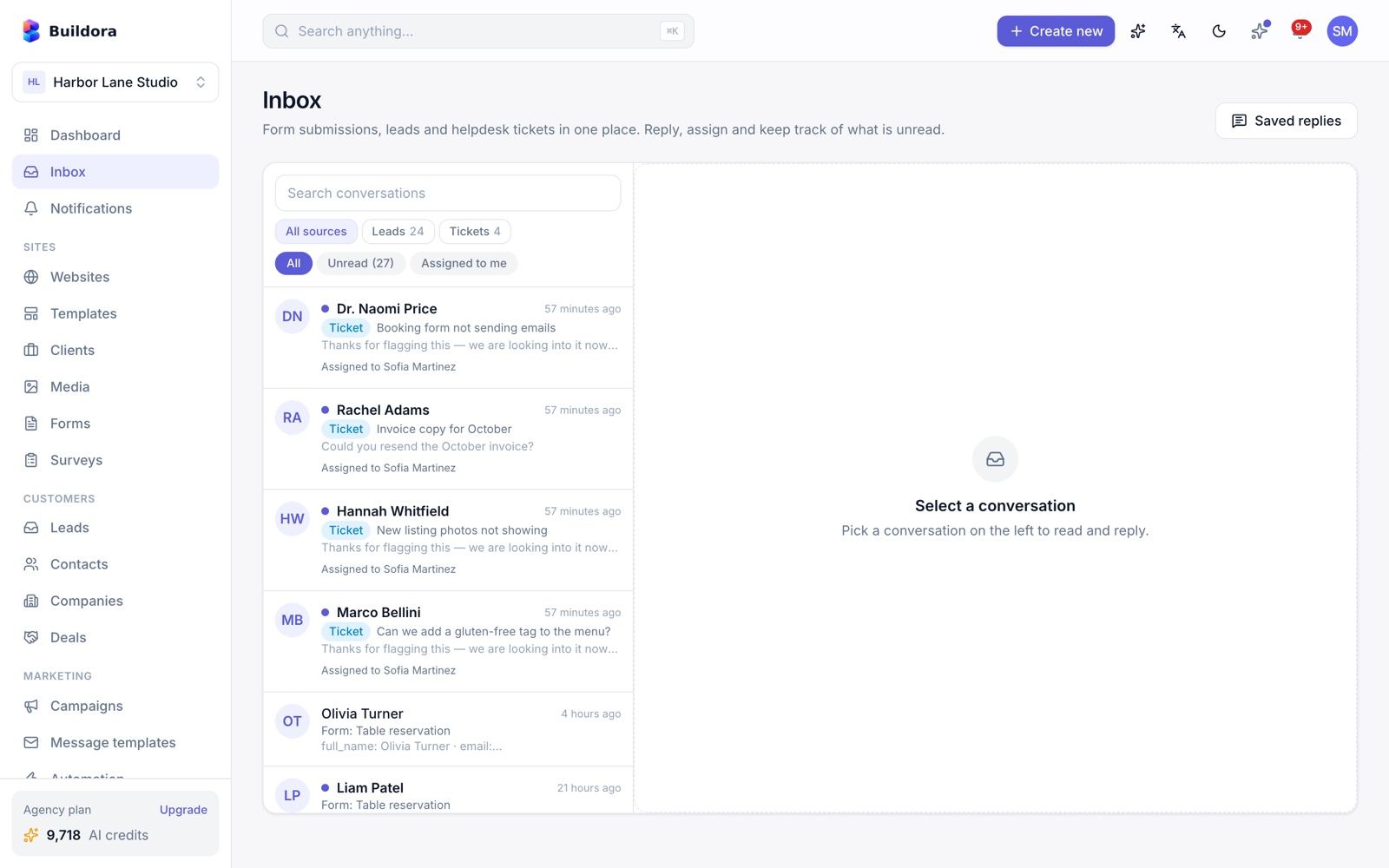
Inbox
One internal inbox for lead submissions and helpdesk tickets: unread and “mine” filters, assign, reply by e-mail or add an internal note, attachments and canned replies.
There is no inbound e-mail (IMAP) and no live chat: replies go out by e-mail, customer answers to helpdesk tickets come back through the public ticket page.
CRM: Contacts, Companies & Deals
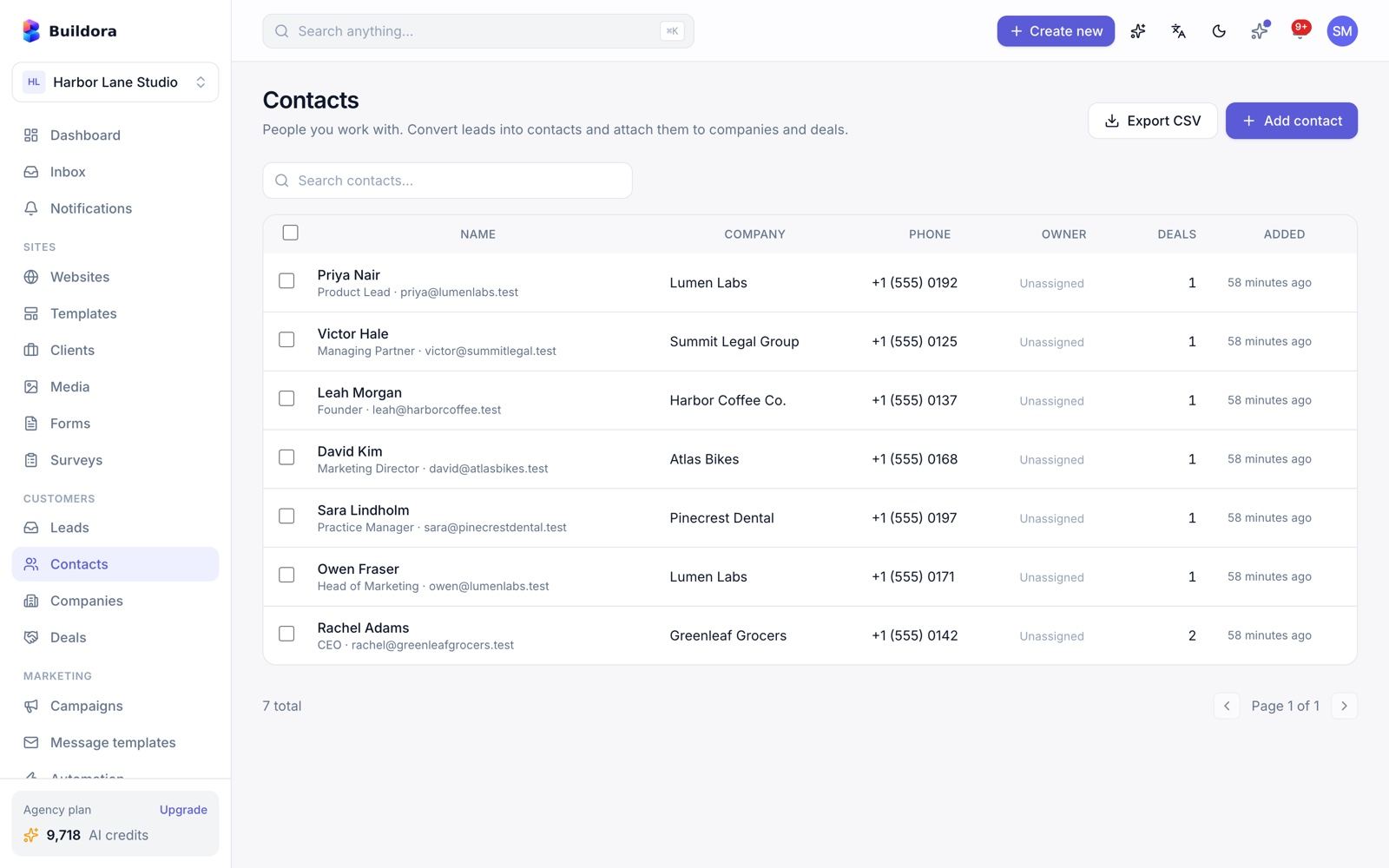
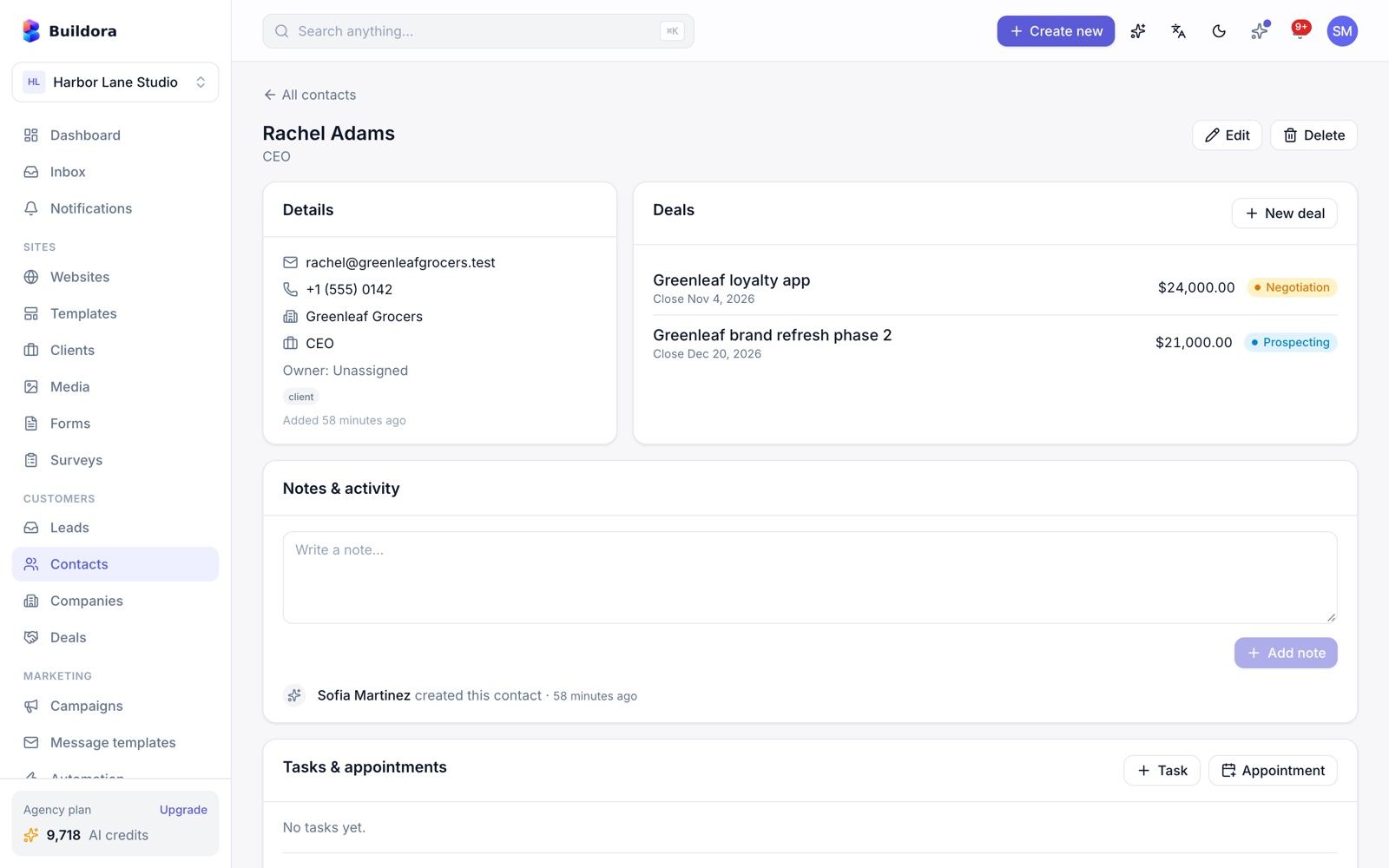
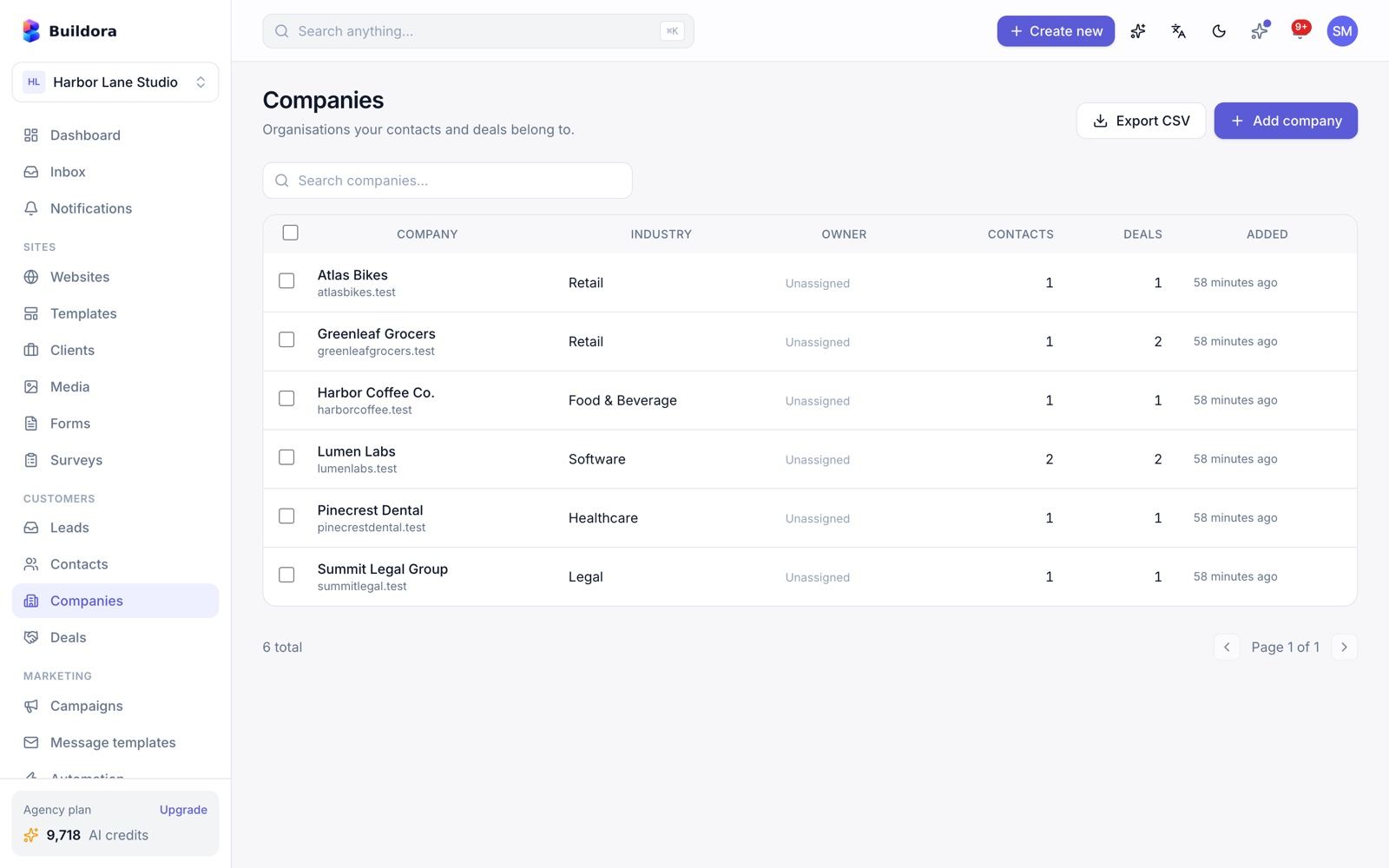
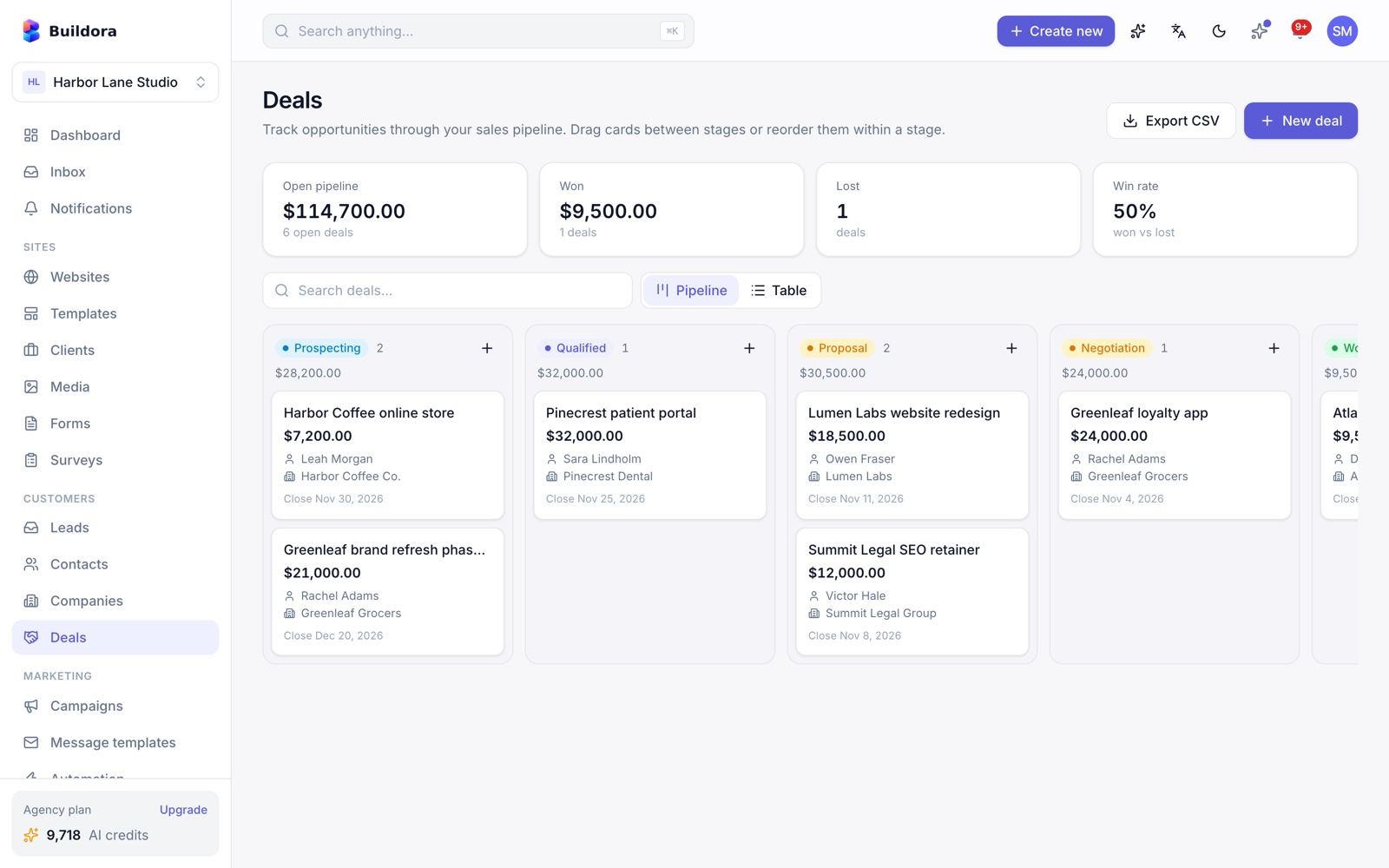
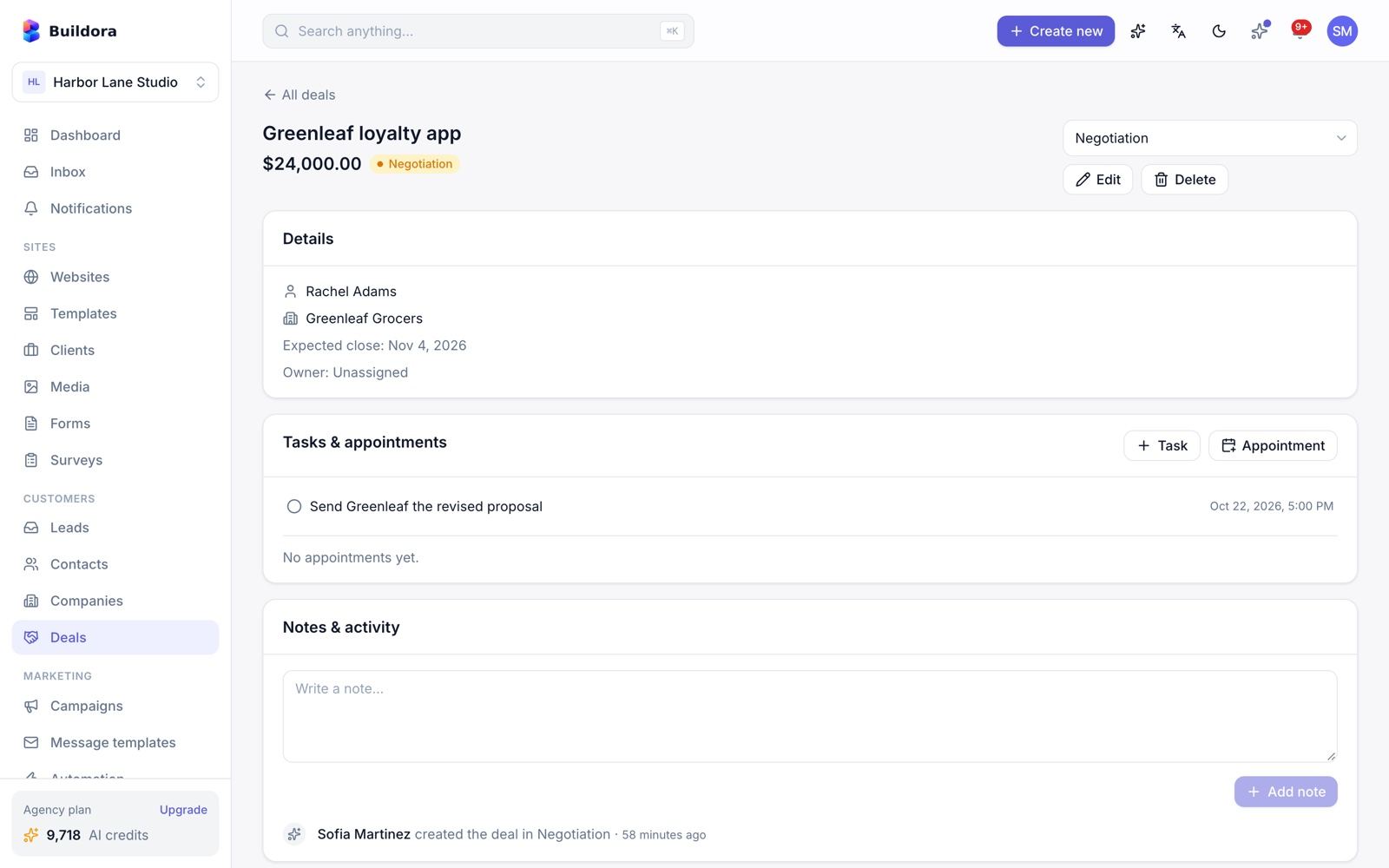
| Screen | What you can do |
|---|---|
Contacts /contacts | People with detail pages, an activity timeline and notes; owners; bulk actions; CSV export (formula-injection safe) |
Companies /companies | Organisations with detail pages, linked contacts, activity and notes |
Deals /deals | Kanban pipeline: prospecting, qualified, proposal, negotiation, won, lost; deal values, win rate and lost reason |
Storefront checkouts automatically create or link a contact. Lead and deal stages are fixed.
Tasks & Calendar
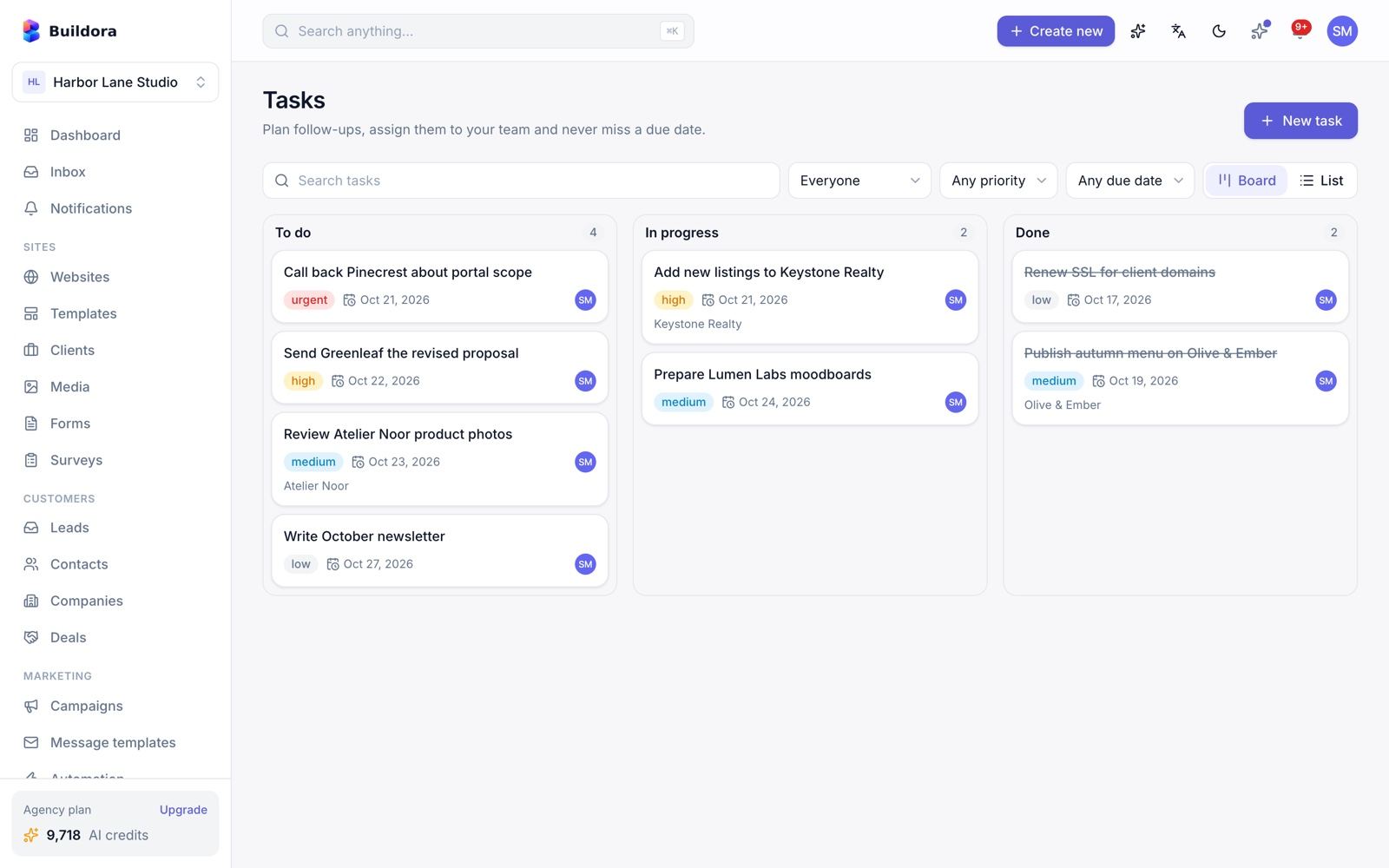
/tasks) · Work → Calendar (/calendar)- Tasks: to do / in progress / done, 4 priorities, due date, assignee, links to a lead, contact, deal or website, and comments.
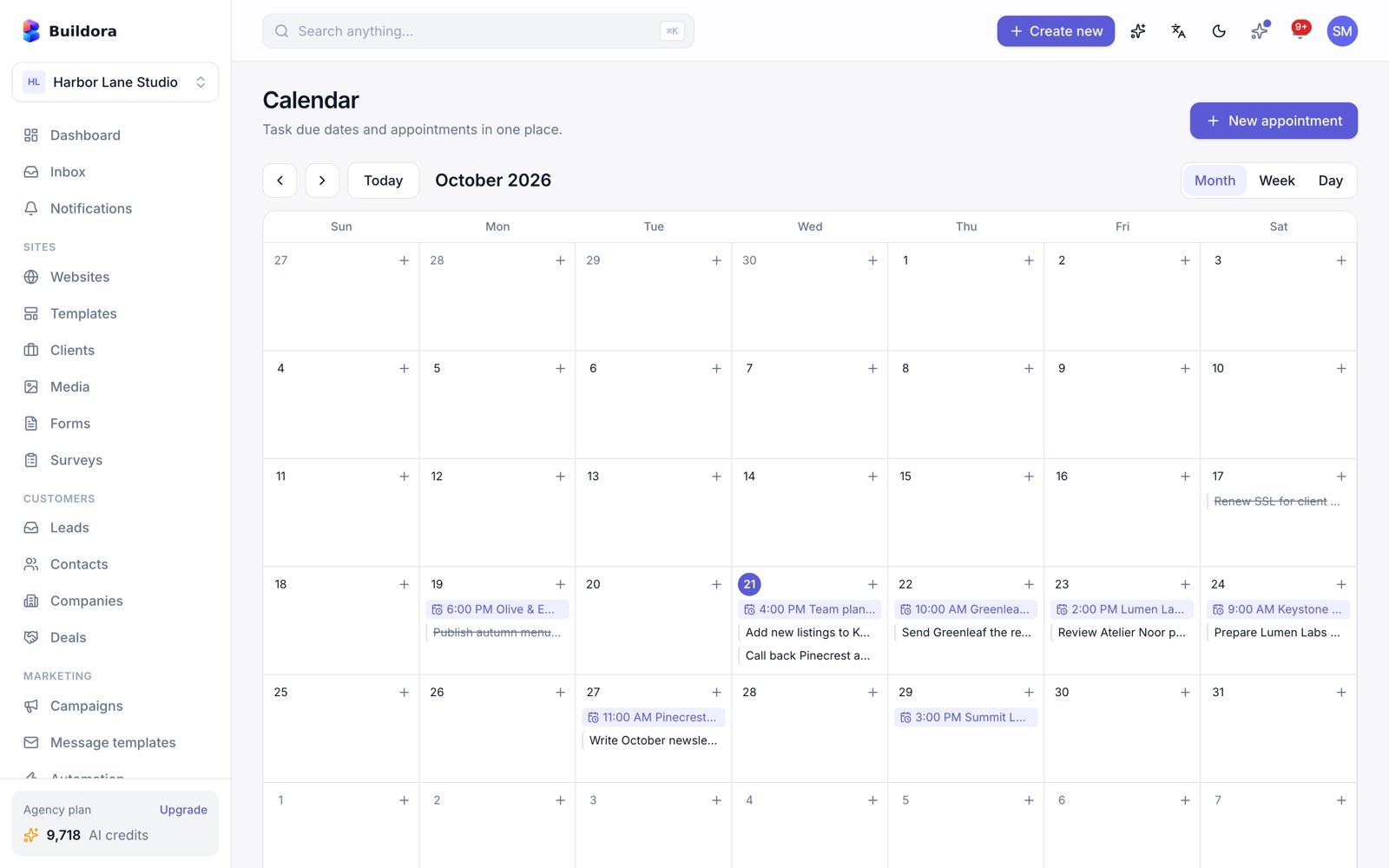
- Calendar: appointments plus task due dates. The dashboard reminders widget shows what is coming up.
The calendar has no Google or Outlook sync.
Online Store (Ecommerce)
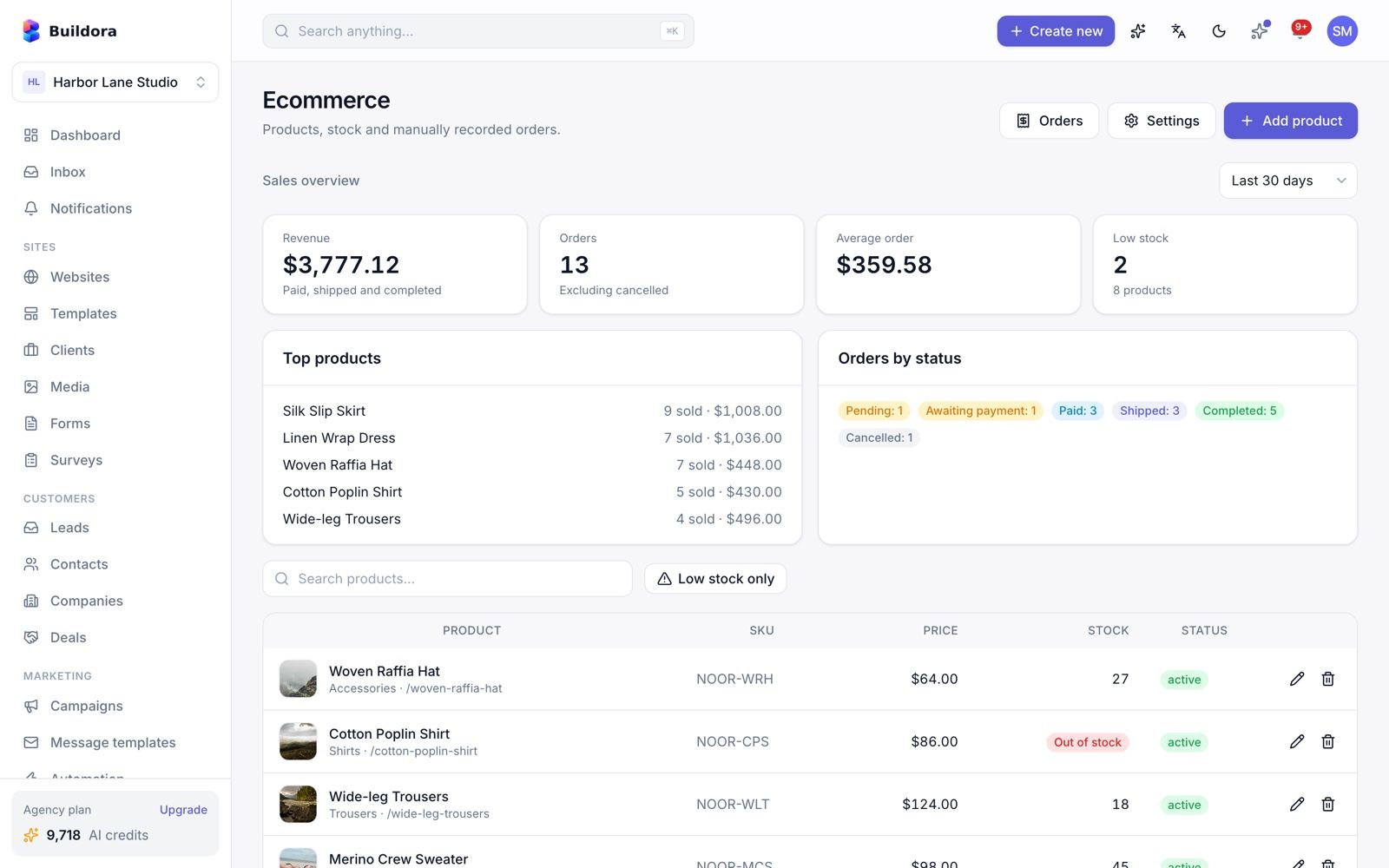
/ecommerce)Plan feature ecommerce. Customers sell products on their published Buildora websites.
Store settings
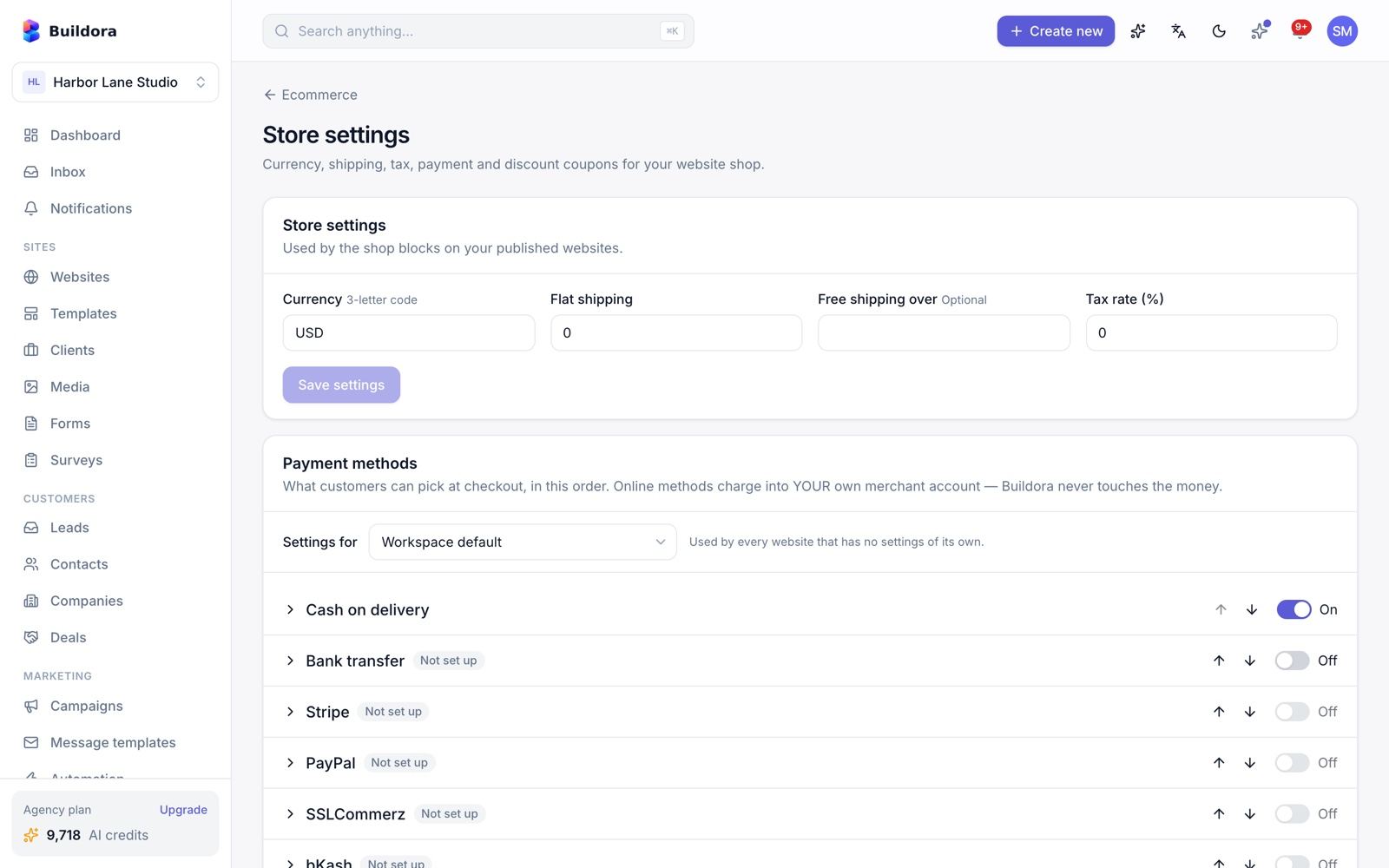
/ecommerce/settings: currency, flat shipping rate, free-shipping threshold, tax %, coupons and payment methods.Add products
Draft/active/archived, price and compare-at price, SKU, category, images, stock and low-stock threshold. Variants: up to 3 options and 50 variants, each with its own SKU, price, stock and image; colour options get automatic swatches.
Coupons
Percent or fixed, minimum order, maximum uses, expiry.
Add shop blocks
Use
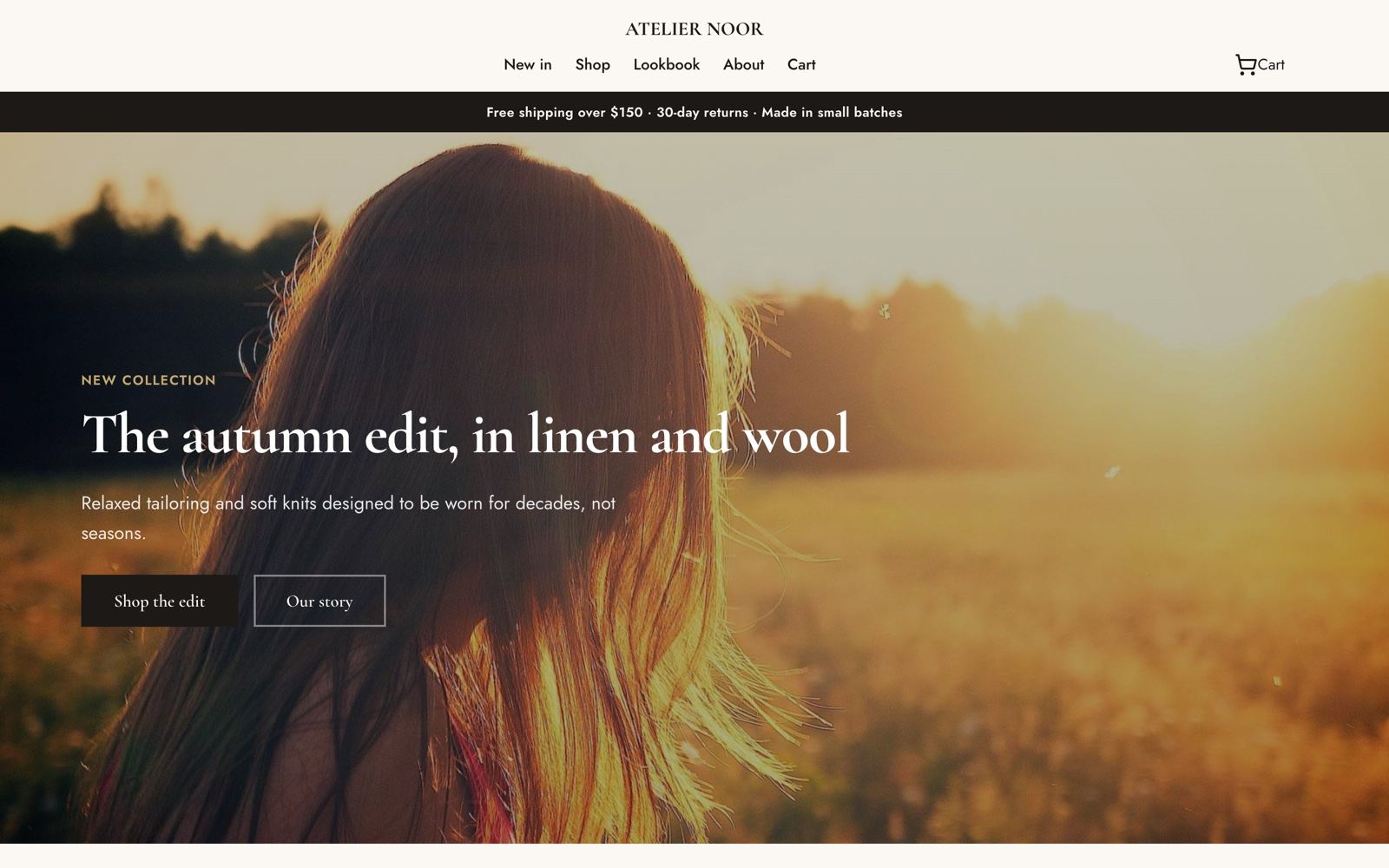
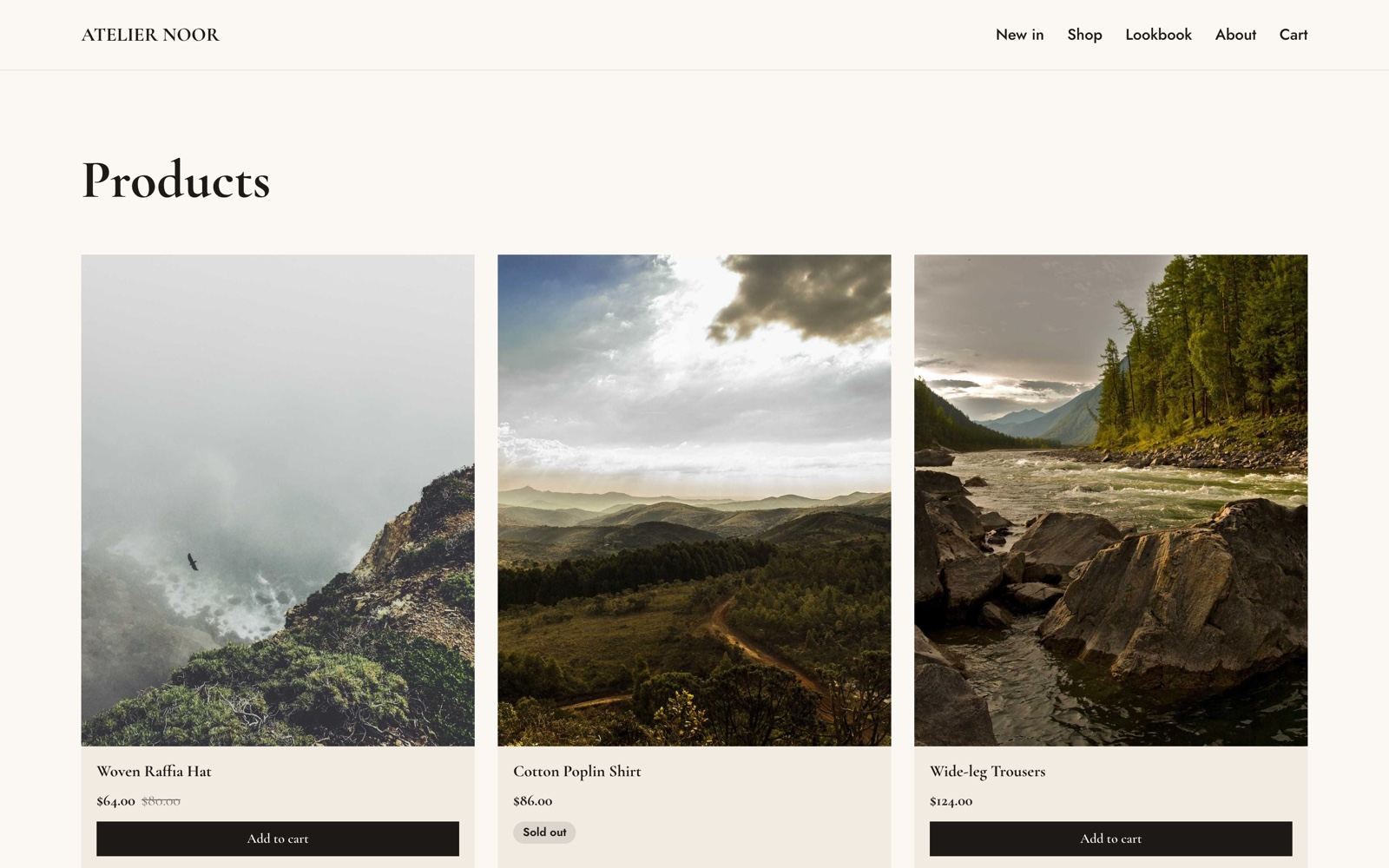
product_grid,product_detail,cart,checkoutandcart_buttonin the editor. Public pages are generated at/products,/products/{slug},/cartand/checkout(with locale prefixes) and added to the sitemap.Manage orders
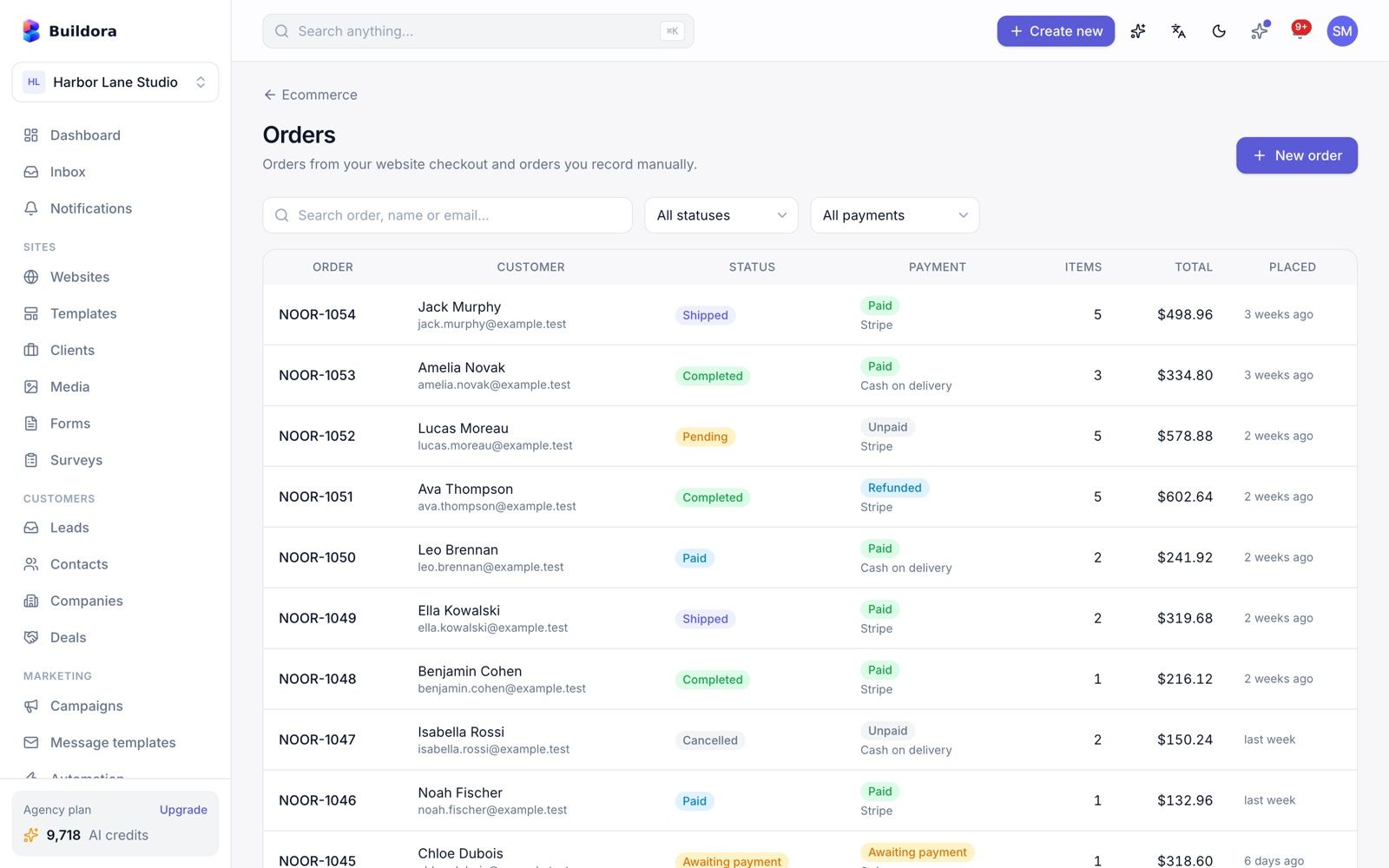
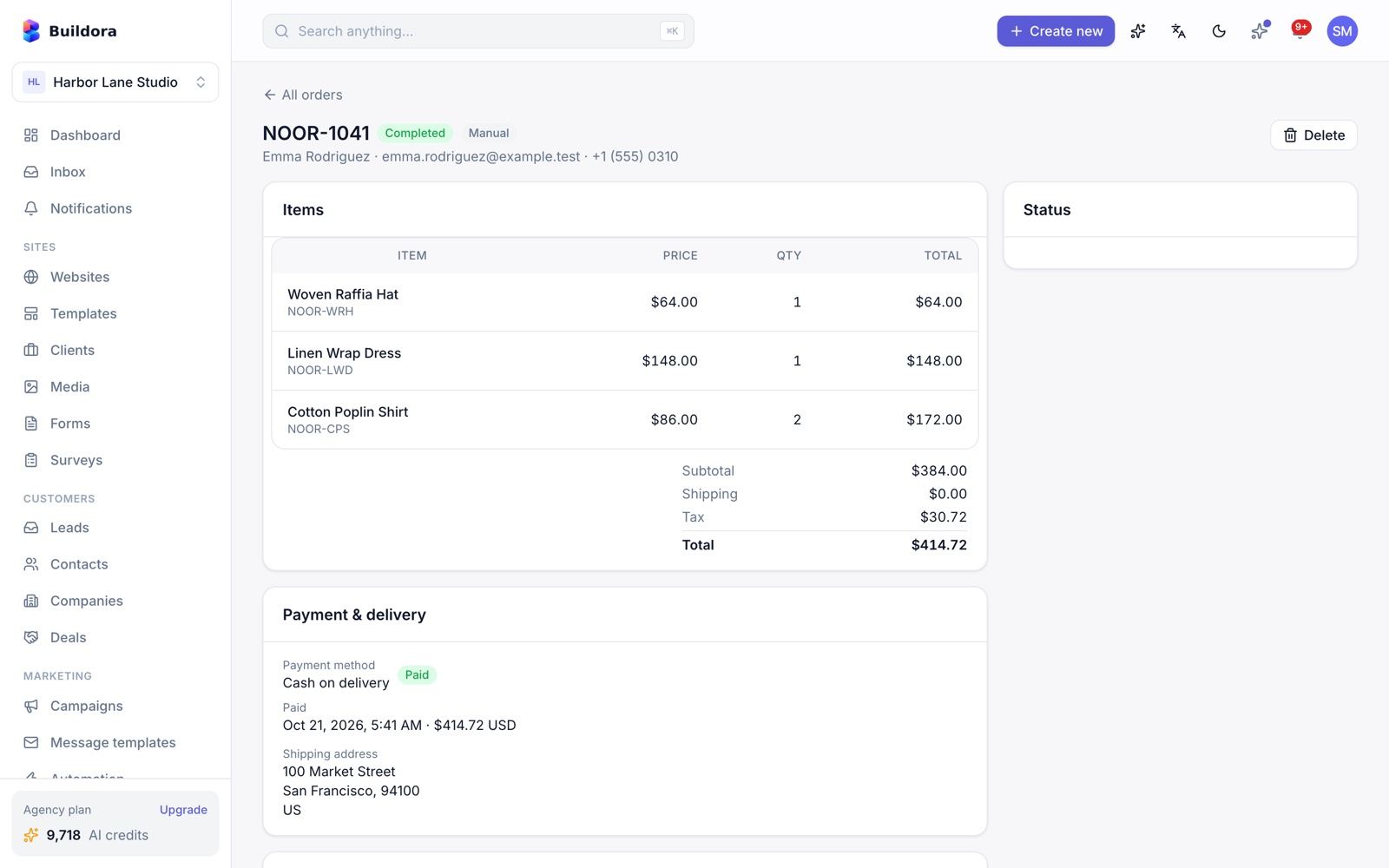
/ecommerce/orders: statuses and payment statuses, manual orders, mark paid, refund, event log. Stock is reserved at checkout, unpaid orders expire automatically and staff are notified of new orders.
The overview shows sales, orders by status, top products and products with stock (with a low-stock filter). The public shop API lives at /api/v1/public/shop/{website}/*.
One flat shipping rate and one tax rate per store; customers do not receive an automatic order-confirmation e-mail.
Storefront Payments
Store payments use the merchant’s own keys (per workspace, with an optional per-website override), so money goes straight to the shop owner, not to you.
| Method | Plan | Notes |
|---|---|---|
| Cash on delivery | always | Order is placed unpaid; mark it paid later |
| Bank transfer | always | Shows your bank instructions |
| Stripe Checkout | online_payments | Signed webhooks, refunds, test connection |
| PayPal (Orders v2) | online_payments | Verified webhooks, refunds, test connection |
| SSLCommerz | online_payments | Bangladesh gateway, webhook, refunds, test connection |
| bKash | online_payments | Bangladesh mobile wallet, webhook, refunds, test connection |
Enable the method
Tick it and paste the merchant keys; use Test connection.
Register the webhook
At the provider, point the webhook to
https://api.example.com/api/v1/public/shop/{website}/webhooks/{gateway}.Test a purchase
Use the provider’s sandbox before going live.
All storefront gateways are covered by automated tests with simulated provider responses; SSLCommerz and bKash have not been verified against the live services. Test every method with your own sandbox account before you rely on it.
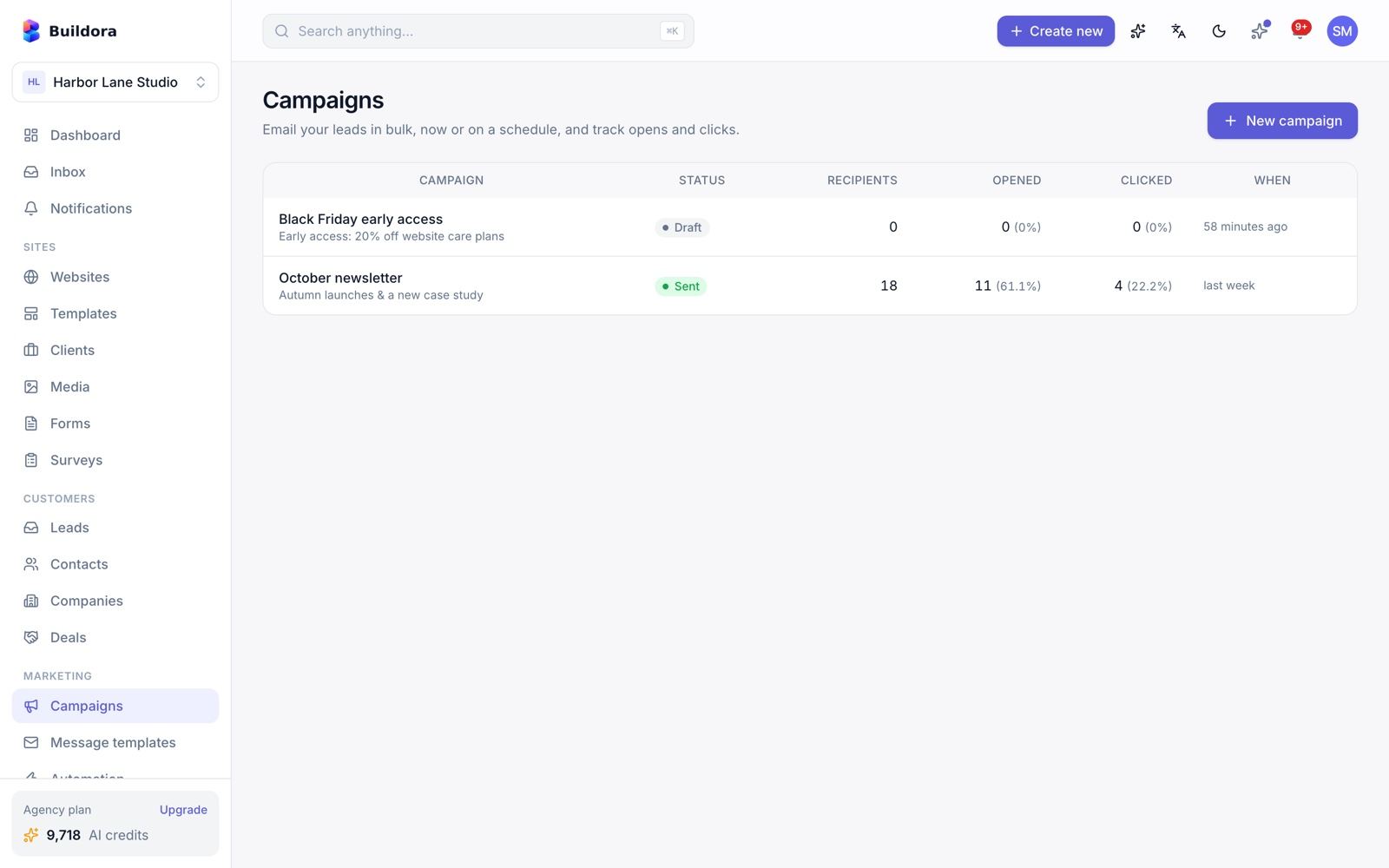
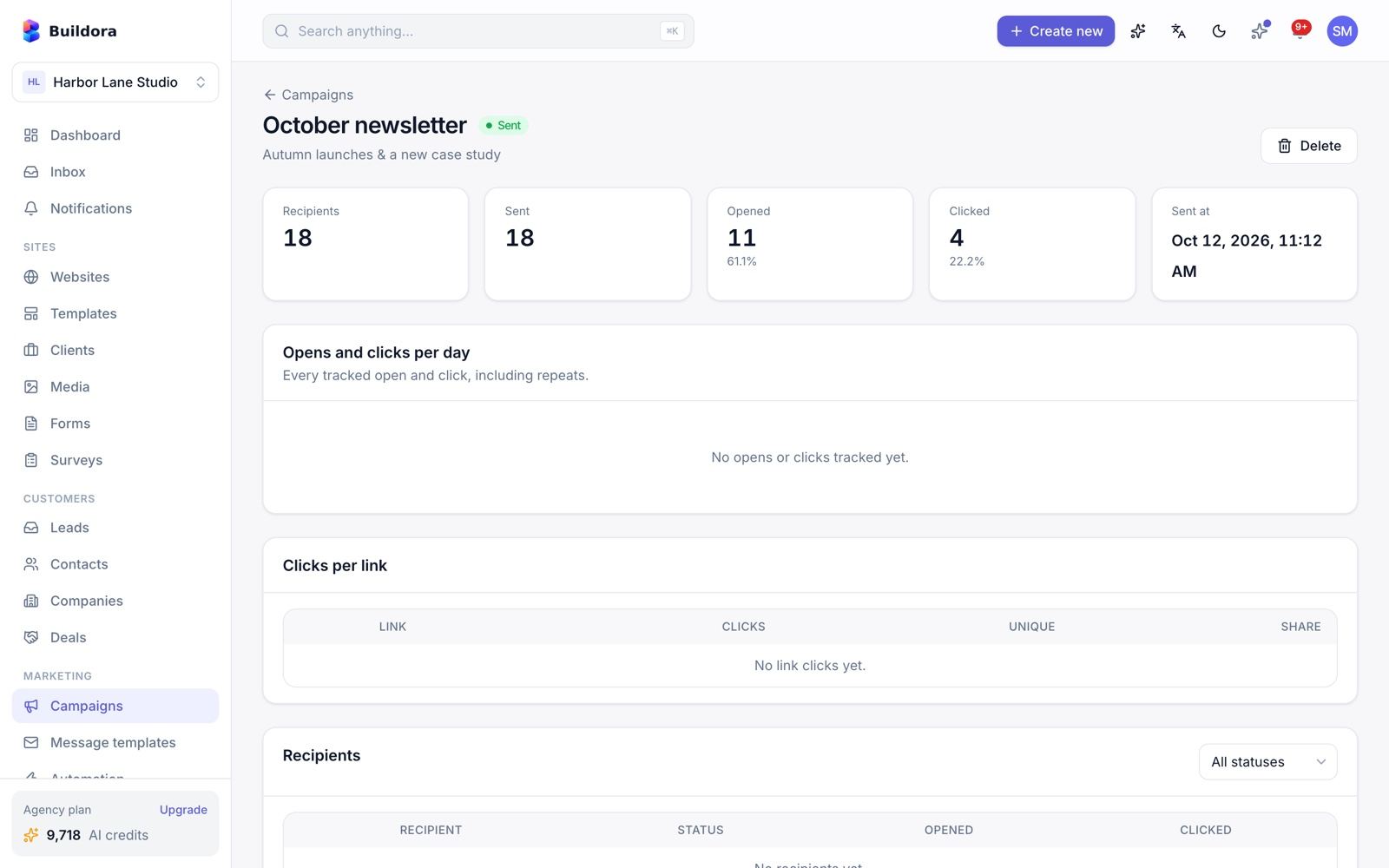
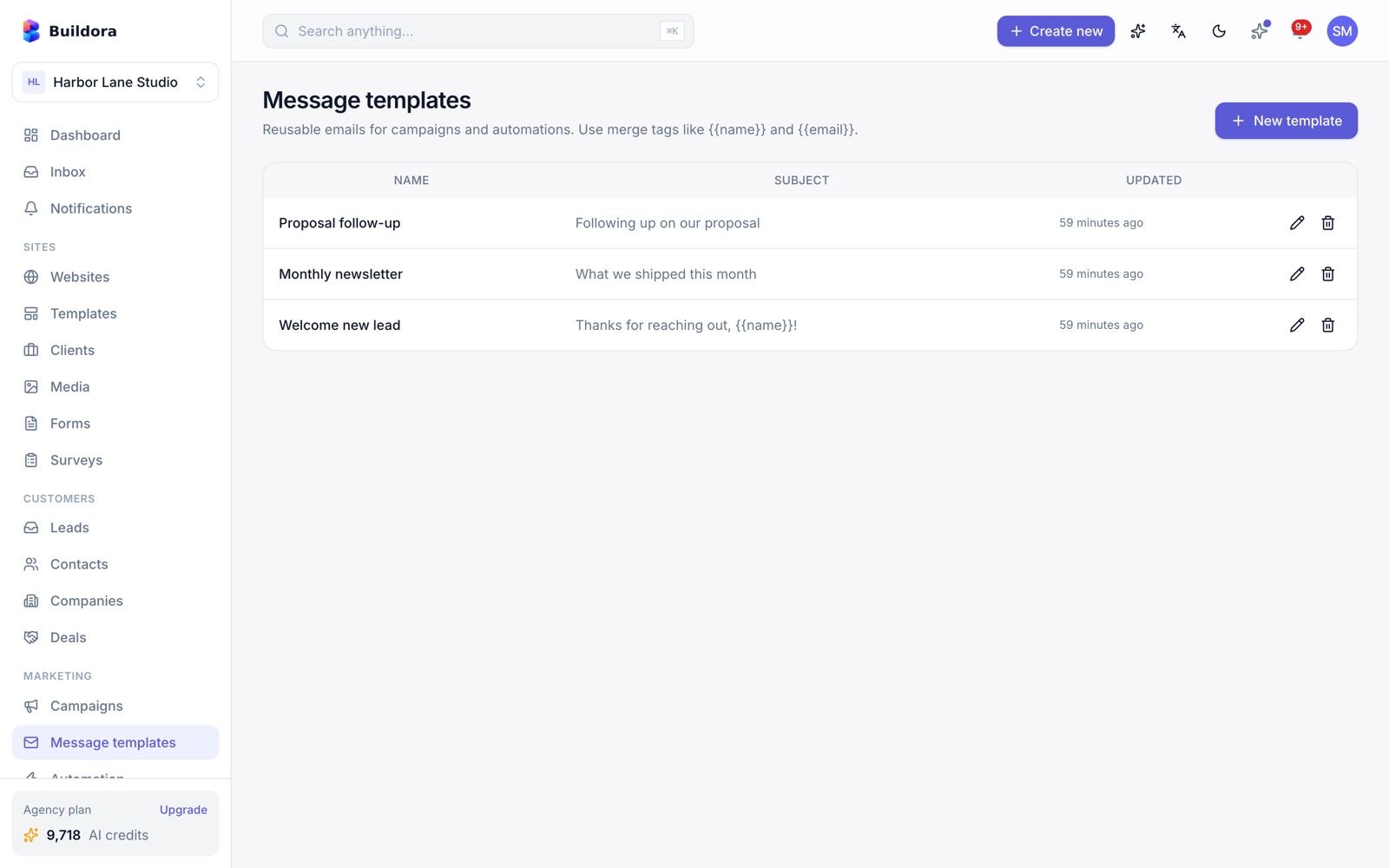
Email Campaigns & Message Templates
/campaigns) · Marketing → Message templatesCreate a campaign
Write the subject and body in the e-mail editor, or start from a message template.
Choose the audience
Leads filtered by stage, website, form and tags. The list is de-duplicated, unsubscribed addresses are skipped, and an audience preview shows who will receive it.
Personalise
Merge tags:
{{name}},{{first_name}},{{email}},{{phone}},{{stage}},{{website}},{{unsubscribe_url}}.Test and send
Send a test e-mail, then send now or schedule. Cancel or duplicate any time.
Measure
Open and click tracking, one-click unsubscribe and per-recipient stats.
Message templates (/message-templates) store reusable subjects and bodies with merge tags for campaigns and automations.
Campaigns and automations target leads (not CRM contacts) and are sent through the platform mailer; there is no per-workspace sending domain.
Automation
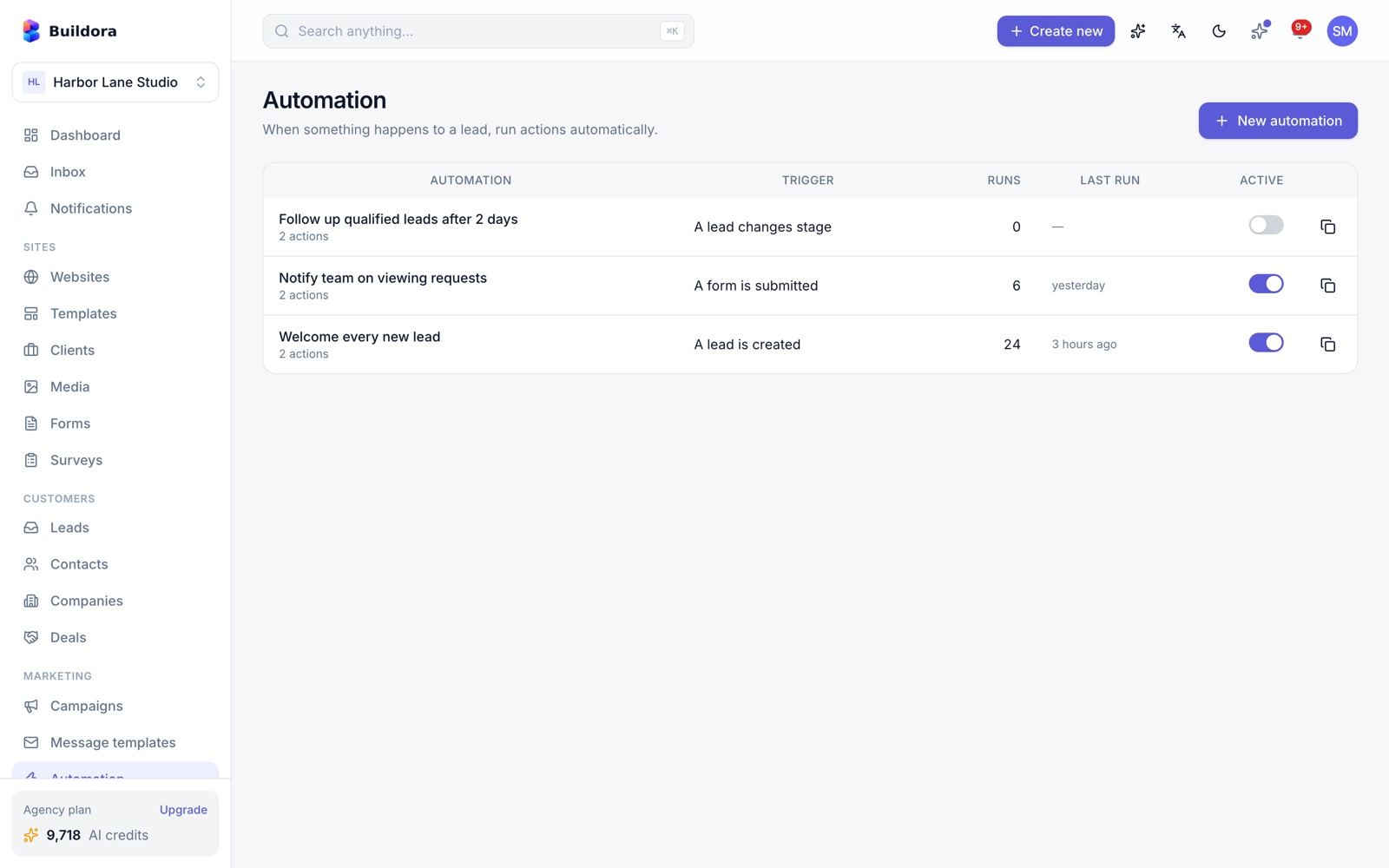
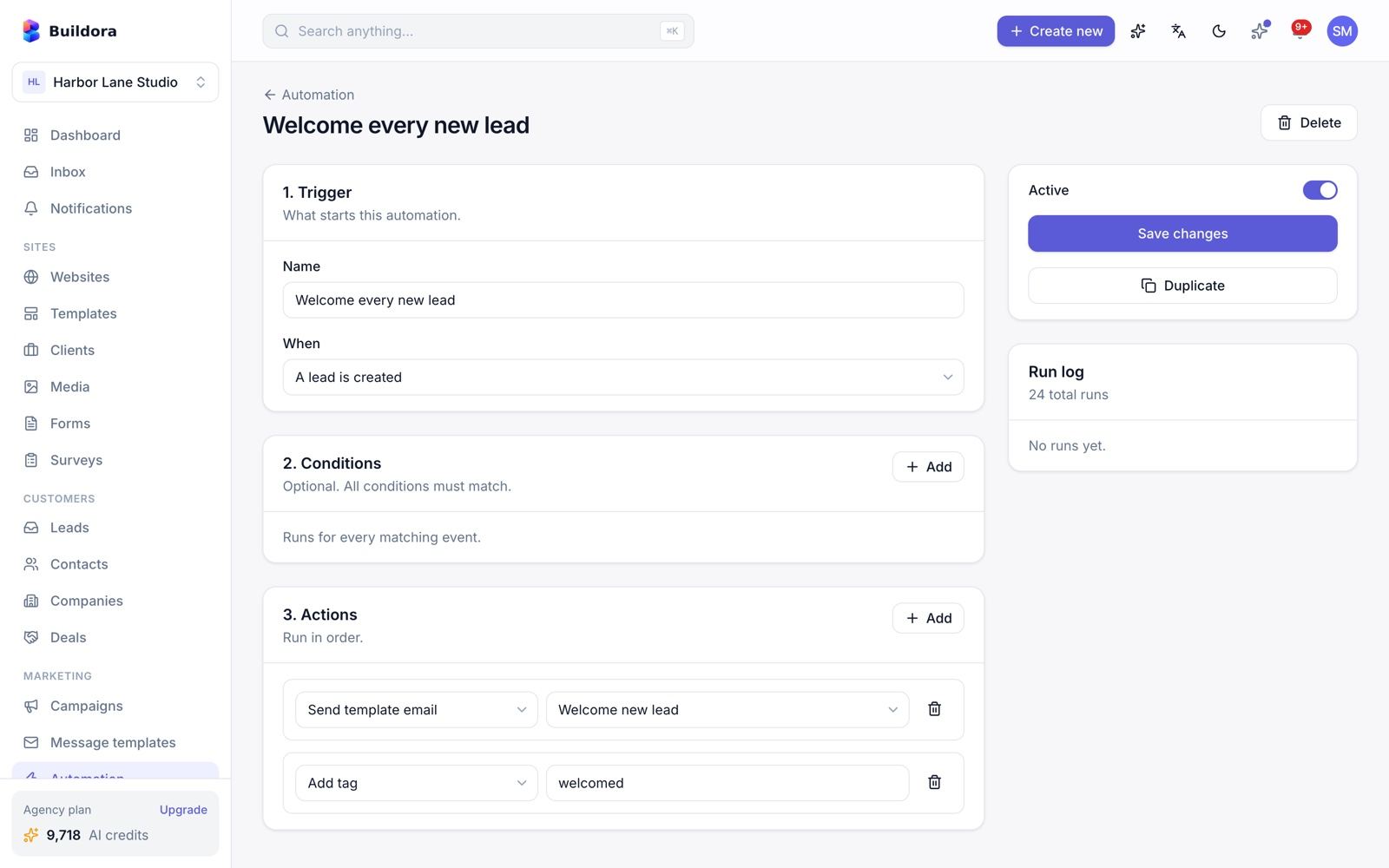
/automation)Pick a trigger
Lead created, form submitted or lead stage changed.
Add conditions
Stage, tag, website, form or source.
Add actions
Send a message template, add a tag, change the stage, create a notification, notify the assignee, or wait (delay up to 30 days).
Turn it on
Switch it on; check the run log. Automations can be duplicated, and a loop guard stops runaway chains.
Ads Reporting
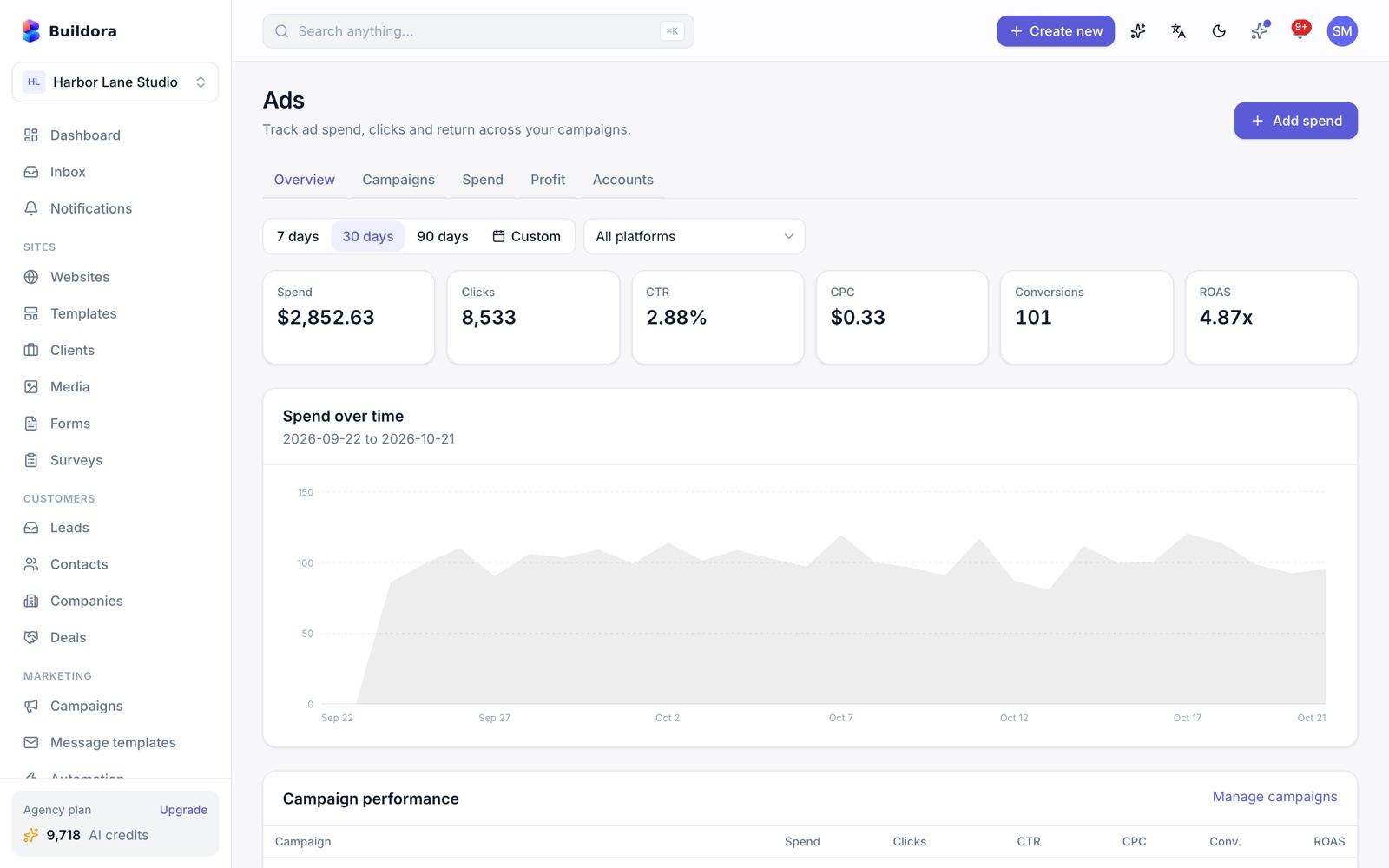
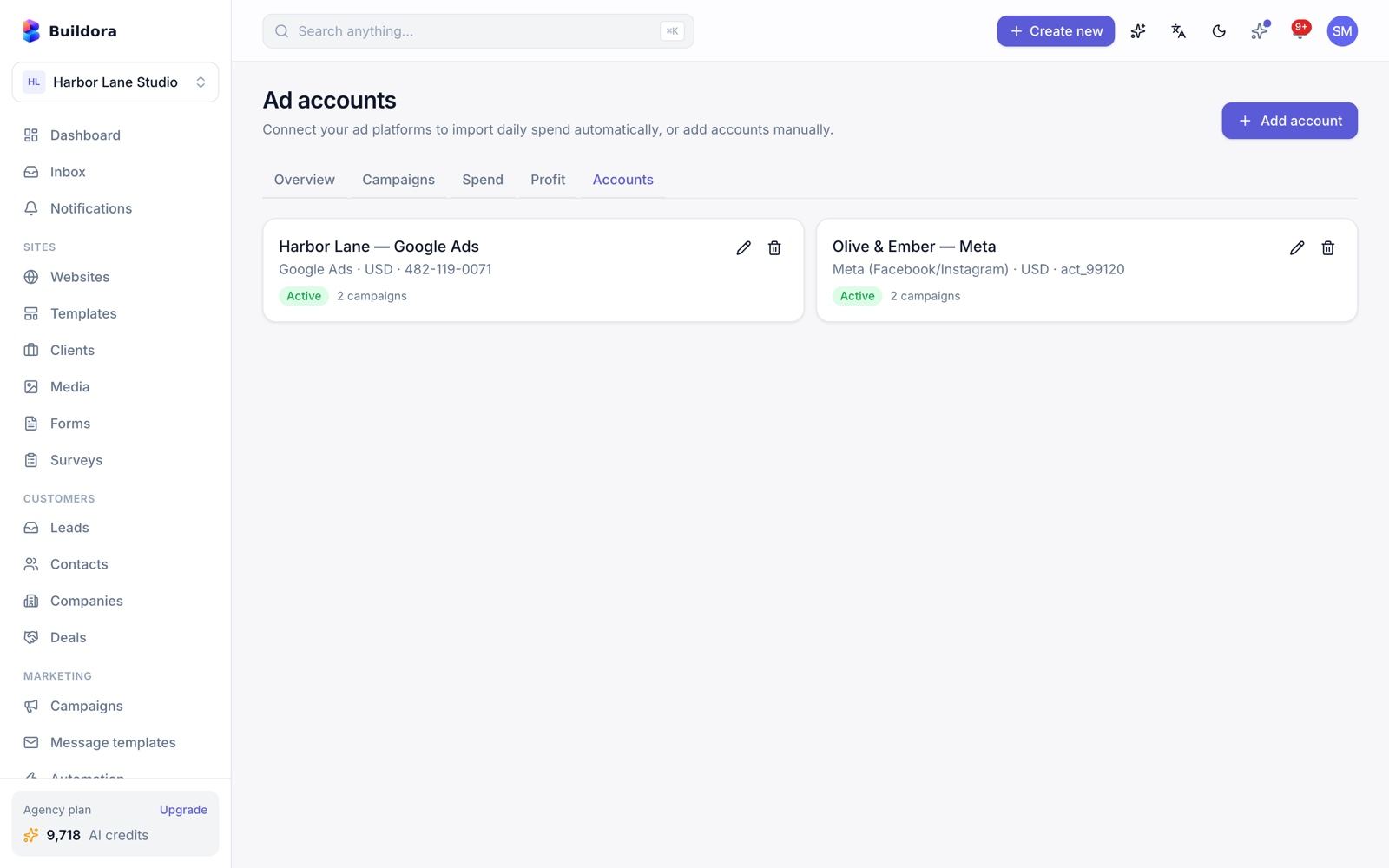
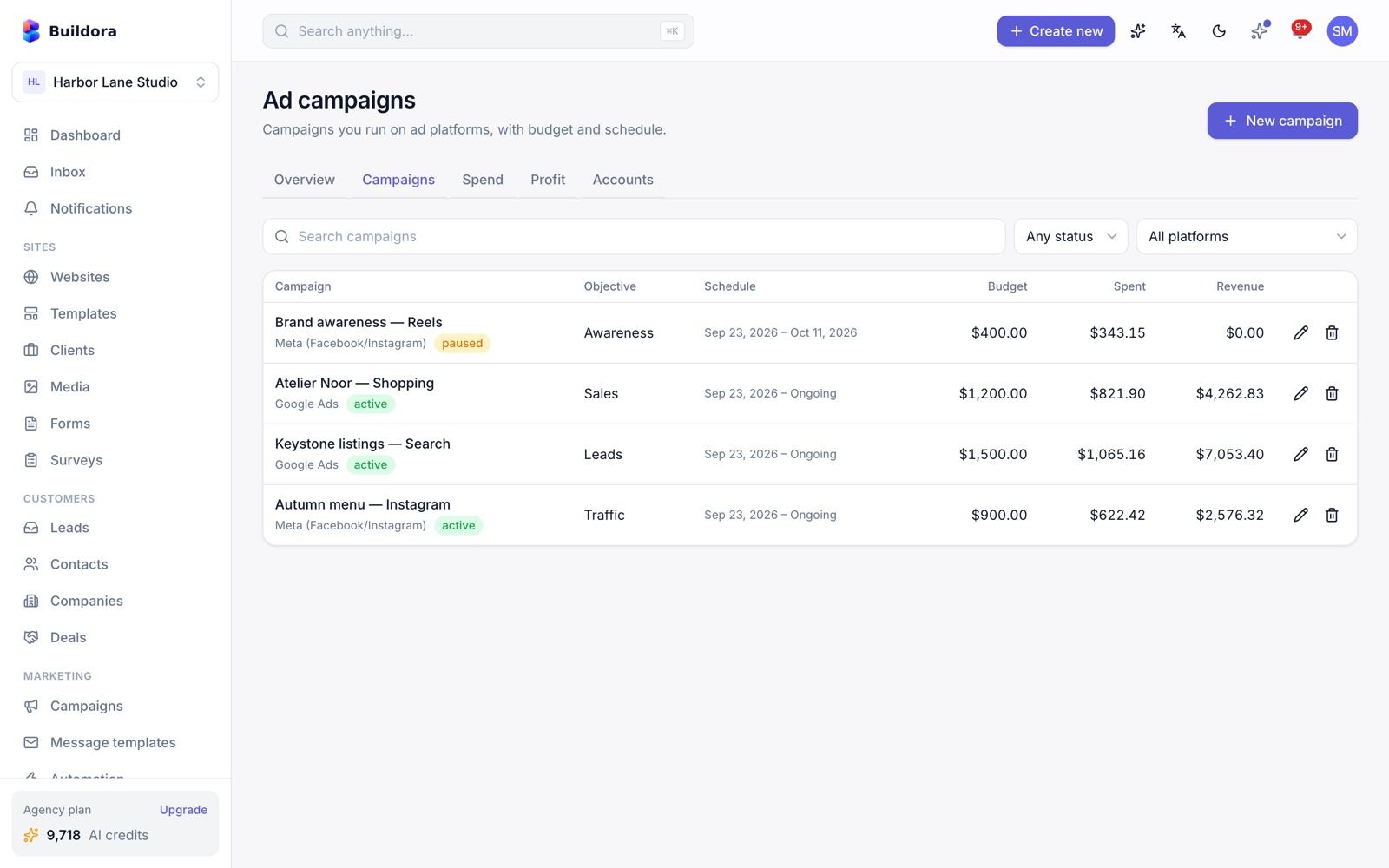
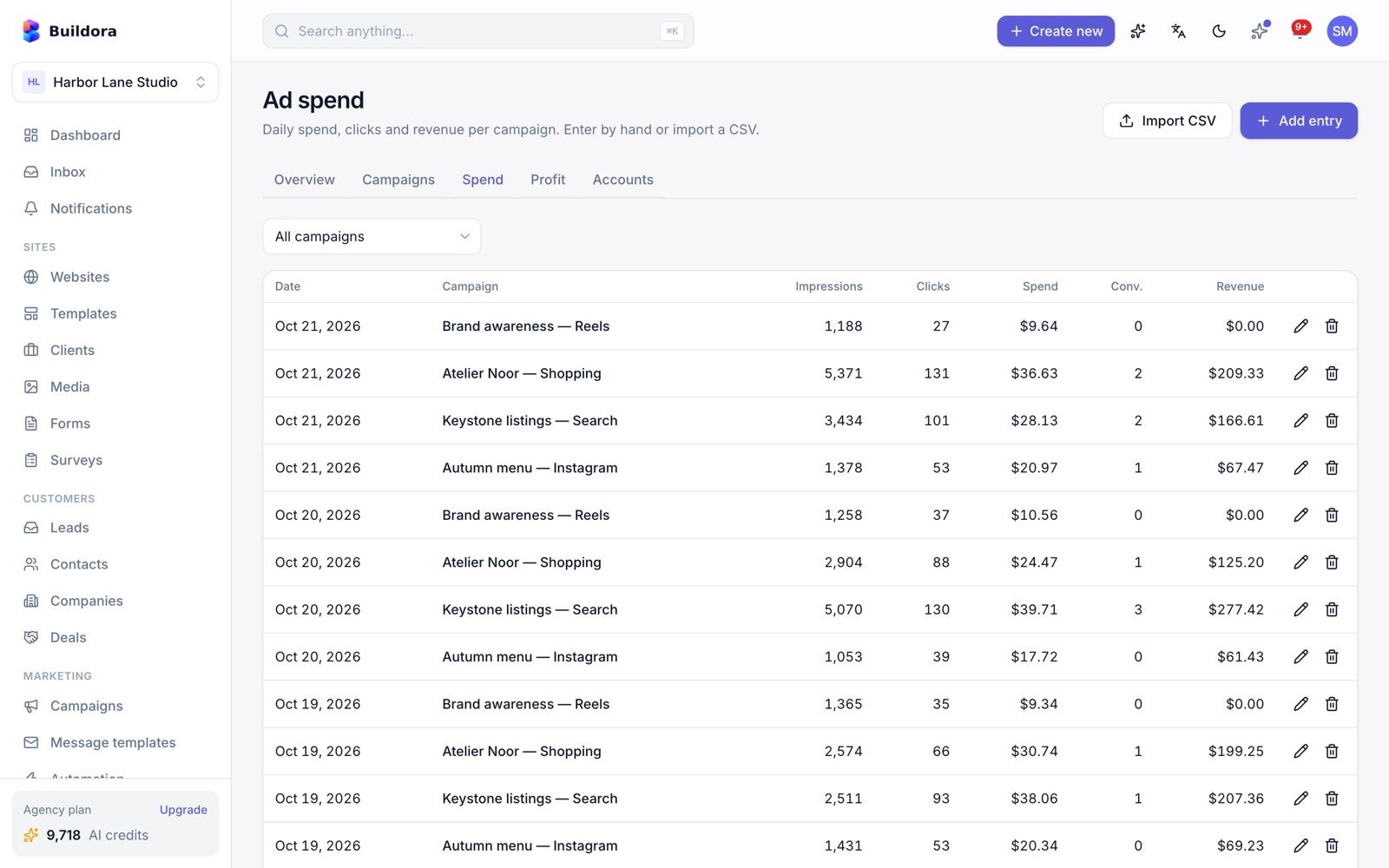
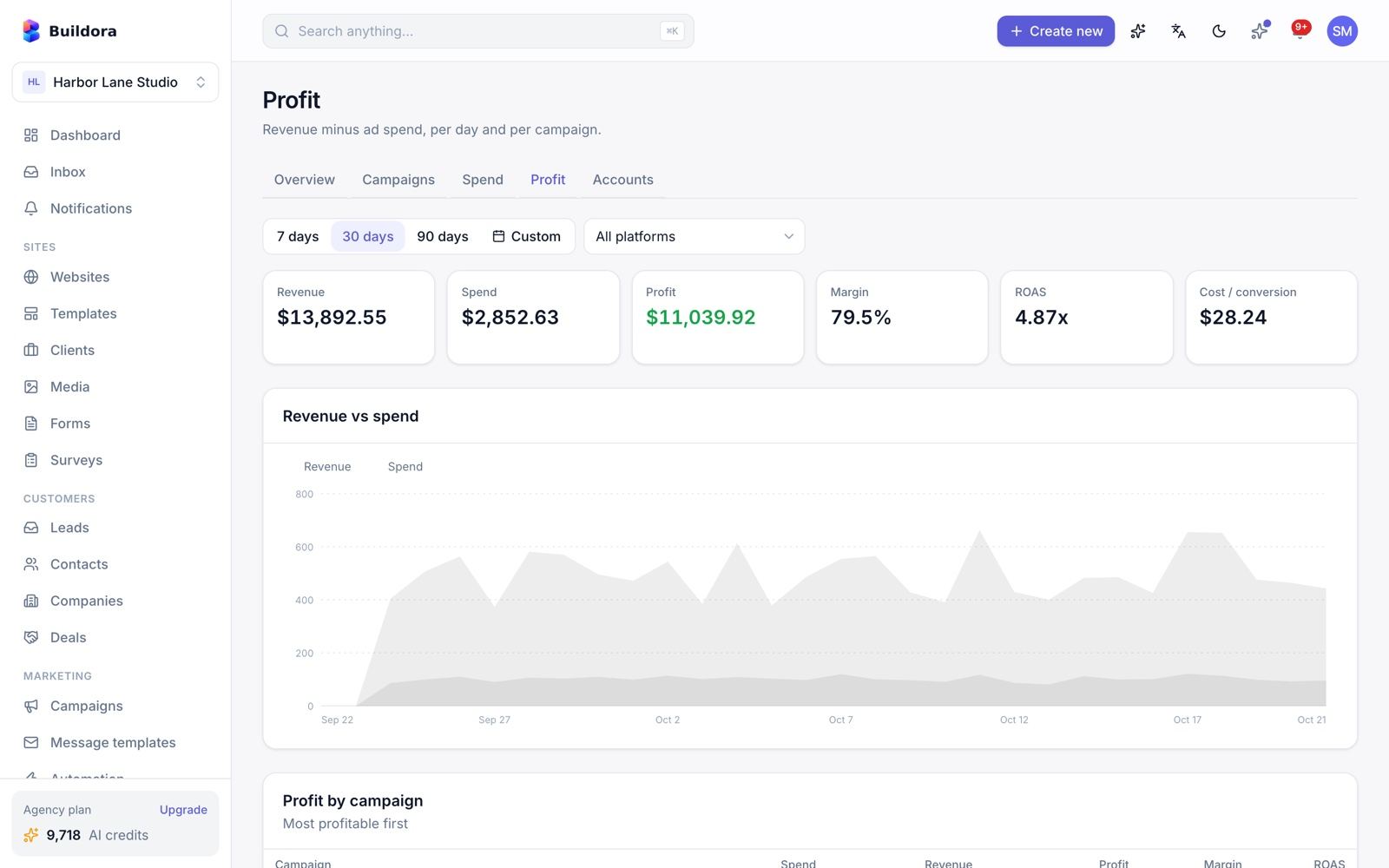
/ads, /ads/accounts, /ads/campaigns, /ads/spend, /ads/profit)Connect accounts
Google Ads and Meta Ads connect by OAuth and sync daily. They need your own platform developer credentials. Other platforms can be added by manual entry or CSV import.
Review campaigns
KPIs compared with the previous period, daily series and breakdowns per campaign and platform.
Spend and profit
Spend tracking and profit, margin and ROAS.
Profit uses the revenue reported by the ad platforms only. The Google and Meta connections were tested against simulated API responses; verify them with your own developer accounts.
Surveys
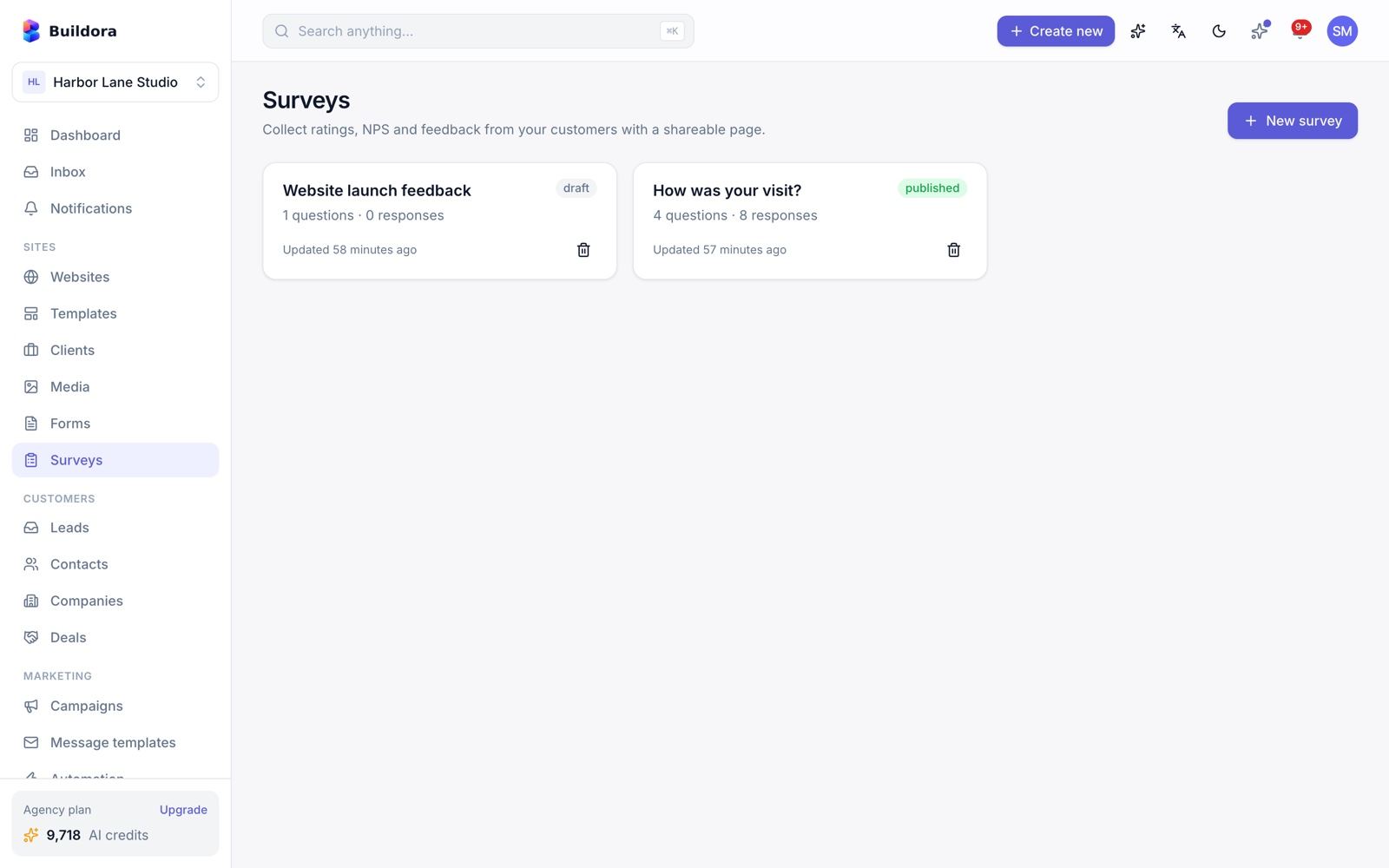
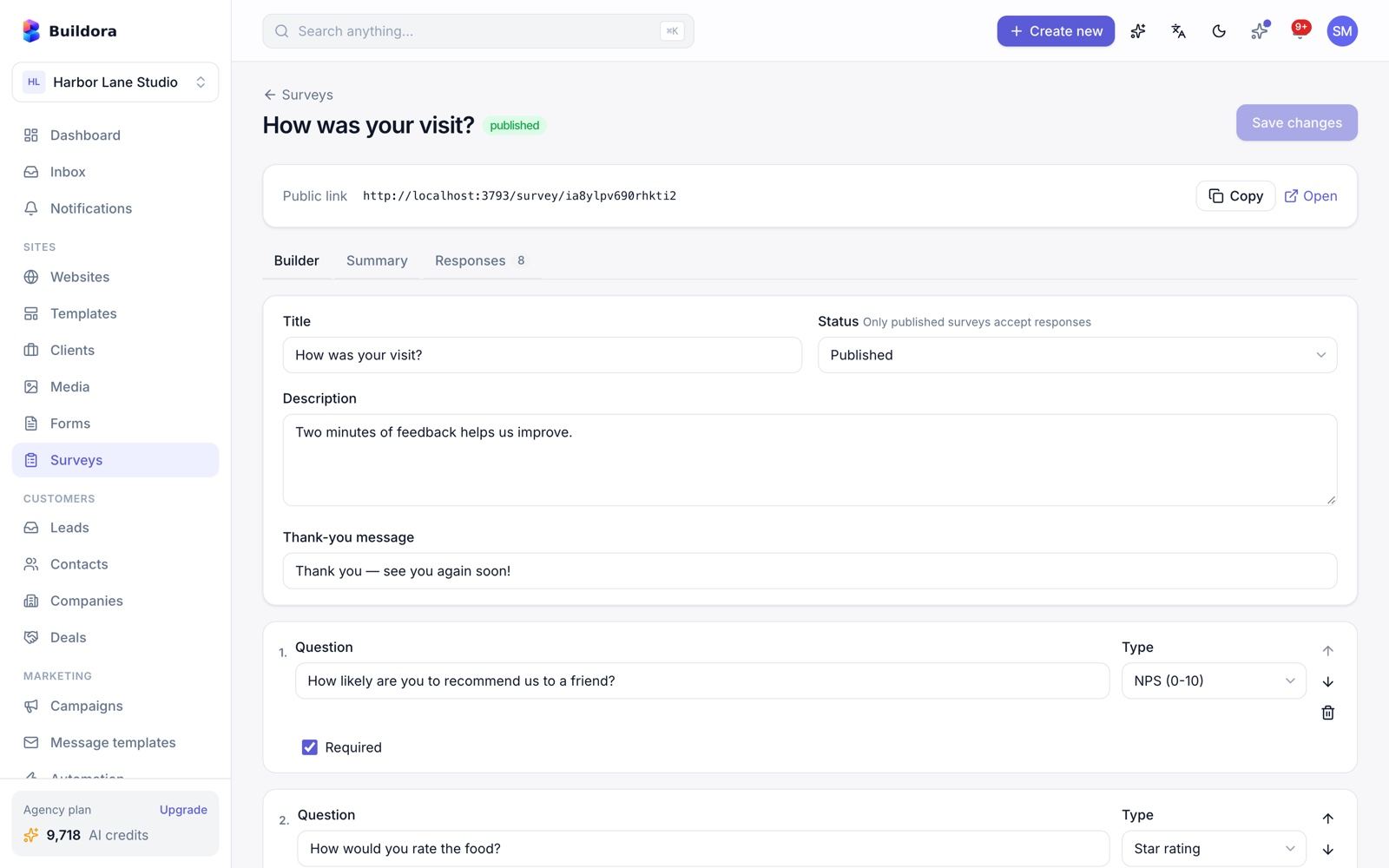
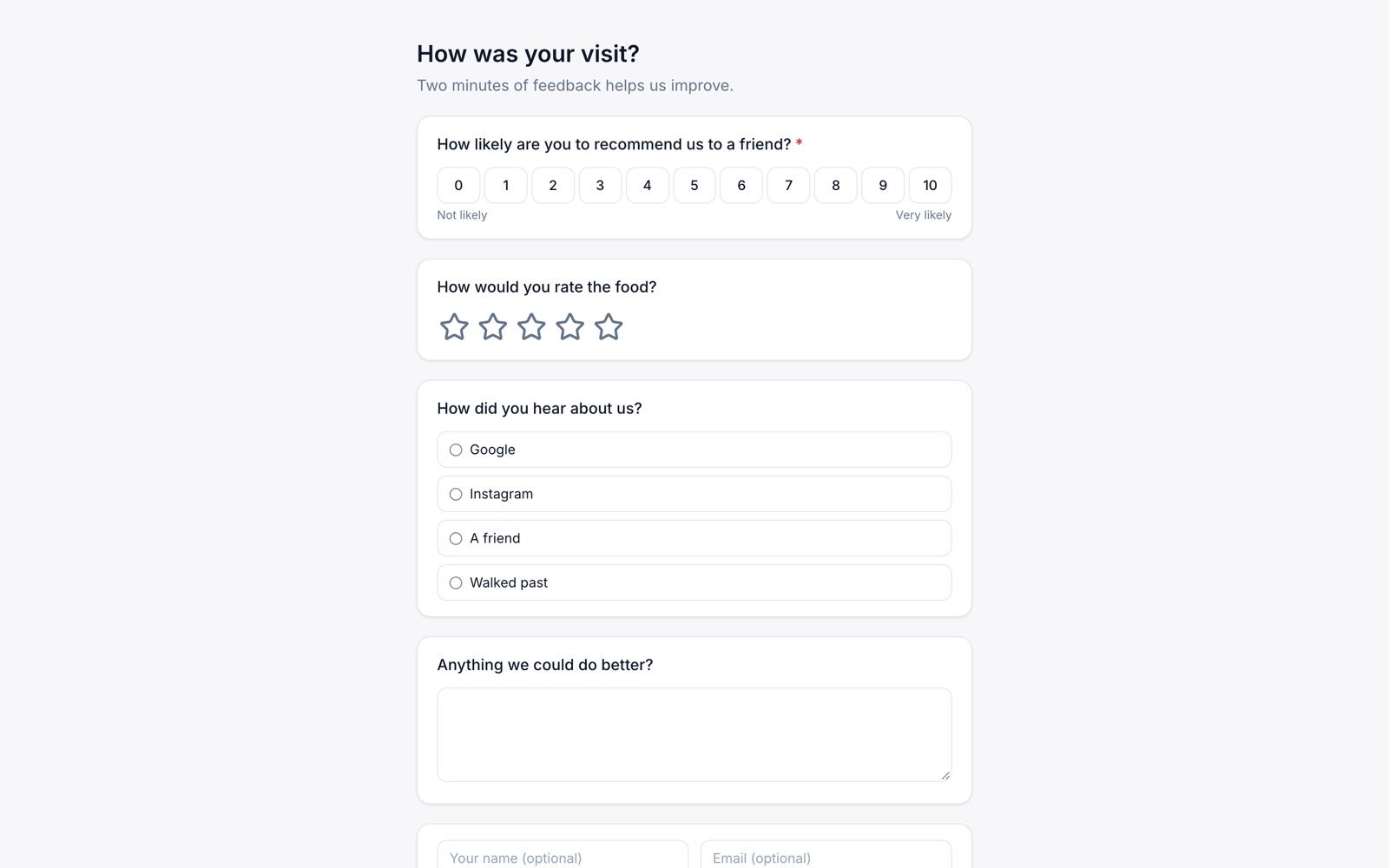
/surveys) · Public page /survey/{key}Build
Questions of type rating, NPS (0–10), text or choice.
Share
Send the public link
/survey/{key}; responses are anonymous.Analyse
Summary with averages, answer distributions and the NPS score.
Loyalty Program
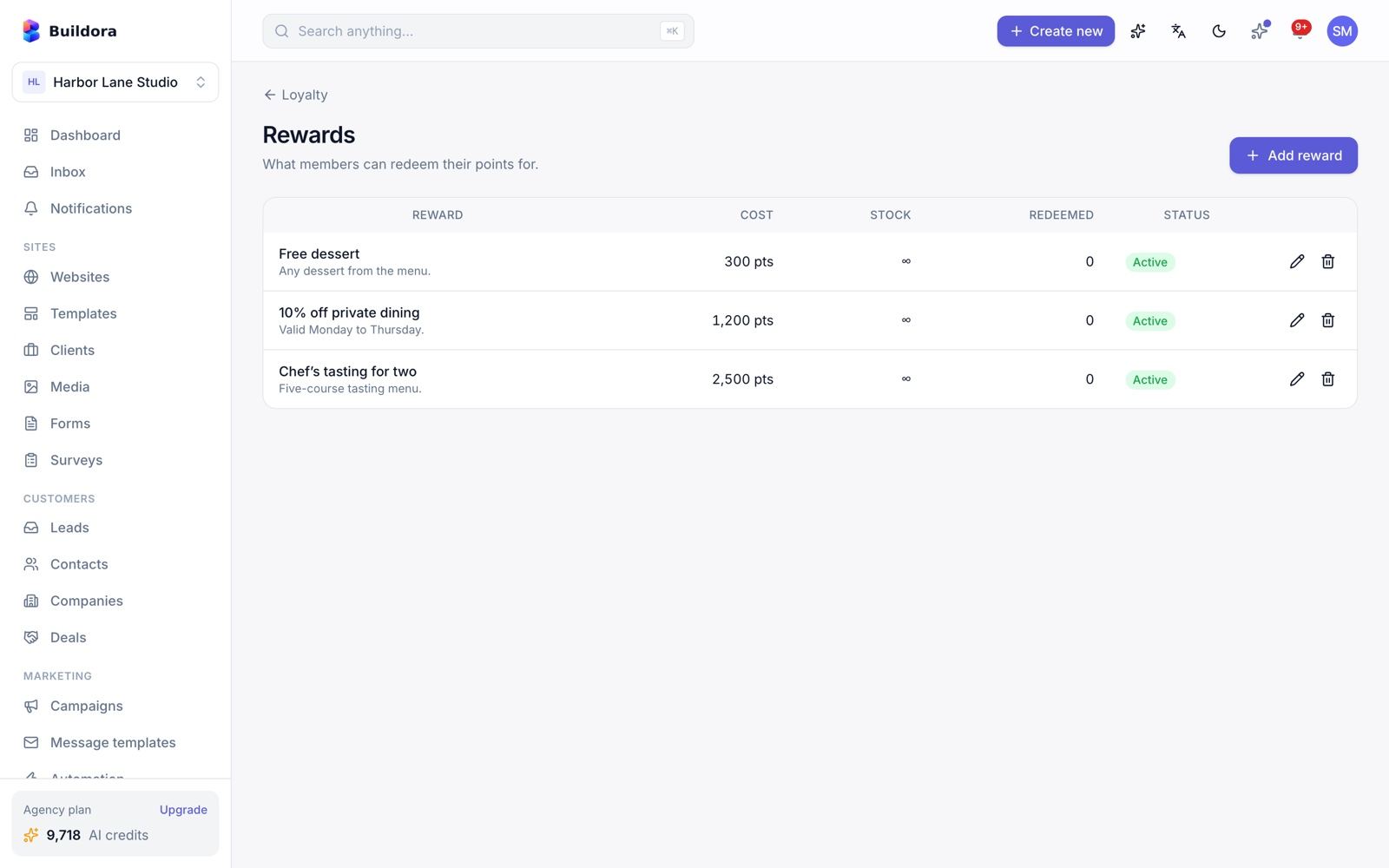
/loyalty)- Members with a running points balance: earn, redeem and adjust.
- Rewards with stock, and redemptions.
- Editable tiers: Bronze 0, Silver 500, Gold 2,000, Platinum 5,000 points by default.
Points are managed by your staff; they are not awarded automatically from shop orders and there is no customer-facing loyalty portal.
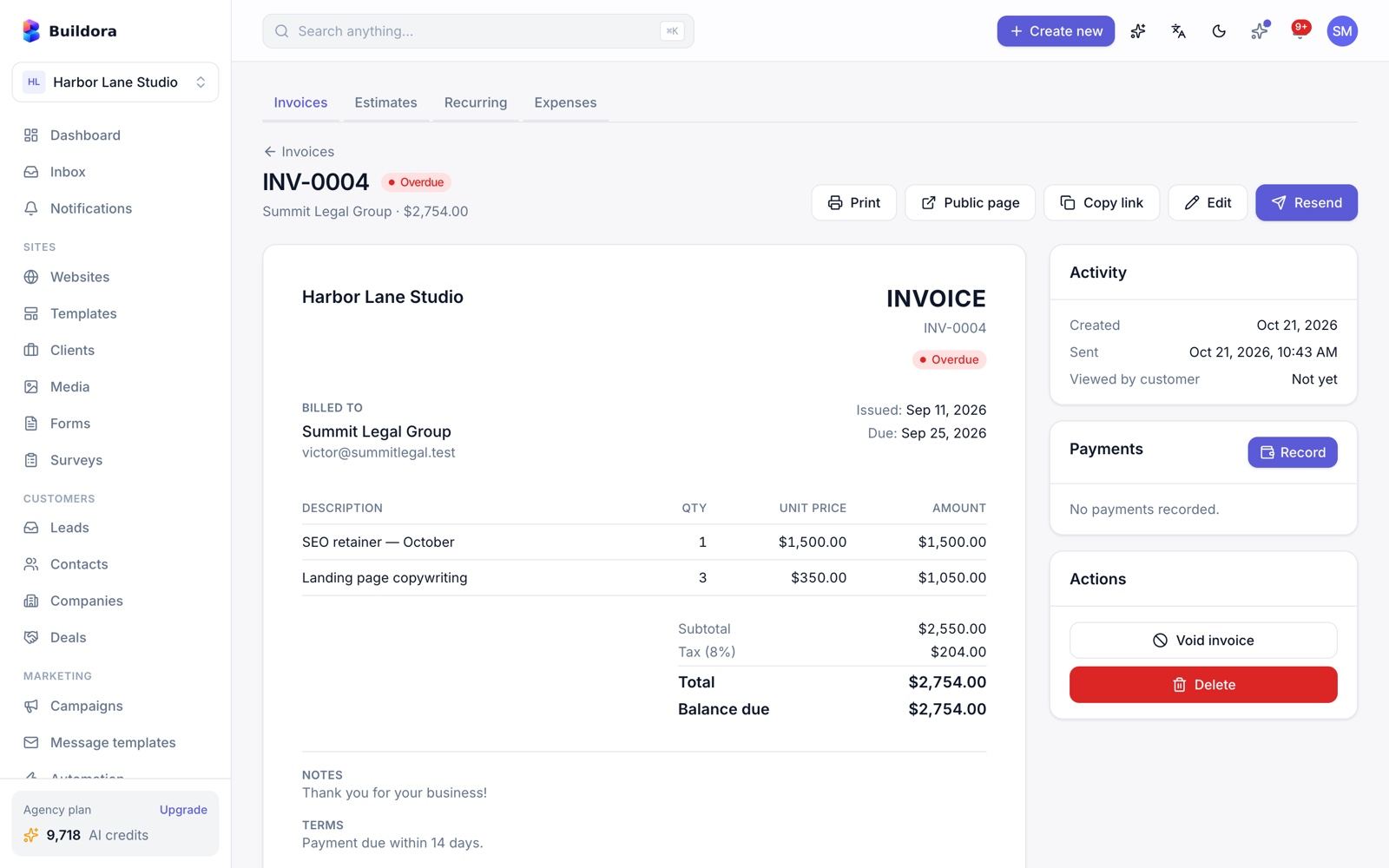
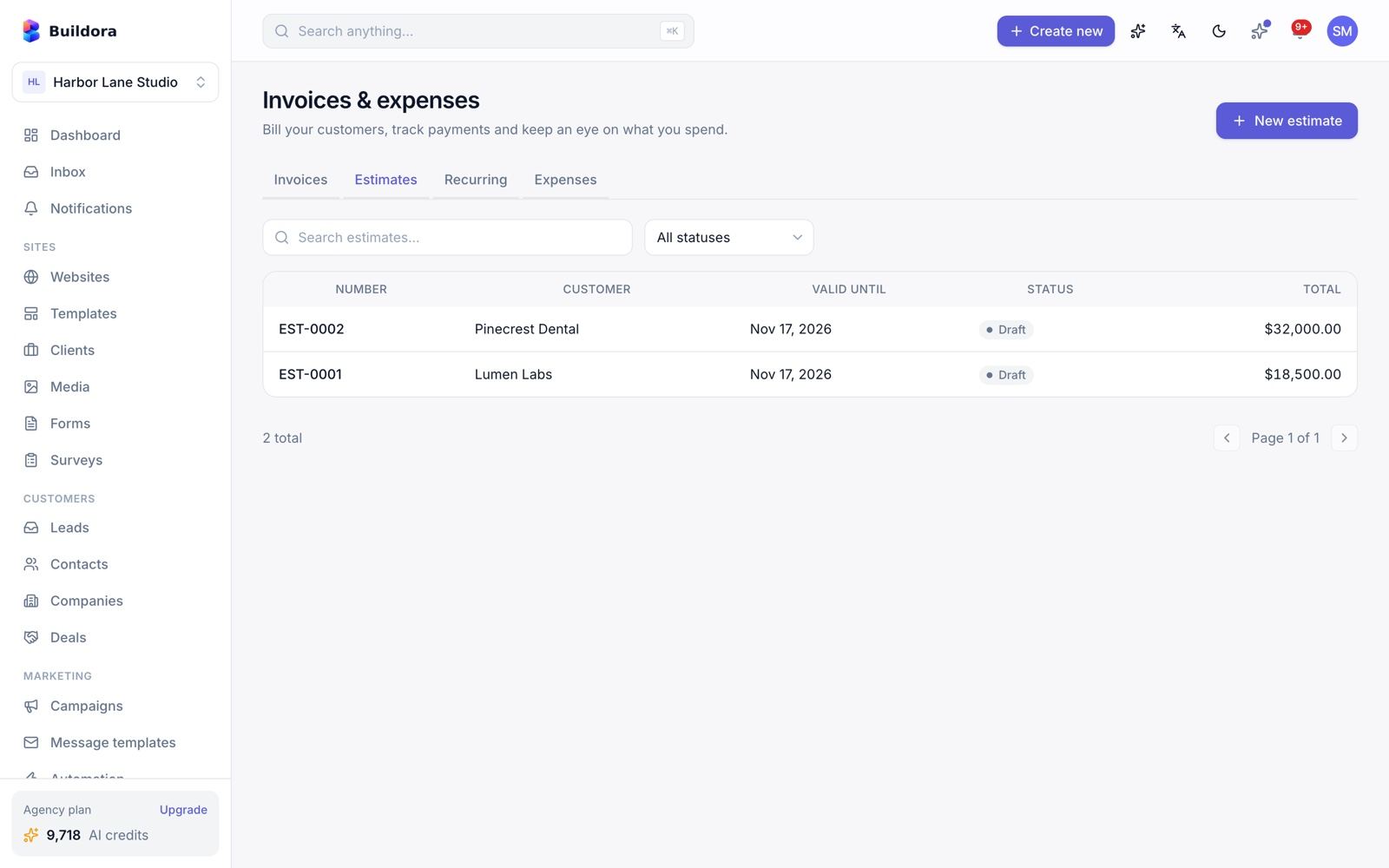
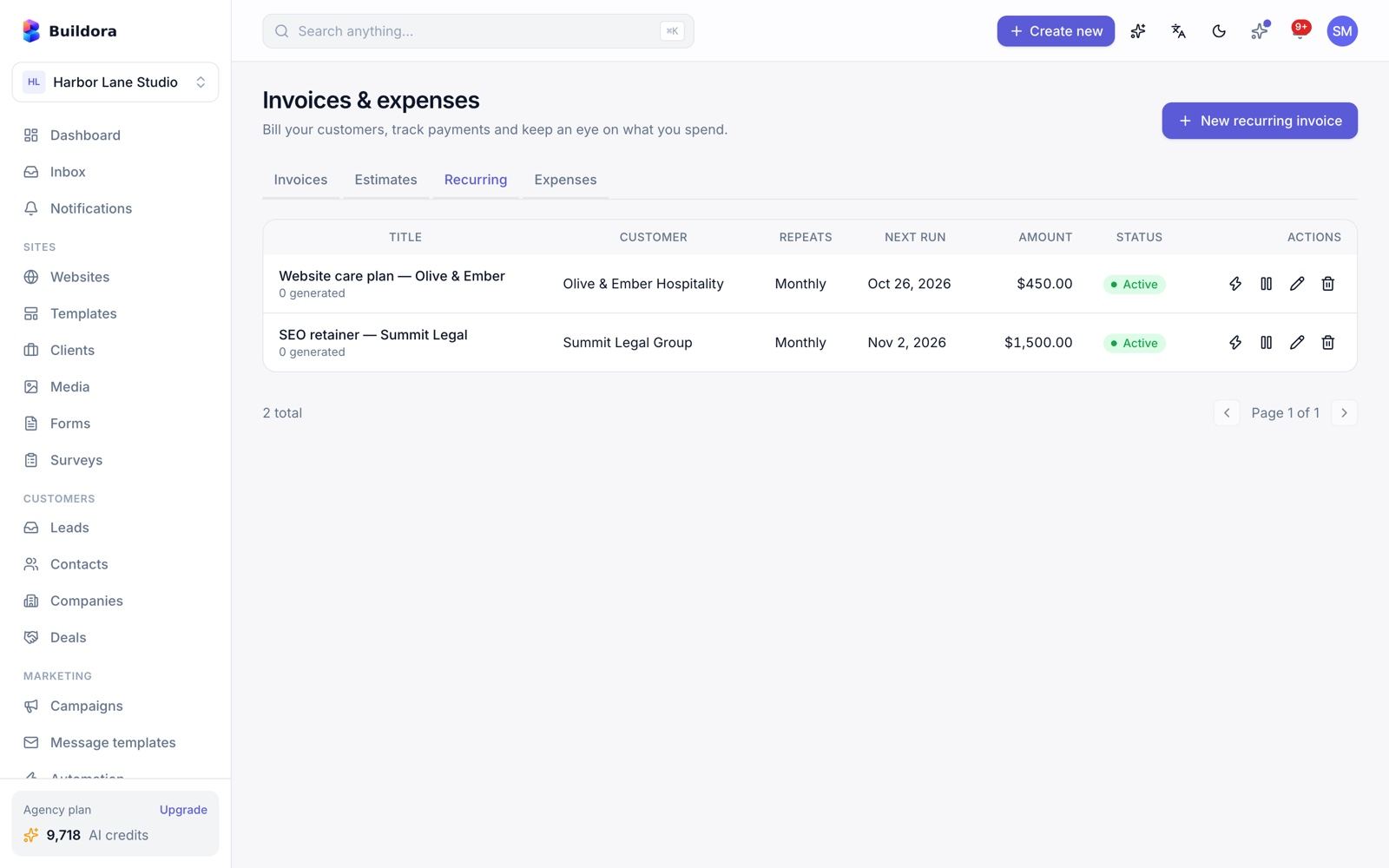
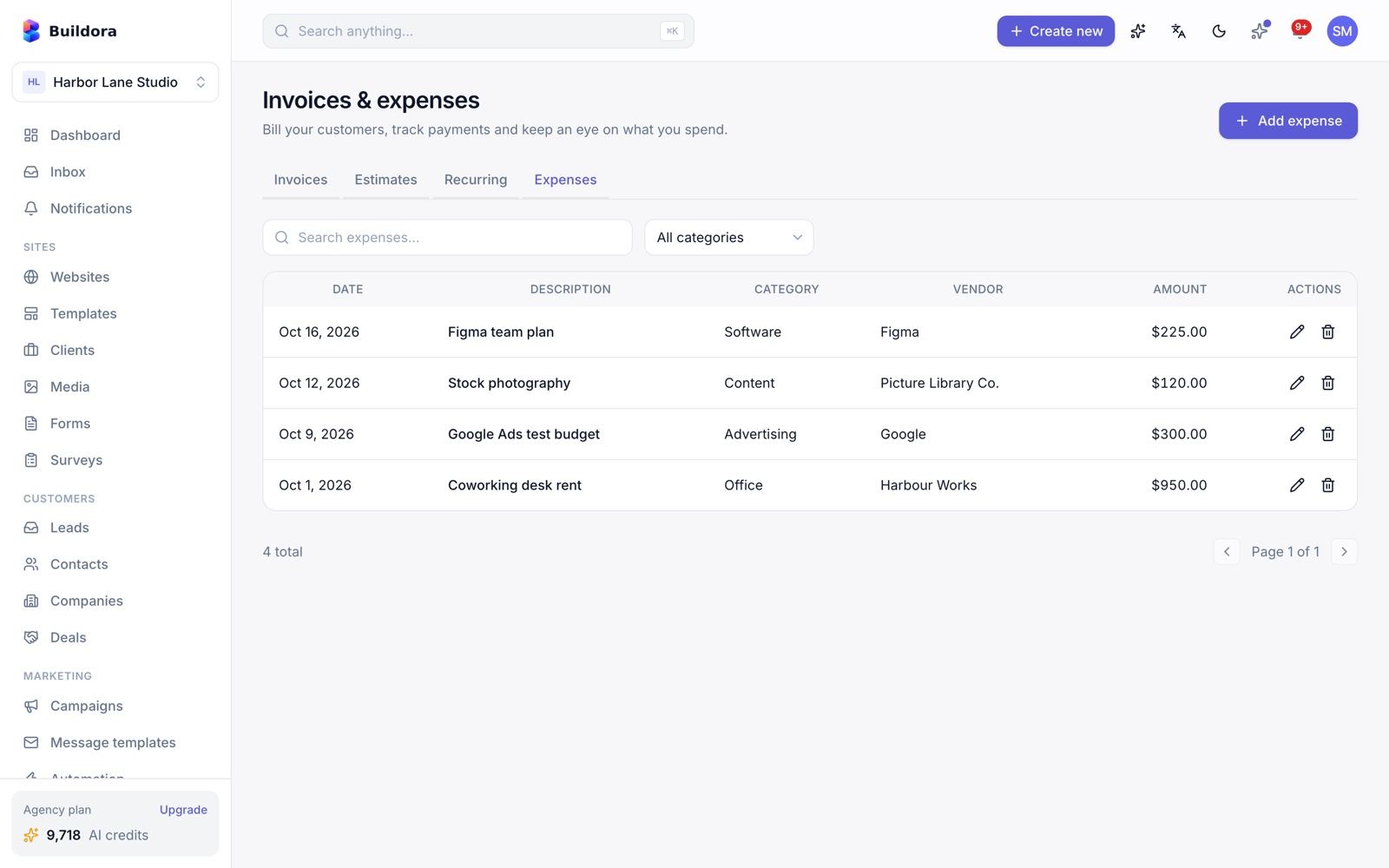
Invoicing, Estimates & Expenses
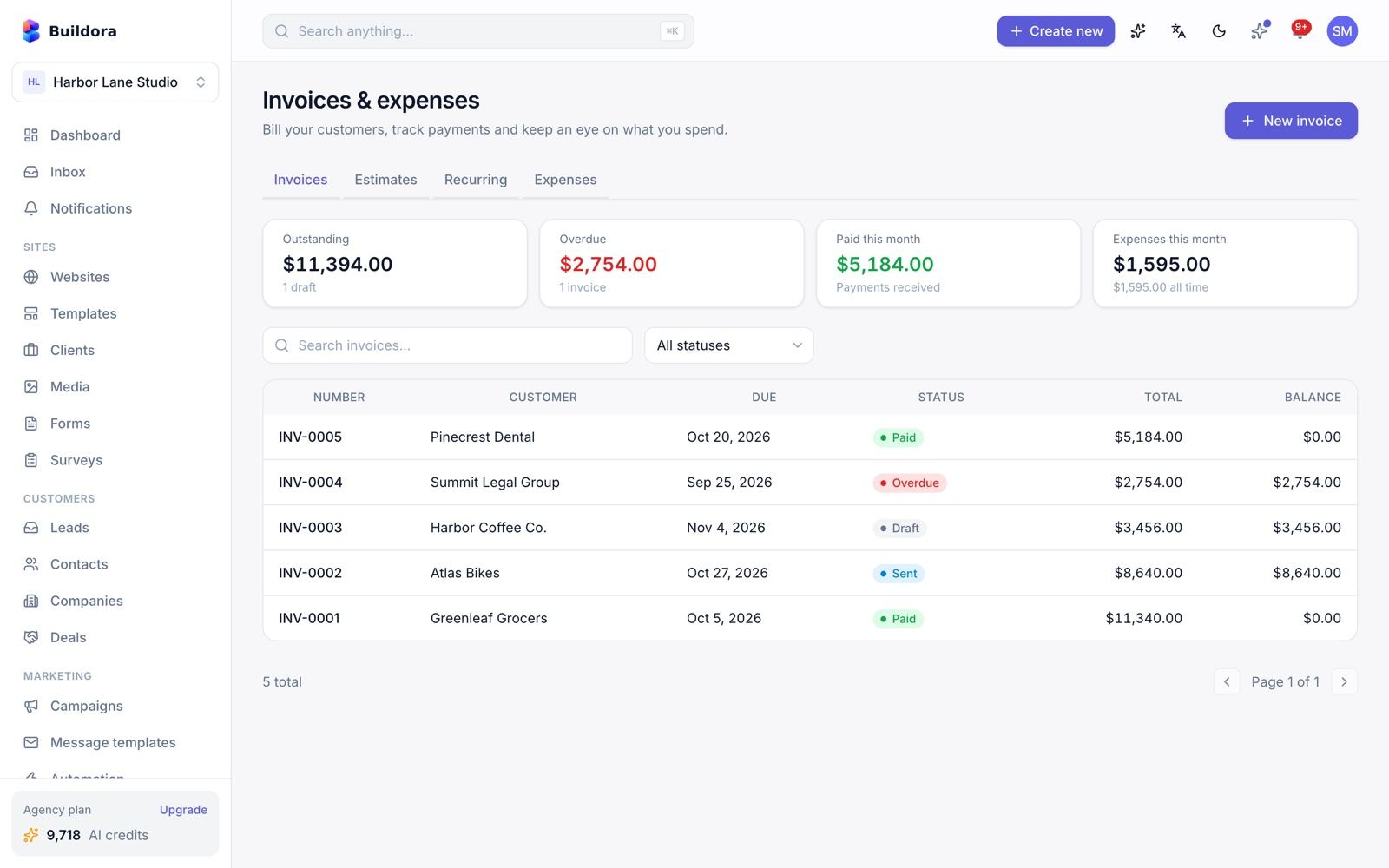
/invoices)| Screen | What it does |
|---|---|
| Invoices | Line items, tax, discount, partial payments, send by e-mail, void, overdue marking, PDF download, stats |
Estimates /invoices/estimates | Accept or decline, convert to an invoice |
Recurring /invoices/recurring | Weekly, monthly, quarterly or yearly; auto-send (daily job) |
Expenses /invoices/expenses | Expenses with receipts and a summary per category |
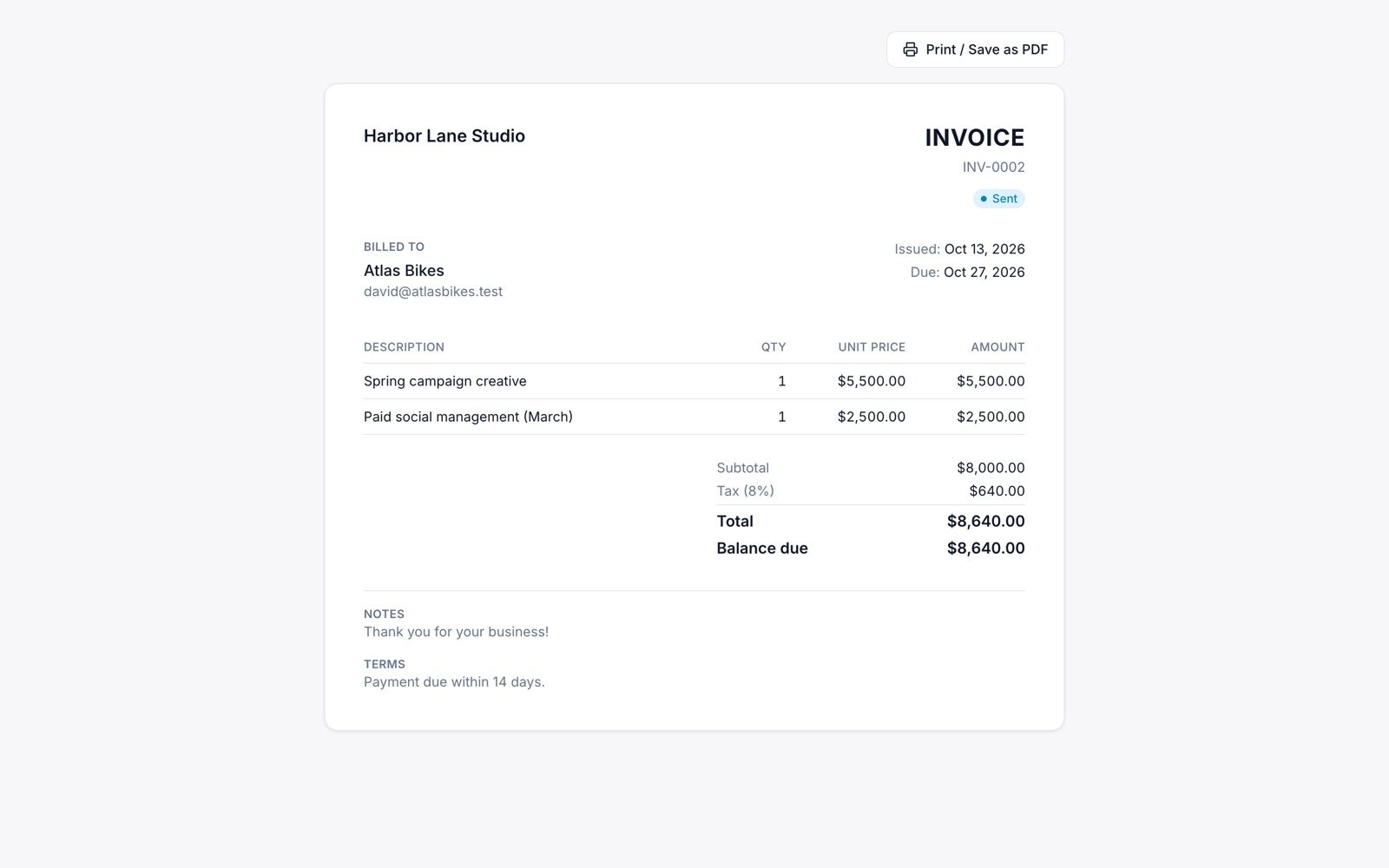
Each invoice has a public client view /i/{token} with print/PDF and “viewed” tracking.
The public invoice page has no online payment button; record payments yourself.
Helpdesk & Knowledge Base
/helpdesk) · Support → Knowledge base (/knowledge-base)Helpdesk
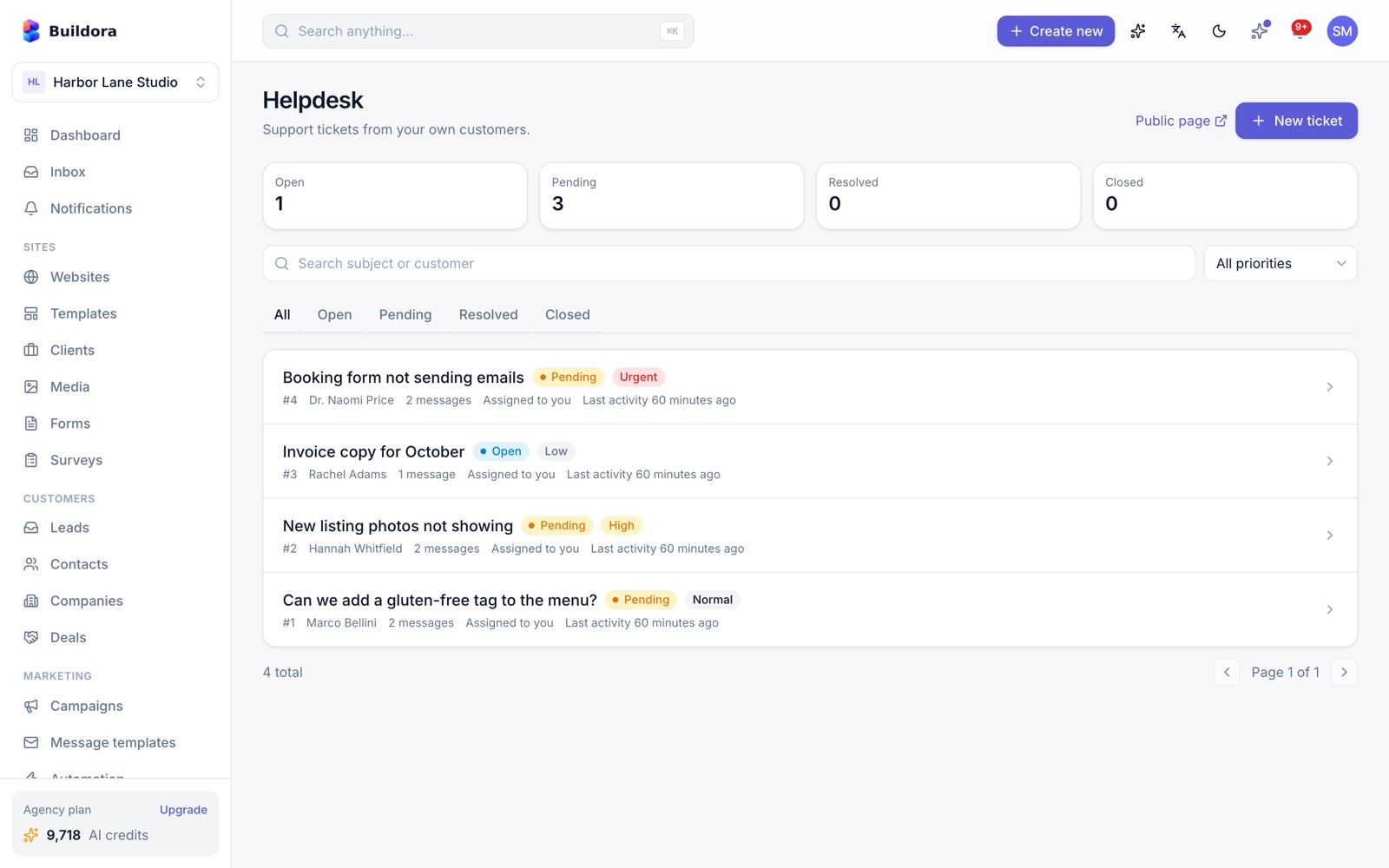
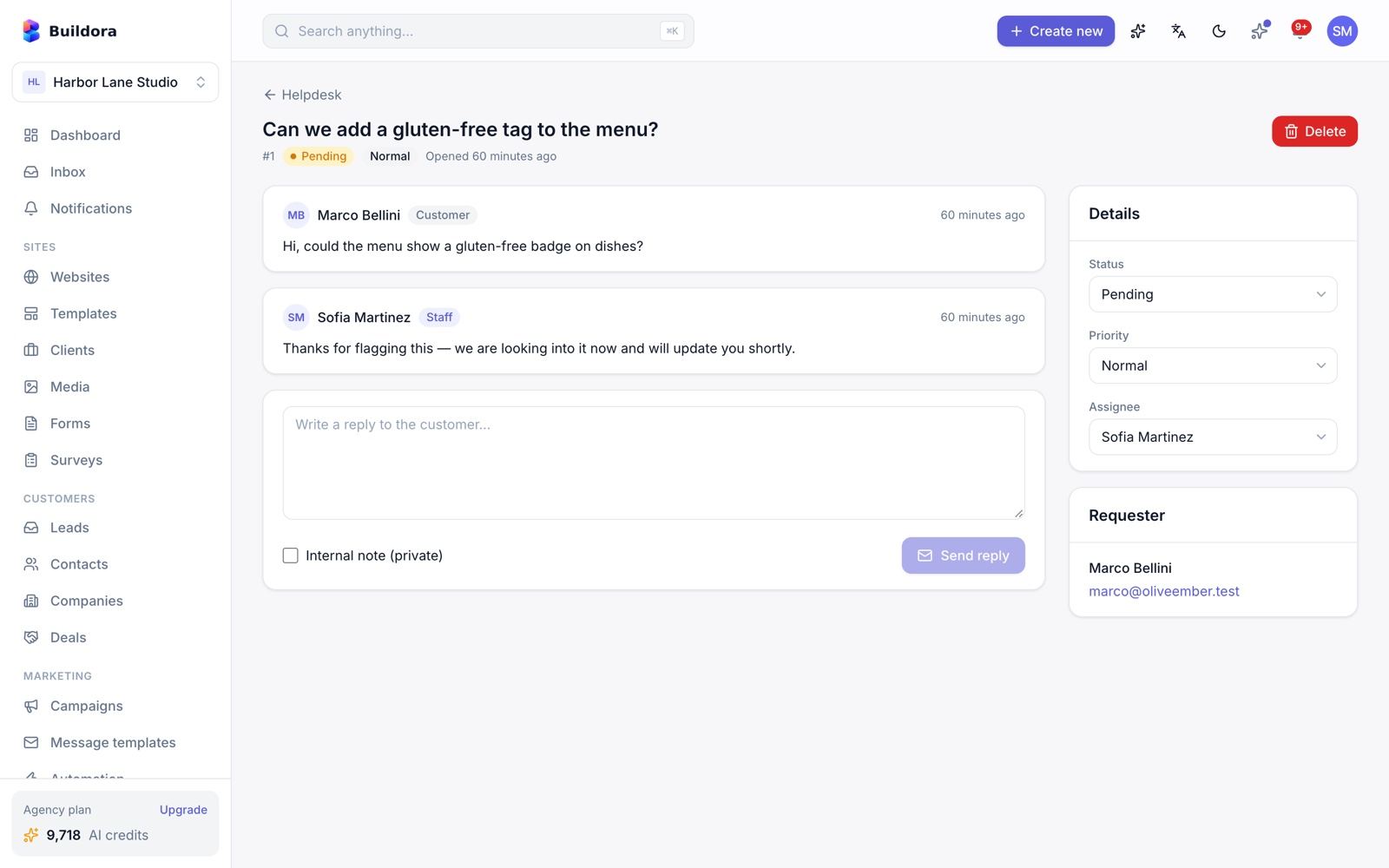
Tickets with 4 statuses and 4 priorities, an assignee, replies, internal notes and e-mail to the requester.
Knowledge base
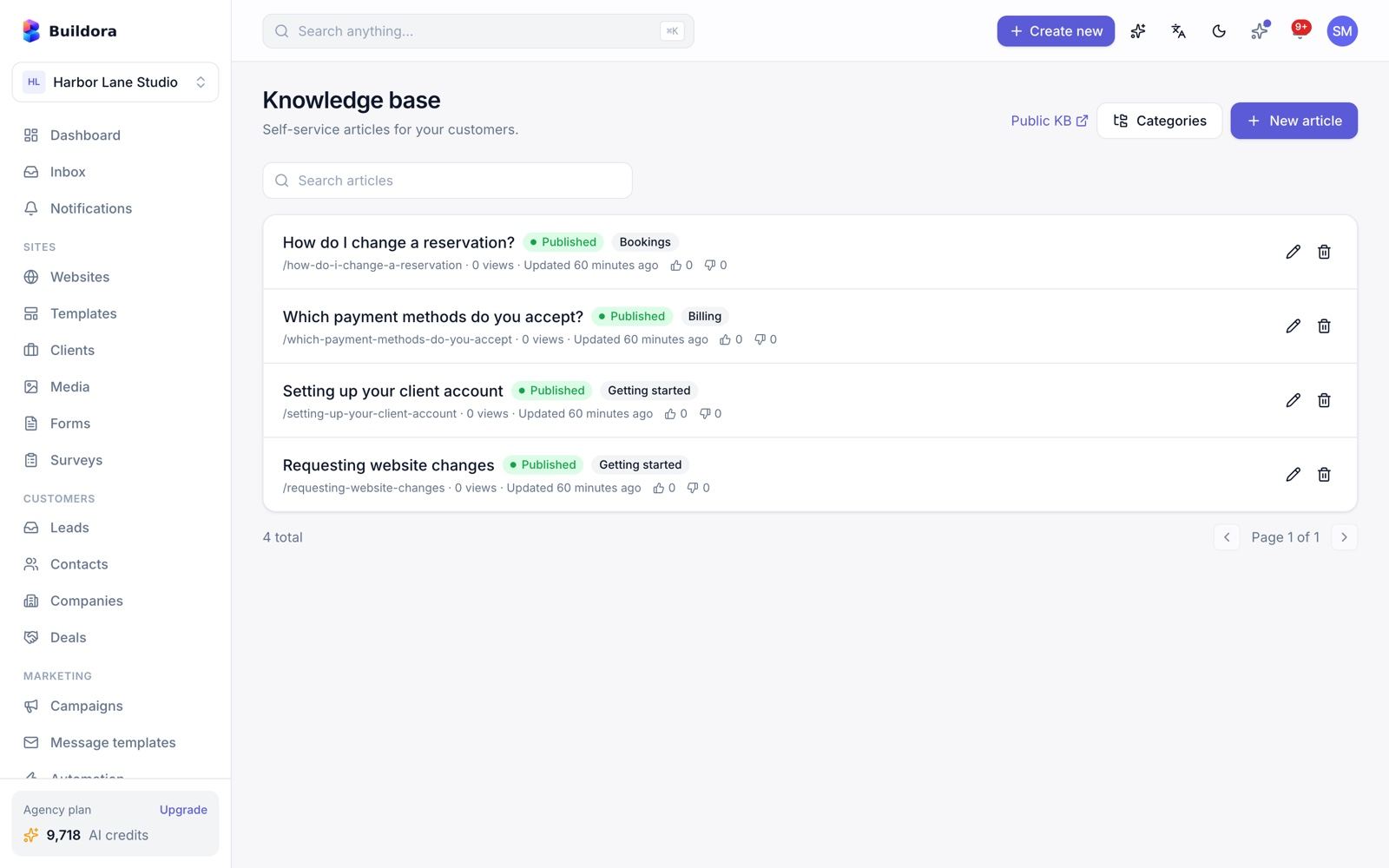
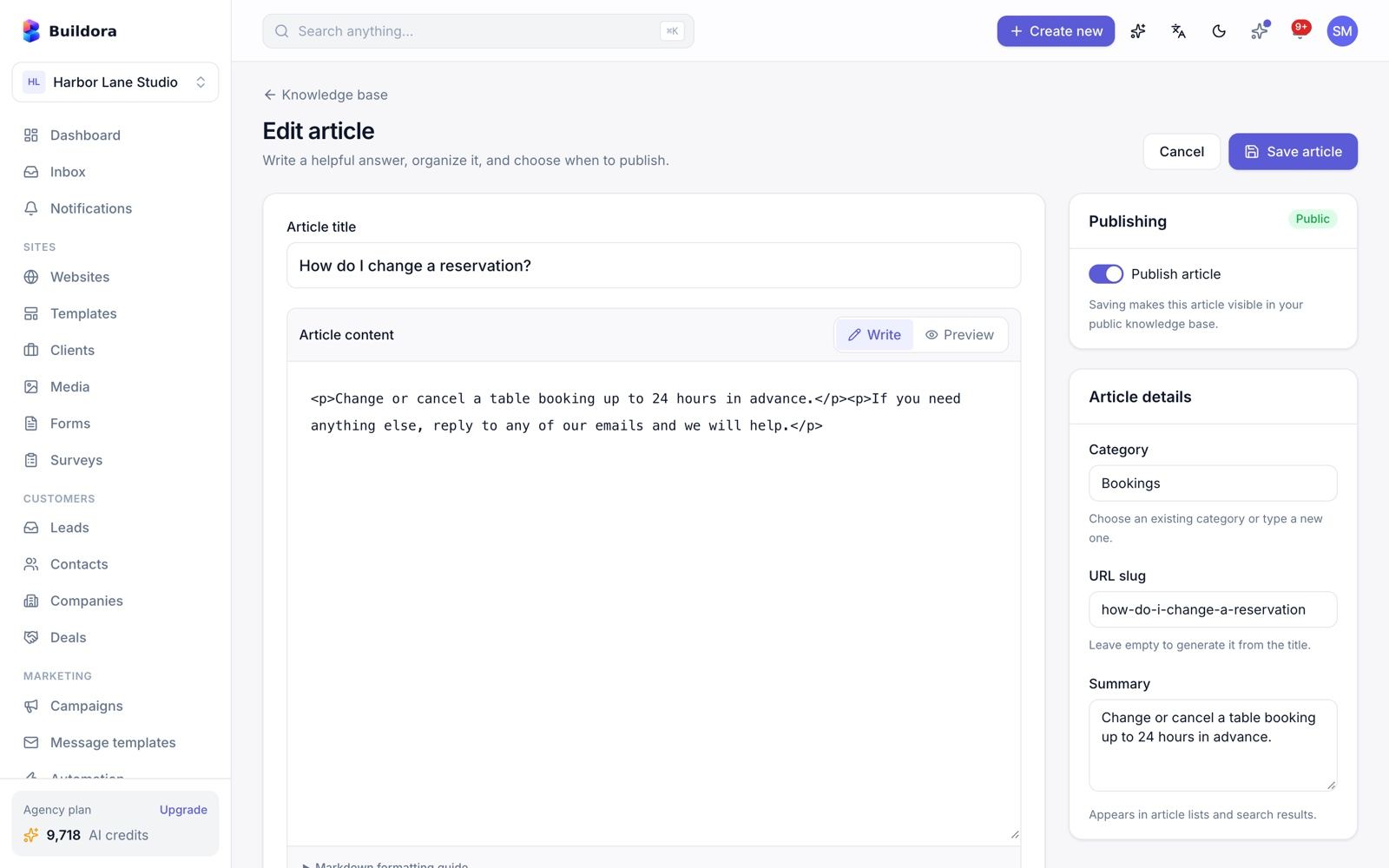
Categories and Markdown articles with view counts and helpful votes.
Public help center
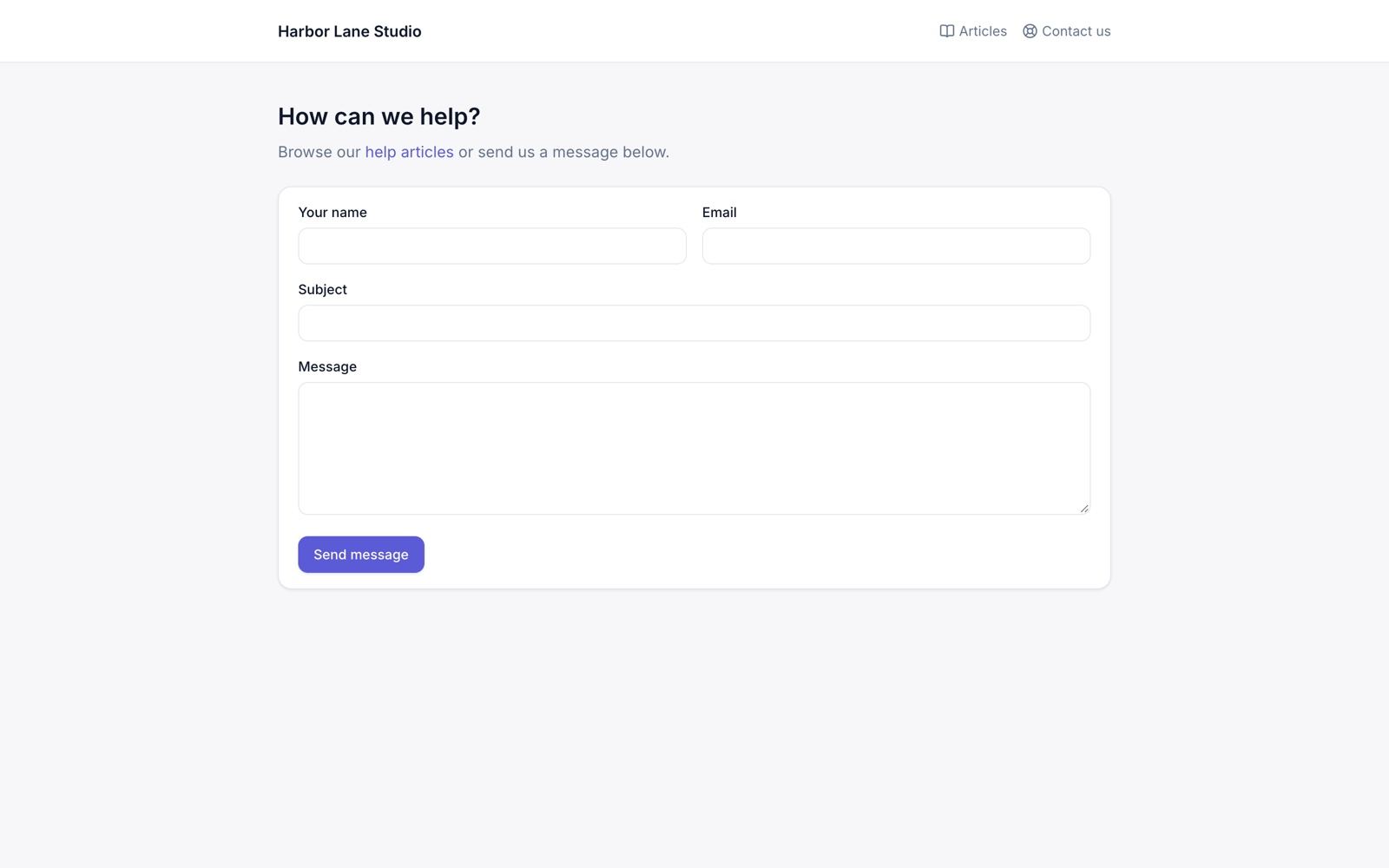
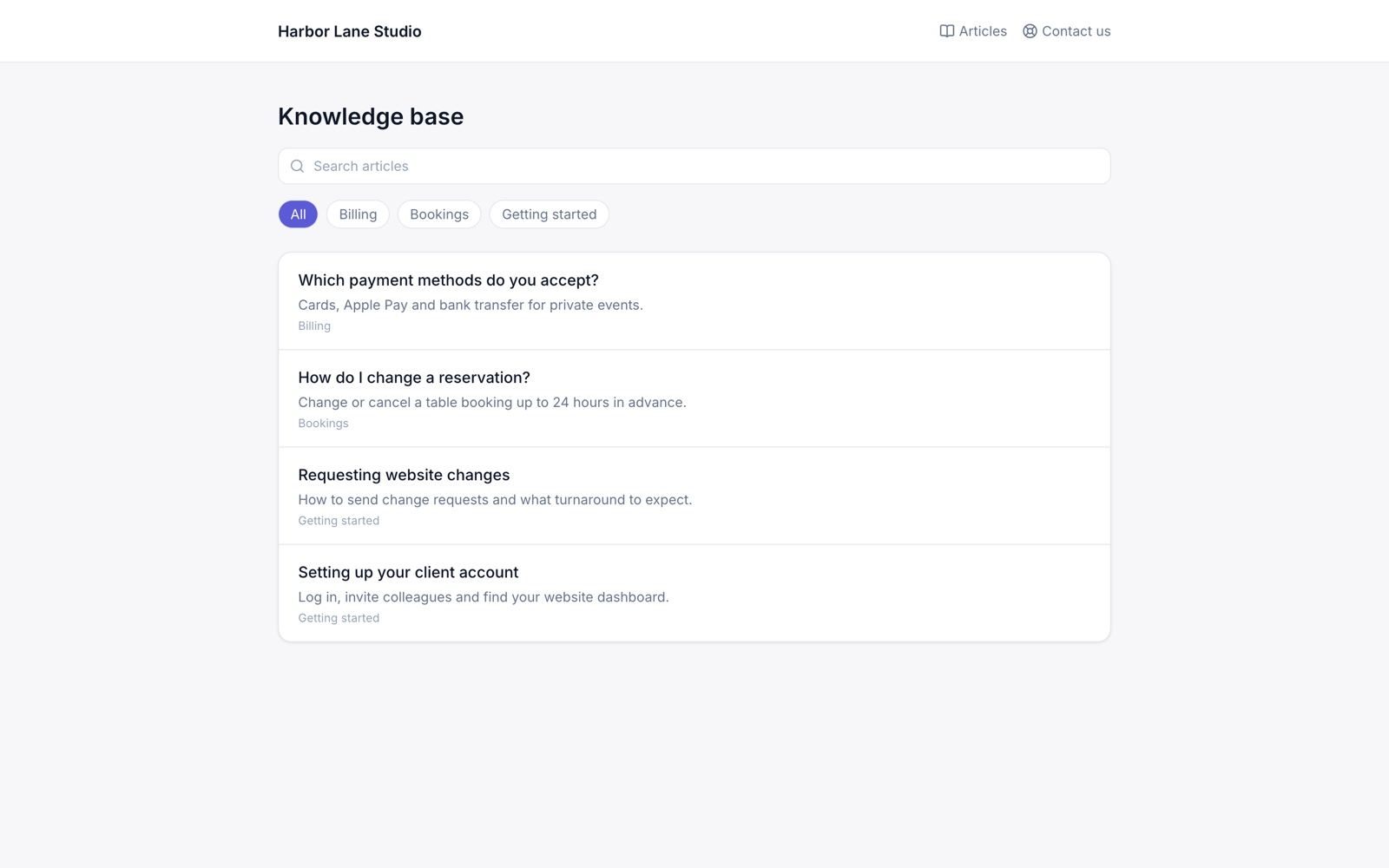
Every workspace gets a public help center: /help/{workspace} (submit a ticket), /help/{workspace}/kb and /help/{workspace}/kb/{slug} (articles) and /help/{workspace}/ticket/{token} (the customer’s ticket thread with a reply box).
No SLA timers, no inbound e-mail and no live chat.
Analytics
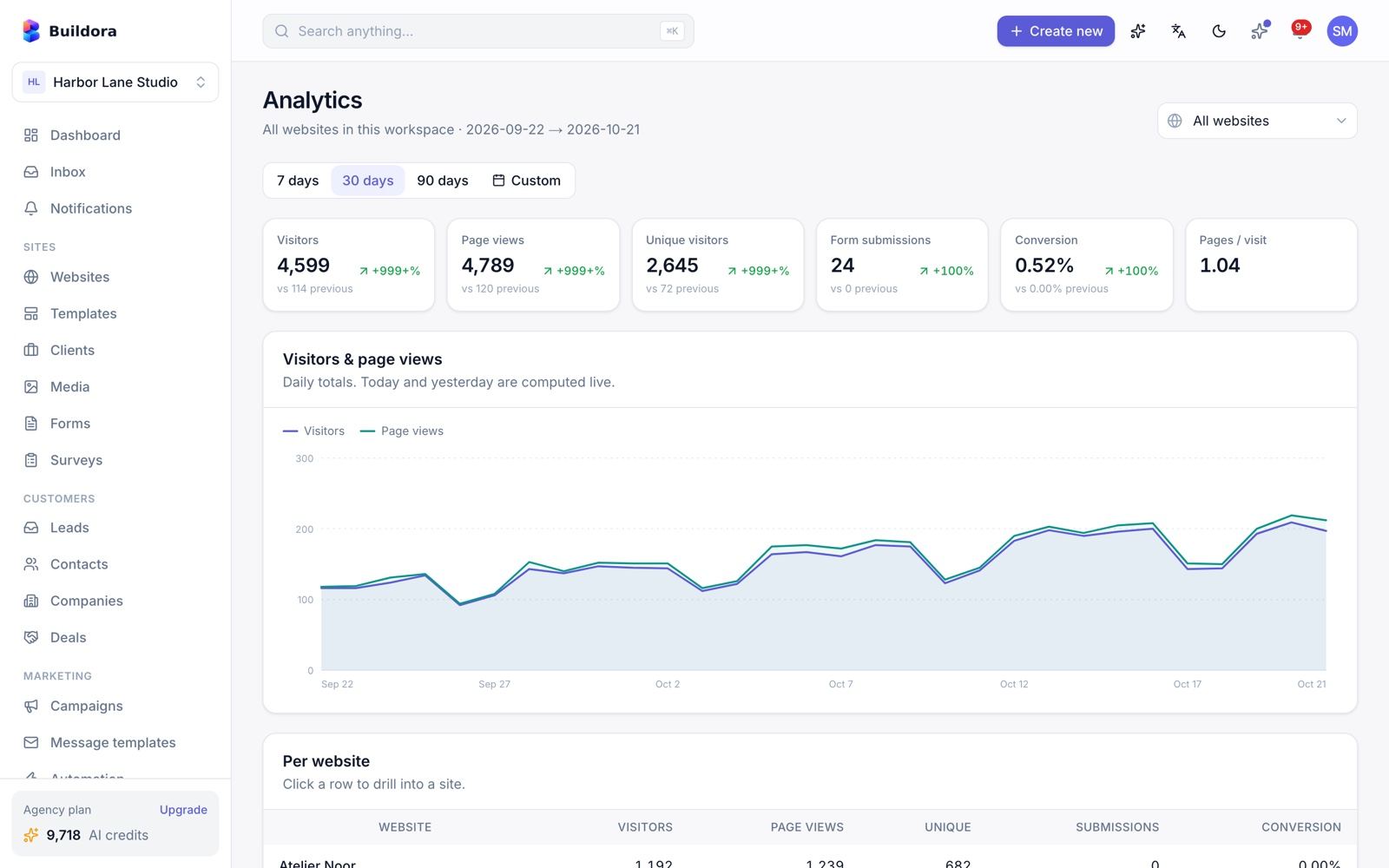
/analytics)A workspace overview plus a drill-down per website: visitors, page views, unique visitors, form submissions, conversion rate and pages per visit (compared with the previous period), a daily chart, top pages, referrers (direct, search, social, other), countries, devices, browsers and operating systems. Pick a date range and export CSV.
How tracking works
- A built-in cookieless tracker on published sites (
/_a): a daily-salted visitor hash, respects Do Not Track, filters bots. - Country from a CDN header or an optional MaxMind GeoLite2 file (Admin → Settings → Analytics).
- Hourly roll-ups; raw events are pruned after 30 days (admin setting).
You can also add Google Analytics 4, GTM, Meta Pixel, TikTok, Hotjar or Clarity per website in Website Settings.
Media Library & Storage
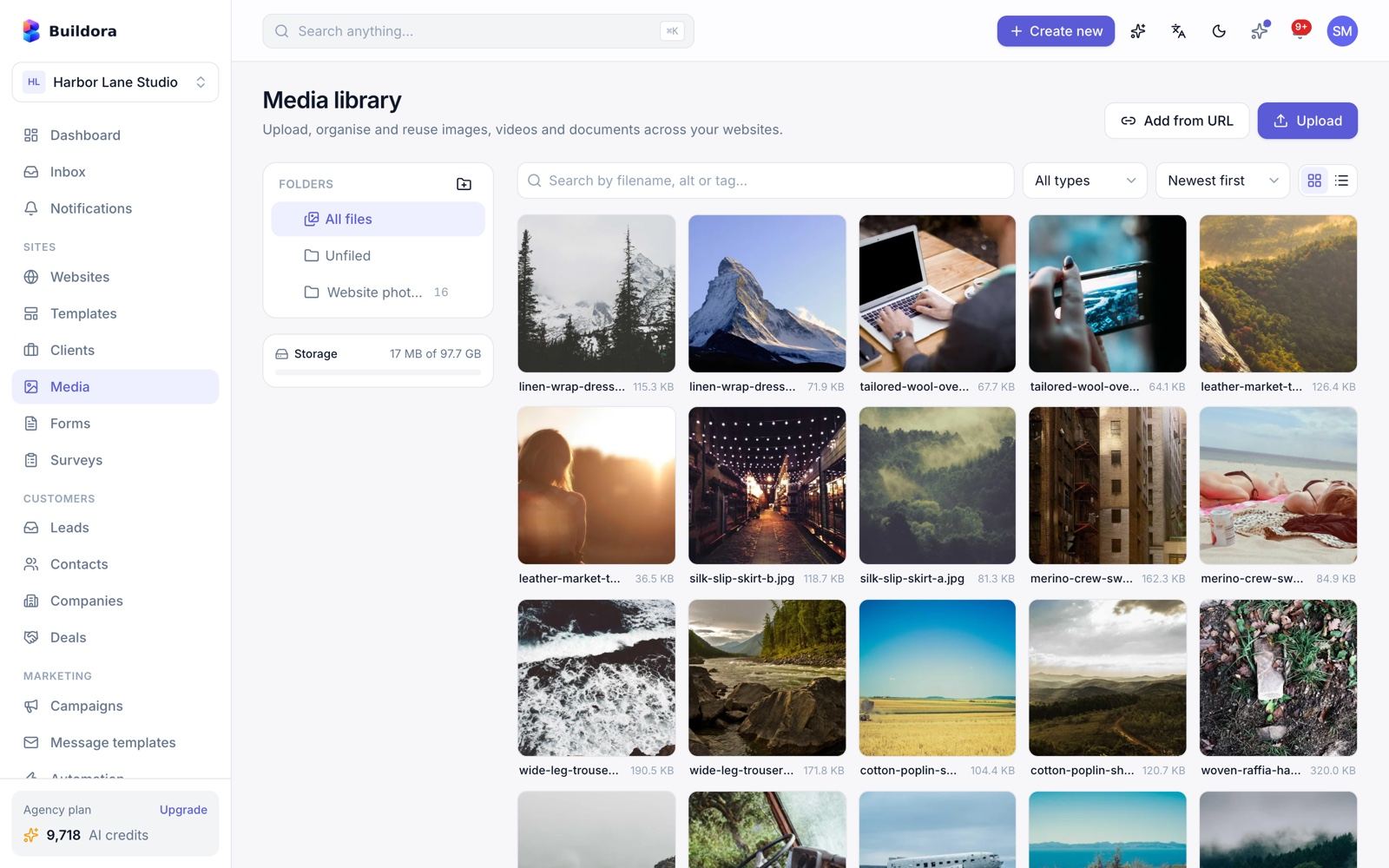
/media) · Editor media picker- Upload or import from URL; folders; replace; crop; alt text and metadata.
- Automatic responsive WebP variants. Formats: JPEG, PNG, GIF, WebP, AVIF and SVG.
- Quality and maximum size come from the admin settings; uploads count toward the plan storage quota.
- AI images (when an image provider is set) and research images are saved here.
Storage drivers
Admin → Settings → Storage: local public disk, s3 (from .env) or s3compat for AWS S3, Cloudflare R2, DigitalOcean Spaces, MinIO or Wasabi. The admin sees all files in Site Library → Media.
Team, Roles & Permissions
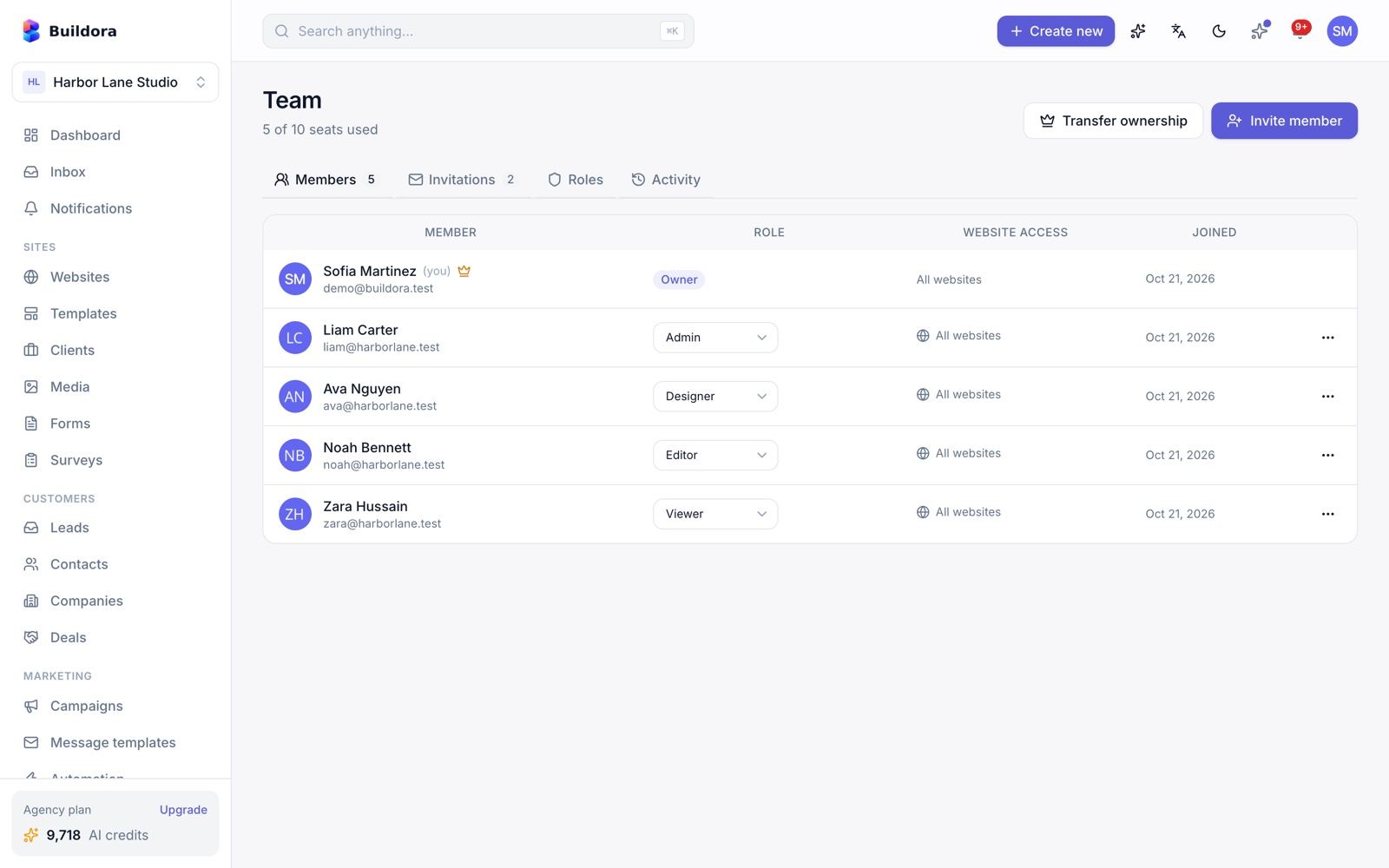
/team) · Workspace → Settings → WorkspaceWorkspaces
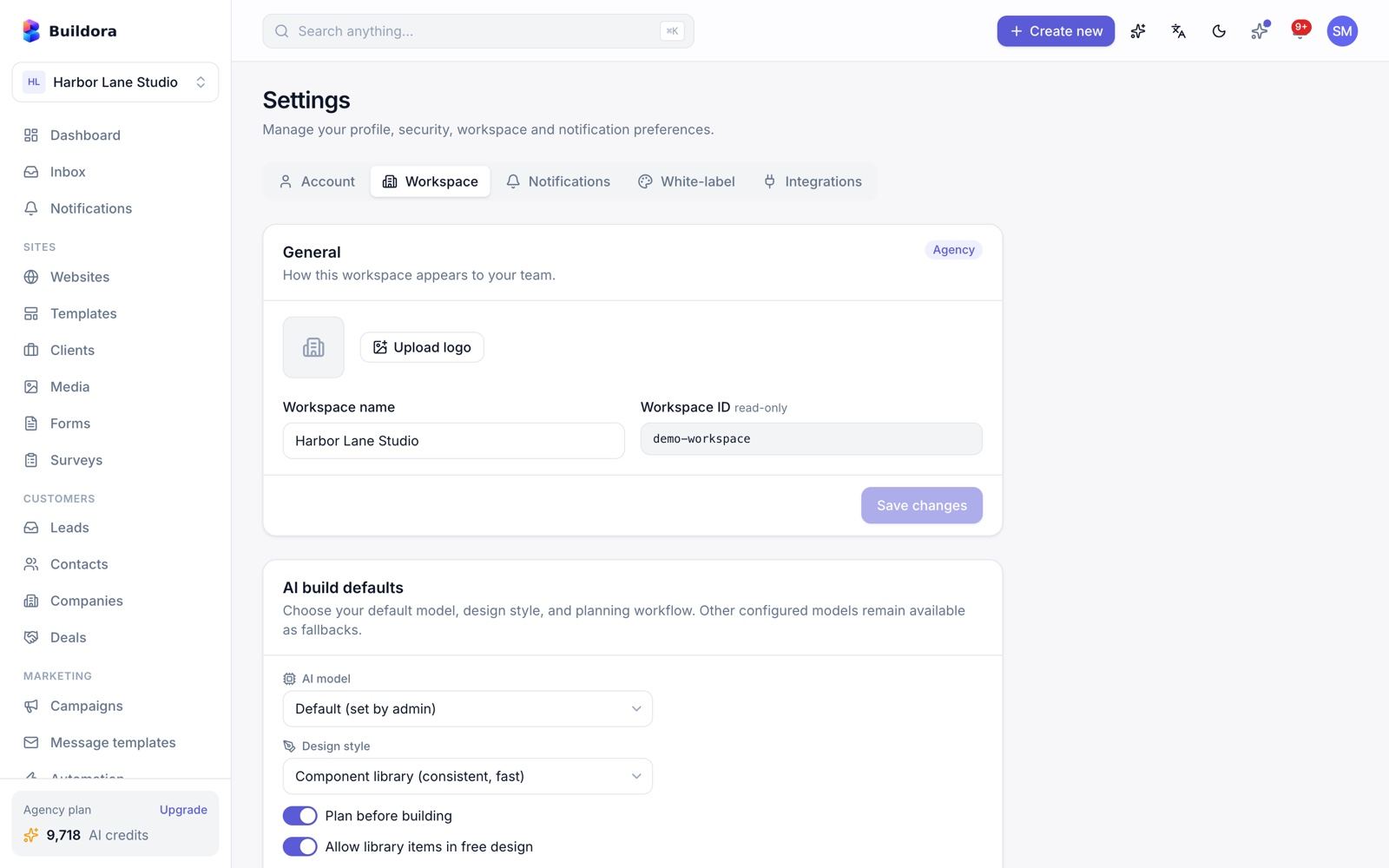
A user can own or join several workspaces and switch between them from the top bar. Create, leave, delete, transfer ownership or convert a workspace to an agency. /settings/workspace holds the name, logo, AI build defaults (model, design style, planning) and the danger zone.
Inviting members
Invite
On Team enter an e-mail and pick a role. The invitee gets a link to
/invitations/{token}to accept or decline; you can resend it.Pick a role
Presets Owner, Admin, Designer, Editor, Viewer, or a custom role.
Fine-tune
Override single permissions per member.
Audit
The team activity log shows who did what.
The 19 permission keys:
website.create, website.delete, website.publish, page.edit, design.edit, content.edit, blog.manage, media.manage, forms.manage, leads.view, leads.manage, analytics.view, domain.manage, team.manage, billing.manage, ai.use, code.custom, settings.manage, clients.manage
The number of members is limited by the plan.
Agency, Clients & White-label
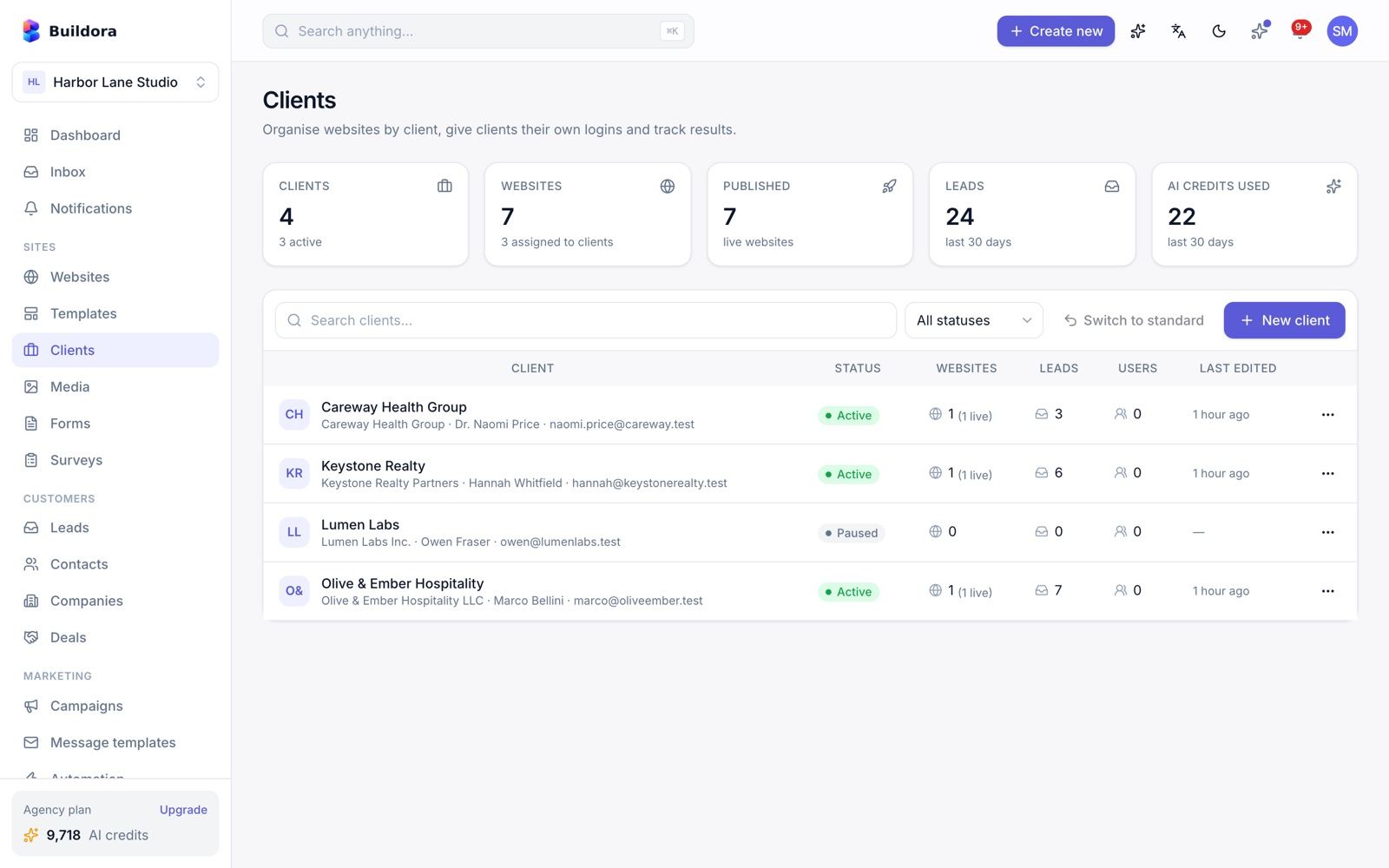
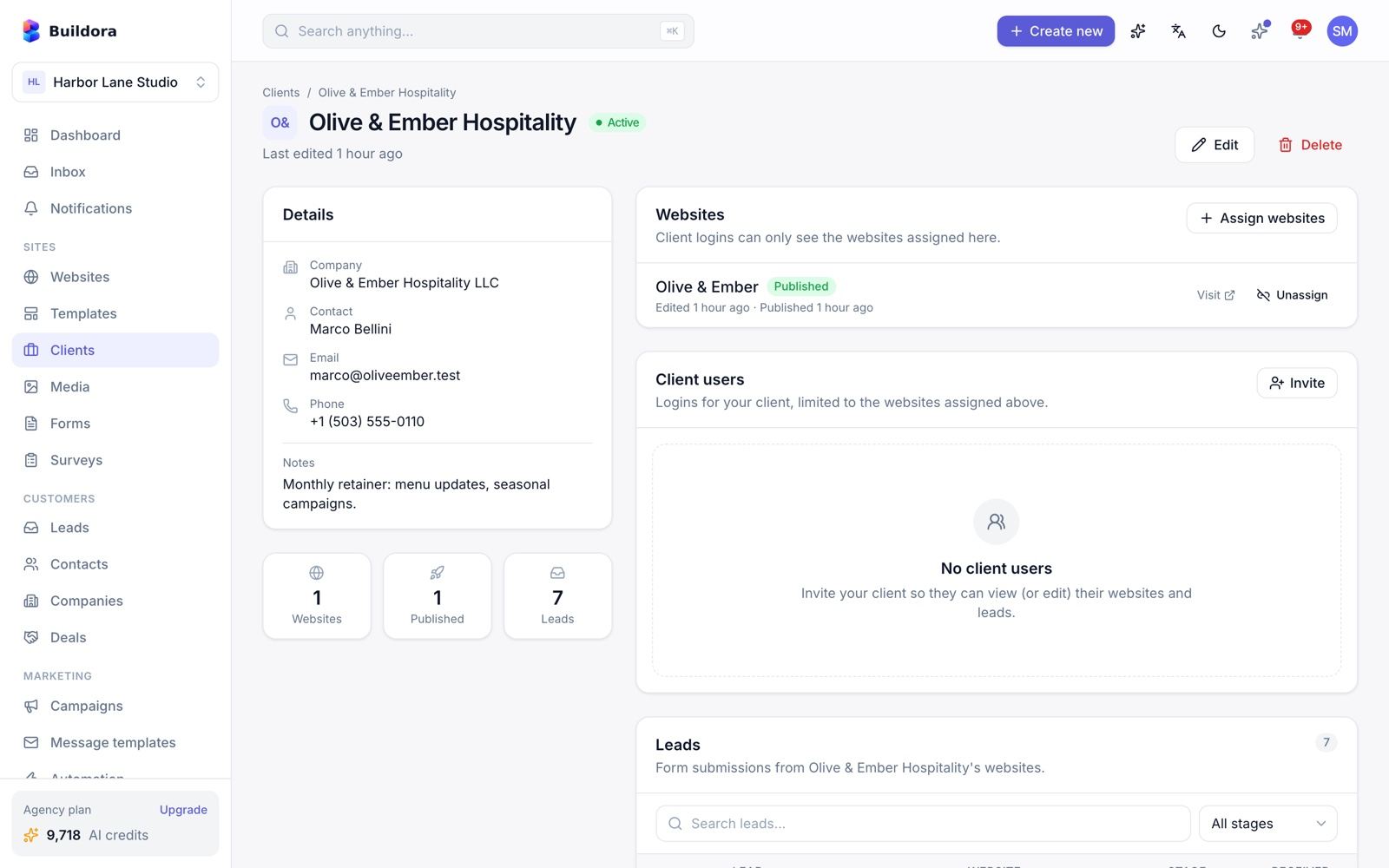
/clients) · Settings → White-label (/settings/white-label)Agency mode and clients
Plan feature agency_mode (or a workspace converted to an agency). Agencies keep client records, assign websites to a client, invite client users who can only see their own websites, and view the leads of each client. Websites can be transferred between your workspaces.
Add a client
Clients → New client with name and contact details.
Assign websites
Open the client and assign the websites you build for them.
Invite the client
Invite client users; they sign in and see only the assigned websites.
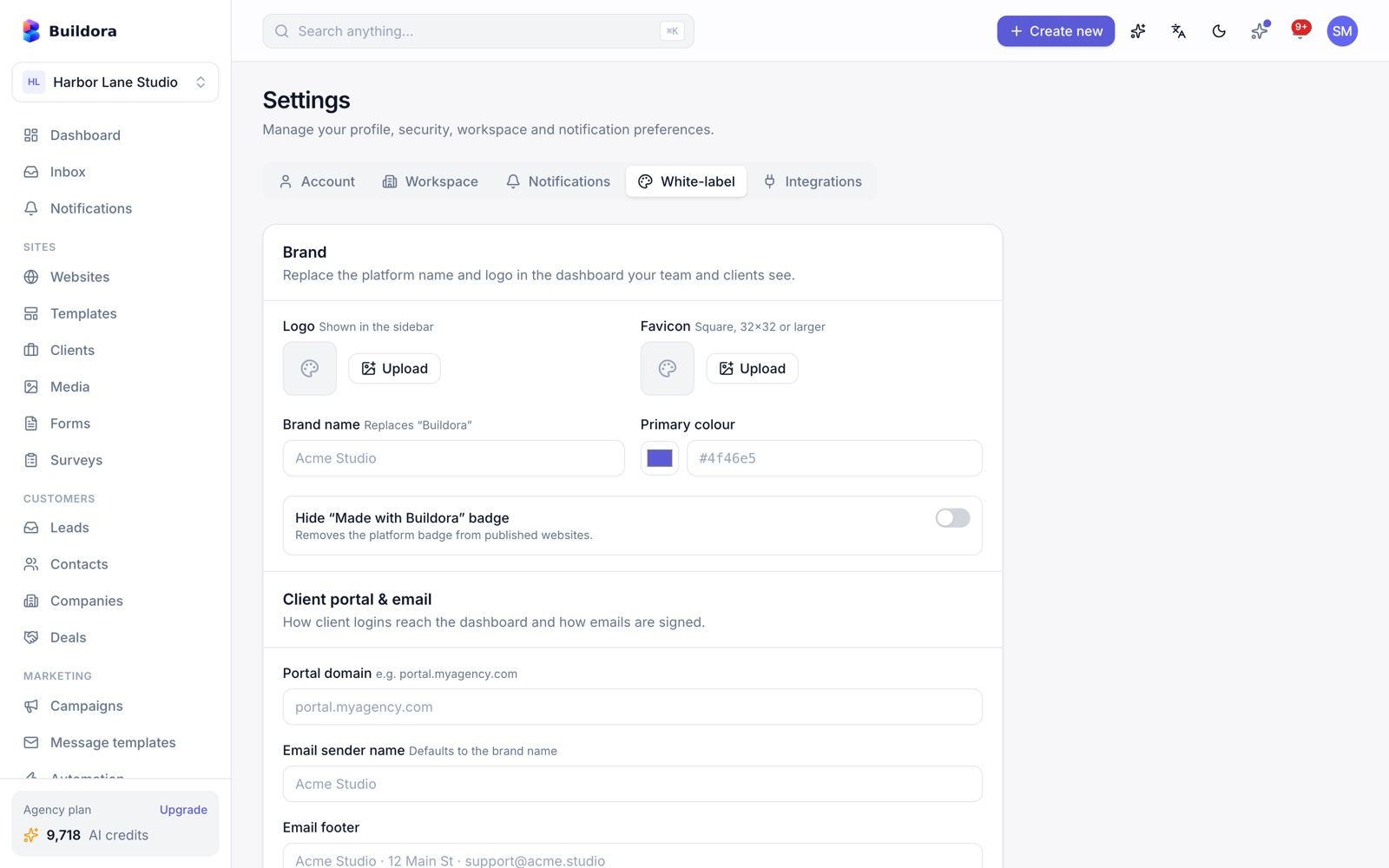
White-label
Plan feature white_label: brand name, logo, favicon, primary colour, hide the “Made with Buildora” badge, e-mail from-name and footer, and a portal domain.
Billing, Plans & Credits
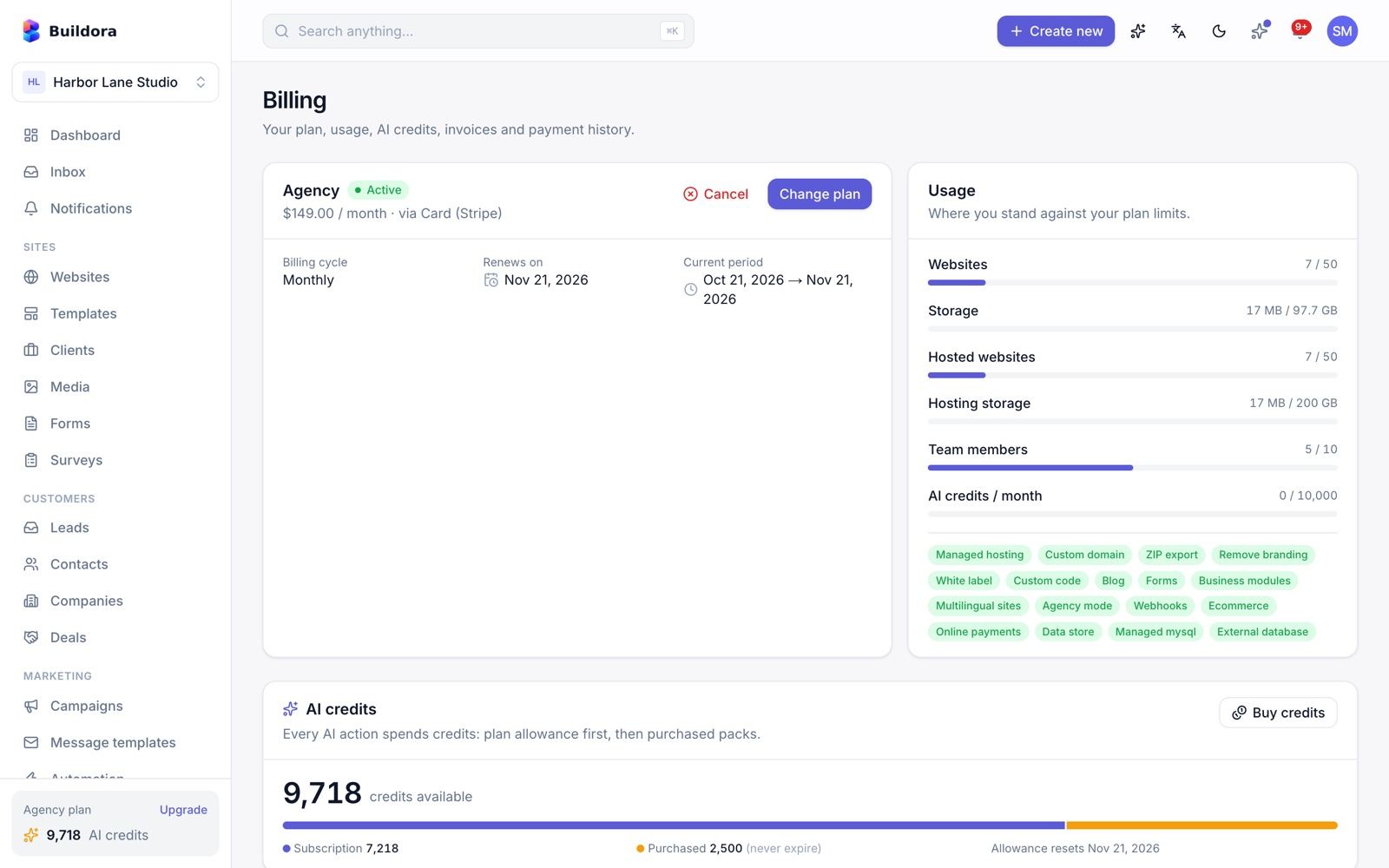
/billing)This is what your customers see. The admin side is in Plans & Subscriptions and Payments.
- Current plan and usage bars; change plan (with proration; downgrades are scheduled for the period end); cancel and resume.
- AI credit balance: subscription credits (reset monthly; optional rollover) plus purchased credits. A low-credit alert fires at 20 %.
- Credit packs (seeded: 100 credits / $5, 500 / $20, 1,000 / $35).
- Auto-recharge: buy a pack automatically when the balance runs low, charged to a saved Stripe card.
- Hosting add-ons, invoices (PDF) and transactions, manual payment proof upload and a coupon field at checkout.
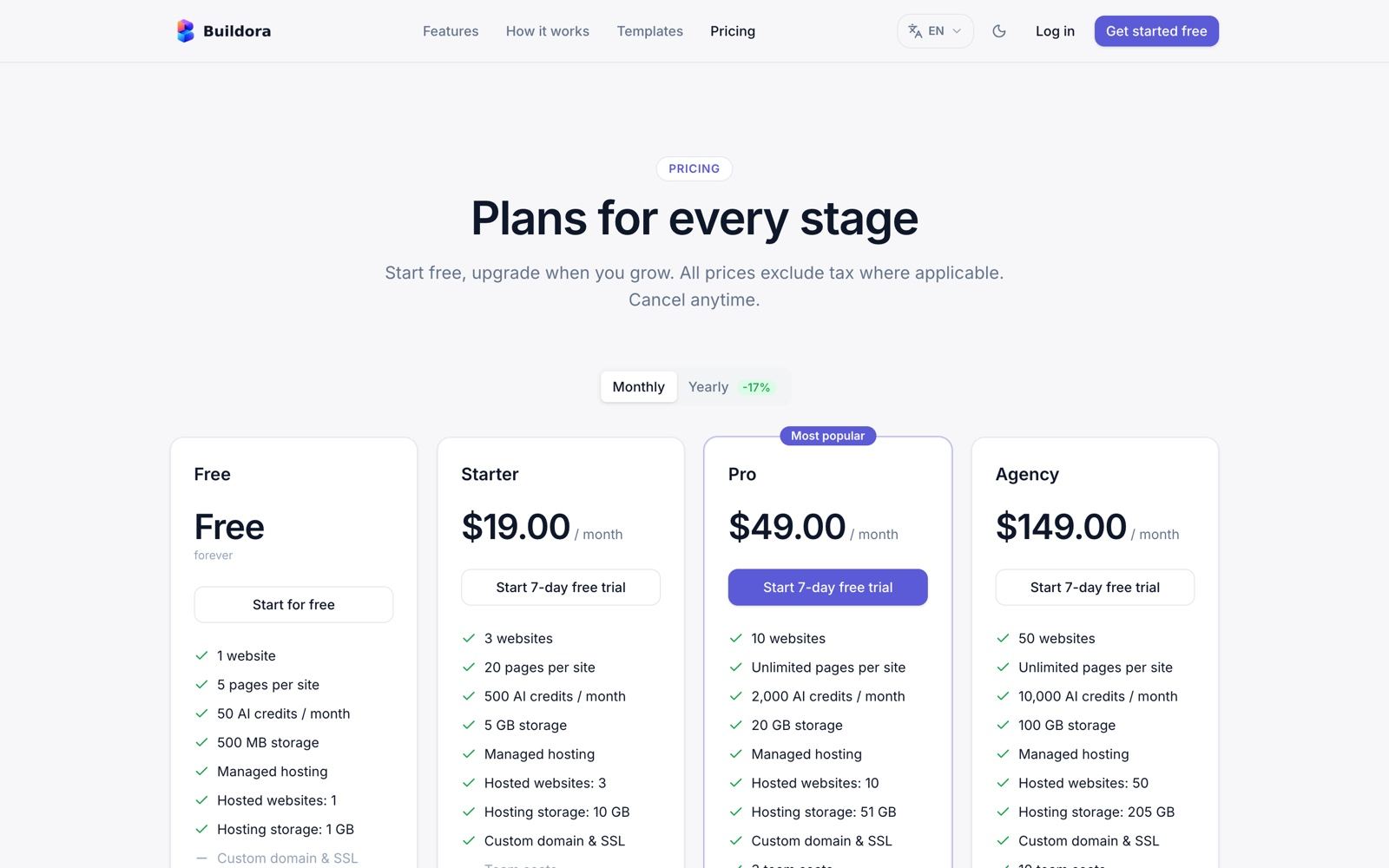
Seeded plans
| Plan | Monthly | Yearly | Notes |
|---|---|---|---|
| Free | $0 | $0 | Default plan |
| Starter | $19 | $190 | 7-day trial |
| Pro | $49 | $490 | Featured, 7-day trial |
| Agency | $149 | $1,490 | 7-day trial |
All prices, limits and features are editable. Plans can carry per-currency price overrides (fixed prices per currency, no exchange-rate conversion).
Off-session charges (auto-recharge, hosting add-on and domain renewals) work with Stripe only.
Account & Security
/settings/account)| Card | What it does |
|---|---|
| Profile | Name, e-mail, avatar |
| Password | Change password |
| Two-factor authentication | TOTP authenticator app with recovery codes |
| Connected accounts | Link or unlink Google |
| API tokens | Personal Sanctum tokens (up to 10) for the REST API |
| Affiliate | Join the affiliate program (see Affiliate) |
| Export my data | GDPR export as JSON; a signed download link is e-mailed |
| Delete account | Deletion with a 14-day grace period that you can cancel |
Login options
E-mail and password, Google (web via Socialite, mobile via ID token), e-mail verification and password reset. The mobile app can hand a signed-in session over to the web with a one-time link.
Turn on 2FA
Account → Two-factor authentication → Enable, scan the QR code and confirm a code.
Save recovery codes
Store them safely; each works once.
Sign in
After the password, enter the 6-digit code (web and mobile).
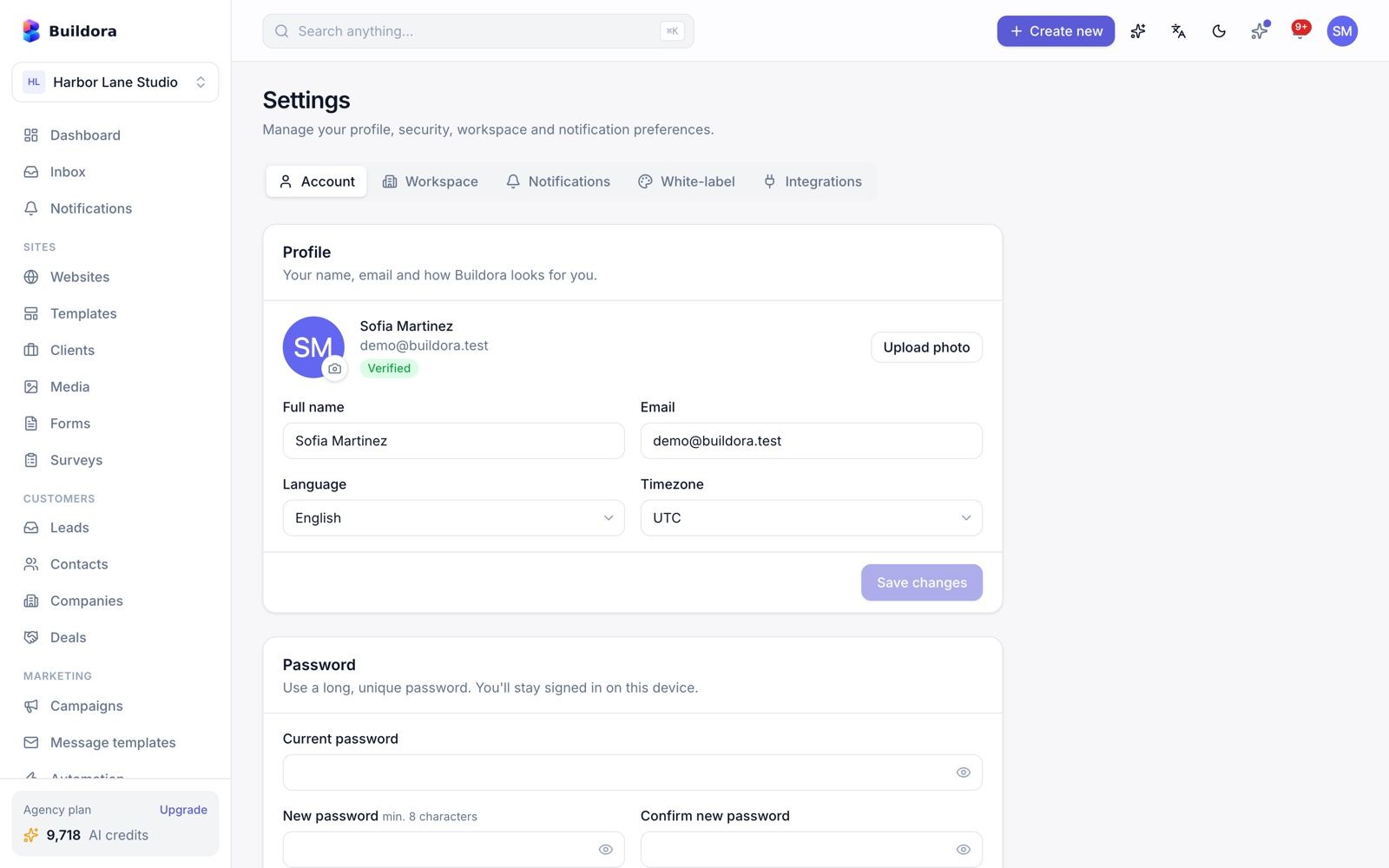
Notifications & Email Templates
/notifications) · Settings → Notifications · Admin → Settings → Email templatesEach user chooses e-mail, in-app and push delivery per event (16 events): new lead, website published, domain connected, domain failed, subscription expiring, payment success, payment failed, credits low, auto-recharge failed, team invitation, invite accepted, export ready, generation complete, comment, support reply, new shop order.
Push notifications go to the Flutter app through Firebase Cloud Messaging HTTP v1; upload the service-account JSON in Admin → Settings → Mobile app.
Email templates (admin)
13 editable templates with {{var}} placeholders: credits_low, credits_exhausted, auto_recharge_failed, workspace_invitation, support_ticket_reply, account_deletion_requested, account_data_export_ready, payment_failed, subscription_expiring, new_comment, new_lead, subscription_activated, payment_succeeded.
Seeded by the installer
The installer creates the rows (
EmailTemplateSeeder, on install only, so your edits survivebuildora:update); e-mails still go out with the built-in text if a row is missing.Edit
Open a template, change subject and body, keep the placeholders.
Test mail
Settings → Mail → Send test email. Drivers: SMTP, Amazon SES, sendmail and log.
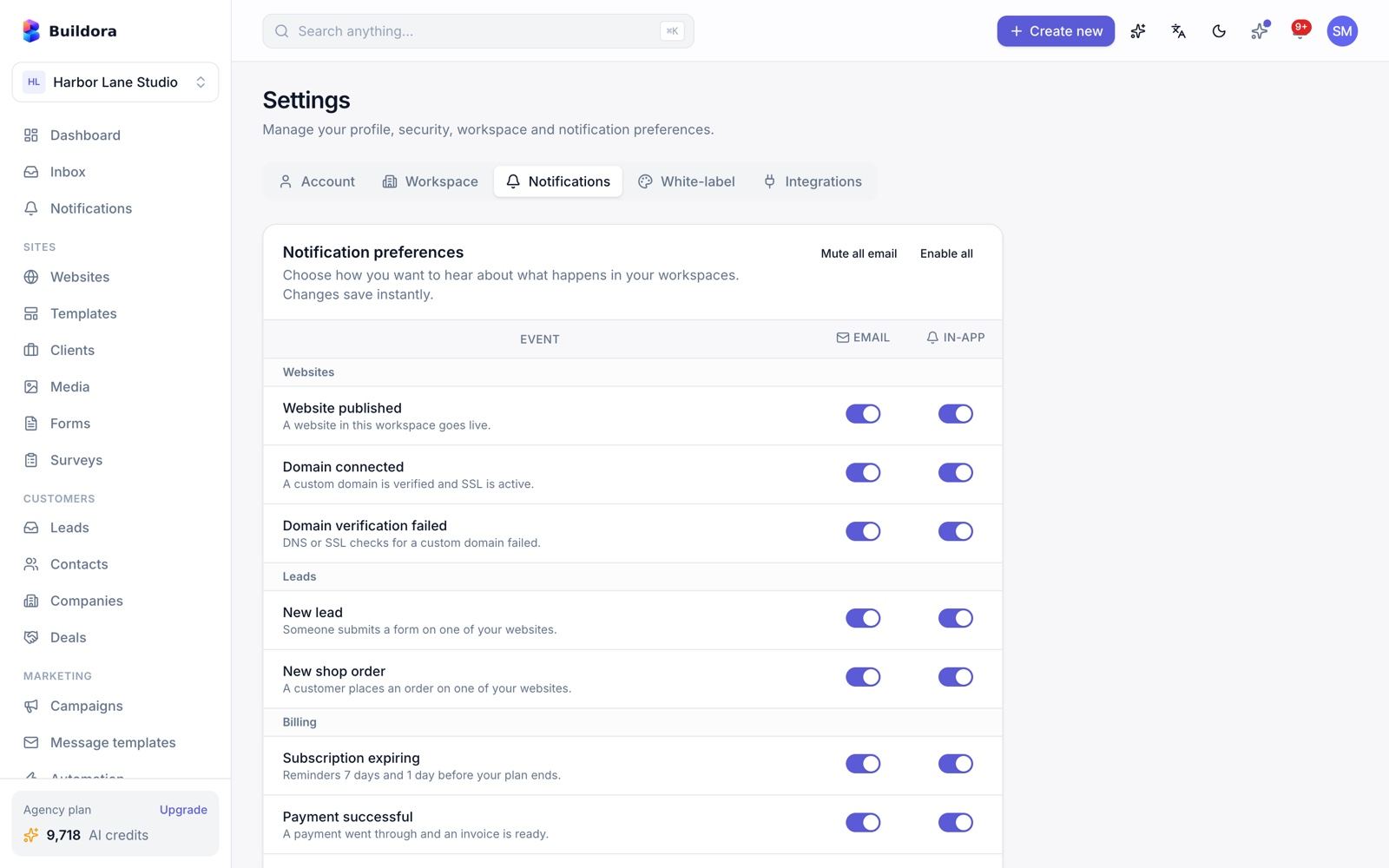
Annotated: push notifications (FCM) for the mobile app
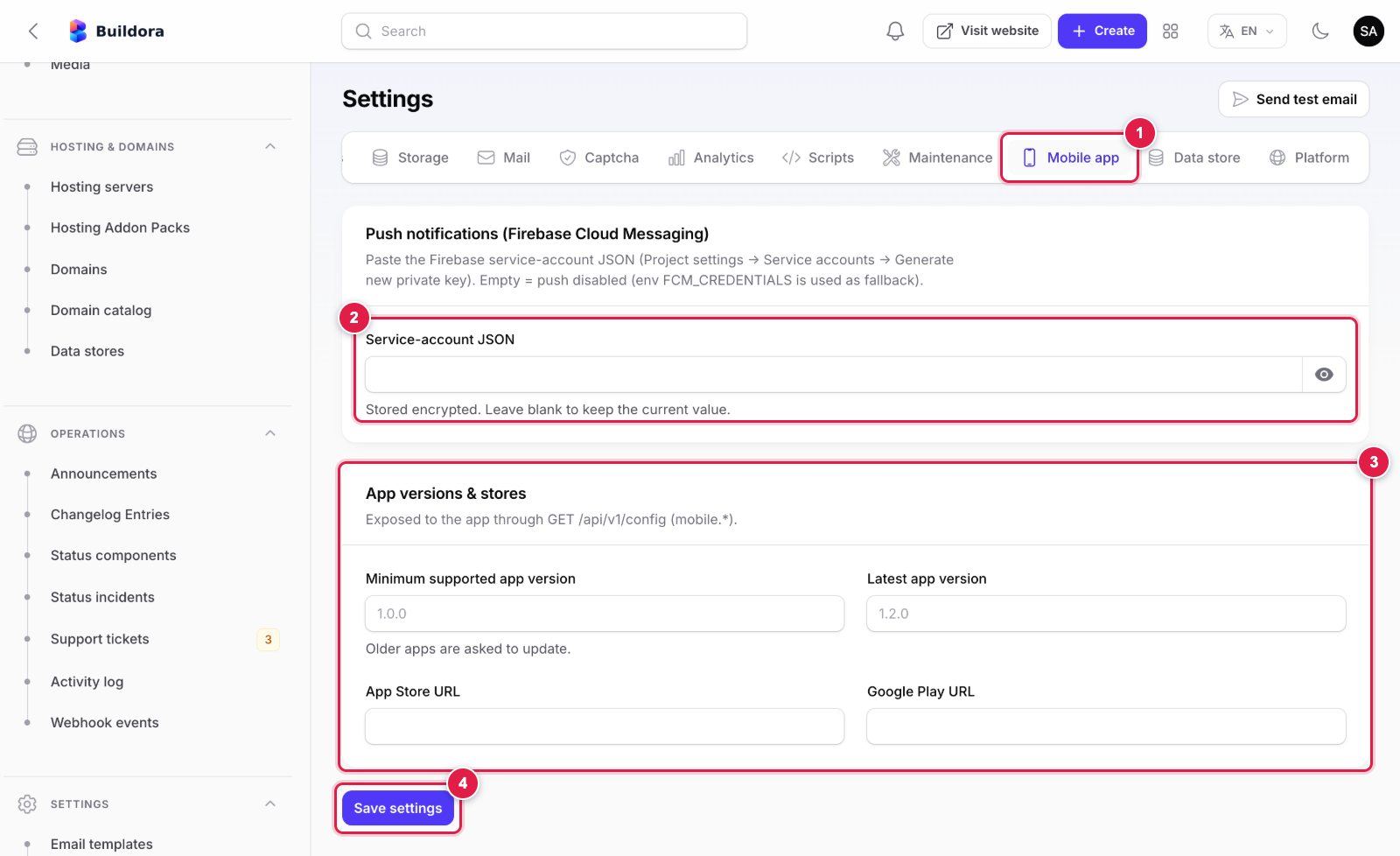
- Mobile app tab of Settings (scroll the tab bar to the right if it is hidden).
- Service-account JSON: in the Firebase console open Project settings → Service accounts → Generate new private key and paste the whole JSON file content. Use the same Firebase project as your app build. Empty = push disabled. Stored encrypted in the database (the old
FCM_CREDENTIALS.envkey is only a fallback). - App versions & stores: minimum/latest version and store URLs, exposed through
GET /api/v1/config. The 1.0.0 app does not read them yet. - Save settings. Pushes are queued, so a queue worker must be running.
The app side (Firebase files, APNs key) is in Mobile App → Firebase Push.
Webhooks, API Tokens & Developers
/settings/integrations) · Public /developersOutbound webhooks
Plan feature webhooks. Events: lead.created, form.submitted and website.published.
Add an endpoint
Enter your HTTPS URL and pick the events.
Verify signatures
Every request carries
X-Buildora-Signature, an HMAC-SHA256 of the body with the endpoint secret.Test
Use the test button and read the delivery log. Failed deliveries are retried 3 times with backoff.
REST API
Create a token in Settings → Account → API tokens and call the same /api/v1 that the web app and the Flutter app use, with Authorization: Bearer <token>. The public /developers page renders the OpenAPI 3.0.3 specification (94 documented paths), served at GET /api/v1/docs/openapi.json.
curl -H "Authorization: Bearer YOUR_TOKEN" -H "Accept: application/json" \
     https://api.example.com/api/v1/me
What a personal API token can do. Tokens created in API tokens carry the api ability: they can read and write workspace content (websites, pages, leads, CRM, store, blog and so on) as their user, but they cannot manage API tokens, team members or roles, billing, saved cards or plan changes, store payment-gateway credentials, outbound webhooks, data import/export, GDPR export or account deletion, workspace transfer/deletion, or open a web session. Those calls answer 403 and must be done in the dashboard or the mobile app. Tokens created before version 1.0.0 was hardened may still have full access: revoke and re-create them. Keep tokens secret.
Public endpoints (no login)
/api/v1/public/*: shop, data store, invoices and surveys (18 routes)./_forms/{id},/_helpdesk/*,/_kb/*,/_a(analytics),/_preview/{token}on the sites domain./api/v1/mobile/*andGET /api/v1/configfor the app (see Mobile App).
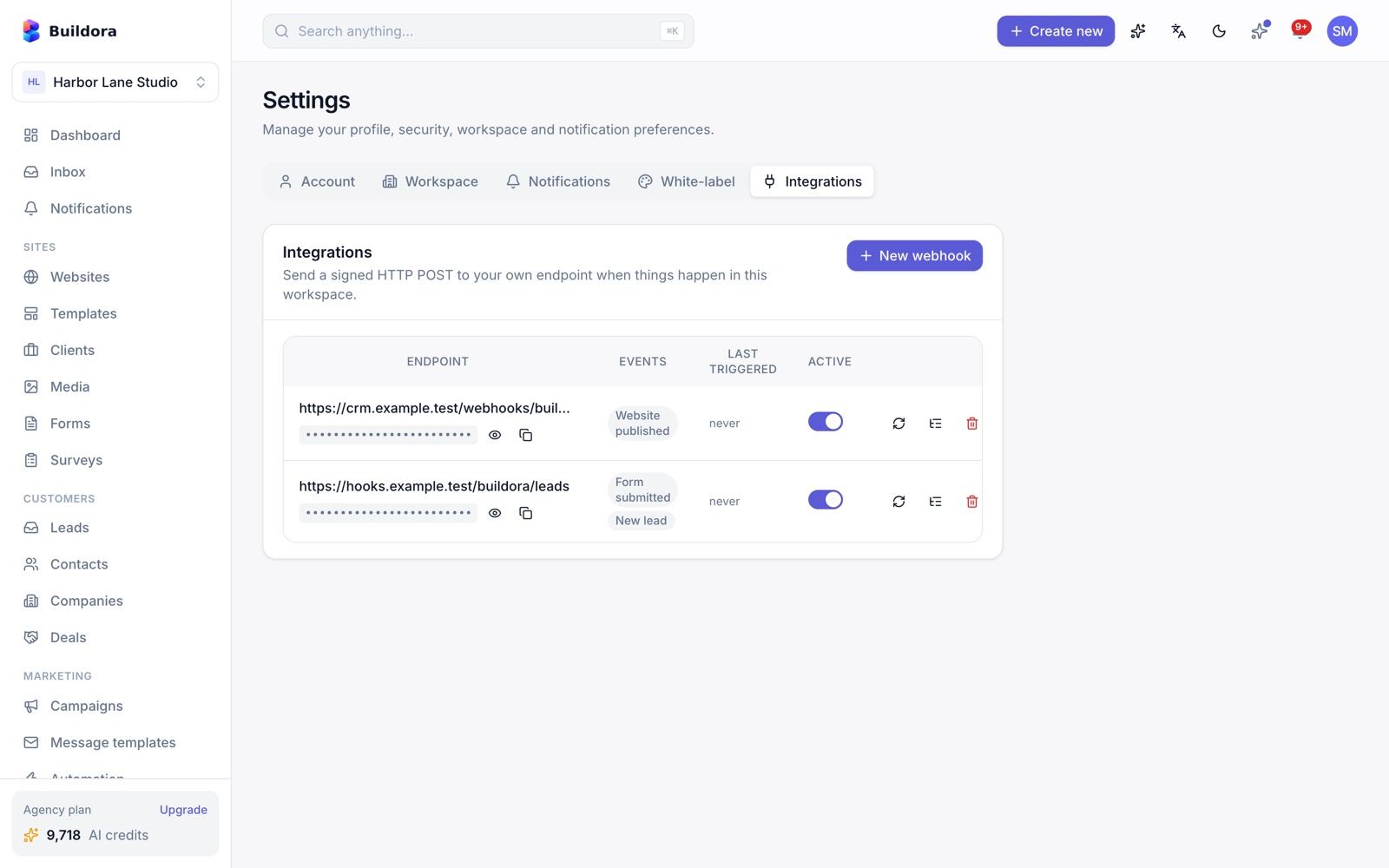
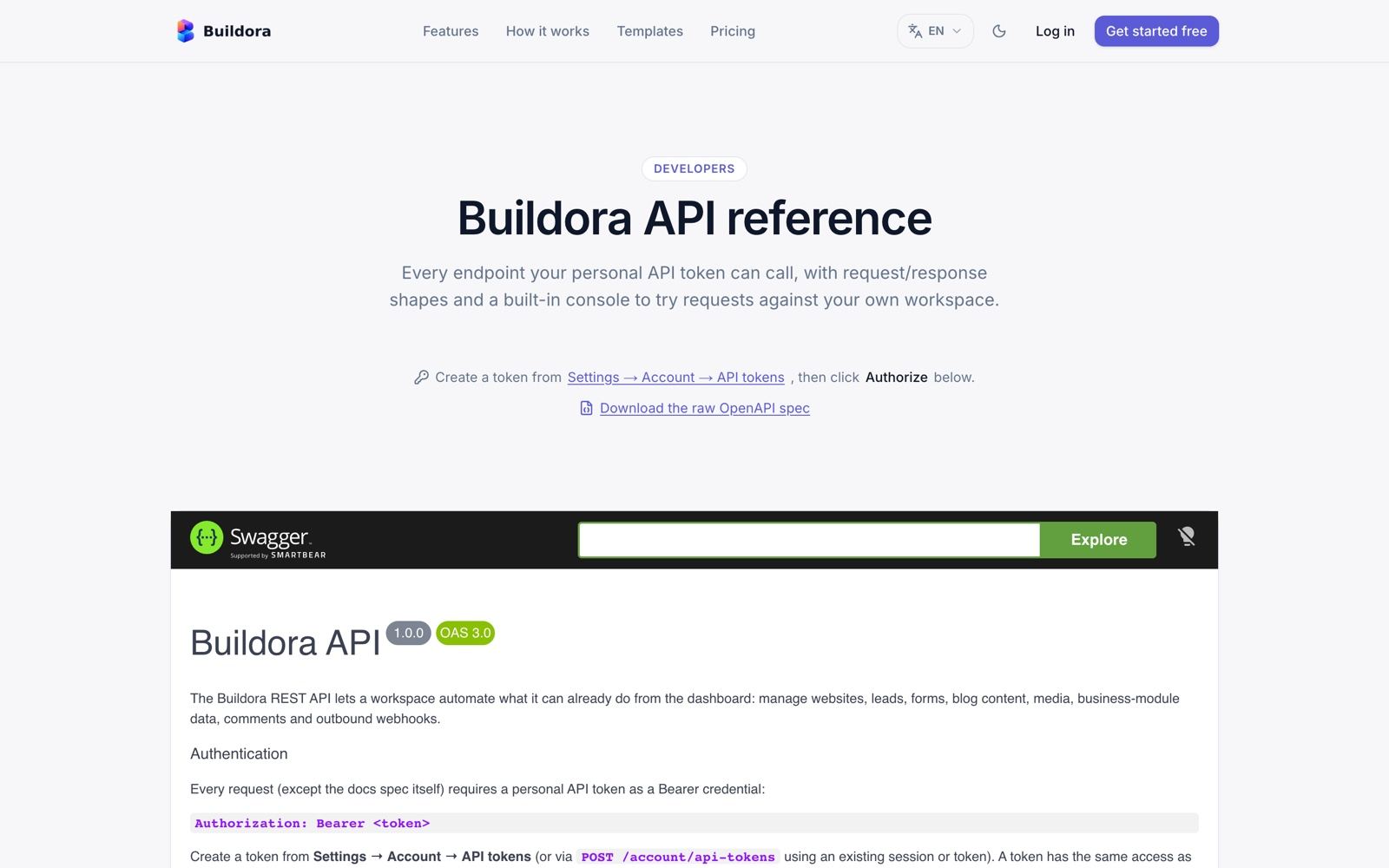
Platform Support, Announcements, Changelog, Status & NPS
Platform support tickets
/support) · Admin → Operations → Support ticketsCustomers open tickets to you (categories billing, technical, AI, domain, other; priorities and statuses). In the admin you reply, assign to yourself and change status or priority; the customer is notified.
Announcements
Operations → Announcements: message, tone, dismissible, start and end time. Shown as a banner in the workspace.
Changelog
Operations → Changelog: entries of type feature, fix or improvement. Shown on the public /changelog page and as an unread badge in the app.
Status page
/status is built from Status components (operational, degraded, partial outage, major outage) and Status incidents (minor, major, critical; investigating → resolved).
In-app NPS
An NPS prompt appears after 14 days and then every 90 days.
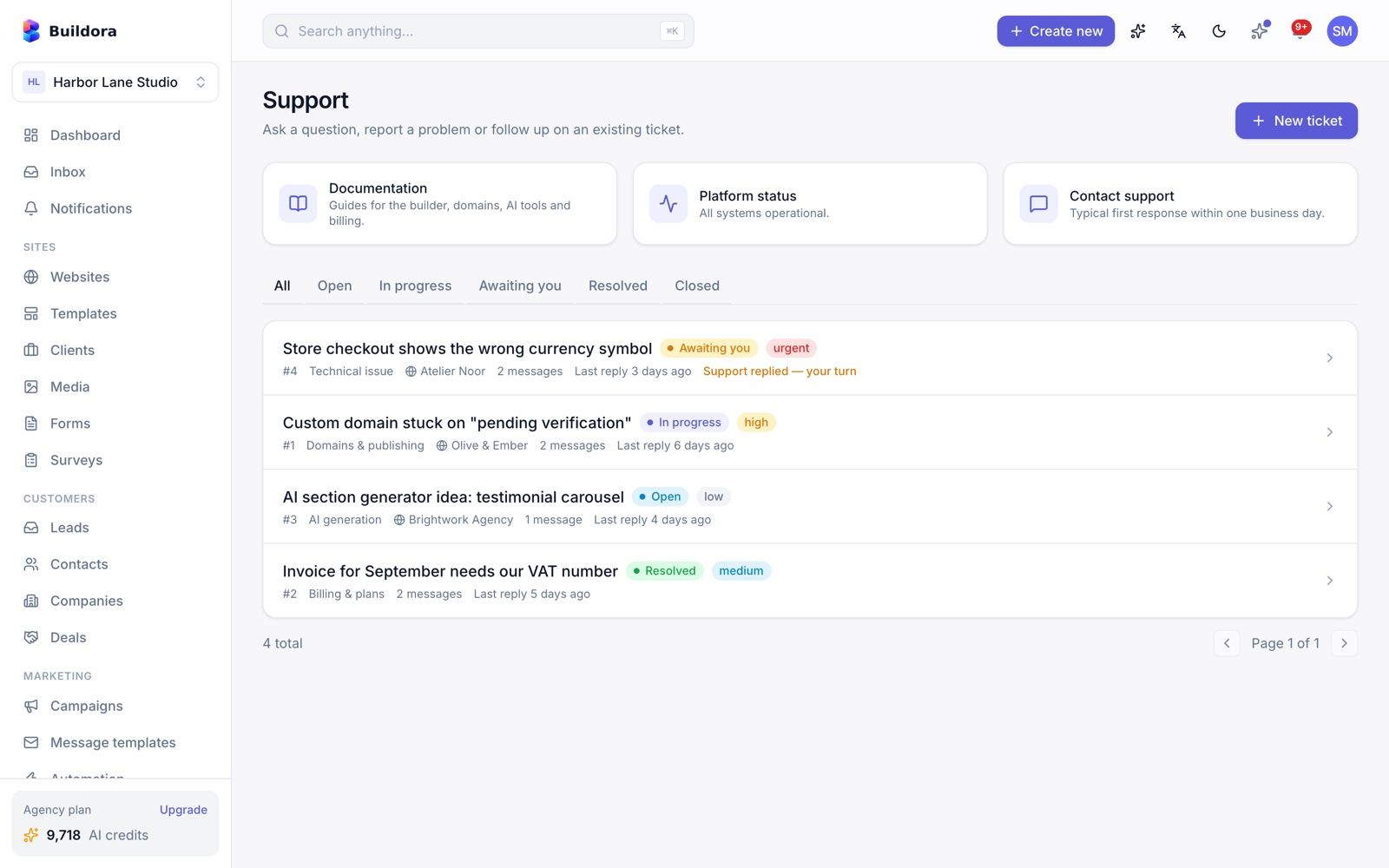
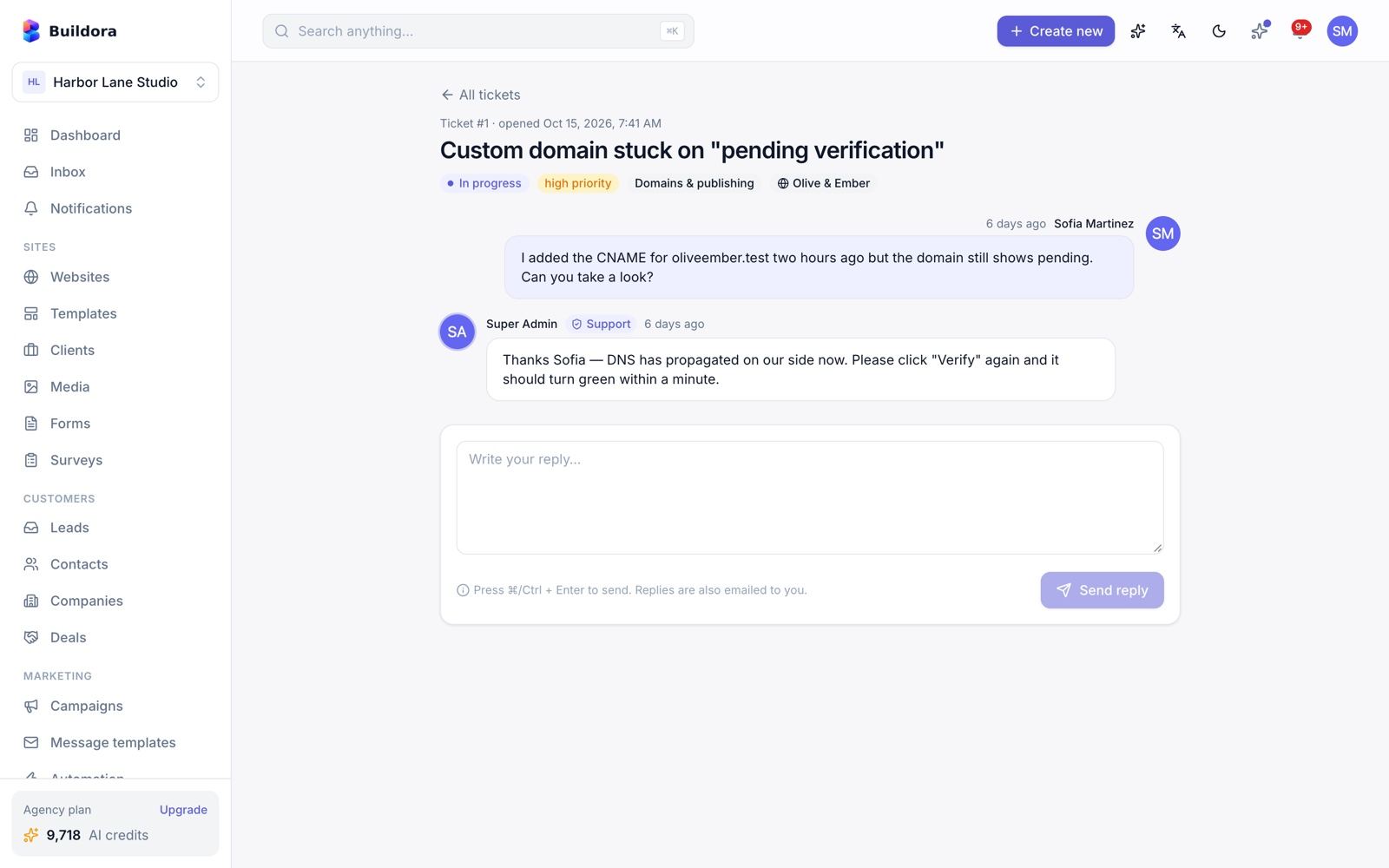
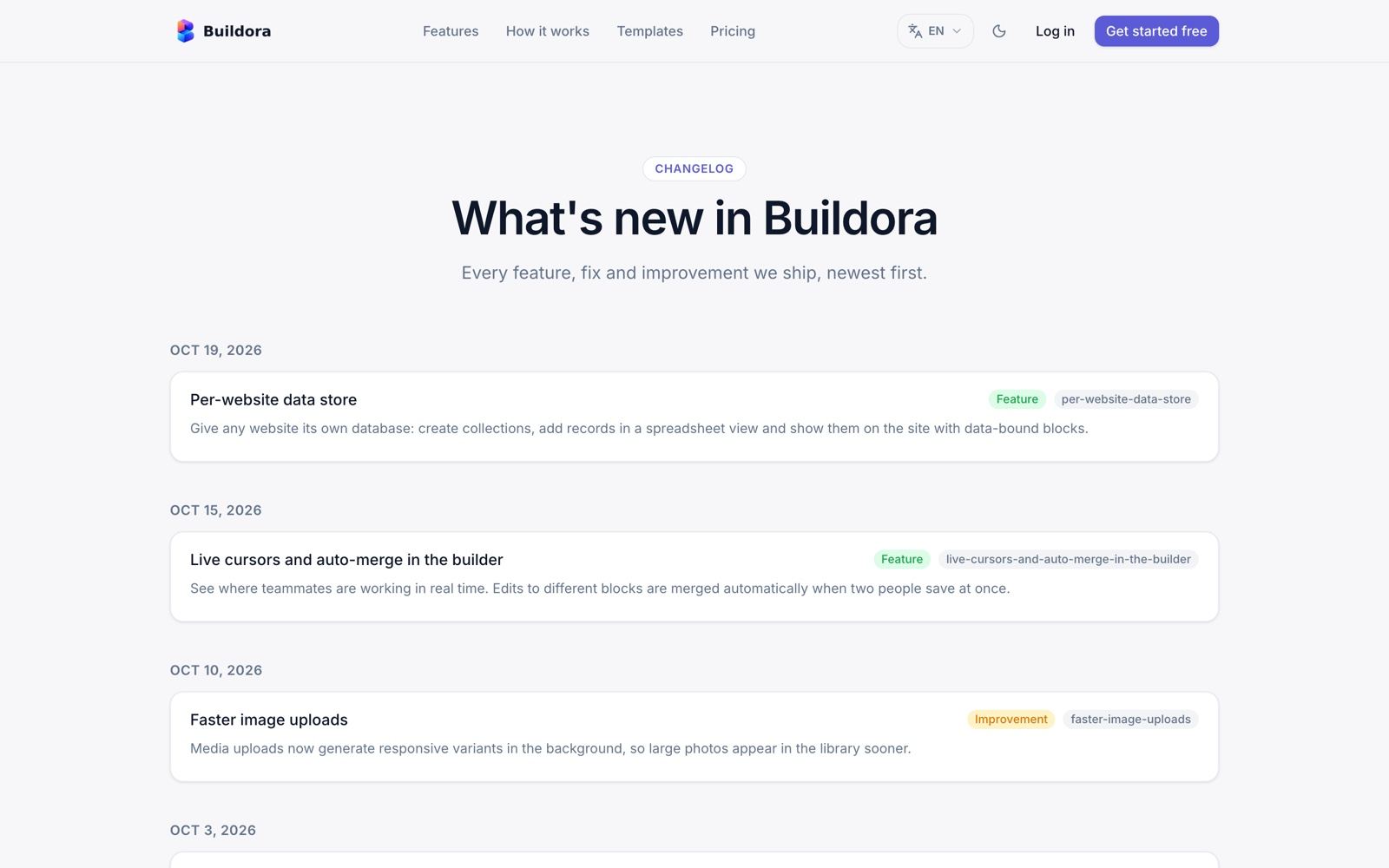
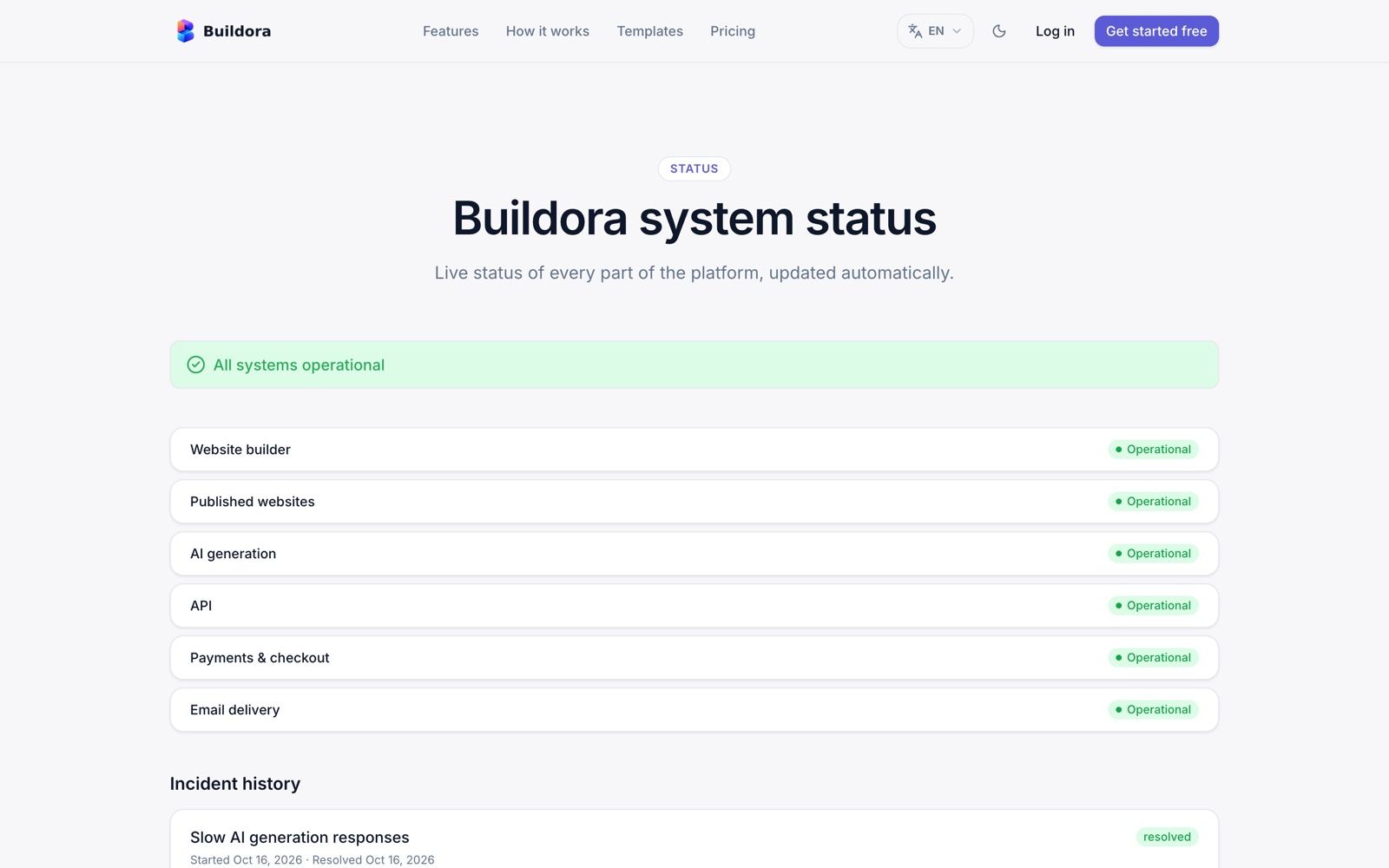
Affiliate Program
Apply
A user applies from the Affiliate card on the account page.
Approve
The admin approves, rejects or suspends the affiliate and may set a custom rate (default 10 % of the referred workspace’s first paid order).
Share the link
/register?ref=CODE; sign-ups through it are attributed.Pay out
Commissions go pending → approved → paid; payouts are made outside Buildora and marked as paid by the admin.
SaaS Admin: Dashboard & Menu
https://api.example.com/adminThe SaaS admin is a Filament 5 panel served by Laravel. Sign in with the Super Admin from the installer. It has 36 resources, 6 custom pages (Dashboard, Homepage, Settings, System info, Two-factor setup, Two-factor challenge) and 8 dashboard widgets, in 7 navigation groups. The admin UI is available in English, Bangla and Arabic (RTL) with a switcher on the login page and in the top bar.
Dashboard widgets
- Stats: users, workspaces, websites, active subscriptions, MRR, revenue this month, AI credits used, open tickets.
- Revenue chart (12 months), sign-ups (30 days), AI cost vs revenue (30 days).
- Top plans, hosting overview, latest admin activity and quick actions.
Navigation groups
| Group | Screens |
|---|---|
| Customers & Sites | Users, Workspaces, Websites |
| Plans & Billing | Plans, Subscriptions, Orders, Invoices, Coupons, Credit packs, Manual payments, Hosting add-on packs, Affiliates |
| AI Studio | Providers, AI models, Default task routing, Model pricing, Usage & cost, Credit costs |
| Site Library | Templates, Template categories, Component library, Media, Homepage |
| Hosting & Domains | Domains, Domain catalog, Hosting servers, Hosting add-on packs, Data stores |
| Operations | Support tickets, Announcements, Changelog, Status components, Status incidents, Webhook events, Activity log |
| Settings | Settings, Email templates, System info |
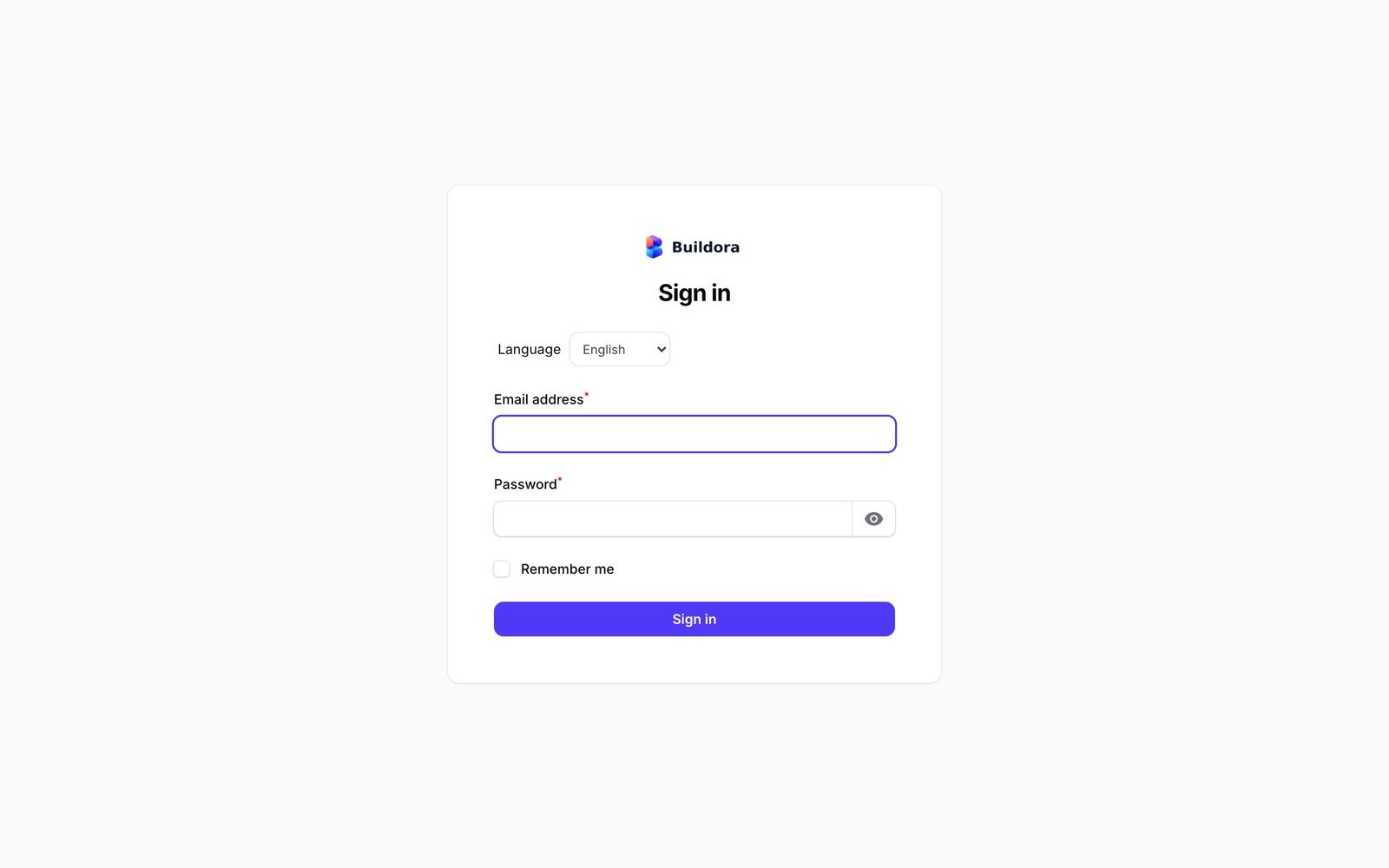
Admin: Users, Workspaces & Websites
| Screen | URL | Actions |
|---|---|---|
| Users | /admin/users | View and edit; Login as user (impersonation, audited); ban/unban; verify e-mail; send a password-reset link; grant admin permission groups |
| Workspaces | /admin/workspaces | View and edit; per-workspace limit overrides on top of the plan |
| Websites | /admin/websites | Every website on the platform with its workspace, status and domain |
Help a customer
Open the user and click Login as user to see exactly what they see. The action is written to the activity log.
Give extra limits
Open the workspace and set limit overrides (for example more websites) without changing its plan.
Block abuse
Ban the user; unban later if needed.
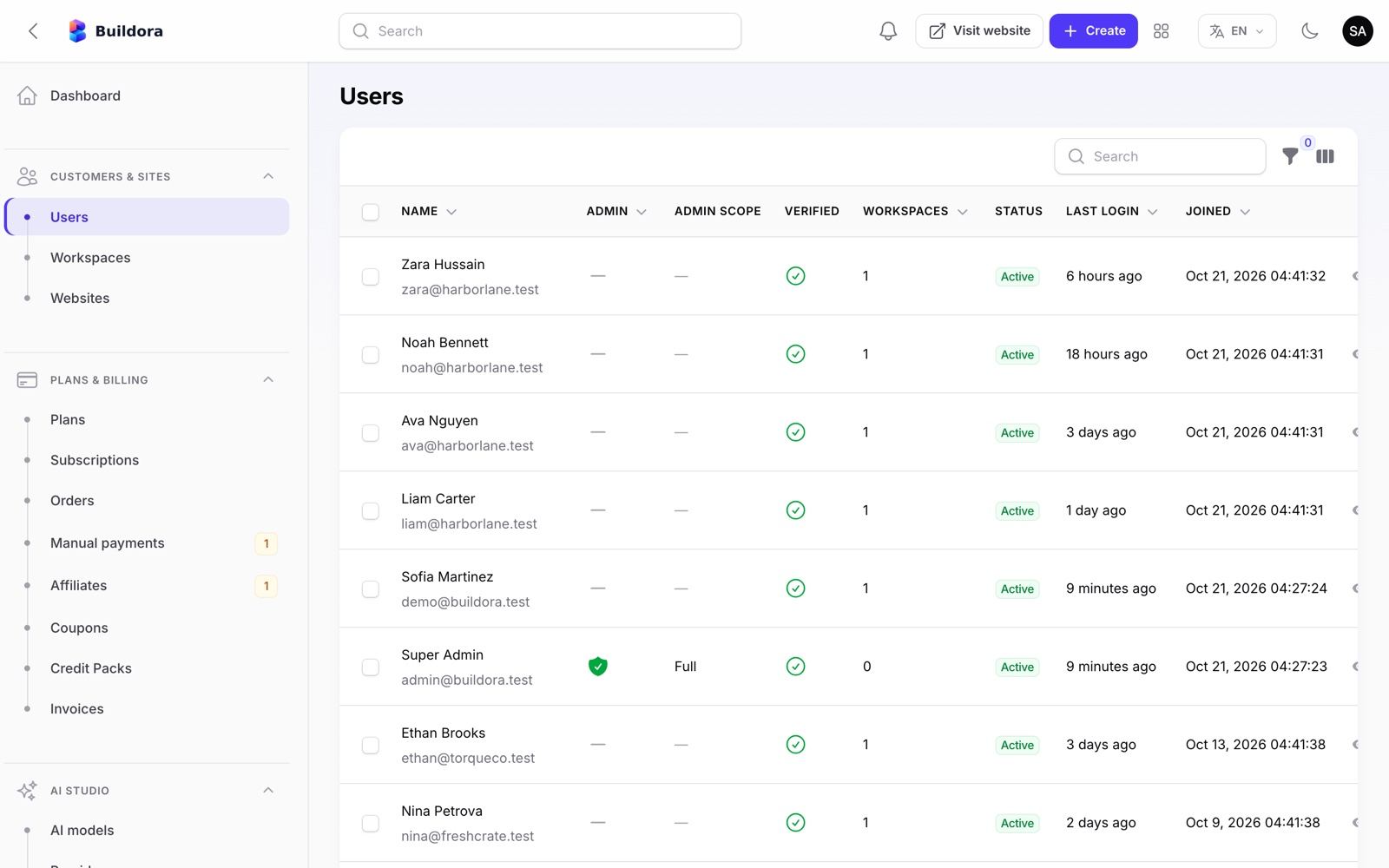
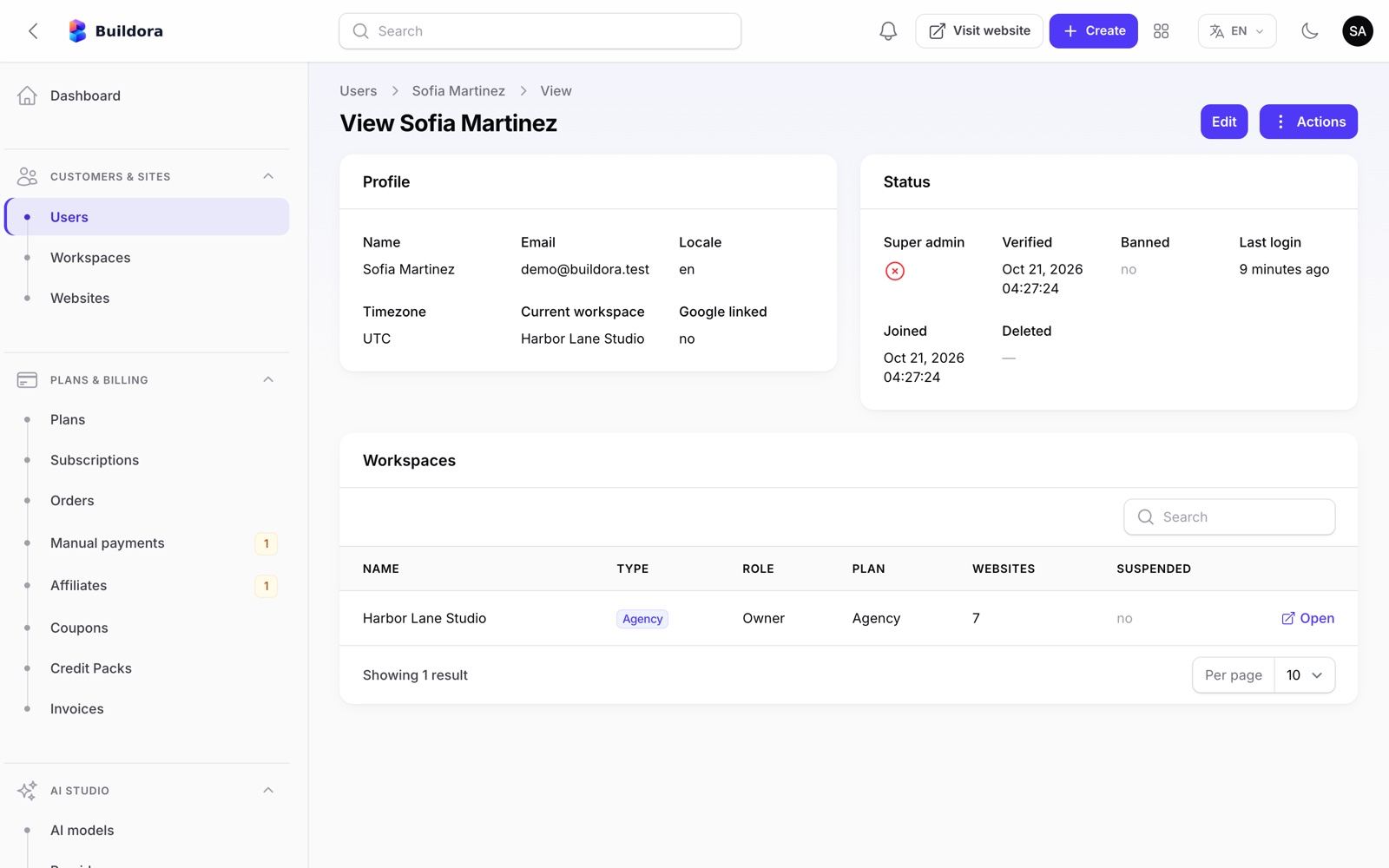
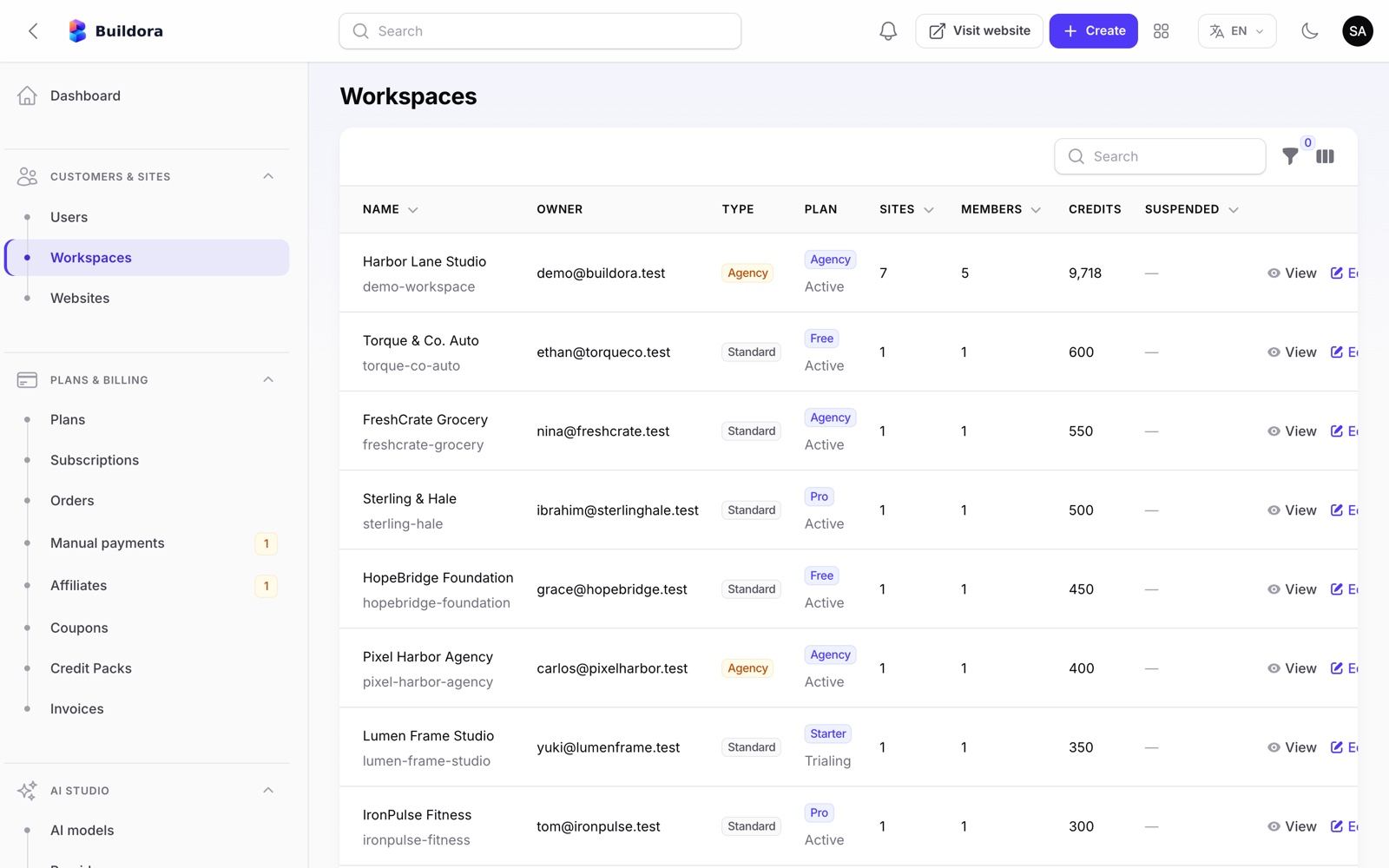
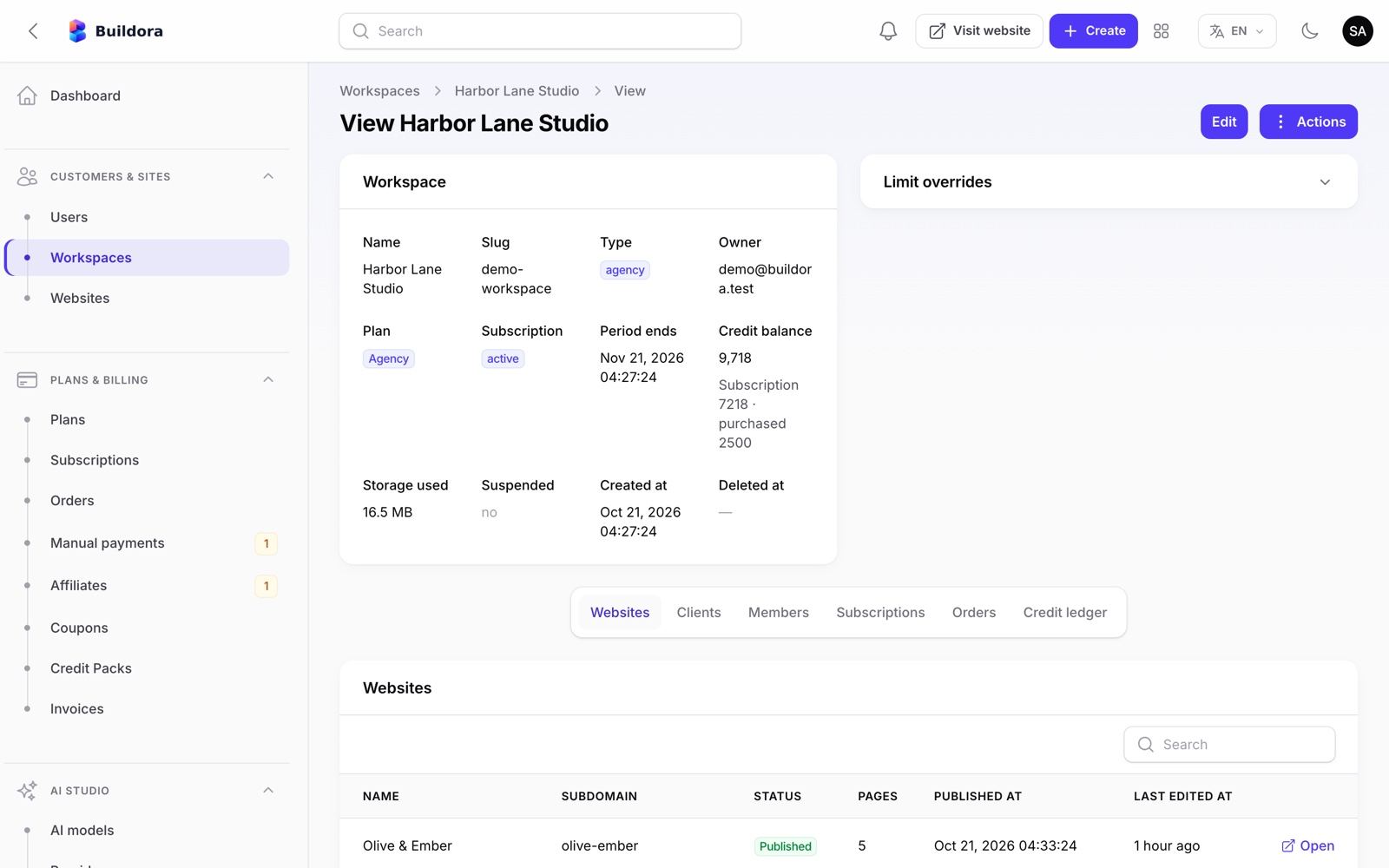
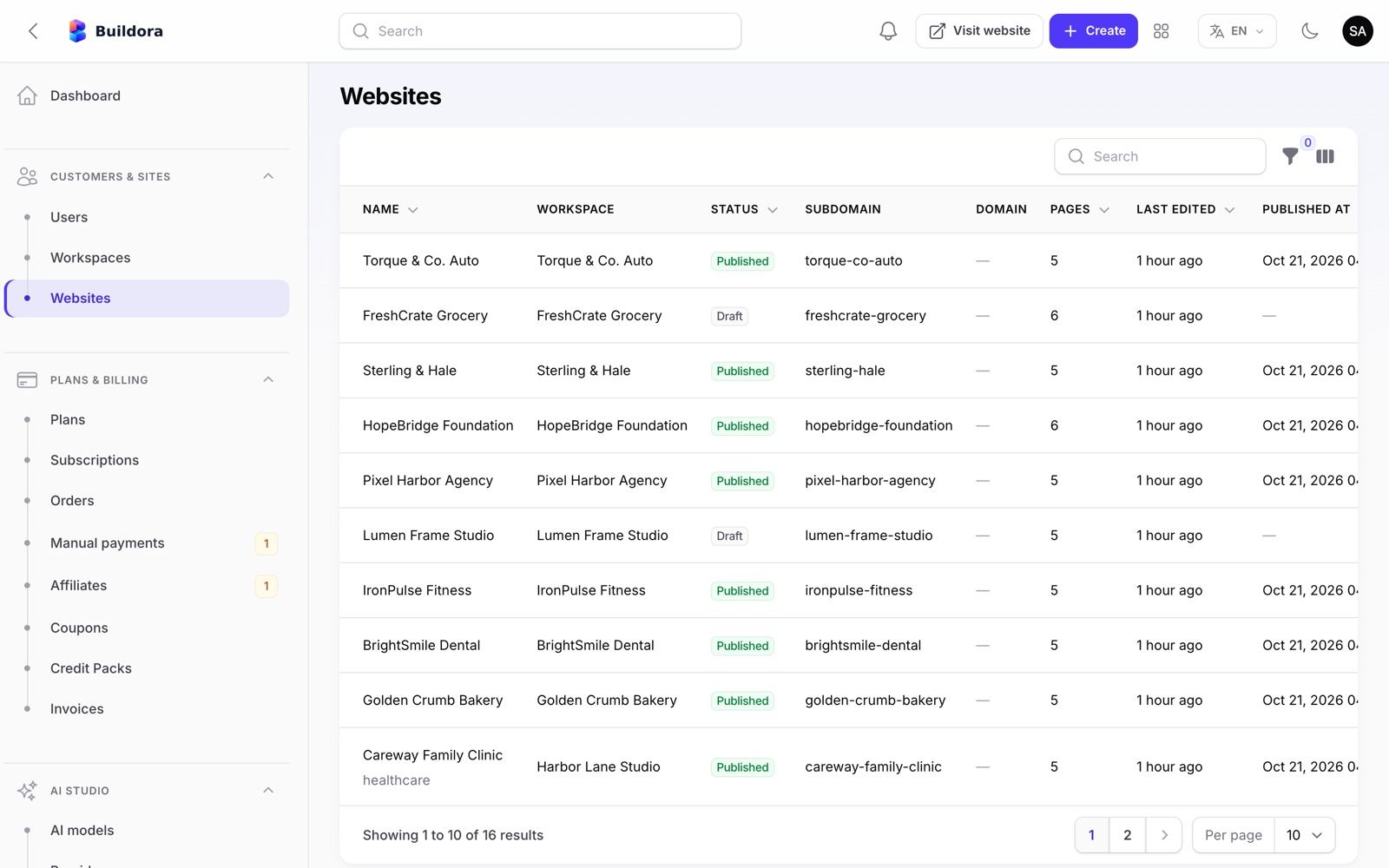
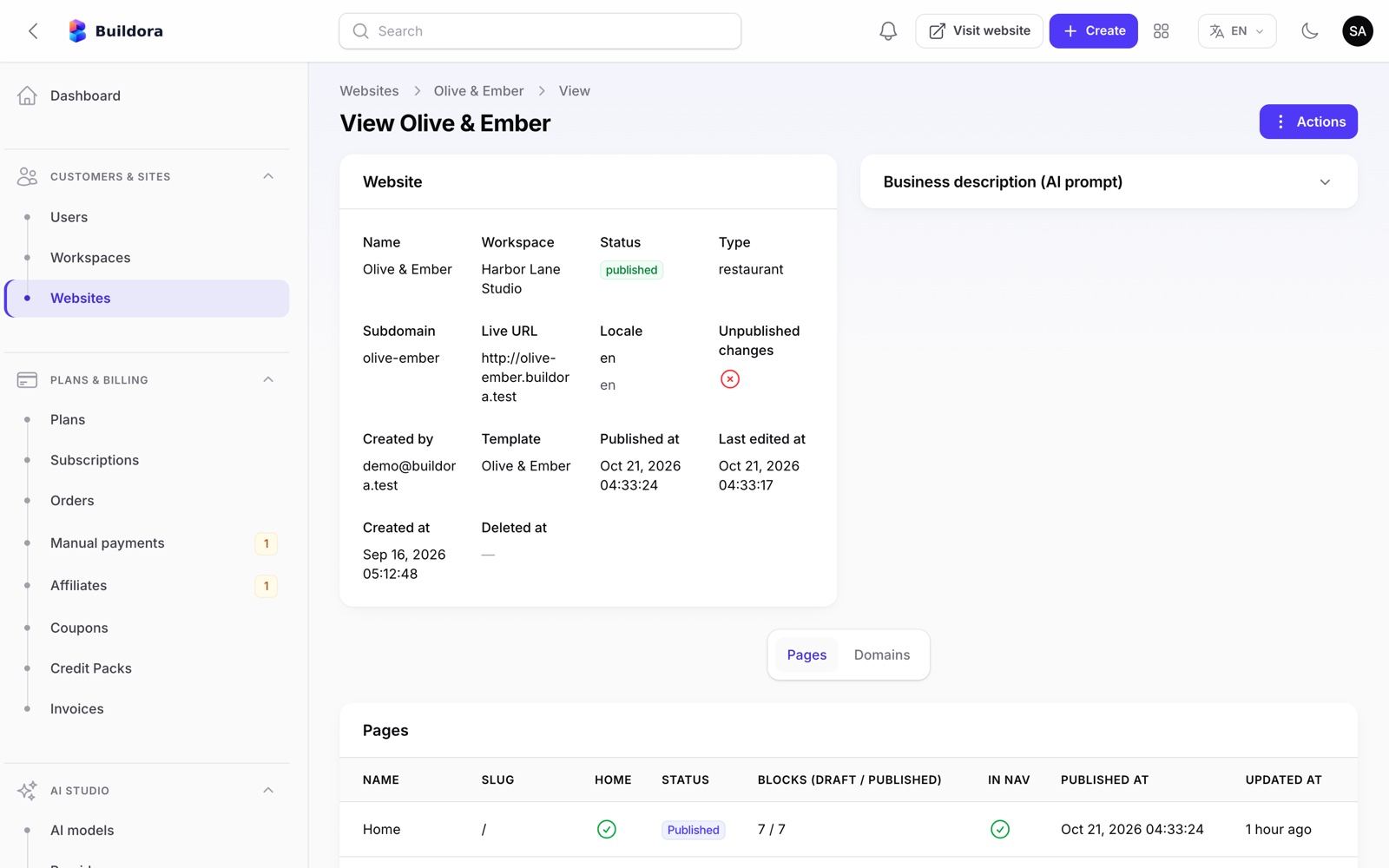
Admin: Plans, Subscriptions, Coupons & Credit Packs
Plans (/admin/plans)
Monthly and yearly price, currency, per-currency price overrides, trial days, default and featured flags, allowed gateways, and 32 feature keys and limits:
websites, pages per site, monthly AI credits, storage, team members, hosting sites / RAM / storage, custom domain, ZIP export + monthly limit, remove branding, white label, custom code, blog, forms, business modules, multilingual, agency mode, webhooks, ecommerce, online payments, data store, managed / external MySQL, data limits (collections, records, storage MB), version retention and analytics retention.
Edit a plan
Set prices, trial days and limits; tick the features.
Keep one default
New workspaces get the default plan (seeded: Free).
Sync after updates
php artisan buildora:sync-plan-featuresadds new feature keys to old plans without overwriting your values.
Subscriptions (/admin/subscriptions)
Statuses trialing, active, past_due, cancelled and expired. Actions: cancel, change plan, extend, resume. Renewals and dunning run from cron, and expiry reminders are sent 7 and 1 days before.
Coupons (/admin/coupons)
Percent or fixed (per currency), once or repeating for N months, maximum redemptions, plan restriction, first purchase only, expiry date.
Credit packs (/admin/credit-packs)
One-time AI credit bundles (seeded 100 / $5, 500 / $20, 1,000 / $35). Every AI call is logged against the workspace credit balance.
Affiliates (/admin/affiliates)
Approve, reject or suspend affiliates, set custom rates and mark commissions as paid.
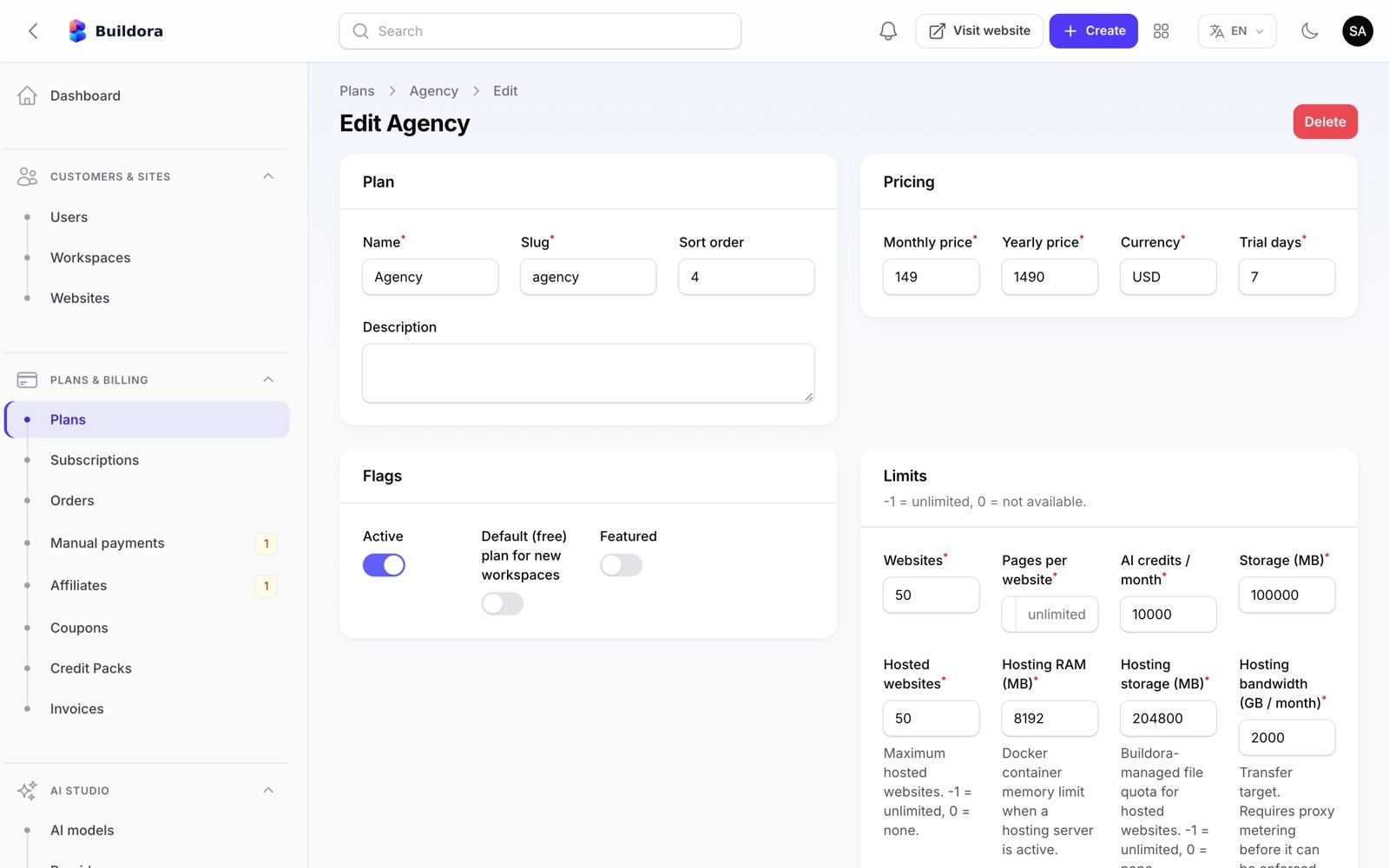
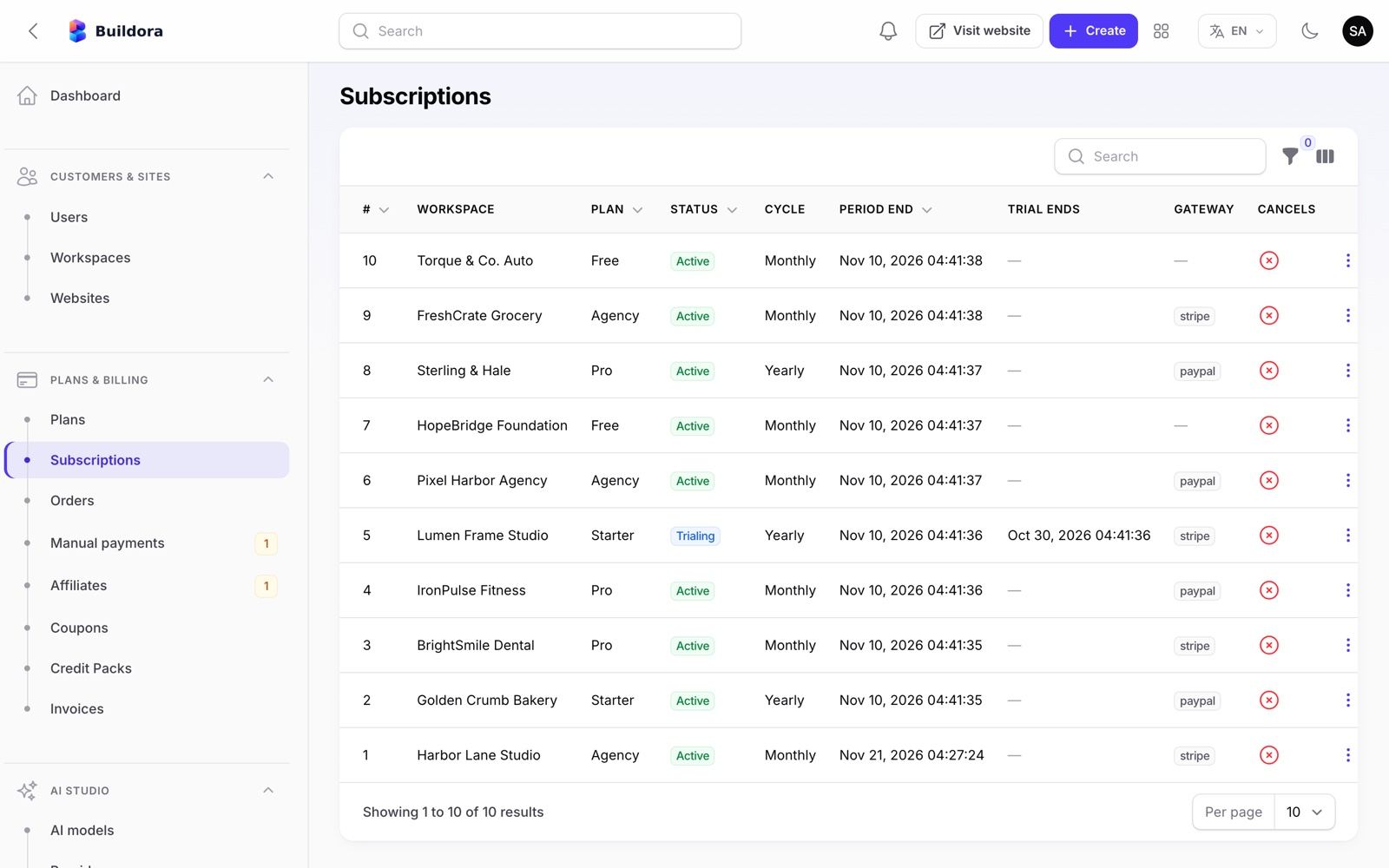
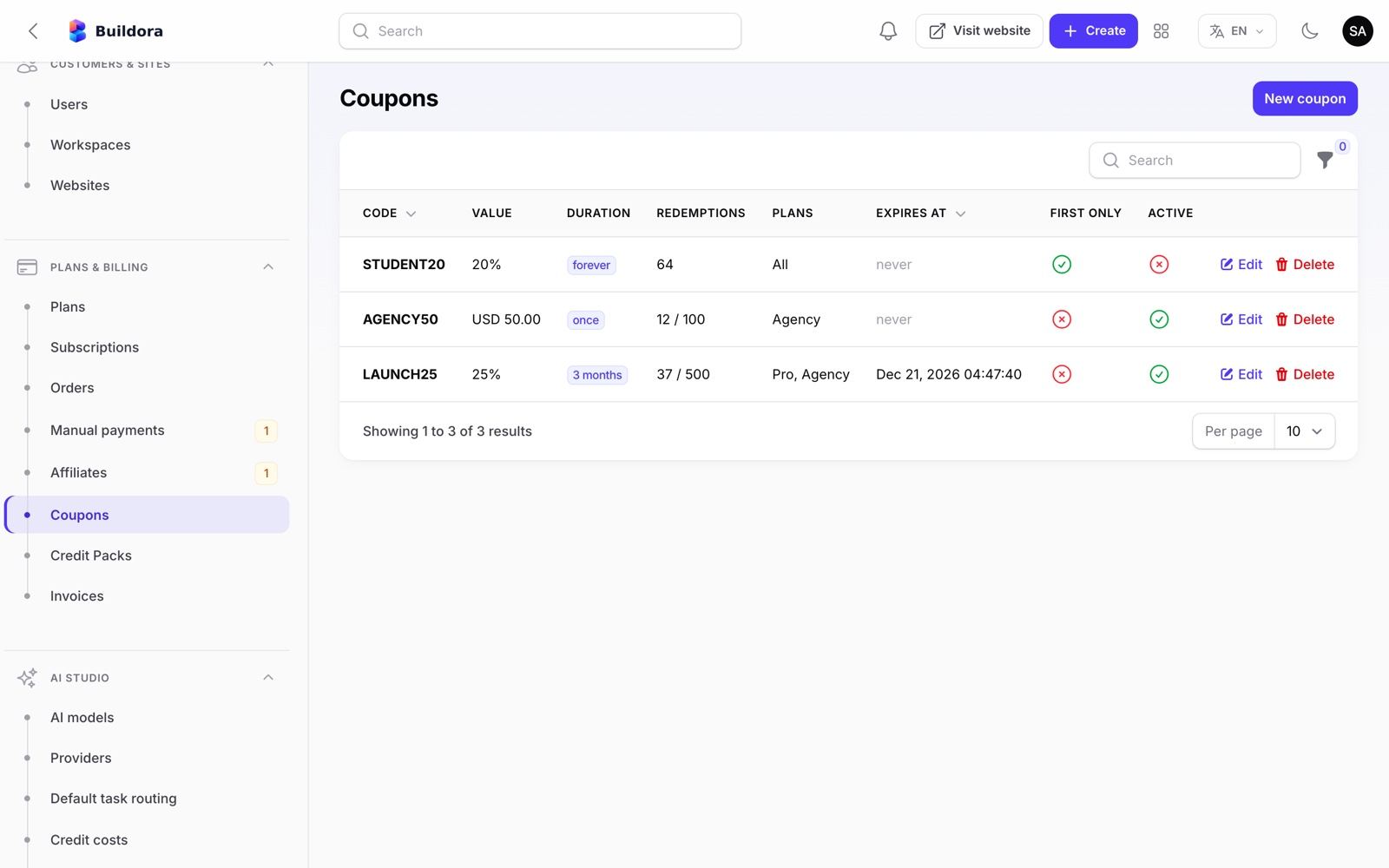
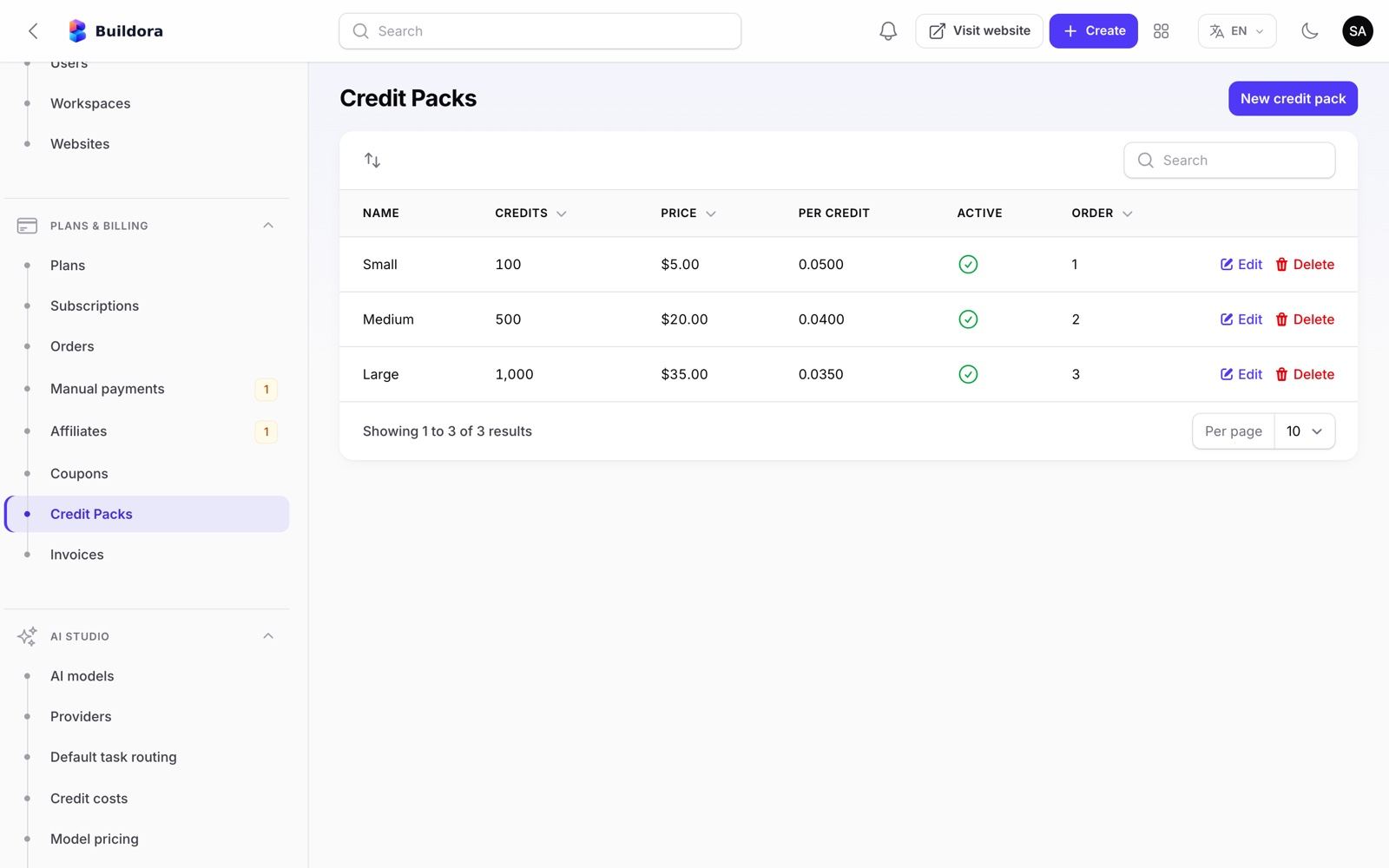
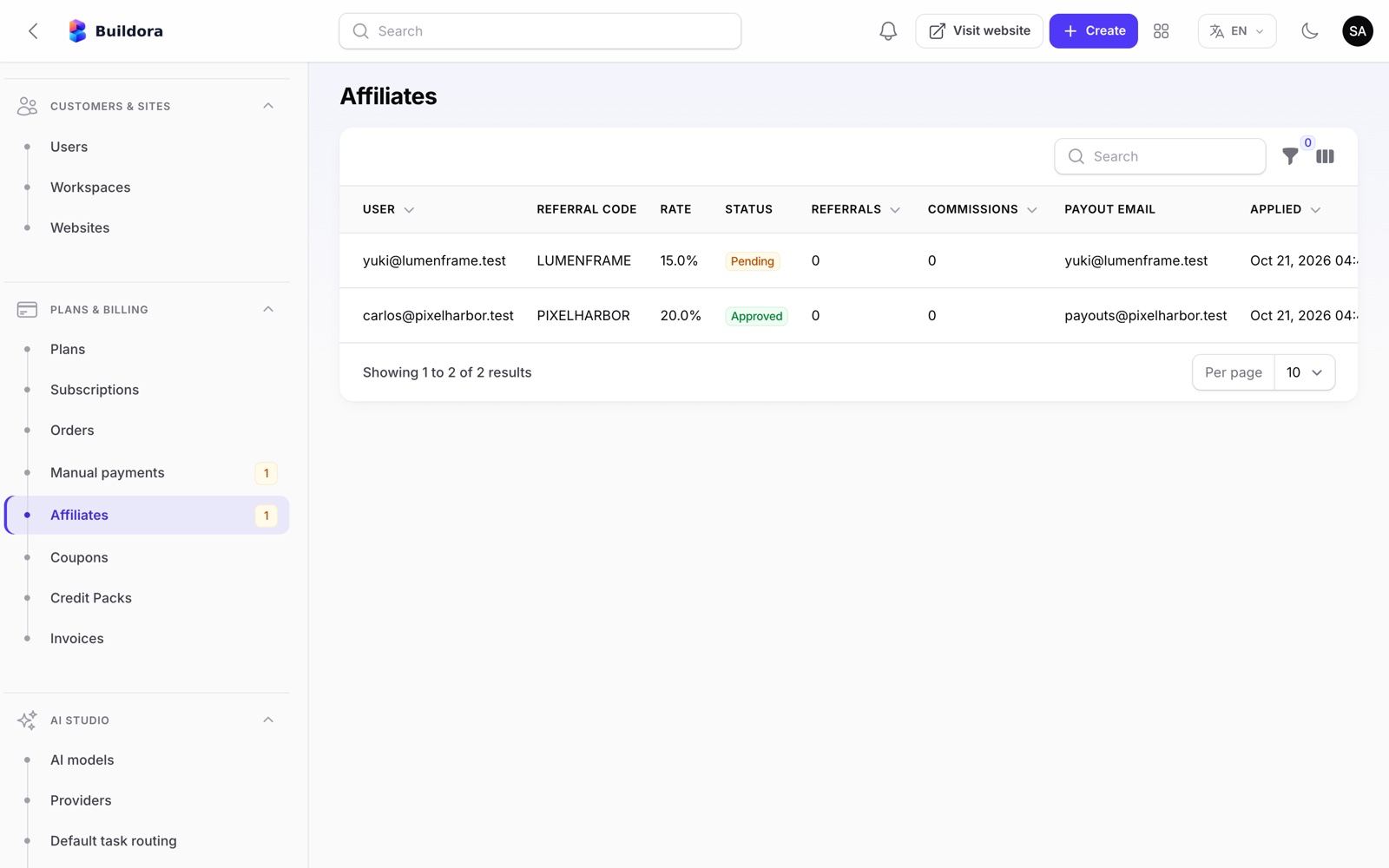
Admin: Payment Gateways, Orders, Invoices & Manual Payments
Gateways for selling your plans: Stripe, PayPal and manual bank transfer. Gateways for your customers’ online shops (configured by each website owner with their own merchant account): Stripe, PayPal, SSLCommerz, bKash, cash on delivery and bank transfer (see Storefront Payments). You and your customers open and pay for these merchant accounts yourselves; the gateways charge their own transaction fees (see Third-Party Services & Costs). Gateway keys are stored encrypted in the database. A fresh install starts with Stripe and PayPal in test / sandbox mode; switch them to live once your live keys are in.
| Gateway | Supports | Webhook URL |
|---|---|---|
| Stripe | Checkout, subscriptions, one-time payments, refunds (also partial), coupons, tax rates, saved cards and off-session charges, signed webhooks | https://api.example.com/api/v1/webhooks/stripe |
| PayPal | Subscriptions via billing plans, Orders v2 one-time payments, refunds, verified webhooks | https://api.example.com/api/v1/webhooks/paypal |
| Manual / bank transfer | Your instructions with {order}, {total}, {currency} placeholders; the customer uploads a payment proof | — |
Enter keys
Stripe: publishable key, secret key, webhook signing secret. PayPal: client id, secret, webhook id, mode sandbox/live.
Register webhooks
Add the URLs above in the Stripe and PayPal dashboards and subscribe to the events listed under the secret / Webhook ID fields. Stripe needs
checkout.session.completed,checkout.session.async_payment_succeeded,checkout.session.async_payment_failed,invoice.paid,invoice.payment_failed,customer.subscription.updated,customer.subscription.deletedandcharge.refunded; PayPal must keepPAYMENT.SALE.COMPLETED. Events are stored idempotently; replay them from Operations → Webhook events.How activation is protected
A plan or credit pack is activated only when the gateway reports the payment as paid, and only if the gateway, currency and amount match the order. Otherwise the order stays pending, is flagged
payment_rejectedand the Super Admin is notified.Invoice details
Tax label and rate, company details, logo and footer for PDF invoices.
Test, then go live
Make a sandbox purchase, then switch Stripe and PayPal from test / sandbox to live with your live keys.
| Screen | What it does |
|---|---|
Orders /admin/orders | Every checkout; mark paid, refund, open the invoice |
Invoices /admin/invoices | Numbered INV-{year}-{number}, PDF via dompdf |
Manual payments /admin/manual-payment-proofs | Approve or reject uploaded proofs; unpaid manual orders are cancelled after 3 days |
Webhook events /admin/webhook-events | Incoming gateway events with replay |
Annotated: gateway fields
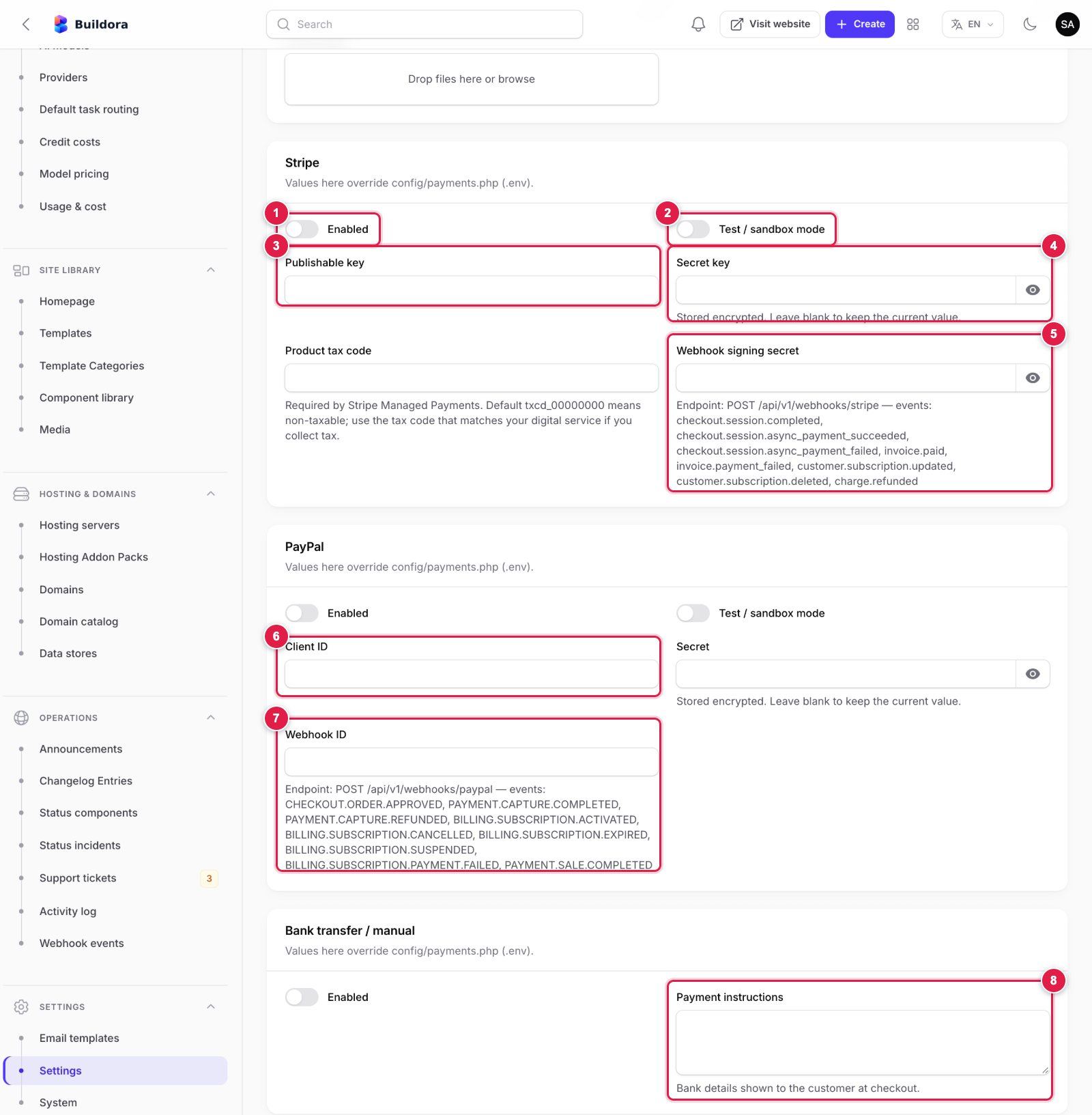
- Stripe → Enabled: turn Stripe Checkout on for plans and credit packs.
- Test / sandbox mode: on while you use
pk_test_/sk_test_keys; off with live keys. - Publishable key (
pk_…) from Stripe Dashboard → Developers → API keys. - Secret key (
sk_…or a restricted key); stored encrypted. - Webhook signing secret (
whsec_…): create a webhook endpoint in Stripe for the URL and events printed under the field, then paste its signing secret here. - PayPal → Client ID and Secret from the PayPal Developer Dashboard → Apps & Credentials (sandbox or live app); enable PayPal and set sandbox mode above them.
- Webhook ID: create a webhook in the same PayPal app for the URL and events printed under the field and paste the ID PayPal shows.
- Bank transfer / manual → Payment instructions: your bank details;
{order},{total}and{currency}are replaced at checkout. Approve uploaded proofs in Plans & Billing → Manual payments.
Click Save settings at the bottom of the tab. Payment settings live in the database; the old STRIPE_*, PAYPAL_* and PAYMENT_MANUAL_ENABLED .env keys are no longer in .env.example and are read only as a fallback.
Billing uses the payments currency setting (default USD); return URLs, the pending-order expiry (3 days) and the store refund window (180 days) are payment settings too. Stripe and PayPal are covered by automated tests with simulated API responses; run a sandbox payment with your own accounts before launch.
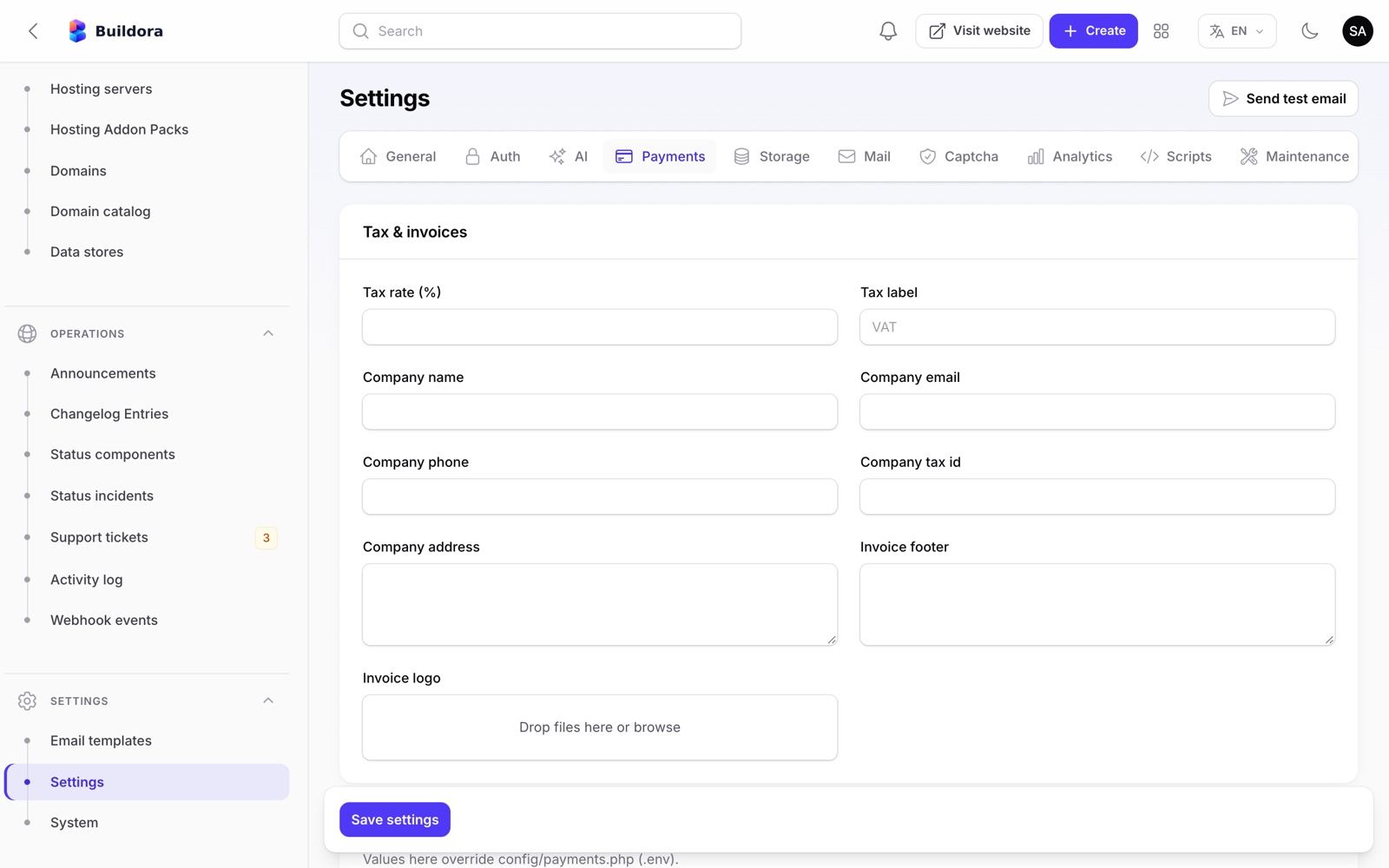
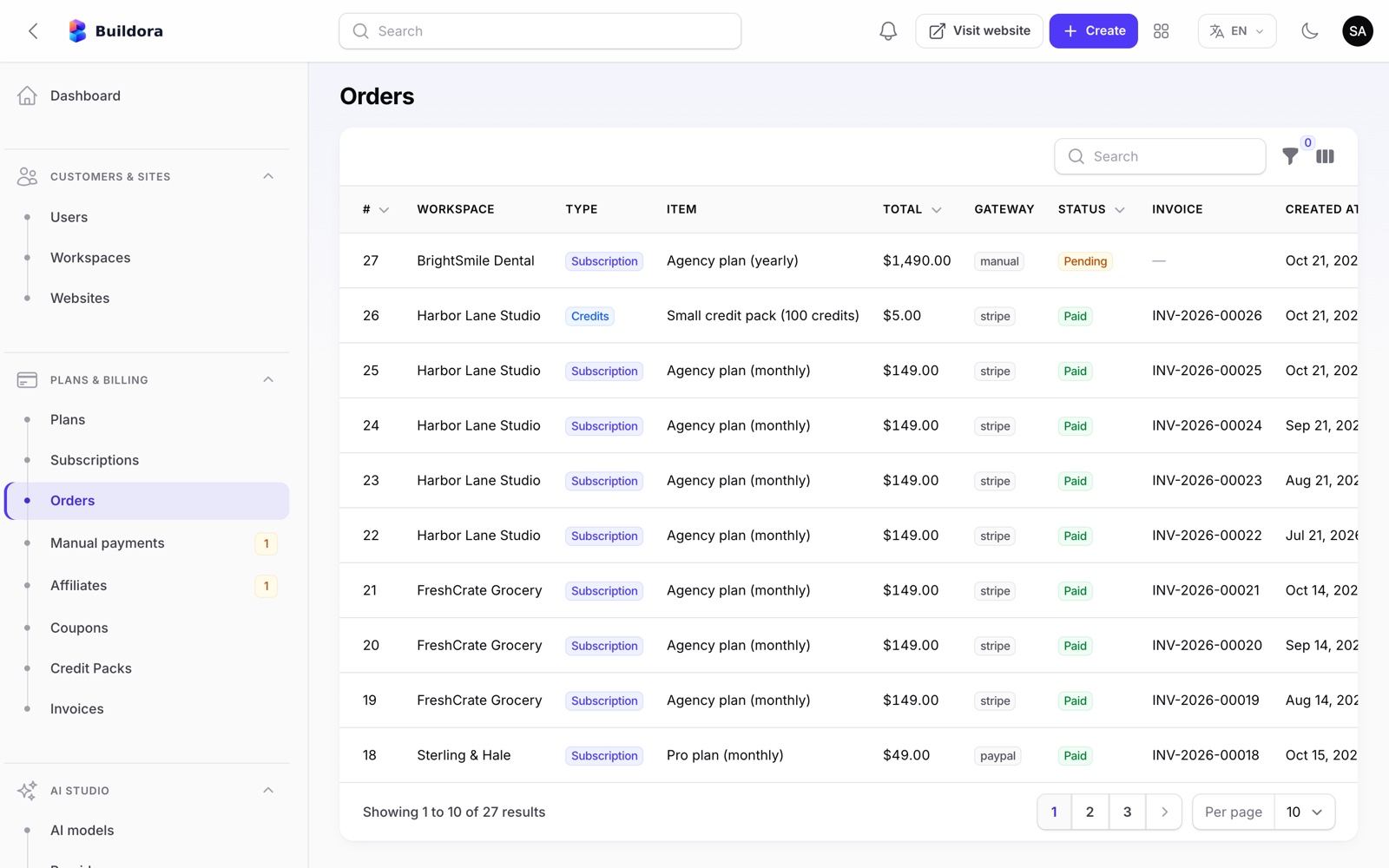
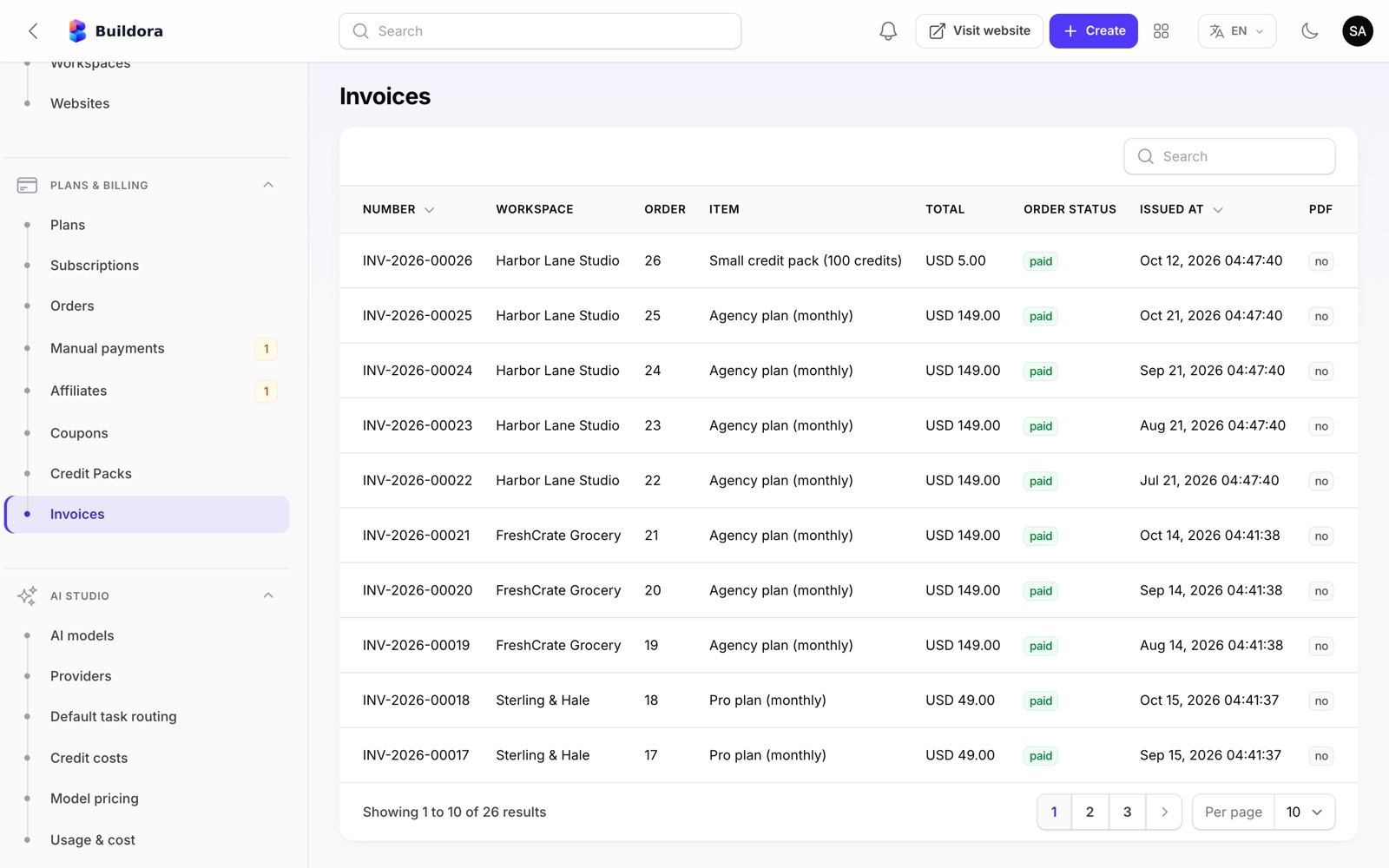
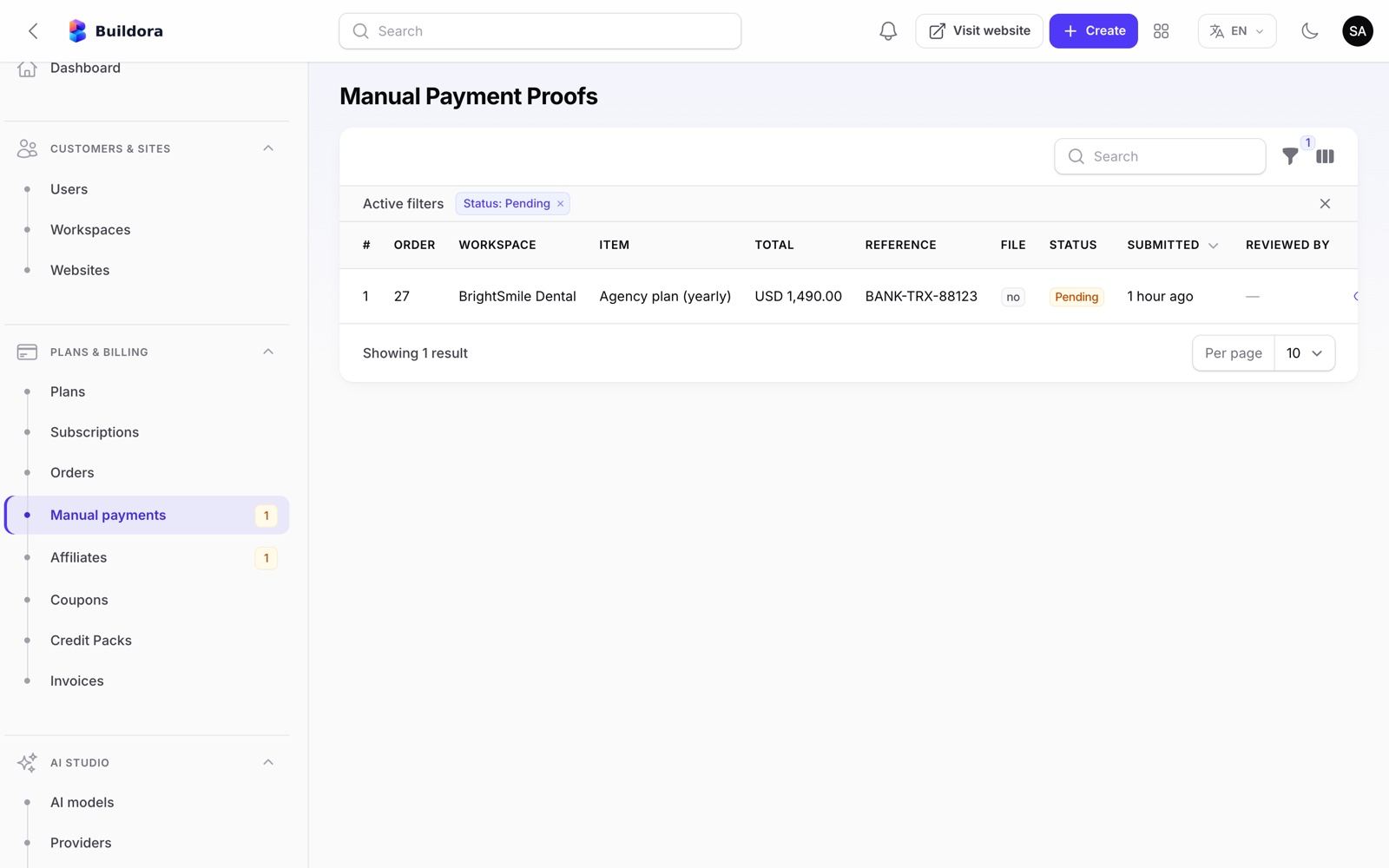
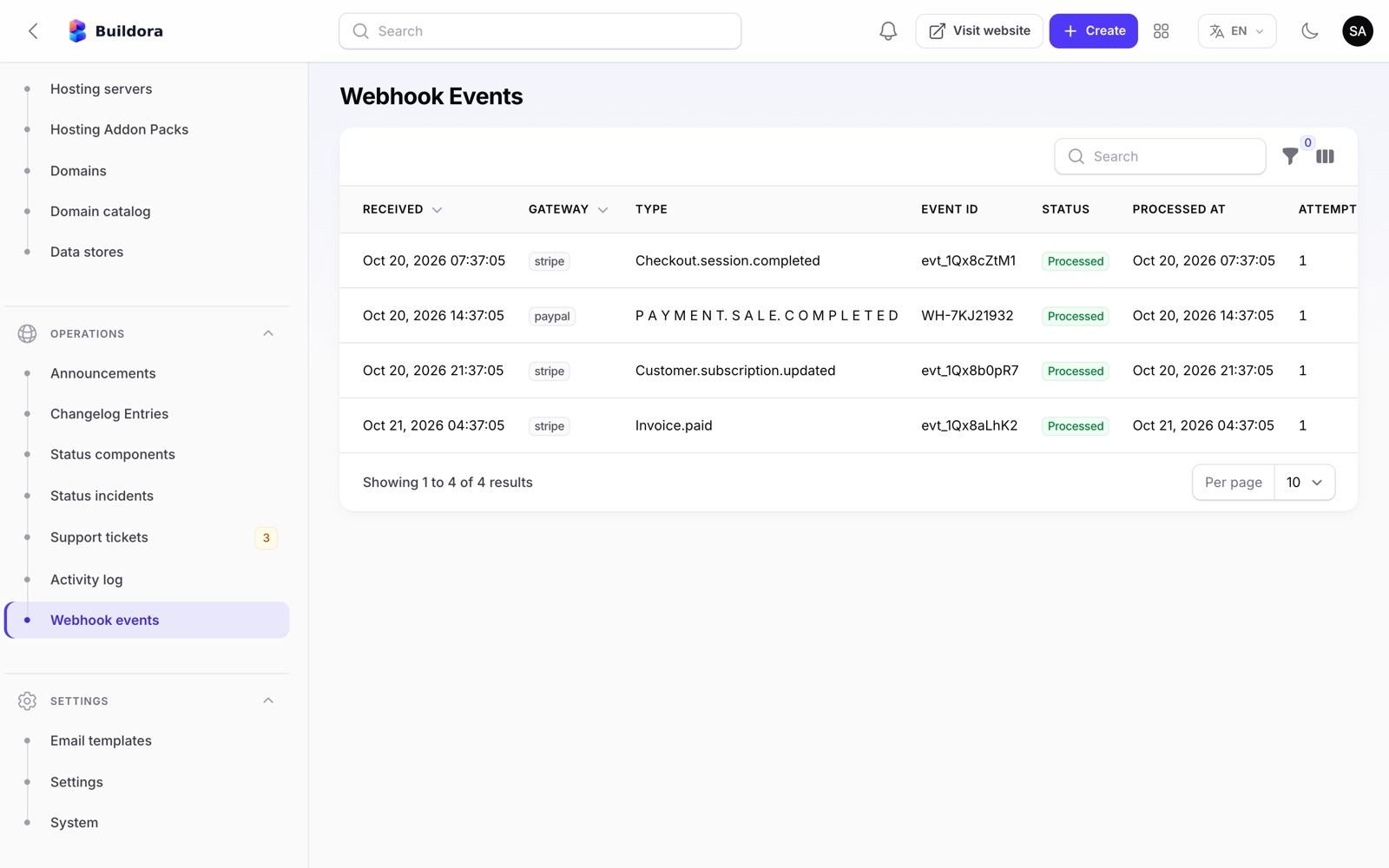
Admin: AI Studio
| Screen | URL | What it does |
|---|---|---|
| Providers | /admin/ai-providers | API keys (encrypted), base URL, enable/disable, rate and token limits, test connection, fetch models |
| AI models | /admin/ai-branded-models | “Branded” models customers pick from: name, badge, allowed plans, provider and model, fallback, per-task routes (seeded “Buildora Flash”) |
| Default task routing | /admin/ai-task-routes | Primary and fallback provider/model for each of the 10 AI tasks |
| Model pricing | /admin/ai-model-pricings | Your cost per model (27 seeded prices) for the cost reports |
| Usage & cost | /admin/ai-usages | Every AI call: workspace, task, model, tokens, cost and credits |
| Credit costs | /admin/ai-actions | Credits charged per action (generate website 20, page 5, section 2, copilot 2…) |
Connect your first provider
Open Providers
All six seeded providers (OpenAI, Anthropic, Google Gemini, OpenRouter, Omniroute and Fake) ship disabled with no keys.
Paste a key
Open OpenAI (or another) and paste the API key; Test connection, then Fetch models.
Enable
Turn the provider on.
Route tasks
In Default task routing set the primary and fallback model per task.
Offer models
In AI models create or edit the branded models and the plans that may use them.
Price it
Check Credit costs and Model pricing.
Annotated: where the AI key goes
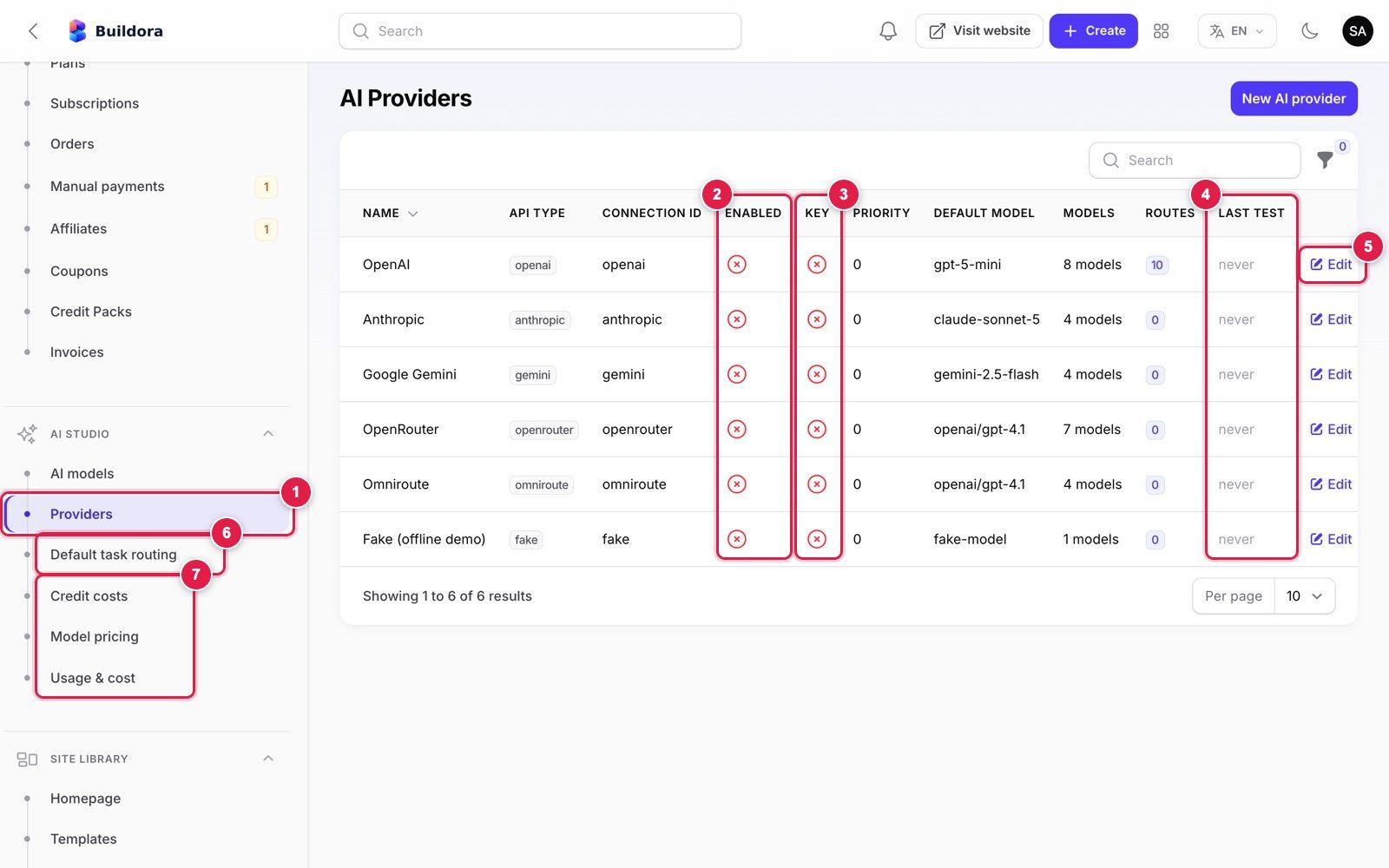
- AI Studio → Providers in the admin menu.
- Enabled: a red cross means the provider is off. All six ship off.
- Key: a red cross means no API key is stored yet.
- Last test: when Test connection last ran (“never” on a fresh install).
- Edit opens the provider form (next image).
- Default task routing: which provider/model each of the 10 AI tasks uses, with a fallback.
- Credit costs, Model pricing and Usage & cost: what customers pay in credits and what the provider charges you.
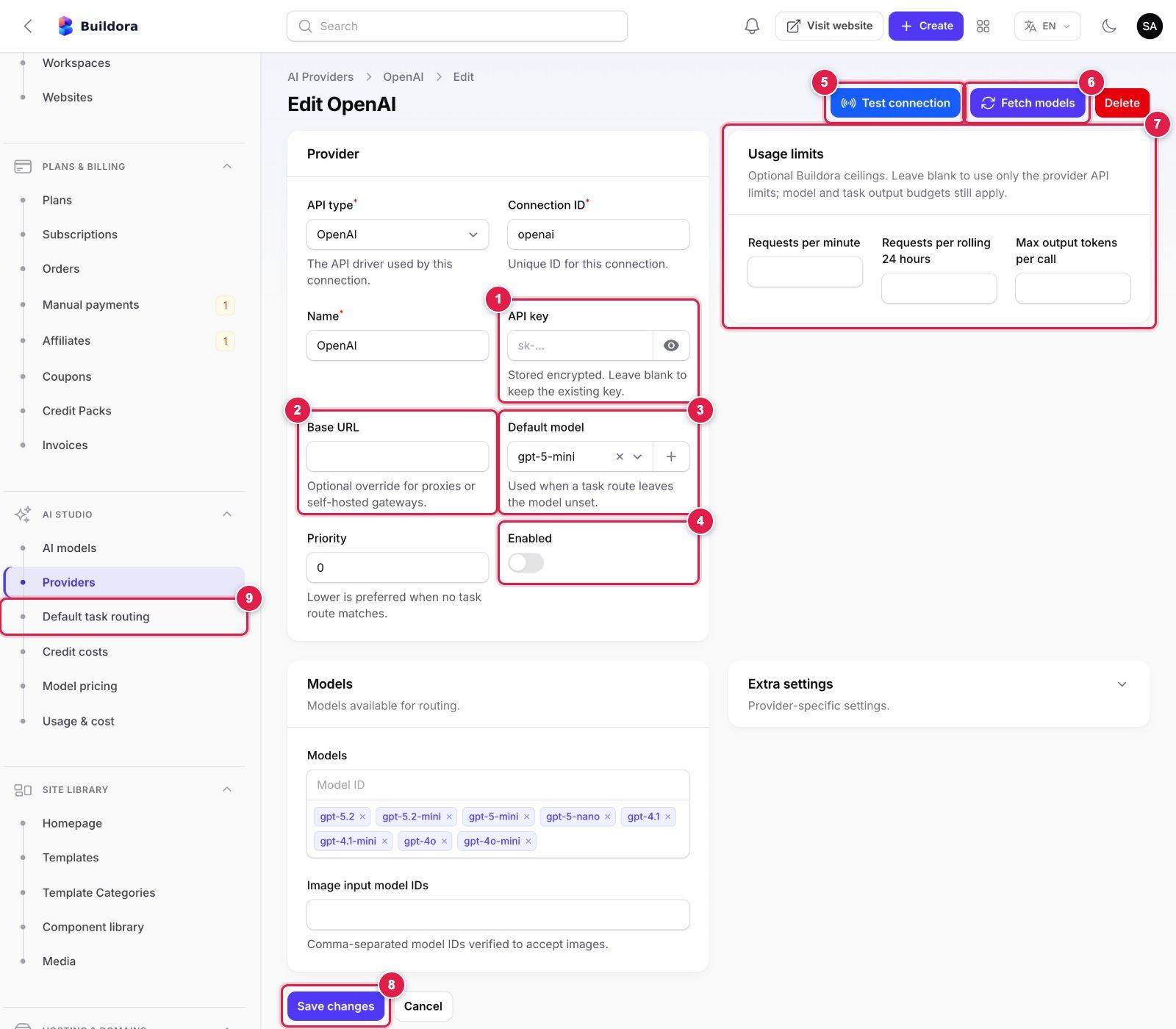
- API key: paste the key from your provider account (OpenAI
sk-…, Anthropic, Gemini, OpenRouter). It is stored encrypted; leave it blank later to keep the stored key. - Base URL: leave empty for the official API; set it only for a proxy or a self-hosted OpenAI-compatible gateway.
- Default model: used when a task route does not name a model.
- Enabled: switch on after the test passes.
- Test connection: sends a tiny request with the saved key and shows the result.
- Fetch models: loads the provider’s current model list into Models.
- Usage limits (optional): requests per minute / per 24 hours and max output tokens, as your own spending guard.
- Save changes before testing.
- Then open Default task routing and pick this provider and model for each task.
CLI alternative: php artisan ai:provider openai --key=sk-... --enable --test.
| Provider | Text | Images |
|---|---|---|
| OpenAI | yes | gpt-image-1 |
| Anthropic Claude | yes | — |
| Google Gemini | yes | Imagen (if configured) |
| OpenRouter | yes (OpenAI-compatible) | — |
| Omniroute | yes (OpenAI-compatible gateway) | — |
| Fake | canned demo output | placeholder |
Make sure Settings → AI → Engine → Demo AI is off in production (AI_FAKE in .env only sets the starting value at install). The provider adapters are tested against a fake provider; OpenRouter and Omniroute have not been tested against the live services. Model lists are editable seed data.
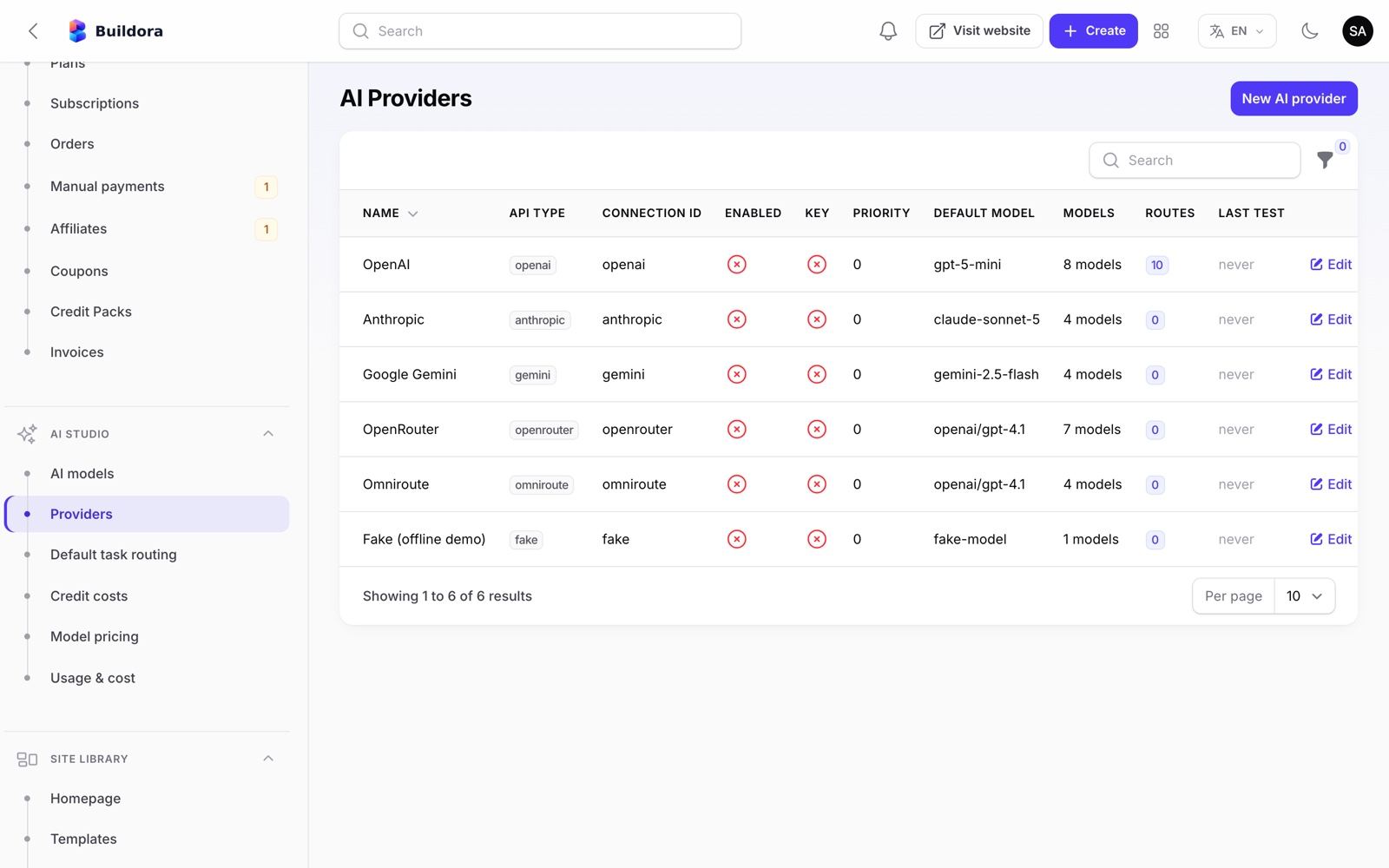
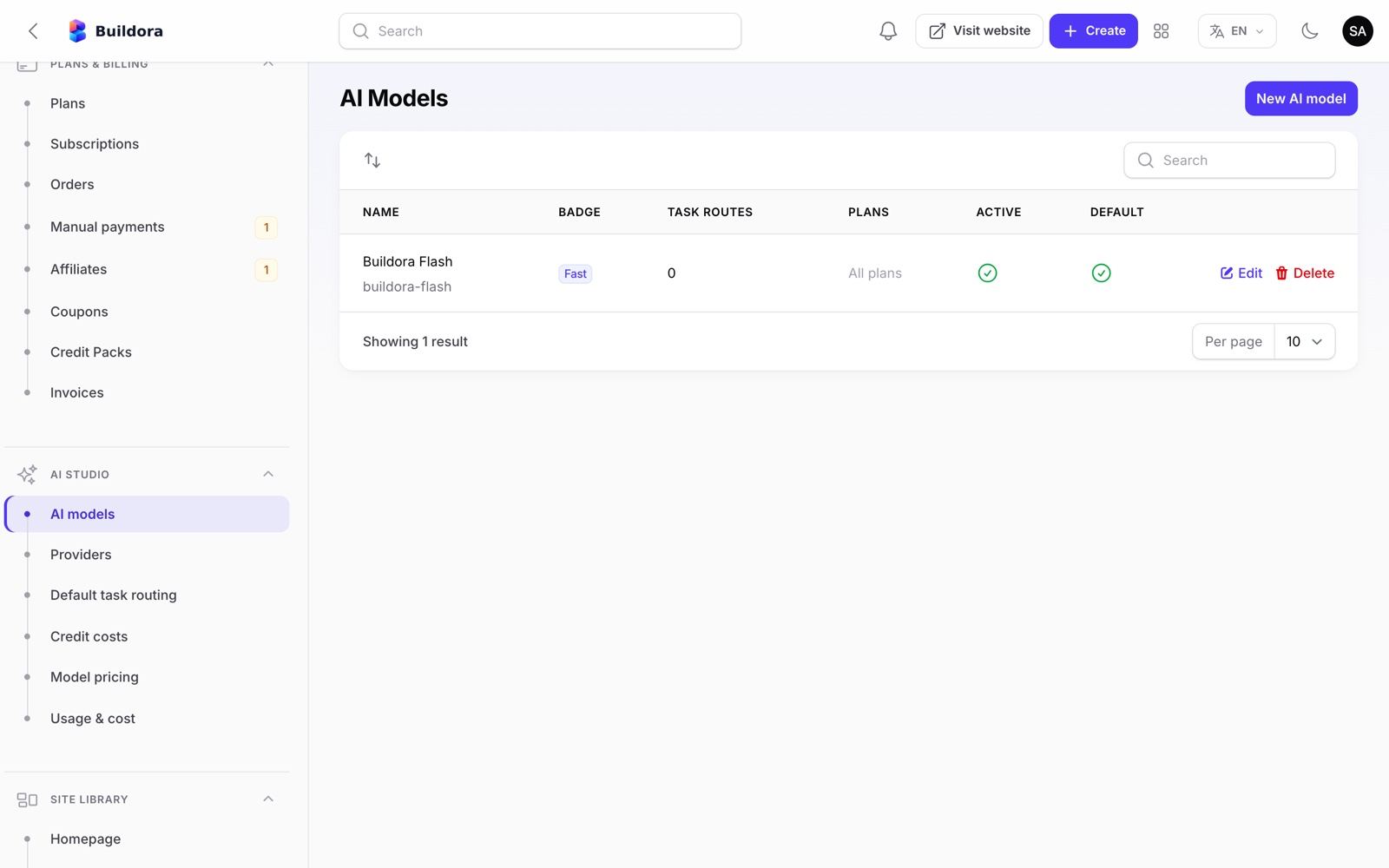
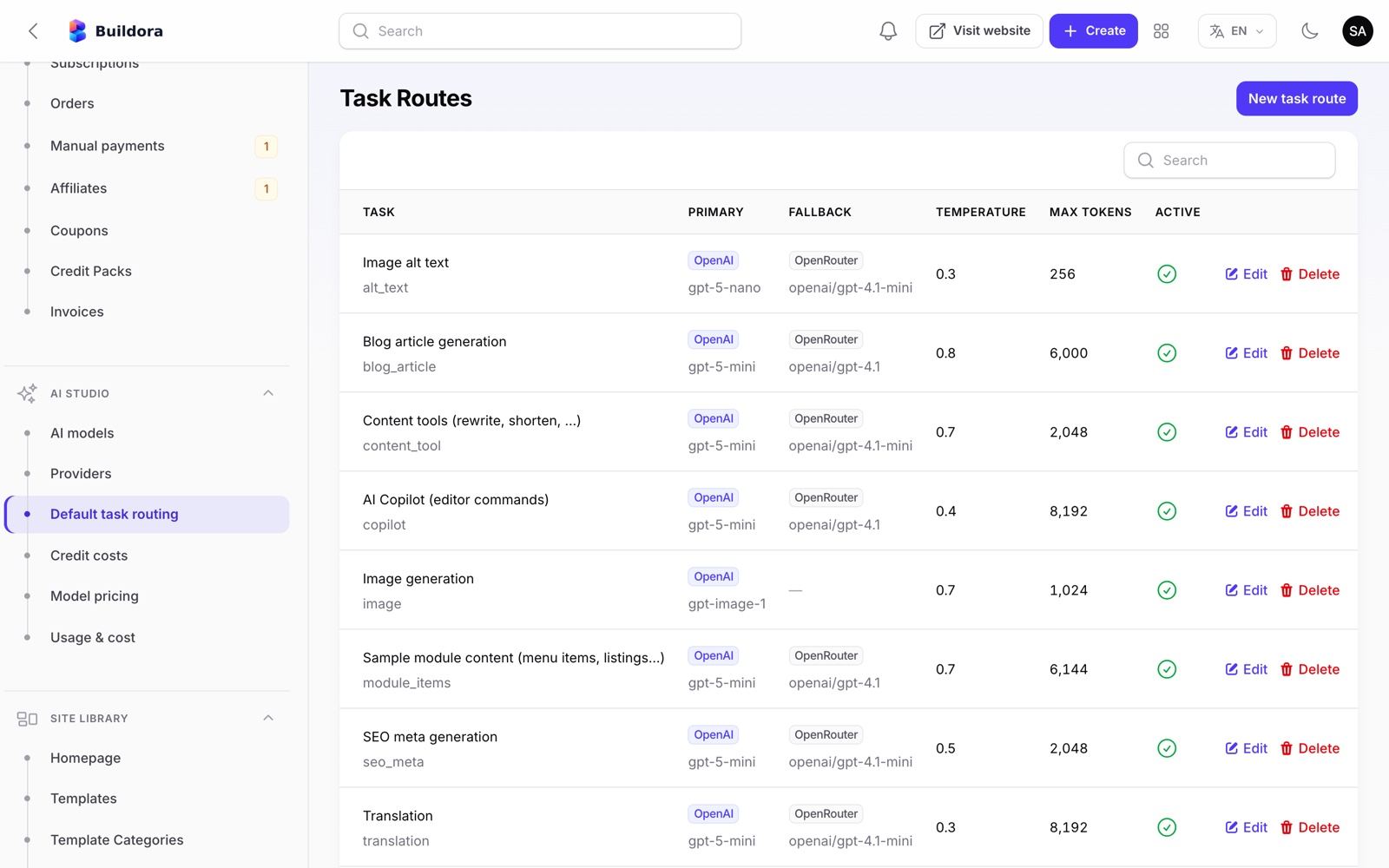
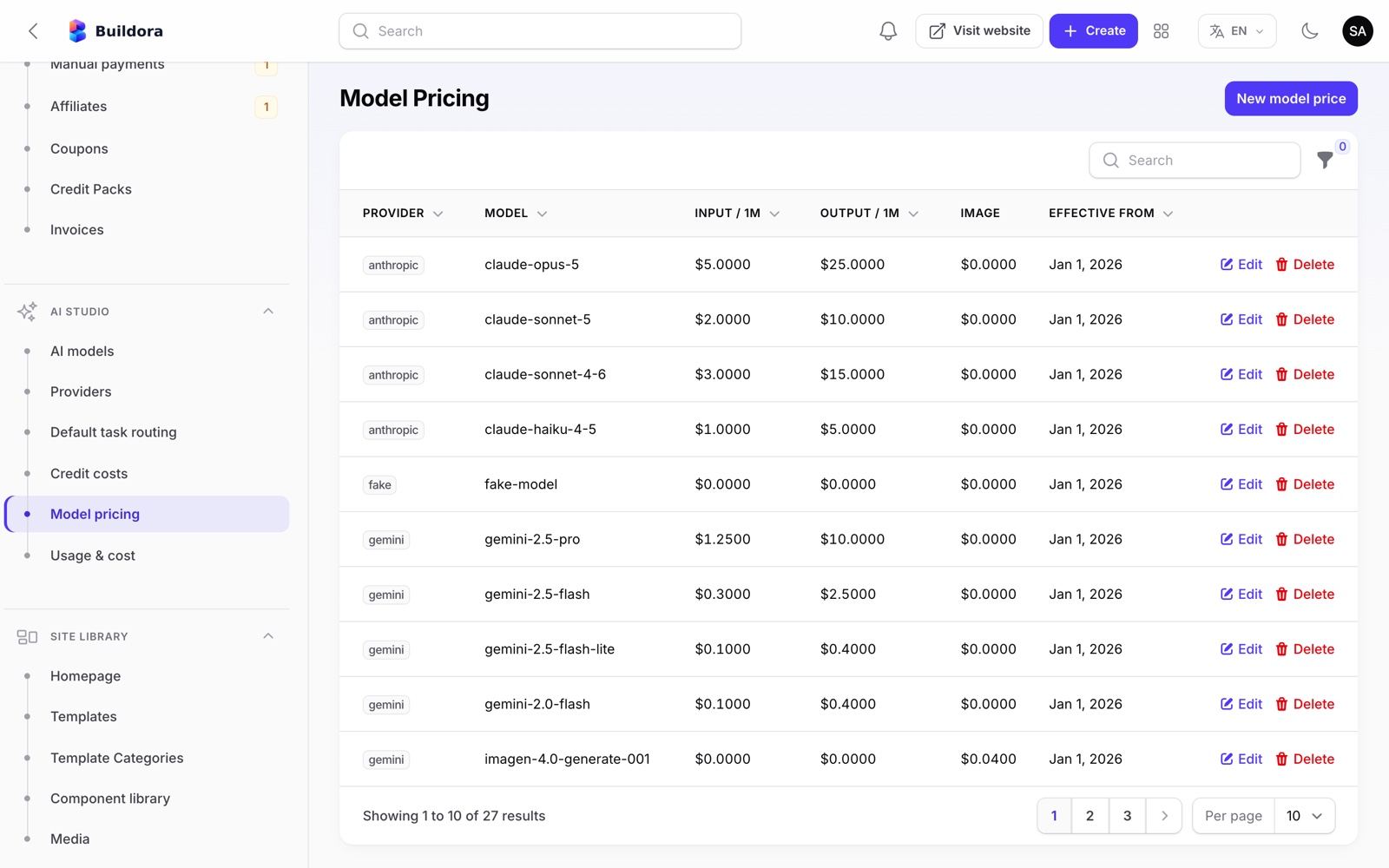
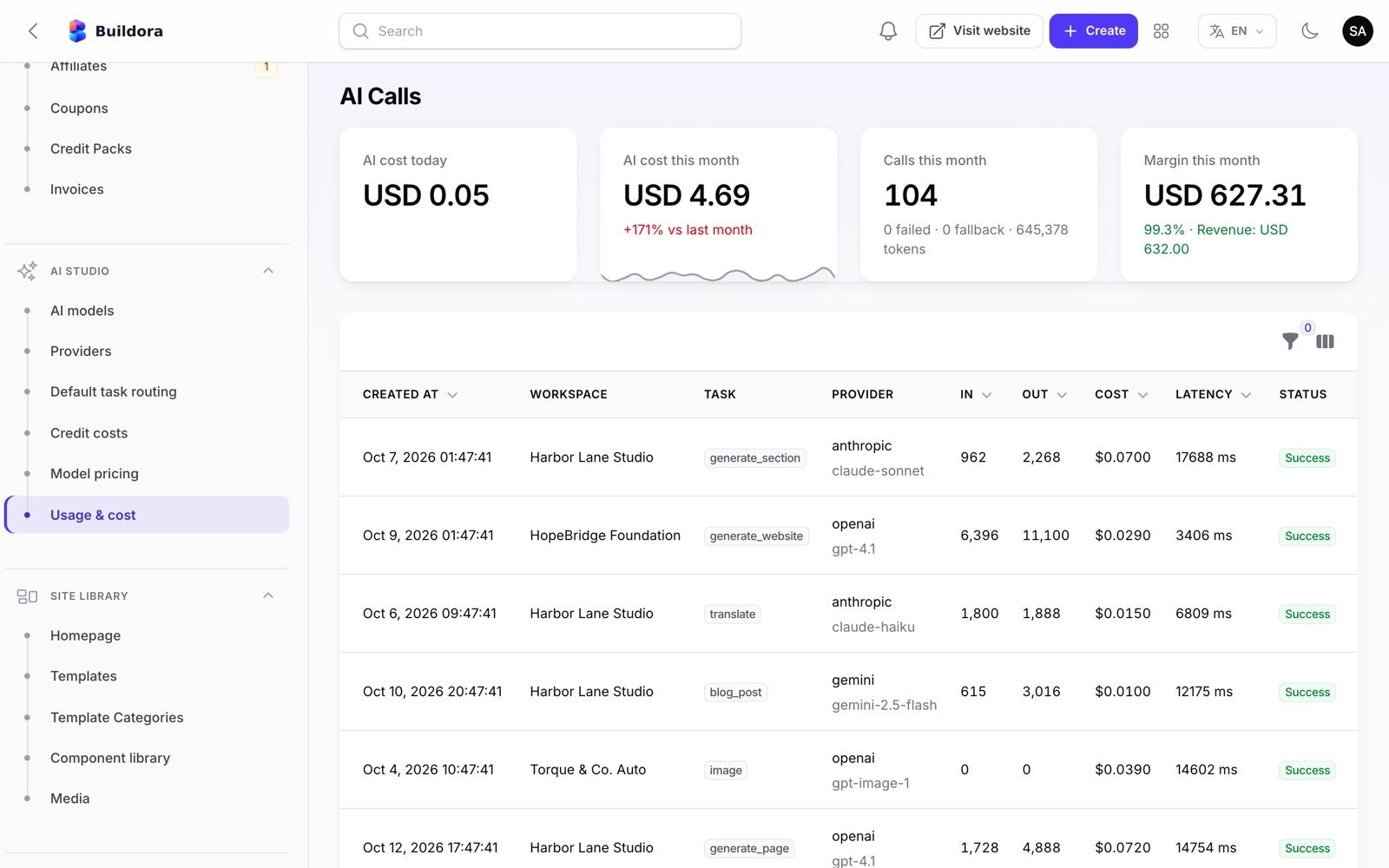
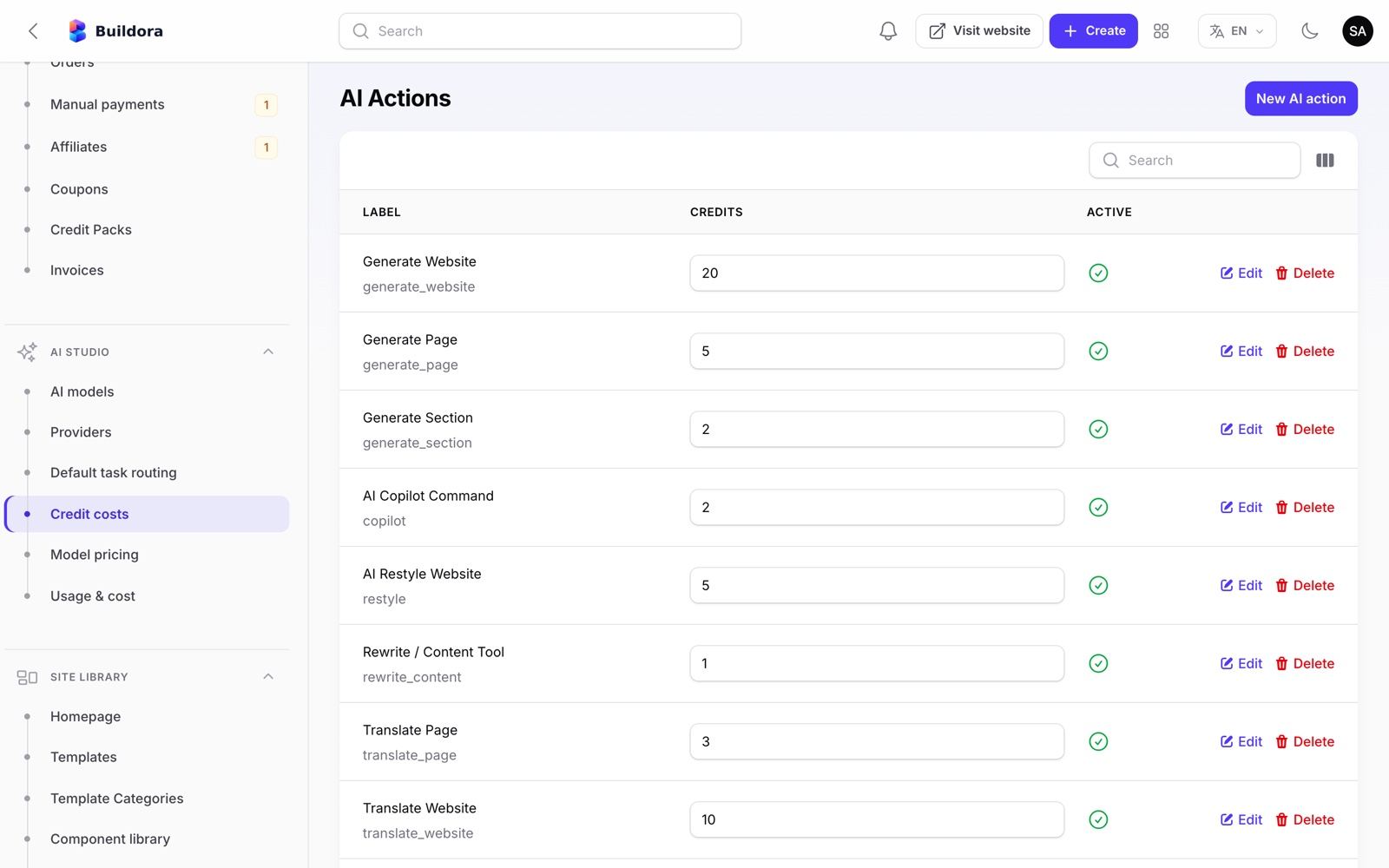
Admin: Site Library & Homepage
| Screen | URL | What it does |
|---|---|---|
| Templates | /admin/templates | The 34 full-site templates: name, slug, categories, description, thumbnail, preview URL, premium flag, status, sort order; a template can be made from any website |
| Template categories | /admin/template-categories | The 24 categories |
| Component library | /admin/component-variants | The 47 ready-made section variants used by the Add panel and the AI |
| Media | /admin/media | Every uploaded file across workspaces |
| Homepage | /admin/homepage | Edit the public pages: homepage, About, Contact, Pricing page, Blog, Terms / Privacy / Refund, translations, header/footer and SEO |
Editing the public pages
Open Homepage
Tabs: Sections, Hero, Features, Growth and statistics, Pricing and testimonials, FAQ and call to action, About and contact pages, Pricing page, Blog, Legal pages, Translations, Header and footer, SEO. Homepage sections: hero (example prompts, chips, trust row), showcase, how it works, features (illustrations can be switched off), growth suite, stats, pricing teaser, testimonials, FAQ, final CTA.
Edit the draft
Change texts, photos and links. The Pricing page tab holds the page copy and FAQ (plans and prices still come from Plans & Billing → Plans); Blog holds the posts (slug, title, tag, date, reading time, cover photo, body paragraphs); Legal pages holds Terms, Privacy and Refund (title, intro, sections, last-updated date). Photos can be uploaded or removed per section (hero showcase and its 3 cards, How it works steps, Growth, final call to action, About, Contact, blog covers, testimonial avatars; testimonials show initials without a photo). Bundled default photos are from Unsplash (free for commercial use), copied to
storage/app/public/homepage/defaultsbyHomepageImagesSeeder.Translations
Default text ships with Bengali and Arabic translations. For your own text add rows in the Translations tab: the English text exactly as on the page → বাংলা / العربية. A row there also overrides a built-in translation.
Save draft
Save draft keeps the changes private.
Preview
Open the signed preview link.
Publish
The frontend reads it from
GET /api/v1/homepage; defaults live inconfig/homepage.php.
The public marketing /blog ships with three default posts; edit, add or remove them in the Blog tab of Site Library → Homepage. The homepage content is seeded on install only (HomepageSeeder), so your edits survive buildora:update.
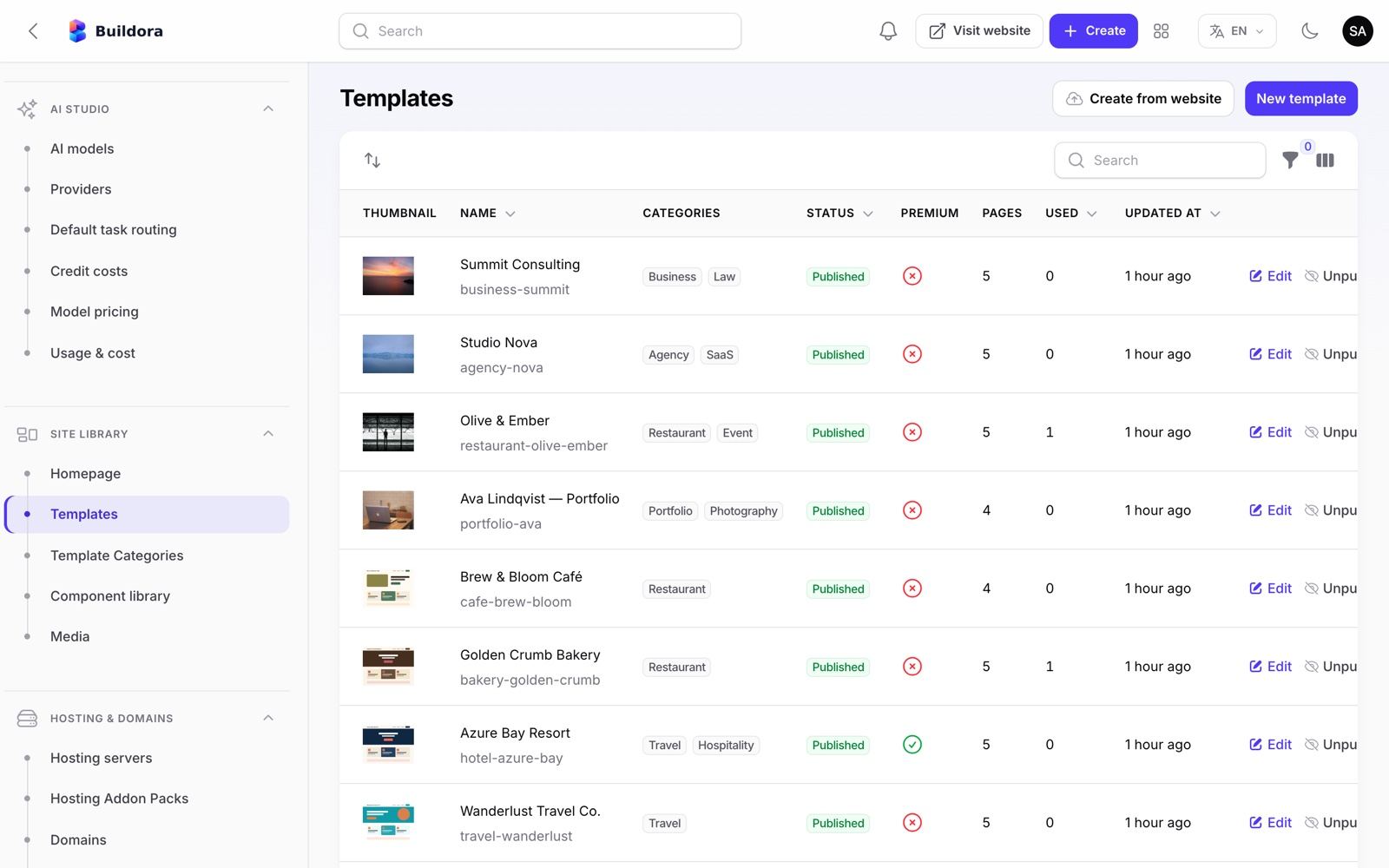
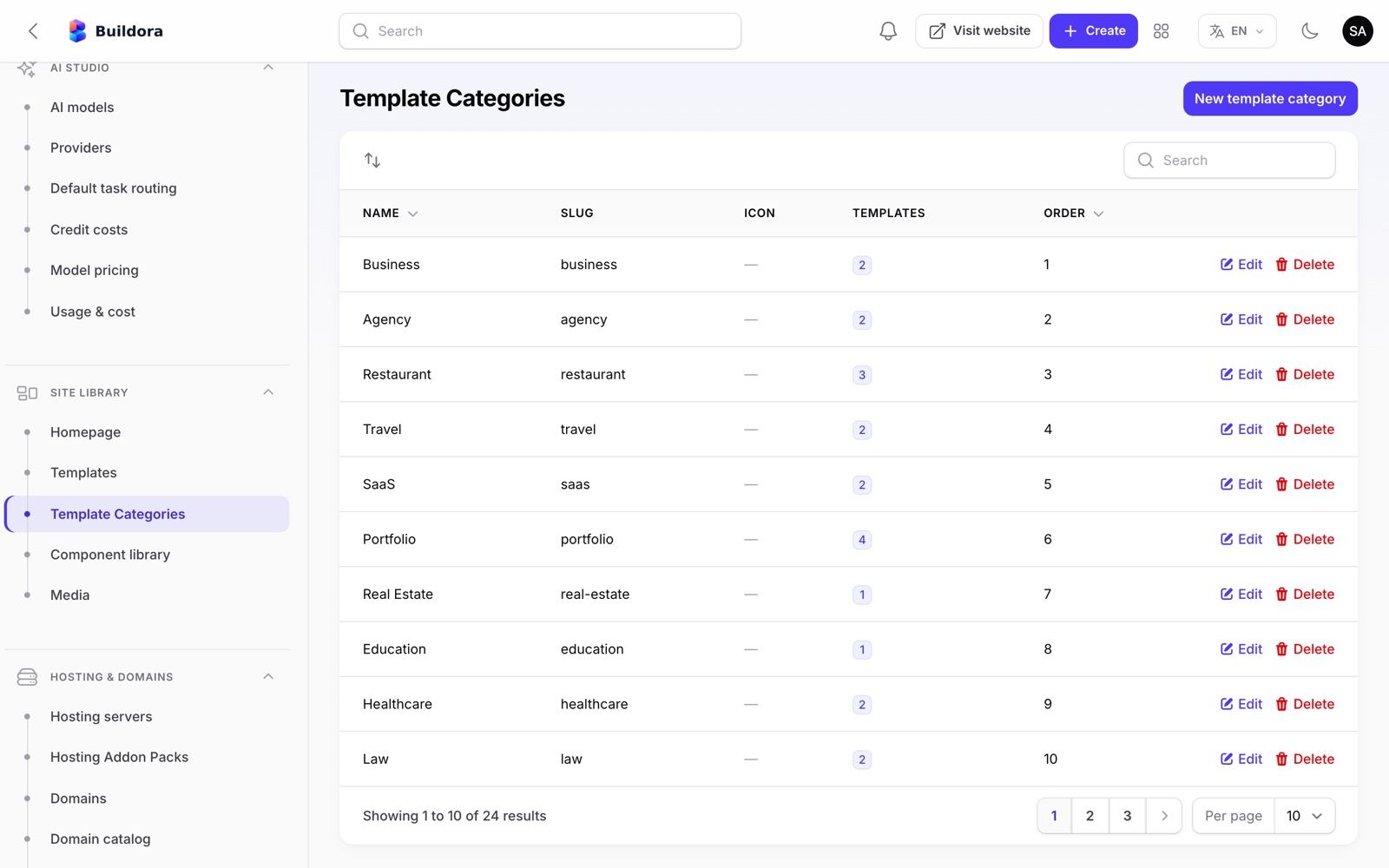
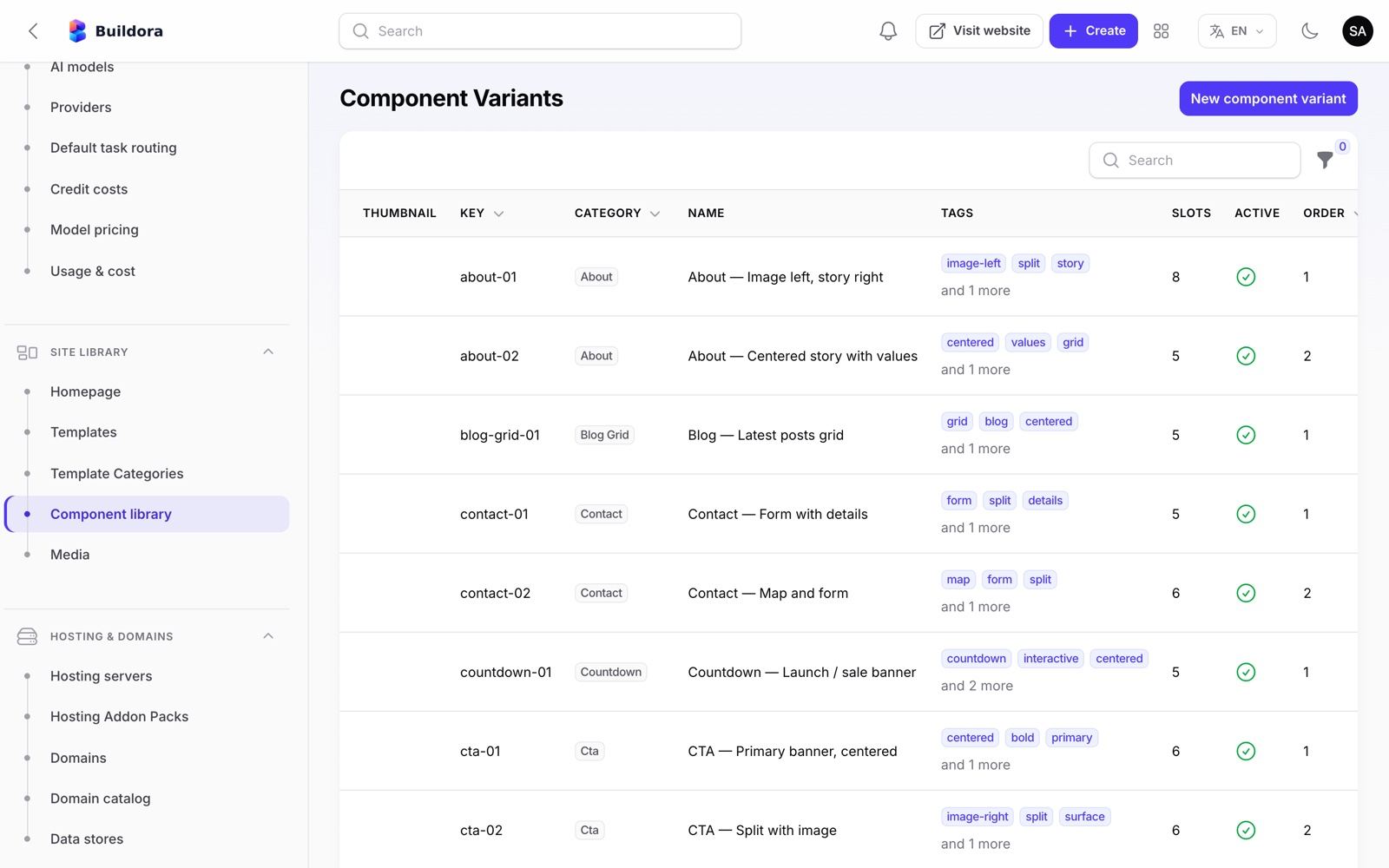
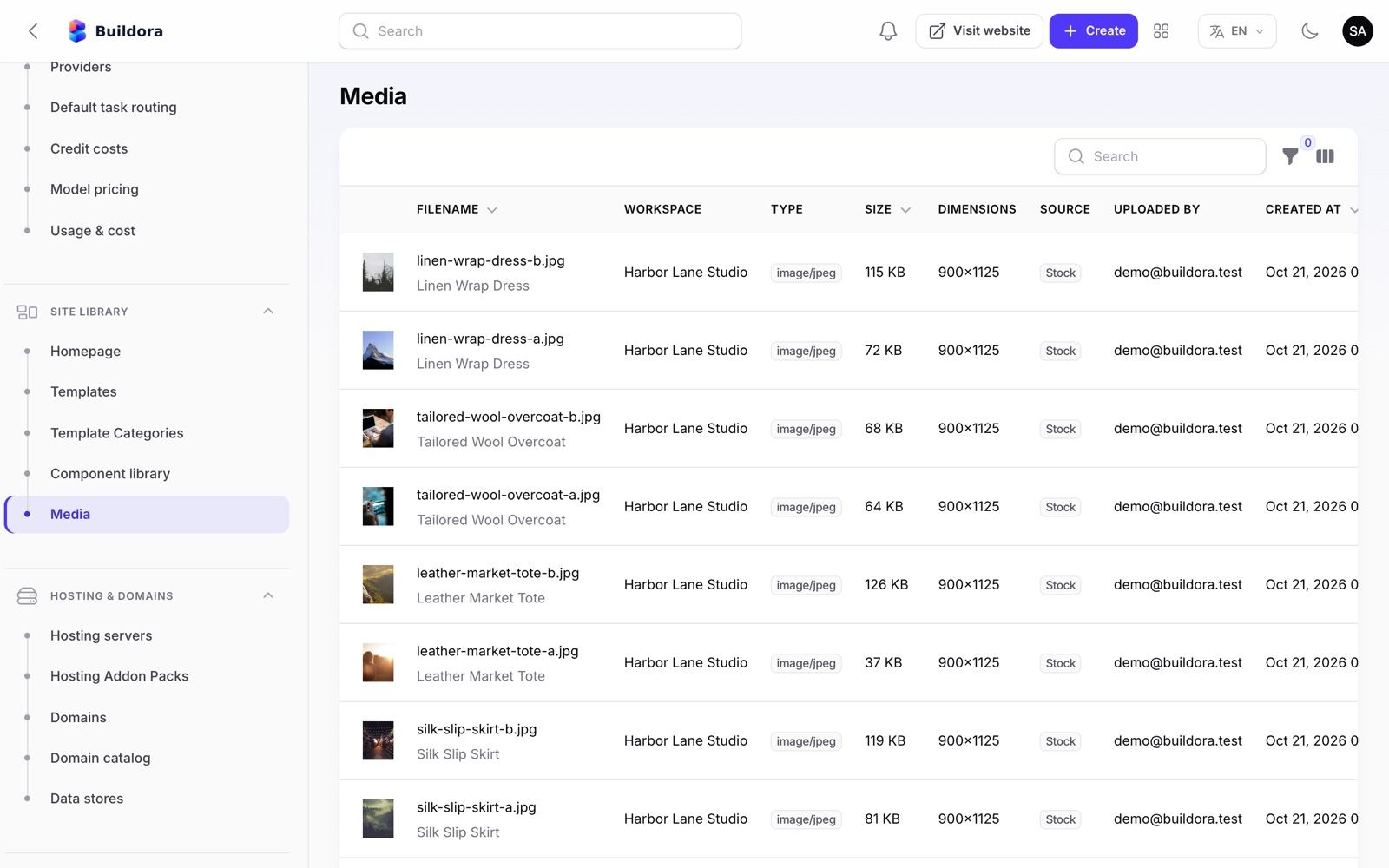
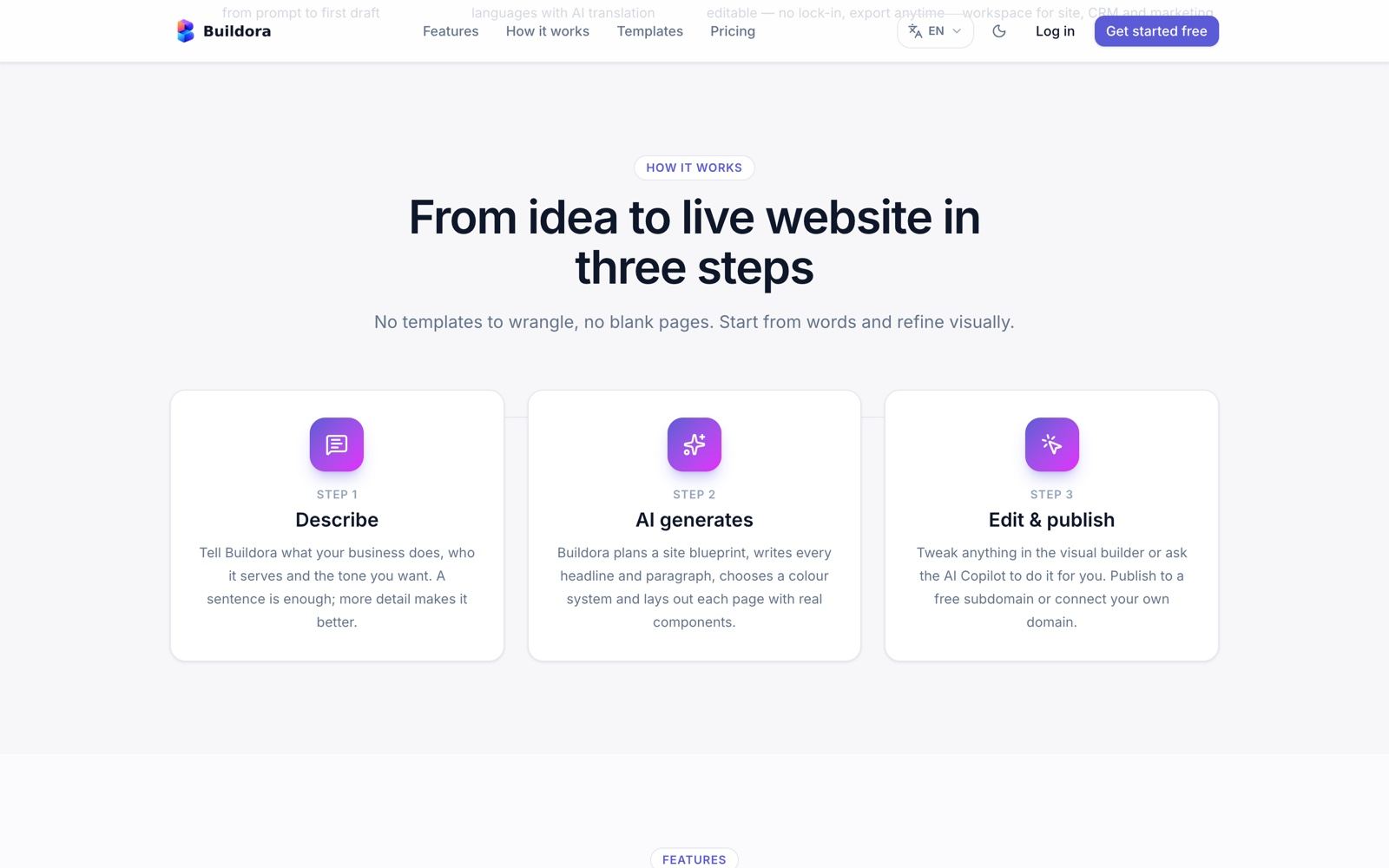
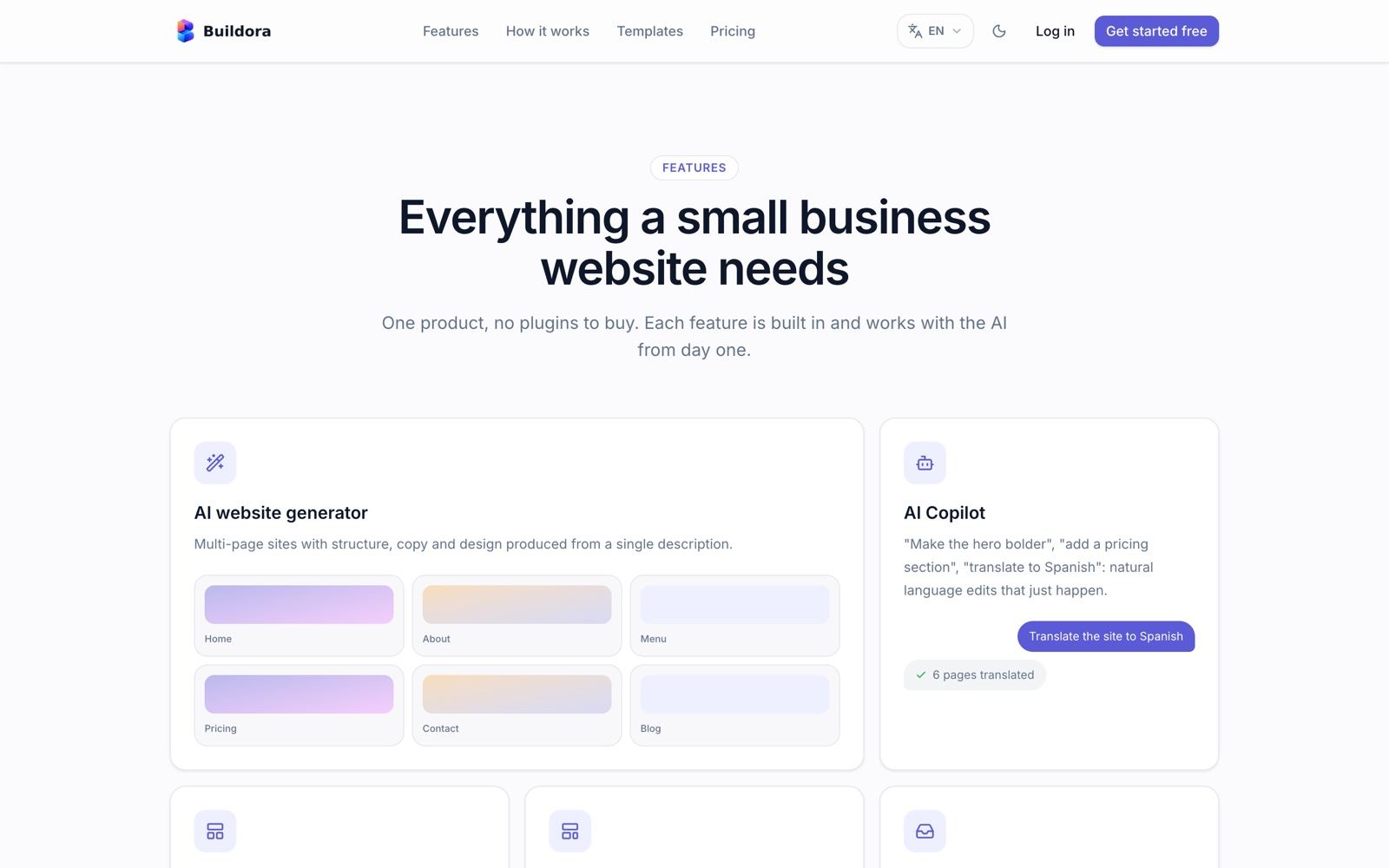
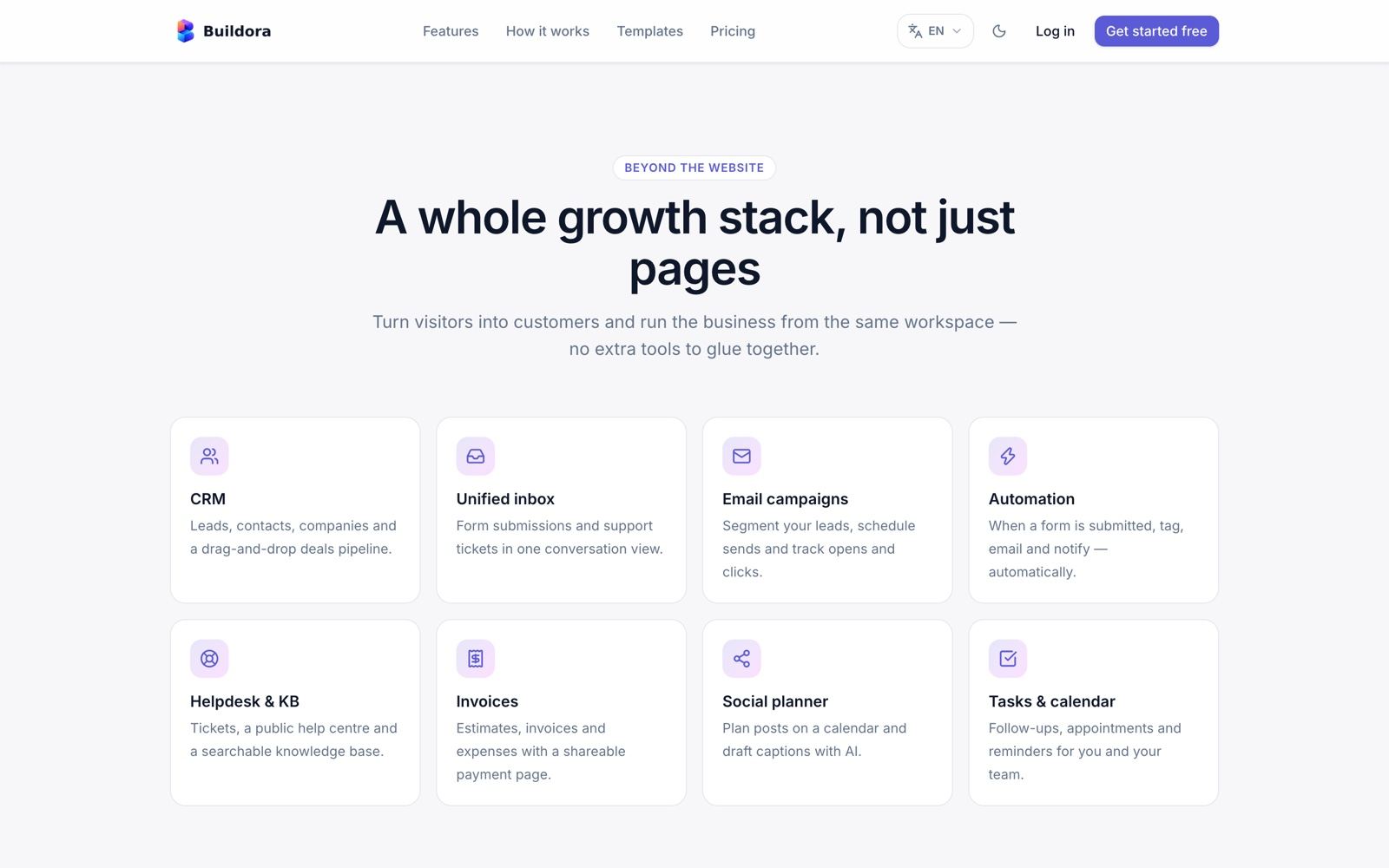
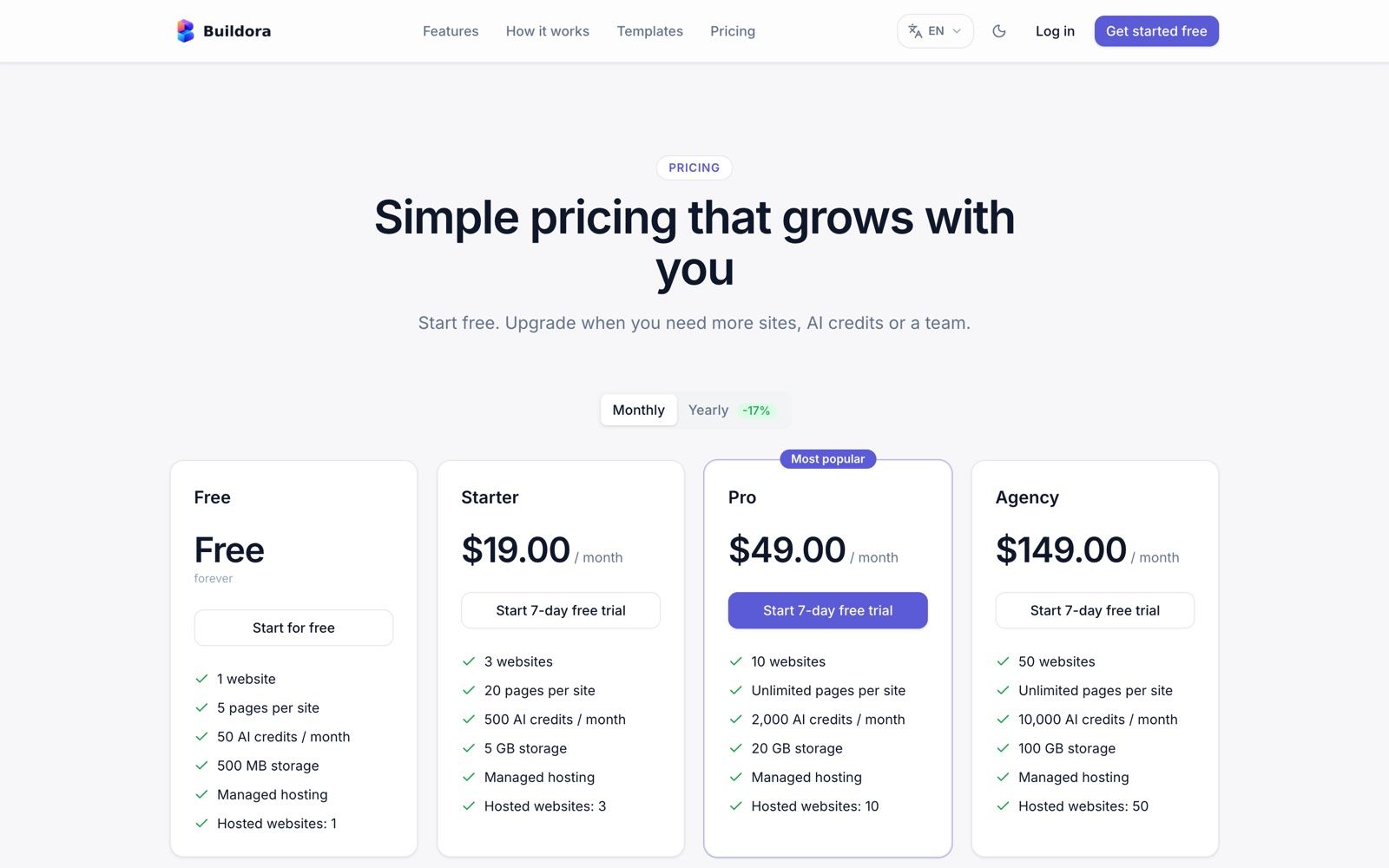
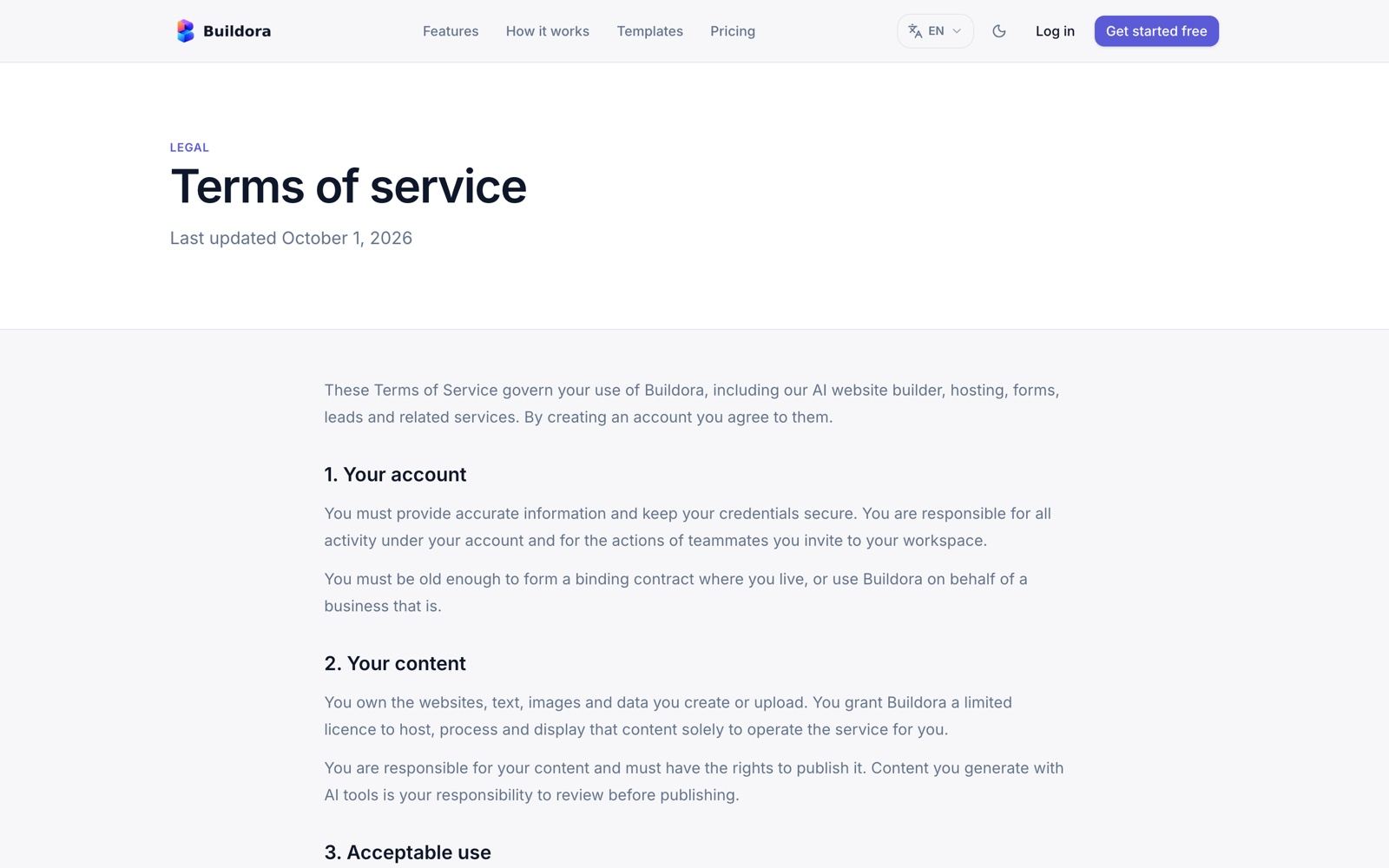
Admin: Hosting & Domains
| Screen | URL | What it does |
|---|---|---|
| Domains | /admin/domains | All custom domains with verification and SSL status |
| Domain catalog | /admin/domain-offers | Domains/subdomains you own and sell: dedicated or shared labels, one-time/monthly/yearly, renewal with a 7-day grace period |
| Hosting servers | /admin/hosting-servers | Optional Docker hosts over SSH: server check, capacity, container per workspace |
| Hosting add-on packs | /admin/hosting-addon-packs | Extra sites/storage sold monthly (Stripe card) |
| Data stores | /admin/website-databases | Per-website databases: size, collections, errors; test, refresh size, suspend/unsuspend |
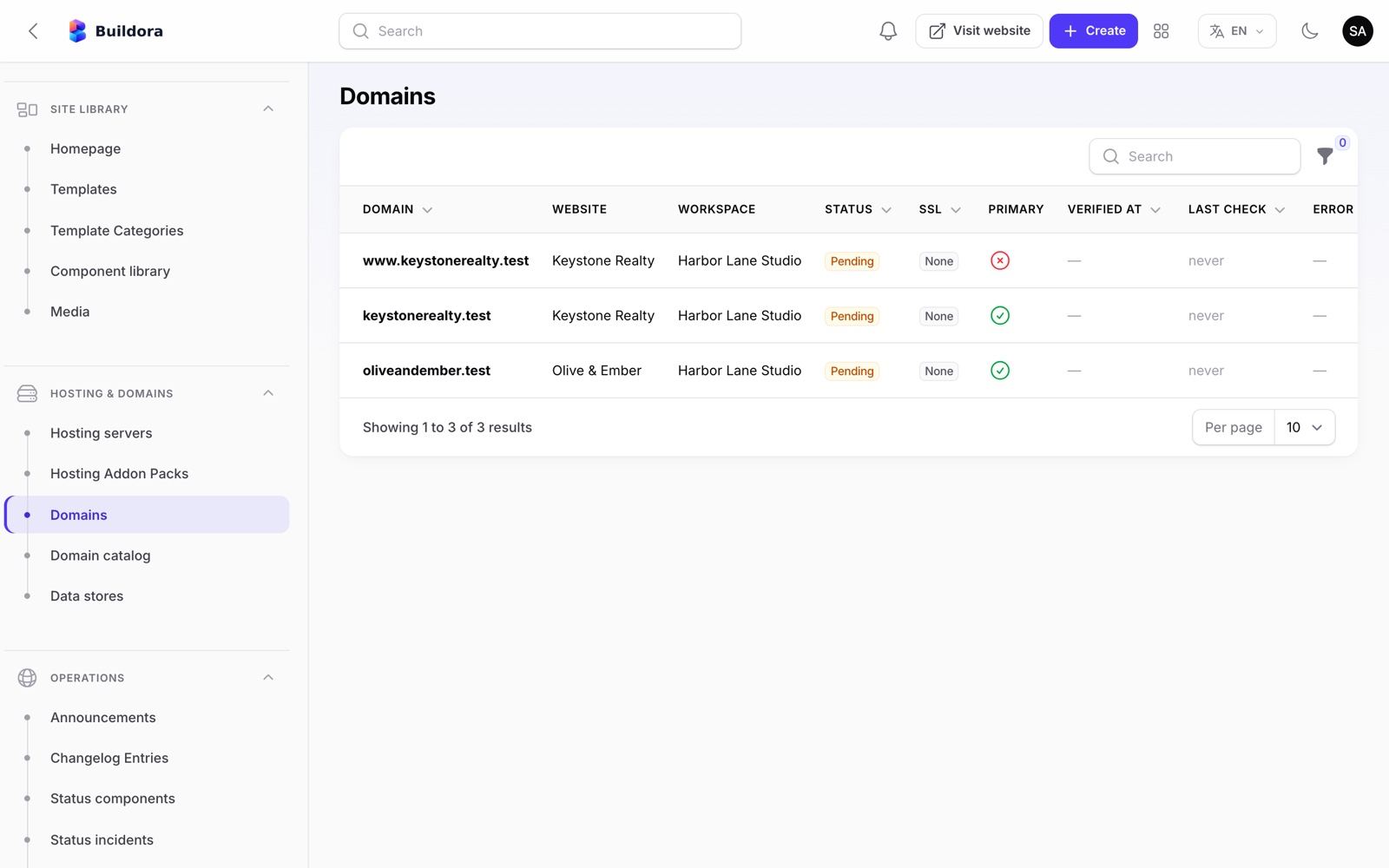
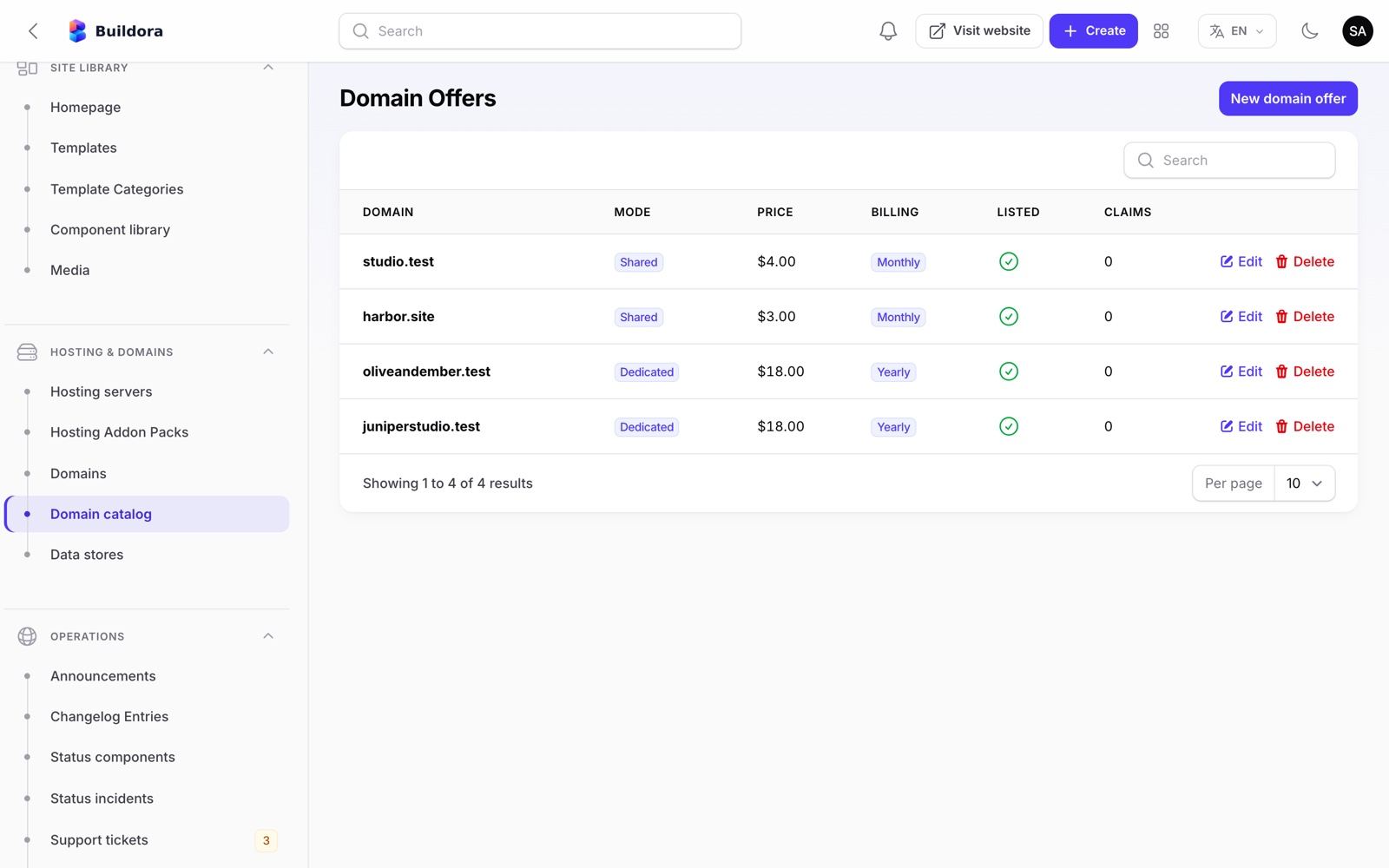
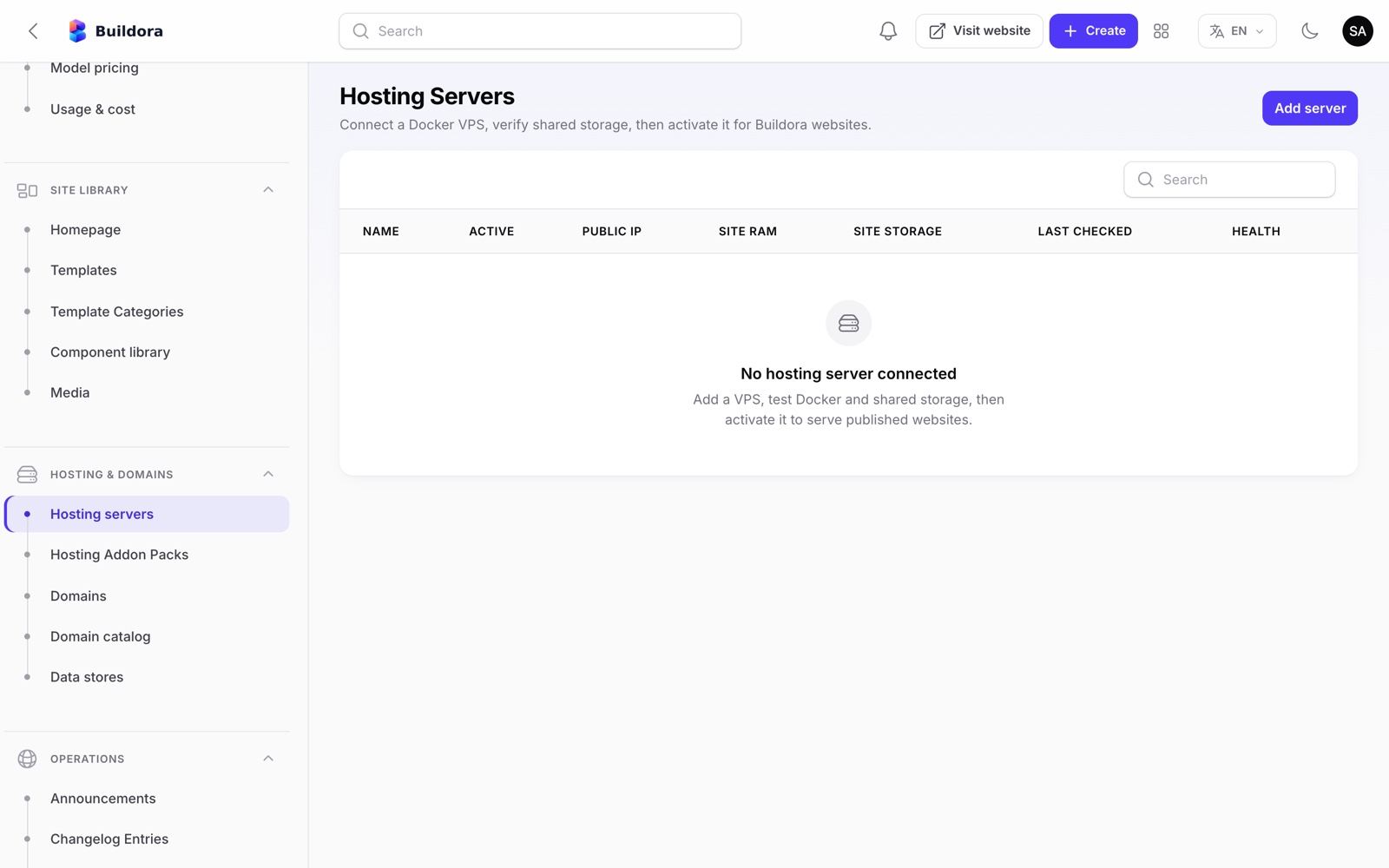
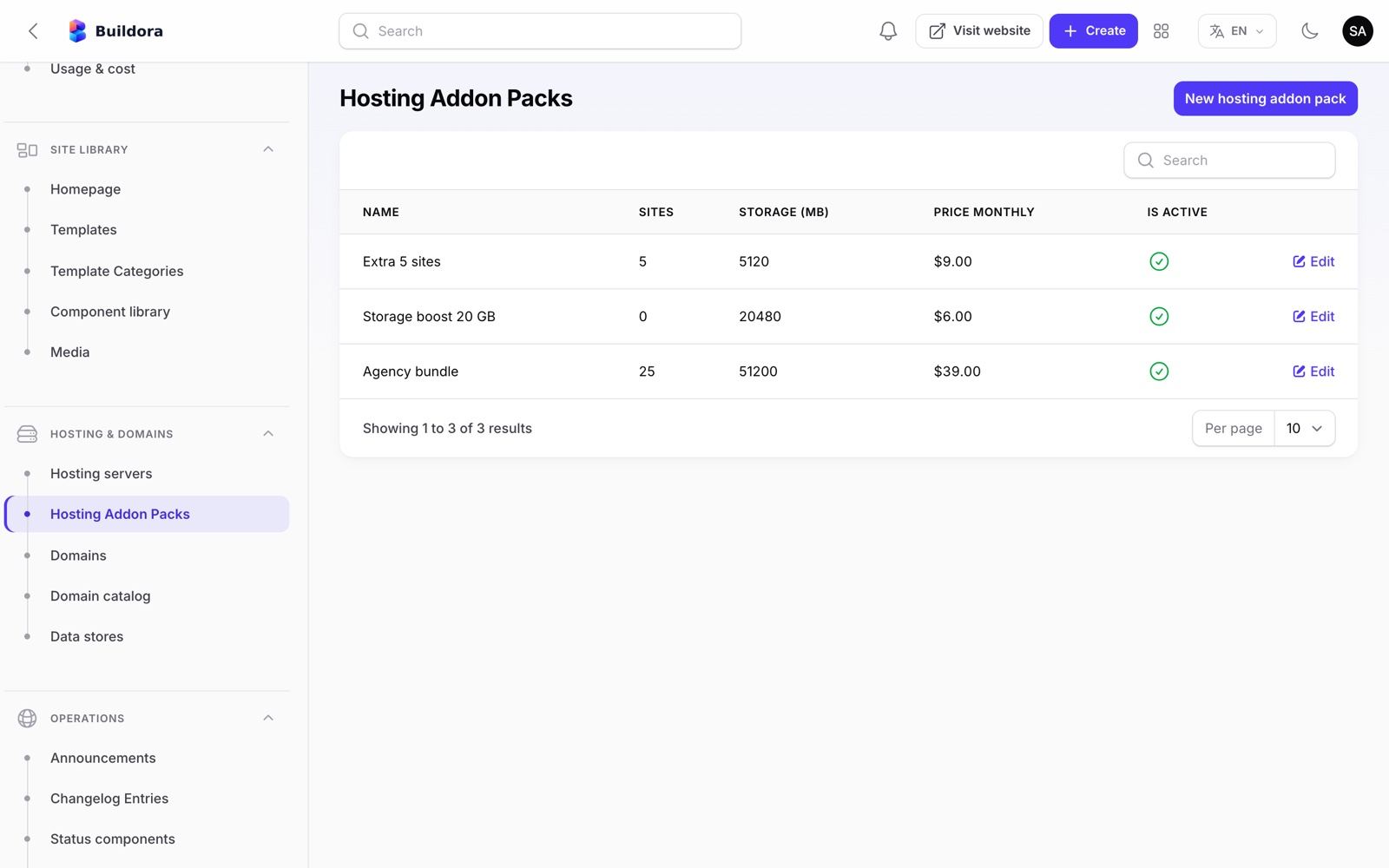
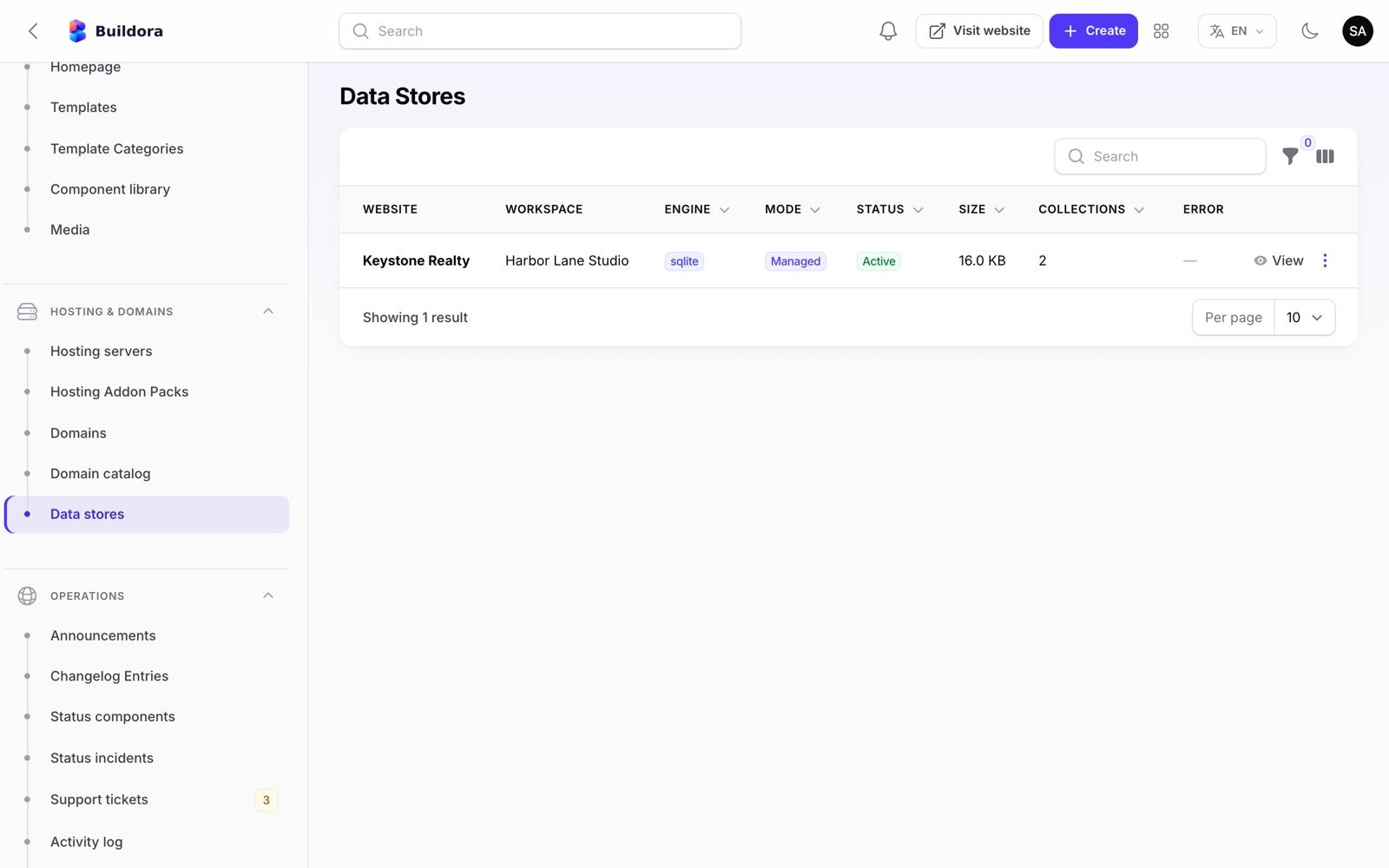
Admin: Operations
| Screen | URL | What it does |
|---|---|---|
| Support tickets | /admin/support-tickets | Customer tickets: reply, assign to me, status, priority |
| Announcements | /admin/announcements | In-app banners with tone, dismissible flag and a schedule window |
| Changelog | /admin/changelog-entries | Feature/fix/improvement entries for /changelog and the unread badge |
| Status components | /admin/status-components | Services shown on /status and their state |
| Status incidents | /admin/status-incidents | Incidents with severity and updates until resolved |
| Webhook events | /admin/webhook-events | Payment webhooks received; replay |
| Activity log | /admin/admin-activity-logs | Admin actions and model changes on 17 models, including impersonation |
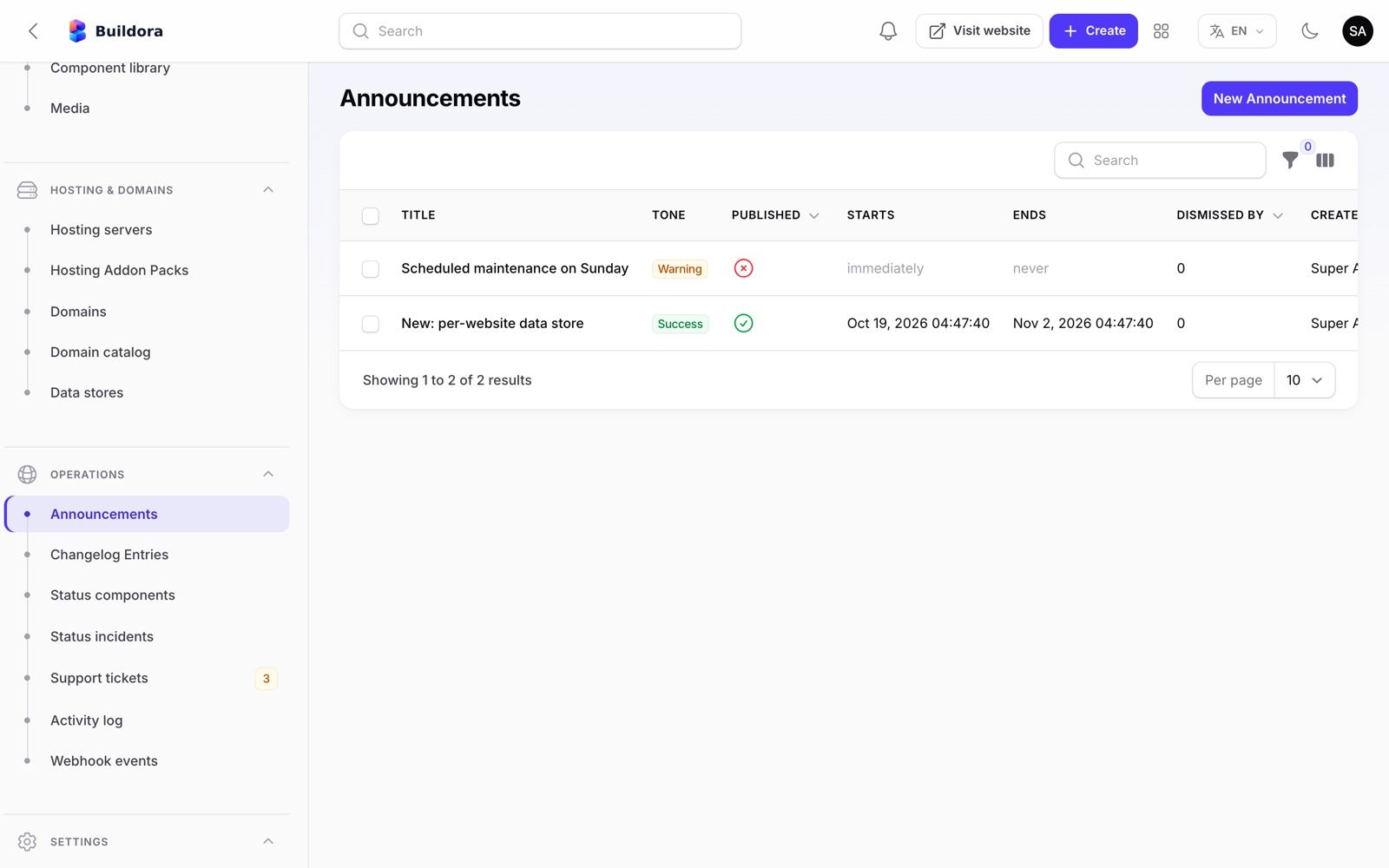
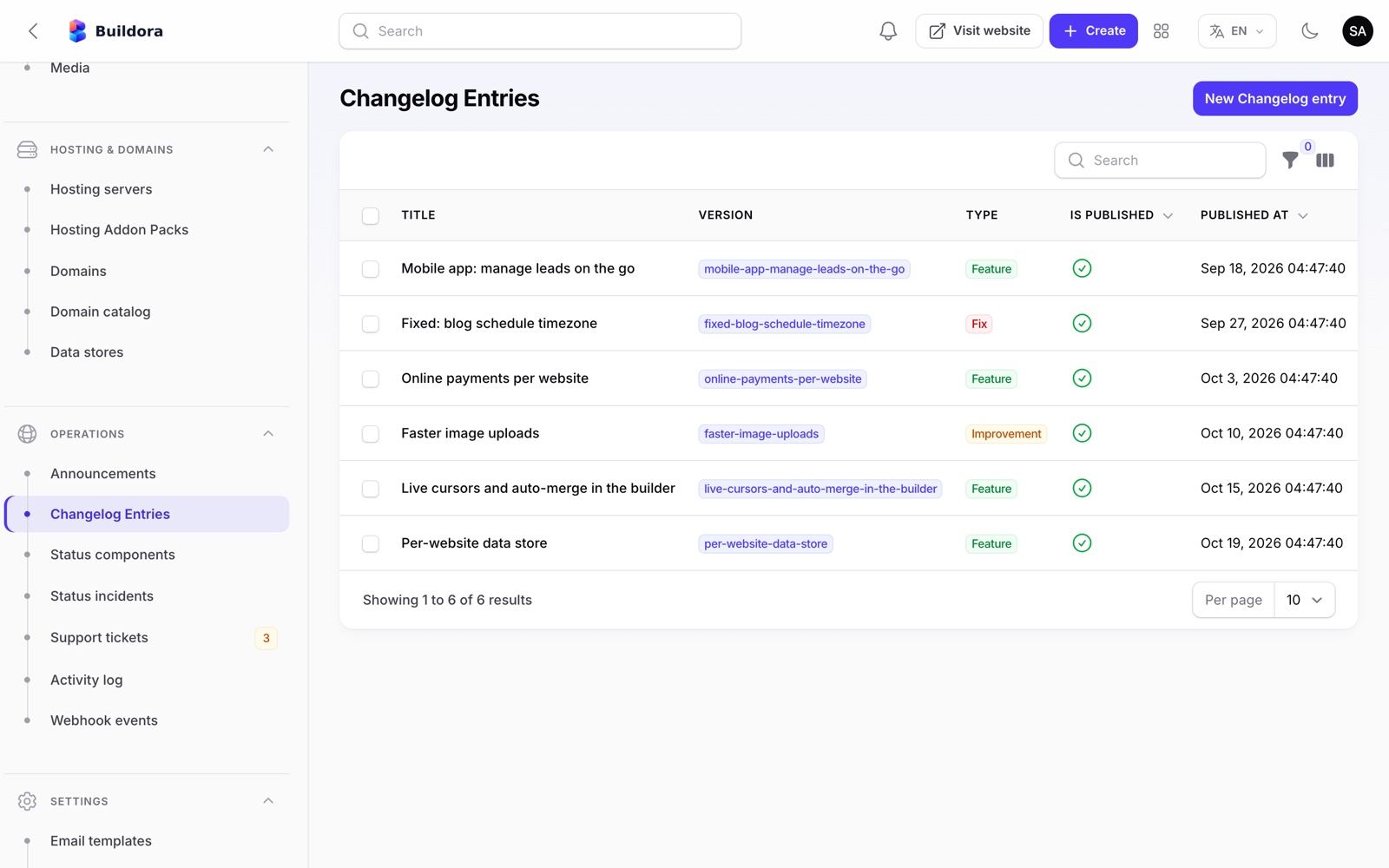
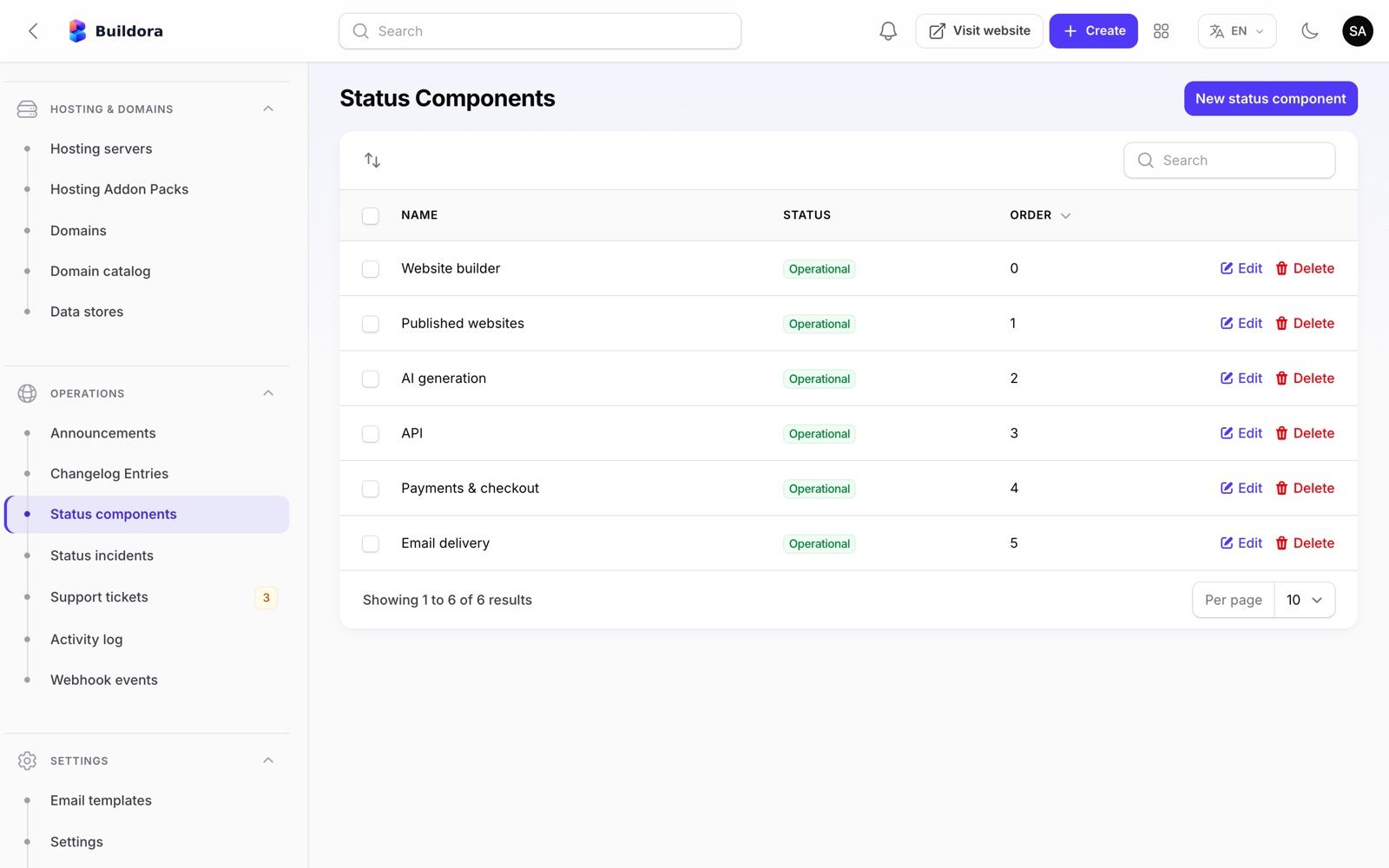
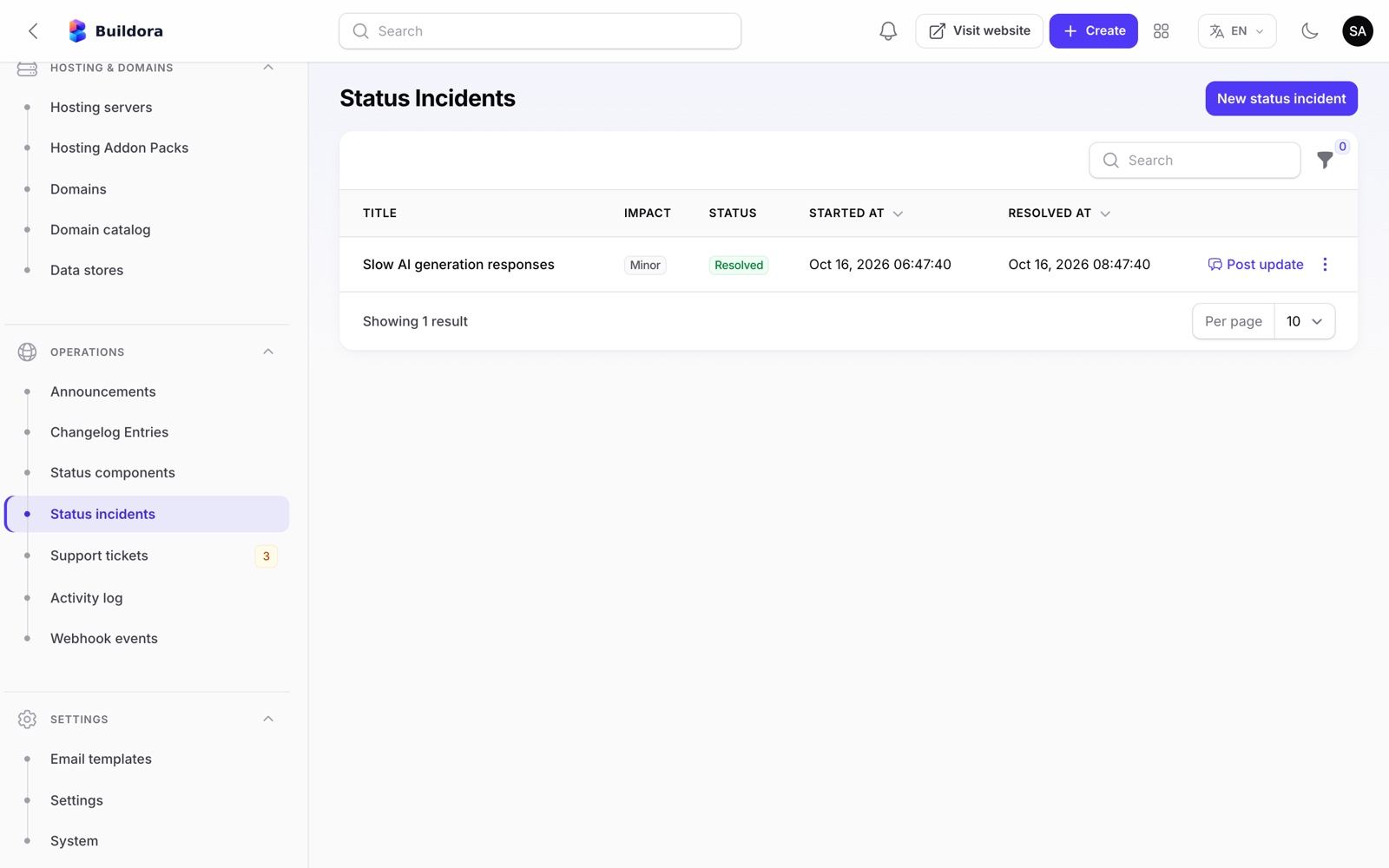
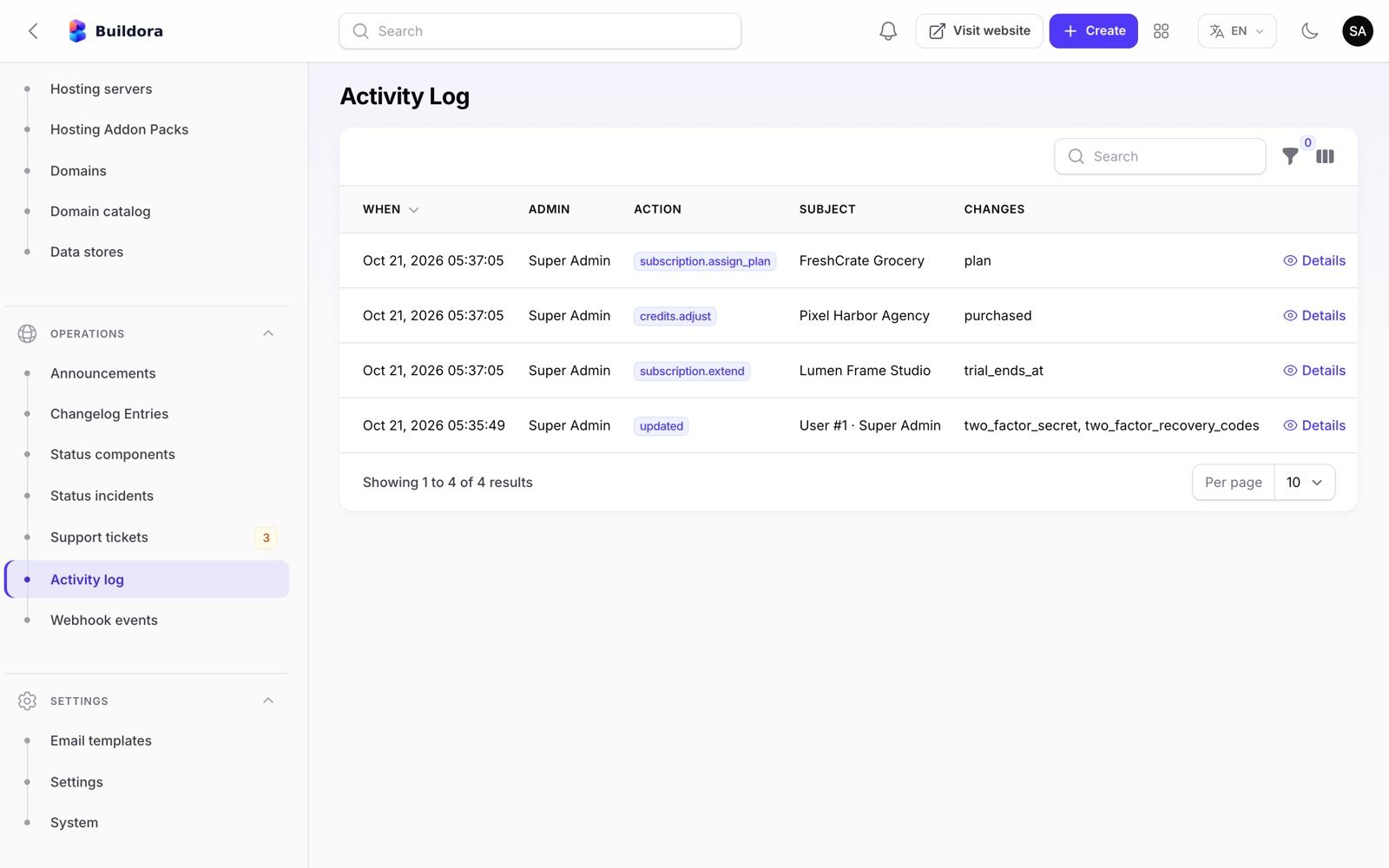
Admin: Settings
/admin/settings)| Tab | Options |
|---|---|
| General | Platform name, support e-mail, language, timezone, logos and favicon |
| Auth | Registration on/off, e-mail verification, trials, Google login client IDs for web, iOS and Android |
| AI | Enable AI, credit rollover, AI images for slots, Brave Search API key |
| Payments | Tax and invoice details; Stripe, PayPal and Manual sections |
| Storage | Local, S3 or S3-compatible (R2, Spaces, MinIO, Wasabi) |
| SMTP or Amazon SES (also sendmail, log); Send test email | |
| Captcha | reCAPTCHA v3/v2, Cloudflare Turnstile or hCaptcha for website forms |
| Analytics | Site analytics raw-event retention and the GeoIP database |
| Scripts | Reserved for platform-wide scripts (see Honest Notes) |
| Maintenance | Maintenance message for the mobile app (blocks mobile login and the web handoff) |
| Mobile app | FCM service-account credentials, minimum and latest app version, store URLs |
| Ads | Meta Ads and Google Ads OAuth app credentials (app ID and secret, OAuth client, developer token, login customer ID), API versions and the sync window used by Ads reporting |
| Data store | Admin MySQL account used to create managed per-website databases |
| Platform | Sites domain, server IP, frontend URL, the “Made with Buildora” badge, Envato license check, require 2FA for admins. The sites domain must not be the parent domain of the API host; the frontend URL must exactly match the frontend origin (it is also the CORS origin) |
Settings → Languages
Admin → Settings → Languages manages a translation catalogue: languages (code, name, native name, text direction, active or not) and their key/value terms. It is seeded with English, Bangla, Arabic and French and is served publicly at GET /api/v1/languages and GET /api/v1/languages/{code}/translations for your own integrations. In version 1.0.0 the web dashboard (English, Bangla, Arabic) and the mobile app (English, Bangla, Arabic, French) use their built-in translation files, so editing terms here does not change their texts. The admin panel language is chosen with the switcher in the top bar; the content languages of published websites are set per website.
All of these live in the settings table (created by SettingSeeder), not in .env; the old .env keys (MAIL_*, PAYPAL_*, BUILDORA_SITES_DOMAIN, …) are only read as a fallback (see .env Essentials).
Mailgun appears in the mail driver list but is not wired; Postmark and Resend need extra Composer packages. Use SMTP or Amazon SES.
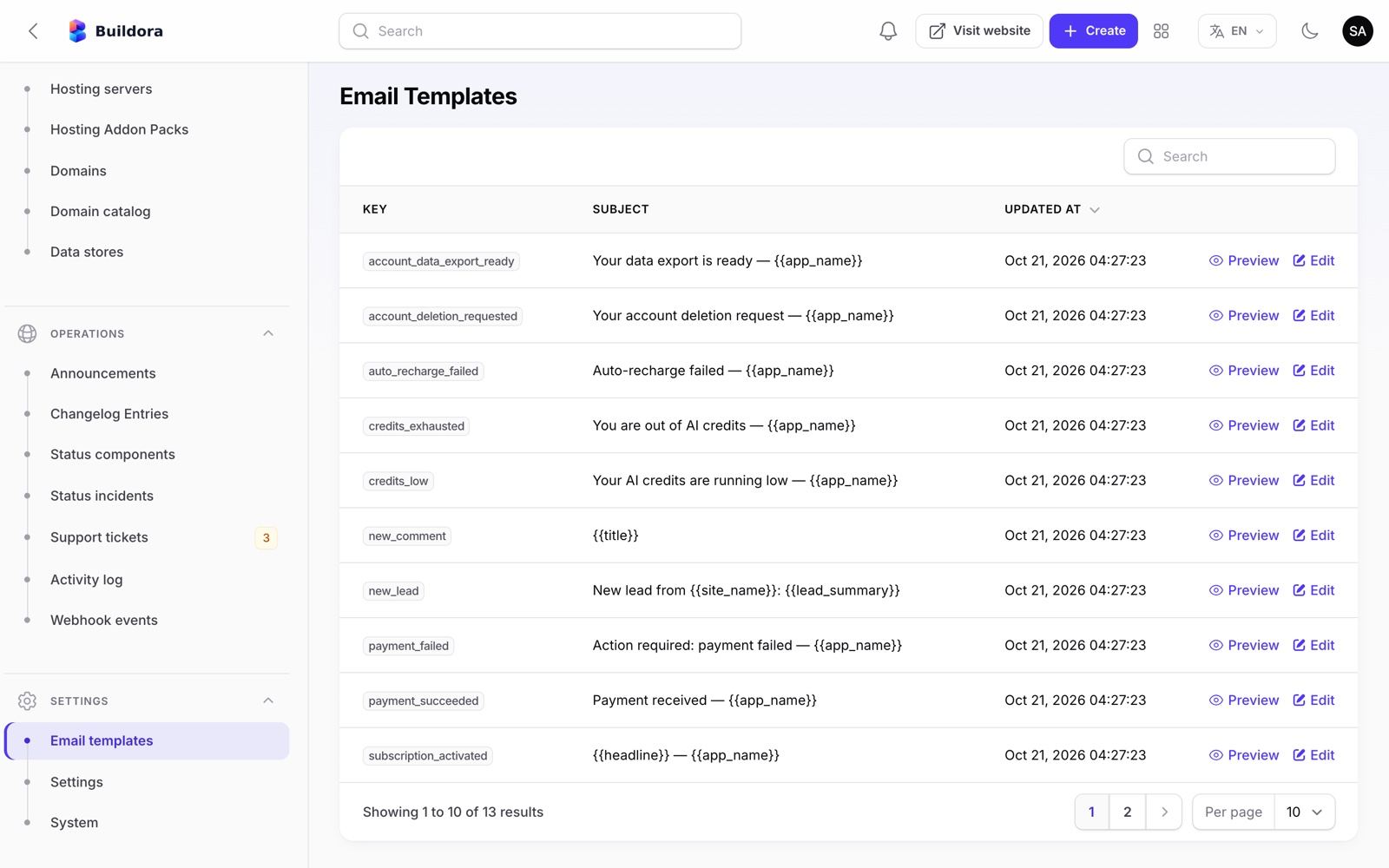
Admin: System Info & Admin Security
/admin/system)Shows versions (PHP, Laravel, Filament, database), drivers, PHP extensions, pending and failed queue jobs, the scheduler heartbeat, disk space, warnings and the exact cron line. Buttons: check for updates (local), run update and clear cache.
Admin access control
- Super Admin sees everything. Staff users get permission groups: users, billing, ai, content, platform, settings.
- Optional mandatory 2FA for admins (Settings → Platform); admins then set it up at
/admin/two-factor-setup. - Every staff account with 2FA turned on must enter its authenticator code (or a recovery code) at
/admin/two-factor-challengeafter signing in to/admin; 5 wrong codes per minute lock the form for a minute. Staff who already passed the two-factor step on the web sign-in are not asked twice. - Admin activity log for actions and model changes.
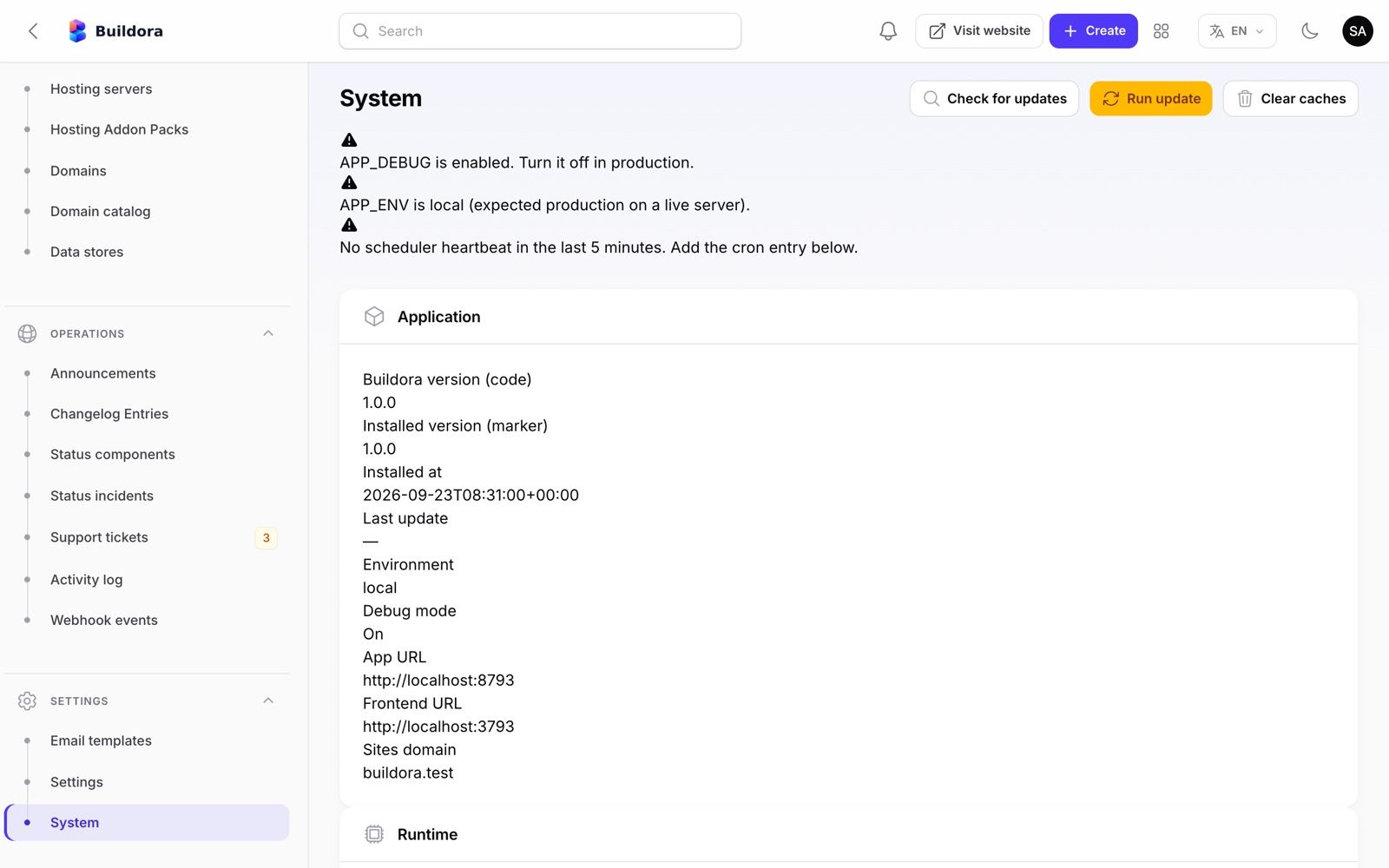
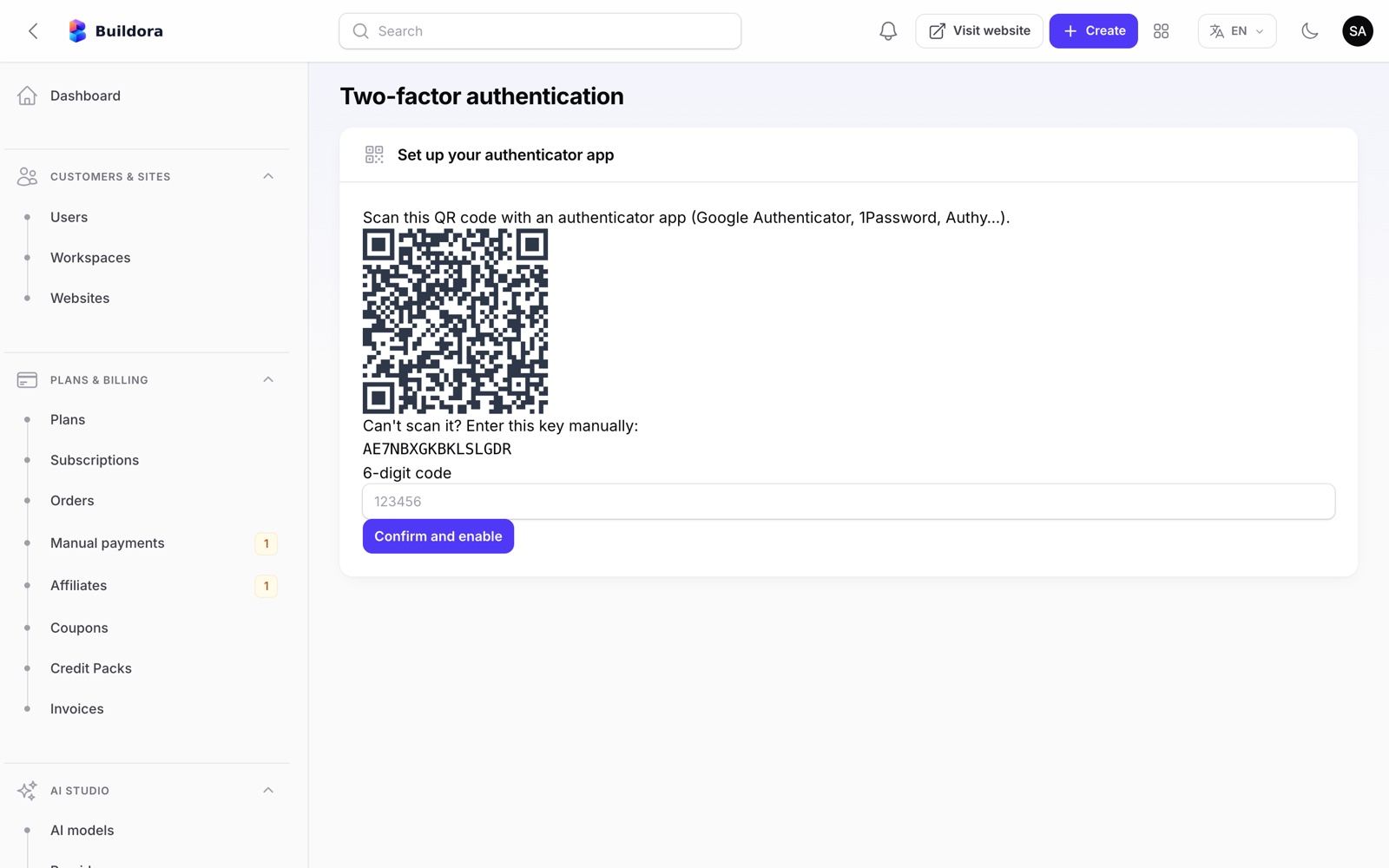
Languages & Translations
| Area | Languages |
|---|---|
| Workspace app, editor, marketing site, public help pages | English, Bangla, Arabic (RTL): 4,167 keys each, full parity |
| Filament admin | English, Bangla, Arabic (RTL): lang/bn.json, lang/ar.json and lang/*/admin.php at parity |
| Published websites (content) | 20 languages: en, bn, ar, fr, es, de, hi, ur, pt, it, tr, ru, zh, ja, ko, nl, he, fa, id, ms; RTL for ar, ur, he, fa; AI translation |
| Flutter app | See Mobile App |
Switching language
- Workspace: the language button in the top bar. Marketing site: the language picker in the header.
- Admin: the switcher on the login page and in the top bar.
- Default platform language: Admin → Settings → General.
Editing or adding a UI language
Frontend strings
Dictionaries live in
frontend/src/lib/i18n/messages/:bn.tsandar.ts, plusdashboard.tsandmarketing.tswhich hold the Bangla and Arabic text side by side for each English string. Untranslated keys fall back to English. To change wording, edit the value; to add a new interface language, add its catalog inmessages/index.tsand register it inLOCALESinfrontend/src/lib/i18n/config.ts(dir: 'rtl'for right-to-left), then rebuild. This is developer work; ask support if you need guidance.Backend strings
Admin and e-mail strings:
backend/lang/{locale}.jsonandbackend/lang/{locale}/*.php. Copy thebnfiles as a starting point.Rebuild and clear caches
npm run buildfor the frontend;php artisan optimize:clearfor the backend.
The app UI ships in three languages. The 20 languages are for the content of the websites your customers build. Text you enter for the public pages in Site Library → Homepage is translated in its Translations tab (the English text exactly as on the page → বাংলা / العربية); a row there also overrides a built-in translation.
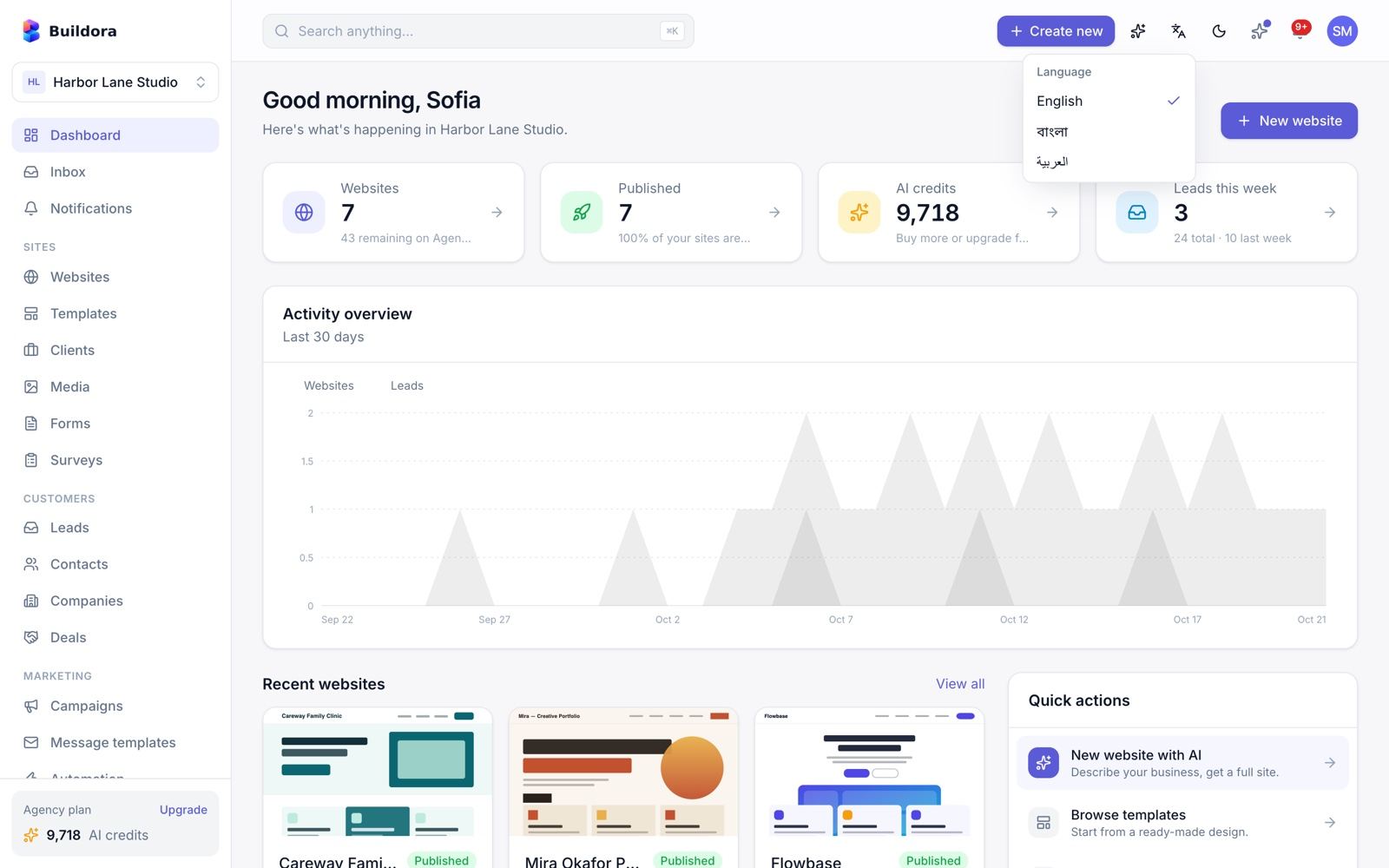
Demo Mode
| Switch | Effect |
|---|---|
APP_DEMO=true (backend, set before installing or before buildora:update) | The installer and every buildora:update also run SuperAdminSeeder, DemoSeeder, AdminDemoSeeder and PublicDemoSeeder: accounts [email protected] (super admin) and [email protected], both password 12345678, plus the public demo workspaces. Also one-click demo buttons on the /admin login and the frontend login page (no rebuild needed). buildora:install --demo seeds the same accounts. |
AI_FAKE=true | All AI returns canned output without API keys |
Public sandbox
POST /api/v1/demo/start gives a visitor a 120-minute session in one of three demo workspaces (300 credits each). demo:reset restores them every day at 04:00. Both only work with APP_DEMO=true: otherwise /demo/start answers 404 and demo:reset creates nothing. The homepage button “Try the live demo” only appears when APP_DEMO=true and Homepage → Hero → Demo enabled is on. Demo workspaces always use the Fake AI provider and block checkout, payment methods, proof uploads, auto-recharge, hosting add-ons, domain purchases, outbound webhooks and real e-mails/notifications.
Never enable demo mode or seed demo data on a real installation: the passwords are public.
Security
- Authentication: Laravel Fortify with e-mail verification, password reset and TOTP two-factor with recovery codes; optional Google login.
- Sessions and tokens: Sanctum SPA cookies for the web app and Bearer tokens for the Flutter app and the API; tokens can be listed and revoked. Personal API tokens cannot reach team, billing, gateway-credential, webhook, export or account-deletion functions.
- RBAC: 19 workspace permission keys, 5 preset roles, custom roles and per-member overrides; admin staff get permission groups.
- Admin 2FA can be made mandatory; admin actions, impersonation and model changes are logged.
- Encrypted secrets: AI keys, payment keys and storage credentials are stored encrypted with
APP_KEY. - GDPR: JSON data export by e-mailed signed link, account deletion with a 14-day grace period, cookieless analytics that respects Do Not Track, and a cookie-consent banner for website tracking scripts.
- Forms: honeypot, captcha (reCAPTCHA, Turnstile, hCaptcha), validation, rate limits; blog and custom HTML are sanitised. A published site only accepts its own forms; files uploaded through forms are stored privately and opened through expiring signed links.
- Uploads: the stored file type comes from the detected content, not the file name; only raster images, PDFs and safe document types are accepted. SVG, HTML, XML and JavaScript uploads are rejected everywhere (logos, media, forms).
- Rate limits: sign-in 5/min per e-mail and IP plus 20/min per IP; two-factor 5/min per user and 10/min per IP; registration 5/min and 20/hour per IP; password reset 5/min per e-mail and 10/min per IP; the mobile API has the same limits. Behind a proxy or CDN configure trusted proxies (CDN bypass paths), otherwise all visitors share one IP bucket.
- Installer: locked after the first run by
APP_INSTALLED=true, the persistentstorage/installedmarker and the super admin in the database; it never rewrites database credentials, re-runs migrations from scratch or takes over existing accounts. - Custom domains: the www and apex names of one domain must belong to the same workspace.
- Webhooks: incoming payment webhooks verified and stored idempotently; outgoing webhooks signed with HMAC-SHA256.
- External databases: private, loopback and metadata IPs are blocked; managed MySQL gets a restricted user per website.
- Outbound requests (SSRF): media import from URL, ZIP export image downloads, outgoing webhooks, form webhooks and AI image downloads resolve the host first and block loopback, private, link-local, CGNAT and cloud-metadata addresses (also after every redirect, with the connection pinned to the checked IP). Imported URLs must be real images; webhook responses shown to users are cut to 1 KB. For local development only,
OUTBOUND_ALLOW_PRIVATE_HOSTS=truelifts the address check. - Draft previews and editor: previews run on the sites domain in a CSP sandbox; raw HTML / custom code in the editor canvas runs in a nested
sandbox="allow-scripts"frame (opaque origin). The dashboard and/adminsendX-Frame-Options: SAMEORIGIN. - Custom-domain TLS: the
/api/v1/tls-checkask endpoint only approves known site hosts. - Docker hosting: containers run with all capabilities dropped and no-new-privileges.
Keep APP_DEBUG=false, serve everything over HTTPS, back up APP_KEY, and remove demo accounts before going live.
Troubleshooting: Symptom → Cause → Fix
Find the symptom, read the likely cause, apply the fix. When in doubt, run php artisan buildora:doctor and read backend/storage/logs/laravel.log.
Installation & server
- Every page redirects to
/install Cause: Buildora finds no installation:
APP_INSTALLEDis nottrue, there is nostorage/installedmarker and the configured database holds no super admin (the installation was never finished, or after a server move.envandstorage/were not copied, orDB_*points at an empty or unreachable database). Before installation, published-site hosts redirect to/installtoo.Fix: Finish the installer, or restore
.envandstorage/installed, setAPP_INSTALLED=trueand runphp artisan config:clear./installshows “Buildora is already installed” (403)Cause: Expected: the installer stays locked while
APP_INSTALLED=true, the persistentstorage/installedmarker exists or the database already contains a super admin, so a lost or replaced.env, a database outage or an update cannot reopen it. If the page saysAPP_INSTALLEDis nottrue, your.envwas replaced: setAPP_INSTALLED=trueand runphp artisan config:clear.Fix: Nothing to fix. Use
php artisan buildora:updatefor updates. To reinstall on purpose: back up, deletestorage/installed, setAPP_INSTALLED=false, runphp artisan config:clearand use an empty database, or runphp artisan buildora:install --forcefrom the shell.- 500 error, “Permission denied” in the log, or uploads fail
Cause: The web-server user cannot write
storage/orbootstrap/cache.Fix:
chown -R www-data:www-data storage bootstrap/cacheandchmod -R 775 storage bootstrap/cache(use your PHP user on cPanel). Thenphp artisan optimize:clear.- Uploaded images, logos or published sites return 404
Cause: The
public/storagelink is missing or points to an old path (common after moving the site).Fix:
rm -f public/storage && php artisan storage:link. With S3, check the bucket policy and the Public / CDN URL in Settings → Storage.- Changes to
.envhave no effect Cause: The configuration is cached, or the value is a frontend
NEXT_PUBLIC_*key compiled into the build. Most runtime settings (mail, payments, sites domain, server IP, …) now live in the database: the old.envkeys are only a fallback.Fix:
php artisan config:clear(orconfig:cache); rebuild the frontend forNEXT_PUBLIC_*; check the matching admin setting.- Frontend shows a 503 page
Cause: The Next.js app cannot reach the backend.
Fix: Check
NEXT_PUBLIC_API_URL(then rebuild) and that the API host answershttps://api.example.com/up.
Sign-in, cookies & CORS
- 419 Page Expired / CSRF token mismatch, or sign-in works but
/api/v1/mereturns 401 Cause: The session cookie is not shared between the frontend and the API host: the two hosts do not share a parent domain, or a leftover
SESSION_DOMAIN/SANCTUM_STATEFUL_DOMAINSline in.env(e.g. the oldexample.complaceholder) overrides the value derived fromAPP_URL+FRONTEND_URL.Fix: Use e.g.
example.com+api.example.com; checkAPP_URLandFRONTEND_URL, delete leftoverSESSION_DOMAIN/SANCTUM_STATEFUL_DOMAINSlines, thenphp artisan config:clear. Clear the browser’s cookies for both hosts.- CORS error in the browser console, or the pricing page shows “Plans are not available”
Cause: The frontend URL (Settings → Platform, else
FRONTEND_URL) does not exactly match the frontend origin.Fix: Set it to the exact scheme + host (+ port), e.g.
https://example.comwithout a trailing slash;php artisan config:clearafter editing.env.- The API host redirects to
example.com, or the browser reportsERR_INVALID_REDIRECT Cause: The stored frontend URL is a placeholder or malformed.
Fix: Fix it in Settings → Platform (
https://api.example.com/adminstill works; a malformed URL now falls back to/admin), or runphp artisan buildora:updateto clear placeholders.- Login answers 429 “Too many attempts”
Cause: The login, registration and two-factor endpoints are rate limited per e-mail and IP.
Fix: Wait a minute and try again; it protects against password guessing.
Queue, scheduler & e-mail
- AI builds stay “queued”, exports or e-mails never arrive
Cause: No queue worker is running (or it runs old code after an update).
Fix: Start
queue:workunder Supervisor/systemd or add the shared-hosting queue cron line; after updates runphp artisan queue:restart. System shows pending and failed jobs.- Builds start twice or stop halfway
Cause: The job timeout is shorter than an AI build.
Fix: Use
--timeout=1500, setDB_QUEUE_RETRY_AFTER=1800and raise PHP/proxy timeouts.- Scheduled posts and campaigns never go out, renewals do not run, “No scheduler heartbeat” warning
Cause: The cron entry is missing, runs as another user or uses a different PHP binary.
Fix: Add
* * * * * cd /path/to/backend && php artisan schedule:runfor the web-server user with the full PHP path (System prints the exact line). The heartbeat turns green within a minute.- No e-mails arrive
Cause: No mailer configured yet (the driver is
log: mails go tostorage/logs), wrong SMTP host/port/encryption, the queue is not running, or the receiving server rejects you (no SPF/DKIM).Fix: Configure Settings → Mail and click Send test email; use TLS on 587 or SSL on 465; set SPF/DKIM for the sender domain. Mailgun in the list is not wired; use SMTP or Amazon SES.
Payments & webhooks
- Payment succeeds but the plan is not activated
Cause: The gateway webhook does not reach
/api/v1/webhooks/{gateway}, or the Stripe Checkout session was not paid yet (plans activate only whenpayment_statusis paid).Fix: Register the webhook URL and events shown in Settings → Payments; check Operations → Webhook events. For delayed methods the plan activates on
checkout.session.async_payment_succeeded.- Paid at the gateway, but the order stays pending with
payment_rejected Cause: the webhook arrived, but the amount, currency or gateway did not match the order (for example a price changed at the gateway, or a different currency).
Fix: open the order in Plans & Billing → Orders, compare it with the payment in the Stripe/PayPal dashboard, then mark it paid manually or refund the customer.
- Stripe webhook rejected: “Invalid Stripe webhook signature” (HTTP 400 in the Stripe dashboard)
Cause: The Webhook signing secret belongs to another endpoint or mode (test vs live), or a proxy/CDN changes the request body.
Fix: Copy the
whsec_…secret of this endpoint in the same mode, save it, and press Resend in Stripe. Exclude/api/v1/webhooks/from CDN caching and body rewriting (CDN bypass paths).- PayPal webhook rejected: “Invalid PayPal webhook signature”
Cause: The Webhook ID is from another PayPal app, or sandbox/live mode does not match the credentials.
Fix: Use the Webhook ID of the same app as the Client ID/Secret and the same mode; the server must reach
api-m.paypal.com(or the sandbox host) to verify signatures.
Domains, SSL & published sites
- Published site shows a TLS / certificate error
Cause: No wildcard certificate for
*.sites.example.com, or the wildcard DNS record is missing.Fix: Issue a wildcard certificate (DNS-01 challenge) or let your host/Cloudflare cover it.
curl -I https://test.sites.example.commust return a Laravel 404, not a TLS error.- Custom domain stays “pending” or has no SSL
Cause: DNS not propagated or pointing elsewhere; the backend vhost is not the default server for unknown hosts; no SSL provisioner configured.
Fix: Check the A record against the server IP in Settings → Platform, make the backend the
default_server, then configure Caddy on-demand TLS (ask URL/api/v1/tls-check), Cloudflare, orSSL_PROVISIONER=command(Custom Domains). Press Verify; cron re-checks hourly.- Published site returns 404
Cause: The website is not published, or the host is not routed to
backend/public.Fix: Publish it, and point the wildcard and custom domains at
backend/public.- The API host is treated as a published site
Cause: The sites domain is the parent domain of the API host (e.g.
example.comforapi.example.com).Fix: Use
sites.example.comor a separate domain in Settings → Platform.
AI
- AI build fails immediately with a provider error
Cause: No provider is enabled, the key is missing, or no task route points to an enabled provider; or the workspace has no credits.
Fix: AI Studio → Providers: paste key, Test connection, enable; check Default task routing; check the workspace credit balance.
- “Test connection” fails (401 / 403 / 429)
Cause: 401/403: wrong or revoked key, or wrong base URL. 429: rate limit or no credit on your provider account. Timeouts: the server cannot reach the provider (firewall).
Fix: Create a new key, clear the Base URL for the official API, add billing credit at the provider, allow outbound HTTPS.
- AI always returns the same sample text
Cause:
AI_FAKE=true(demo mode).Fix: Set
AI_FAKE=false,php artisan config:clear, and add a real provider key.
Push & mobile app
- Push notifications do not arrive
Cause: No service-account JSON on the server, the app and the server use different Firebase projects, no APNs key / Push capability on iOS, the iOS simulator, the user turned push off, or no queue worker.
Fix: Paste the JSON in Settings → Mobile app (same project as the app’s
google-services.json), add the APNs key in Firebase, test on a real device, check Notifications → Preferences, keep the worker running.- App: 401 or “session expired” right after login
Cause: A proxy strips the
Authorizationheader, or the token was revoked.Fix: Pass the header through (Apache:
CGIPassAuth Onor the rewrite rule inpublic/.htaccess); test/api/v1/mewith the token using curl.- App: 404 on every request
Cause:
API_BASE_URLcontains/api/v1or a trailing slash, or points to the frontend instead of the backend.Fix: Use the backend root, e.g.
https://api.example.com; the app appends/api/v1itself. See Mobile App → Troubleshooting.
Frequently Asked Questions
- Do I need an AI API key?
Yes, for real AI output. Add an OpenAI, Anthropic, Google Gemini, OpenRouter or Omniroute key in AI Studio → Providers. You pay the provider directly; customers spend the credits you sell.
- Can I run it on shared hosting?
Yes. The backend runs on cPanel with the web installer, and the queue can be drained from cron. The Next.js frontend needs Node.js (cPanel “Setup Node.js App”) or a host such as Vercel. You also need a wildcard subdomain for published sites.
- Do I need a websocket server?
No. Live collaboration and progress updates use HTTP polling.
- Can customers use their own domain?
Yes, with the
custom_domainplan feature. SSL is handled by Caddy on-demand TLS, Cloudflare, a load balancer or your certbot command.- Can a customer leave with their site?
Yes: ZIP export of static HTML (plan feature
zip_export).- Which payment gateways can I use?
For selling plans: Stripe, PayPal and manual bank transfer. Your customers’ shops: Stripe, PayPal, SSLCommerz, bKash, cash on delivery and bank transfer, with their own keys.
- Does the social planner post automatically?
No. It plans posts and reminds you when they are due.
- Is there a mobile app?
Yes, a Flutter app for Android and iOS on the same API. See Mobile App.
- Can I rename the product?
Yes: Settings → General (name, logos),
NEXT_PUBLIC_APP_NAMEfor the frontend, and the badge text in Settings → Platform. Agencies can white-label their own workspace.
Honest Notes (Known Limits)
We prefer you know these before you buy or launch.
- Third-party services are tested with simulated responses. AI providers, Stripe, PayPal, SSLCommerz, bKash, Google/Meta Ads, FCM push and Google login are covered by automated tests that fake the remote service. You supply your own keys; test each one in sandbox mode.
- All six seeded AI providers ship disabled with no keys. AI is limited to OpenAI, Anthropic, Google Gemini, OpenRouter and Omniroute (no stock-photo, video or other image AI).
- The social planner does not publish to networks. Ads: only Google Ads and Meta connect by API; profit uses ad-reported revenue only.
- No domain registrar integration and no built-in ACME client. Bandwidth limits are displayed, not enforced.
- Off-session recurring charges (auto-recharge, hosting add-ons, domain renewals) work with Stripe only.
- Inbox and helpdesk: no inbound e-mail/IMAP, no live chat, no SLA timers. Campaigns and automations target leads only and use the platform mailer.
- Public invoices have no online payment. Loyalty points are manual. The store has one flat shipping rate and one tax rate and sends no order-confirmation e-mail to buyers. Lead and deal stages are fixed. The calendar has no Google/Outlook sync.
- Personal API tokens have one fixed ability set (no per-token scopes to choose); outbound webhooks cover 3 events.
- Settings with no effect yet: platform tracking IDs and the Scripts tab (for the Buildora app itself), “trial requires card”, the AI default/image provider selects and the admin default currency (billing uses the payments currency setting). Platform maintenance mode only blocks mobile login/handoff. Per-website tracking IDs do work on published sites.
- Plan limits not enforced: analytics retention, and the
formsflag is UI-only; CRM, finance, helpdesk, loyalty, marketing, social, ads and surveys are not plan-gated. - Four notification events (website published, domain connected, domain failed, invite accepted) have toggles but do not send a notification yet. NPS answers are stored without an admin report; custom analytics events are collected but not reported.
- Some features load files from third-party services: default user avatars from
ui-avatars.com(sends the user’s name), template placeholder photos frompicsum.photos, research from Wikipedia/Wikimedia Commons (when no Brave key is set), Google Fonts and Lucide icons (unpkg) on published sites, and Swagger UI (jsDelivr) on/developers. The installer screens use a local stylesheet. Mention them in your privacy policy or replace them. - The admin Default currency field is display-only: billing uses the payments currency setting (default
USD). - “Check for updates” is local.
- Automated tests: run the backend suite with
php artisan testinbackend/, the web tests withnpm testinfrontend/and the app tests withflutter test. The PDF text-extraction test of the AI copilot needspdftotext(poppler-utils) and is skipped when it is missing.
Third-Party Services & Costs
The item price covers the Buildora source code. The services below are run by other companies: you open your own account with each one you use, accept its terms and pay its fees directly. None of them is included in the item price, and Buildora never sends money through the author.
| Service | Needed for | Typical cost model |
|---|---|---|
| AI providers: OpenAI, Anthropic, Google Gemini, OpenRouter or an OpenAI-compatible gateway (Omniroute) | AI website generation, copilot, translation, AI images | Pay per use (tokens / images) on your provider account; set credit prices so customers cover it. AI Studio → Usage & cost shows your spend |
| Stripe, PayPal | Selling plans and credit packs (your merchant account); shops of your customers (their merchant accounts) | Per-transaction and currency-conversion fees set by the gateway; business verification required |
| SSLCommerz, bKash | Shops of your customers in Bangladesh (BDT) | Each website owner needs their own merchant account and pays its fees |
| Firebase Cloud Messaging (Google) | Push notifications to the mobile app | Your own Firebase project under Google’s terms; FCM itself is currently free of charge |
| Google Cloud OAuth | “Continue with Google” on web and app | Your own Google Cloud project; consent-screen verification may be required |
| SMTP provider or Amazon SES | All e-mail (verification, invoices, campaigns) | Monthly plan or per e-mail |
| Amazon S3 or S3-compatible storage (Cloudflare R2, DigitalOcean Spaces, Wasabi, MinIO) | Optional media and published-site storage | Per GB stored and transferred |
| Hosting, domains and SSL certificates | The server, your domains and the wildcard sites domain | Your hosting company and registrar; free certificates (Let’s Encrypt, Cloudflare) are possible |
| Brave Search API, Google Ads / Meta Ads APIs, captcha providers | Optional research, ads reporting, form protection | Each provider’s own plans and approval process |
| Apple Developer Program, Google Play Console | Publishing the mobile app | Annual (Apple) and one-time (Google) developer fees |
Prices and free tiers change; check each provider’s current pricing page. Test every integration with sandbox credentials before going live.
Support
Support is provided through the CodeCanyon item’s comments and support tab for buyers with a valid support period.
| Included | Not included |
|---|---|
| Help with installation and configuration as documented here | Server administration, hosting or DNS work on your accounts |
| Bug fixes for the original, unmodified code | Custom features or changes to modified code |
| Questions about features and settings | Third-party service accounts, keys, quotas or approvals (AI, payments, Google, Firebase) |
When you contact support, include your purchase code, the Buildora version, PHP and Node versions, what you did, what you expected, and the relevant lines of backend/storage/logs/laravel.log and the output of php artisan buildora:doctor.
Changelog
Version 1.0.0 — initial release
- AI website generation from a brief (plan → build), project research, AI copilot with preview/accept, AI restyle, translation, page/section/image/alt-text generation and a content tool.
- Visual editor with 48 block types, responsive styles, layers, undo/redo, autosave, code view, custom code, version history, comments and live collaboration with cursors and auto-merge.
- 34 templates in 24 categories and 47 ready-made sections; brand kit; multilingual sites in 20 languages.
- Publishing to subdomains and custom domains, SSL provisioners, domain catalog, optional Docker hosting servers and ZIP export.
- Website blog, per-website data store (SQLite/managed MySQL/external MySQL) and 5 business modules.
- Forms, leads, inbox, CRM, tasks and calendar, online store with 6 payment methods, email campaigns, automation, social planner, ads reporting, surveys, loyalty, invoicing, helpdesk and knowledge base, analytics, media library.
- Teams with roles and permissions, agency clients, white-label, billing with plans, credits, credit packs, auto-recharge and coupons, affiliate program.
- Filament SaaS admin with AI studio, site library, hosting, operations and settings; web and CLI installer; updater; doctor.
- English, Bangla and Arabic (RTL) UI; Flutter Android/iOS app on REST API v1.
Future releases will be listed here with upgrade notes; update with php artisan buildora:update.
Credits & Licences
Buildora is built on open-source software. Each package keeps its own licence; the item licence covers Buildora’s own code.
| Component | Licence |
|---|---|
| Laravel 13, Fortify, Sanctum, Socialite, Livewire, Filament 5 | MIT |
| stripe-php, Intervention Image, Flysystem AWS S3, barryvdh/laravel-dompdf | MIT |
| dompdf (PDF engine) with php-font-lib and php-svg-lib, used unmodified | LGPL-2.1 / LGPL-2.1+ / LGPL-3.0+ |
| nette/utils, nette/schema (via Filament) | BSD-3-Clause (dual-licensed with GPL) |
| sharp / libvips (installed by npm for Next.js image optimisation, not shipped) | Apache-2.0 / LGPL-3.0+ |
| caniuse-lite (browser data used at build time, installed by npm) | CC-BY-4.0 |
Swagger UI (loaded from jsDelivr on /developers) | Apache-2.0 |
| AWS SDK for PHP (optional S3 storage), phpoption | Apache-2.0 |
Inter font shipped with the Filament admin assets (backend/public/fonts/filament, licence in OFL.txt next to the files) | SIL OFL 1.1 |
| Next.js, React, Tailwind CSS, Radix UI, TanStack Query, Zustand, zundo, dnd-kit, TipTap, CodeMirror 6, sonner, Stripe.js | MIT |
| lucide / lucide-react icons | ISC |
| Google Fonts used by templates | SIL Open Font License / Apache-2.0 |
| This documentation: Bootstrap, jQuery, Font Awesome Free | MIT / MIT / Font Awesome Free License |
| Flutter app packages | BSD-3-Clause, MIT and Apache-2.0 (see Mobile App → Credits) |

Social Planner
/social,/social/calendar)Add accounts
Facebook, Instagram, X, LinkedIn, TikTok, YouTube, Pinterest, Threads or other.
Create posts
Caption, media, link or a blog post. The AI caption generator respects each platform’s length limit.
Plan
Schedule on the calendar. When a post is due you get a reminder; post it and click Mark published.
The social planner does not post to the networks automatically (no OAuth connection). It is a planning calendar with due reminders.