Screenshots: Admin, Web App, Mobile App & Installer
Real captures of a Buildora 1.0.0 install with sample data. Click any image to enlarge it and browse with the arrow keys.
Admin Dashboard (SaaS Owner)
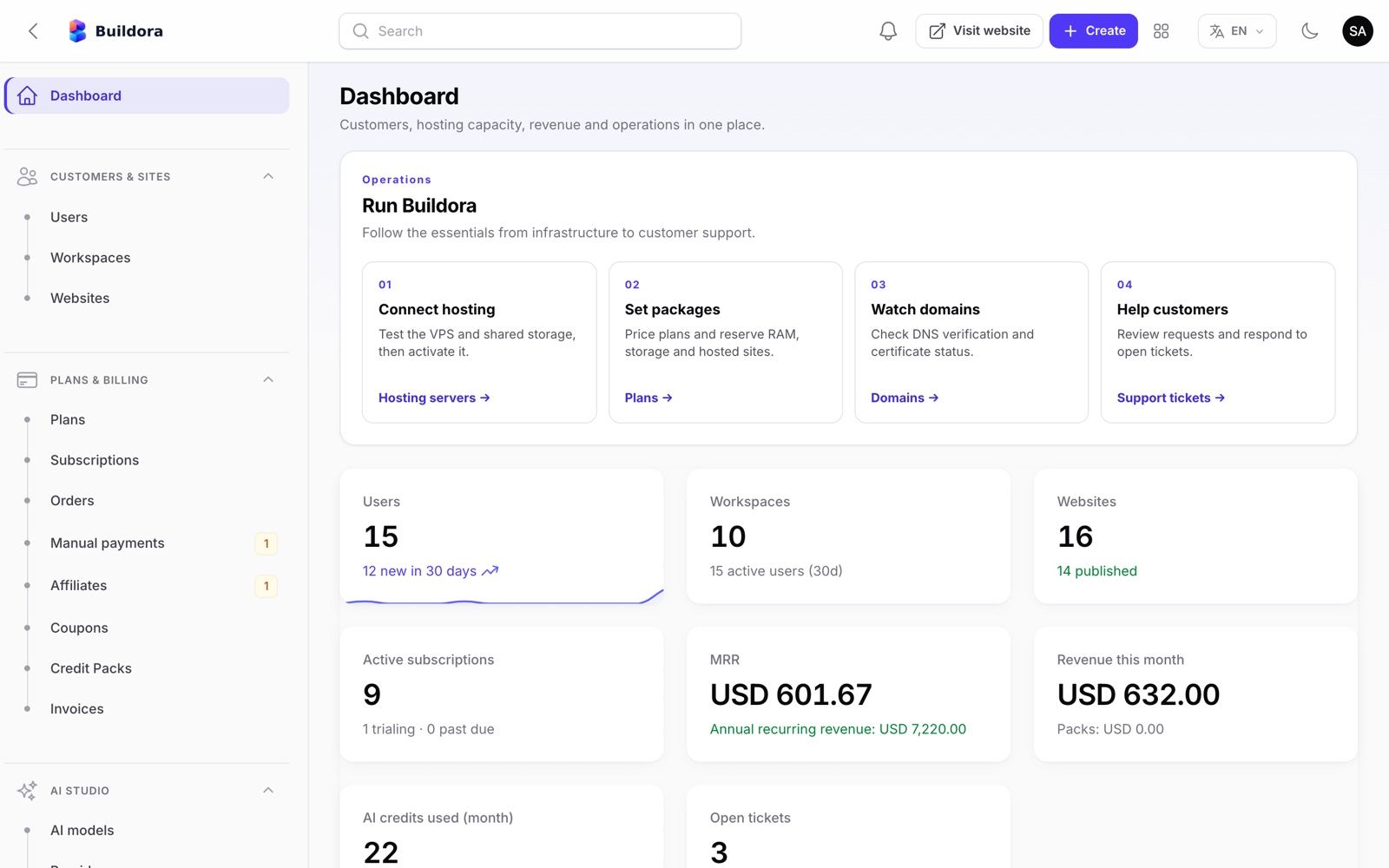
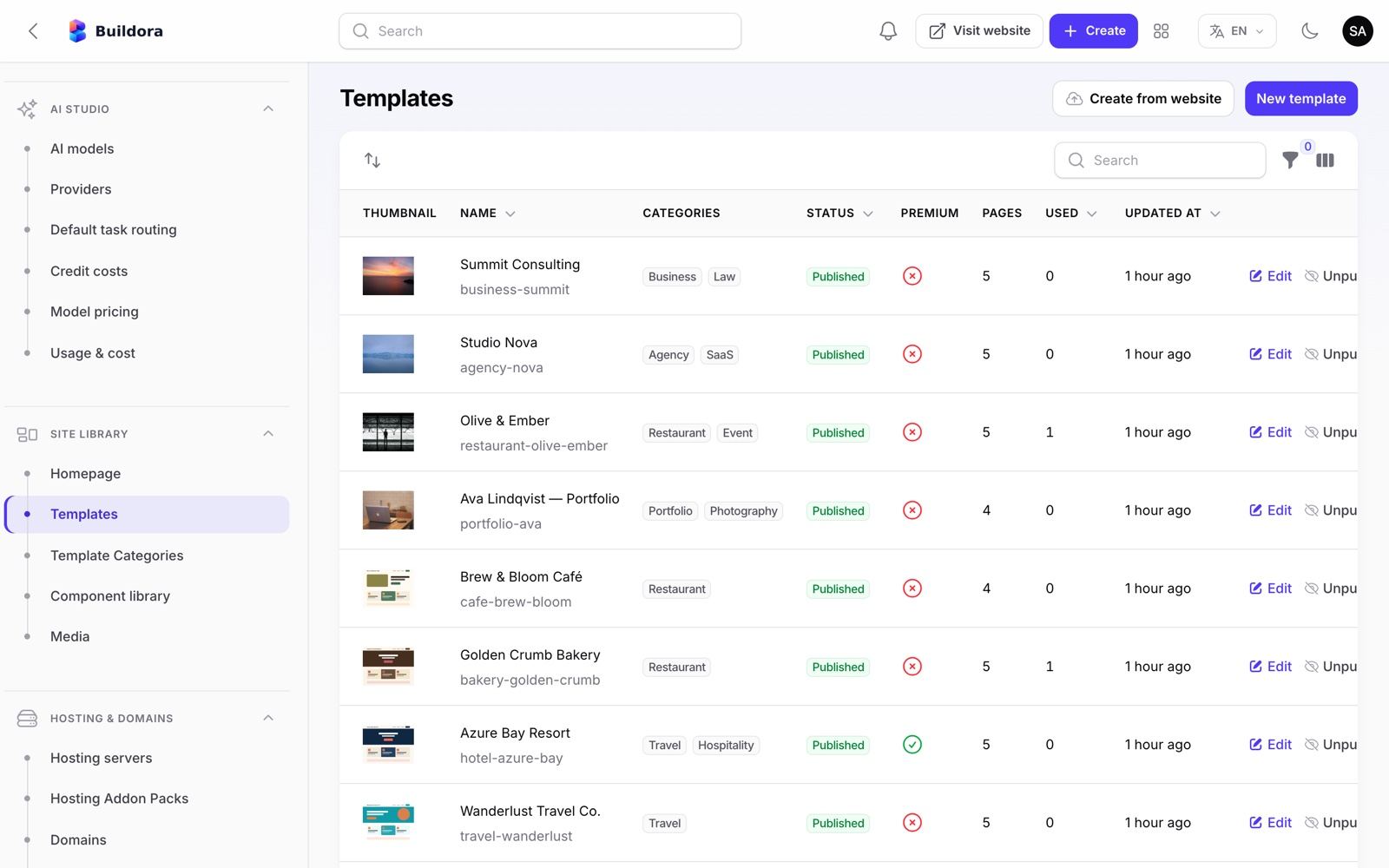
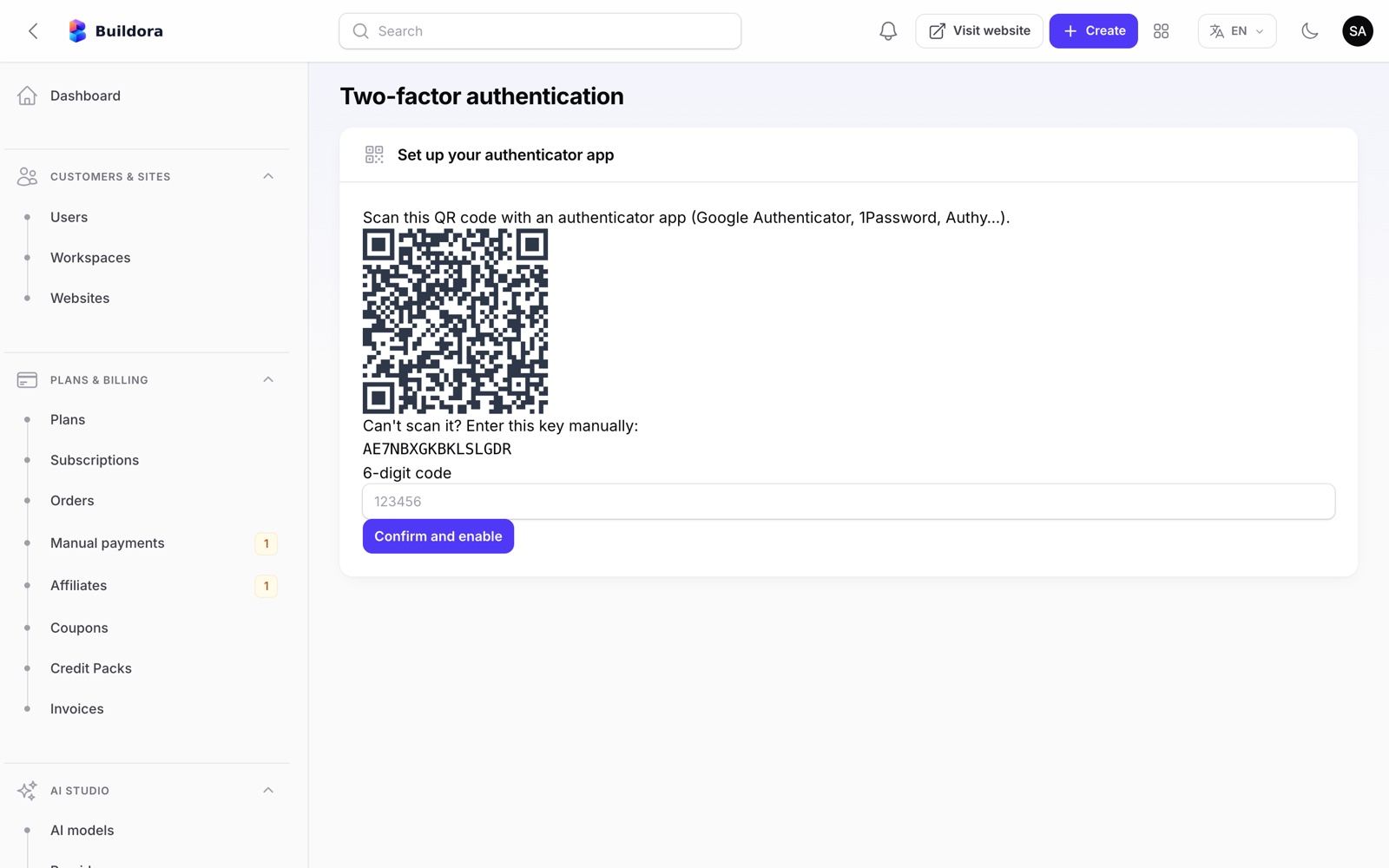
The Super Admin panel runs at https://api.example.com/admin. The dashboard is the first screen after sign-in: revenue, sign-ups, active subscriptions, AI usage, queue and system health, with quick actions.
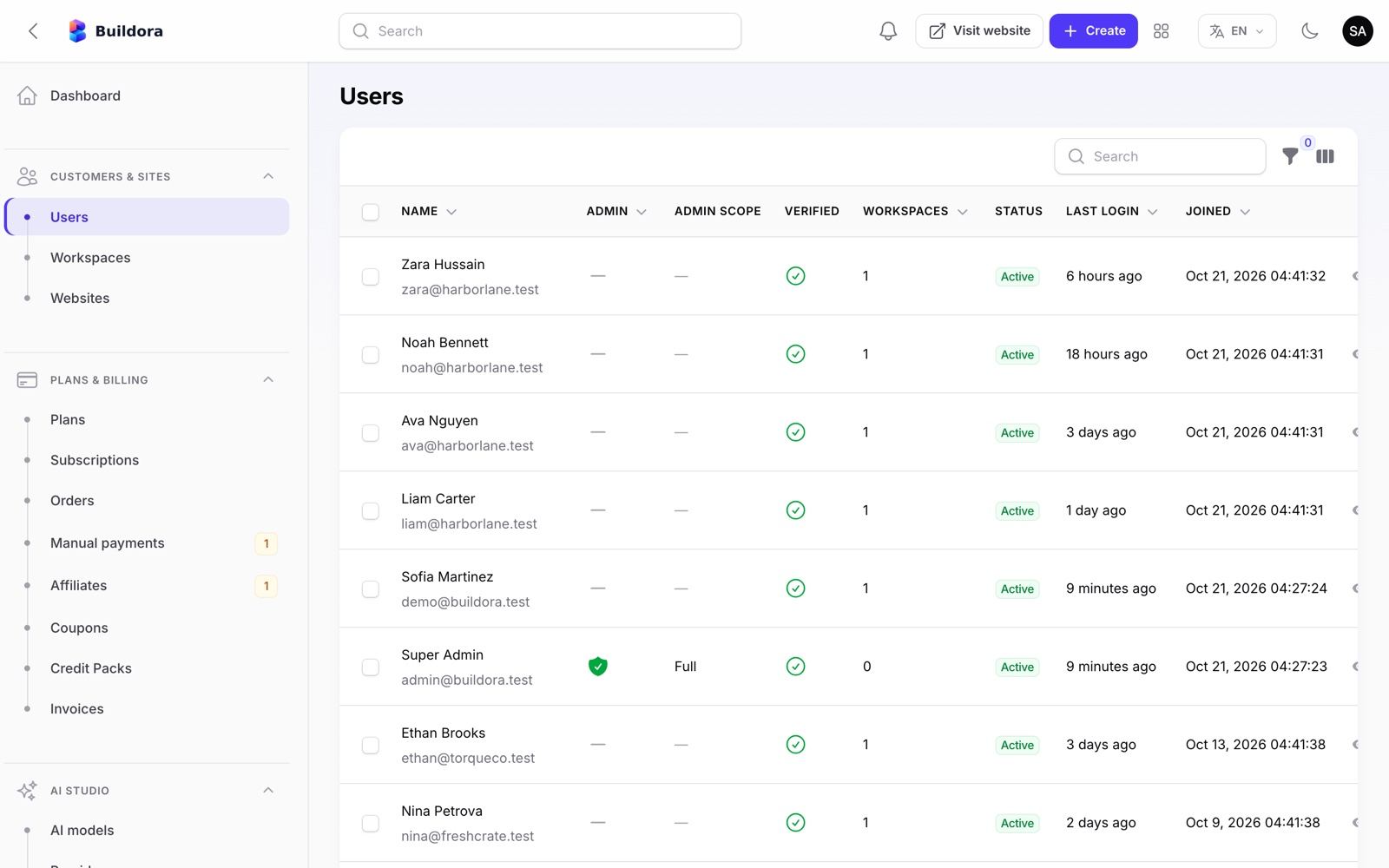
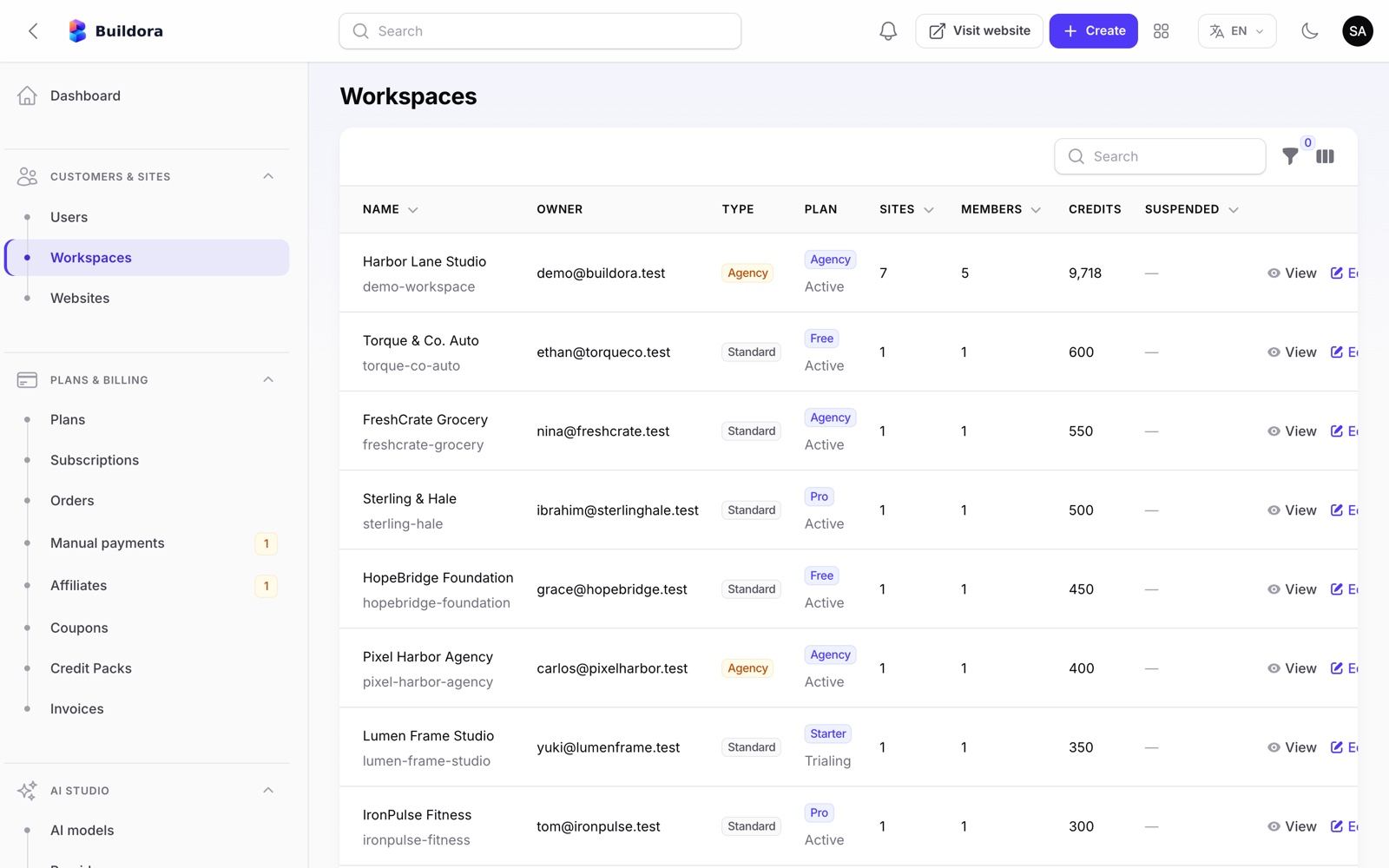
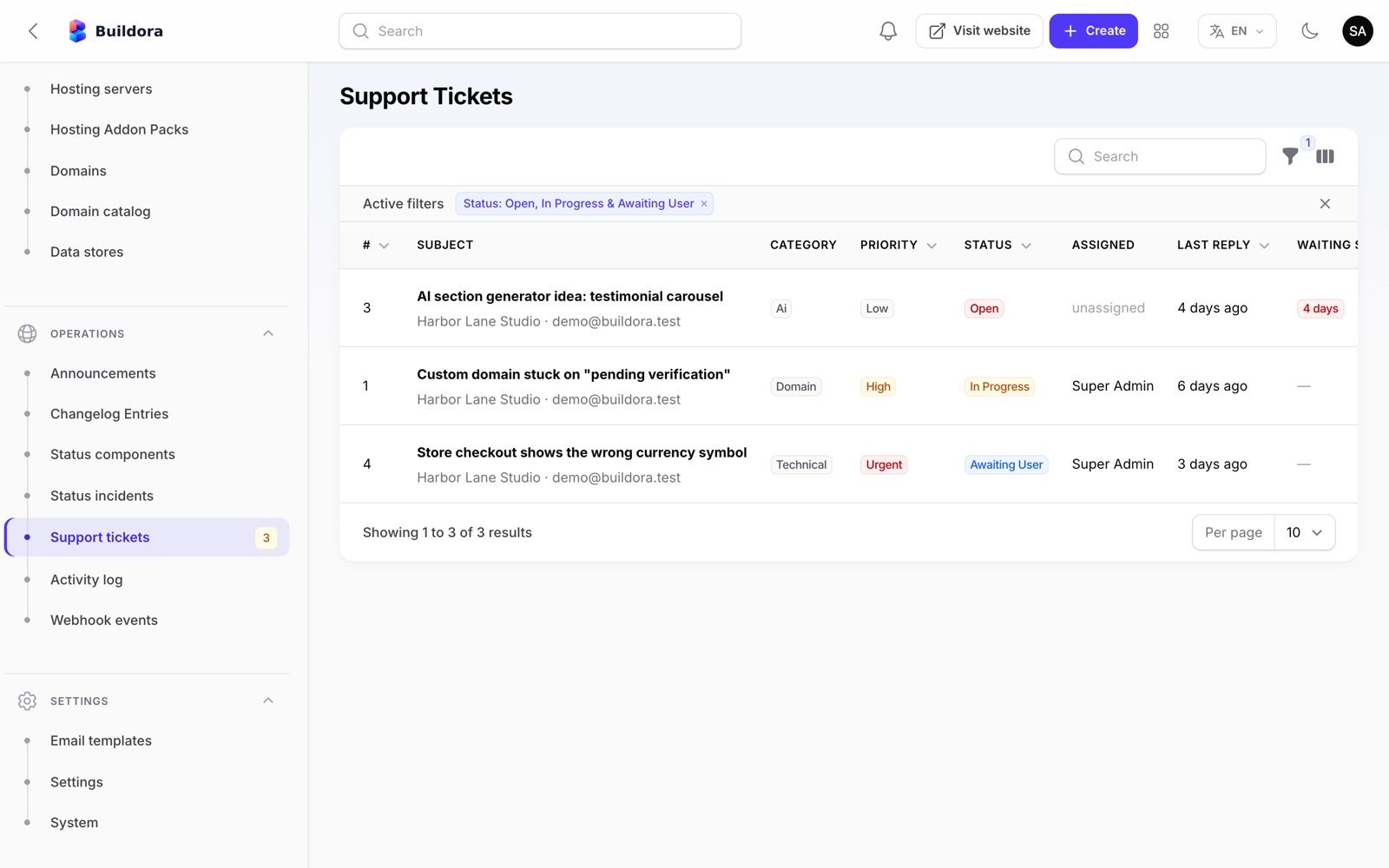
Customers, plans and billing
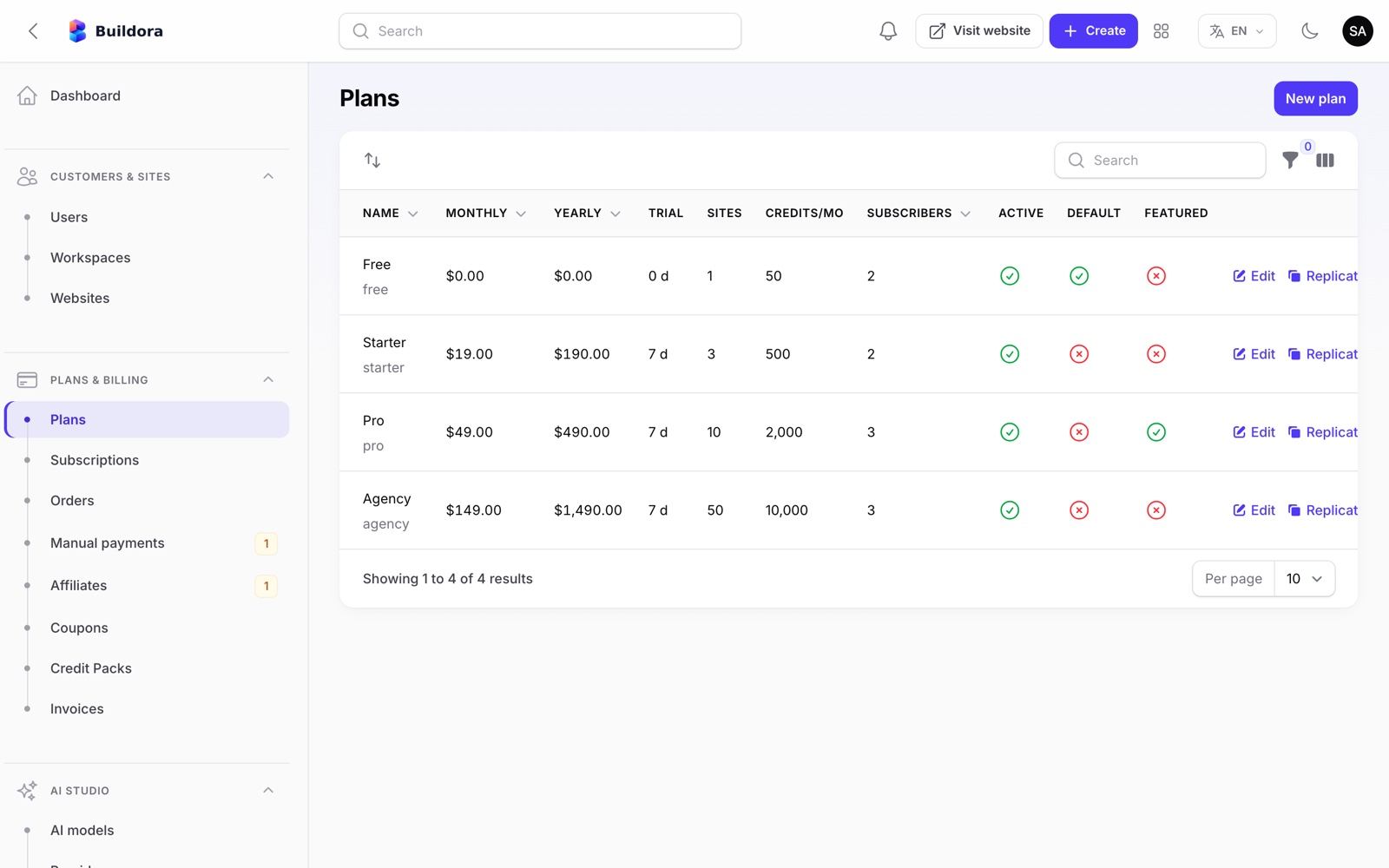
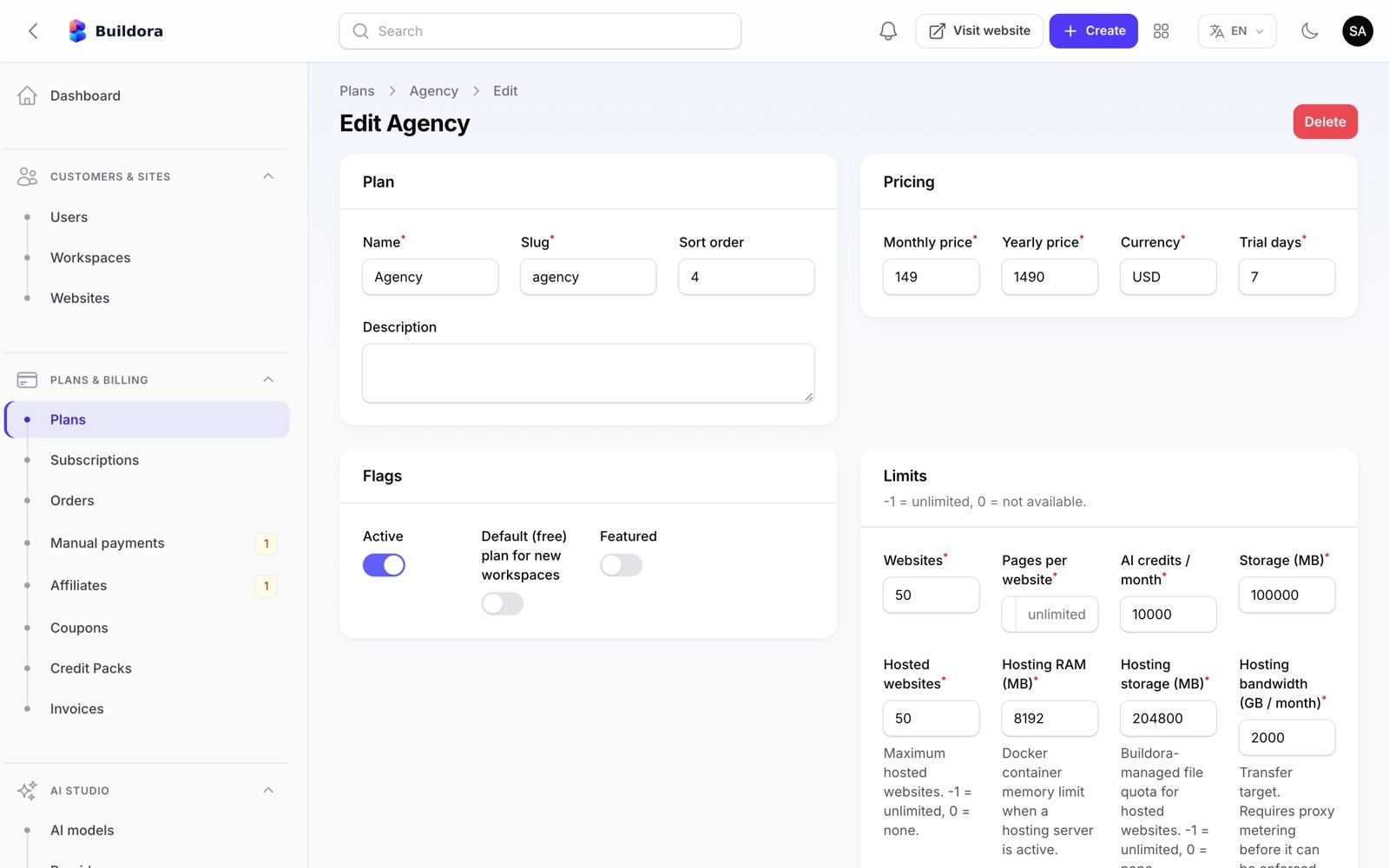
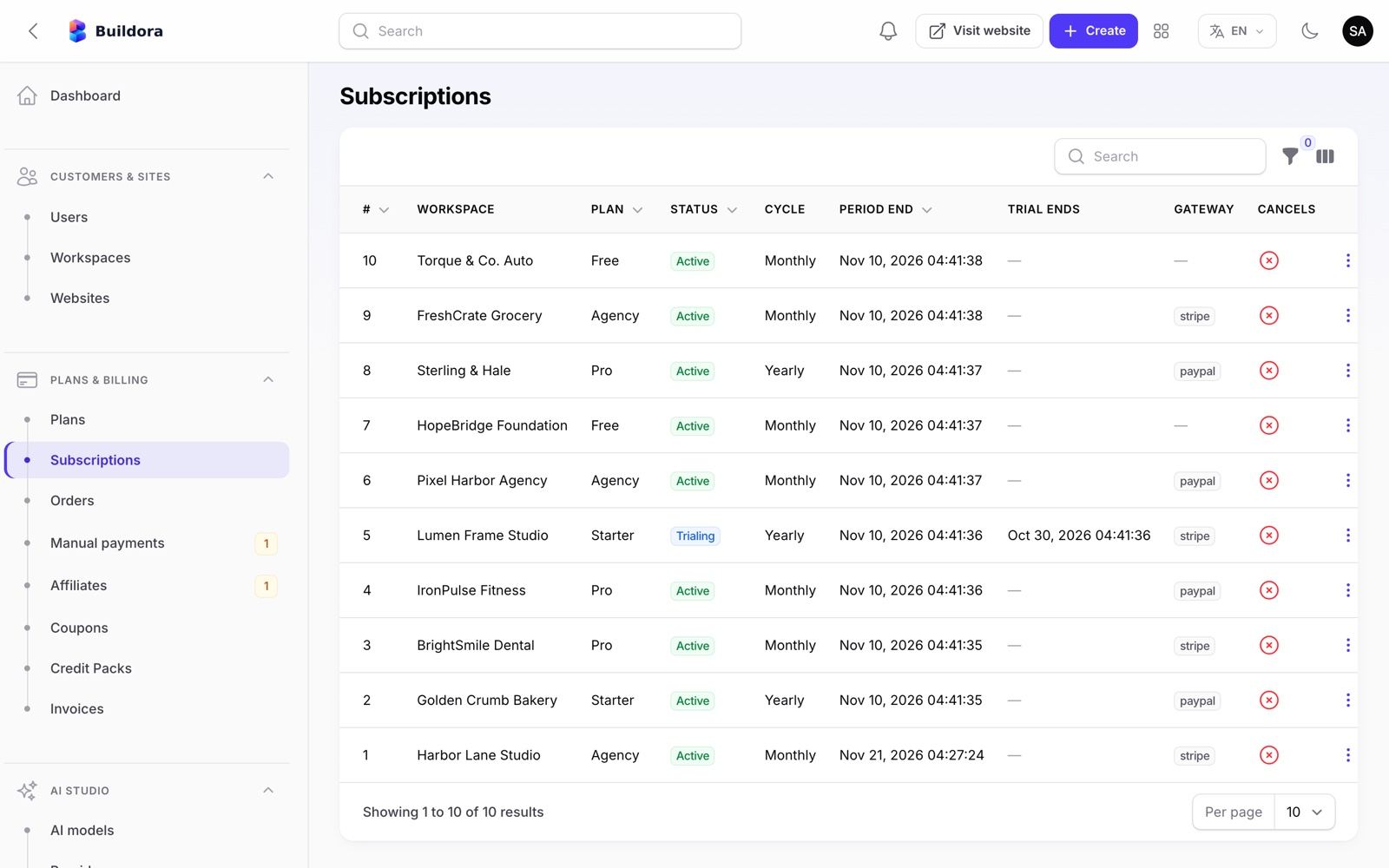
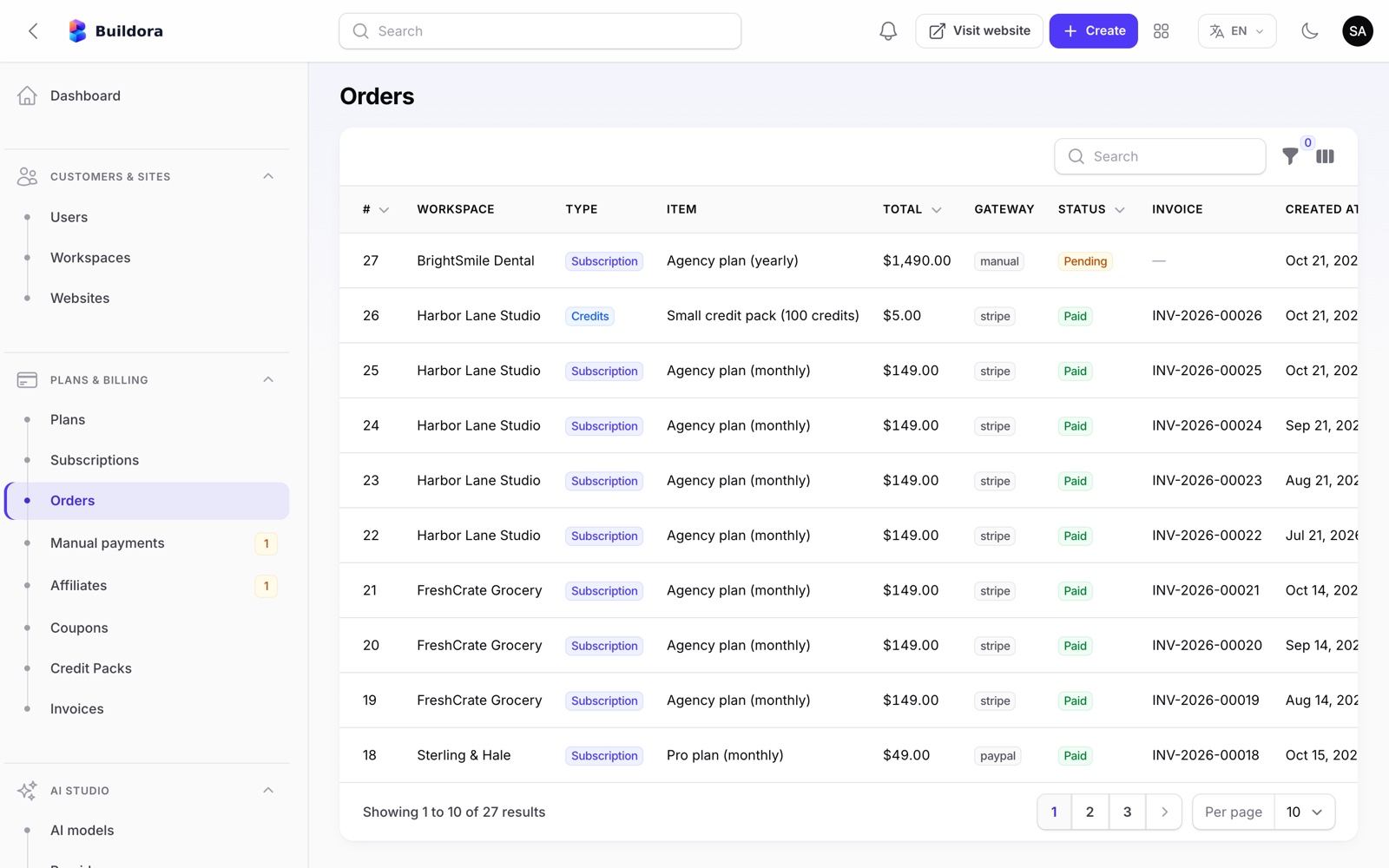
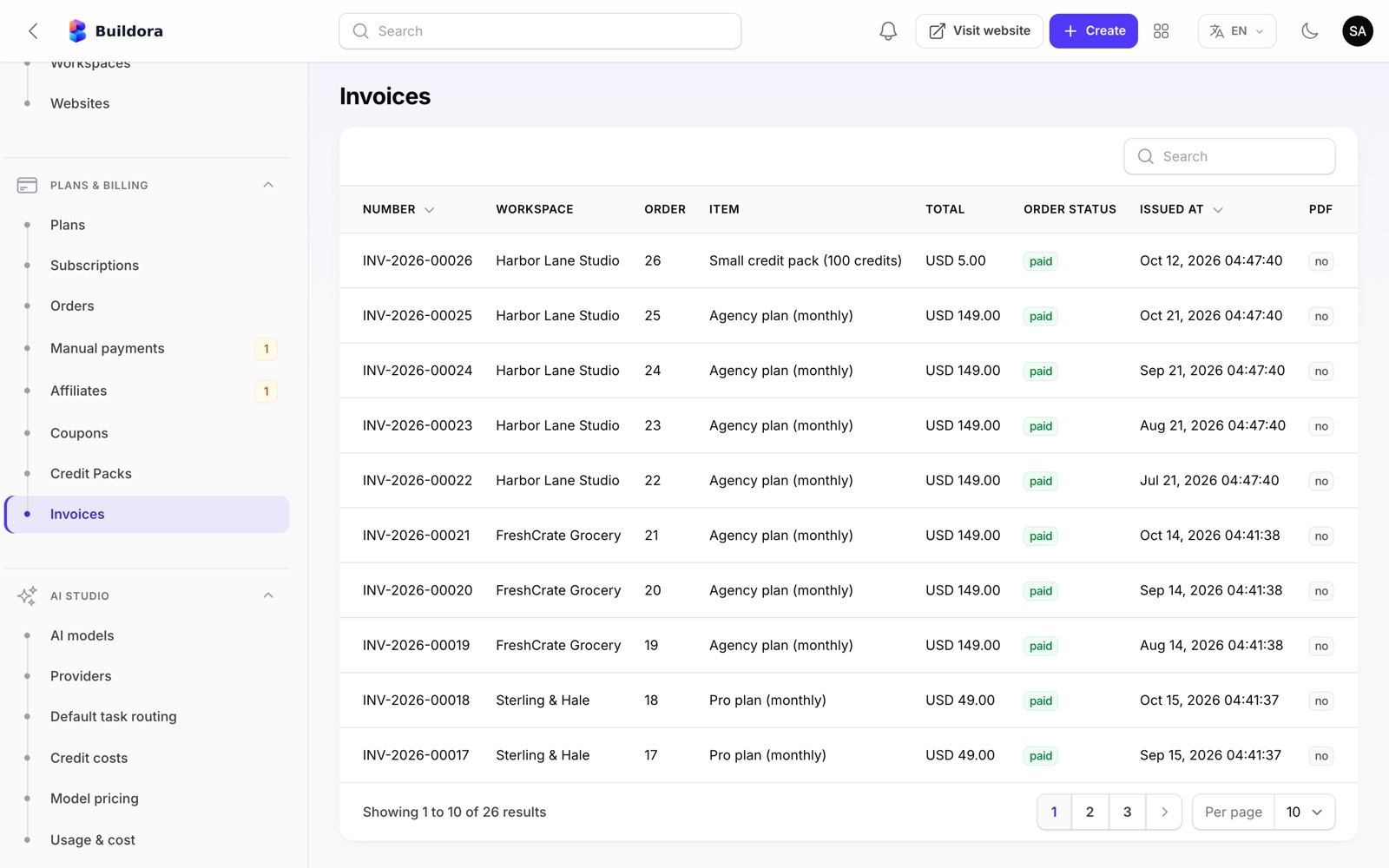
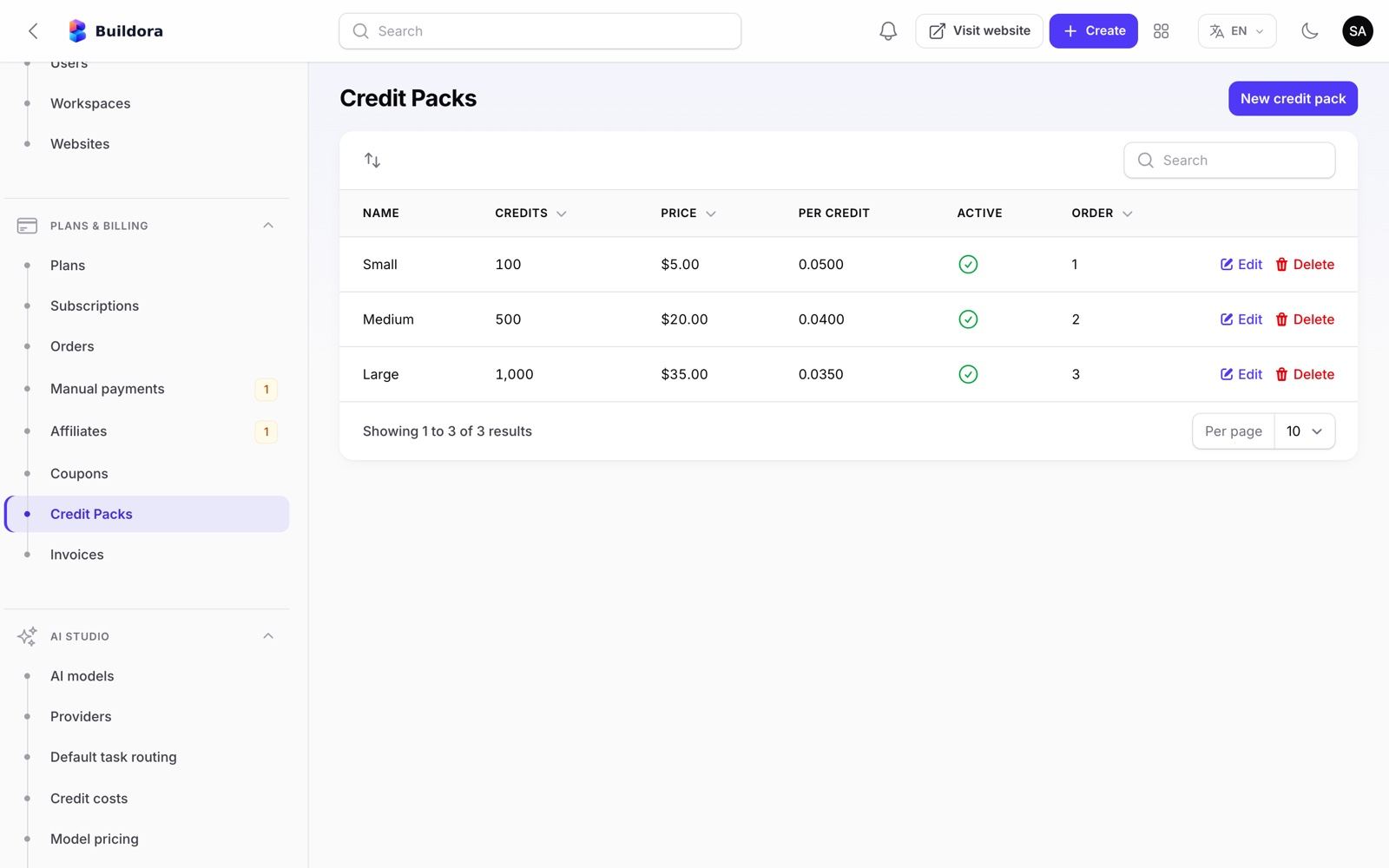
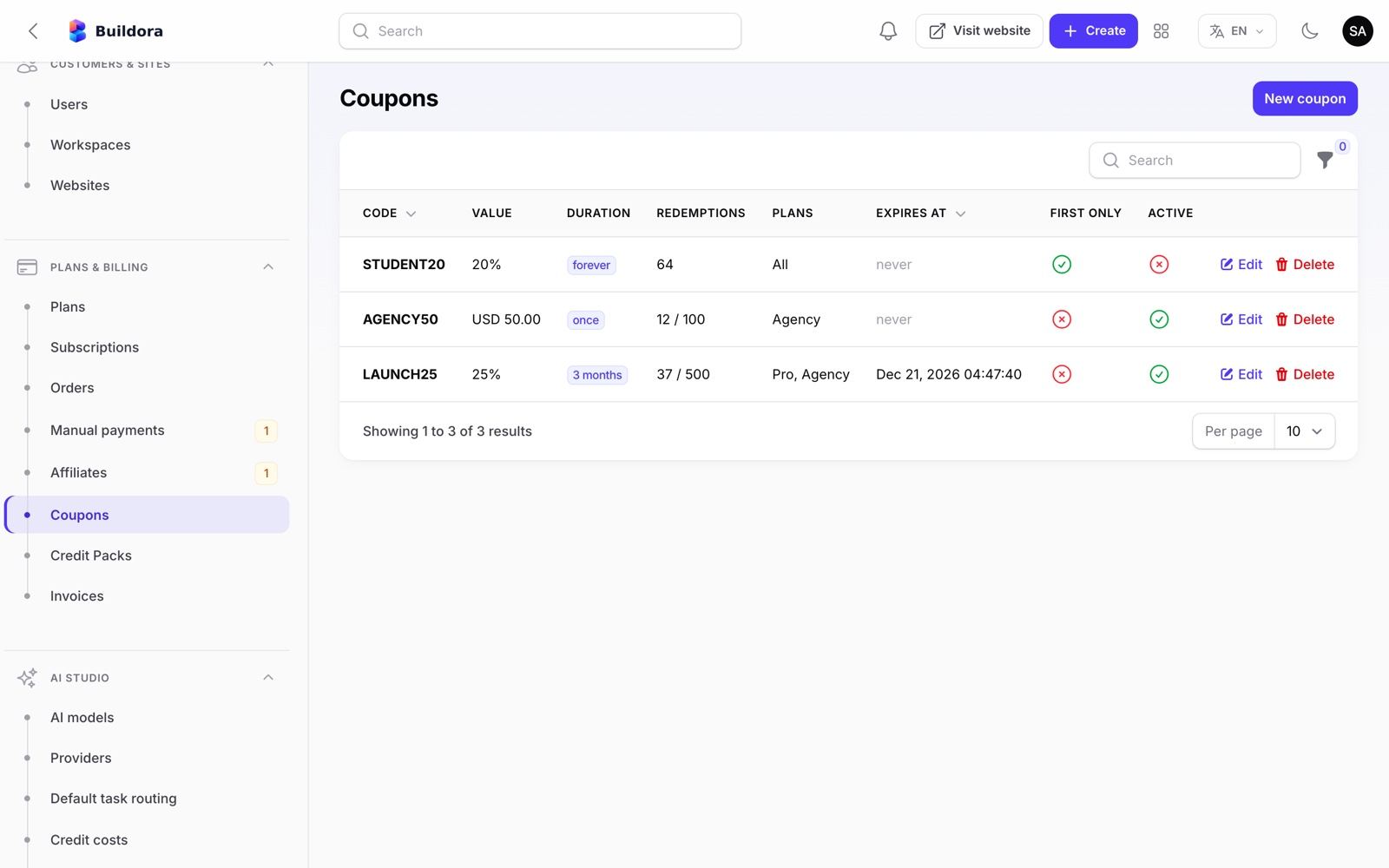
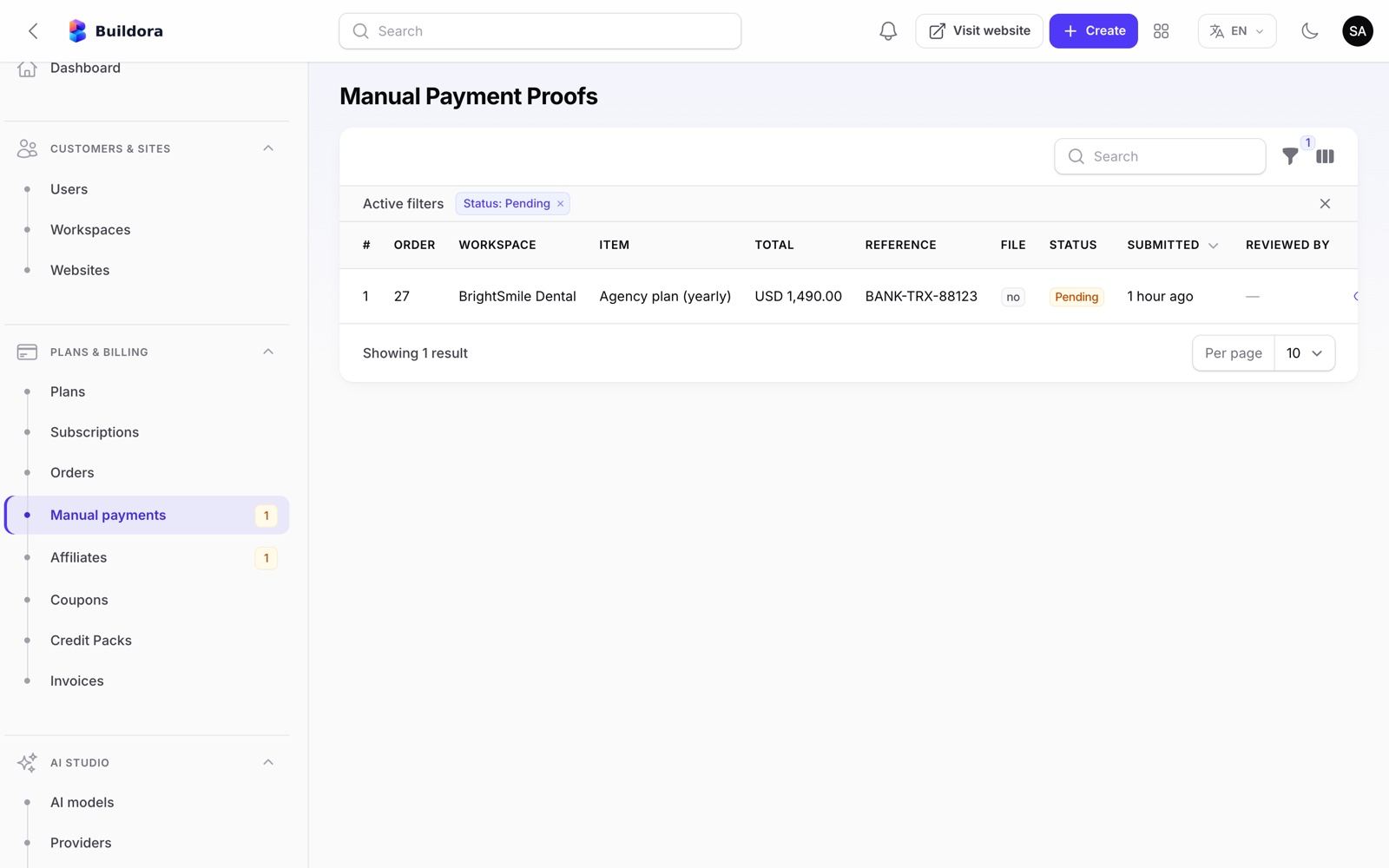
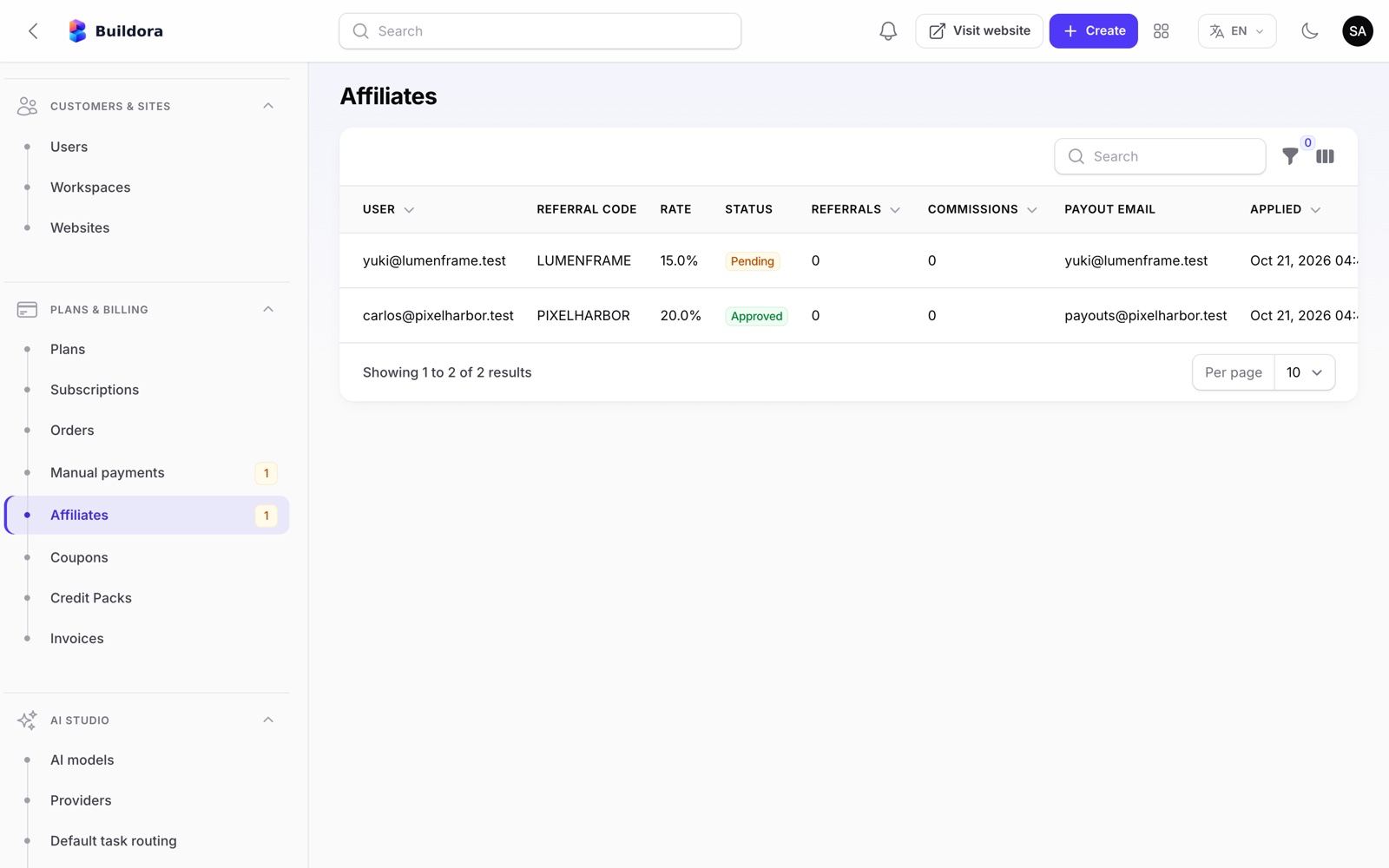
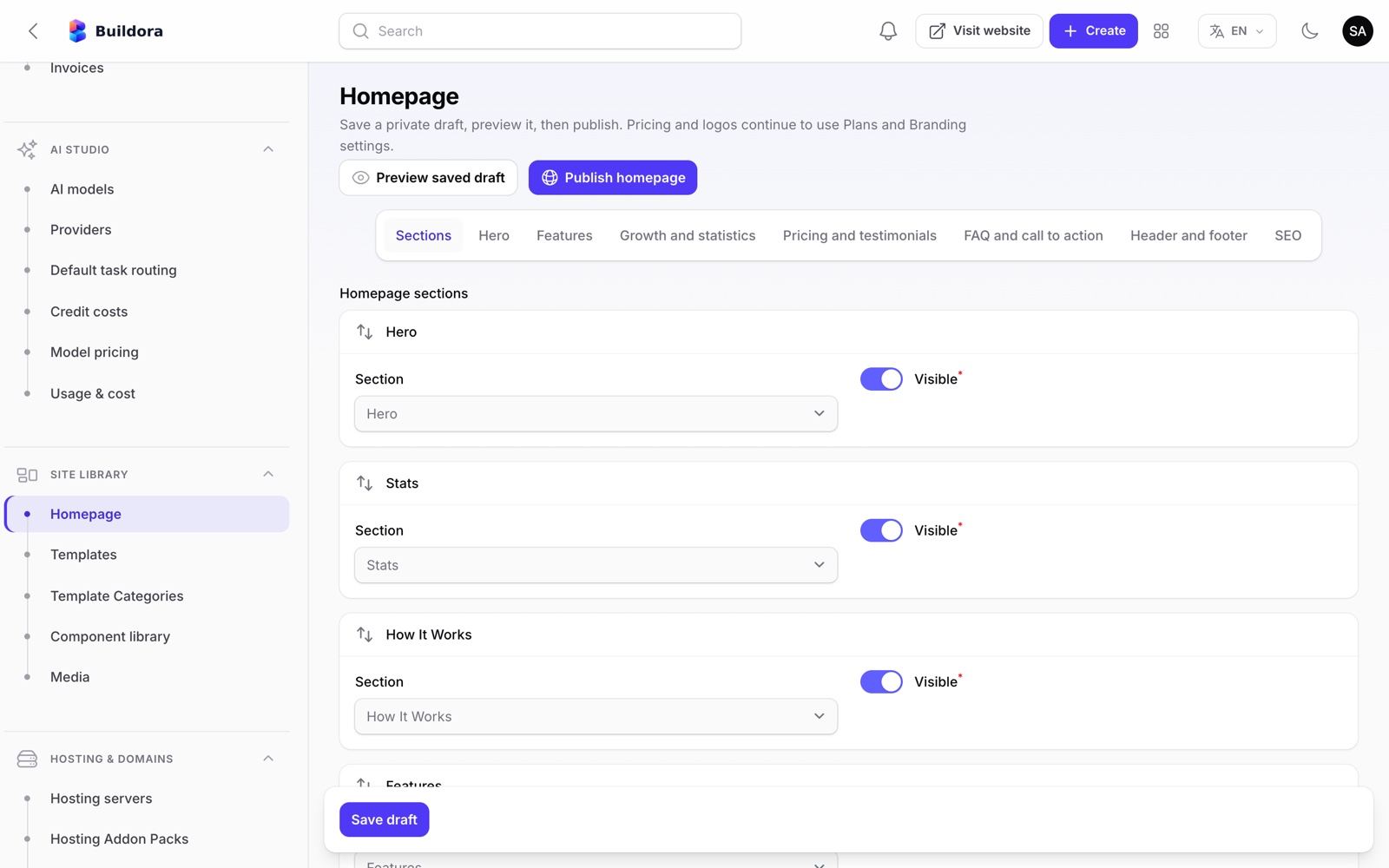
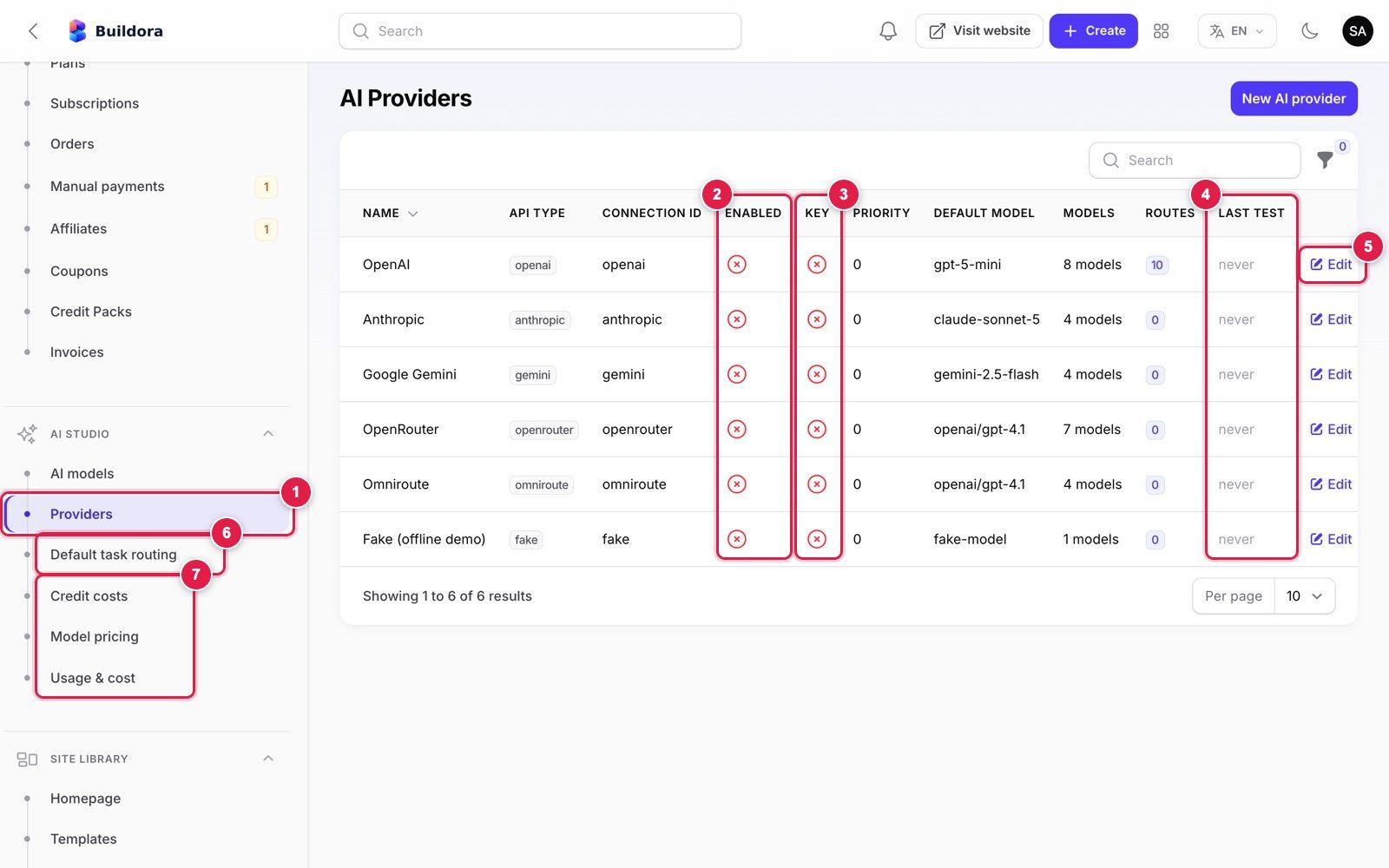
AI, content and platform
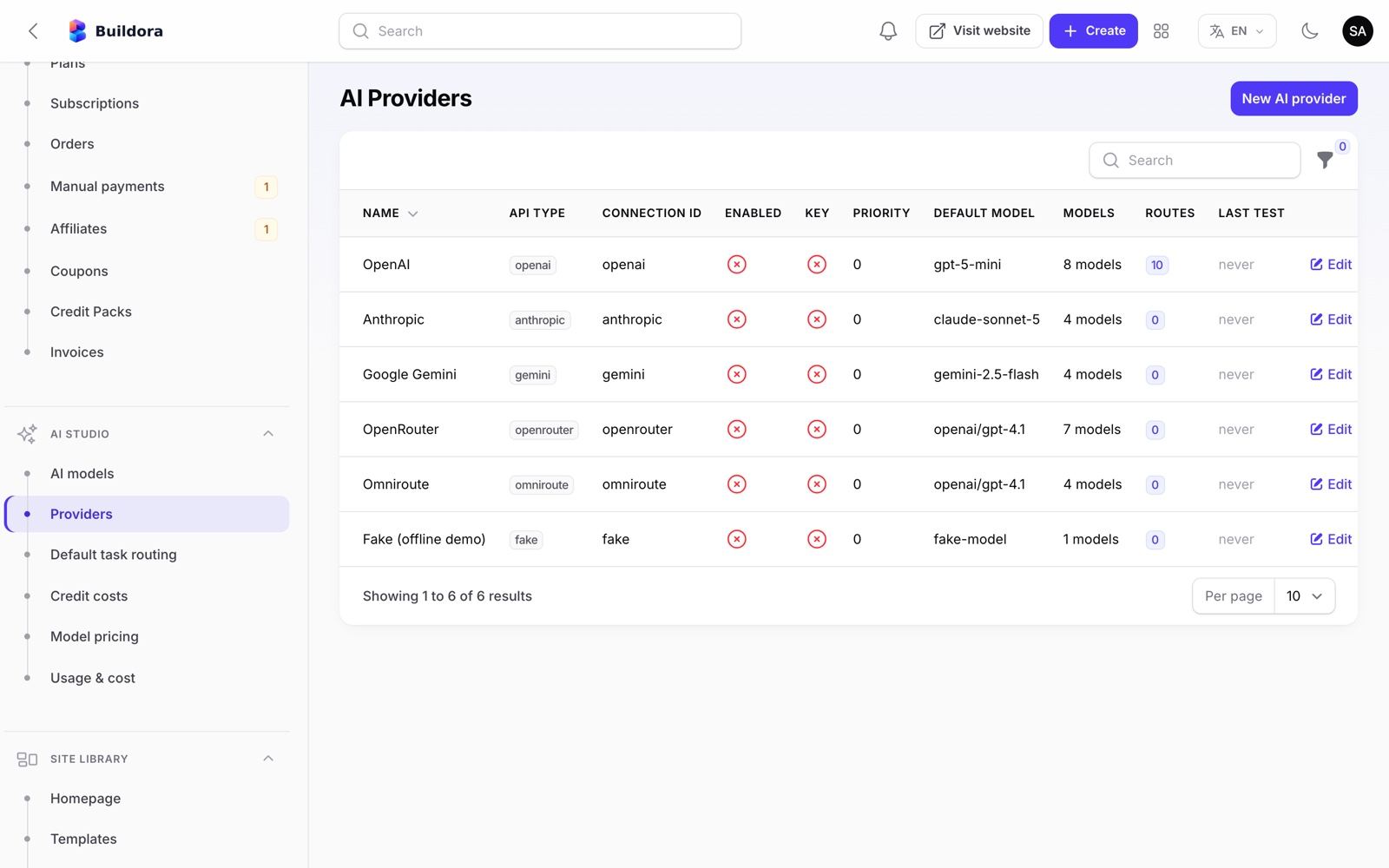
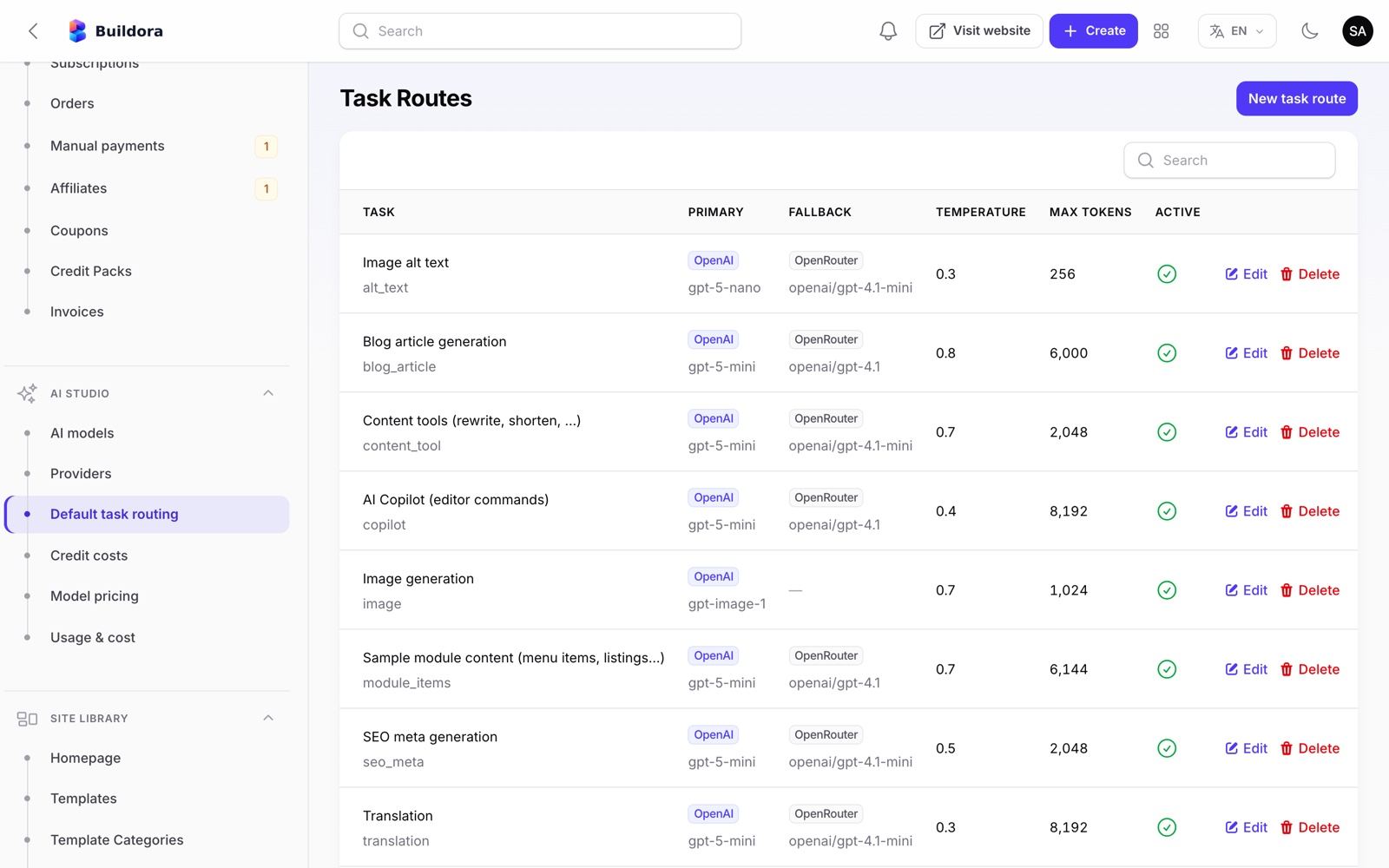
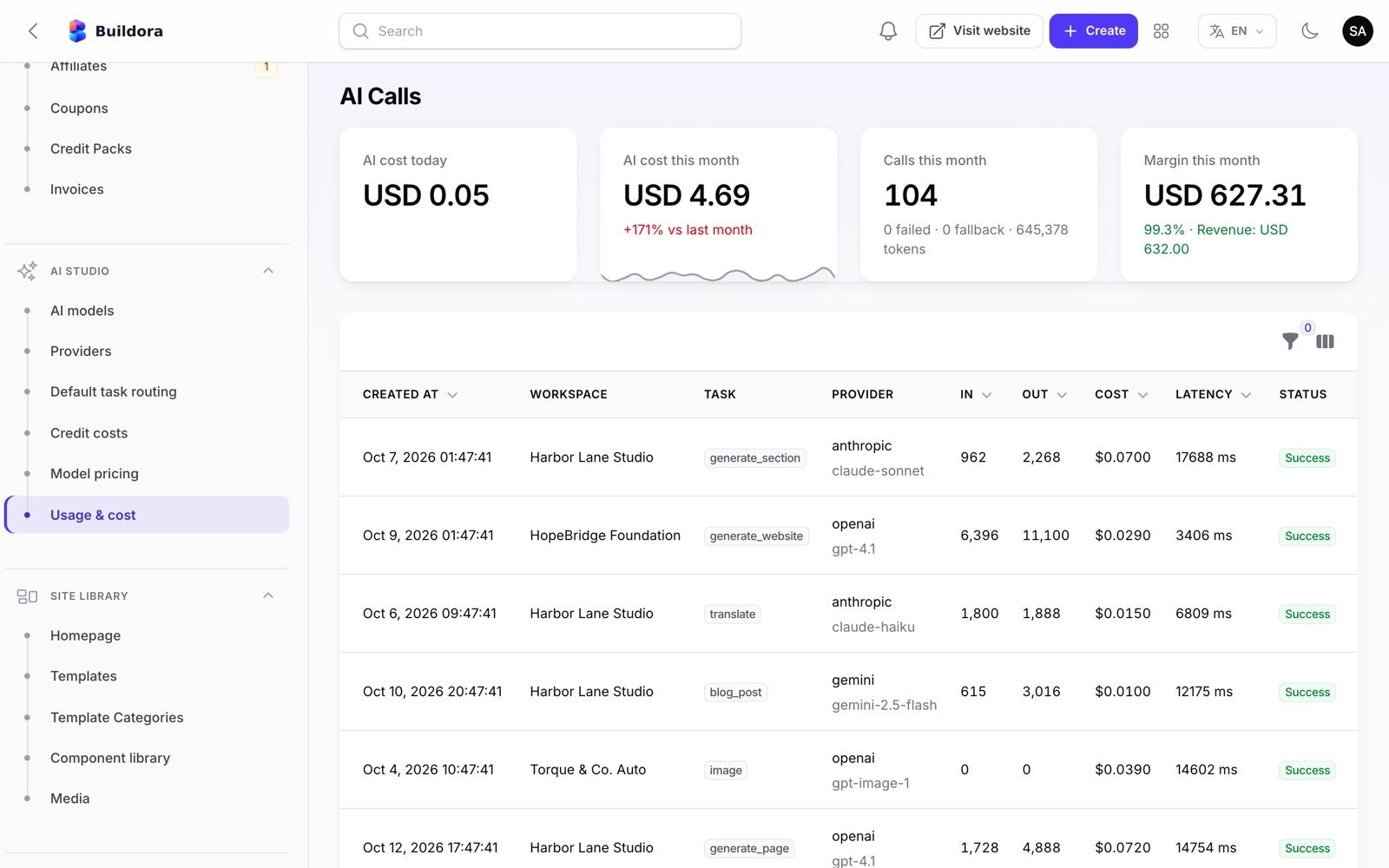
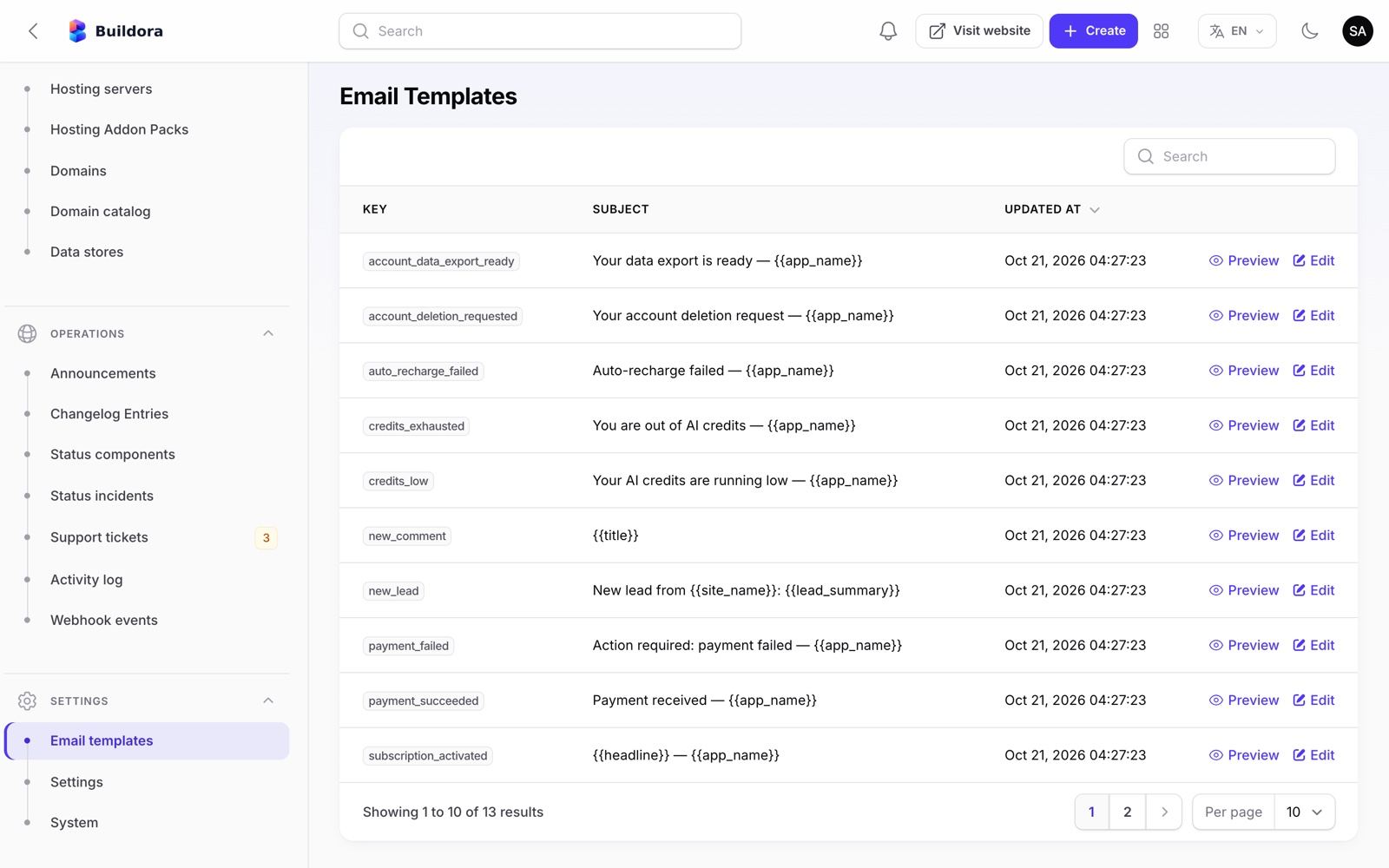
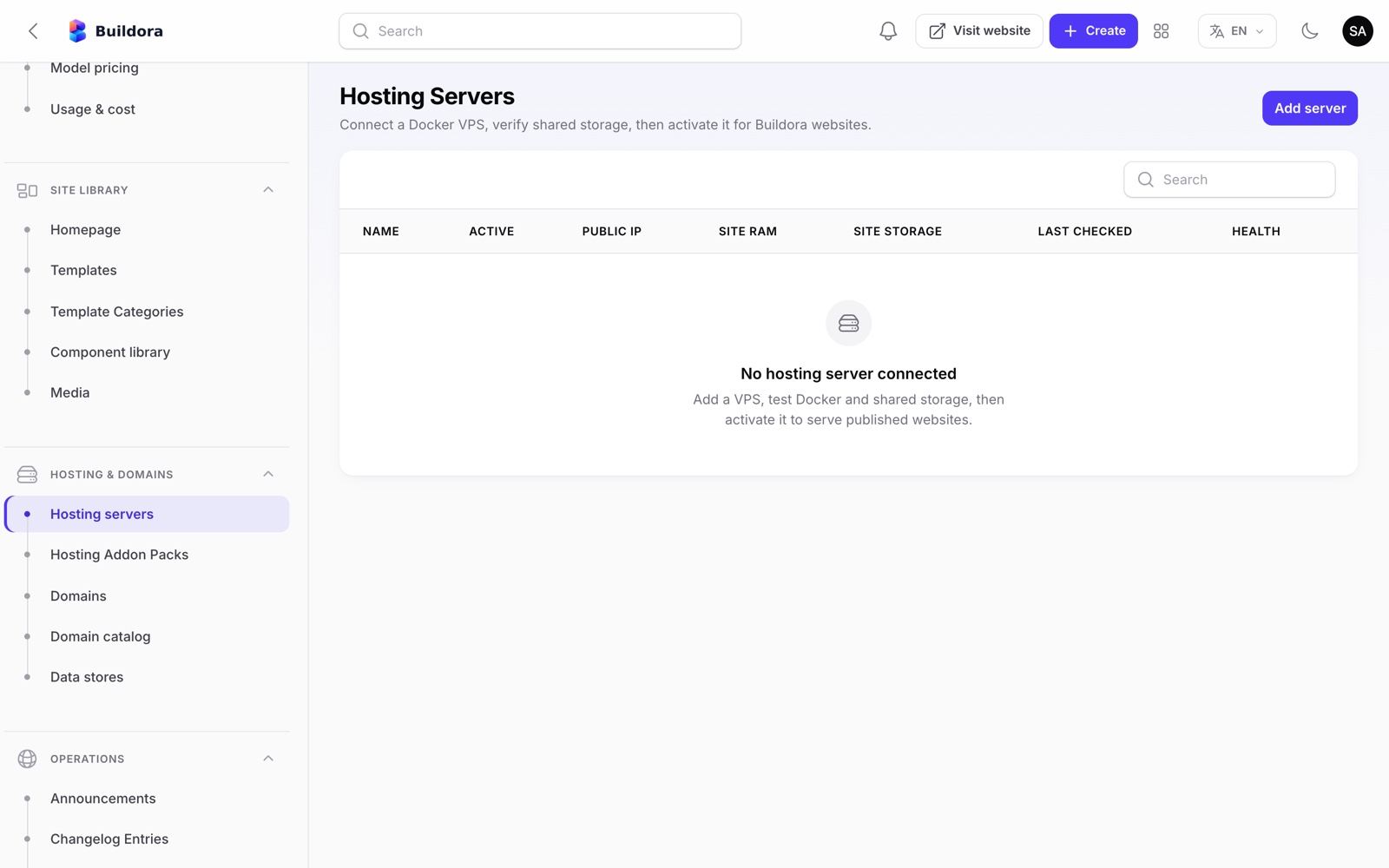
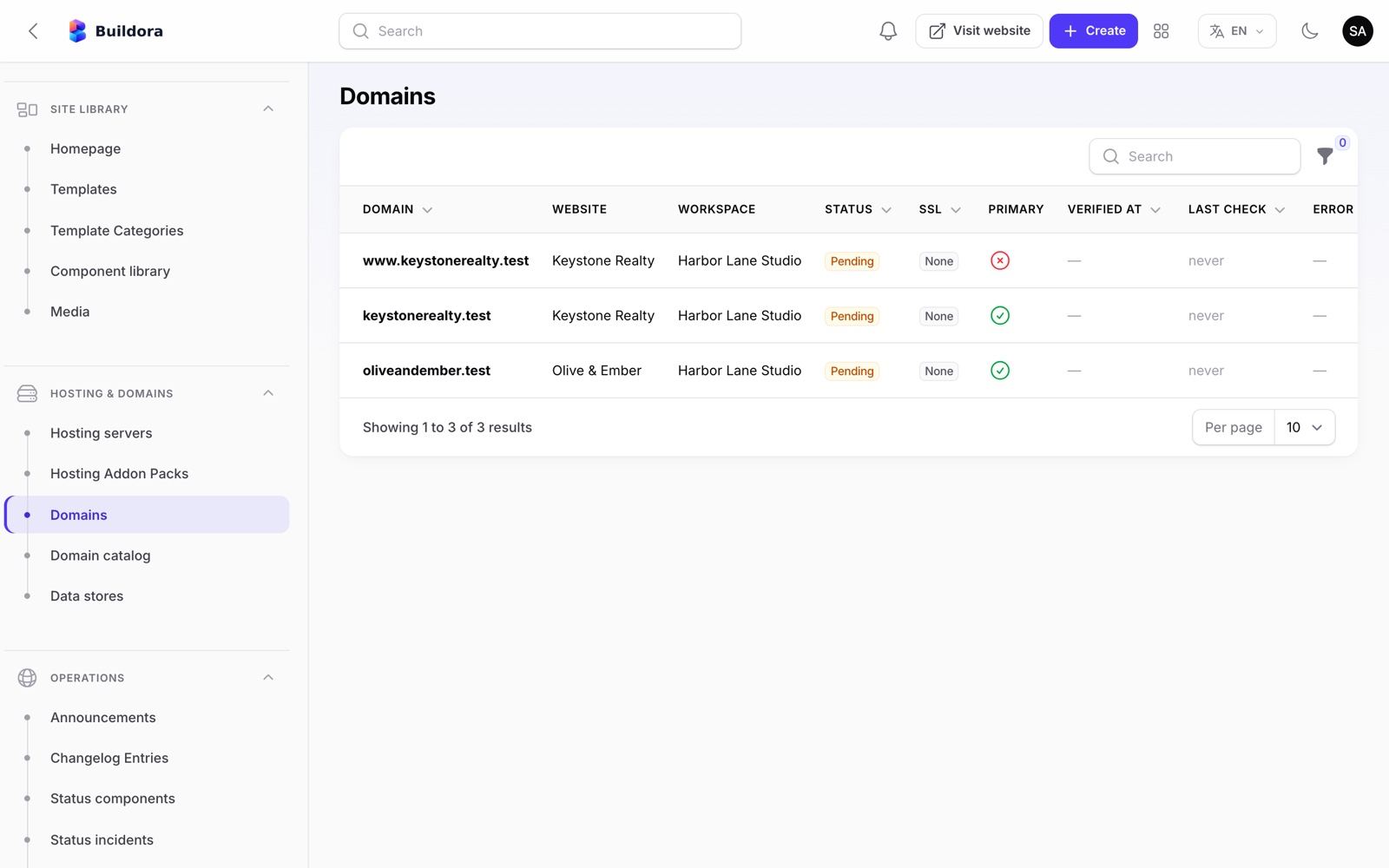
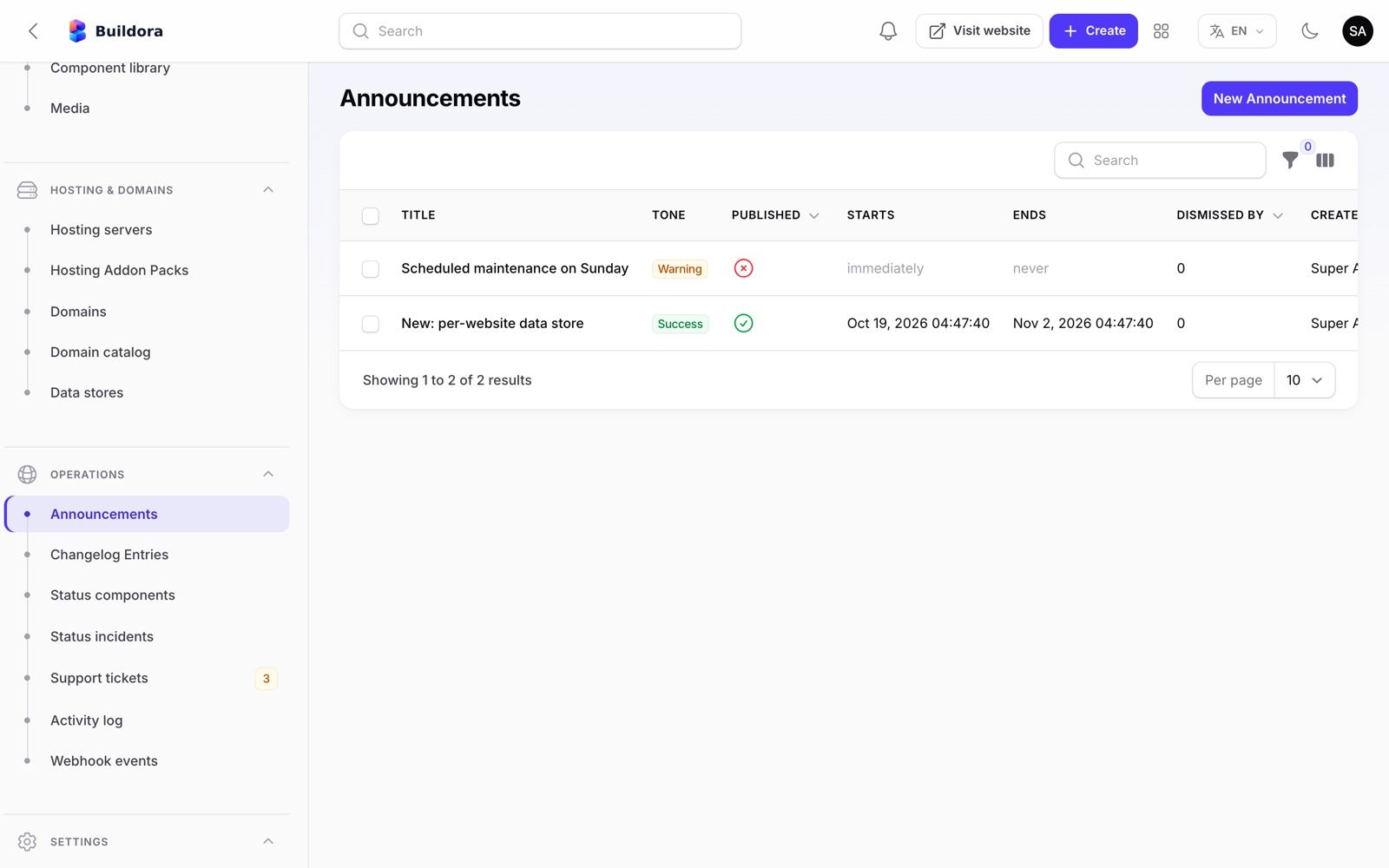
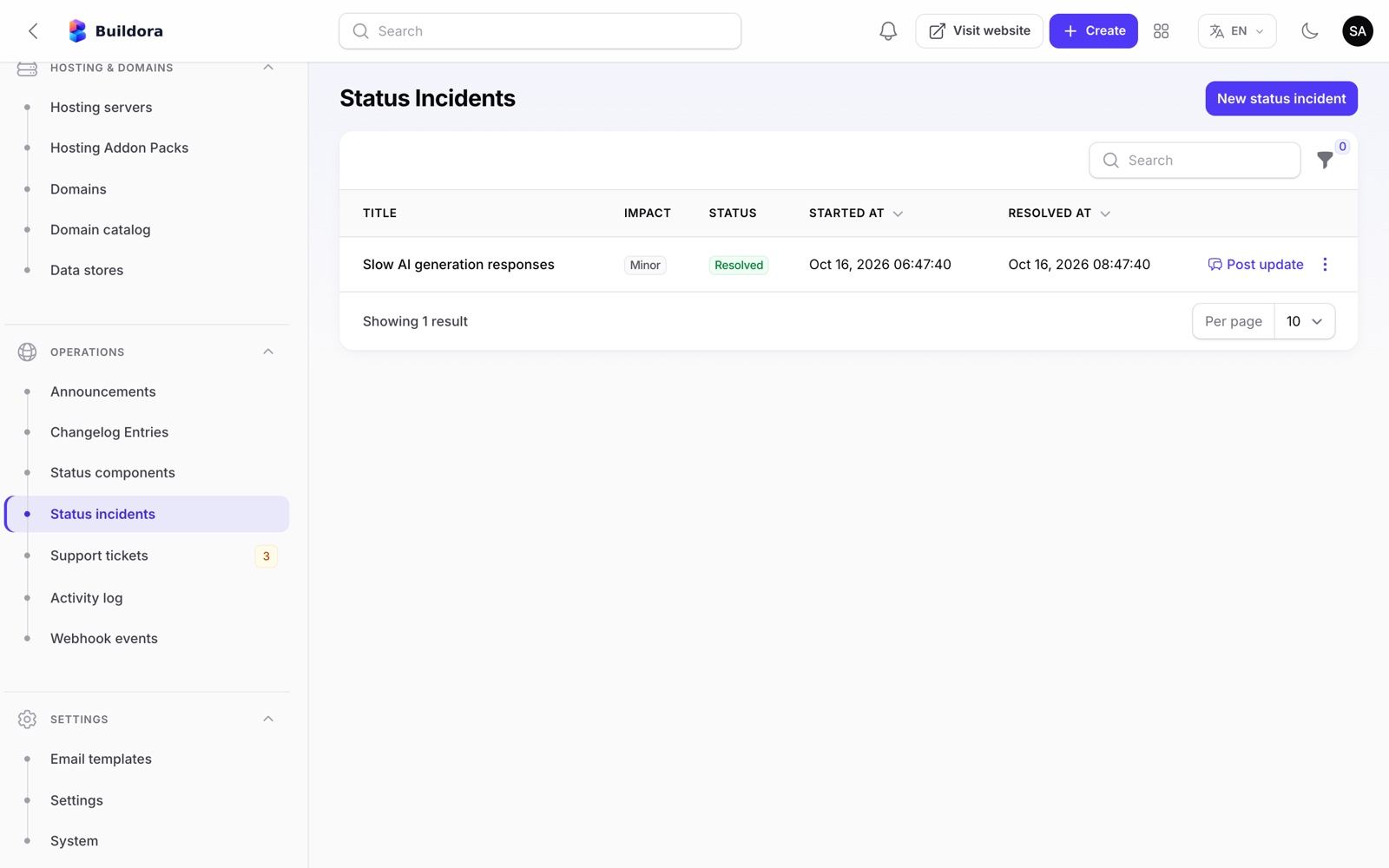
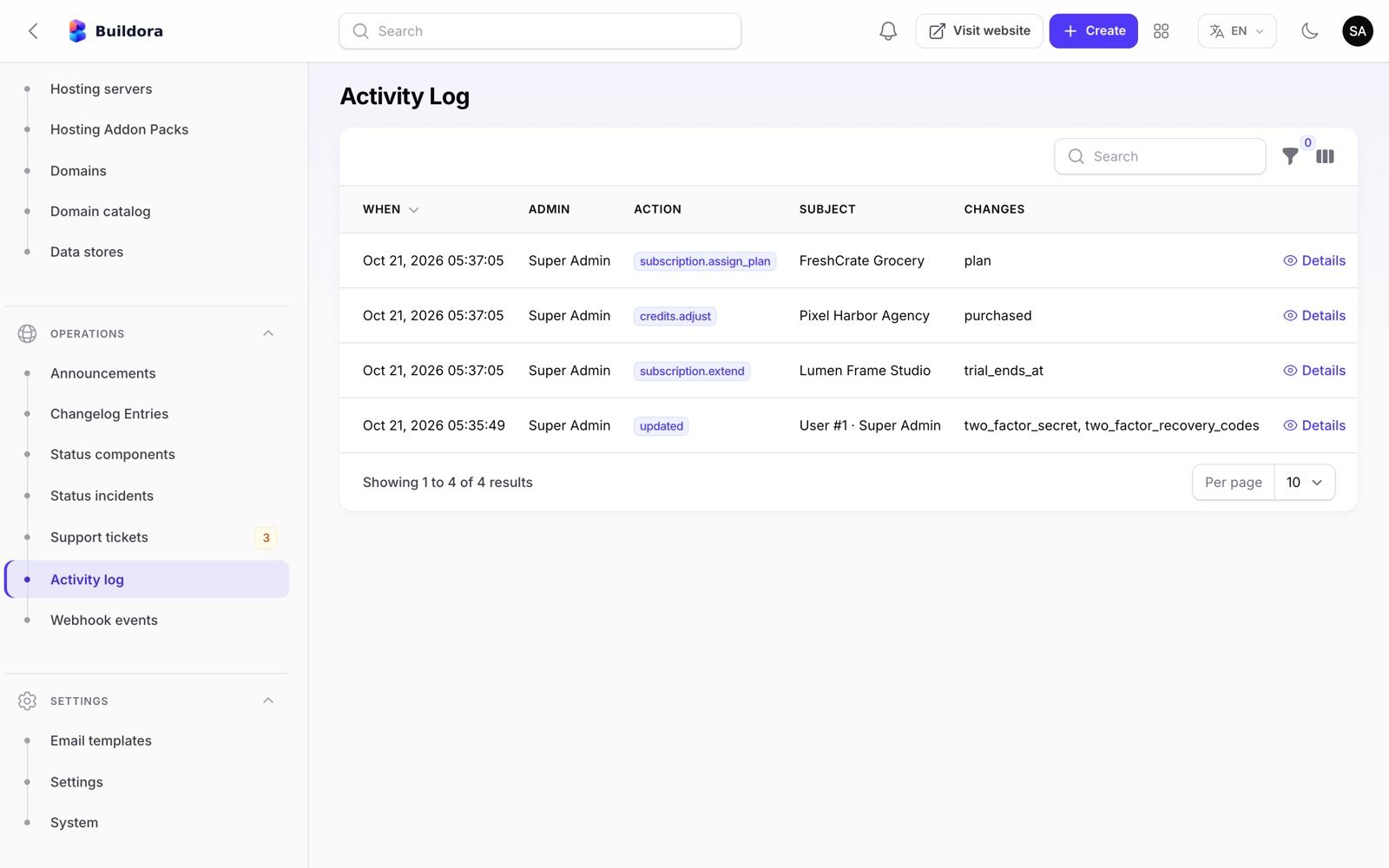
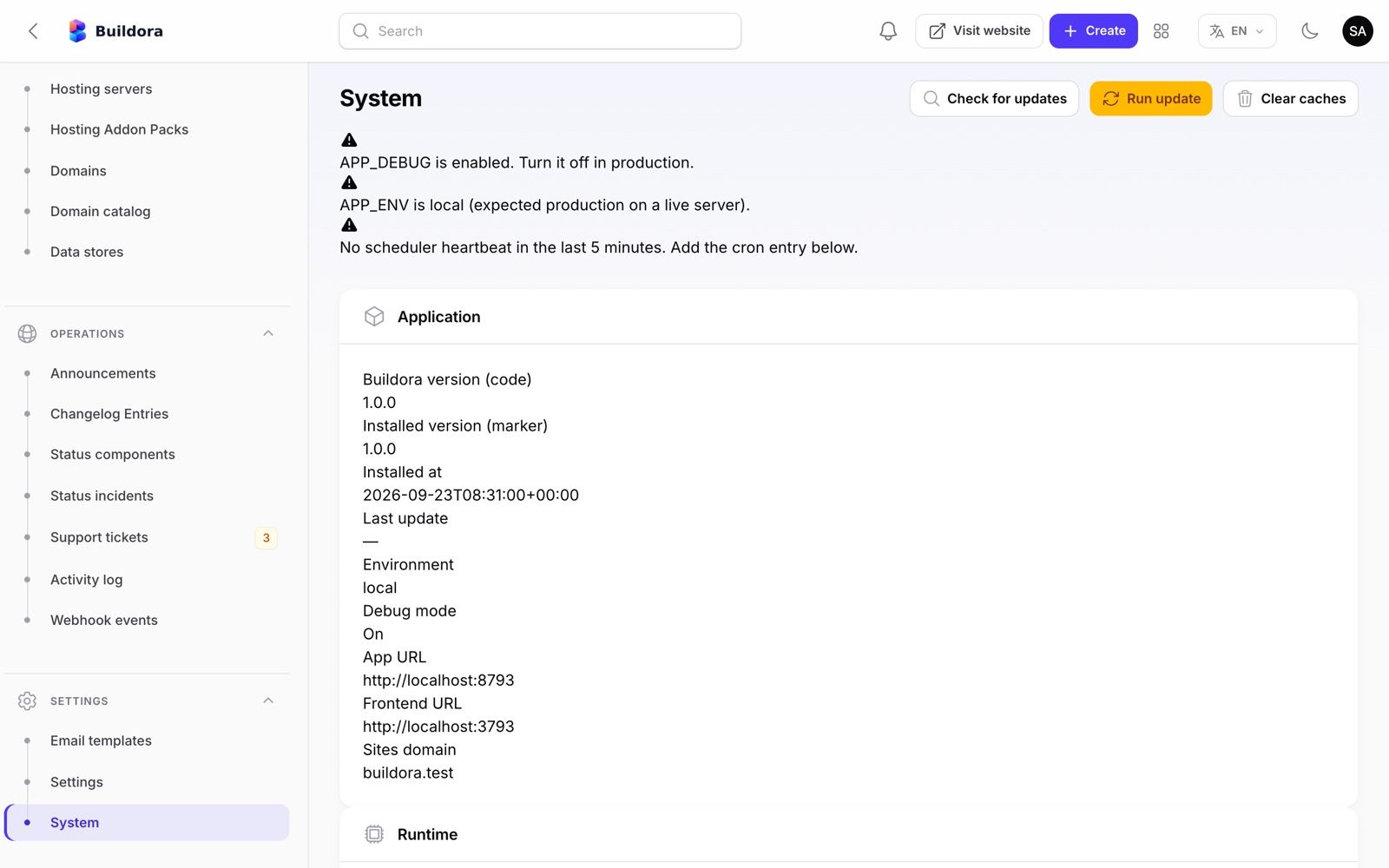
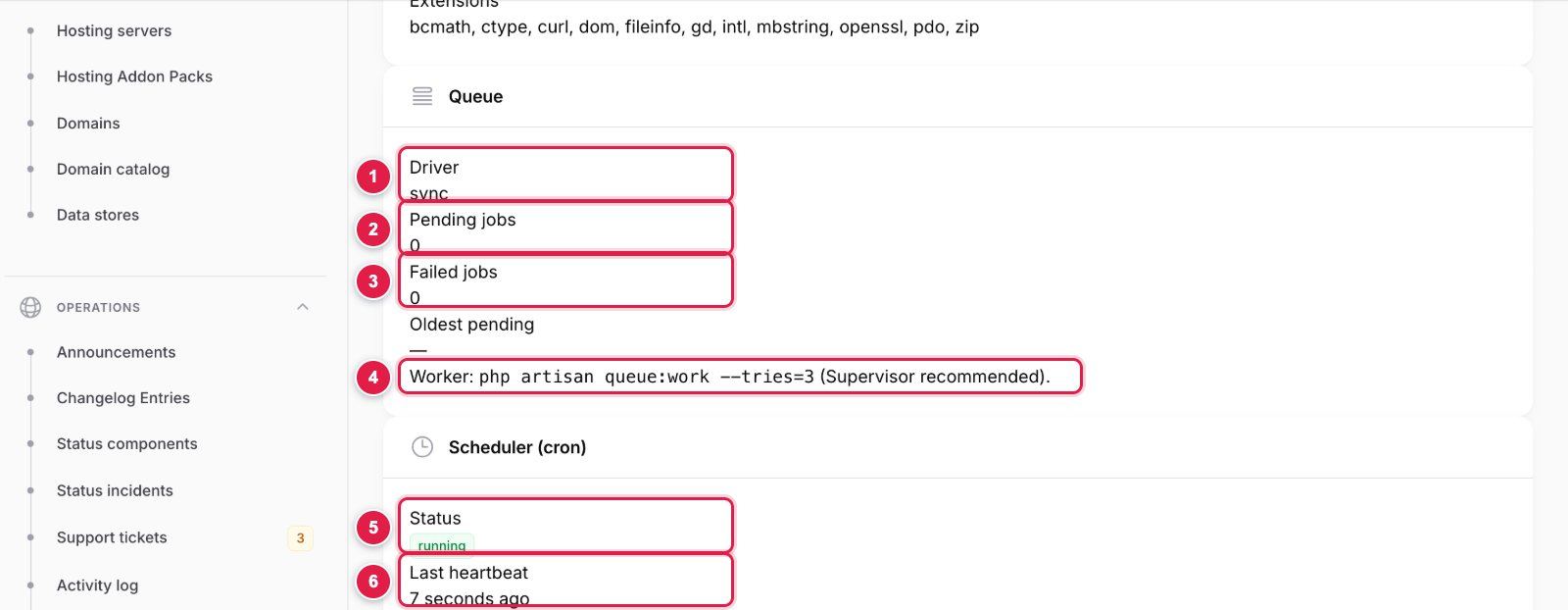
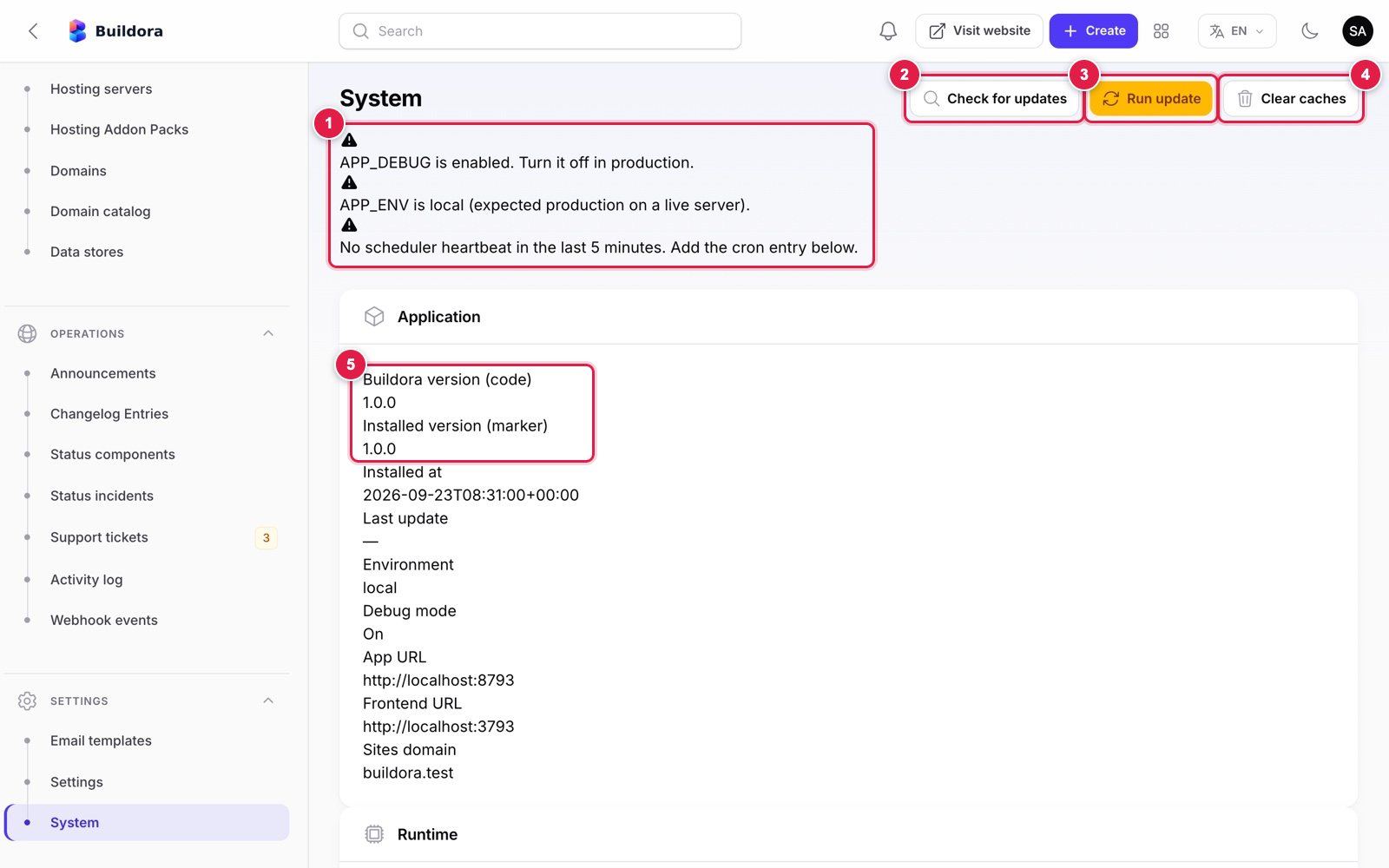
Settings and system
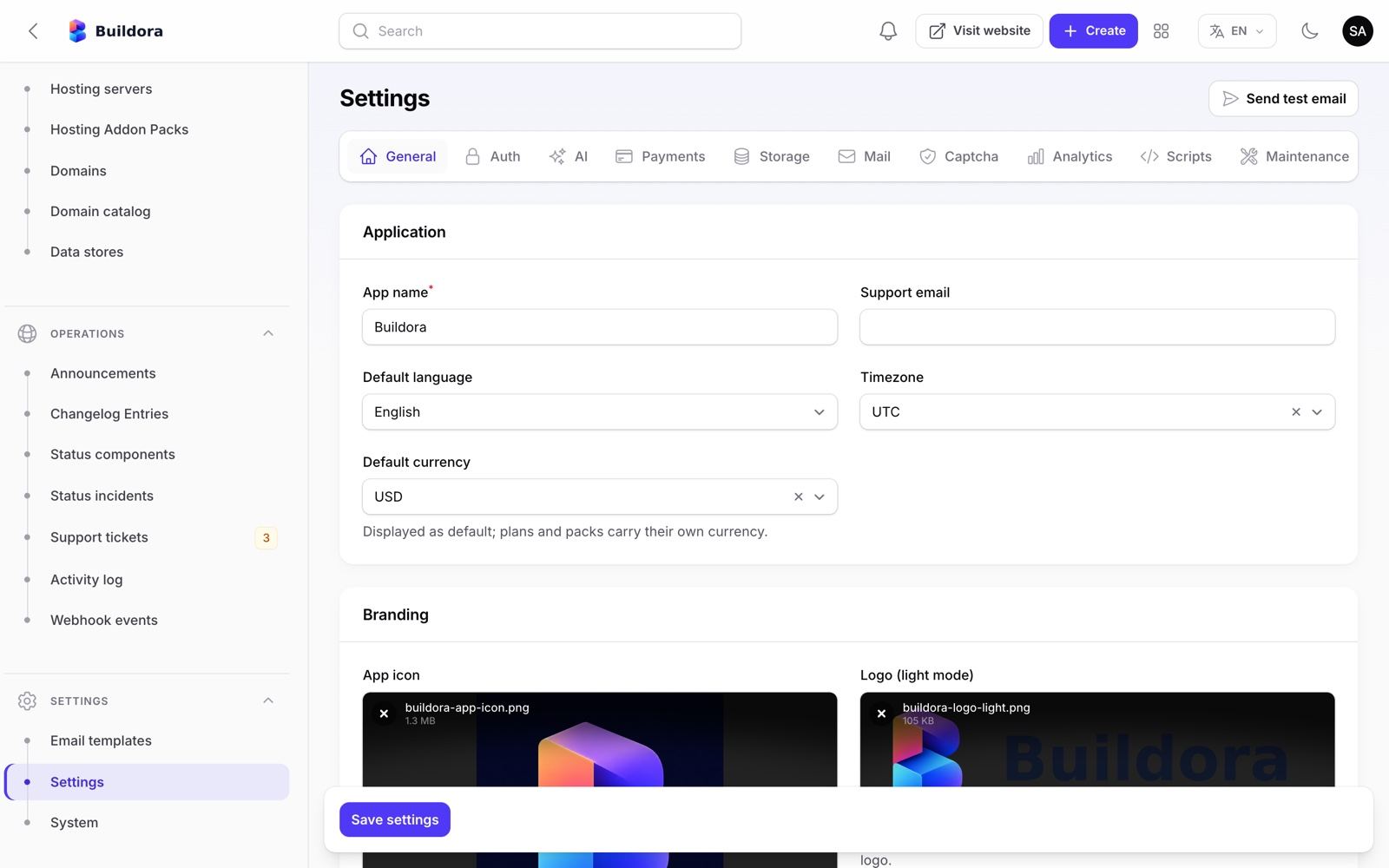
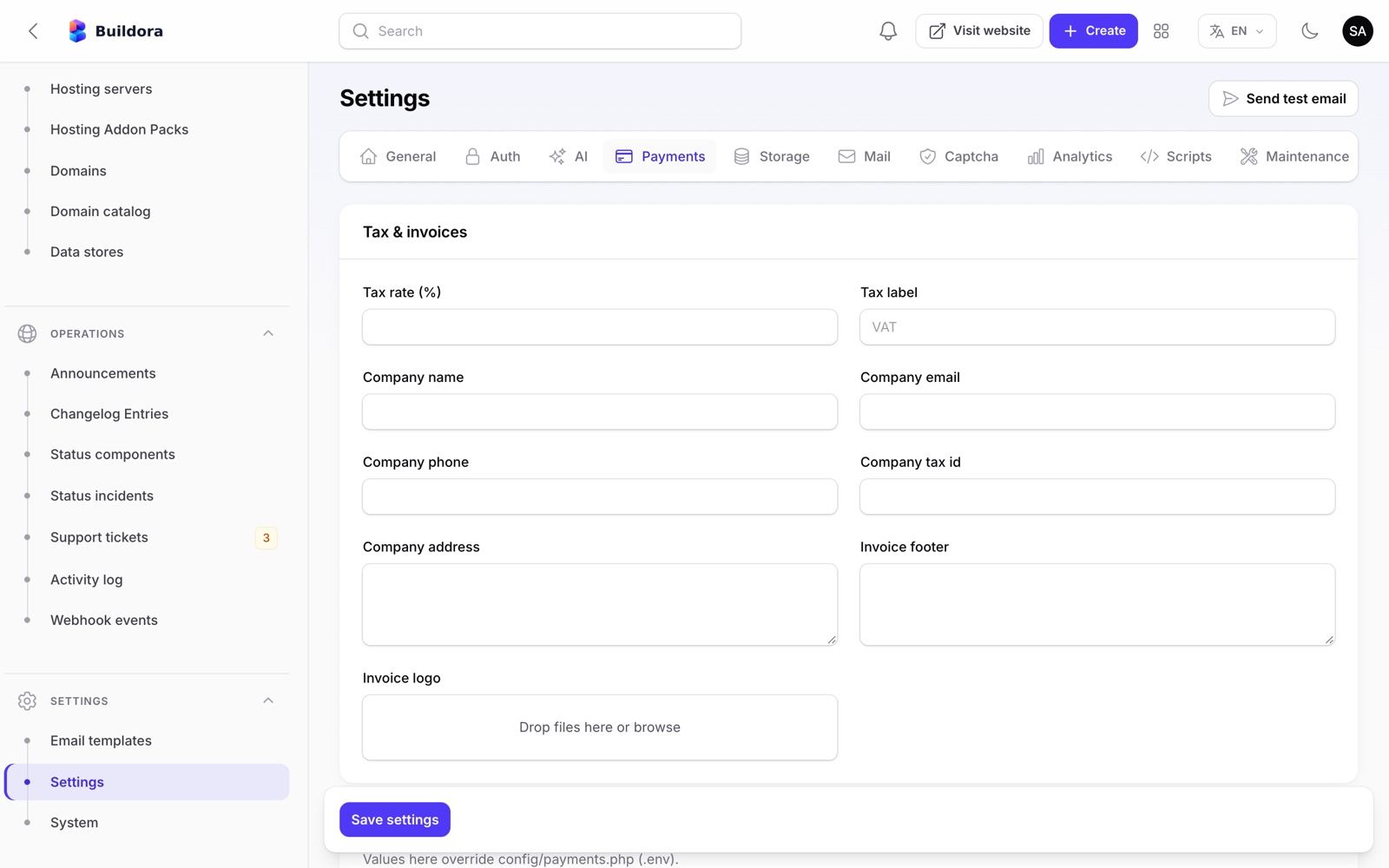
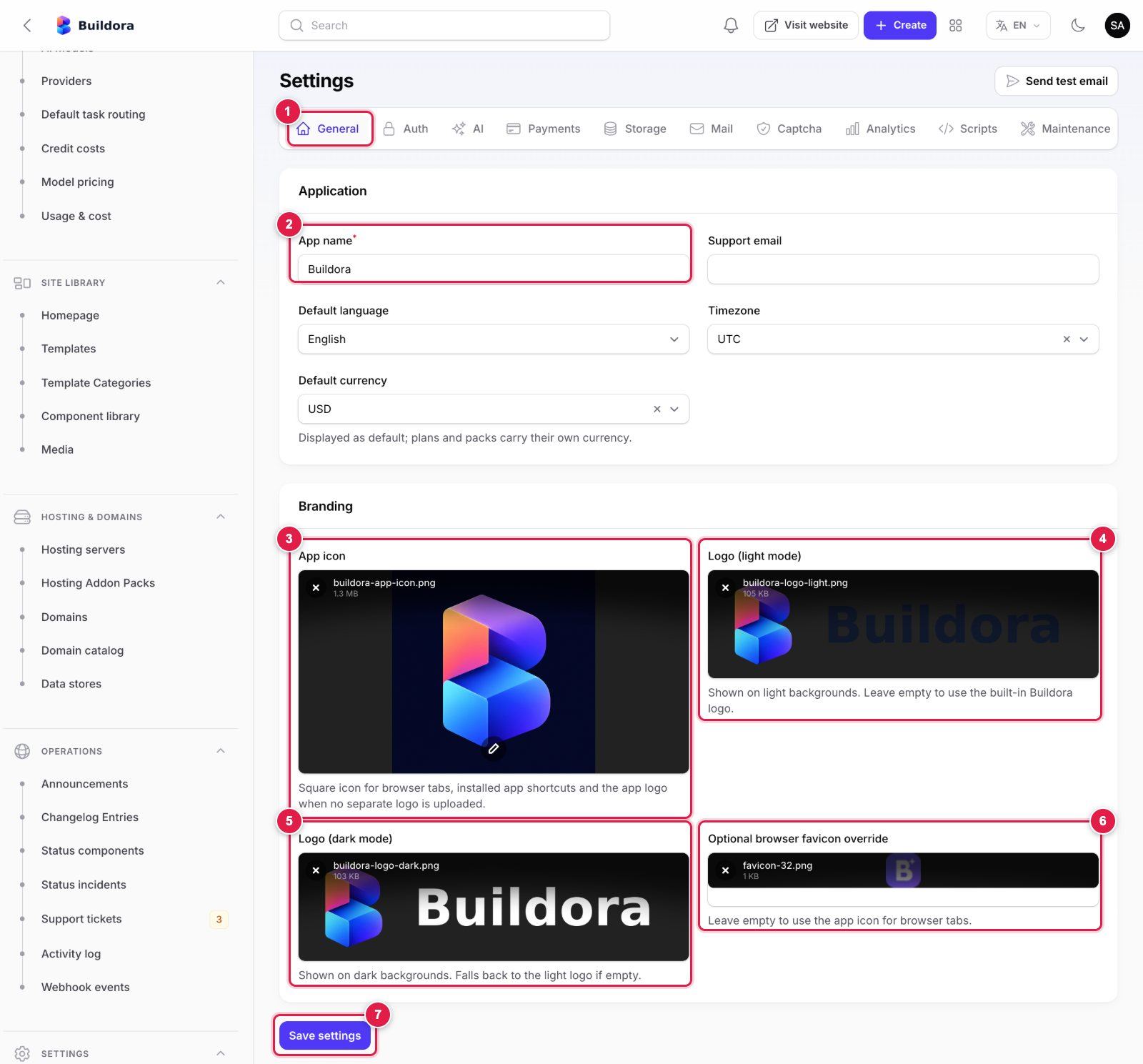
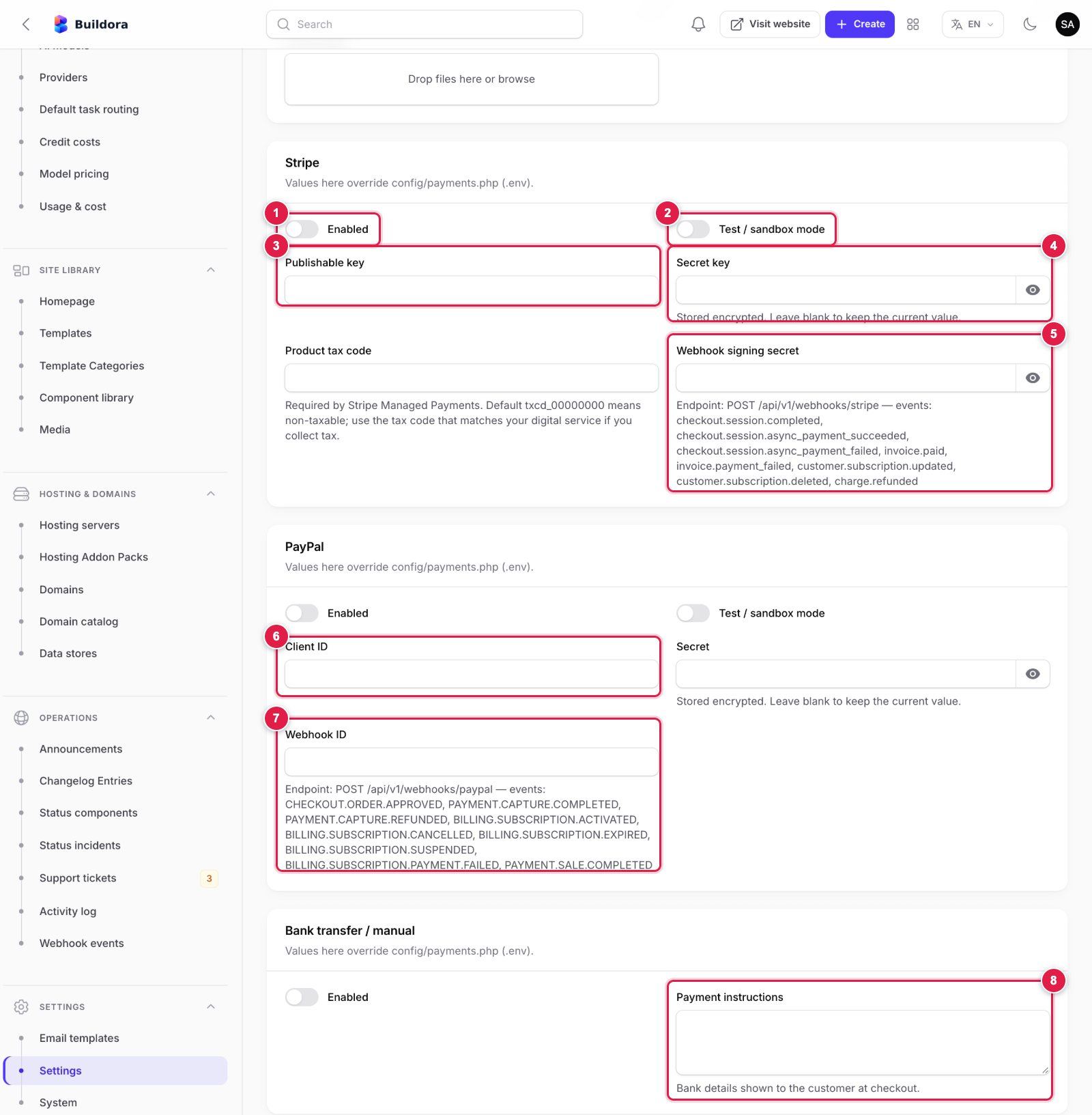
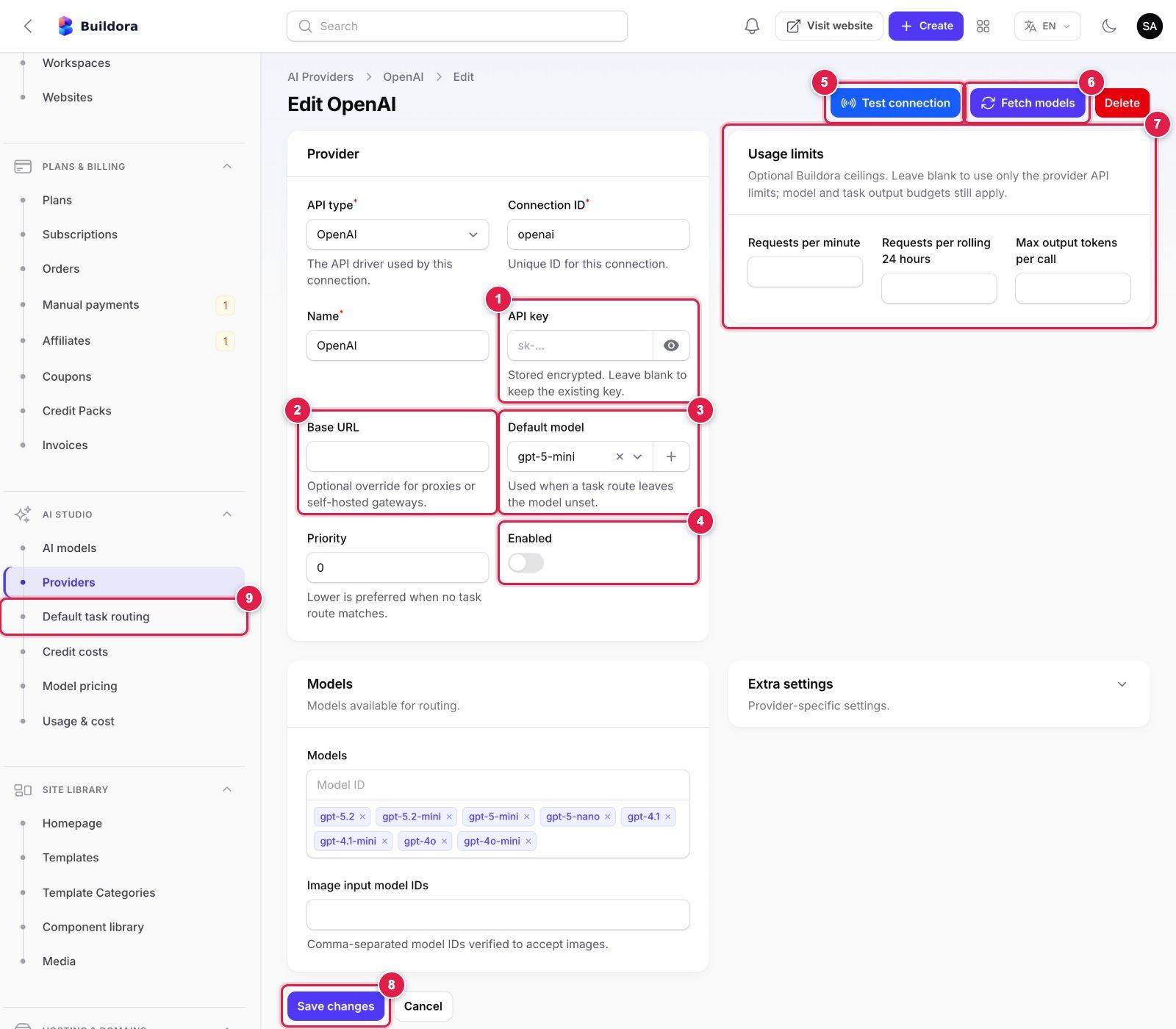
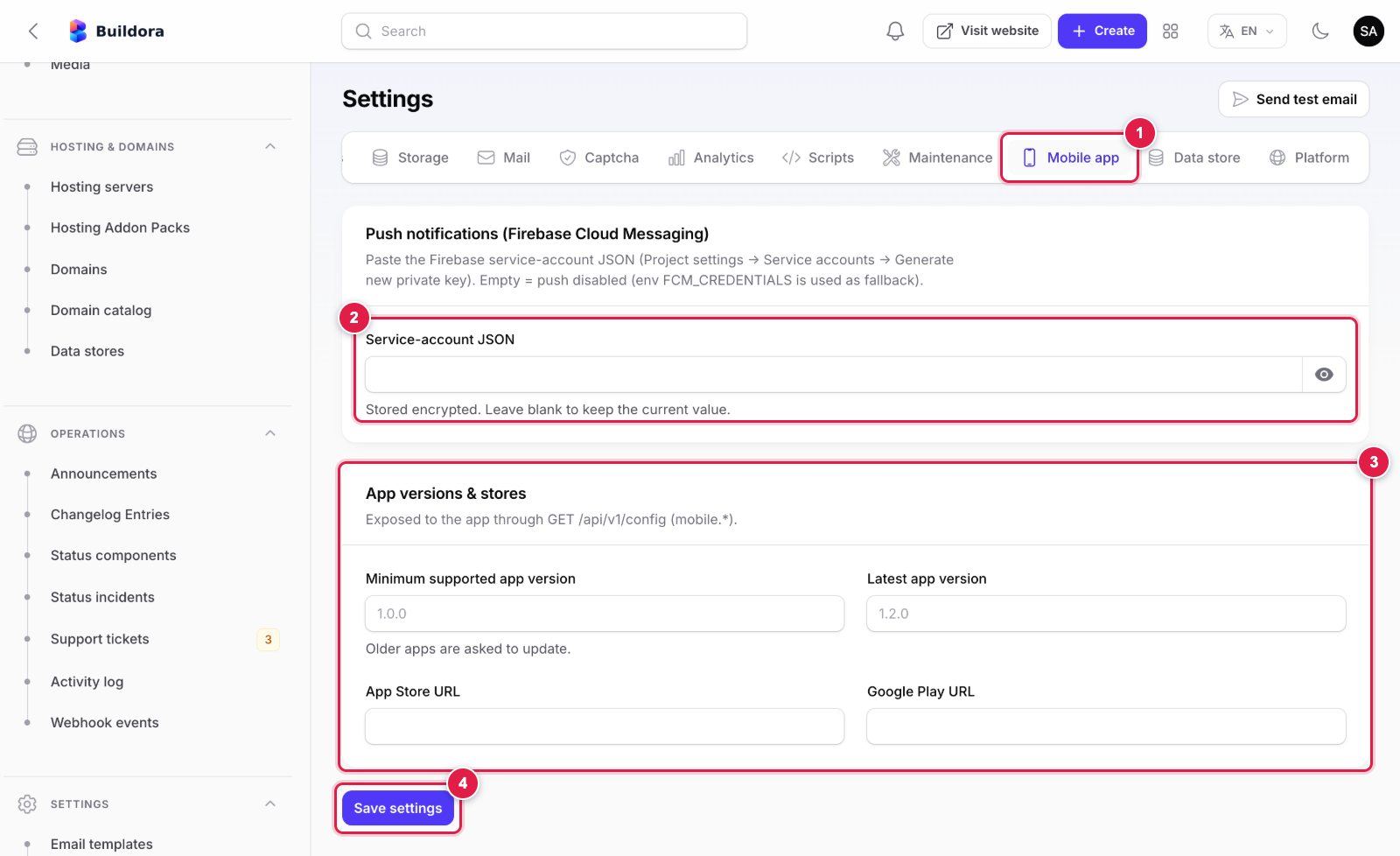
Admin Settings with Callouts
Numbered callouts on the real admin fields for the settings buyers ask about most. The numbers are explained next to each screenshot on the Web Platform page.
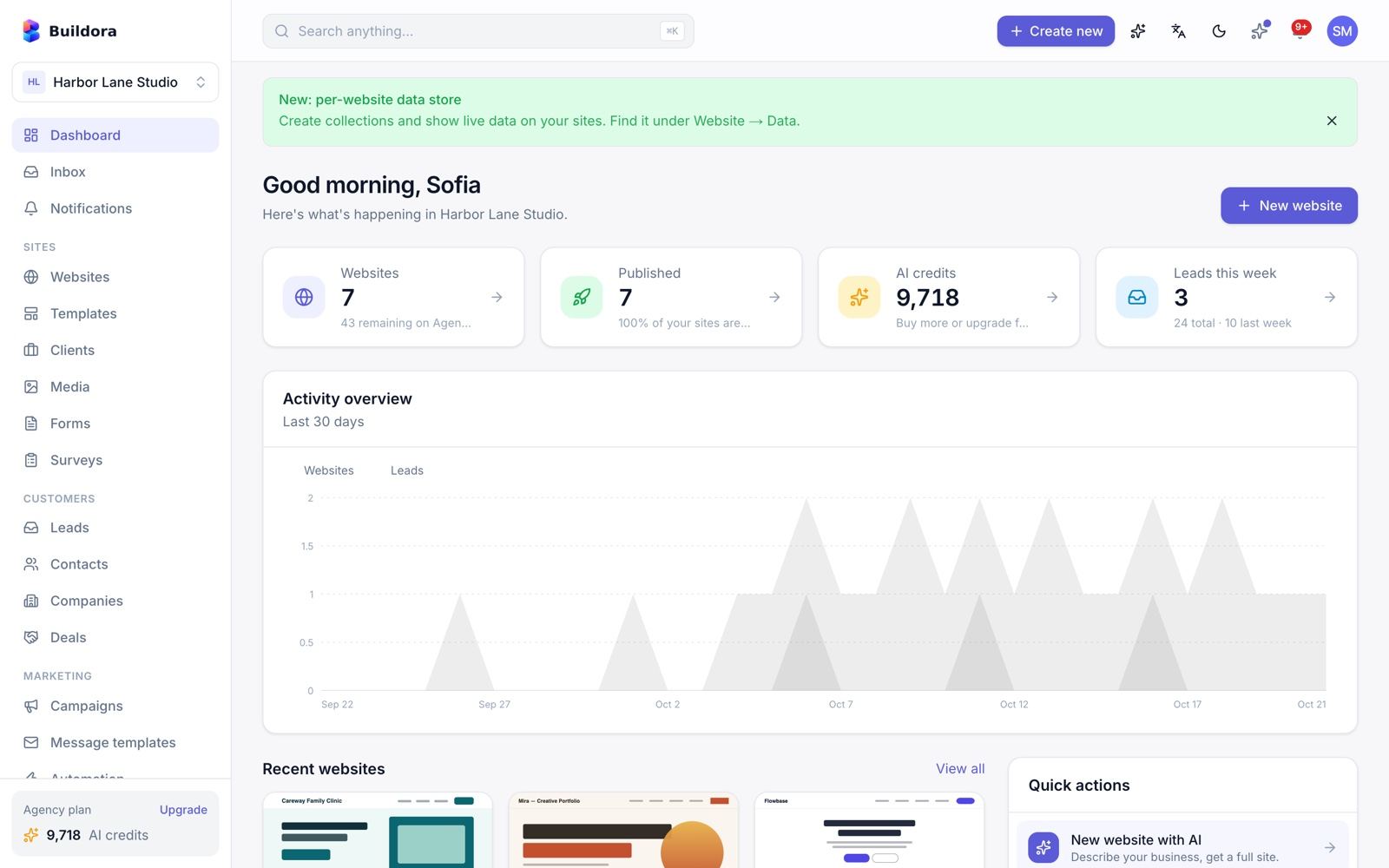
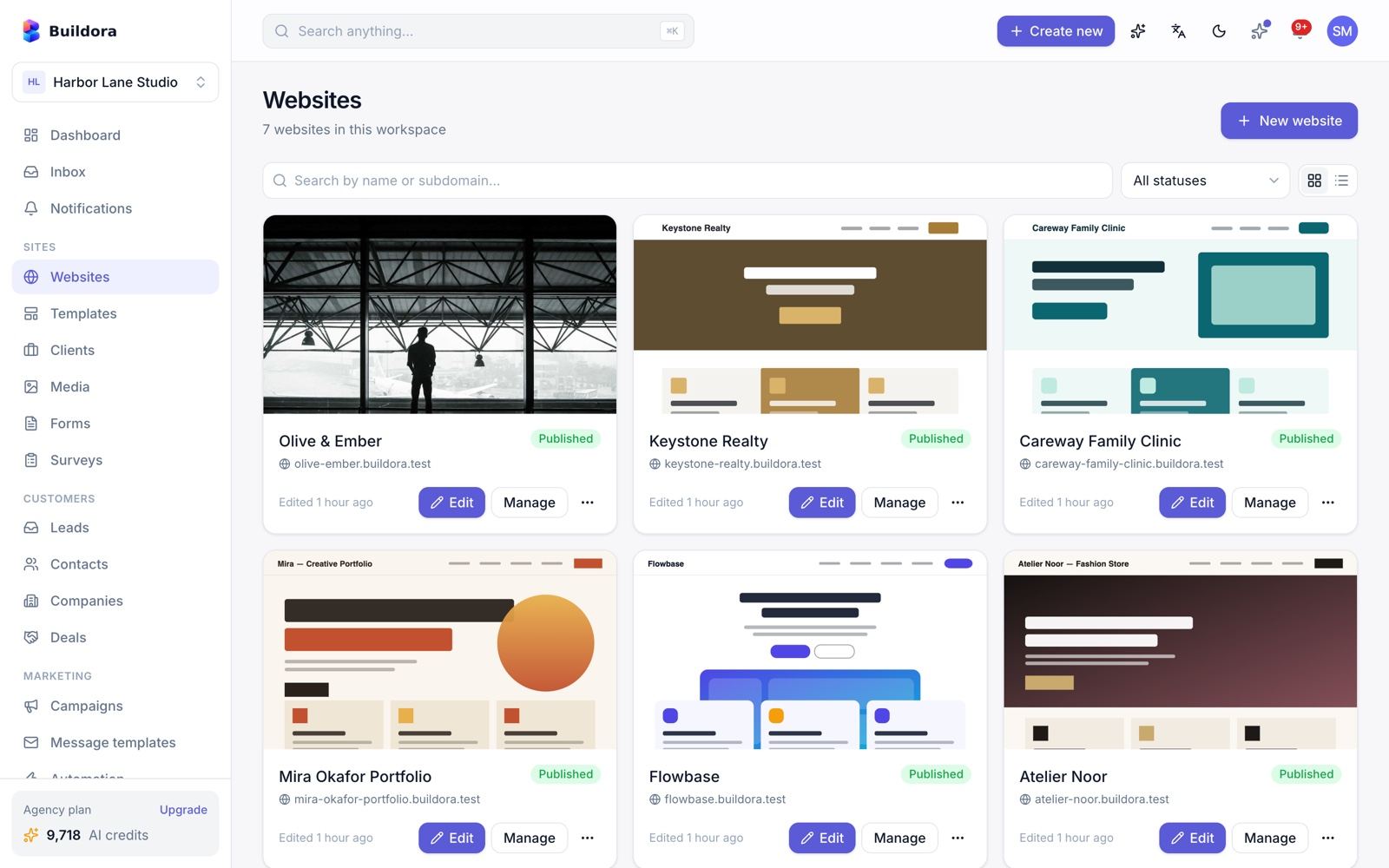
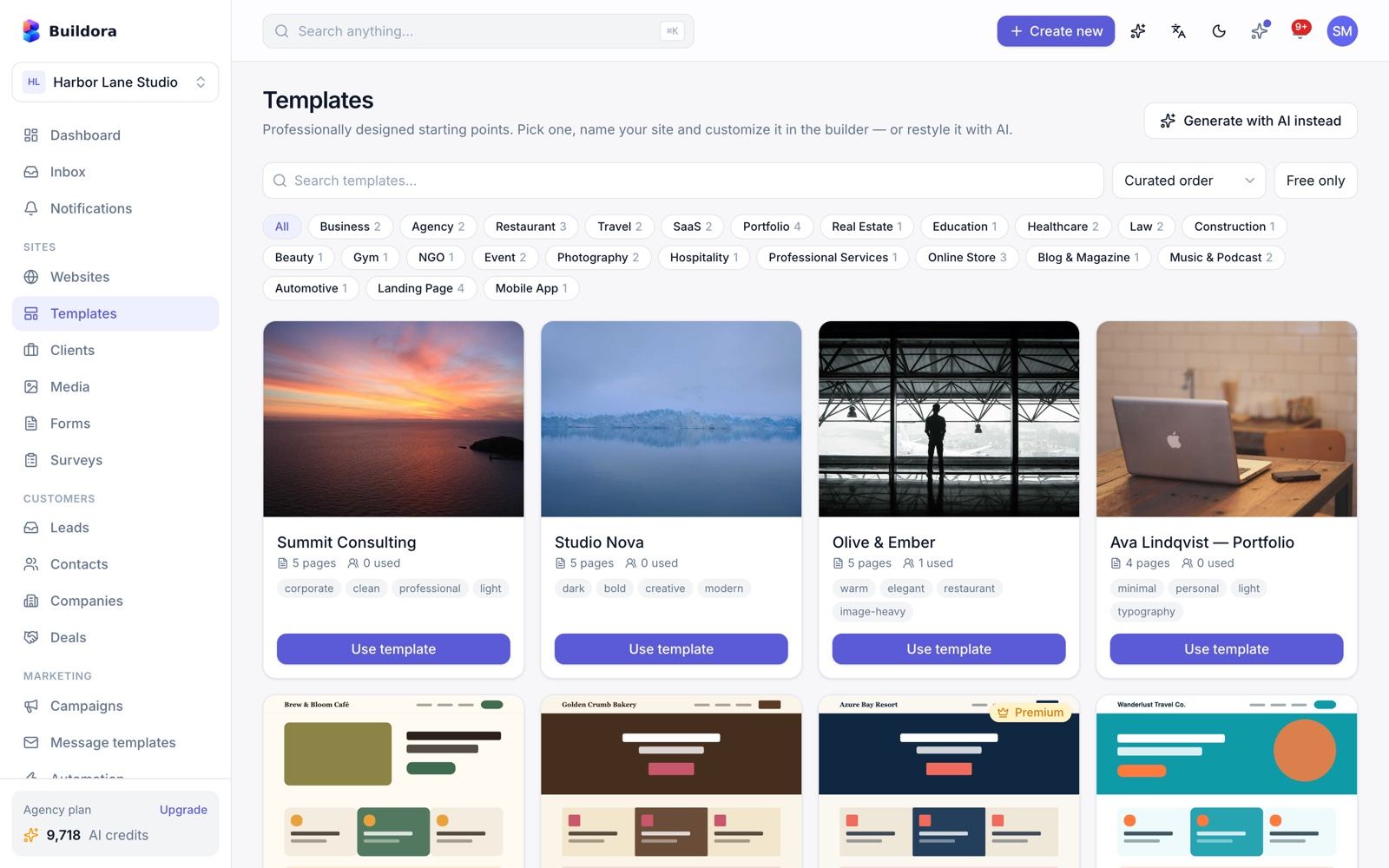
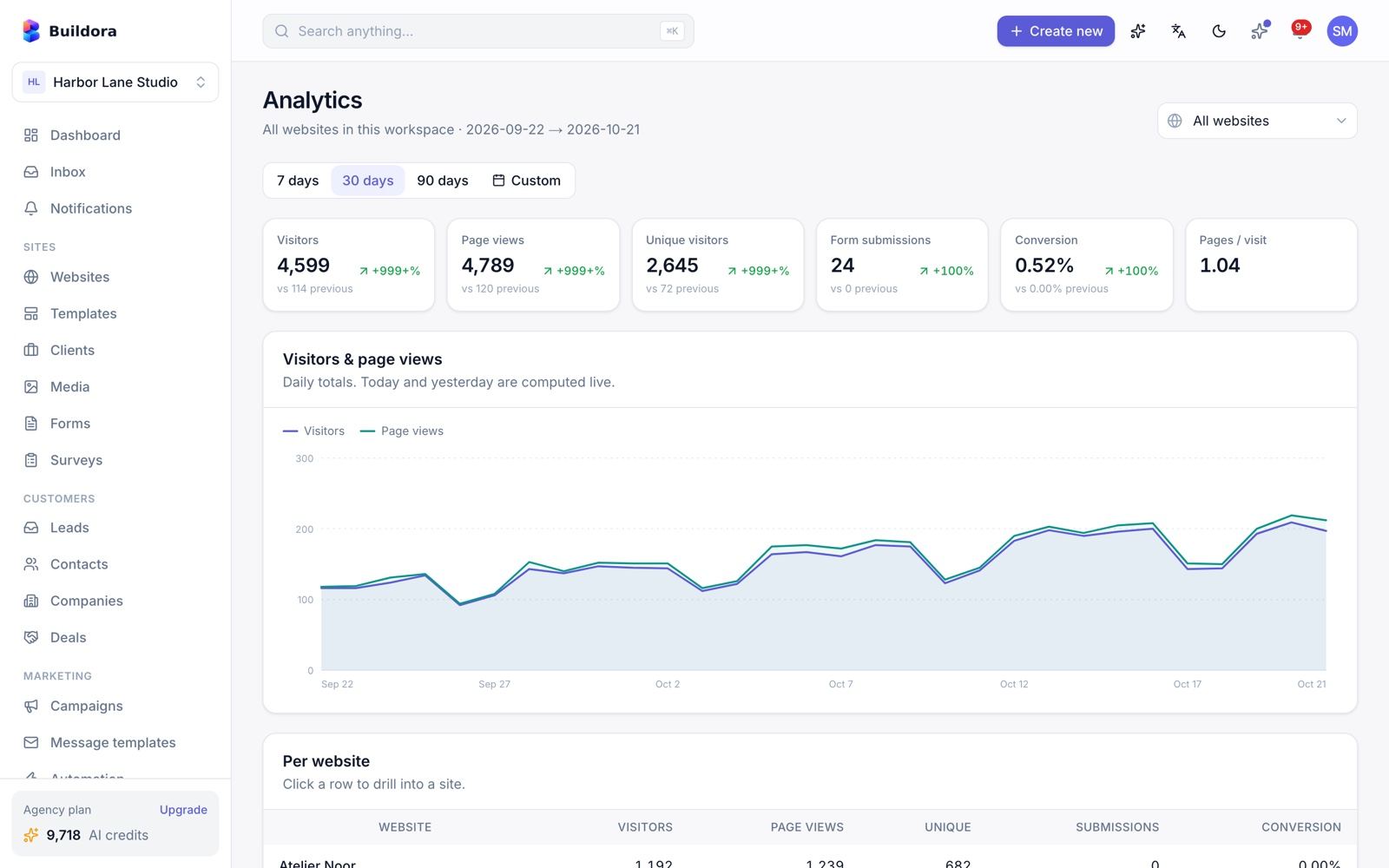
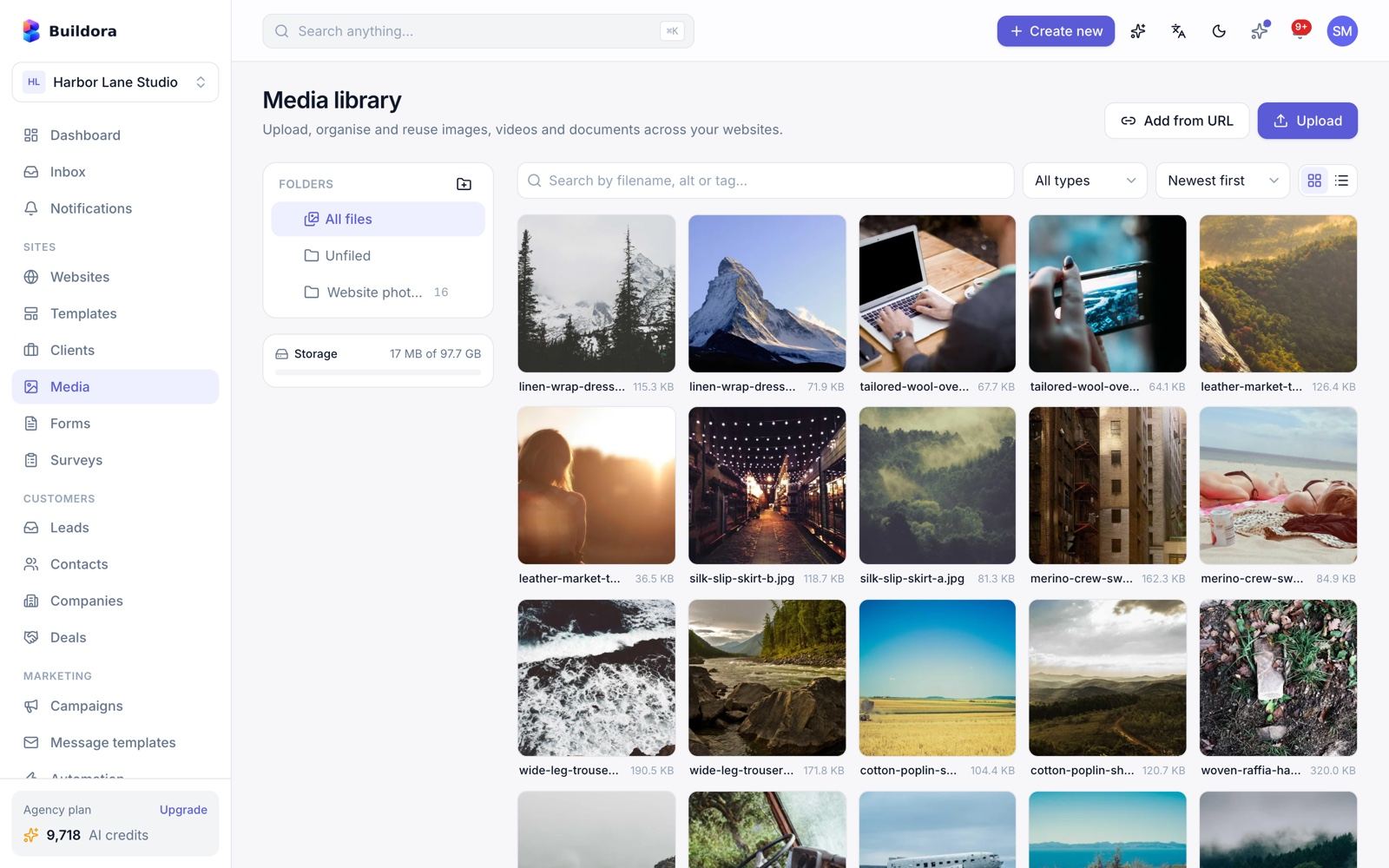
Workspace Dashboard (Your Customers)
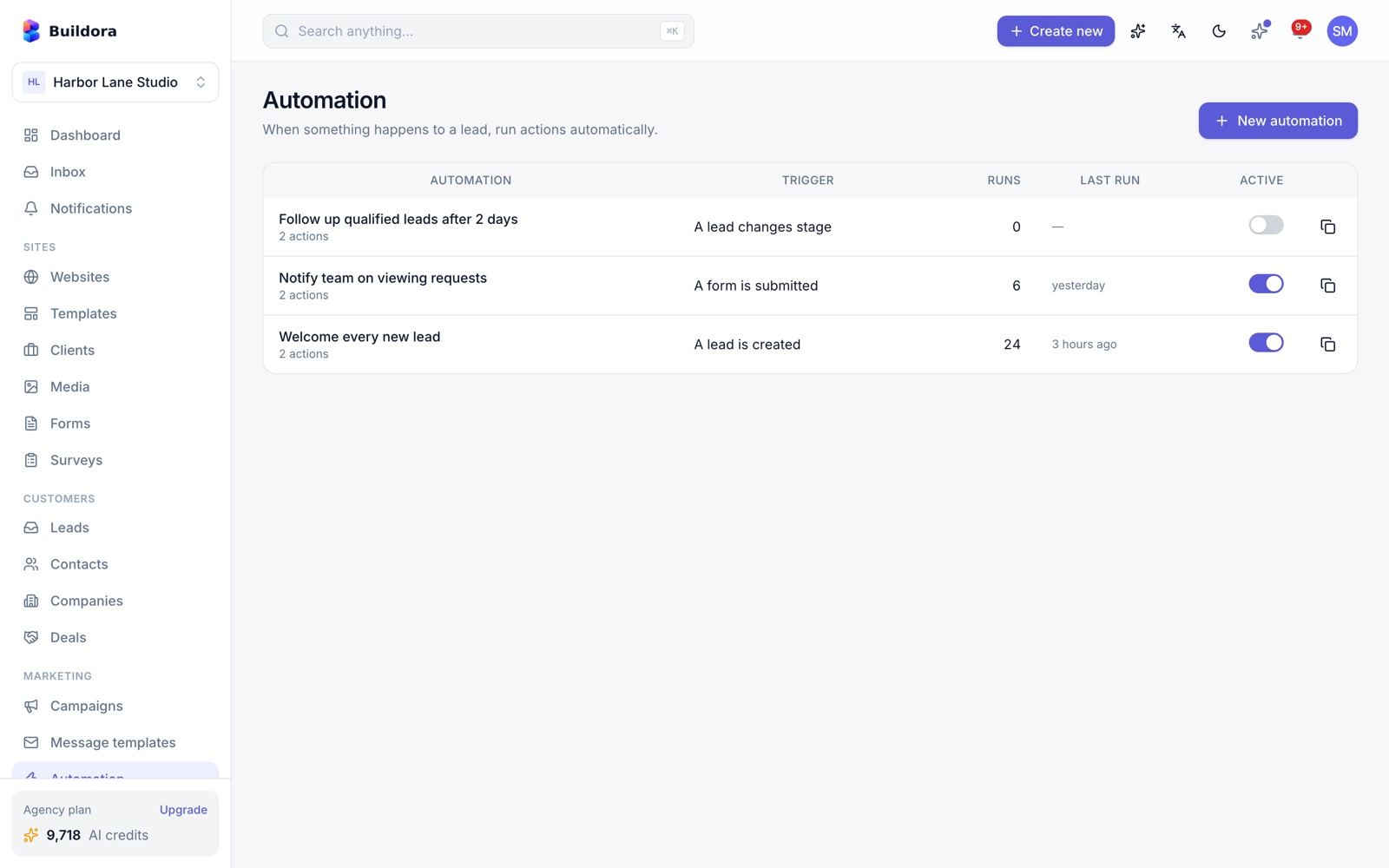
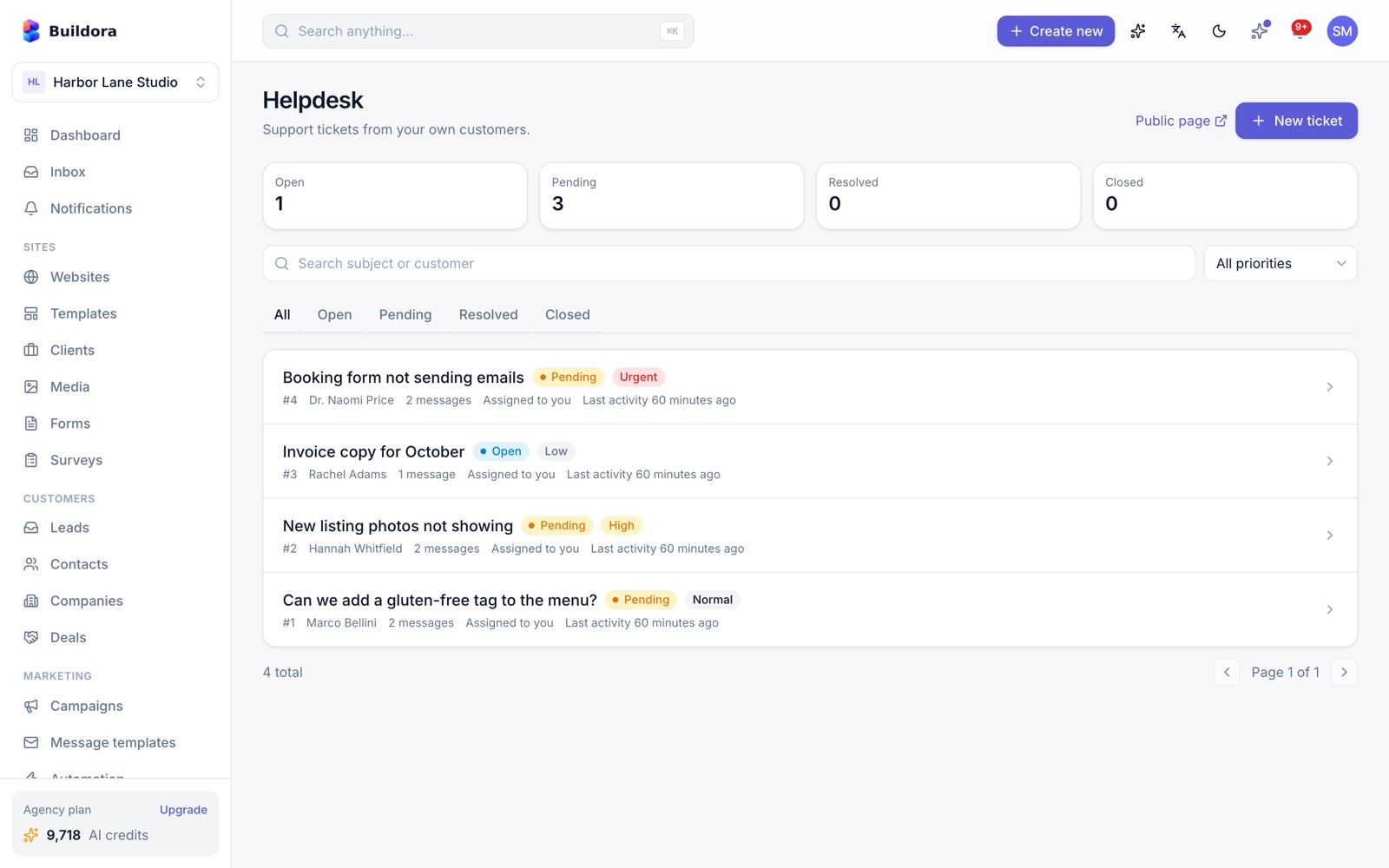
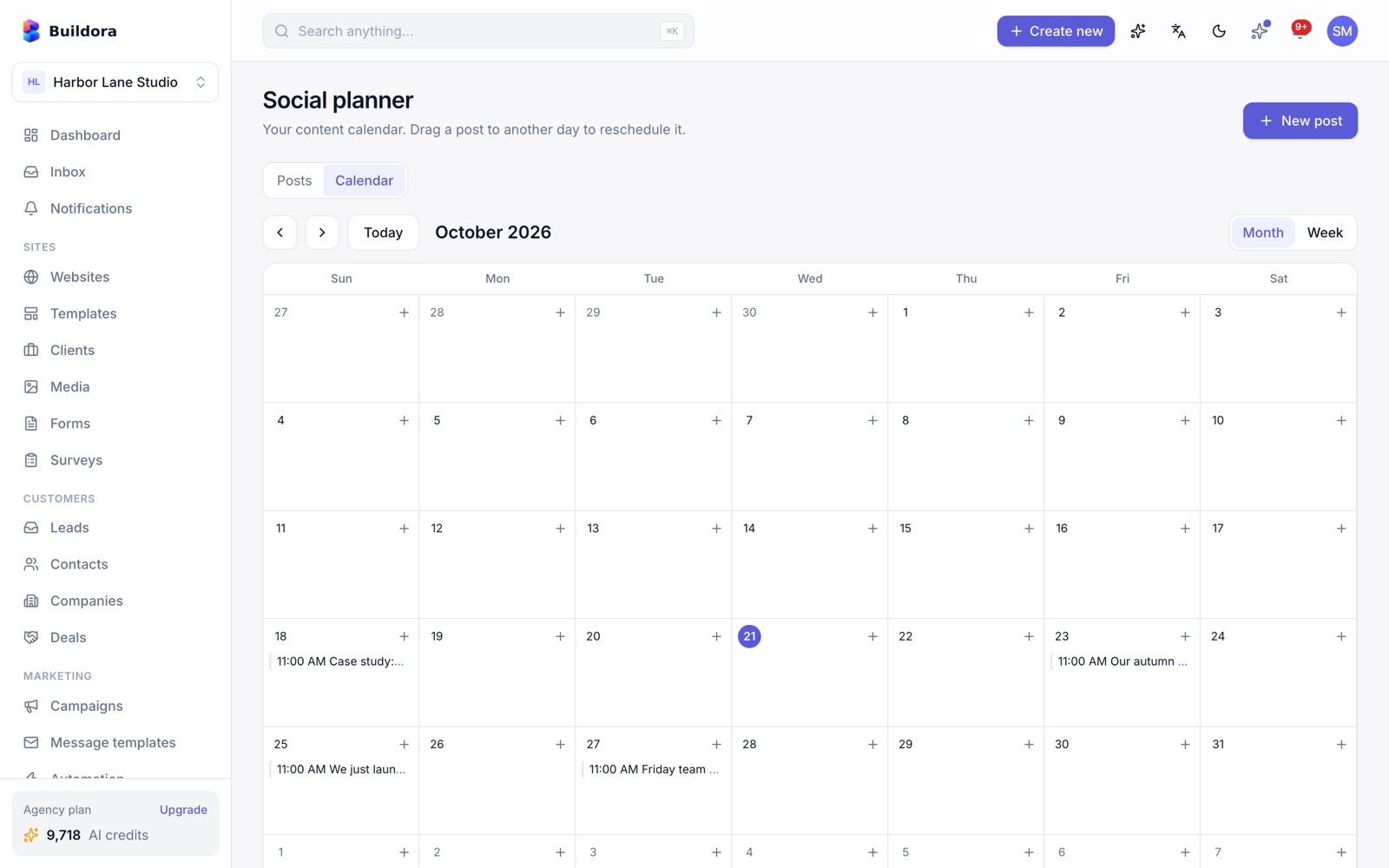
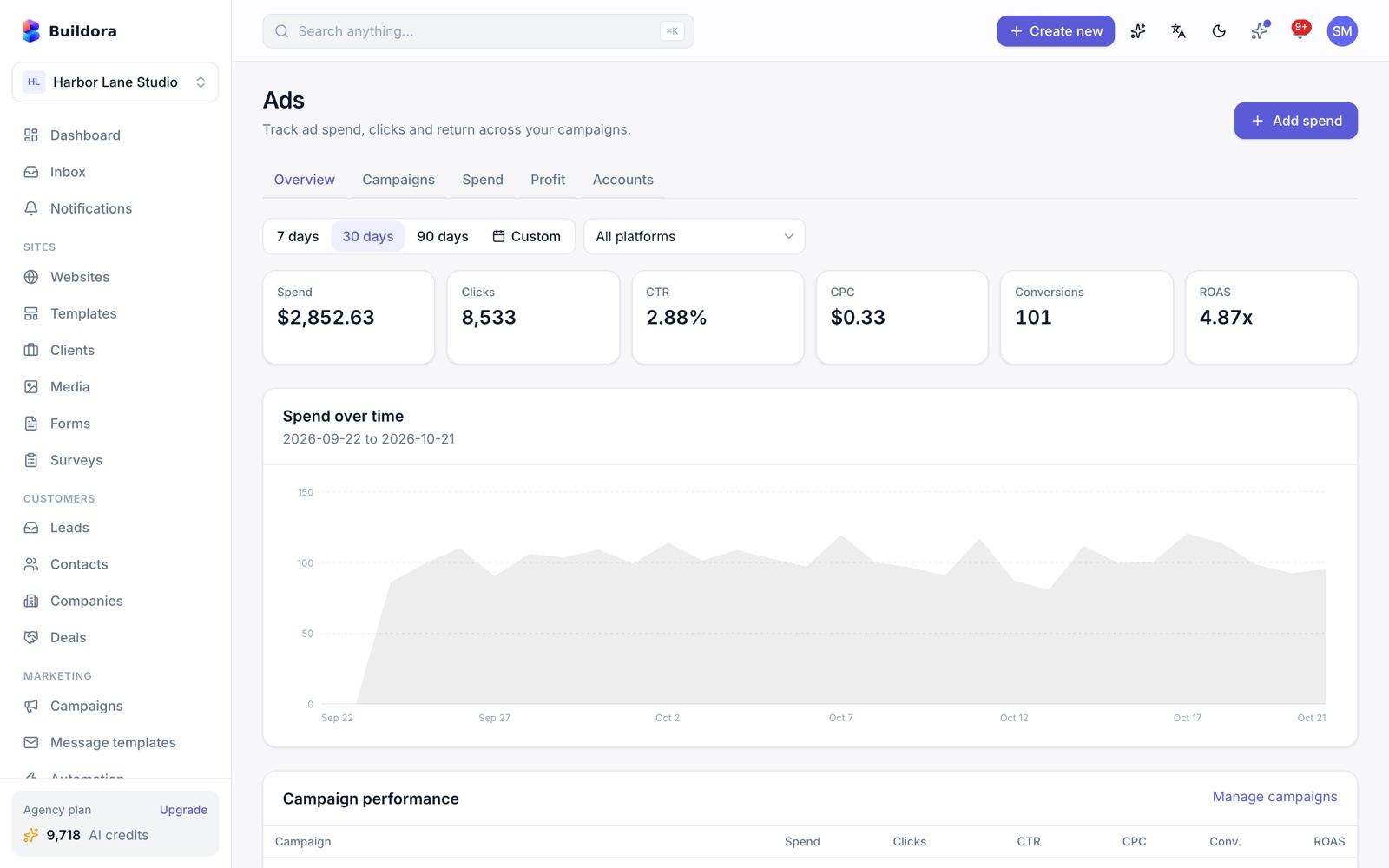
What your customers see after signing up at https://example.com: their workspace dashboard, websites, templates and analytics.
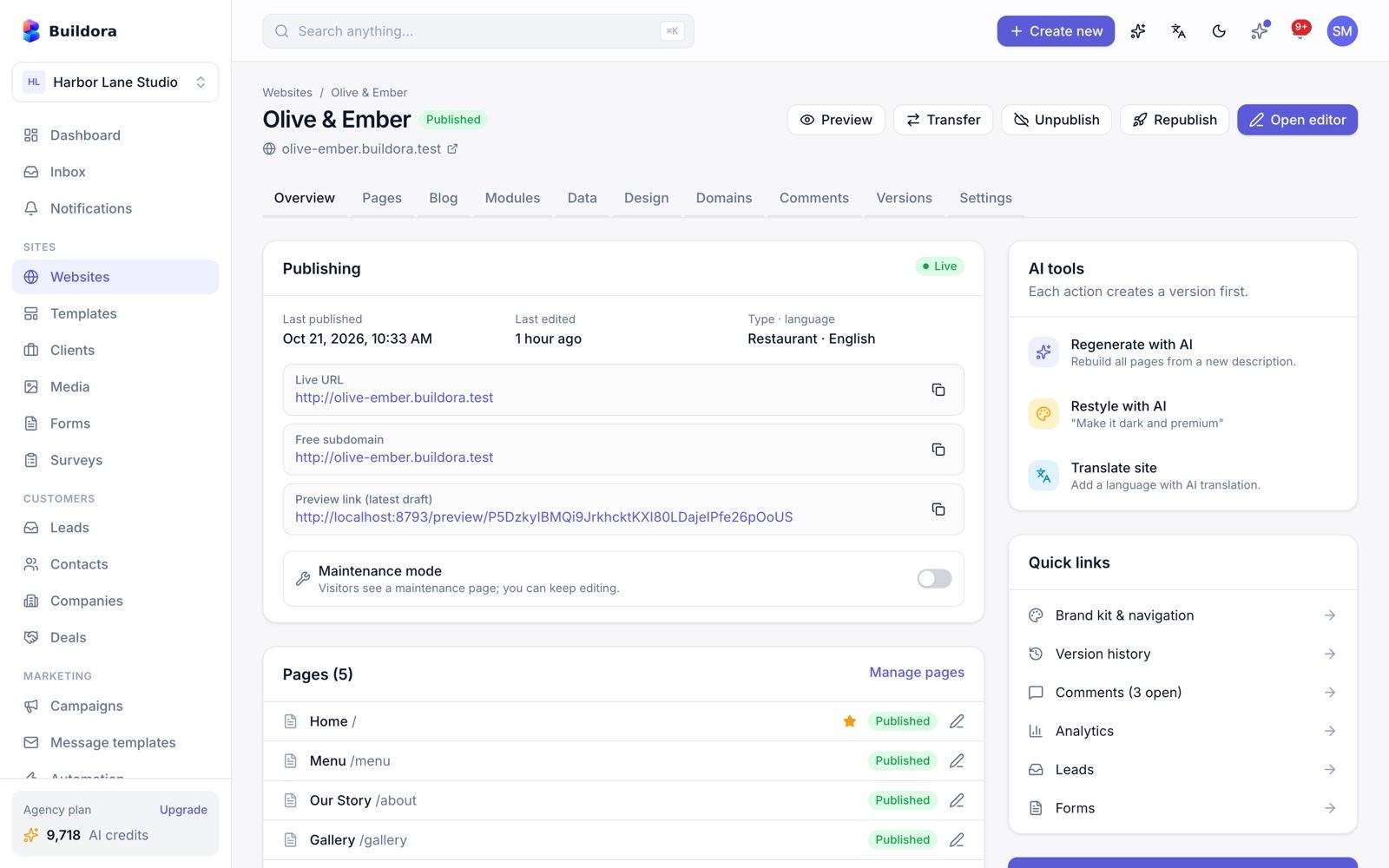
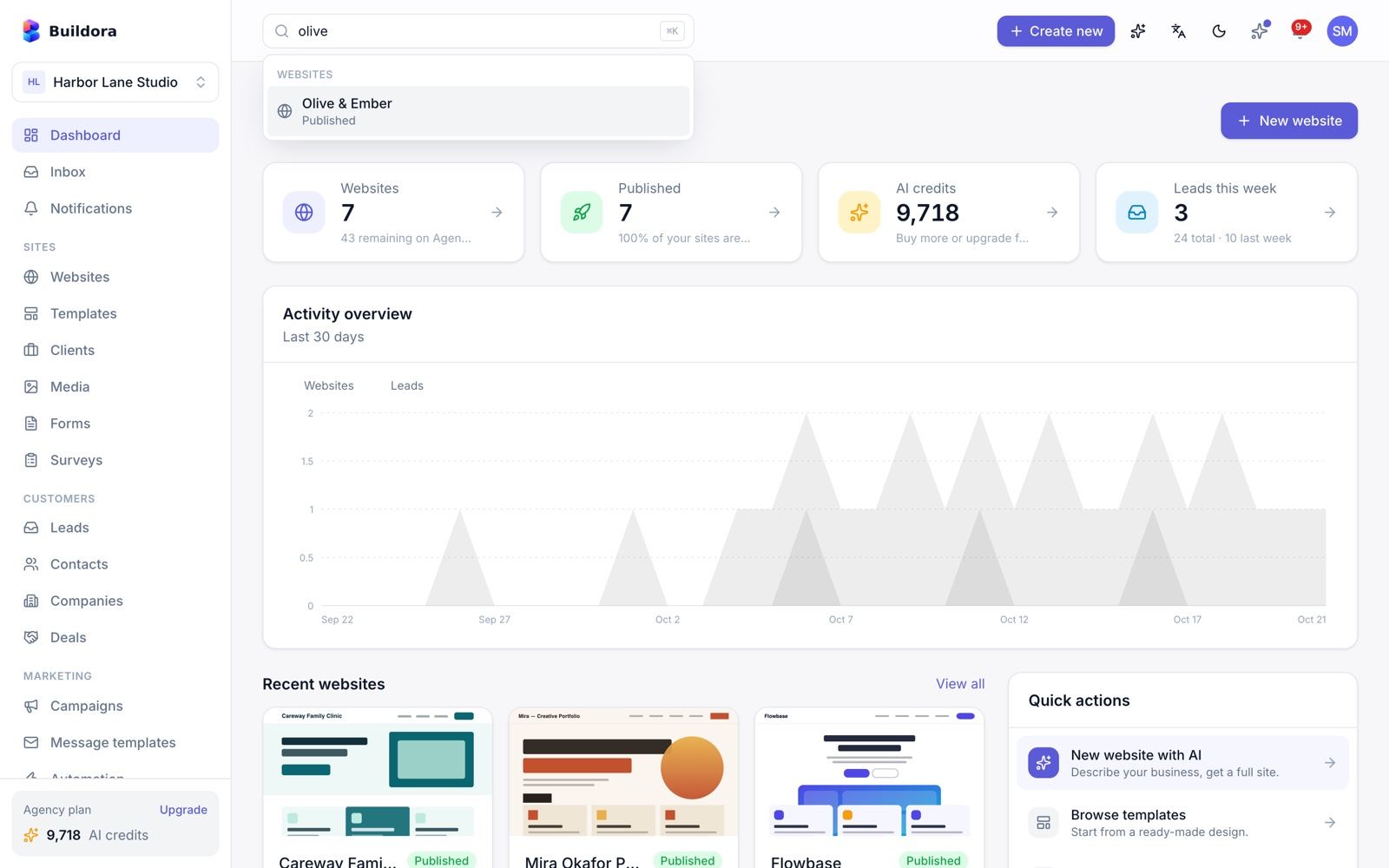
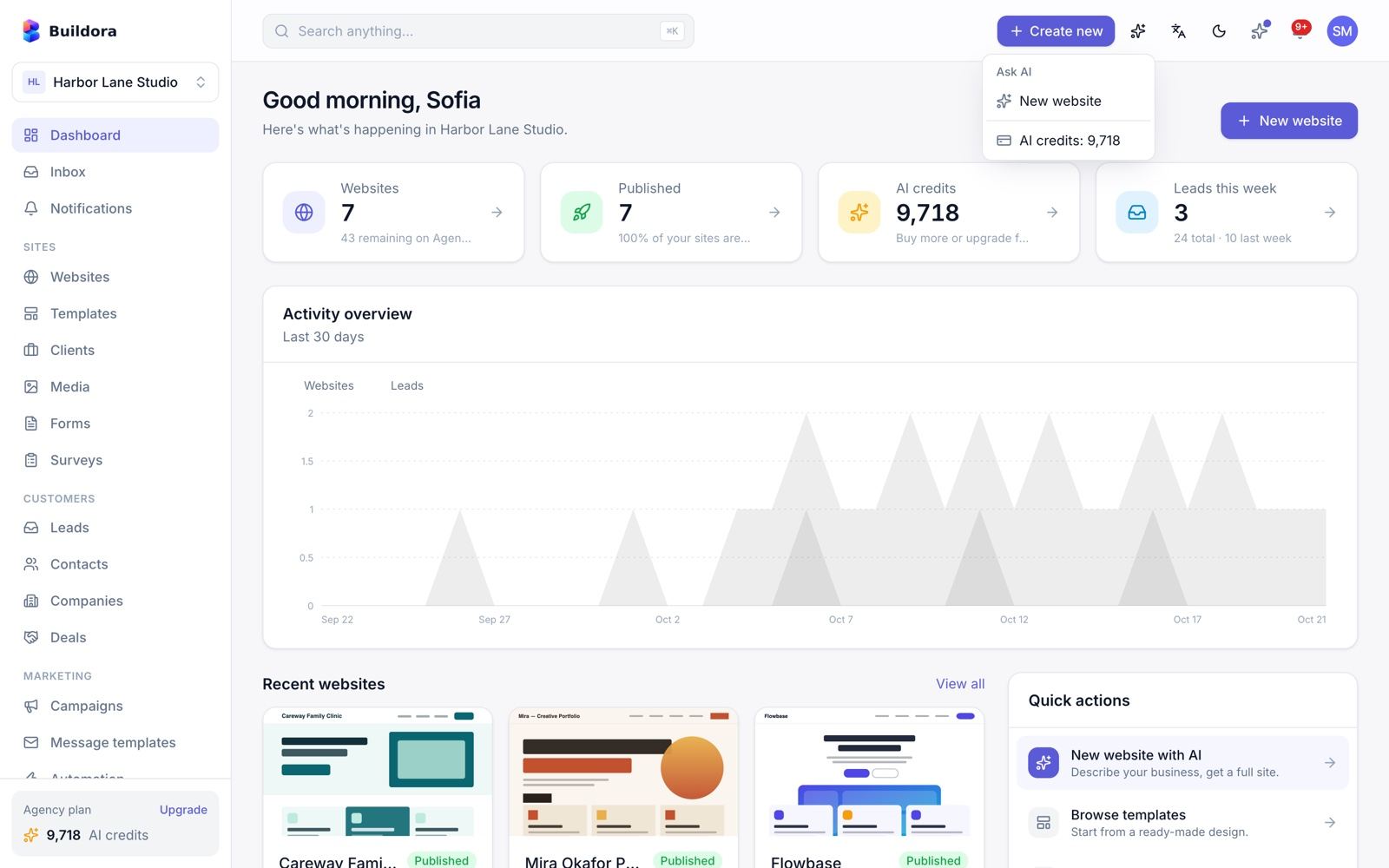
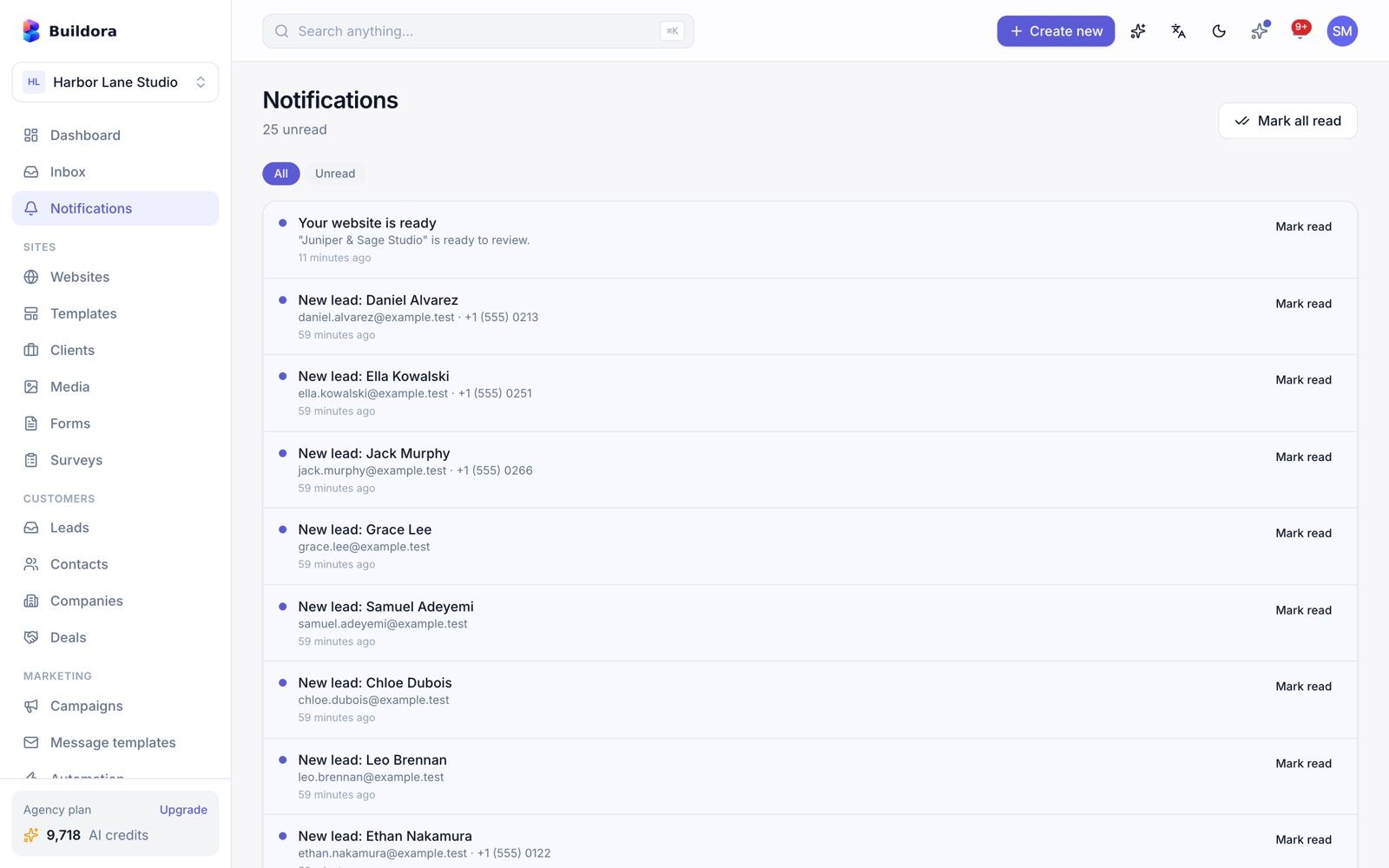
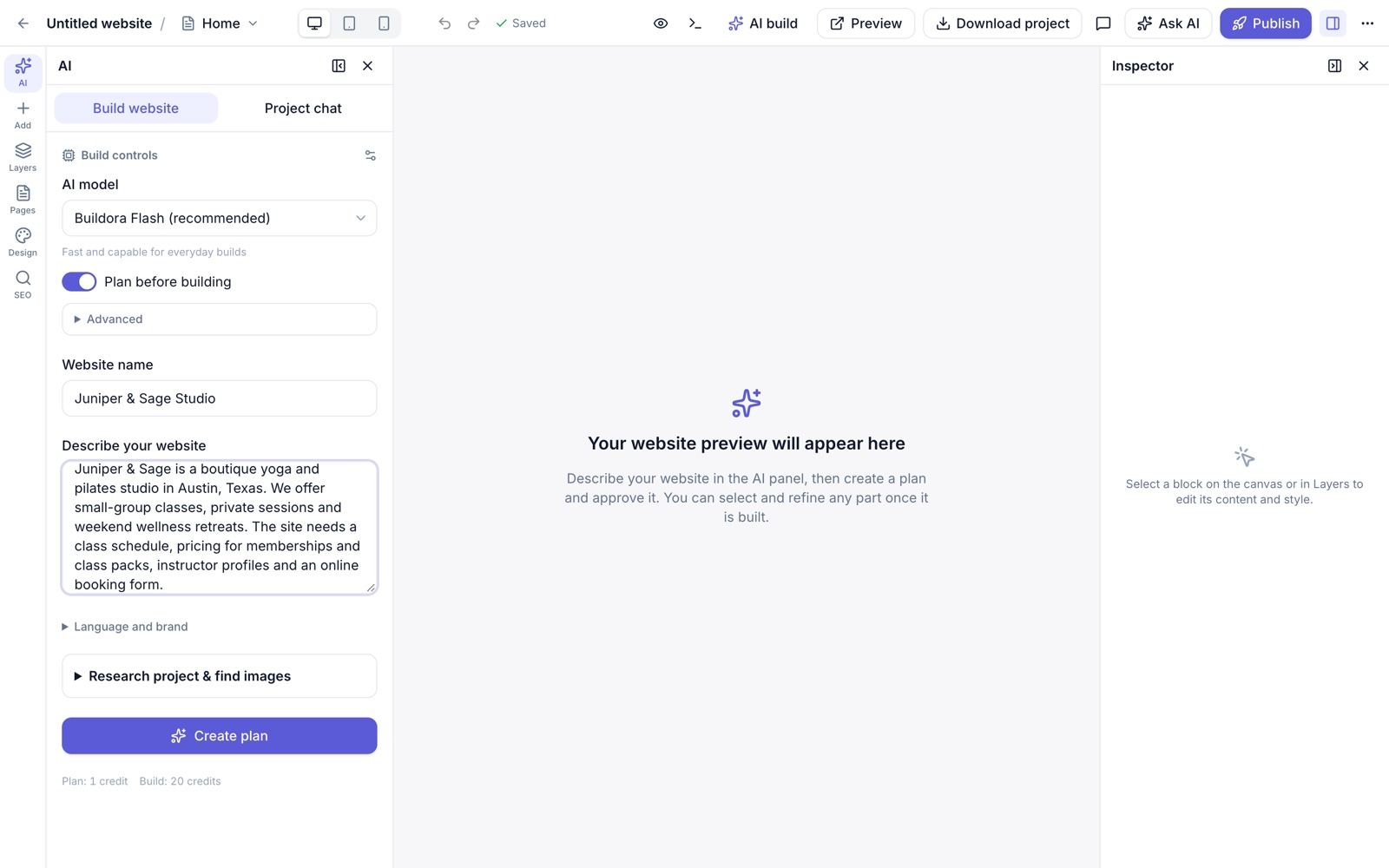
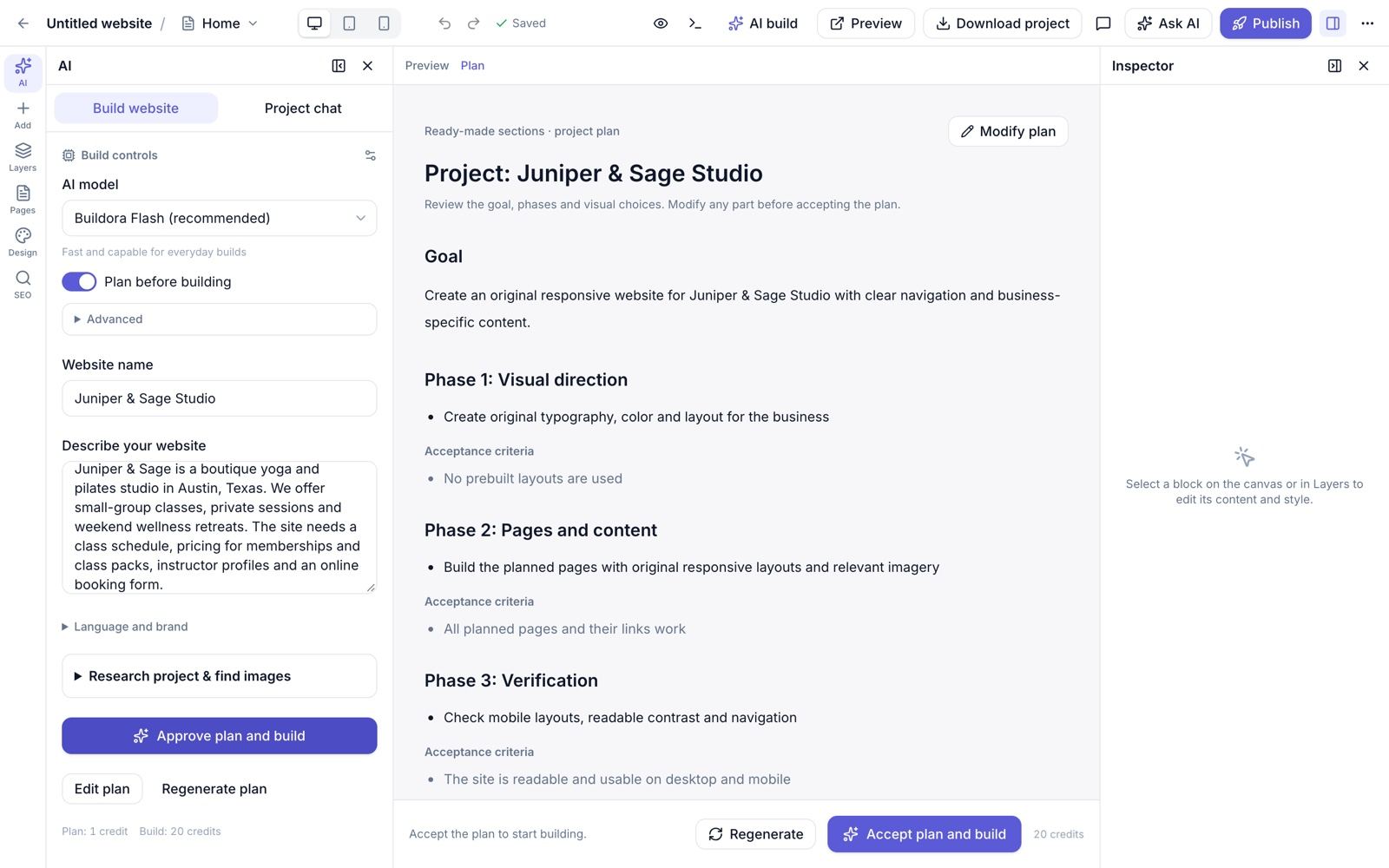
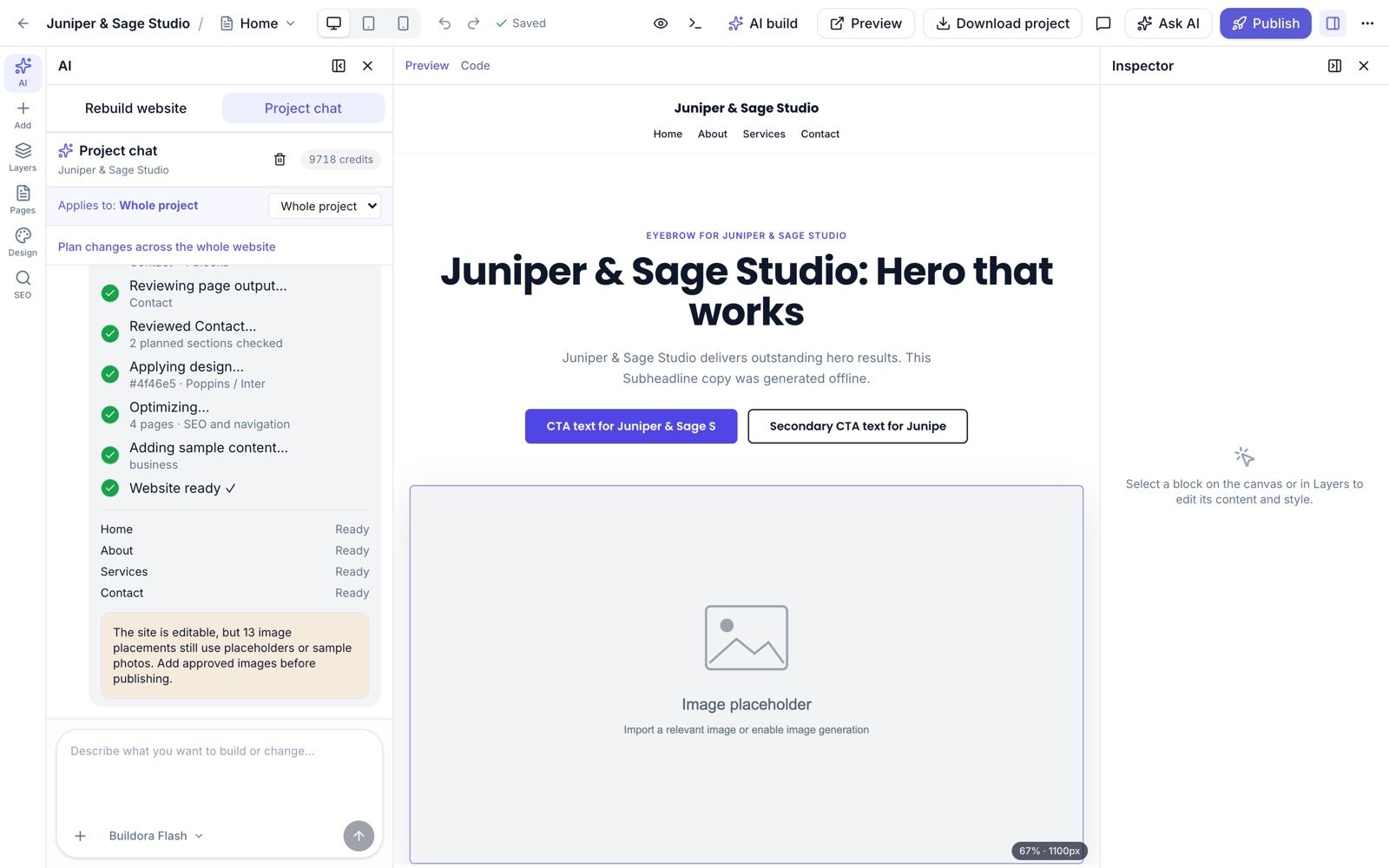
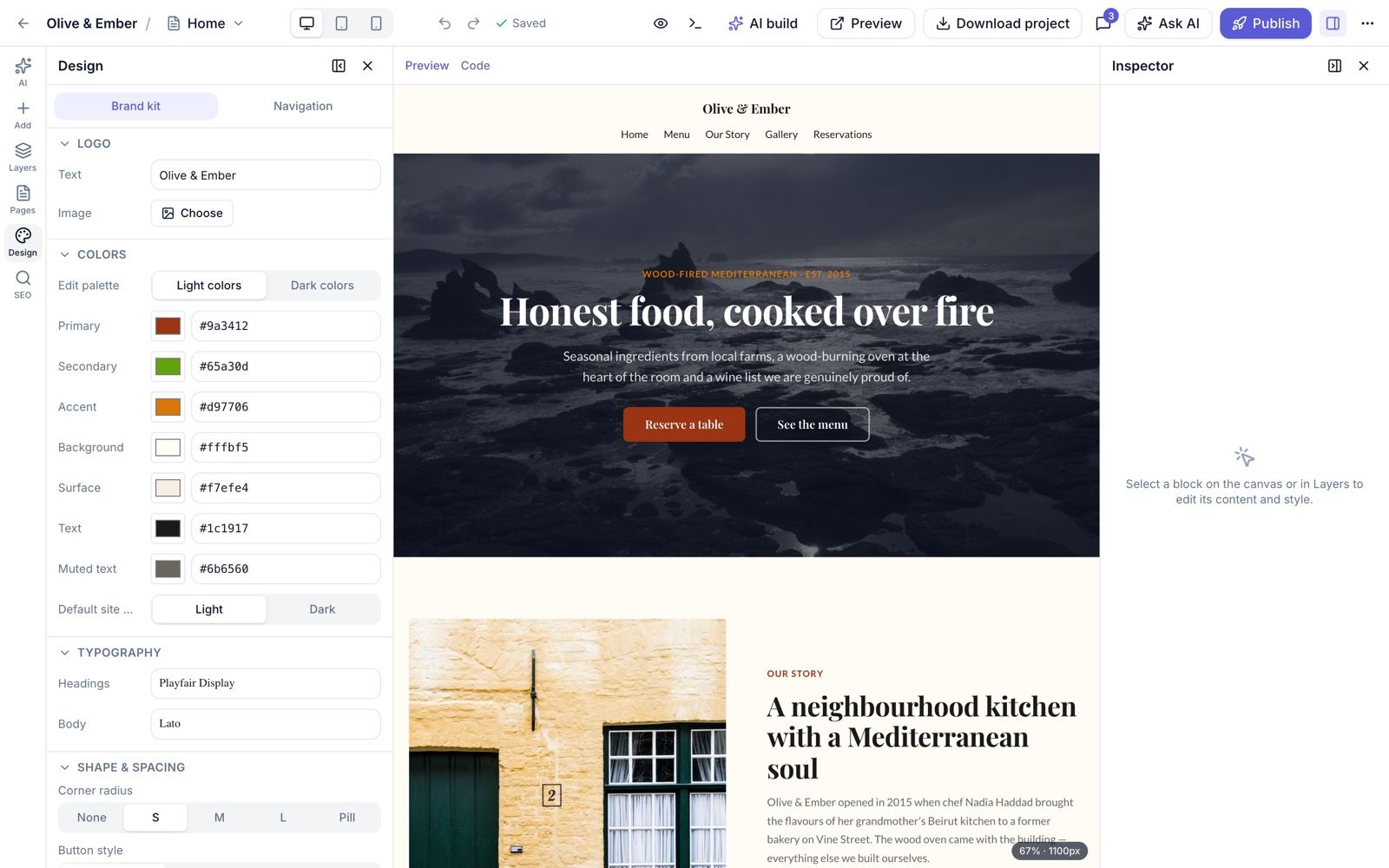
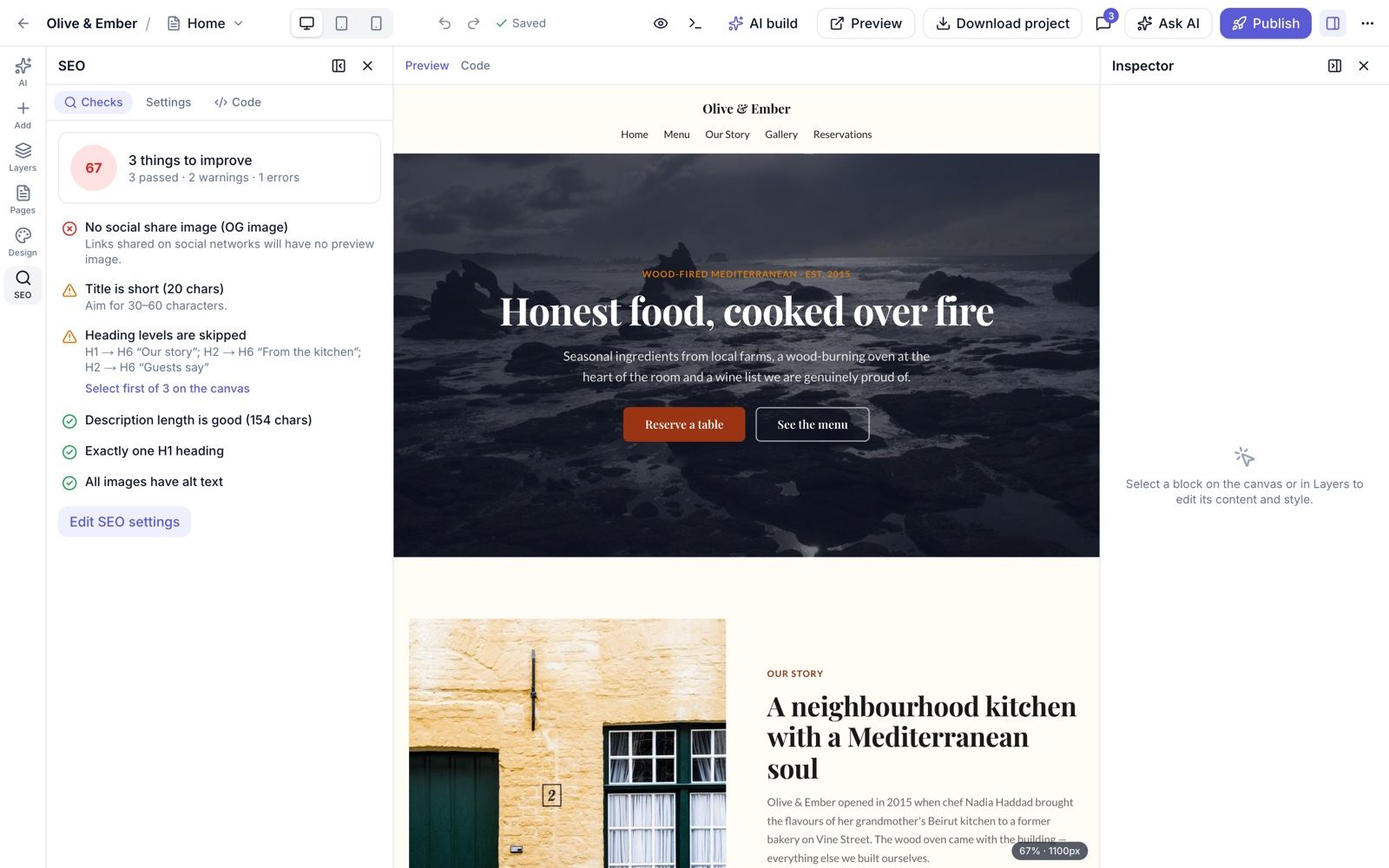
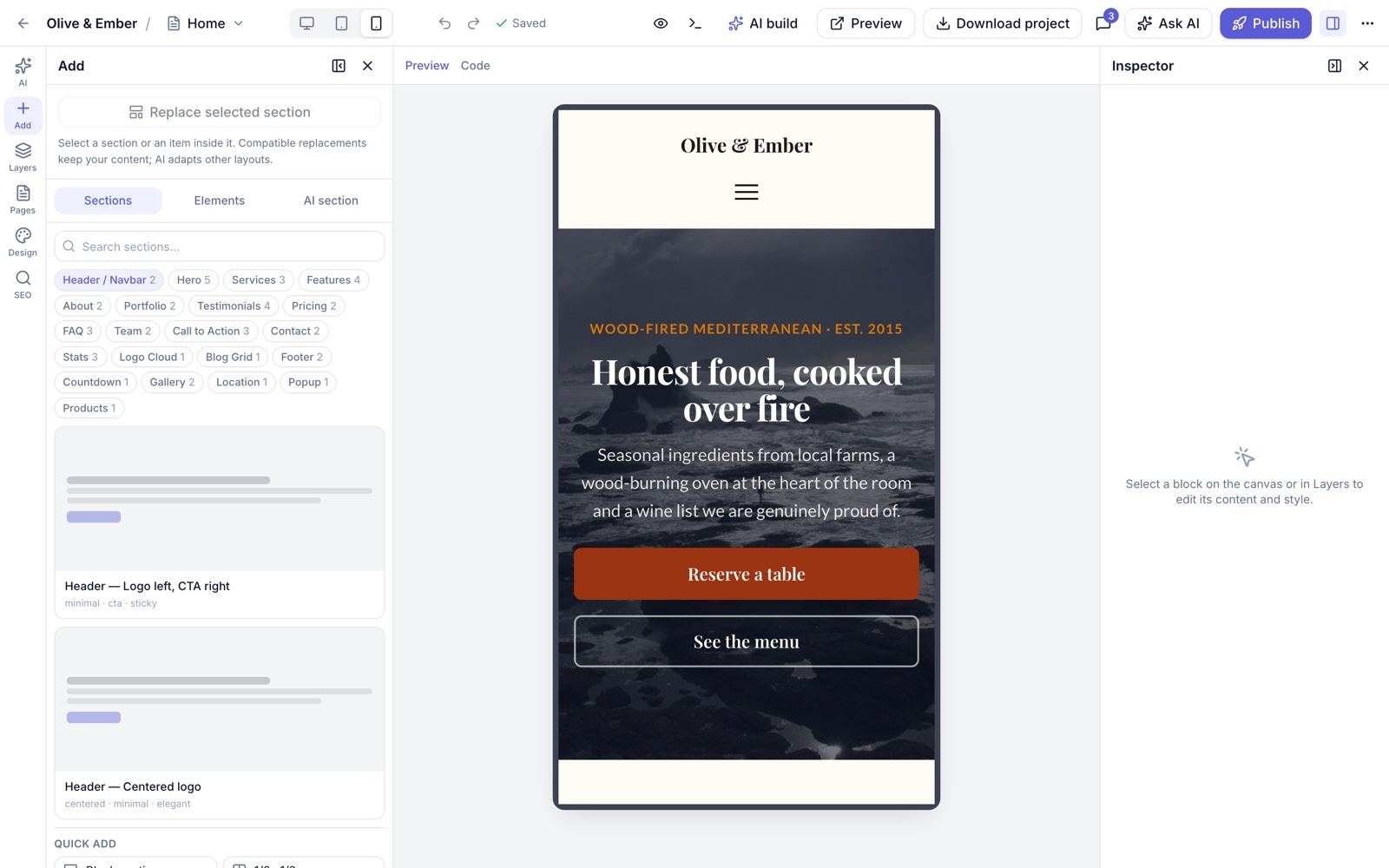
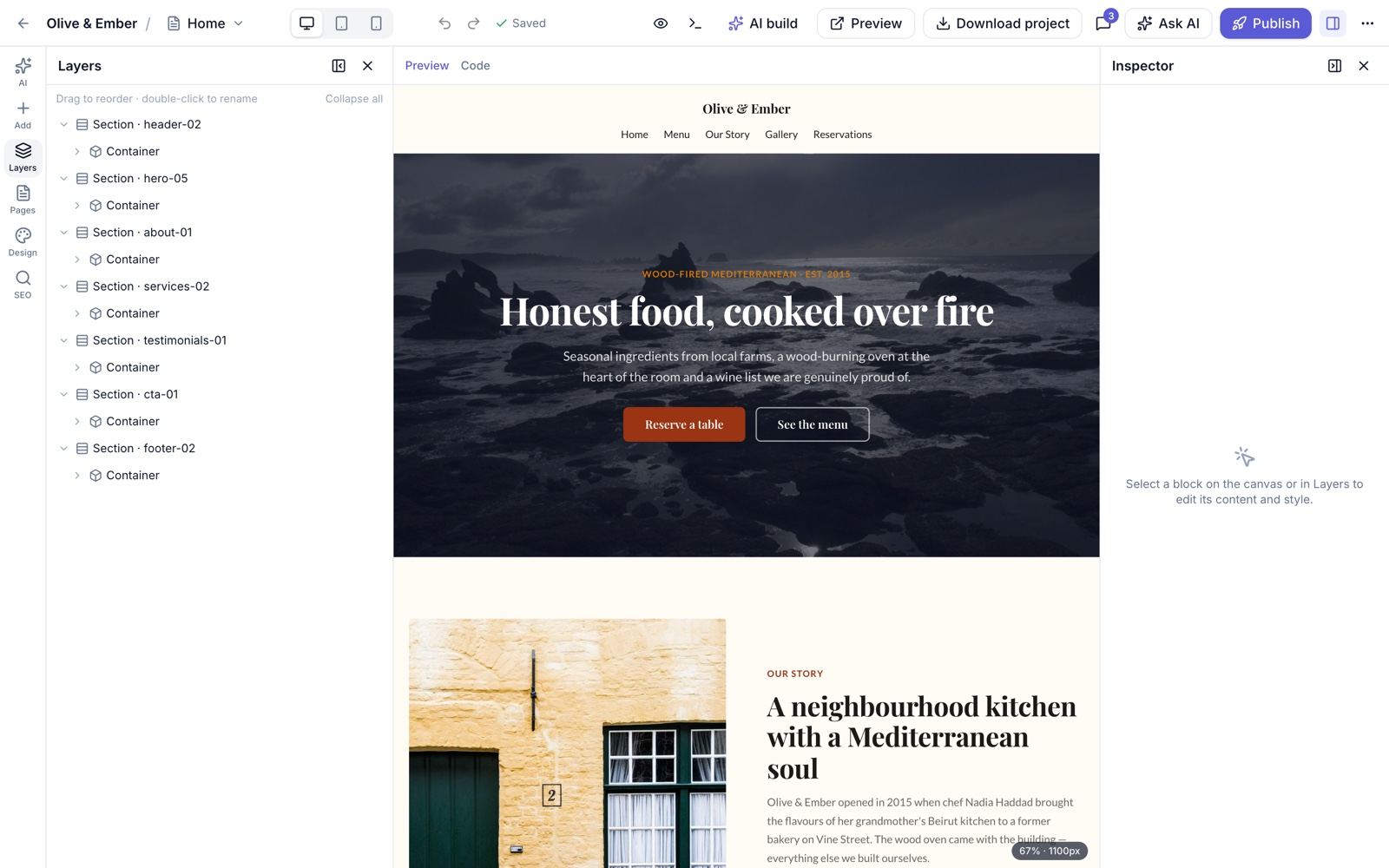
AI Website Builder & Visual Editor
Describe the business, review the editable plan, let the AI build the pages, then refine everything in the visual editor.
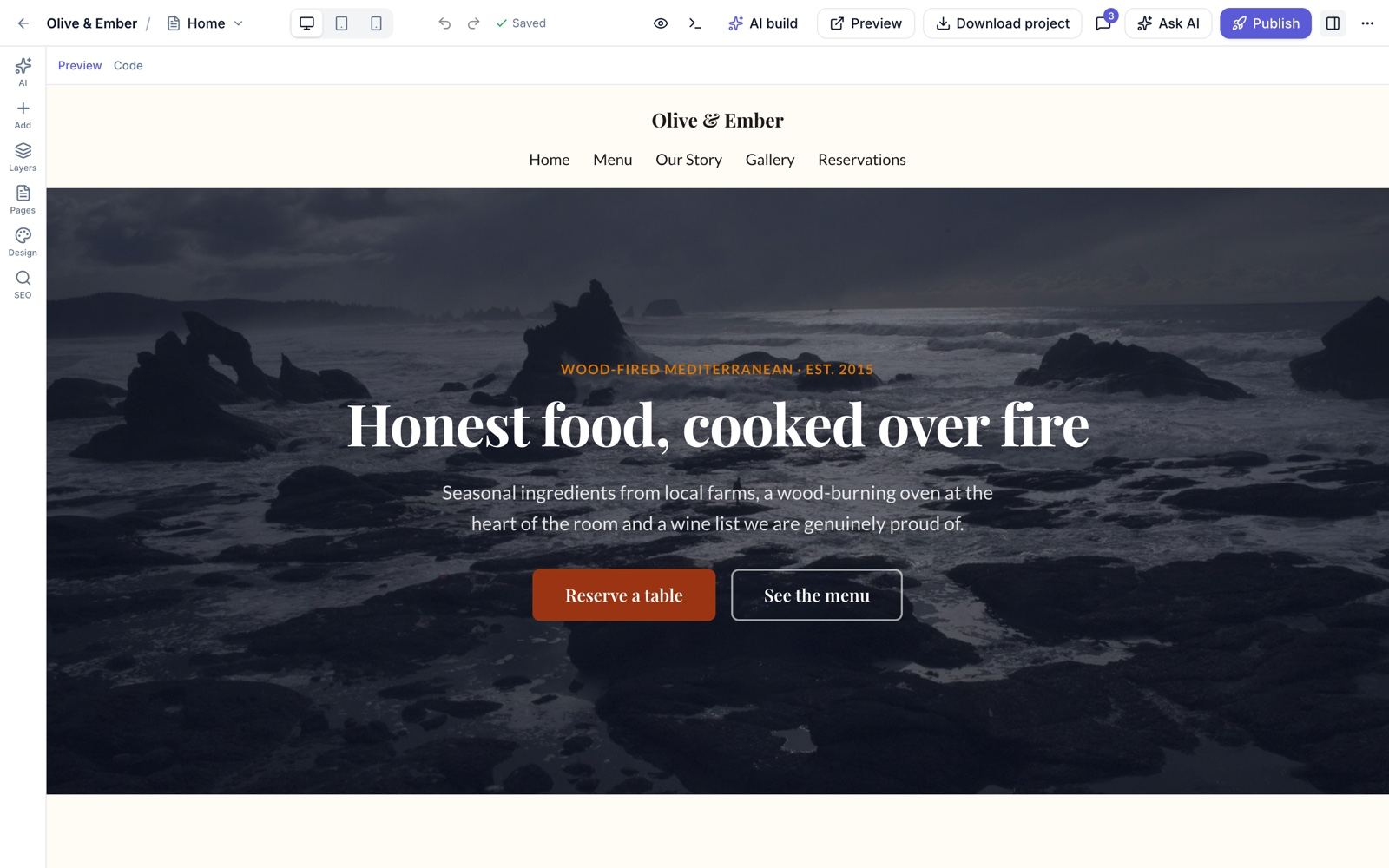
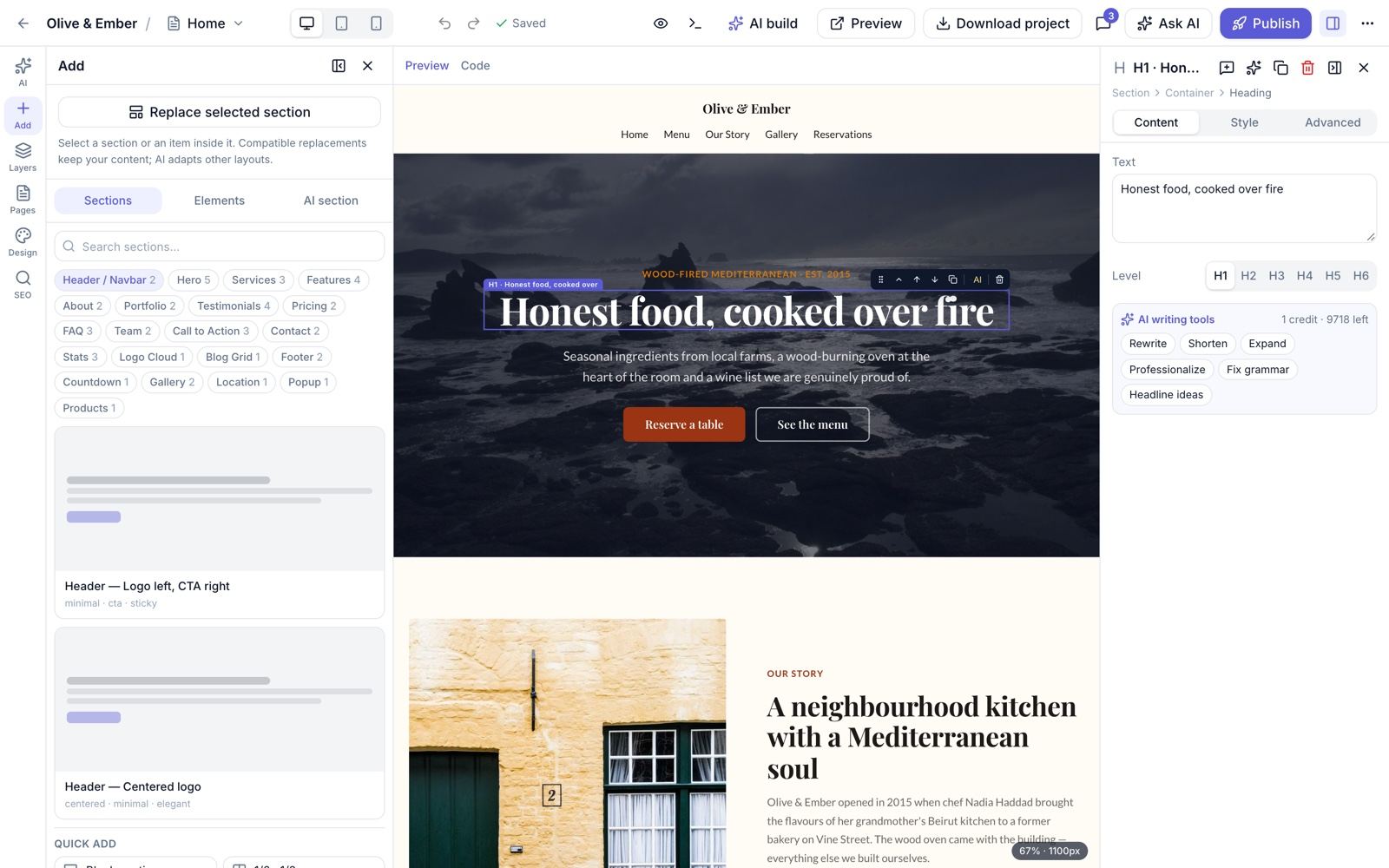
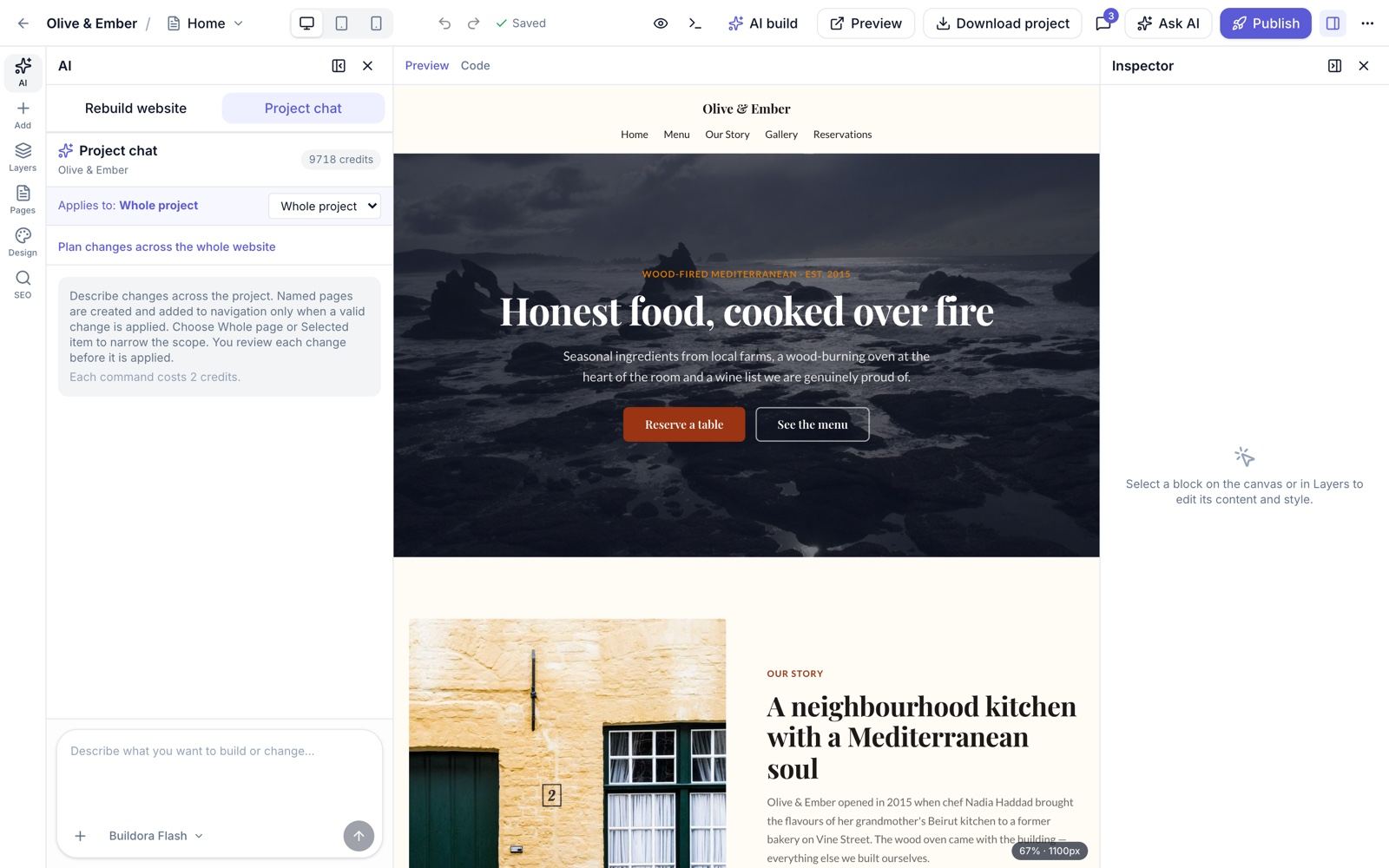
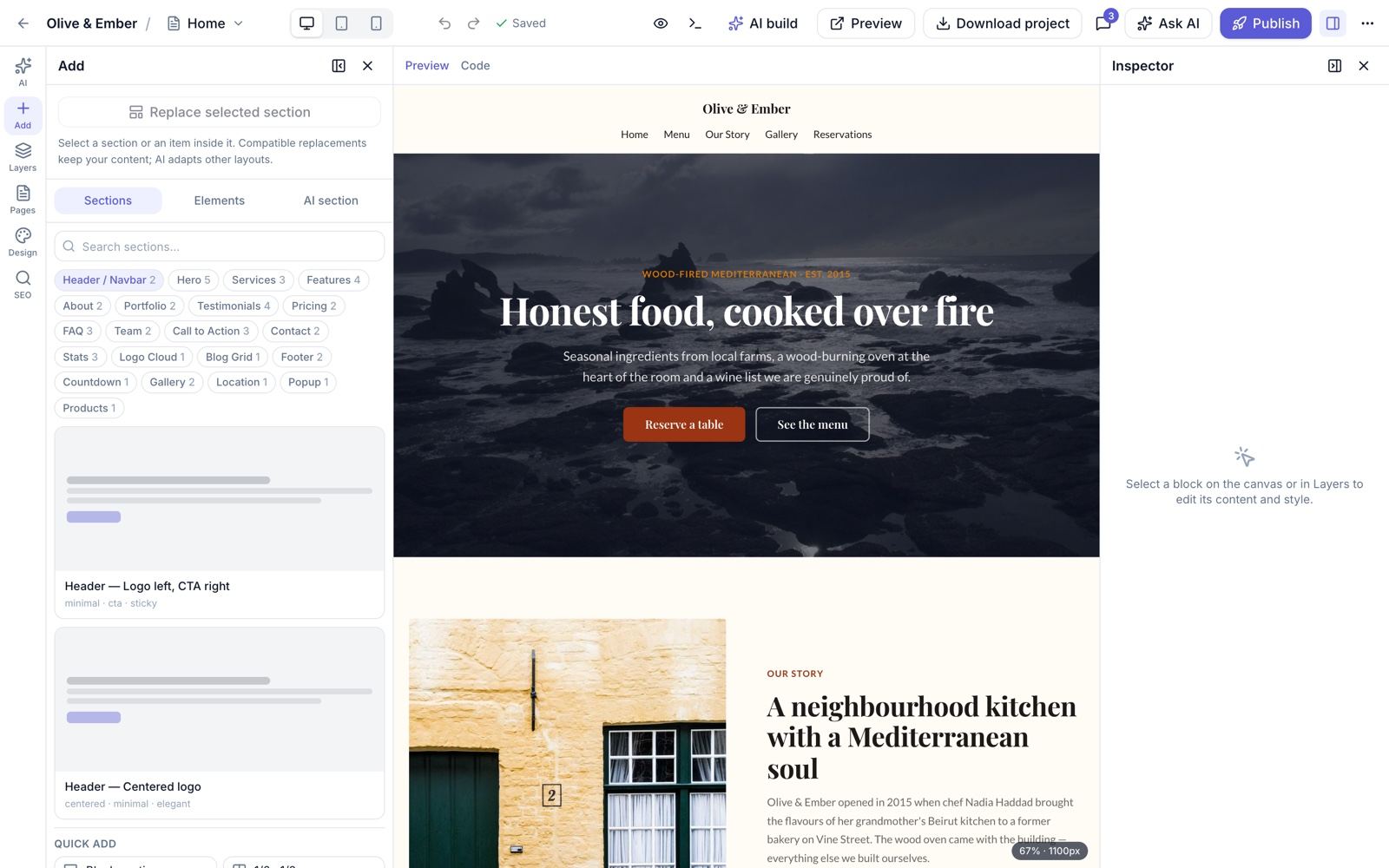
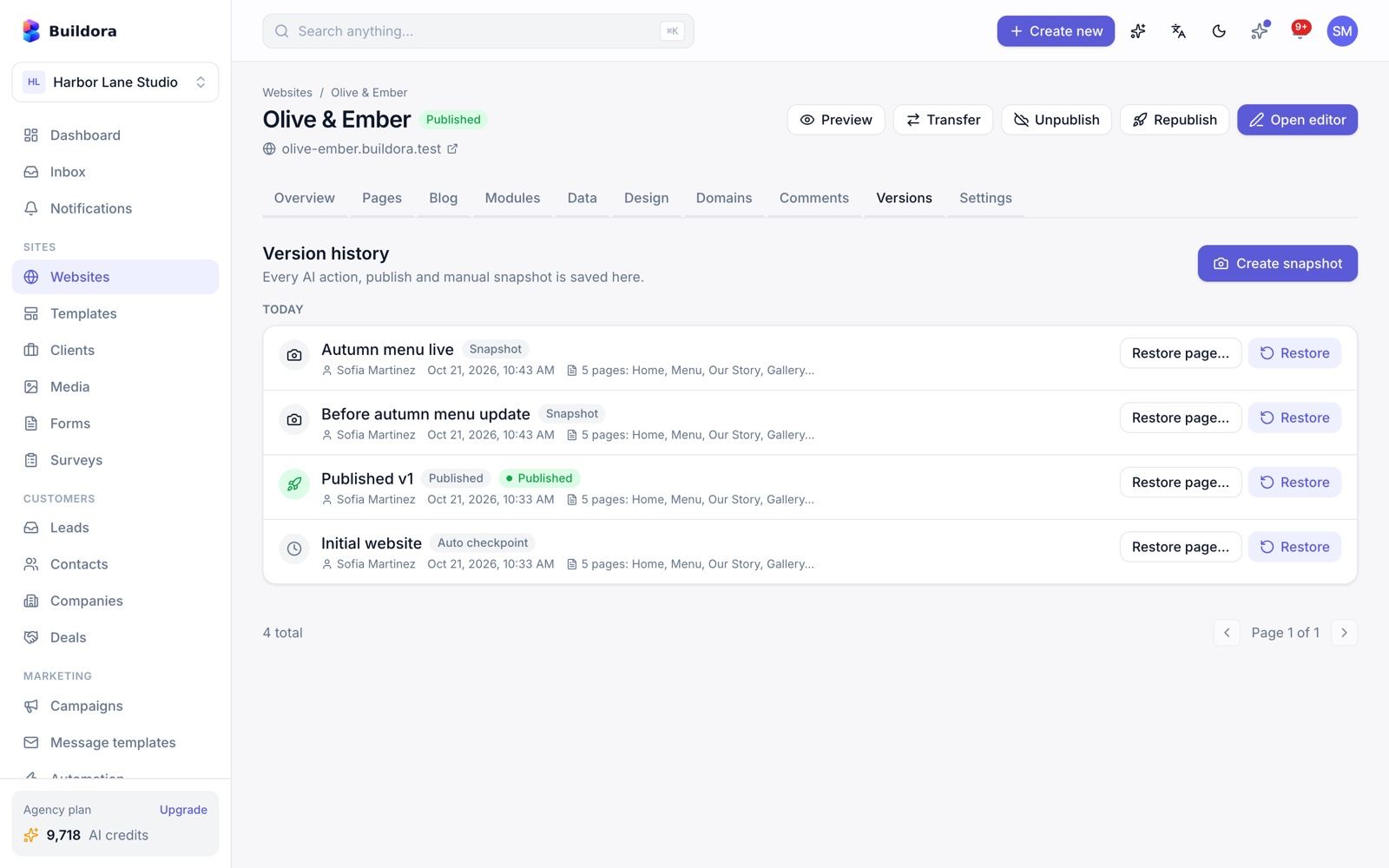
Published Websites
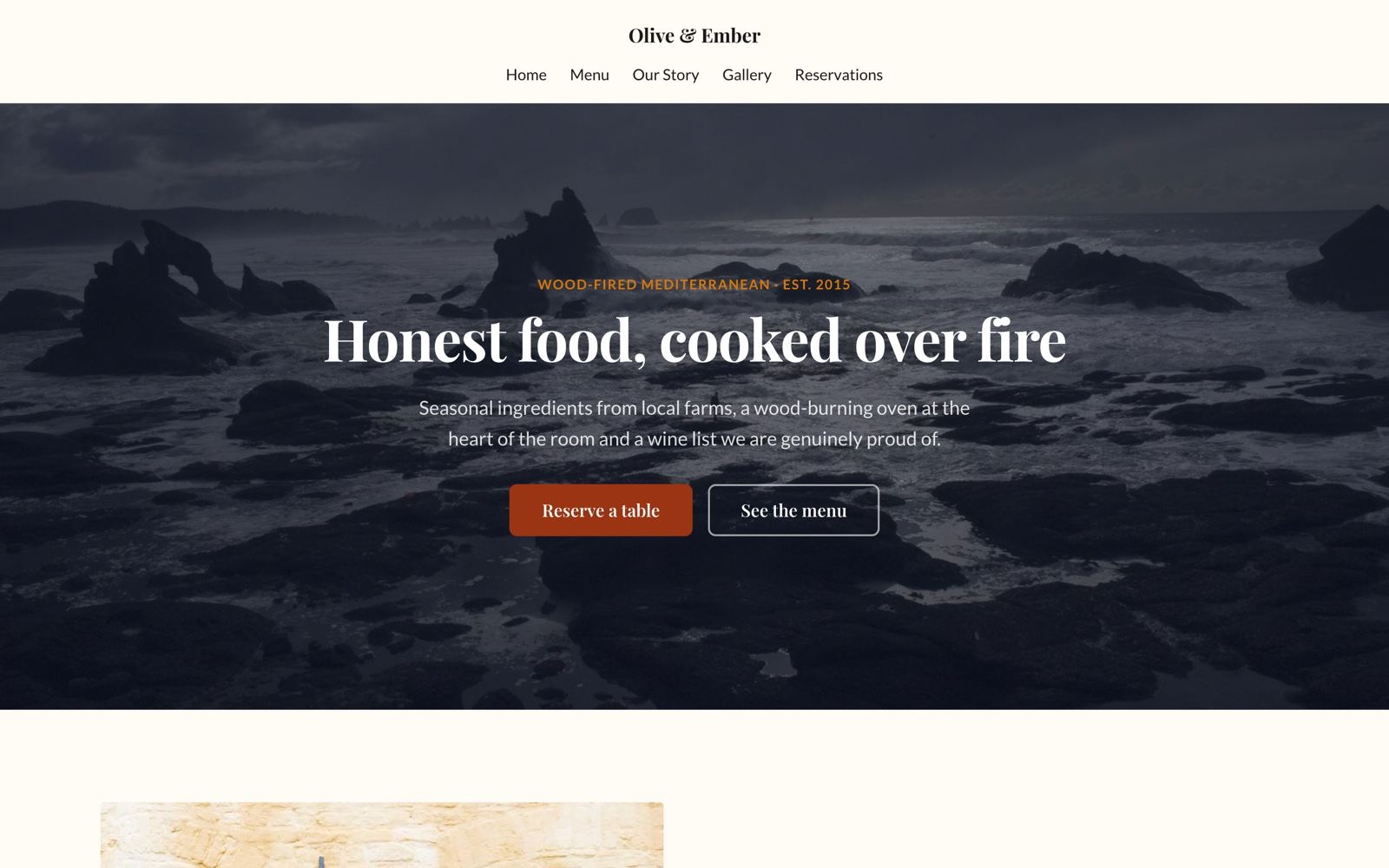
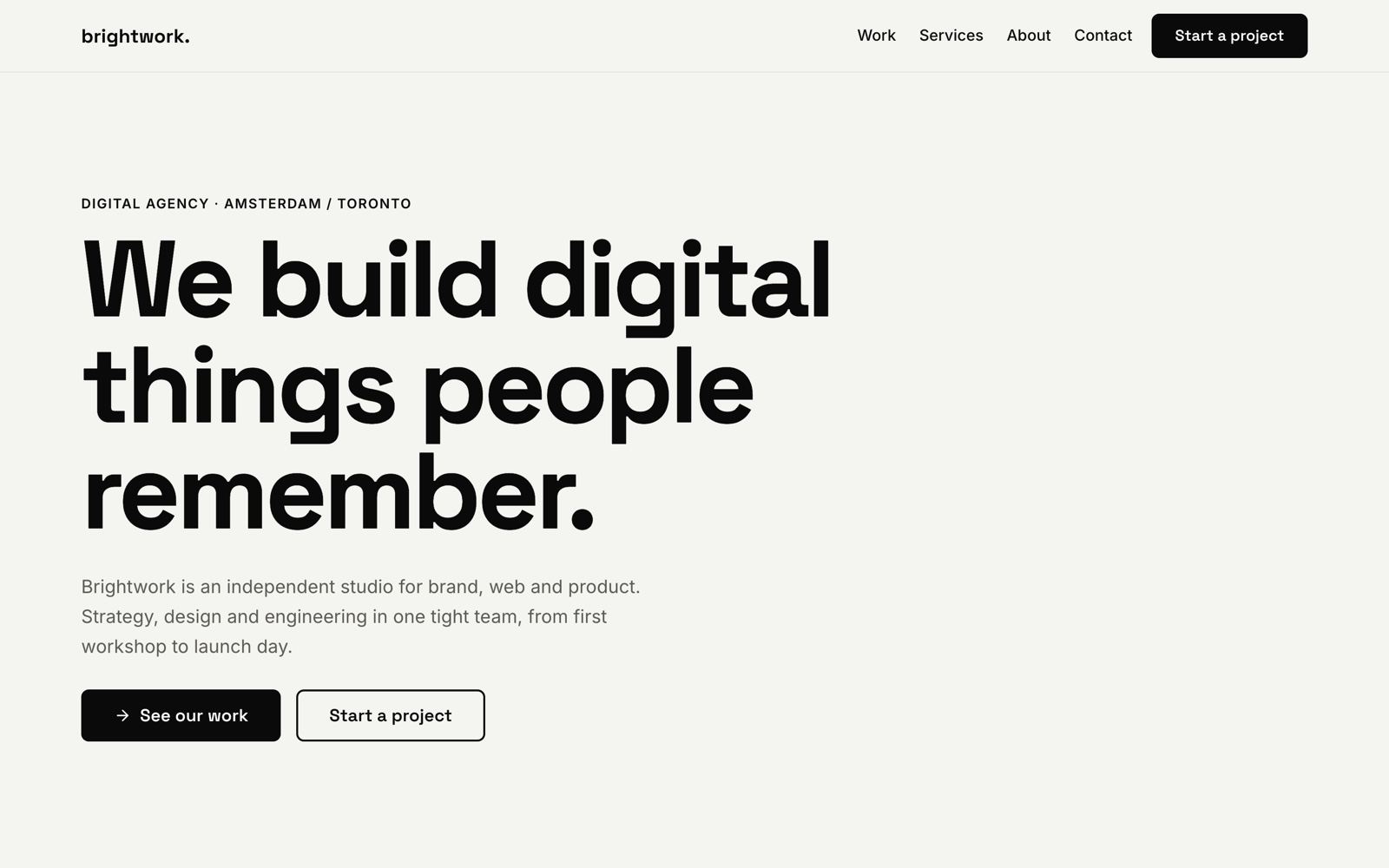
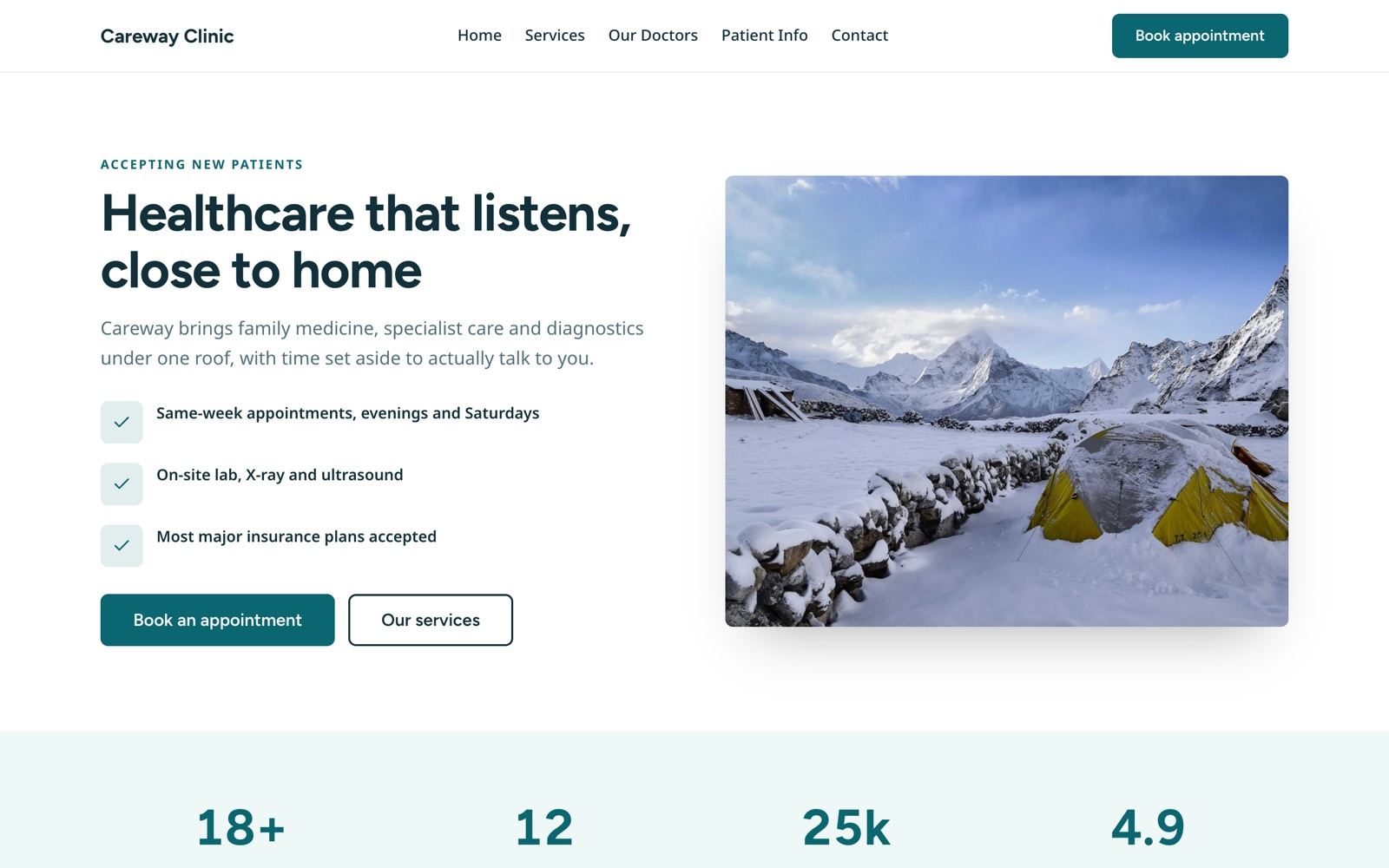
Sites built with Buildora, served by the backend on a free subdomain or the customer’s own domain.

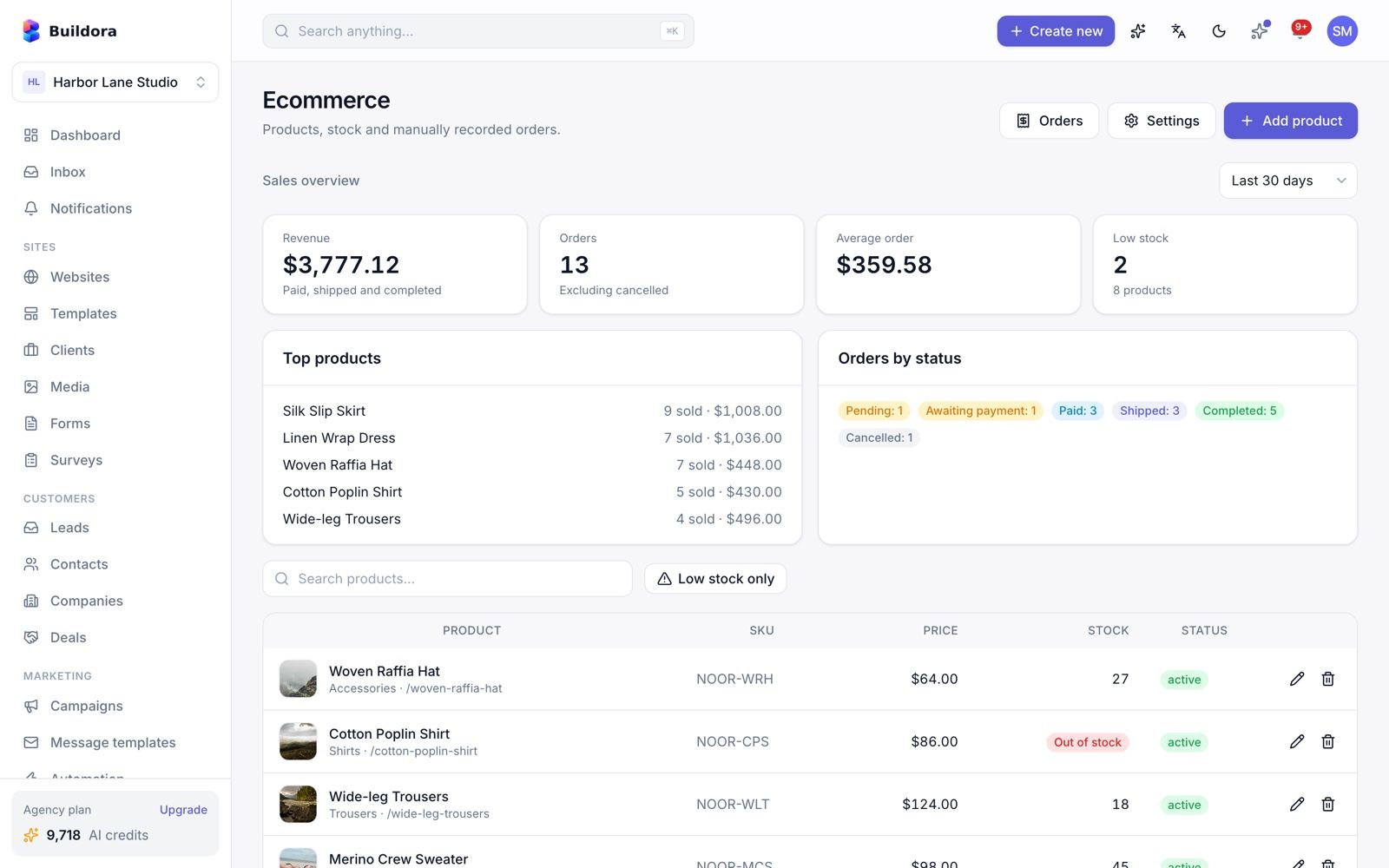
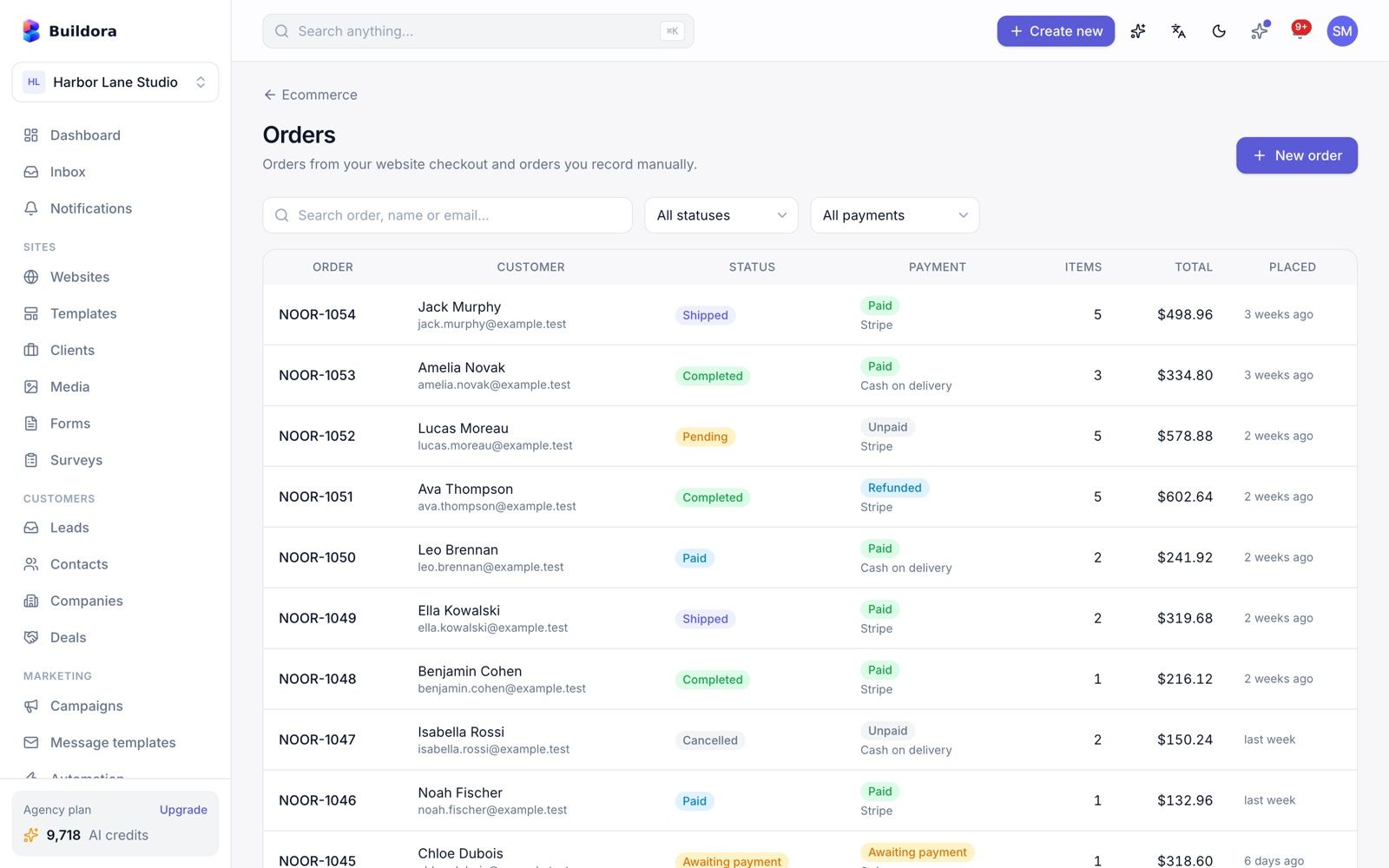
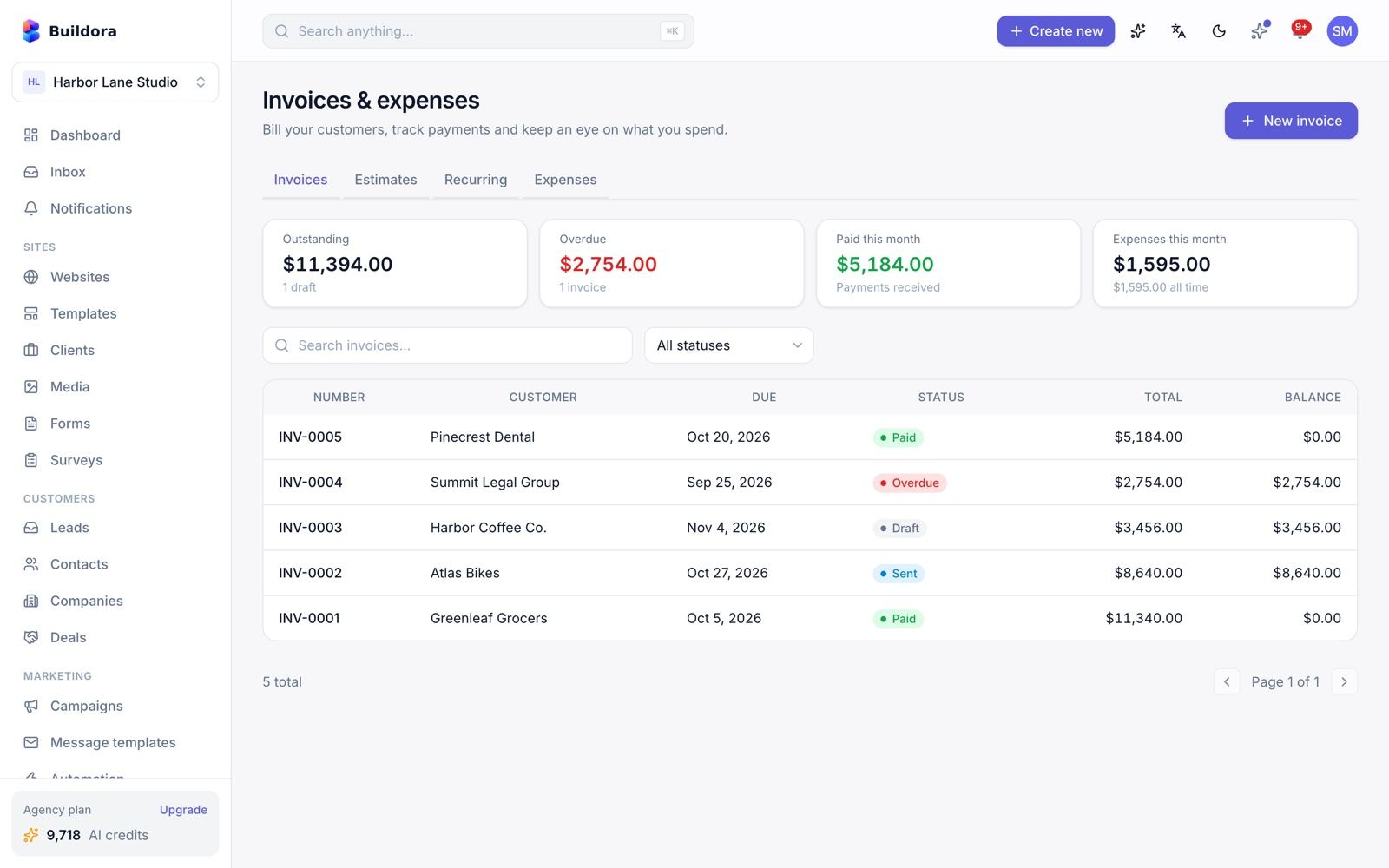
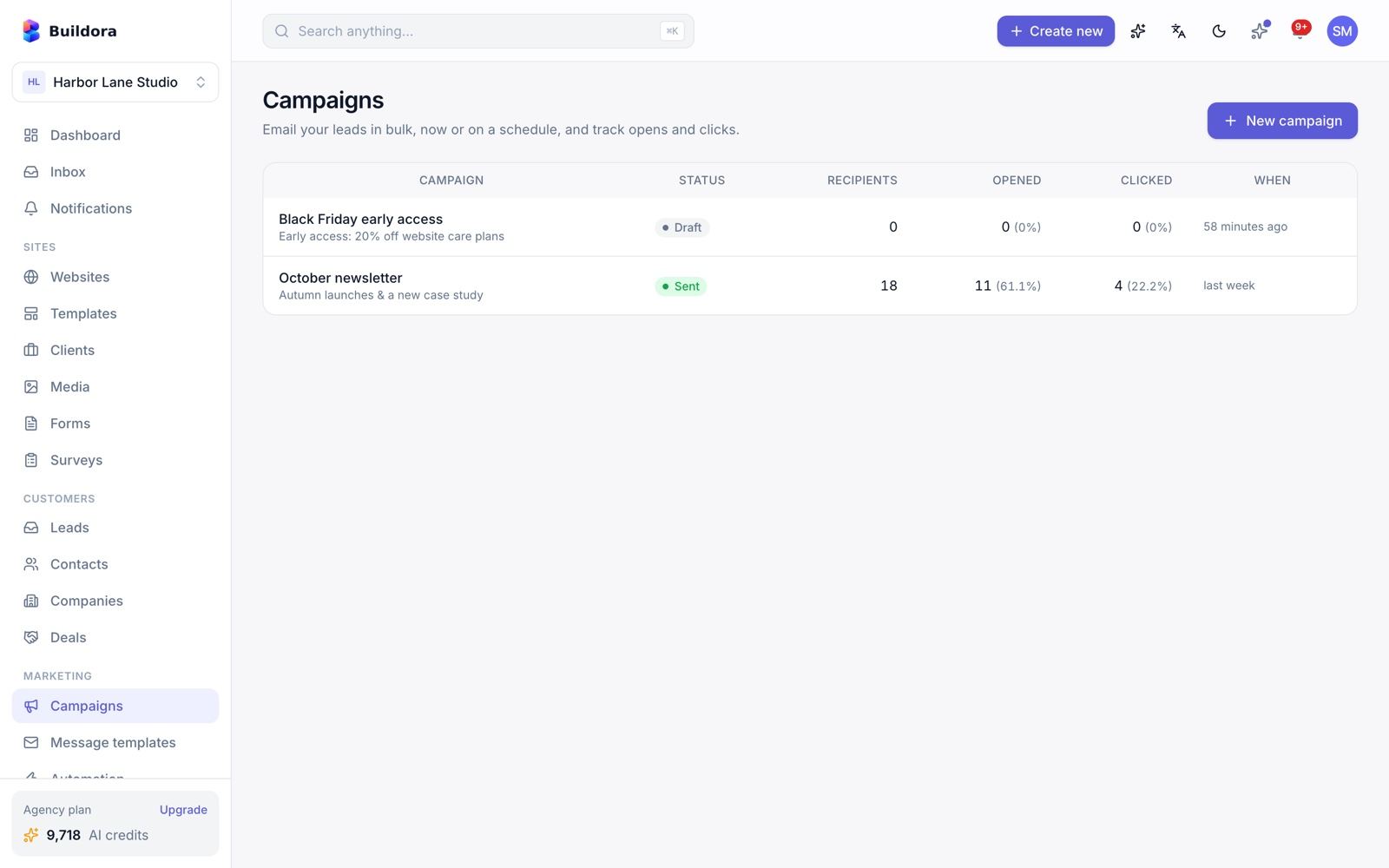
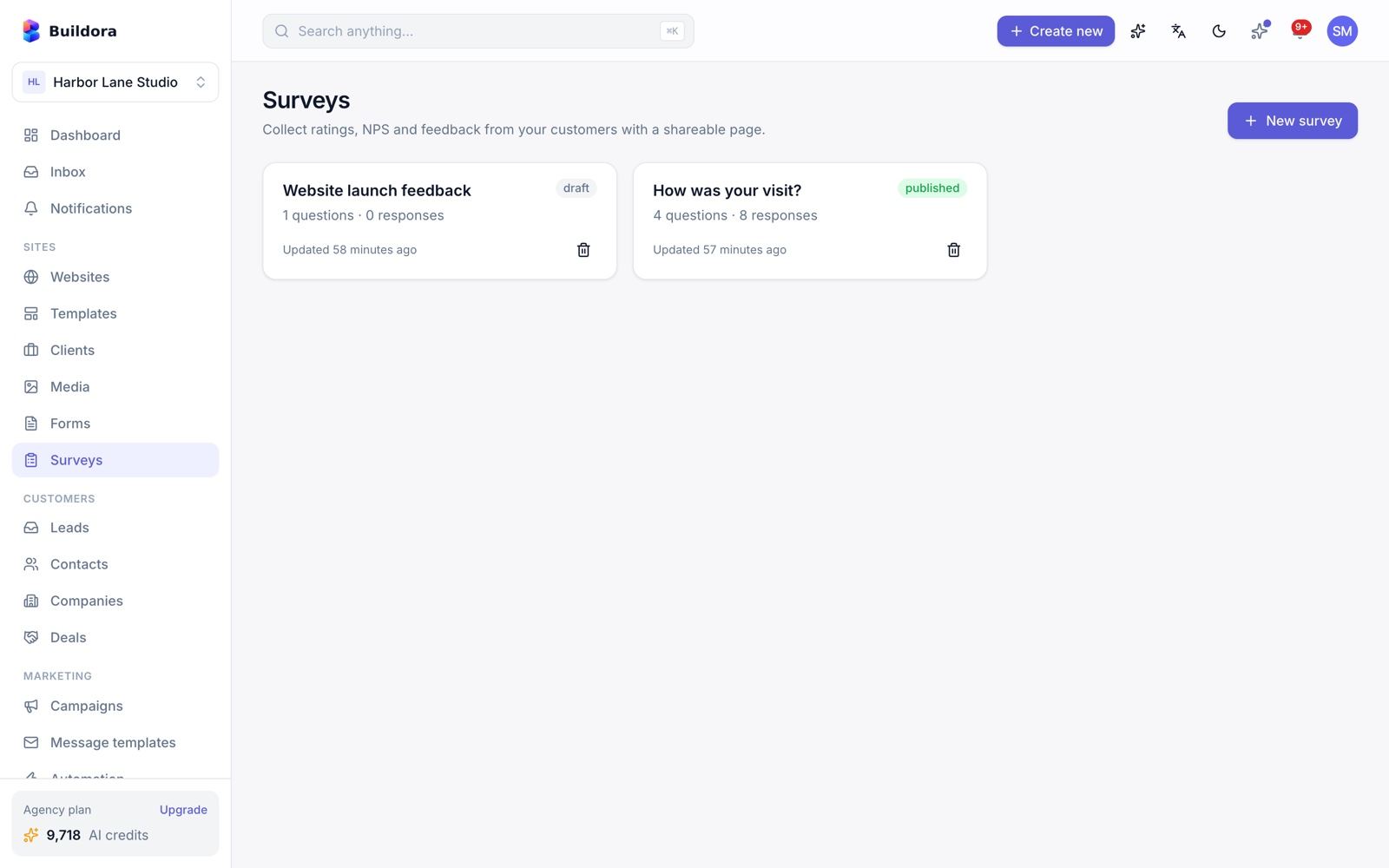
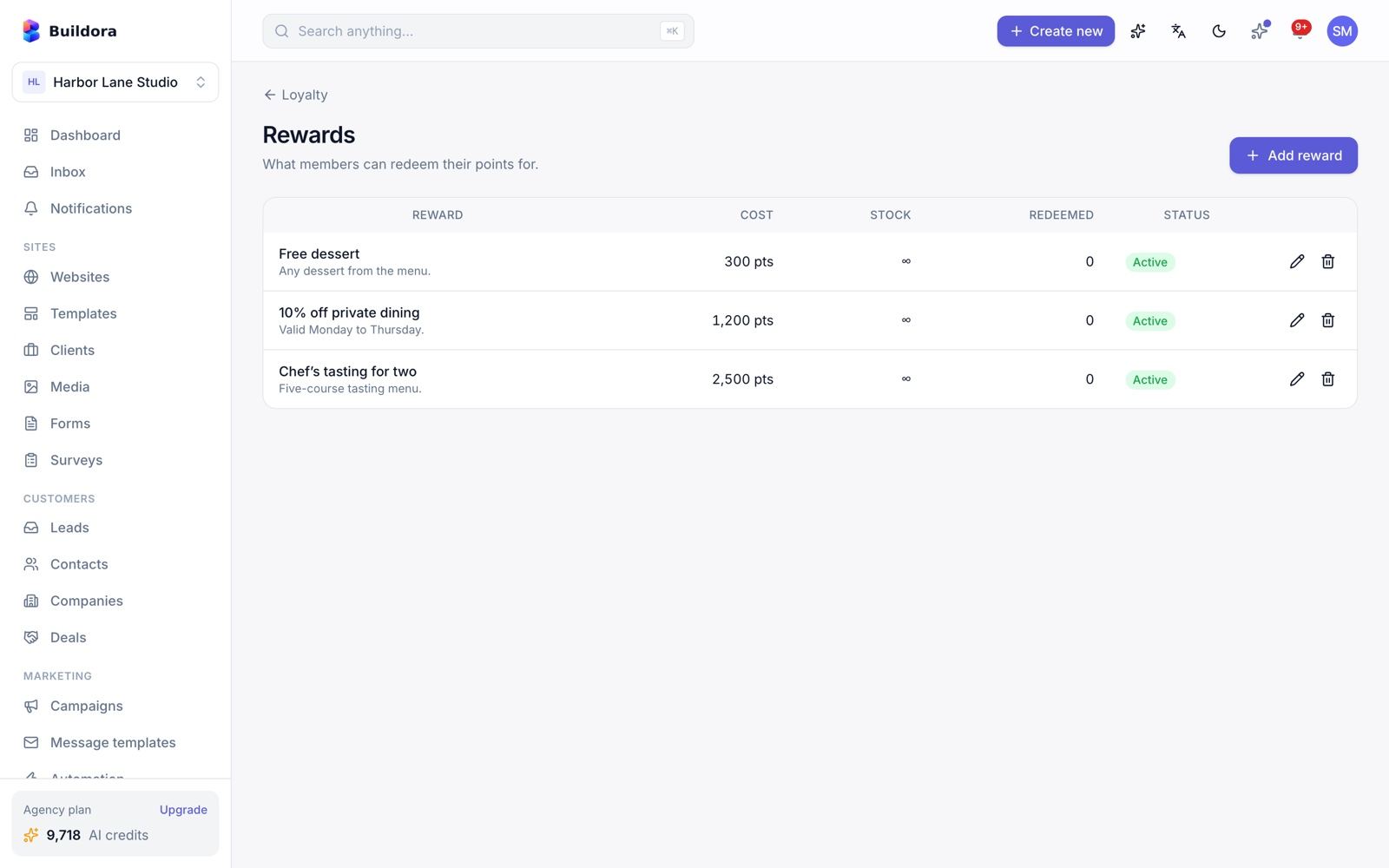
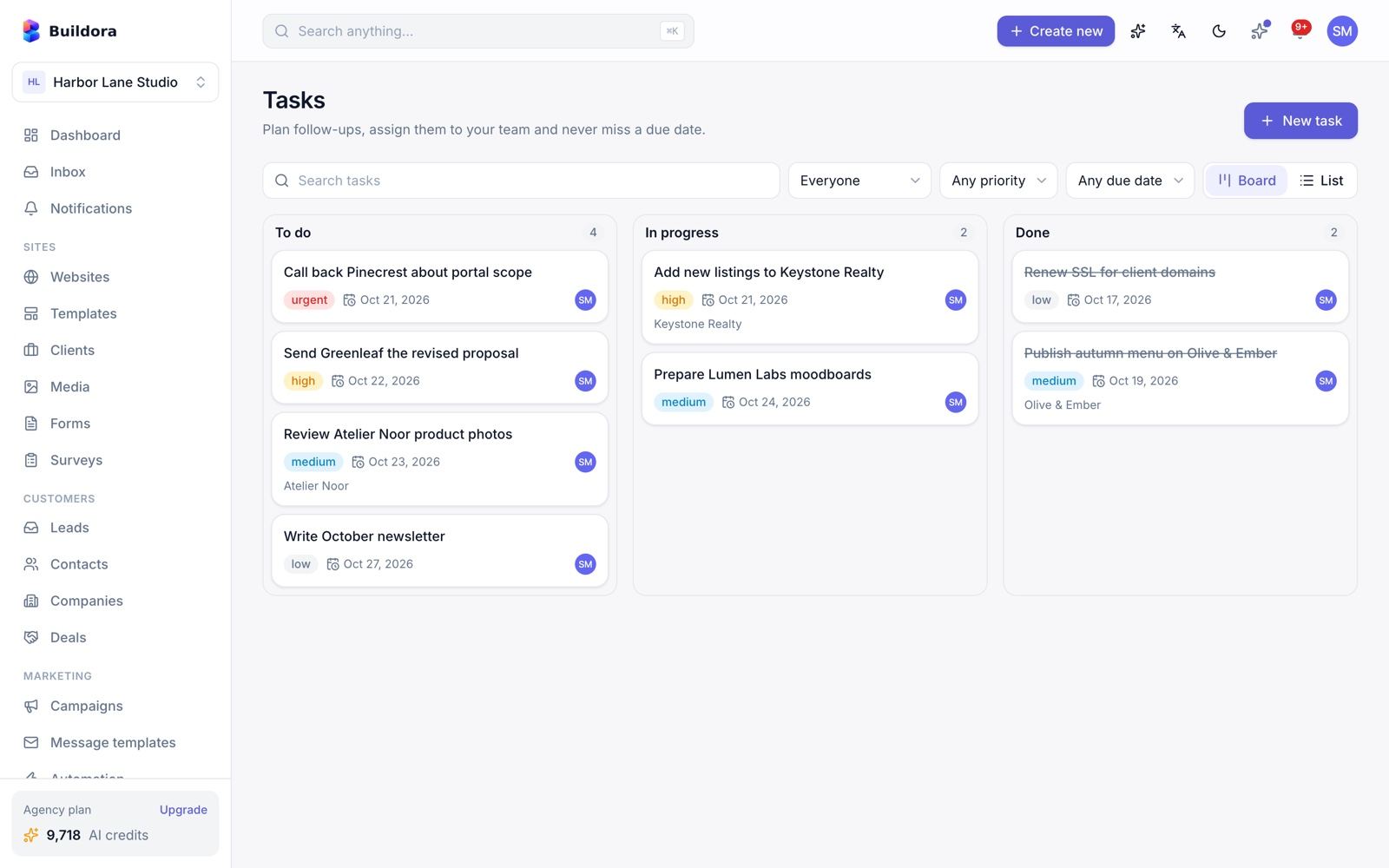
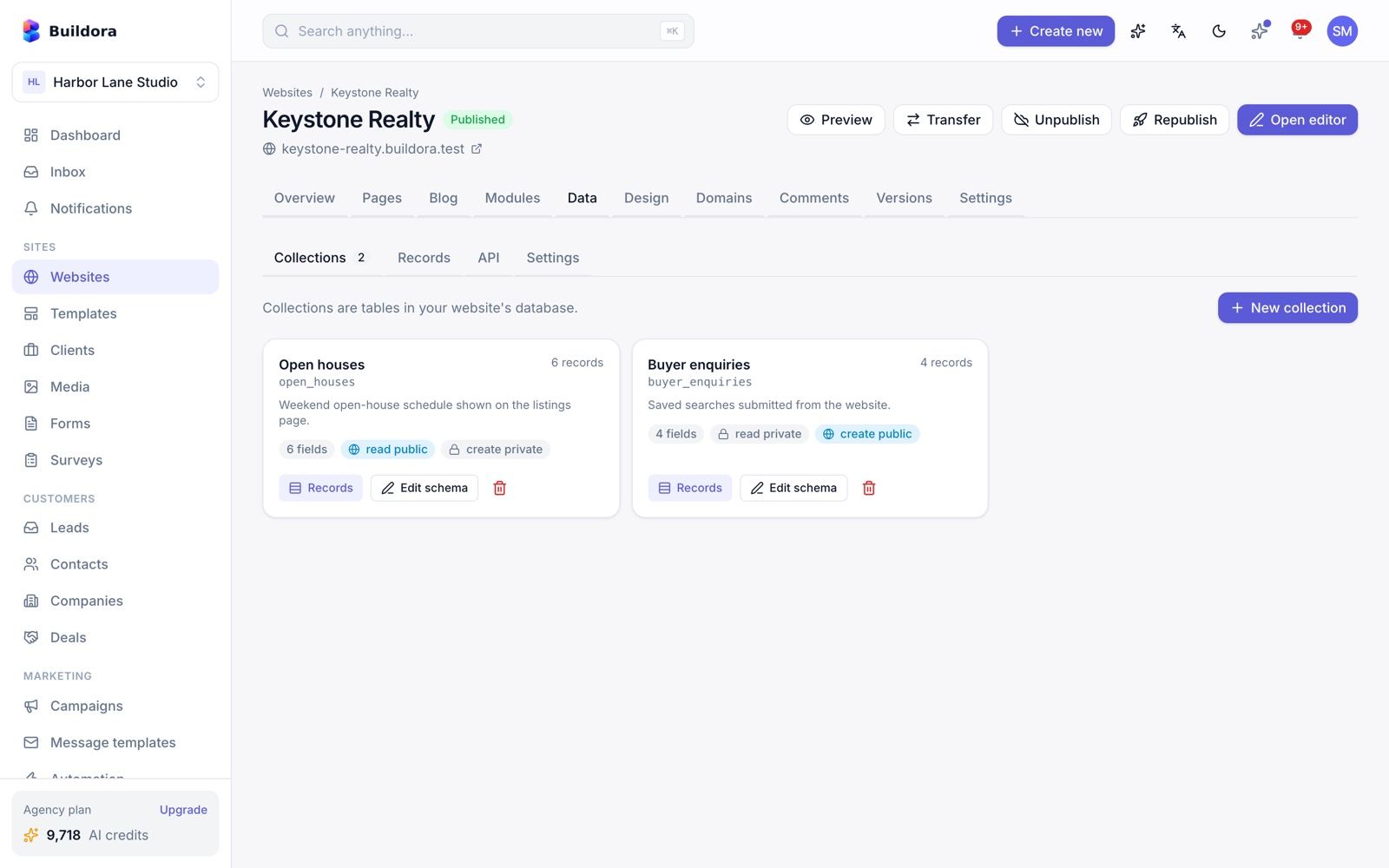
Business Suite Modules
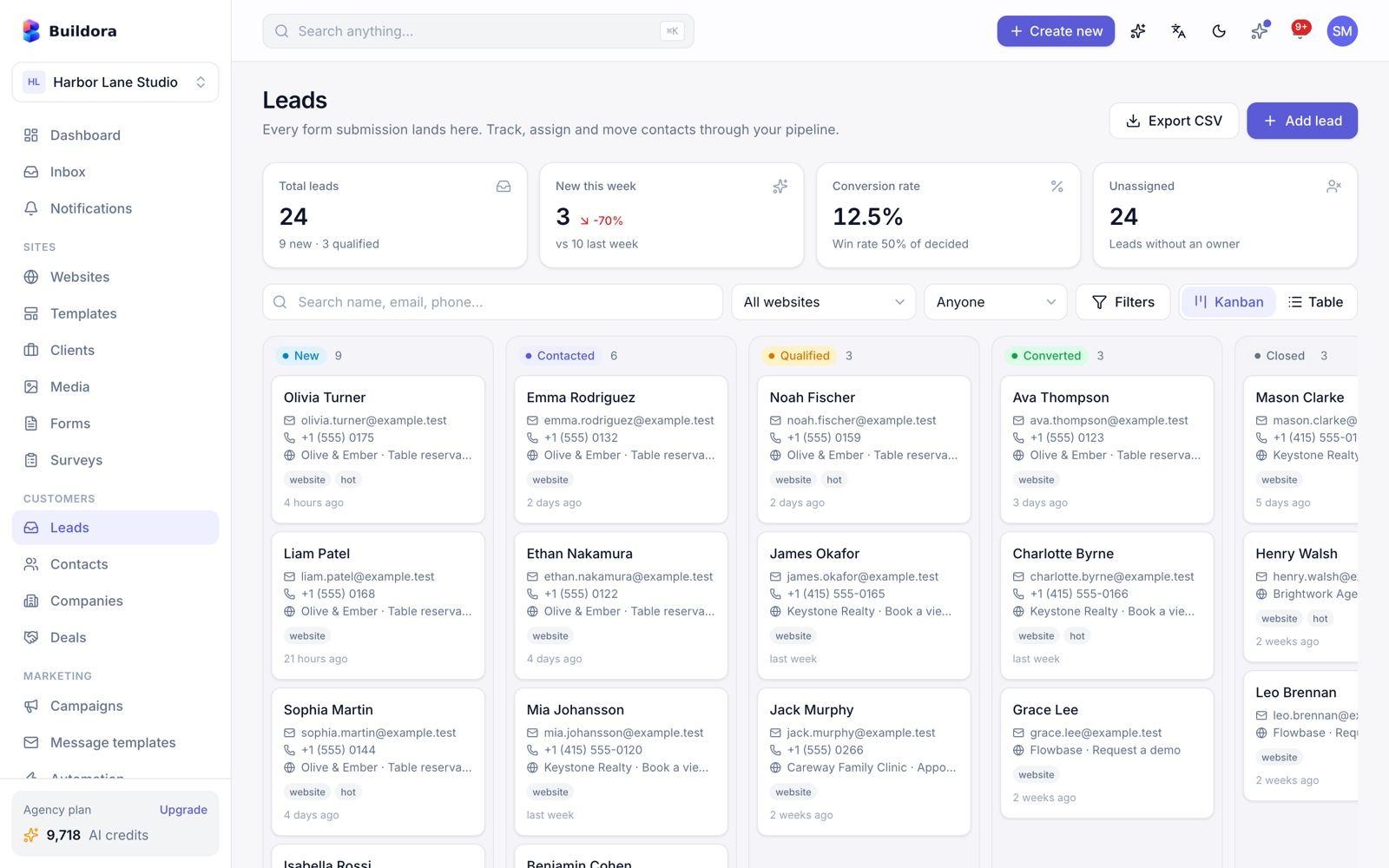
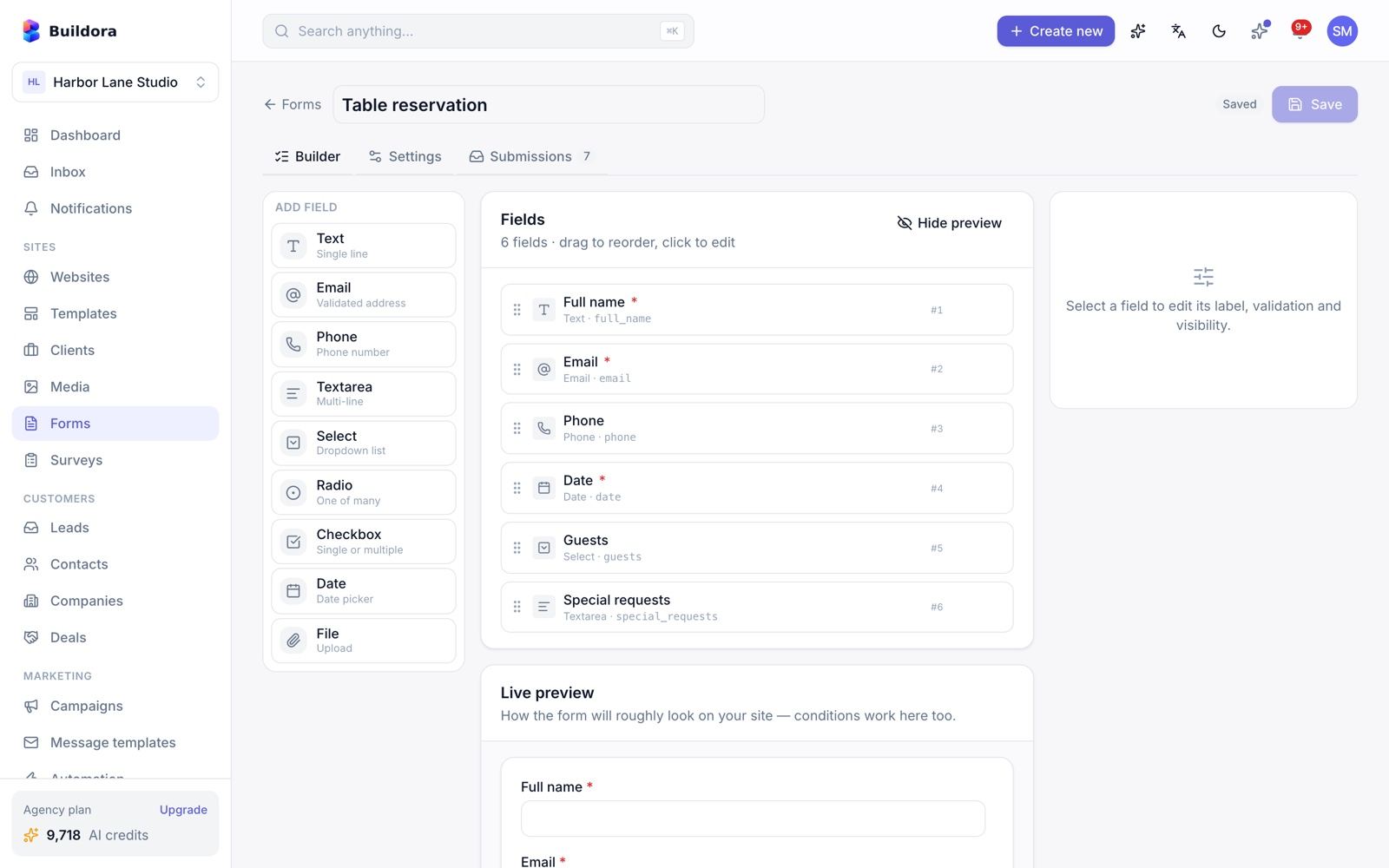
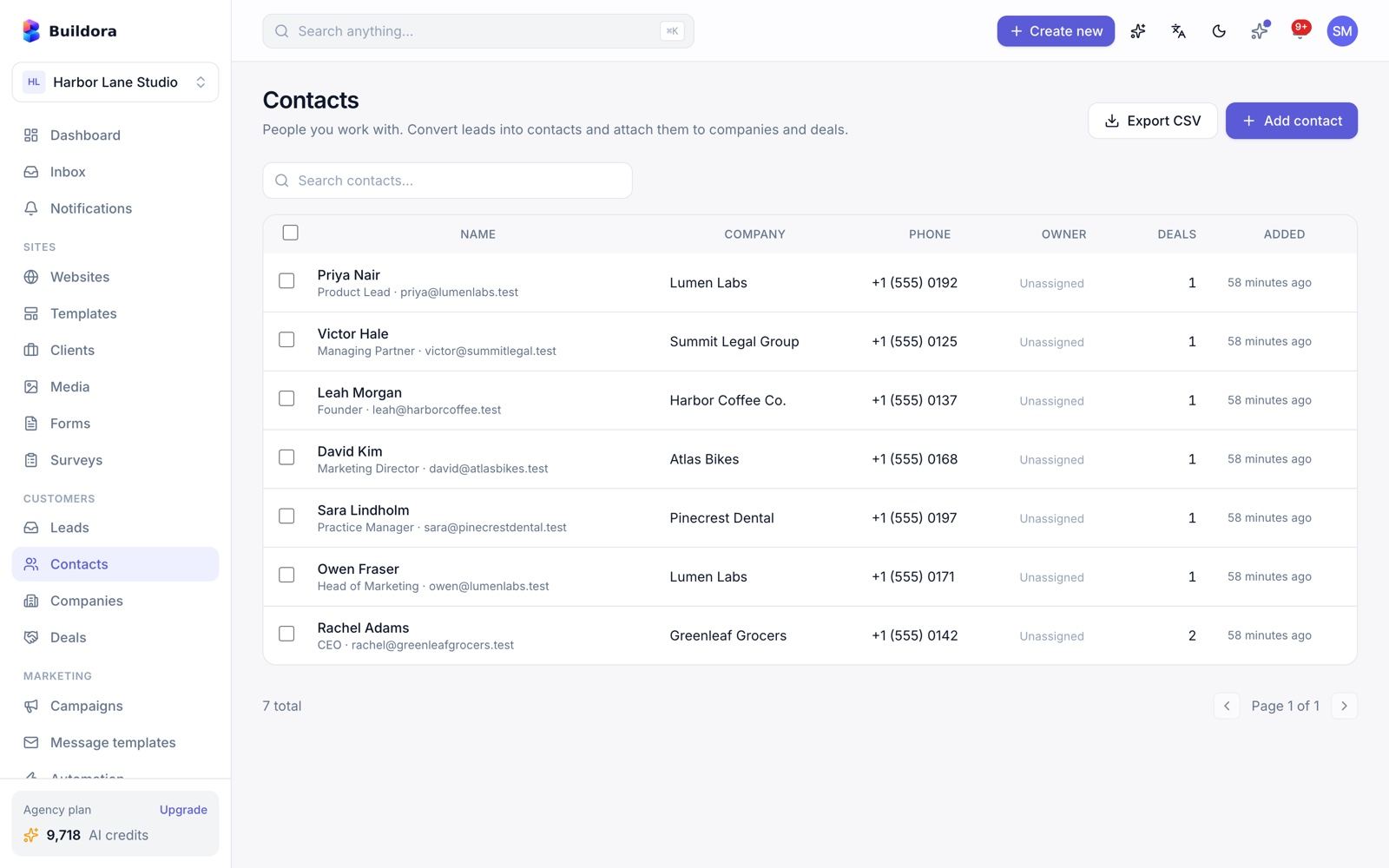
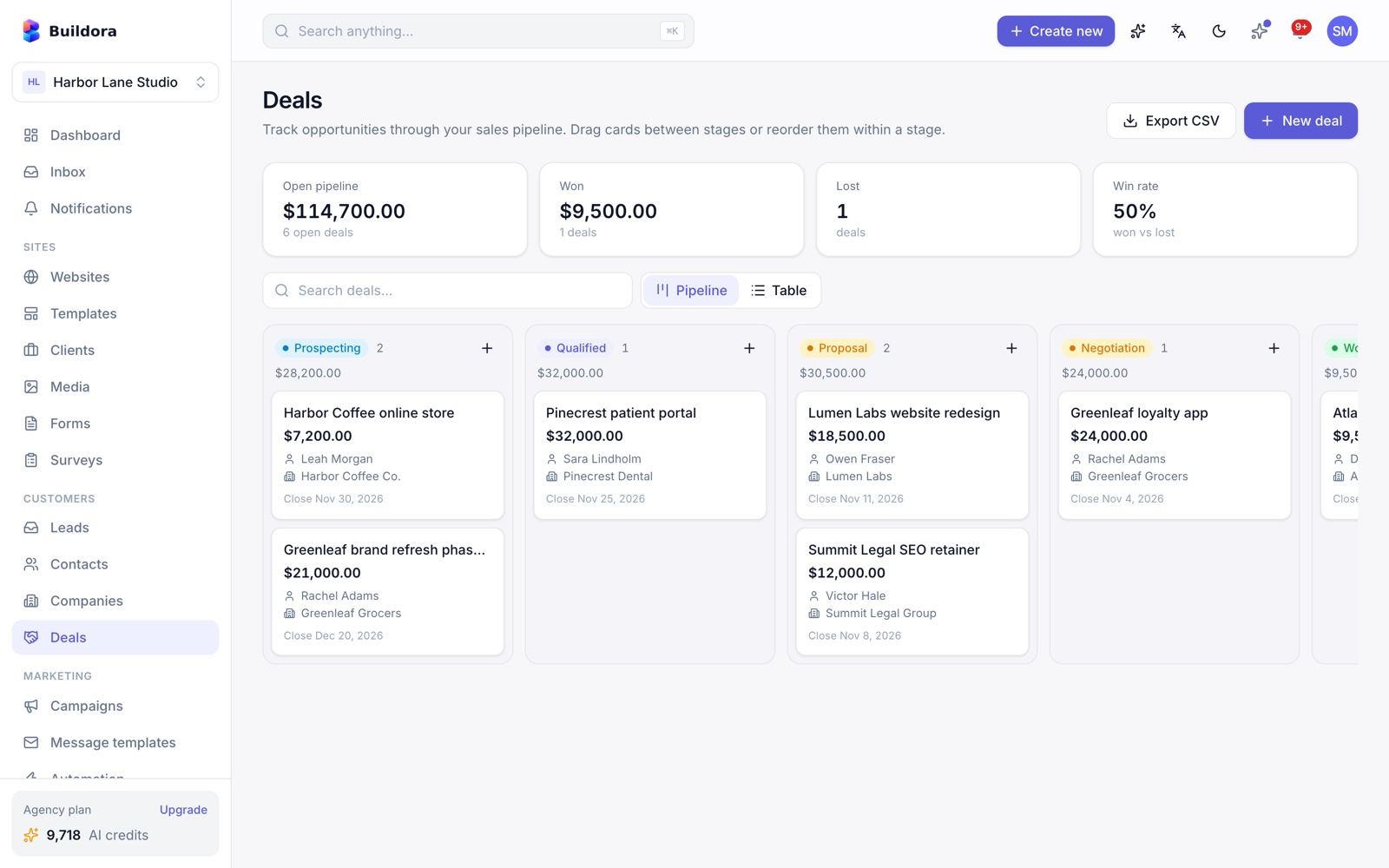
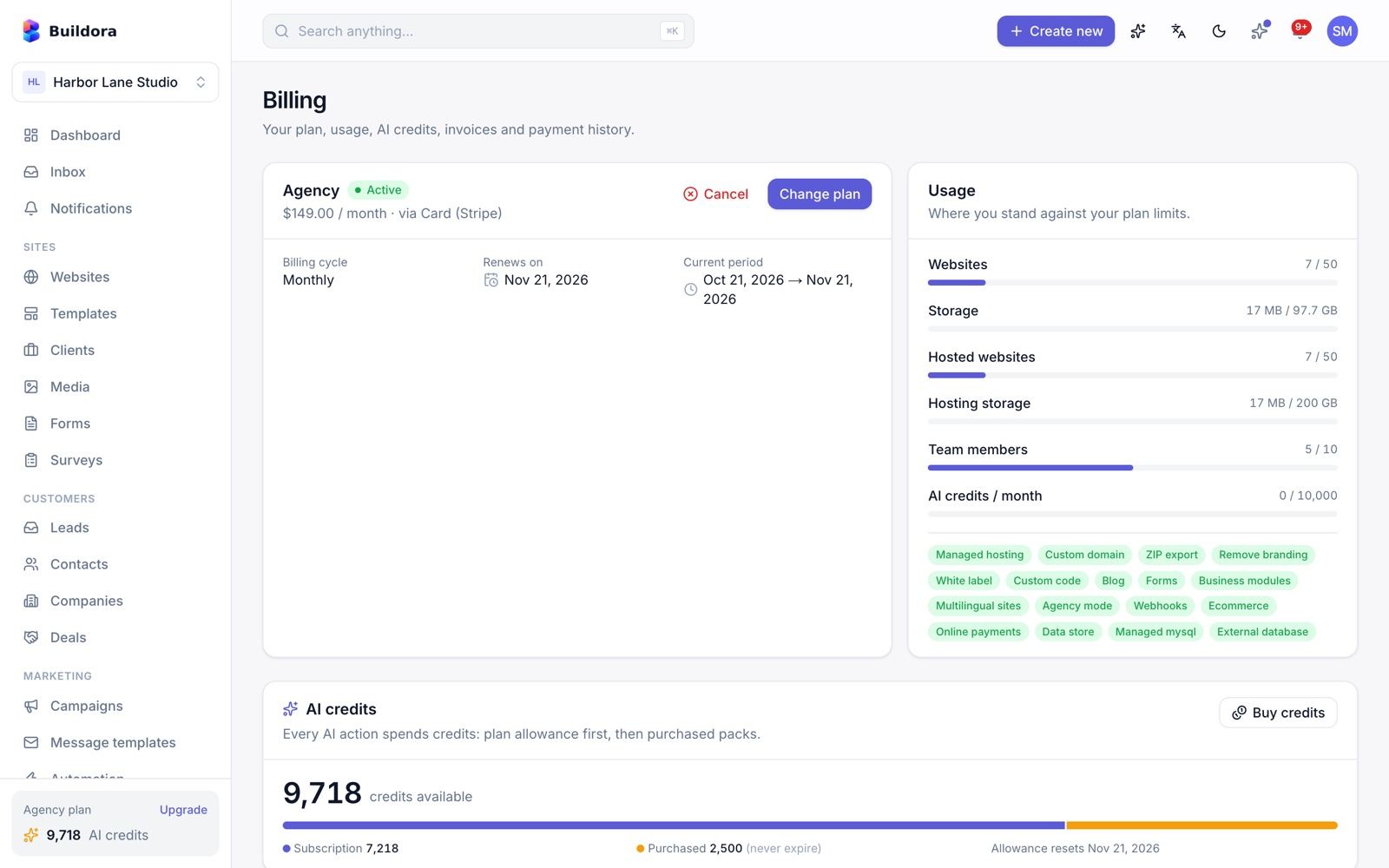
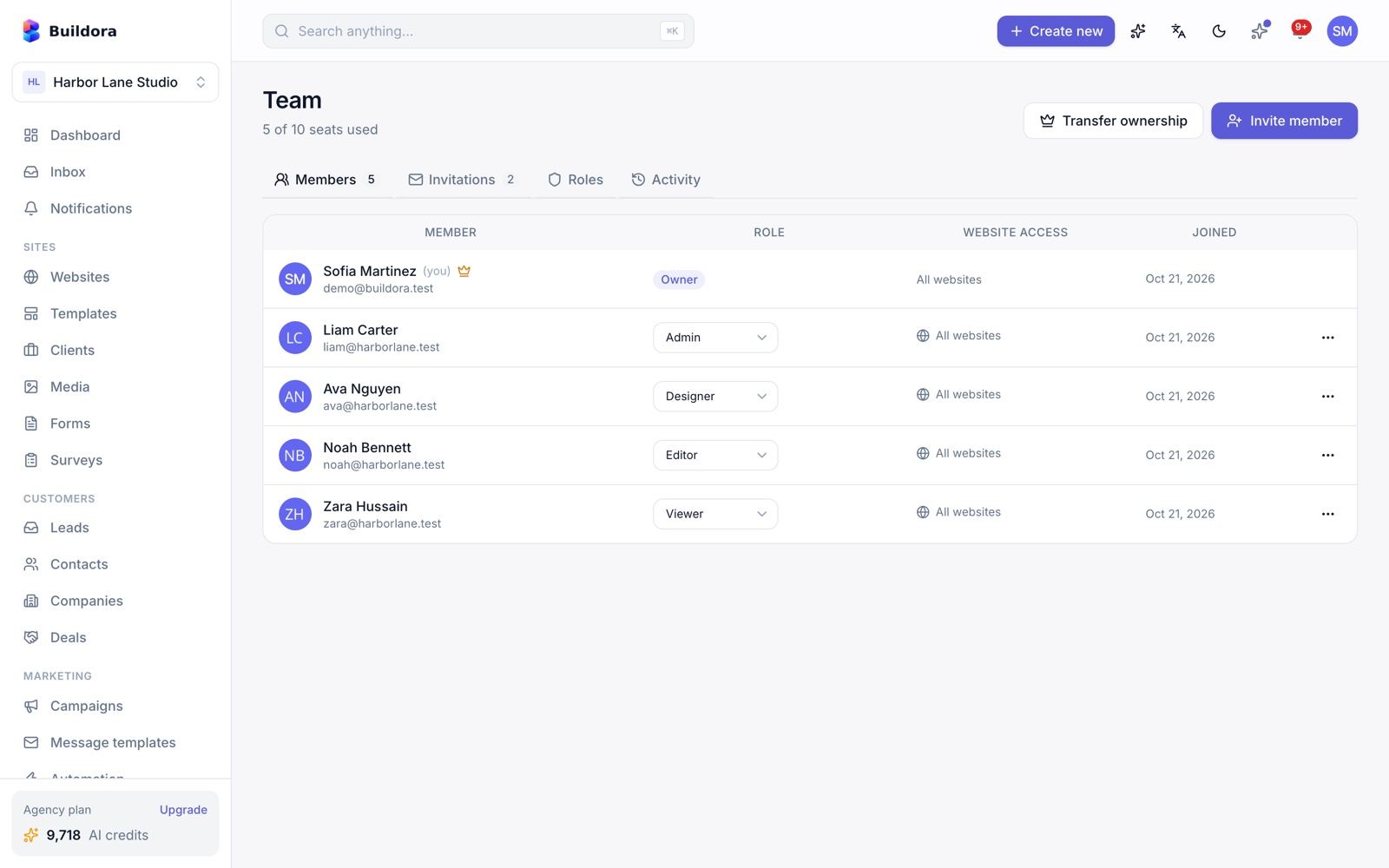
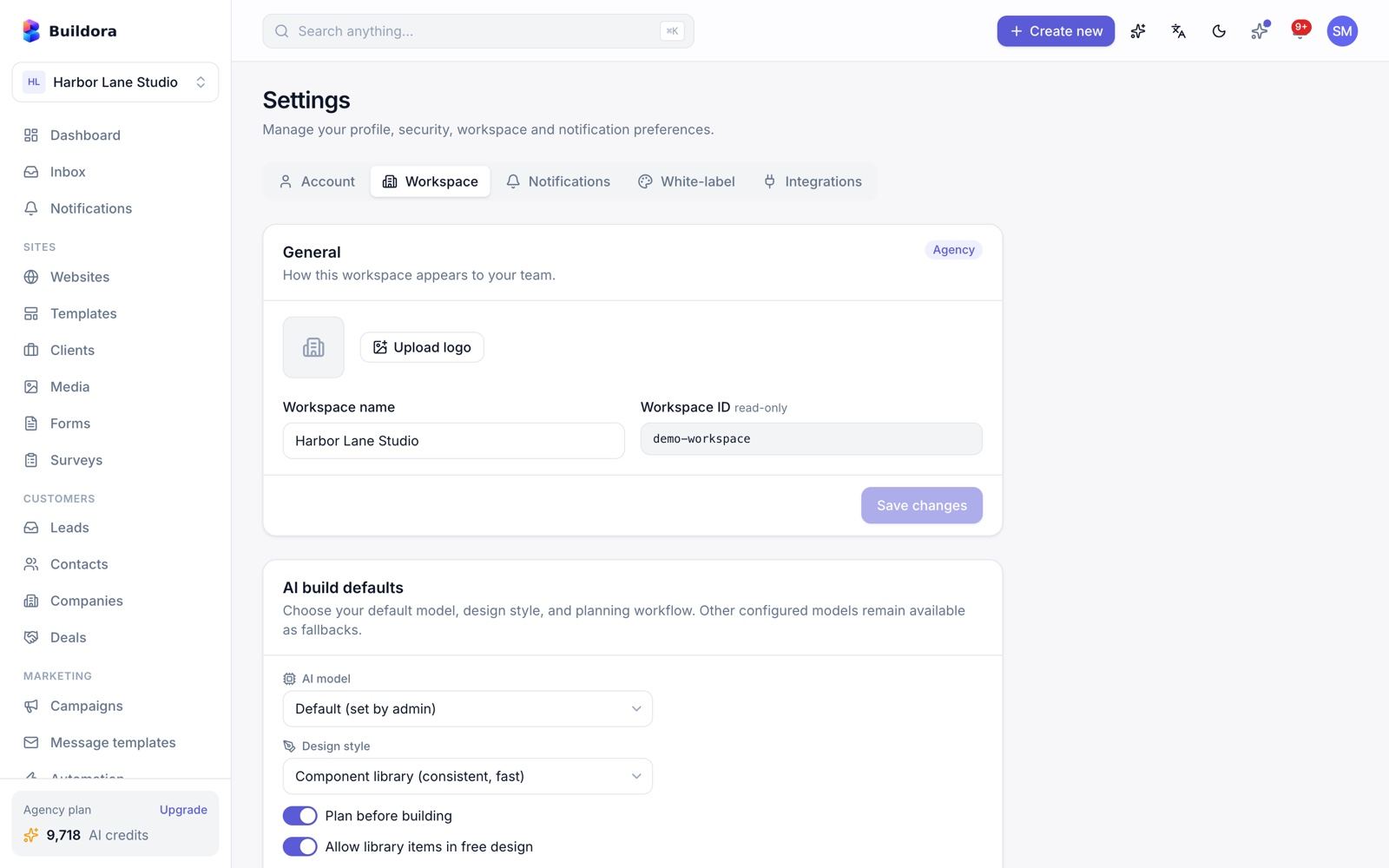
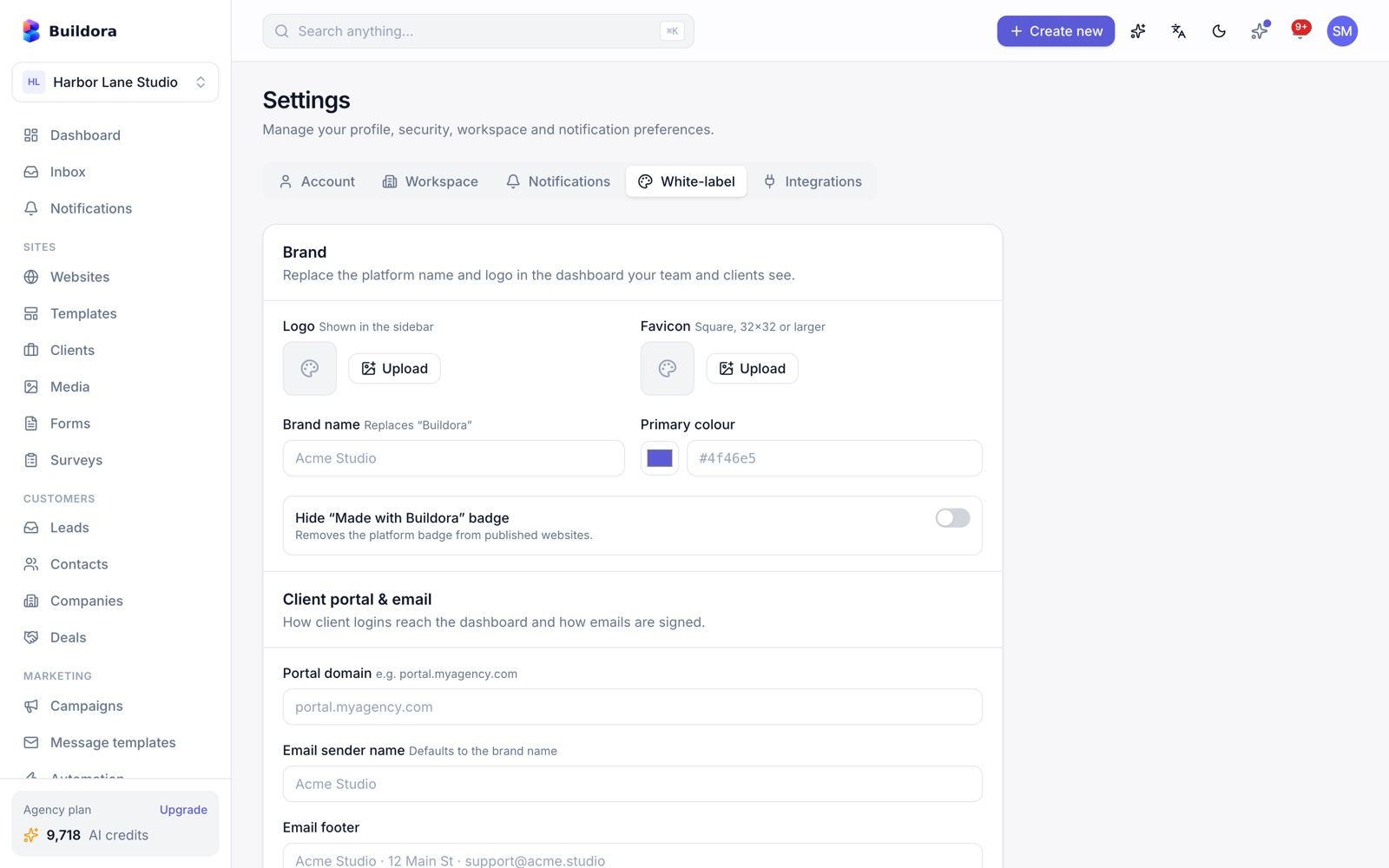
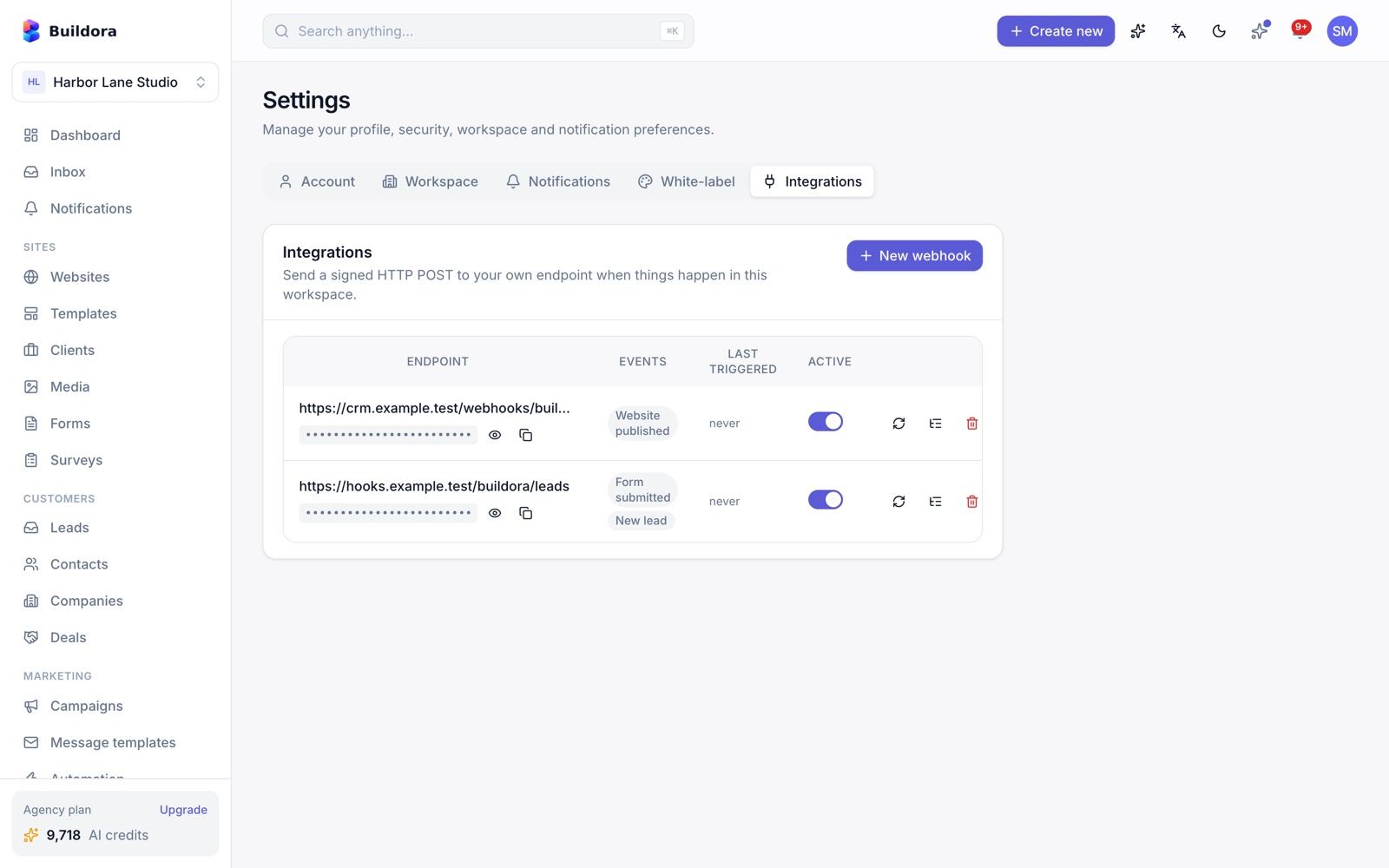
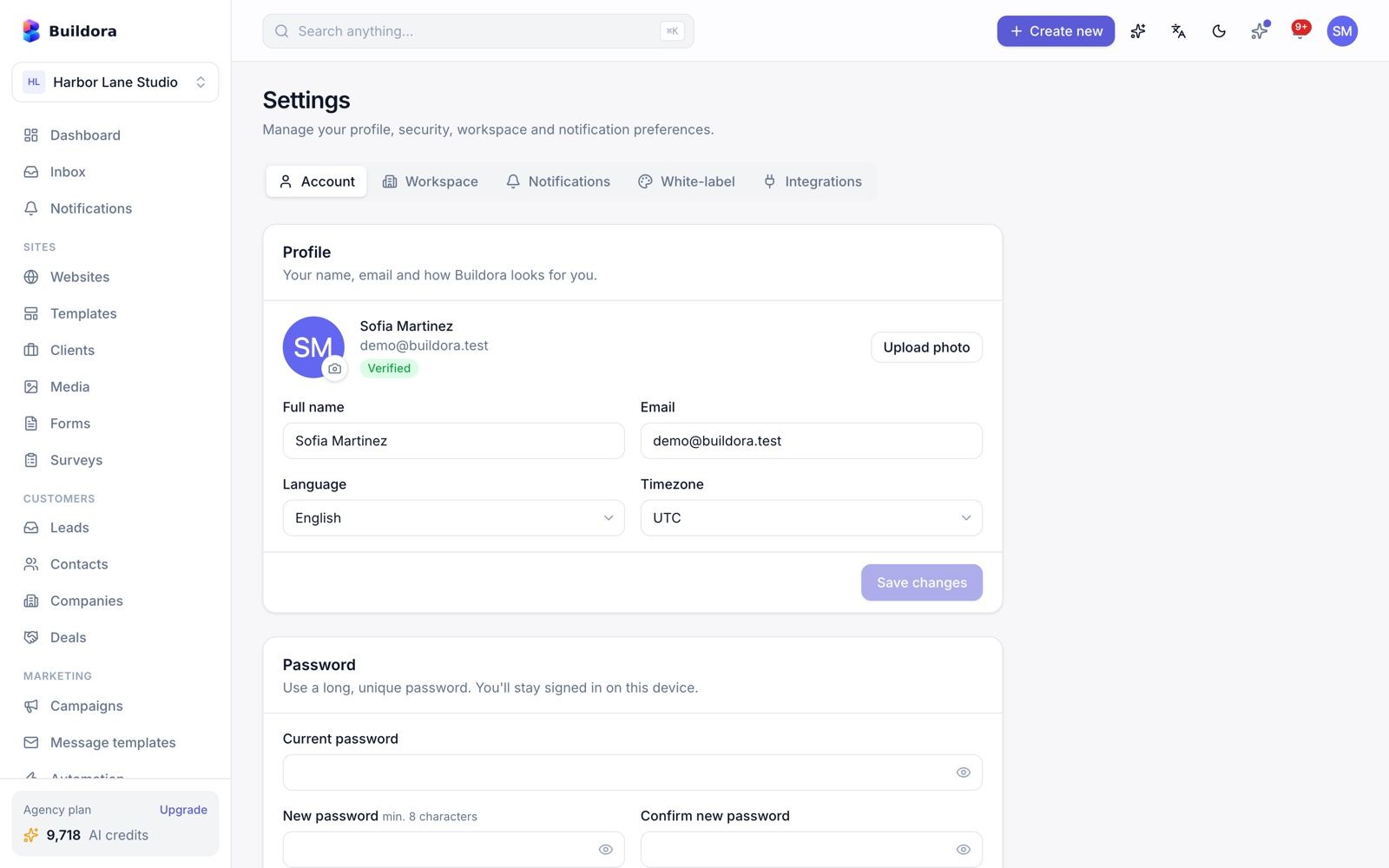
Billing, Team & Settings
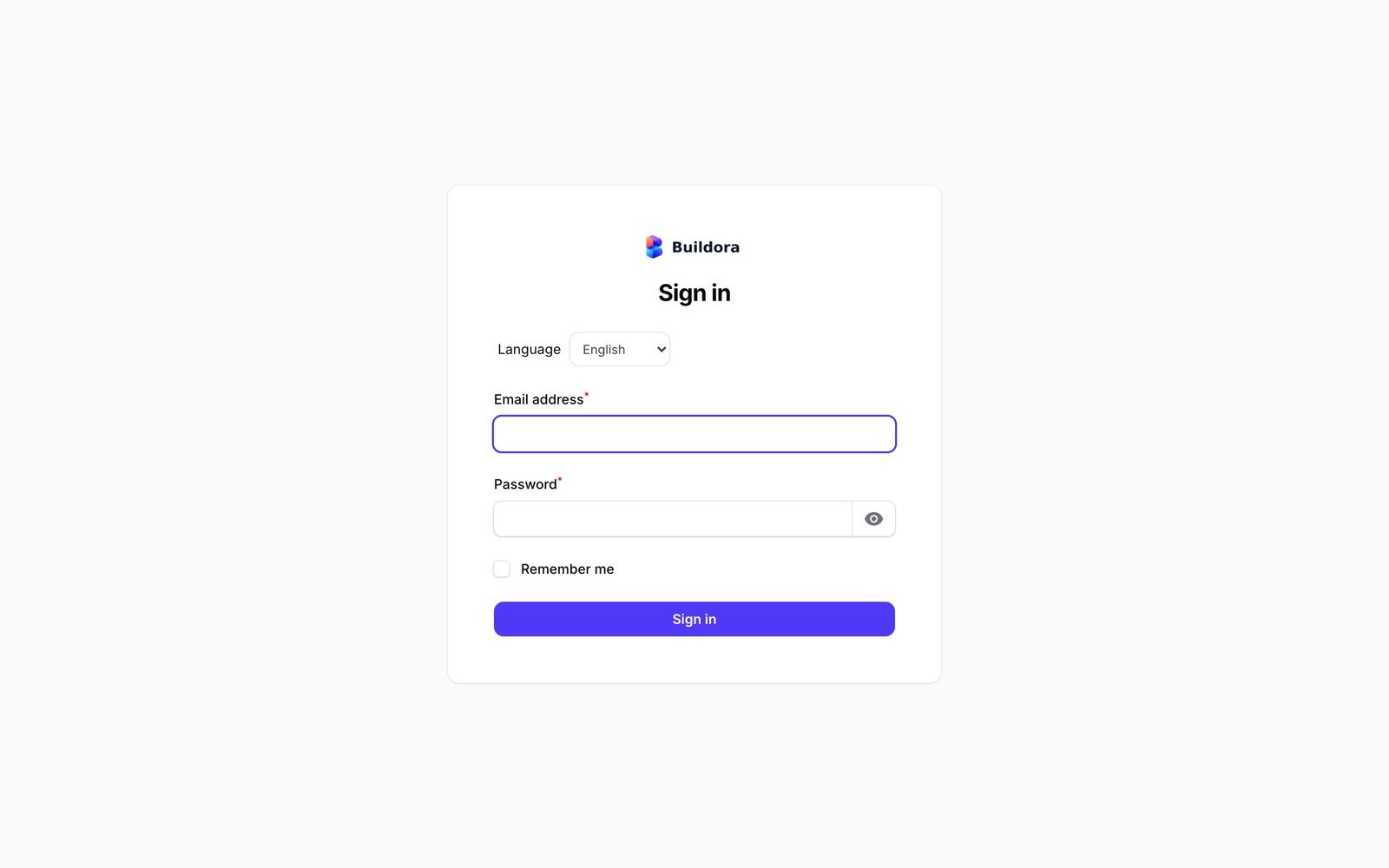
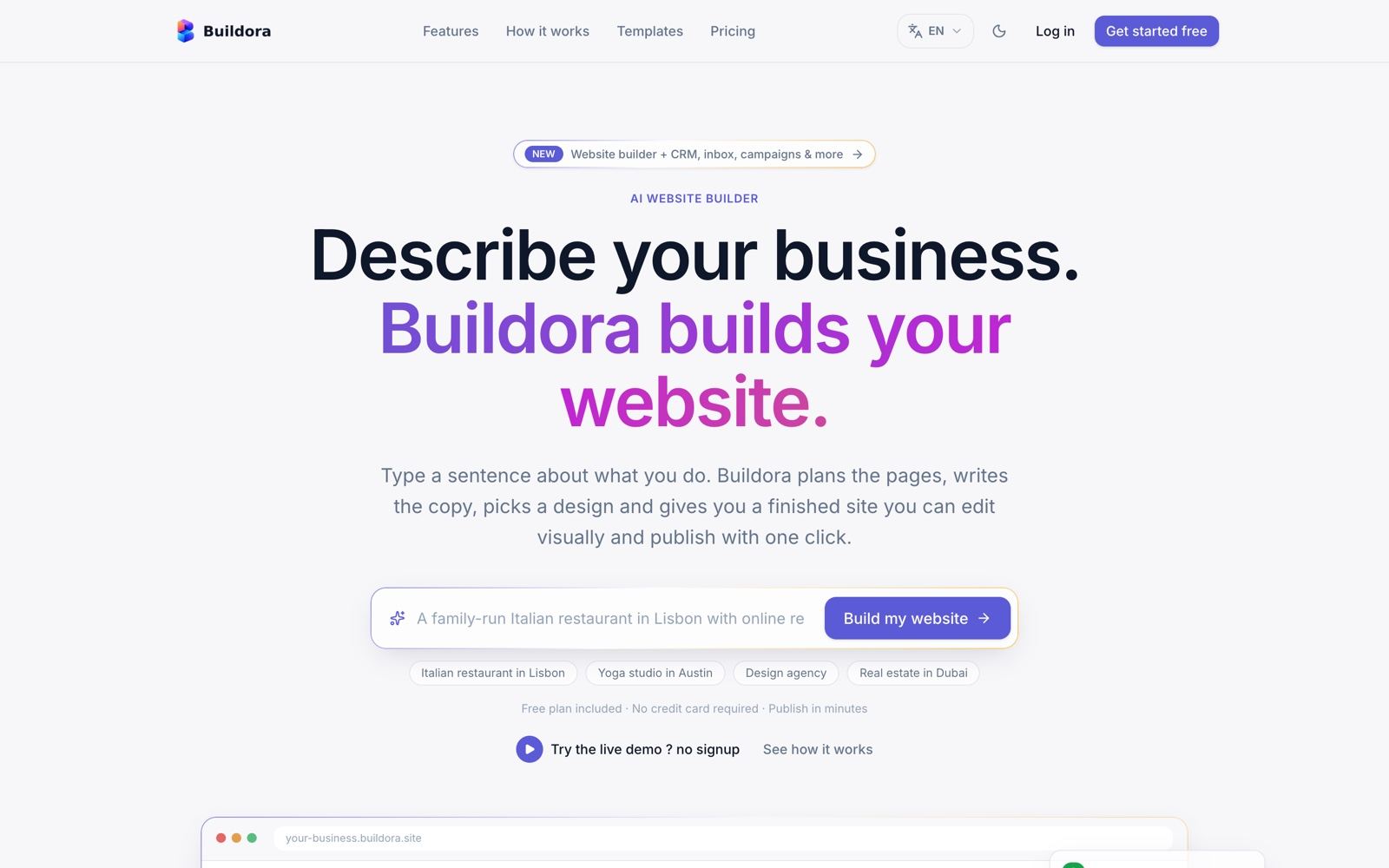
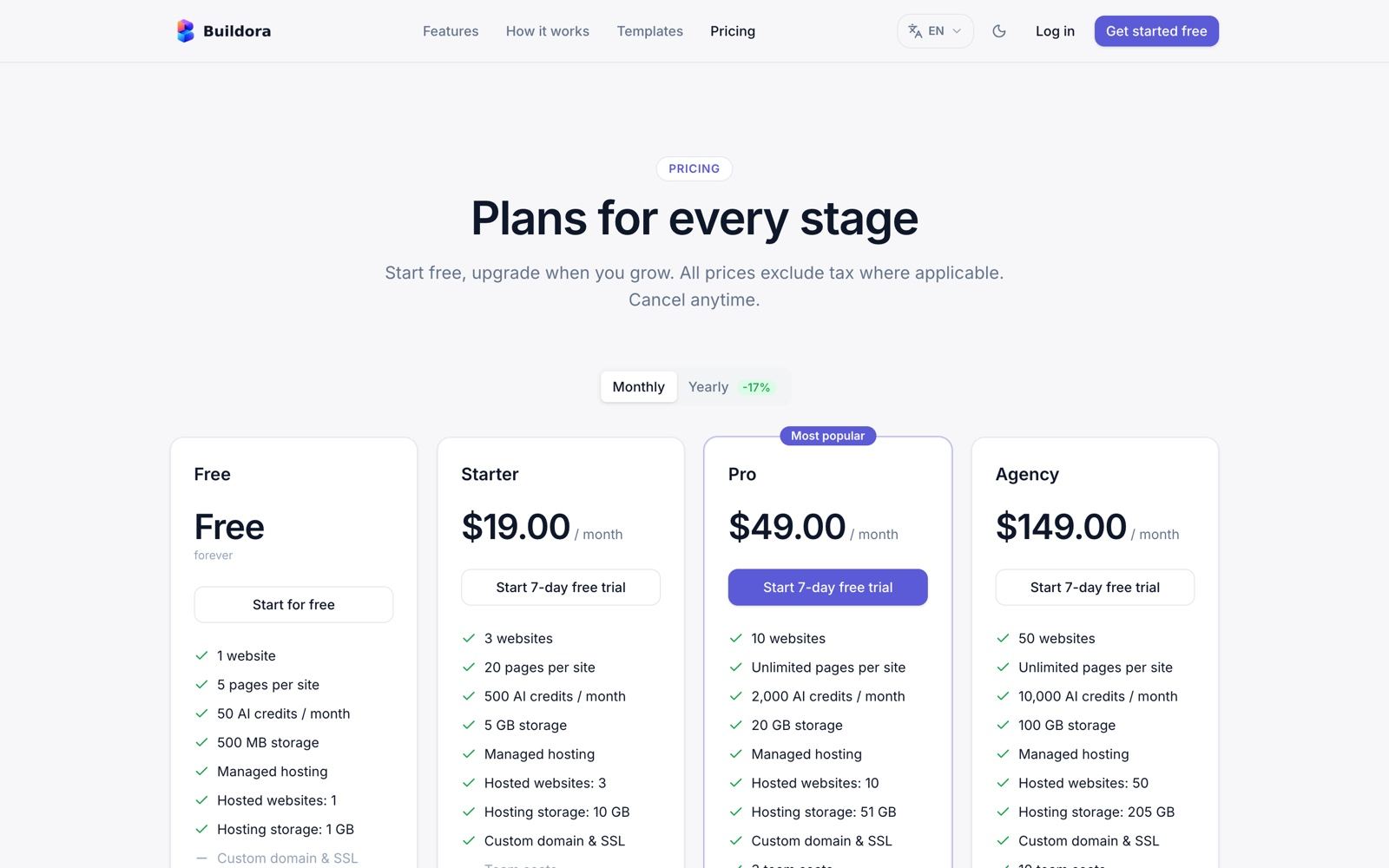
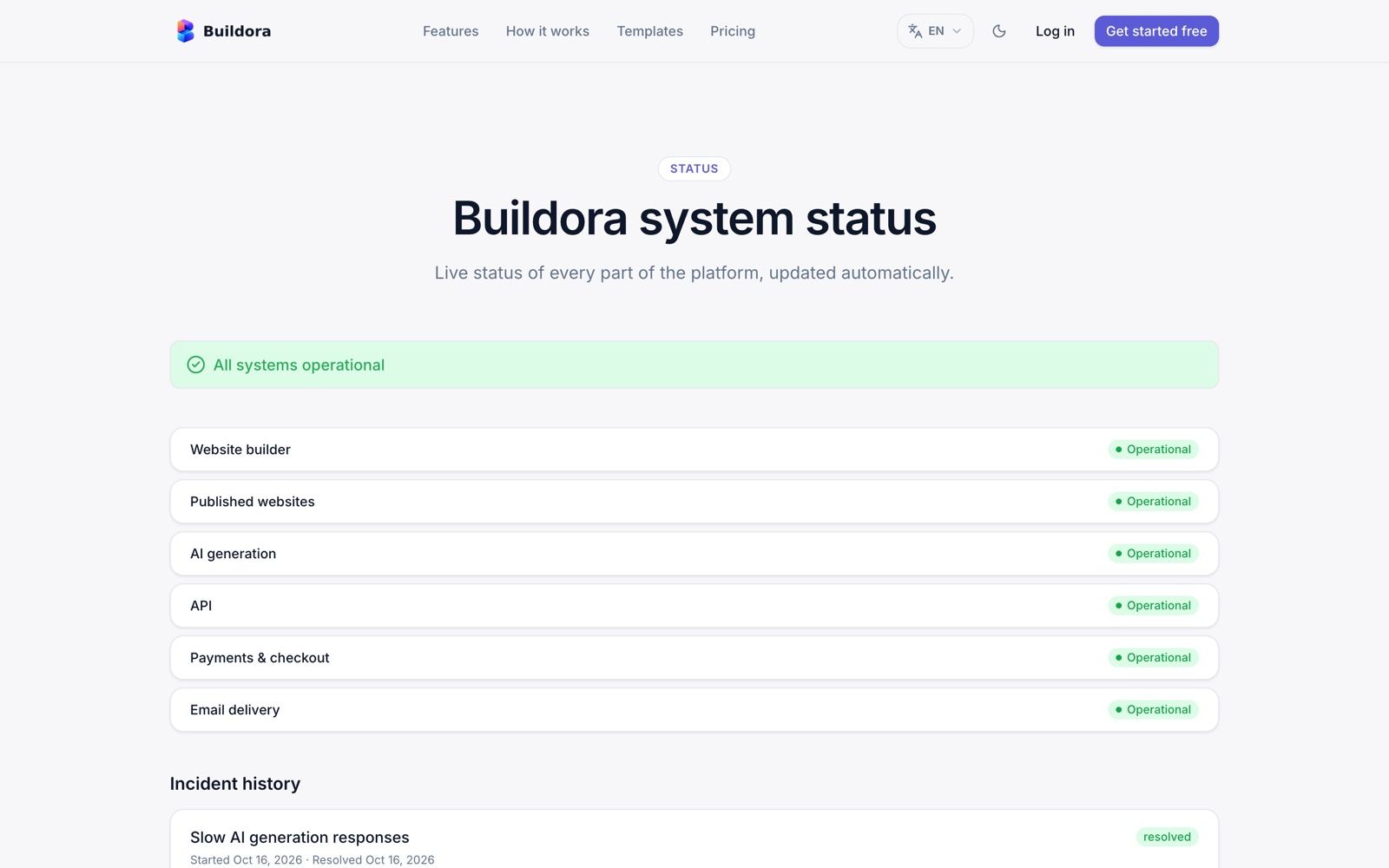
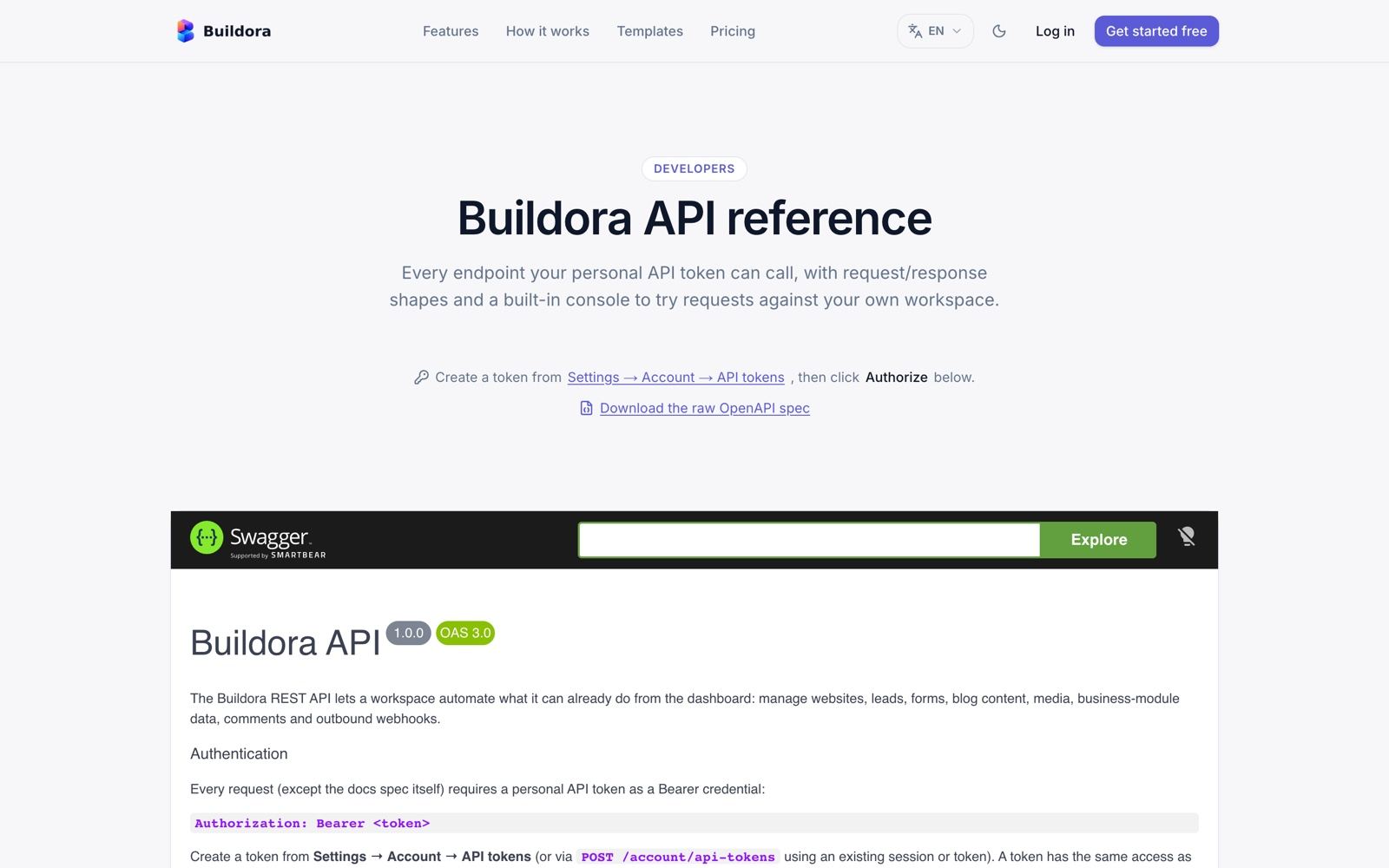
Public Marketing Site & Sign-in
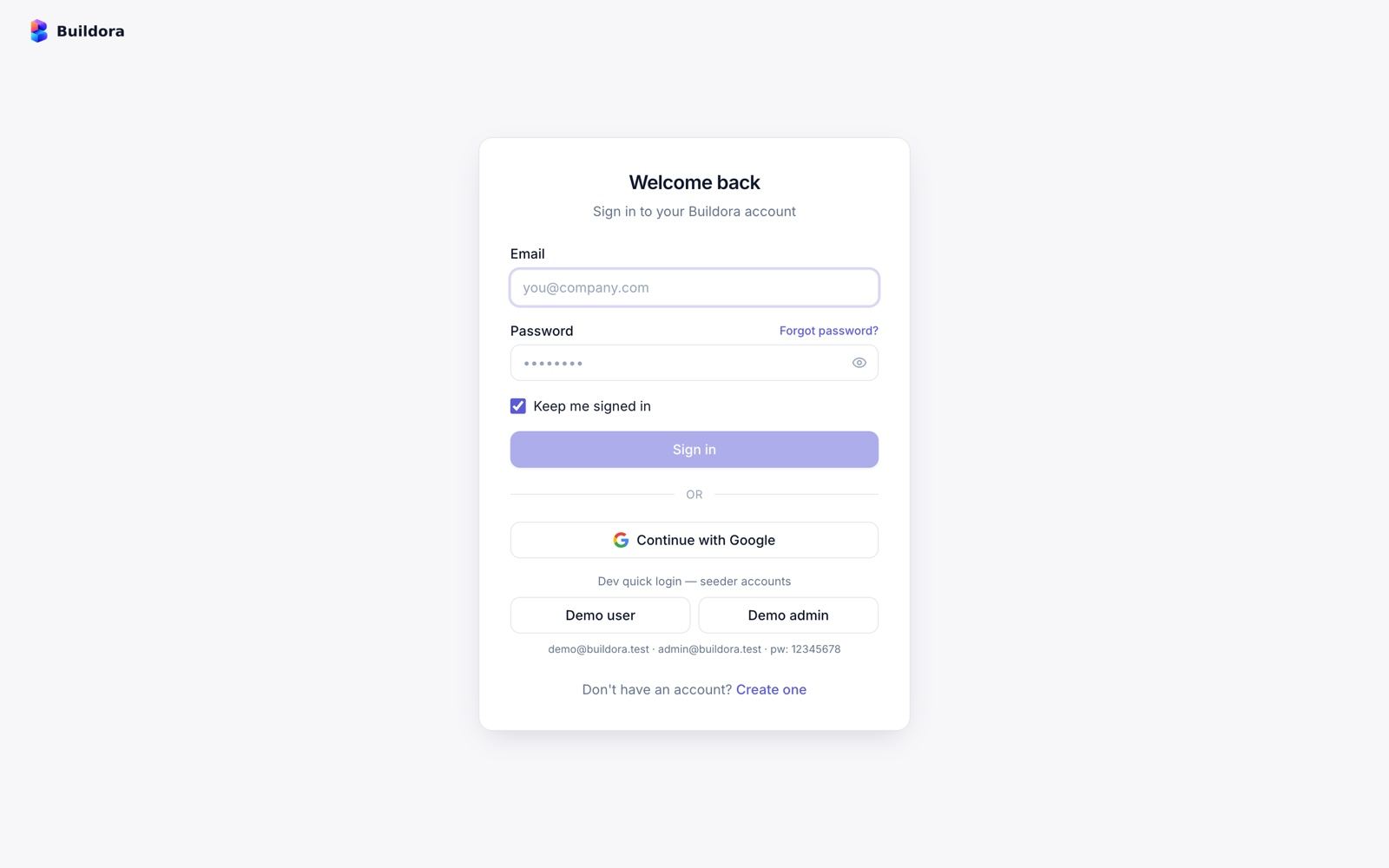
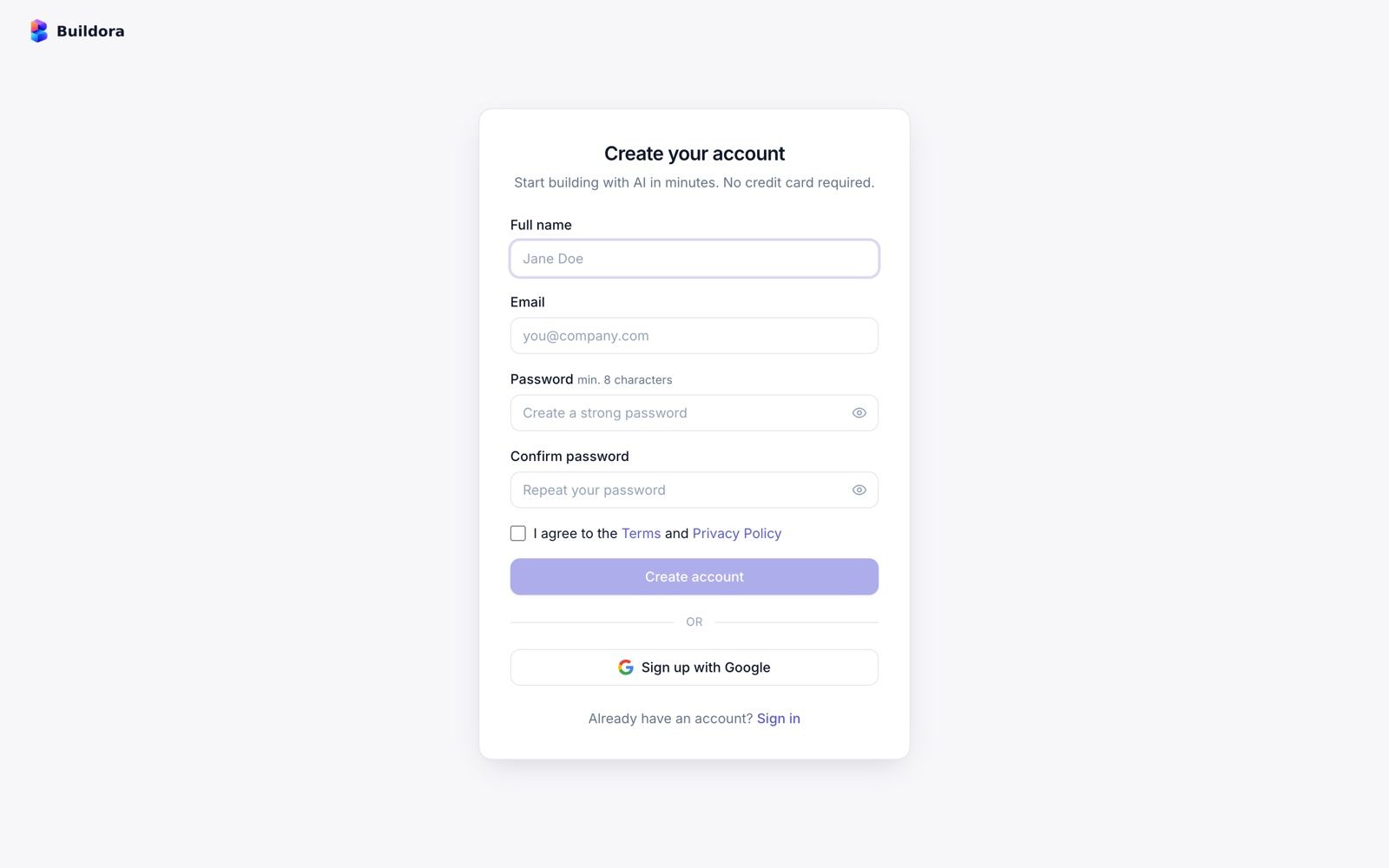
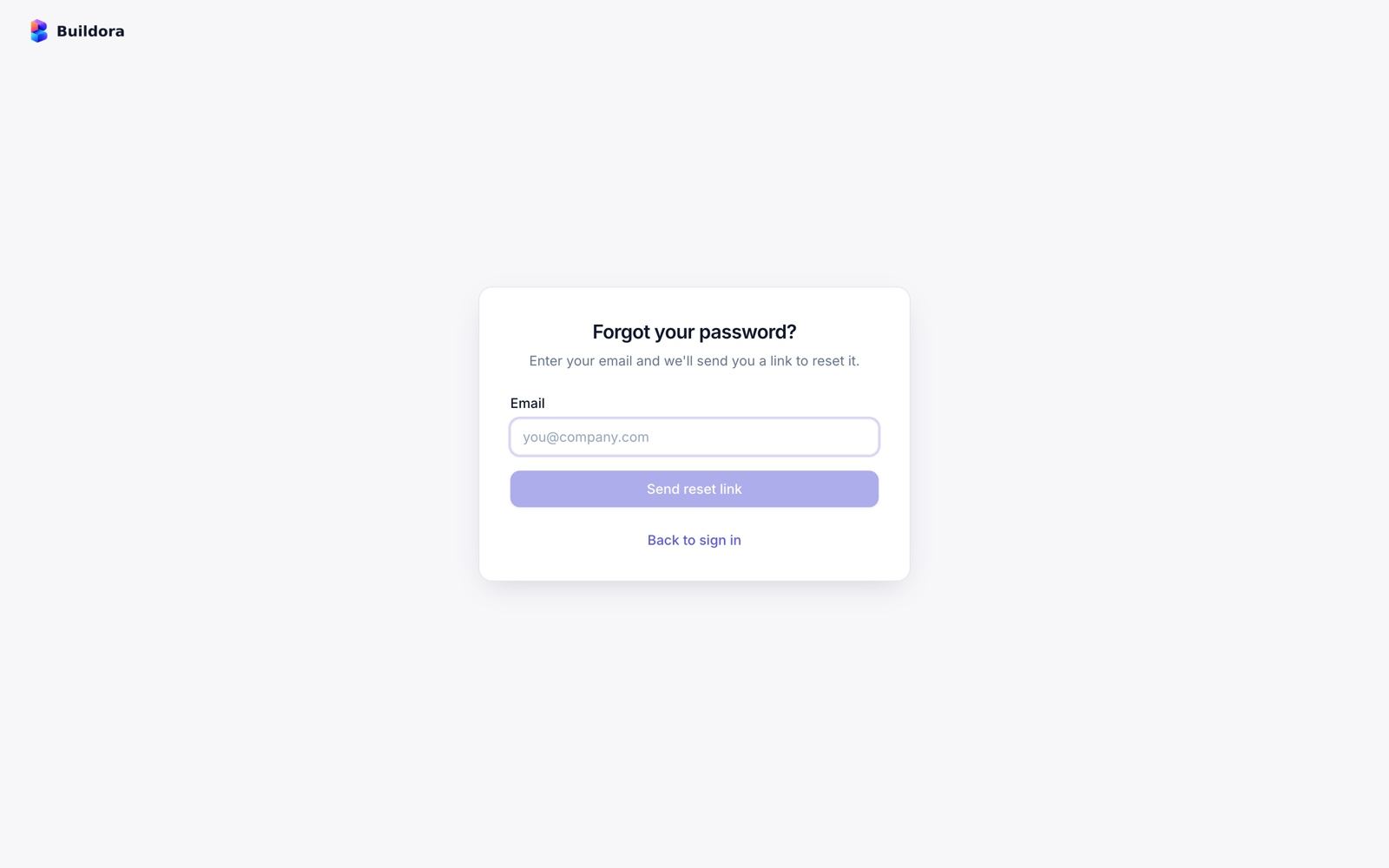
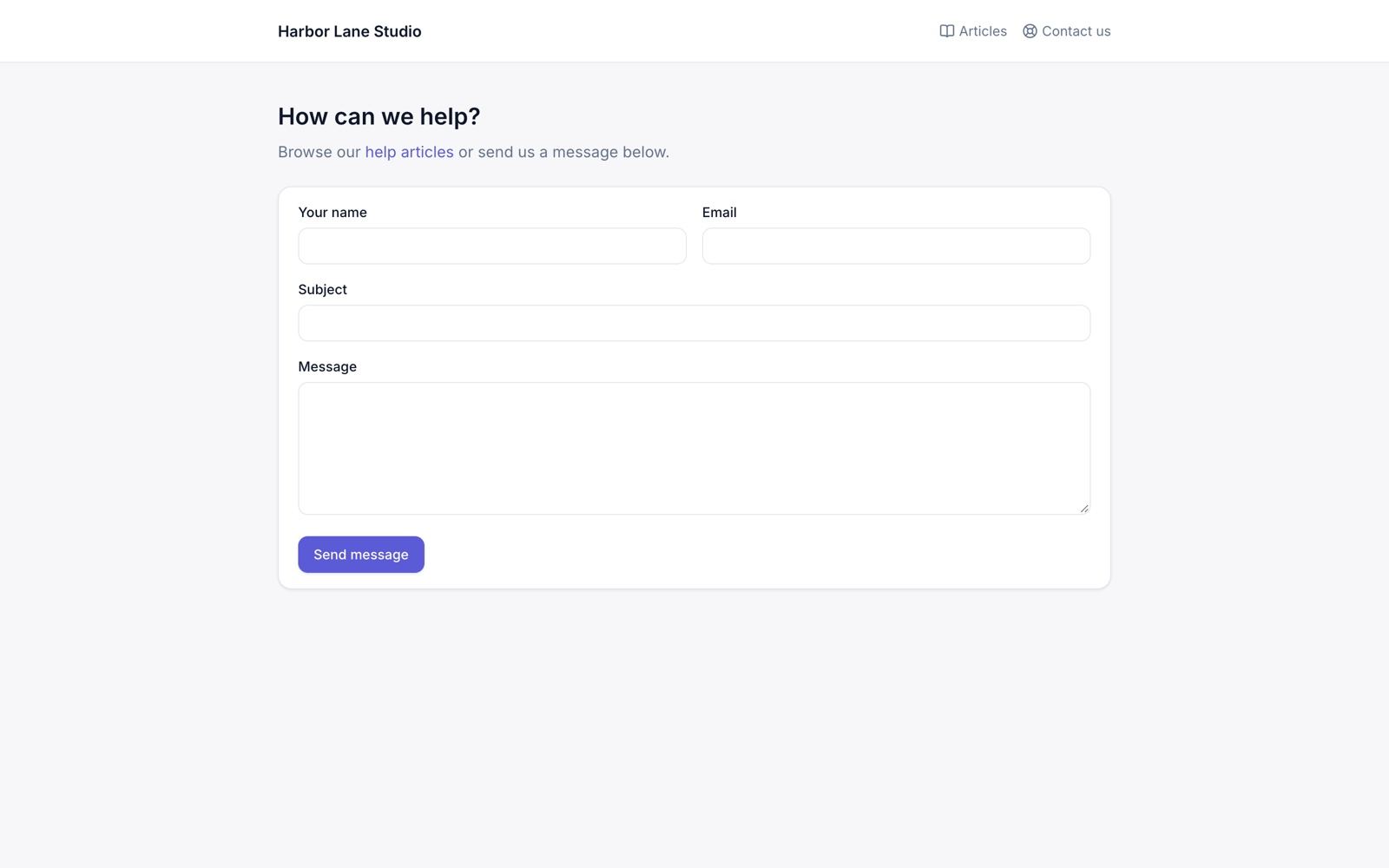
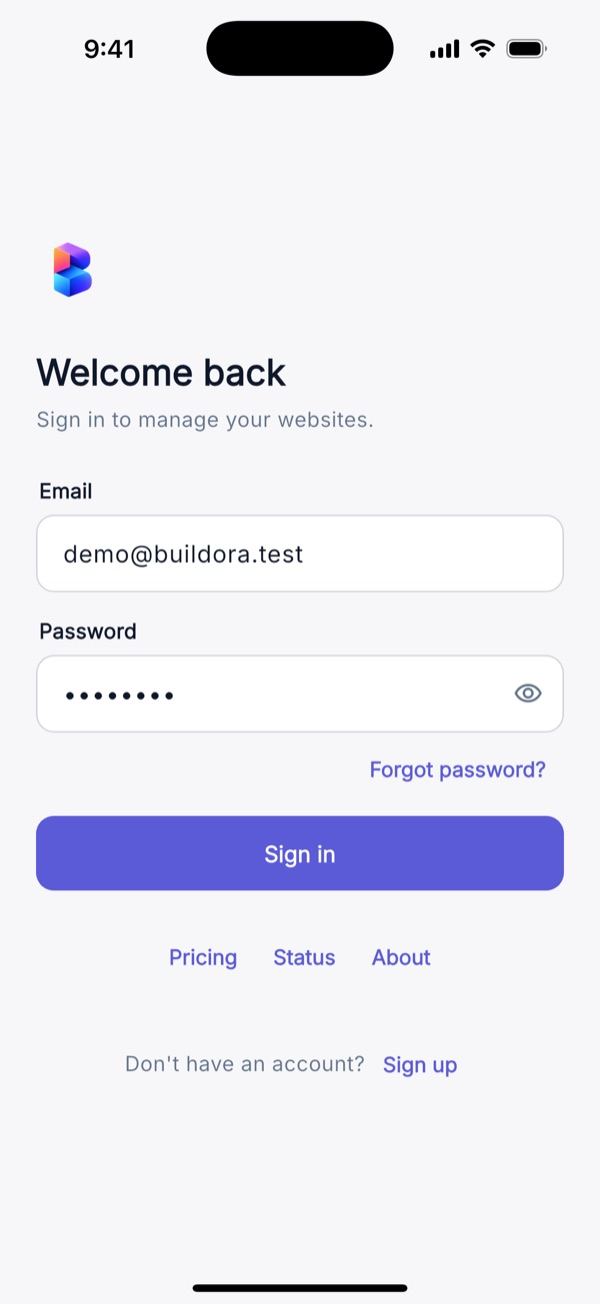
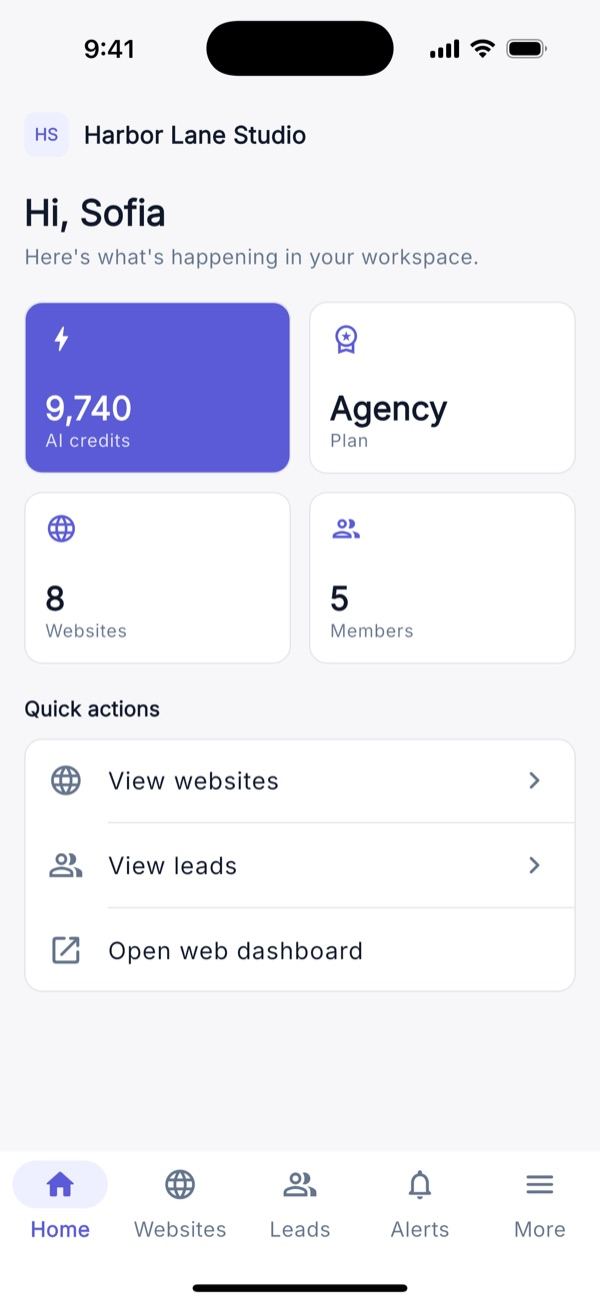
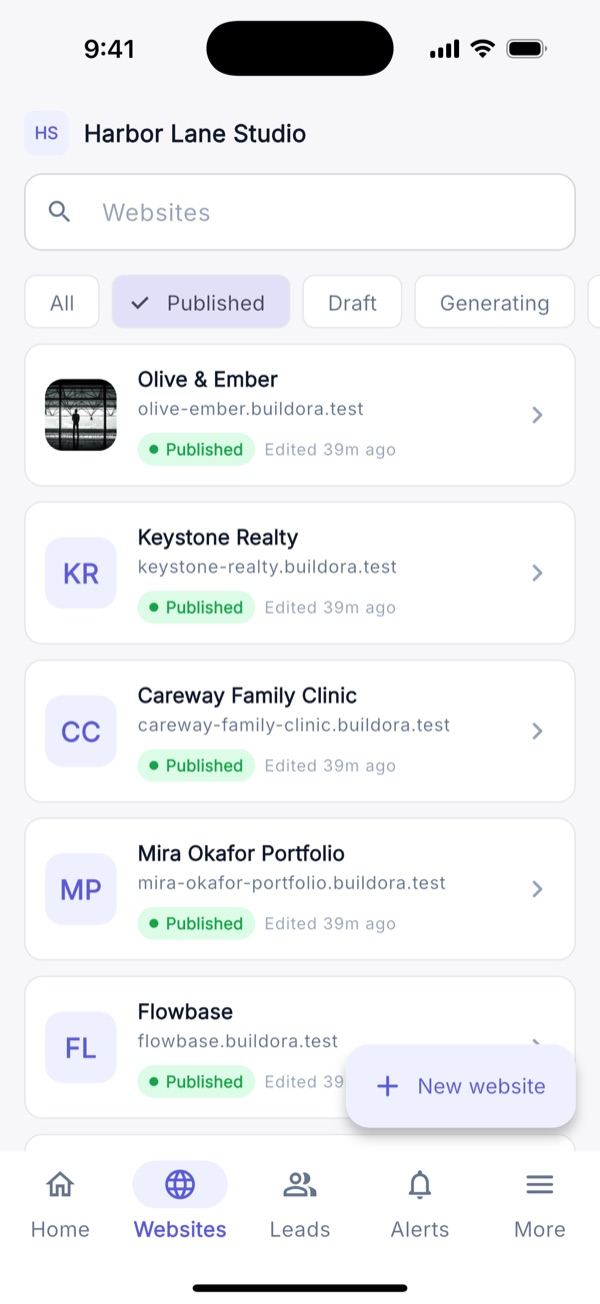
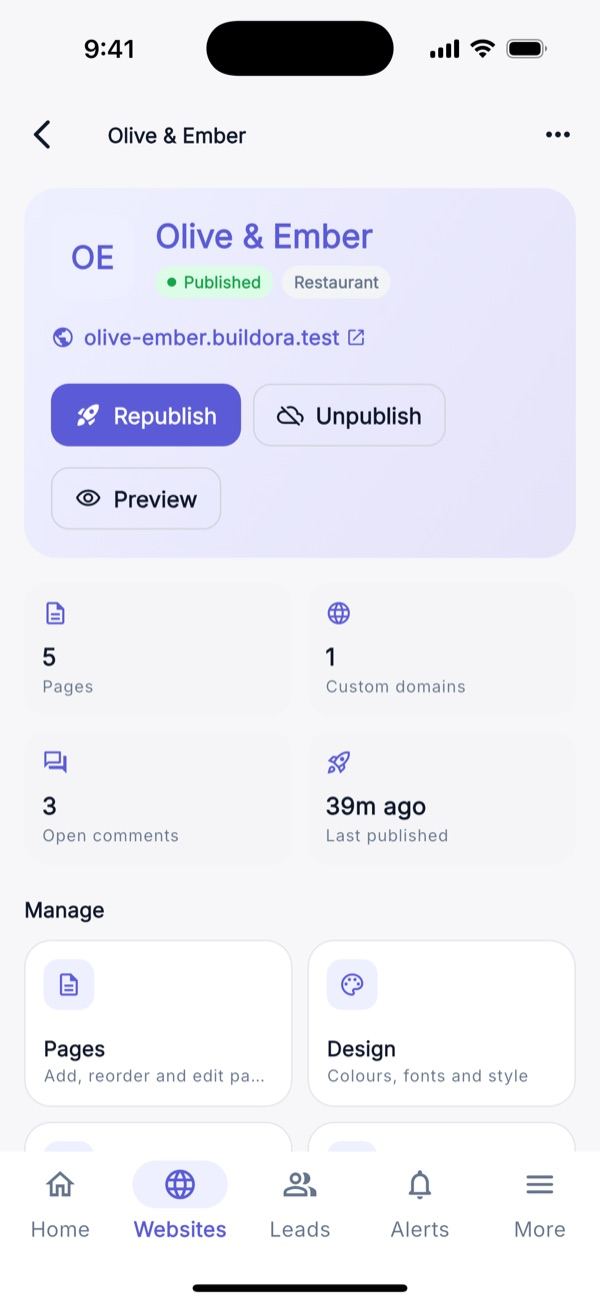
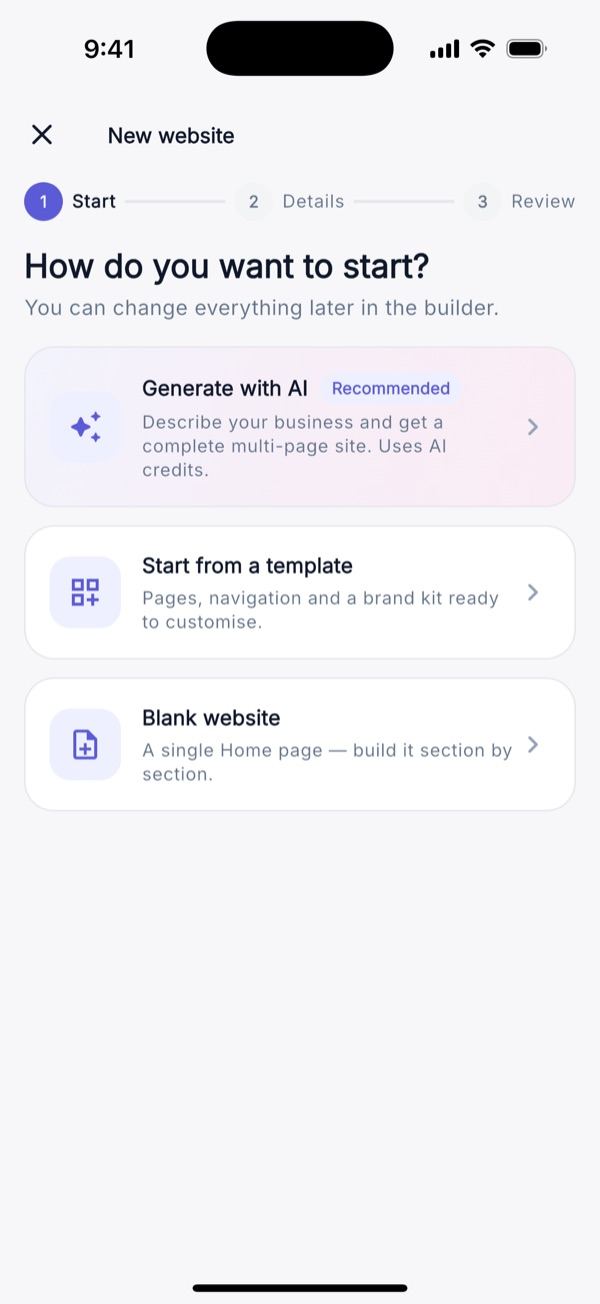
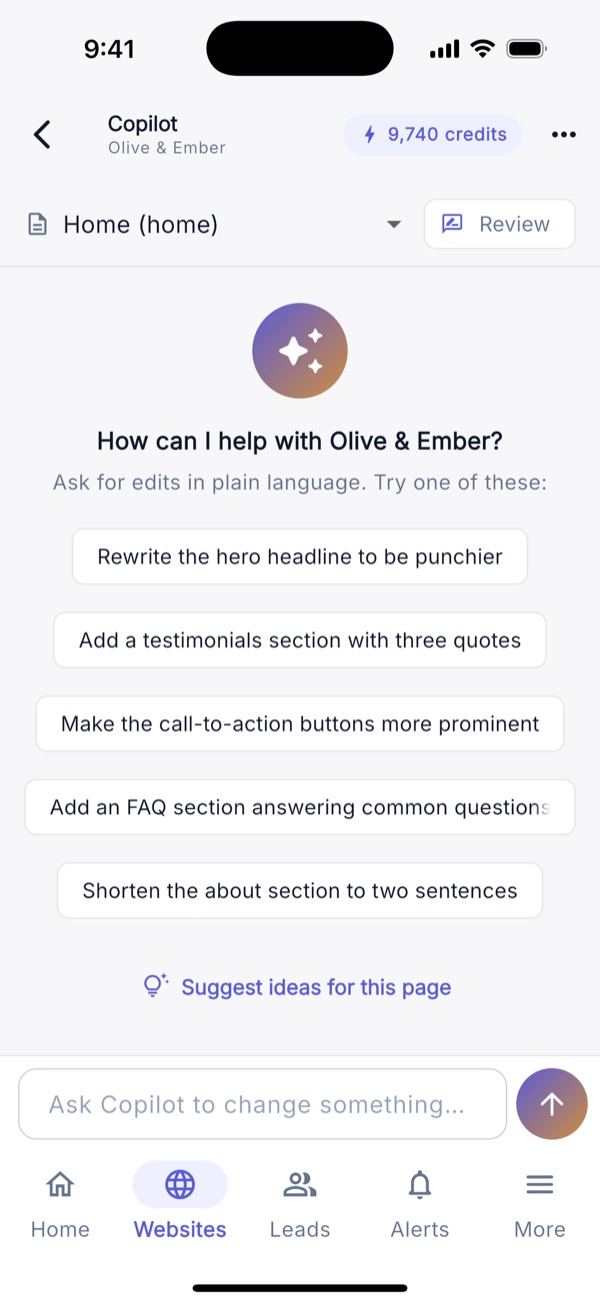
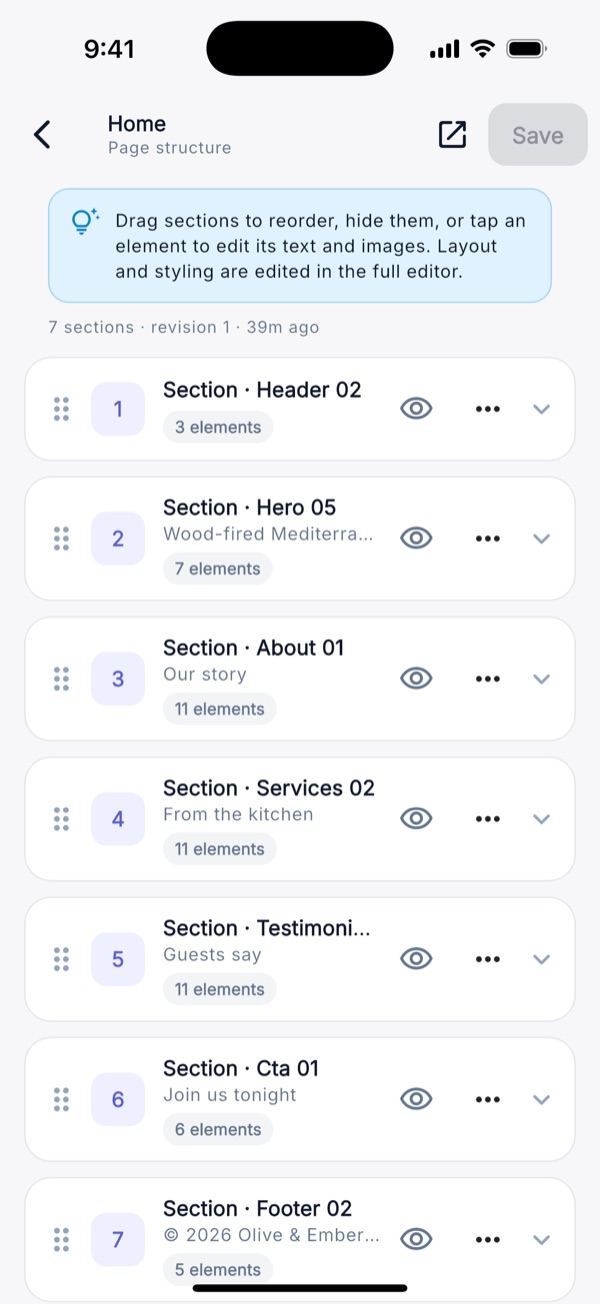
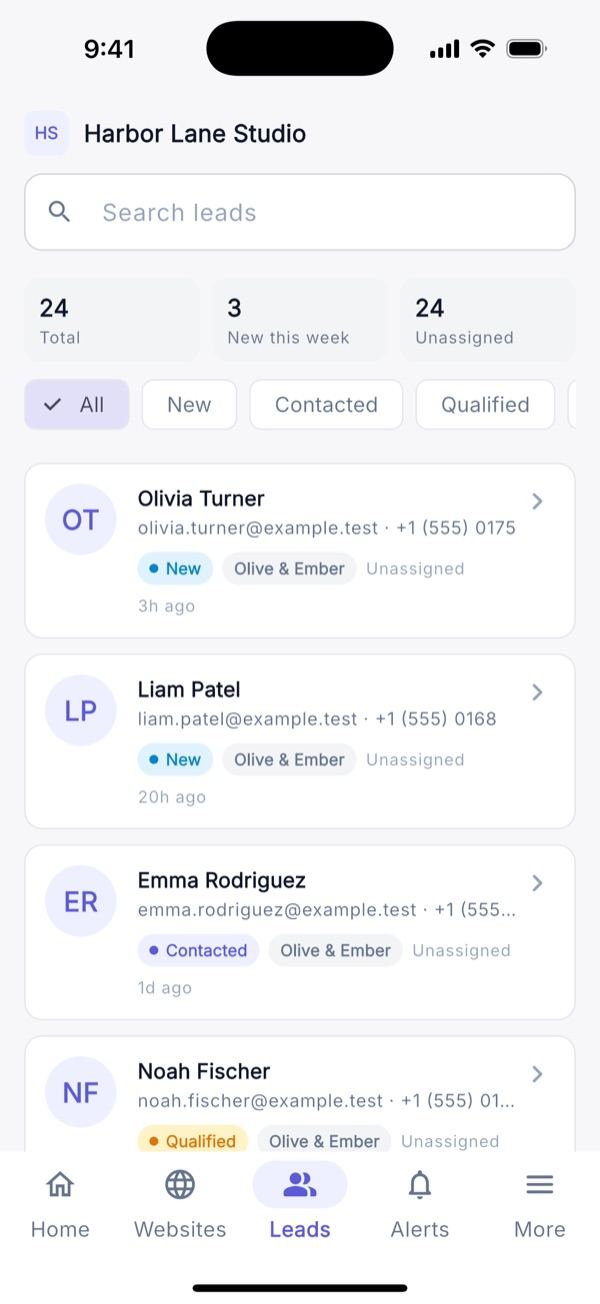
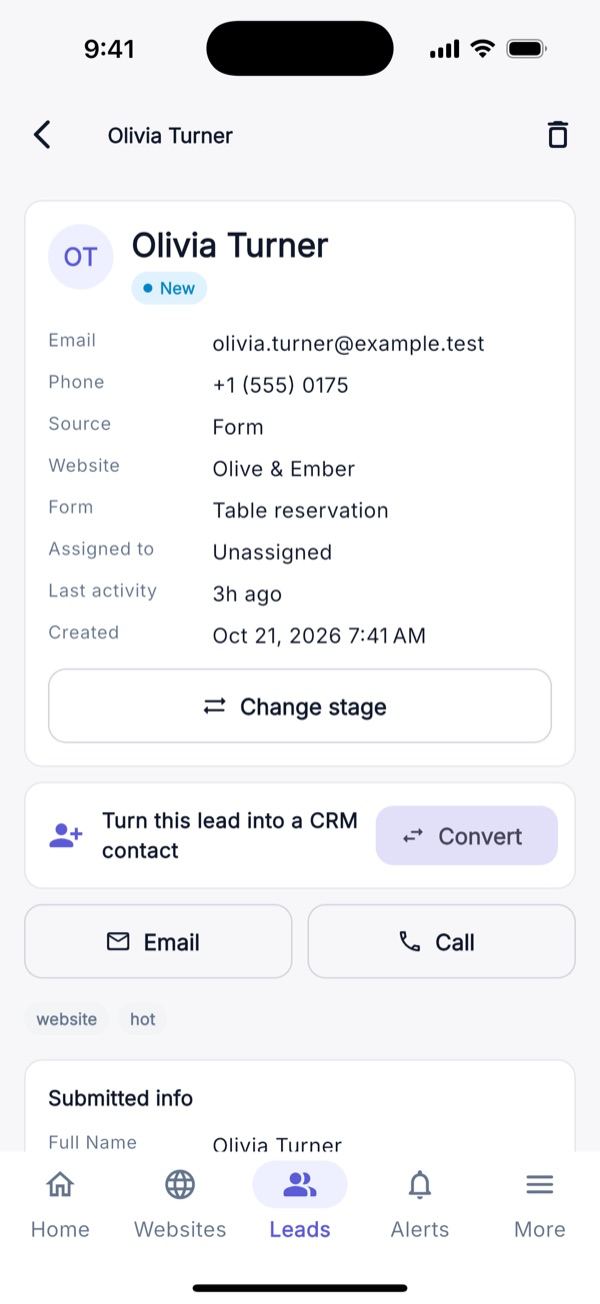
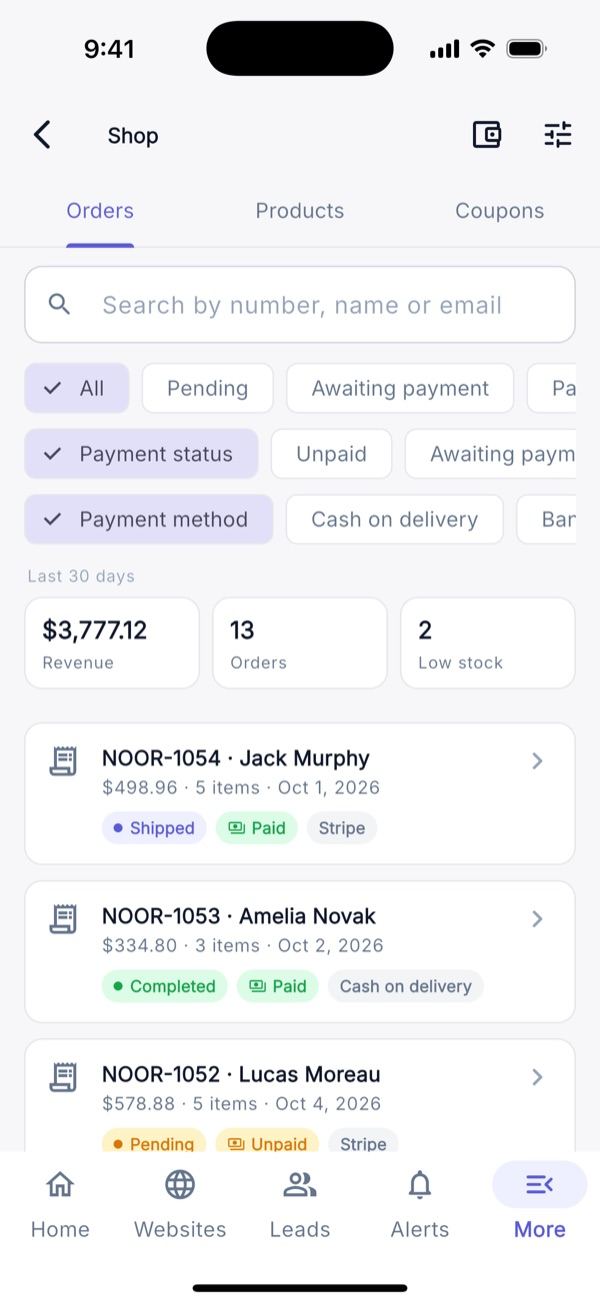
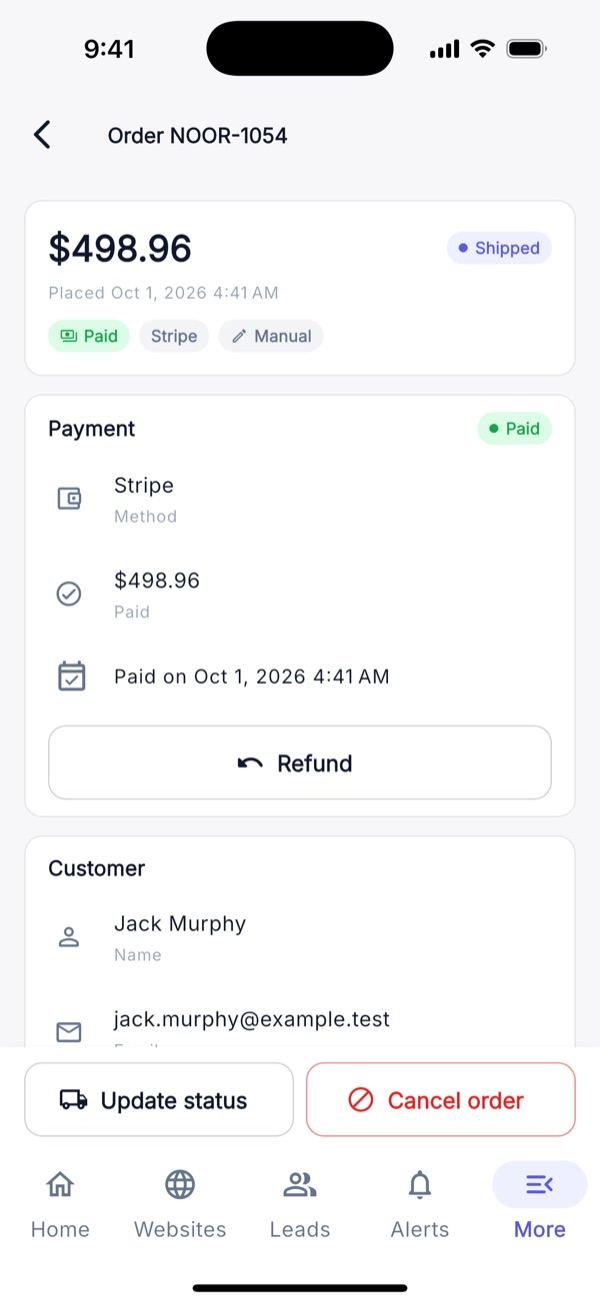
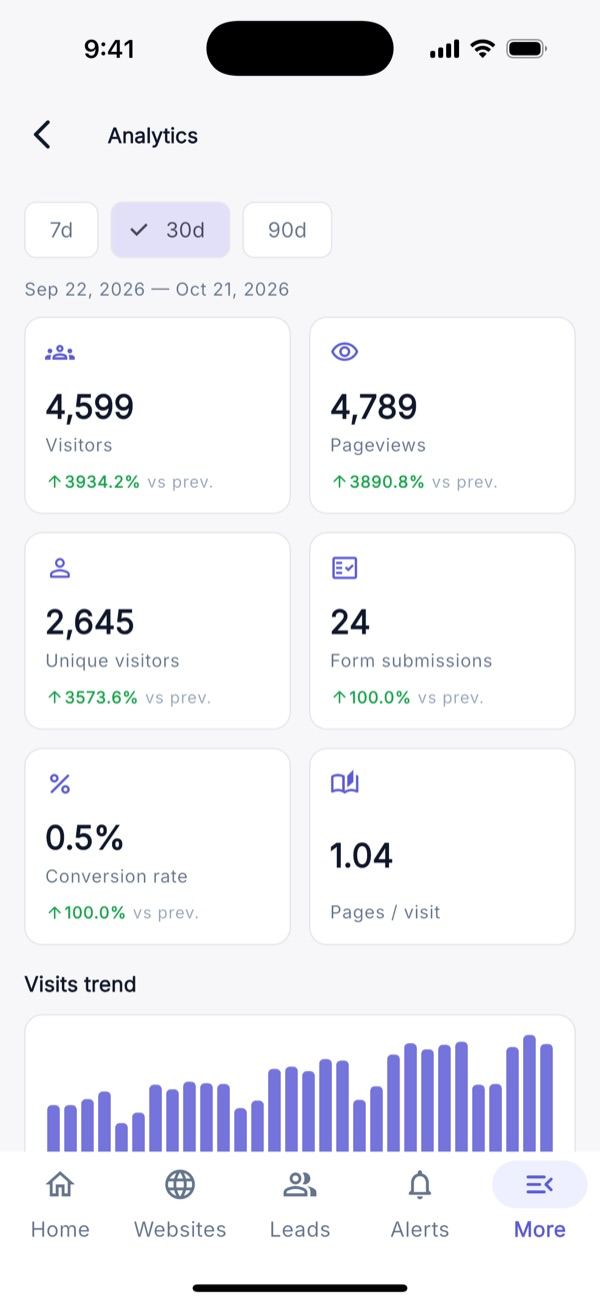
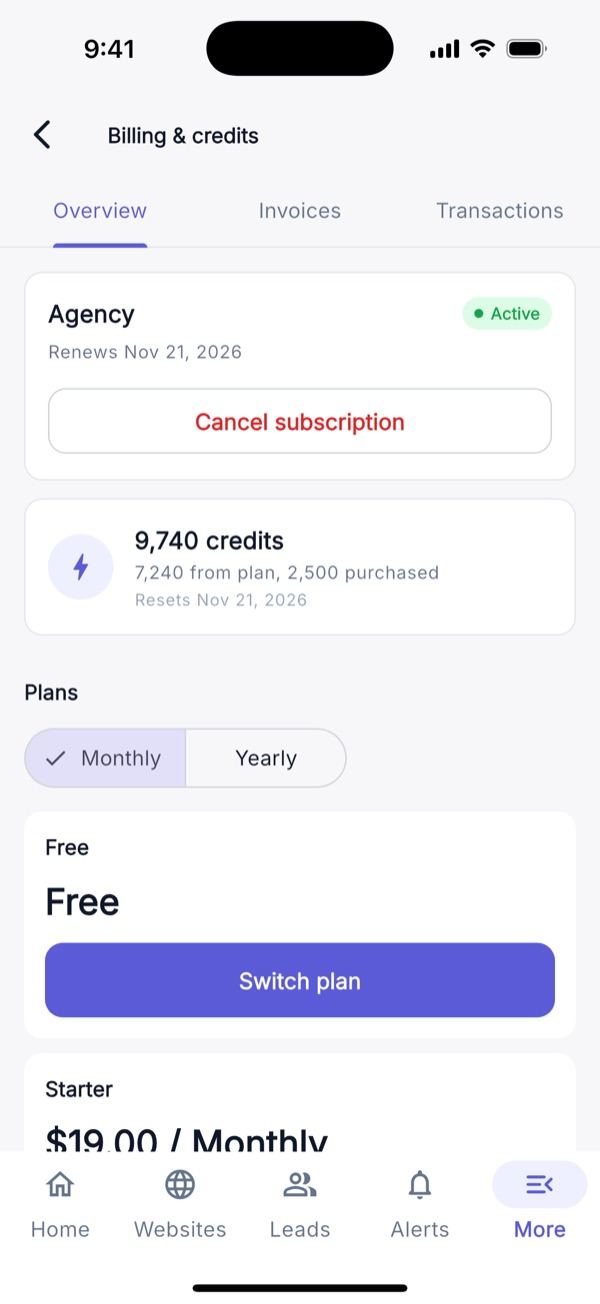
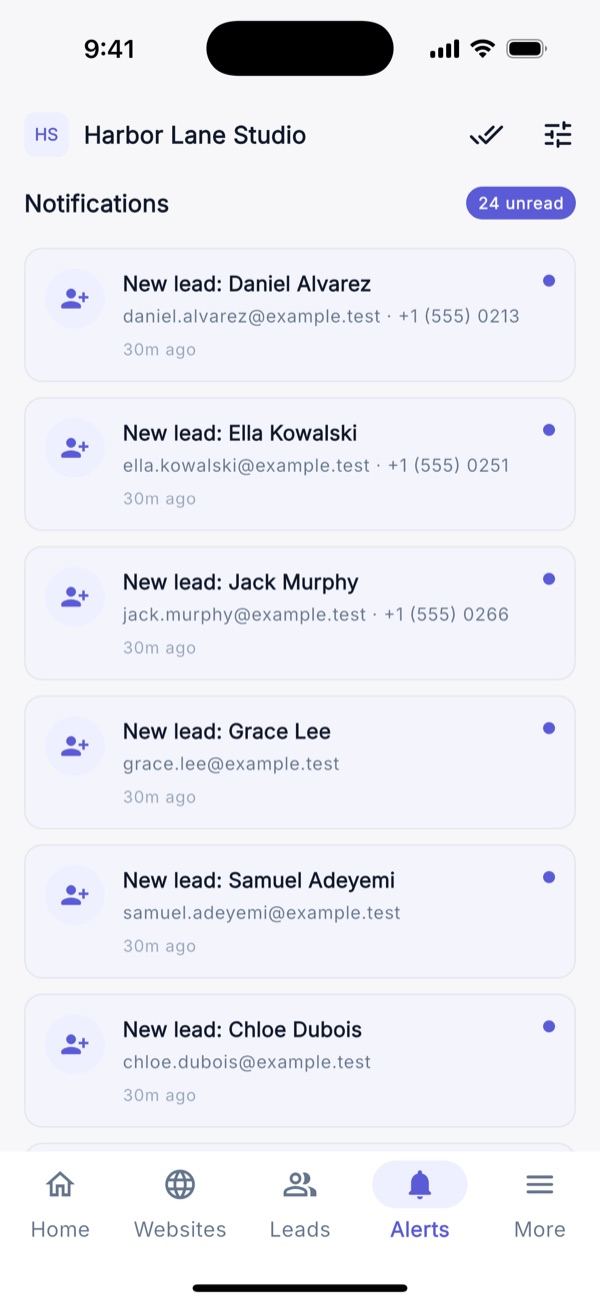
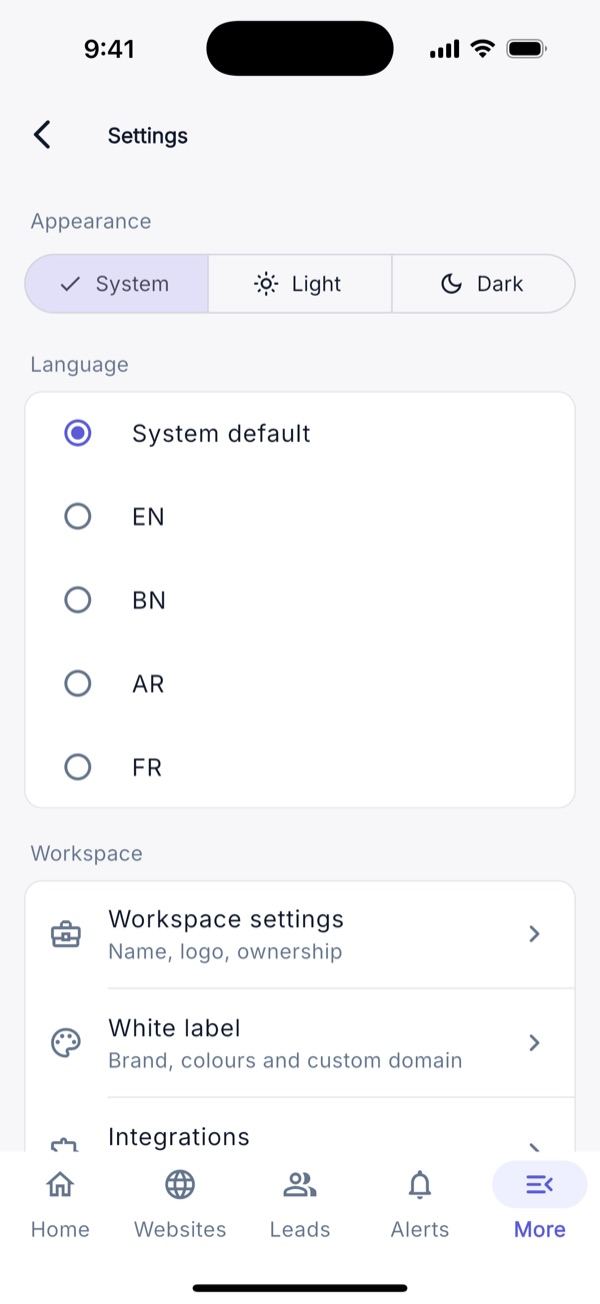
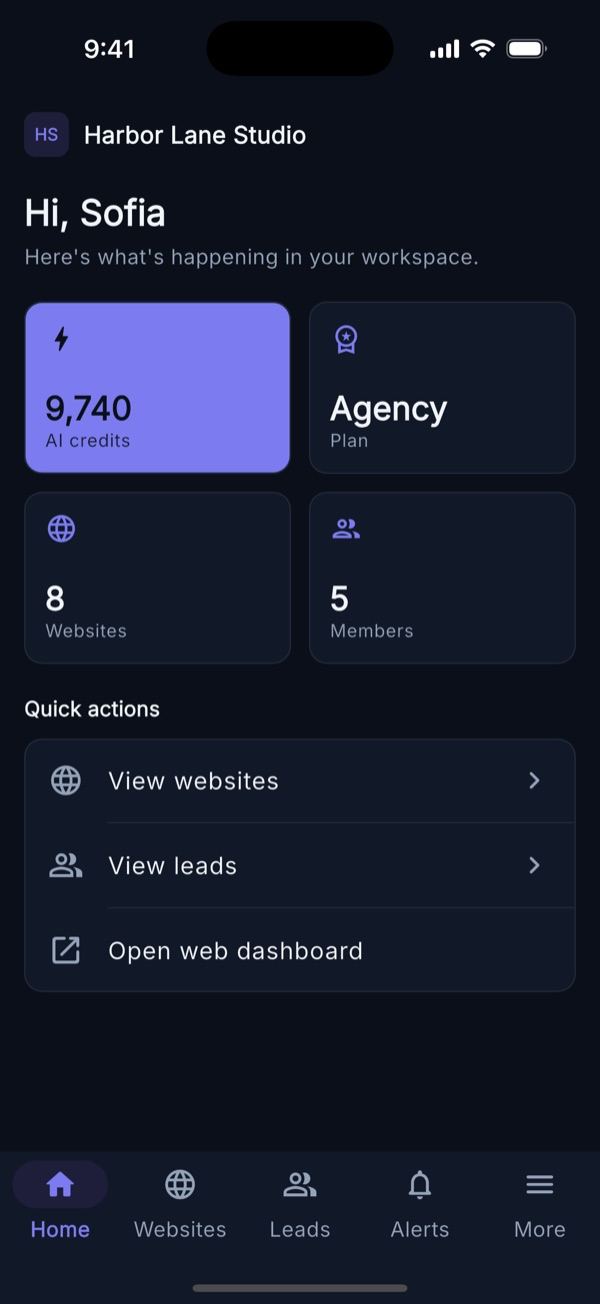
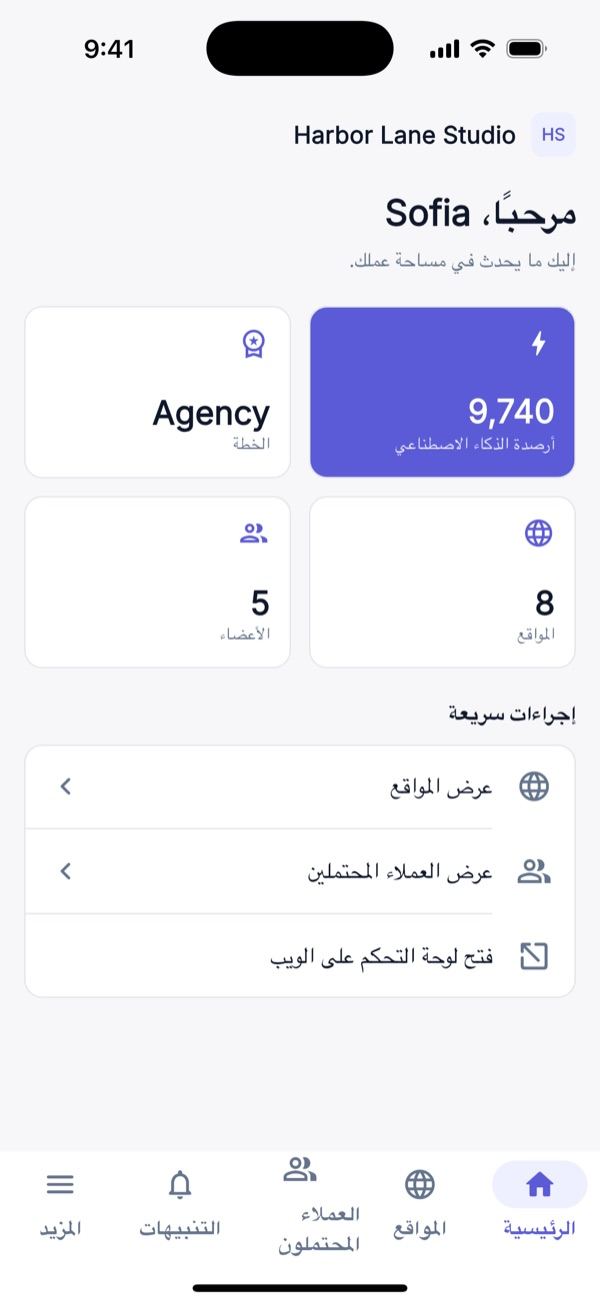
Mobile App (Flutter, Android & iOS)
The native app uses the same API. Build and publishing steps: Mobile App.
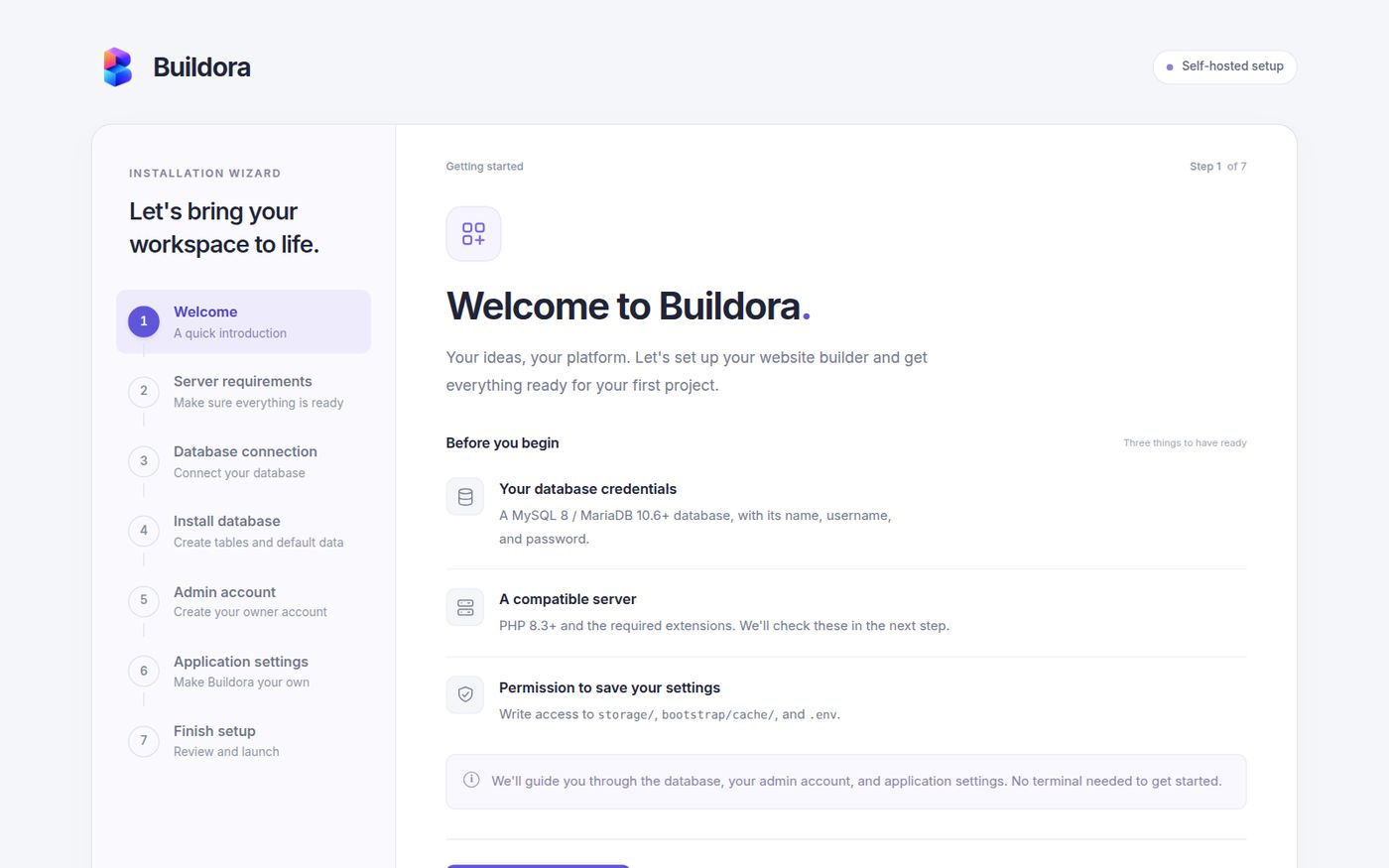
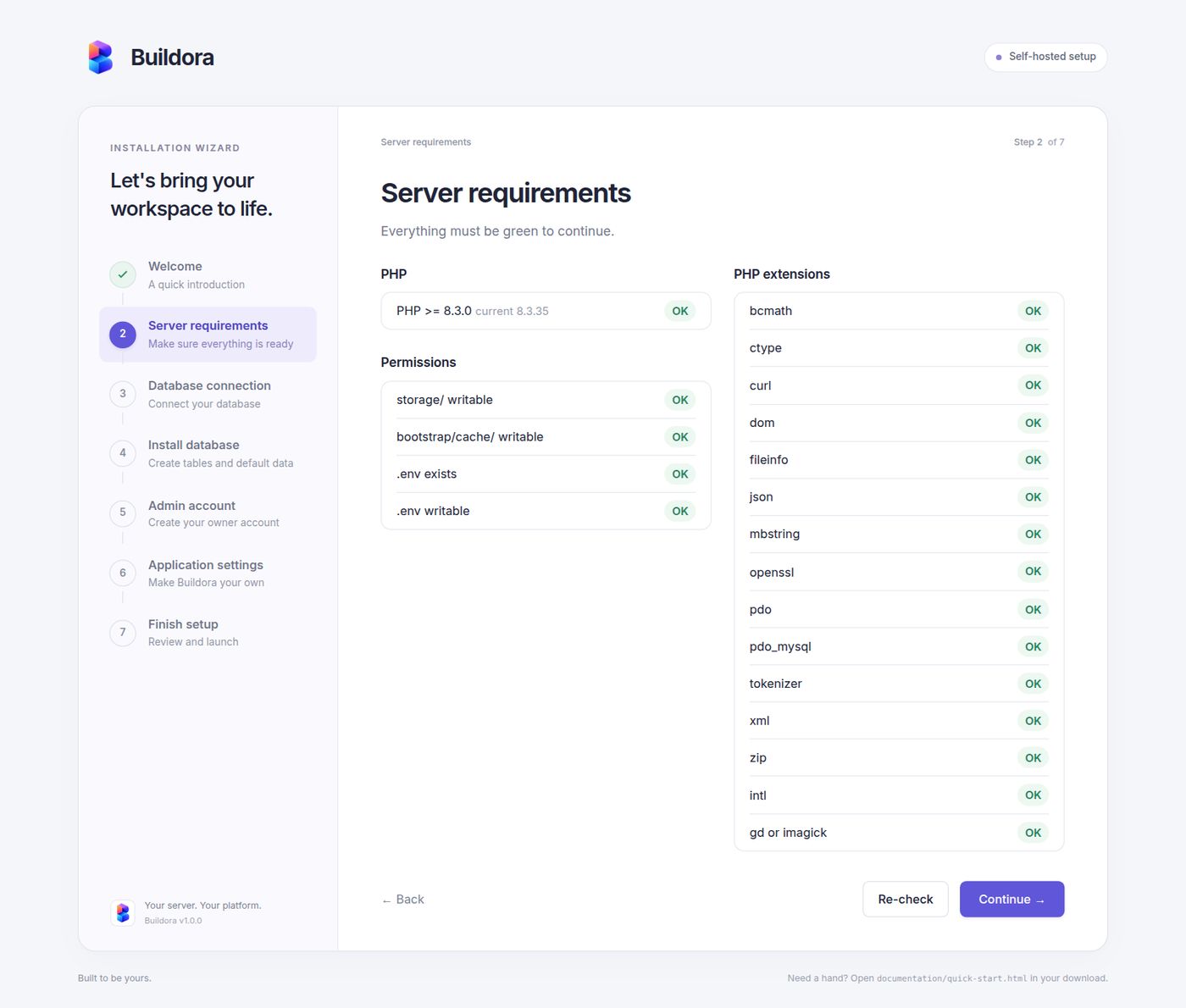
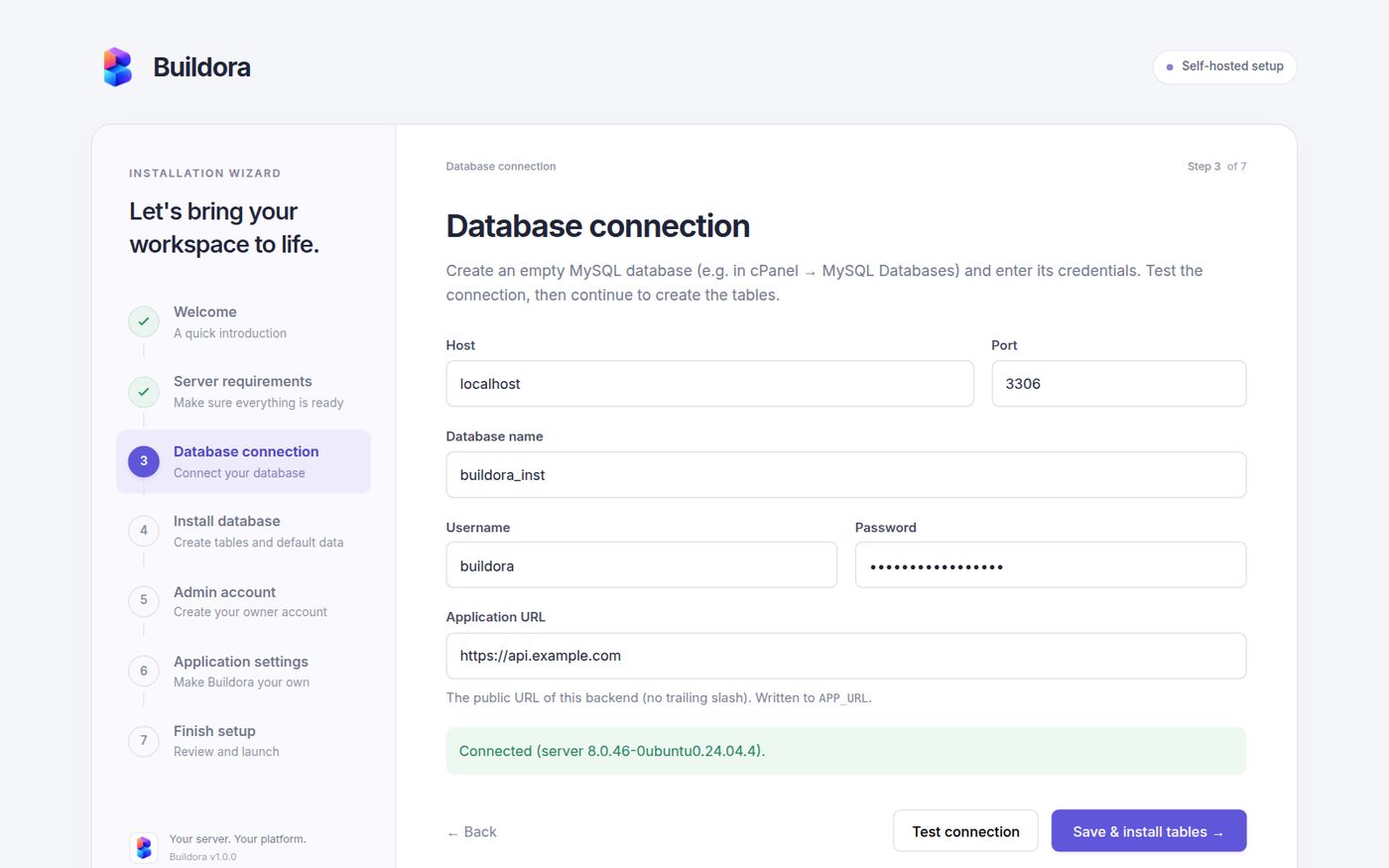
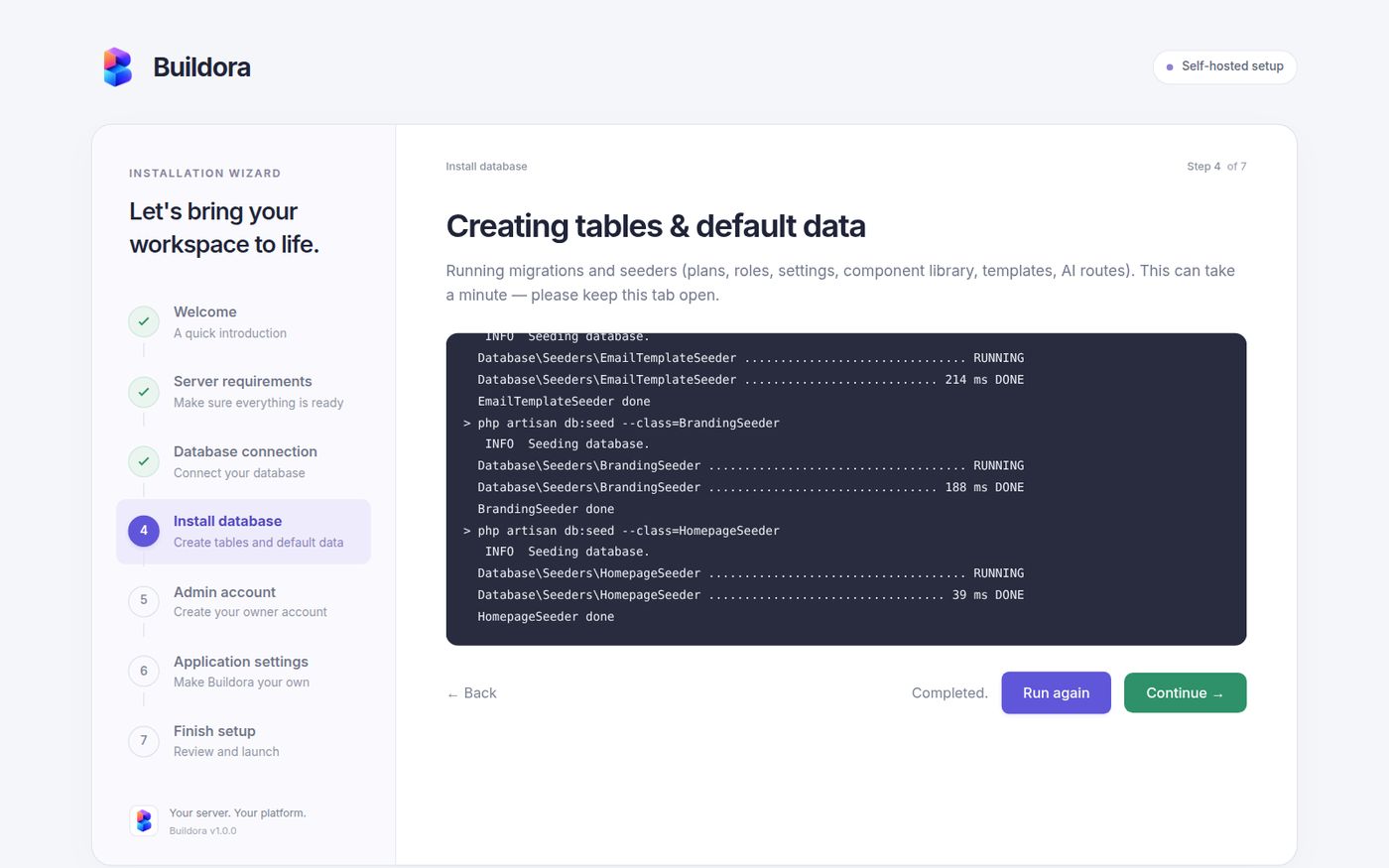
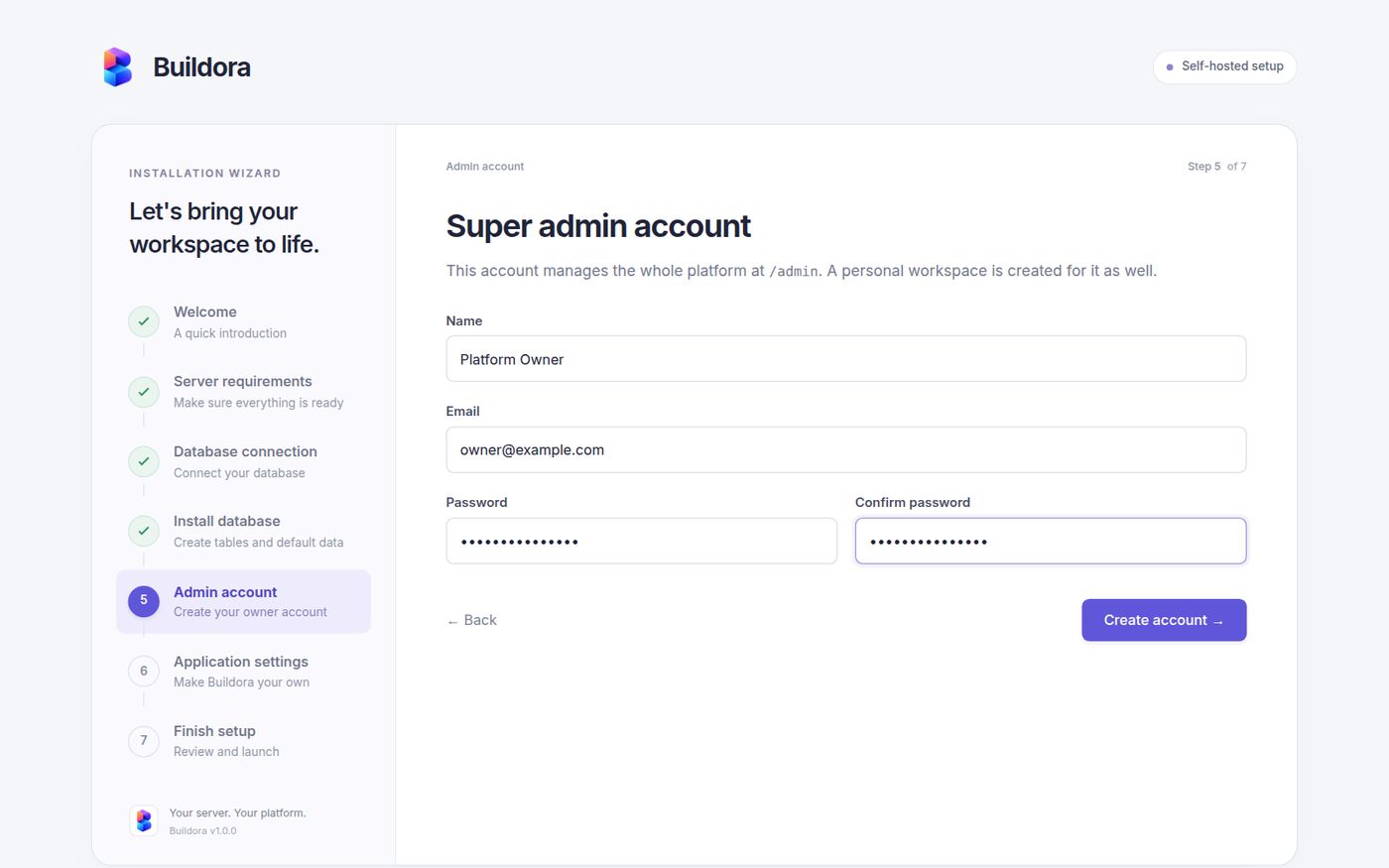
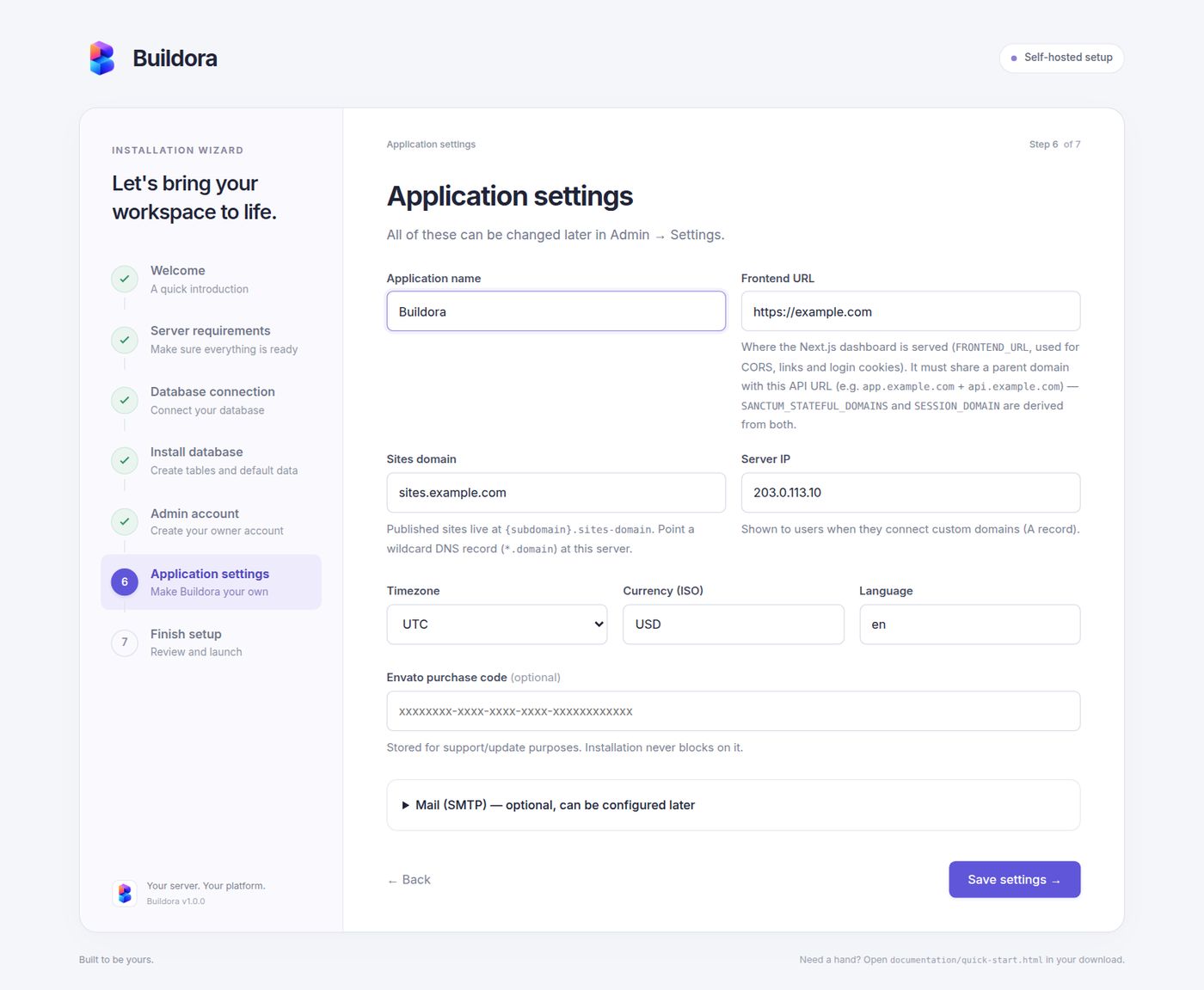
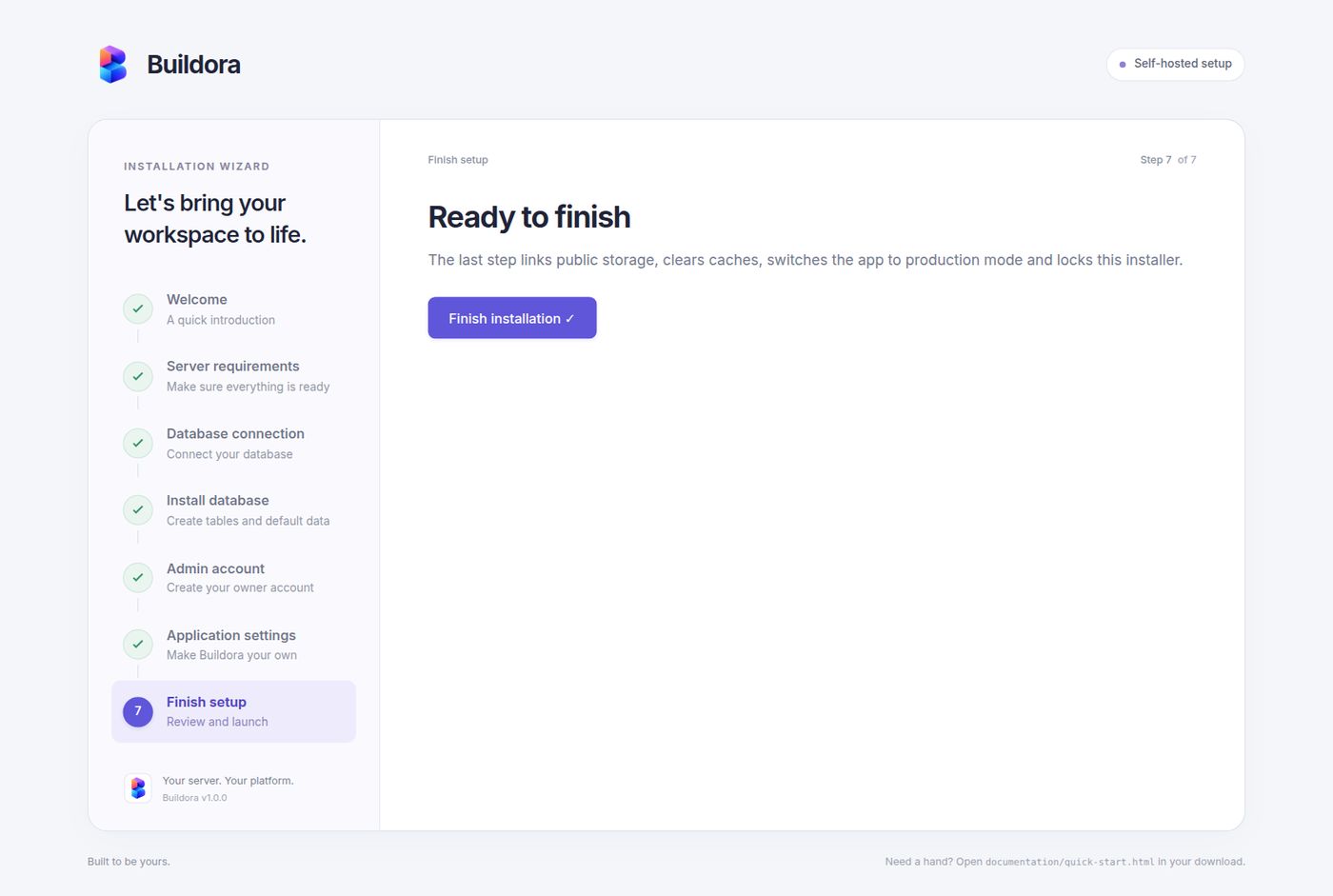
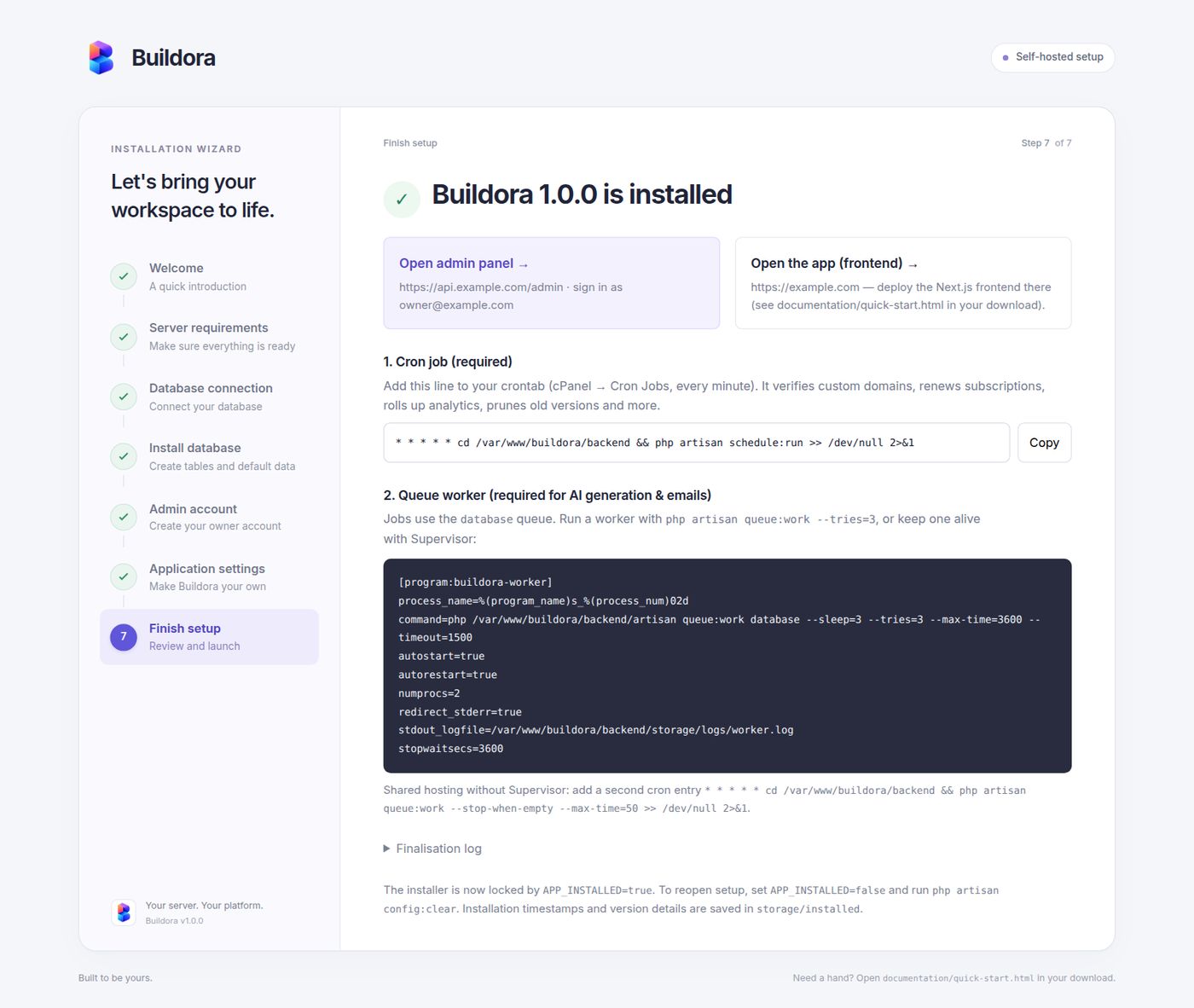
Installation Wizard (Step by Step)
The web installer at https://api.example.com/install, captured on a fresh server. Full instructions: Quick Start → Backend.